Early Black Friday DealsNew Doorbusters through SundayShop now

Main Content

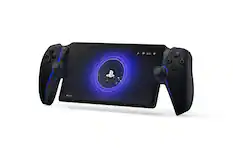
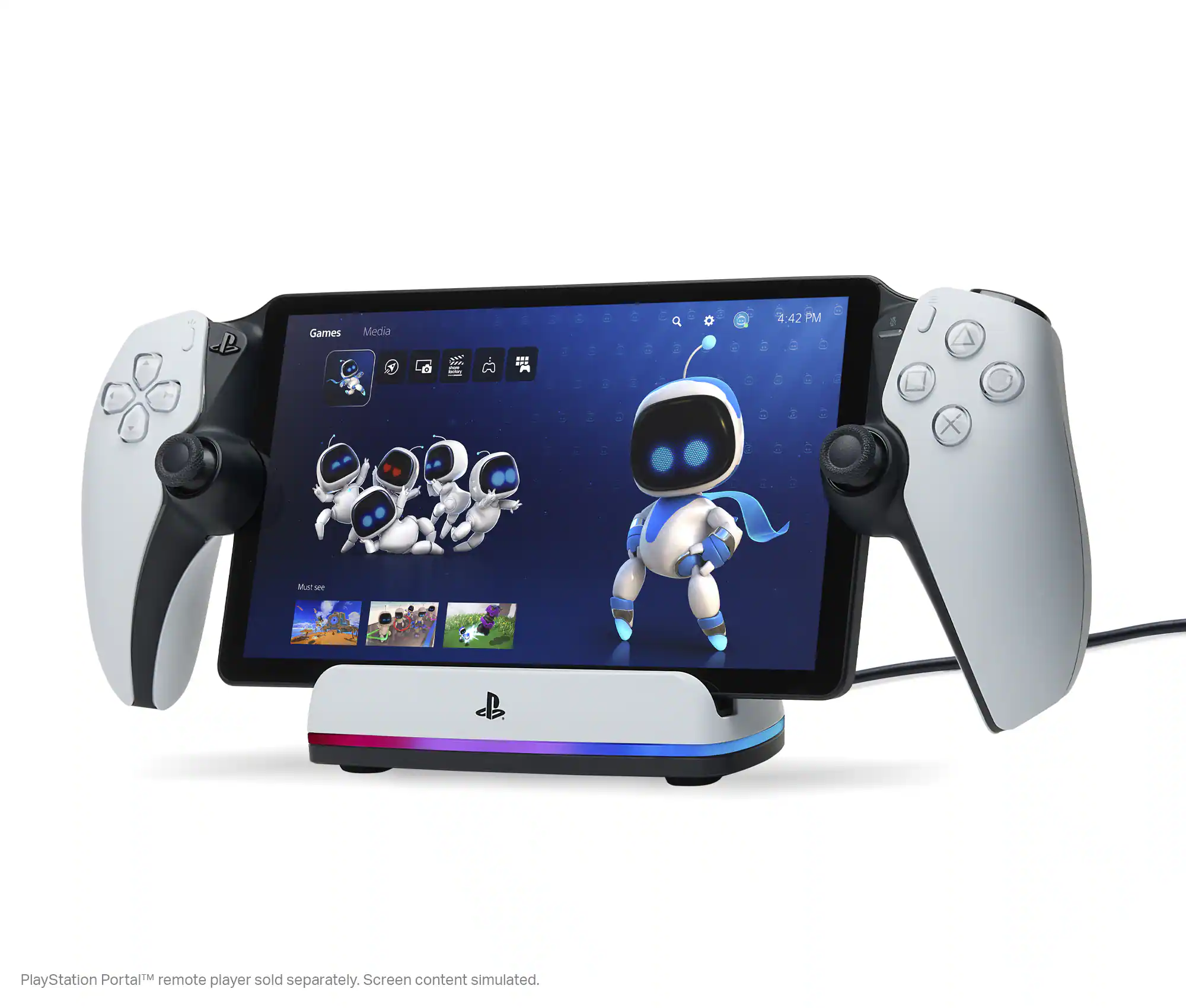
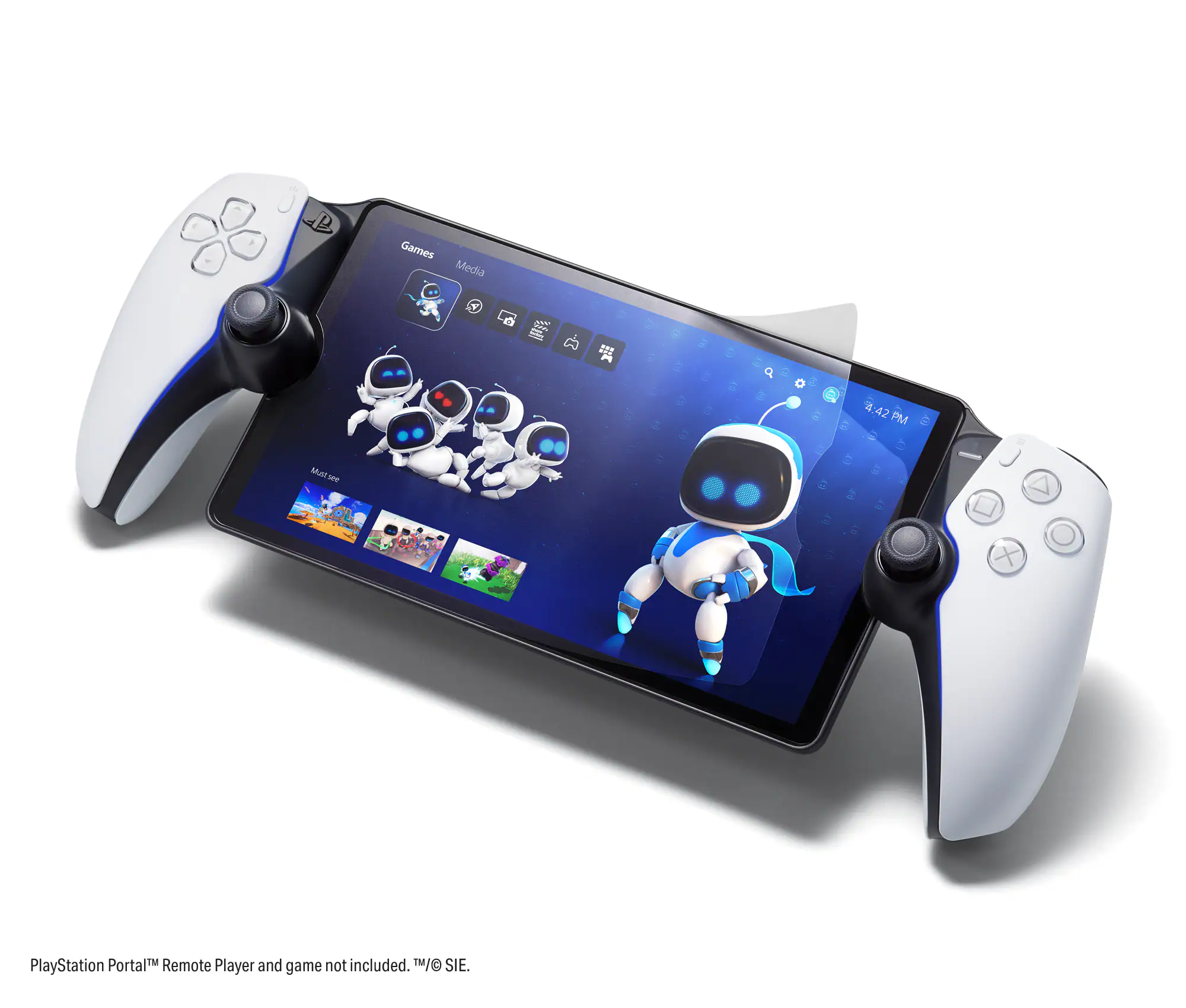
Sony - PlayStation Portal Remote Player - White

Model: 1000041319
SKU: 6562576
$199.99
or
Finance OptionsView your offers
Availability
Fulfillment Options
Pickup at
Act fast - Only 2 left at your store!
Sold by Best Buy
Accidental Geek Squad Protection

More Buying Options

Specifications
  • Wireless
    Yes
    Battery Size
    Other
    Compatible Platform(s)
    PlayStation 5
  • Key Specs
    • Wireless: true
    • Battery Size: Other (The battery size required for operation.)
    • Compatible Platform(s): PlayStation 5
  • General
    • Brand: Sony
    • Model Number: 1000041319
    • Product Name: PlayStation Portal Remote Player
    • Color: White
  • Features
    • Headset Jack: true
    • Rumble Vibration: true
    • Analog Joysticks: true
  • Connectivity
    • Wireless: true
  • Power
    • Battery Size: Other (The battery size required for operation.)
  • Dimensions
    • Product Height: 6 inches (The out of box height of the item. Height is measured as the vertical distance from the bottom of the item to the top as it would be primarily used or placed.)
    • Product Length: 14 inches (The out of box length of the item. Length is measured as the longest dimension of the item.)
    • Product Weight: 2.6 pounds (The out of box weight of the item.)
  • Compatibility
    • Compatible Platform(s): PlayStation 5
  • Other
    • UPC: 711719579779

PlayStation Portal Remote Player. Play your PS5 console over your home Wi-Fi with console quality controls using PlayStation Portal Remote Player.1 Experience the incredible immersion of DualSense wireless controller features like haptic feedback and adaptive triggers in supported games.4 Put your game collection on PS5 in the palm of your hand— PlayStation Portal Remote Player can play compatible games you have installed on your console2 without needing to play on a TV. 1. PlayStation Portal Remote Player can stream compatible games installed on your PS5 console. PlayStation Portal Remote Player requires broadband internet Wi-Fi with at least 5Mbps for use. For a better play experience, a high-speed connection of at least 15Mbps is recommended. The quality and connectivity of your play experience may vary depending on your network environment. A PS5 console and account for PlayStation Network is required. The PS5 console must be connected to a broadband internet connection, powered on fully or in Rest Mode, and it must be paired with your PlayStation Portal Remote Player. 2. Games that require a VR headset (PlayStation VR or PlayStation VR2) or additional peripherals (other than a DUALSHOCK 4, DualSense, or DualSense Edge wireless controller) are not compatible. Games that must be streamed on PS5 using a PS Plus Premium membership are not compatible. Haptic feedback and adaptive trigger features available when supported by game. 3. Individual game performance will vary based on the specific game being played, and the quality of connectivity in your network environment. 4. Haptic feedback and adaptive trigger features are only available when those features are supported by the game being played.

  • Put Your PS5 in the Palm of Your Hand: PlayStation Portal Remote Player gives you access to the games on your PS5 over your home Wi-Fi,1 letting you jump right into gaming without needing to play on a TV.
  • Play Your Game Collection: PlayStation Portal Remote Player can play compatible games you have installed on your PS5 console, including your favorite games for PS5 and PS4.2
  • Experience Breathtaking Immersion with DualSense Wireless Controller Features: Feel the immersive power of haptic feedback and adaptive triggers in supported games.4 Responsive vibrations react to your in‑game choices and simulate environmental factors.
  • Beautiful 8” LCD Screen: Take in every exquisite detail of your favorite games as they come alive on a brightly lit and gorgeous full HD screen.
  • 60fps Capable at 1080p Resolution: Remote Player can deliver silky smooth gameplay at up to 60fps with high image clarity on its 1080p resolution screen.3
  • Get Gaming Fast: PlayStation Portal Remote Player is a purpose-built device dedicated to delivering an incredible remote play experience. That means you can turn it on, press a button to connect to your PS5 console and get right to playing with remarkable speed.

Q: When will it restock?

A: when they can stop the bots from buying up the entire stock and reselling online for 2x msrp.

Q: The Portal needs to be connected to the same wifi network as the ps5?

A: To set up and connect, yes. To play, no.

Q: Wondering how this is different than just using your phone or tablet. Tried doing the remote play but never get good connection and this is using my home WiFi. Until they fix the connectivity issues I do t see this being any different.

A: Sony controls both sides of the connection. The device doesn’t have any competing background connections that could degrade your experience on a phone.

Q: Can I take it on the go like the switch?

A: According to PlayStation, as long as you have a strong wifi signal and have remote play activated on the PS5, you can use it anywhere.

Q: Can a 2nd person that’s logged in on their account on the ps5 use the portal while someone else is logged in & actively using that same ps5?

A: No, this will only remotely stream the same screen that you would see if you were at the console, only 1 user.

Q: Will I be able to save data if I play from the Ps5 Portal, for example if I am playing a season Of any sport game... Can I save the process and when I start from my ps5 console will I keep that progress.

A: You should be able to. The Portal does not save or process any actual game data locally, it streams from your PS5. Any saving or game data altering is being done on the PS5, not the Portal.

Q: How can i pre-order? I'm hoping to have it delivered in mid November. Thanks

A: pre order button on the product page, pay for it, you get it either pickup on release day or ships on release day.

Sponsored

Compare similar products

Sony - PlayStation Portal Remote Player - White

PlayStation Portal Remote Player. Play your PS5 console over your home Wi-Fi with console quality controls using PlayStation Portal Remote Player.1 Experience the incredible immersion of DualSense wireless controller features like haptic feedback and adaptive triggers in supported games.4 Put your game collection on PS5 in the palm of your hand— PlayStation Portal Remote Player can play compatible games you have installed on your console2 without needing to play on a TV. 1. PlayStation Portal Remote Player can stream compatible games installed on your PS5 console. PlayStation Portal Remote Player requires broadband internet Wi-Fi with at least 5Mbps for use. For a better play experience, a high-speed connection of at least 15Mbps is recommended. The quality and connectivity of your play experience may vary depending on your network environment. A PS5 console and account for PlayStation Network is required. The PS5 console must be connected to a broadband internet connection, powered on fully or in Rest Mode, and it must be paired with your PlayStation Portal Remote Player. 2. Games that require a VR headset (PlayStation VR or PlayStation VR2) or additional peripherals (other than a DUALSHOCK 4, DualSense, or DualSense Edge wireless controller) are not compatible. Games that must be streamed on PS5 using a PS Plus Premium membership are not compatible. Haptic feedback and adaptive trigger features available when supported by game. 3. Individual game performance will vary based on the specific game being played, and the quality of connectivity in your network environment. 4. Haptic feedback and adaptive trigger features are only available when those features are supported by the game being played.

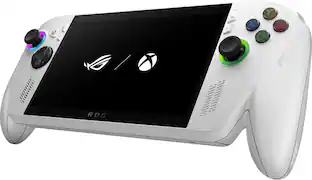
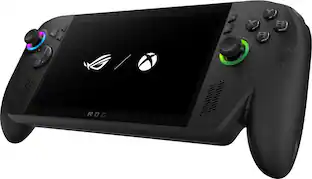
G CLOUD Gaming Handheld Console - Xbox

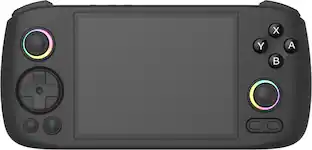
Logitech G CLOUD gaming handheld puts next-games right in your hand by putting the processing power and bookshelf of games in the cloud. This frees you to play in a ridiculous amount of locations around your home. You’ll have access to an incredible amount of games through Xbox Cloud Gaming (Beta) and NVIDIA GeForce NOW. You can even download apps from the Google Play Store for remote play, social media and more. CLOUD is also extremely lightweight with incredibly engineered controls and a 7 hour battery life. Don’t just play games, play with CLOUD Gaming Handheld in your hands and play ridiculously.

Turtle Beach - Stealth Pivot Wireless Smart PC Gaming Controller with Rotating Modules - Black
4.0(54)

Rank up to Revolutionary Control. The Turtle Beach Stealth Pivot wireless smart controller is designed for revolutionary gameplay on Windows PCs. Stealth Pivot features rotating button modules to quickly switch between core button layouts designed for FPS, action & racing titles, or revolved layouts for fighter & retro games. Play wirelessly on PC with the 2.4 GHz wireless transmitter, or via Bluetooth on Android devices & Smart TVs, and even play on Xbox consoles using the wired connection. A 20-hour battery life keeps you locked in without disruptions, plus the wired cable supports play-and-charge capability. The Connected Command Display screen offers extensive customization, and hall-effect thumbsticks, adjustable triggers and mappable buttons provide smooth, long-lasting, and adjustable control for multi-genre dominance.

Razer - Kishi Ultra Wireless Gaming Controller for Android, iPhone, and iPad Mini - Black

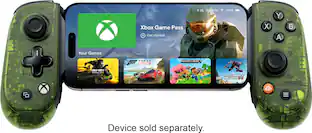
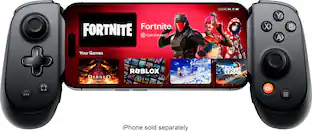
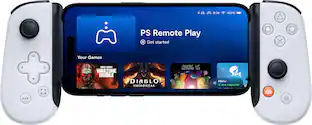
Enter a new era of mobile gaming with the power of a full-fledged pro console controller. The Kishi Ultra forges into new terrain as the greatest mobile controller ever created. Meticulously designed with console-class ergonomics, immersive haptics, and Razer Chroma RGB, the Kishi Ultra delivers a true console experience with zero compromise.

Pros for Sony - PlayStation Portal Remote Player - White
Overall Performance, Portability, Battery Life, Screen Quality, ComfortPortability, Cloud gaming, Battery life, Remote play, ScreenBattery Life, Build Quality, Display, WeightOverall Performance, Ergonomics, Button Quality, Compatibility, Connectivity
Cons for Sony - PlayStation Portal Remote Player - White
Connectivity, Input Lag, Frame RatePrice, Wifi, Lag, Expensive, ProcessorButton Layout, Software, Stick DriftThere were no cons for this product

Specs

Reviews

Customers are saying

Customers often highlight the PlayStation Portal Remote Player's overall performance, screen quality, and portability as significant advantages. Many find the device comfortable to hold and appreciate its lightweight design. However, some customers have expressed concerns about connectivity issues, occasional lag, and frame rate variations depending on internet connection stability. Despite these drawbacks, the device's battery life is generally considered satisfactory.

This summary was generated by AI based on customer reviews.

Customer Images

The vast majority of our reviews come from verified purchases. Reviews from customers may include My Best Buy members, employees, and Tech Insider Network members (as tagged). Select reviewers may receive discounted products, promotional considerations or entries into drawings for honest, helpful reviews.

  • Rated 5 out of 5 stars

    Excellent Device for Playstation Owners

    The PlayStation Portal is an Excellent Device for Remote play. The Ergonomics on it allow for a great long play experience. The key to it is having a good networking environment at home, having a good router and a wired PlayStation is the optimal way for it to work well for your needs. It has a long battery life and great looking screen. It’s a great addition for people who want to have a simplified remote play experience at home or even depending on where you are with decent WiFi you can play outside of the home as well. The biggest cons for it are the lack of bluetooth which is due to some inherent latency issues, vs using their official devices. But your mileage may vary if you use a 3.5mm to Bluetooth adapter. You can also use wired headphones with it. Overall if you are someone who wants to play while your tv is in use, or just to play on the couch or elsewhere in the house vs being front of the tv or monitor its a great device. I recommend considering your use cases for the device. There are various options you do have that may be cheaper or cost more with some sacrifice to ergonomics or convenience. You can go for a backbone for 100 dollars paired to your phone but then you may have interruptions to your gaming session. You can go for a tablet with a dualsense controller but you may have limited seating positions while playing, and also have certain interruptions on the device. You can go for some of the other cloud devices that may do more but cost at least 50-100 dollars more or way higher if you go for a PC handheld and there are tradeoffs on battery life, and screen size etc. Overall this is a great device that does as advertised and is a good option when you consider your use case for it.

    Posted by KyBestBuyReviews

  • Rated 5 out of 5 stars

    Potentially The Greatest Handheld Ever!!

    When Sony first announced the PlayStation Portal, I was skeptical. As someone looking for a cheap way to game without investing in a full-fledged console, I wasn’t sure if a streaming-based handheld was the right fit. But after spending some time with it, I have to admit—it’s an incredibly functional device that surprised me in more ways than one. The PlayStation Portal feels like a product that was put together quickly to meet the rising demand for game streaming. At the time of its release, cloud gaming was gaining traction, and Sony needed an answer to the growing competition. Rather than building a fully-fledged handheld, they focused on what they do best: PlayStation games, streamed seamlessly to a dedicated device. And it works. On a solid internet connection, the experience is near flawless. There’s very little input lag, and playing through the Portal genuinely feels like using a PS5 in handheld form. The recent update allowing access to cloud gaming has made it even better, expanding the library and removing the previous limitation of requiring a local PS5. The hardware itself is simple but effective. The screen isn’t anything over-the-top—no OLED or high refresh rate—but it gets the job done. Colors are vibrant enough, and the display size makes gaming feel immersive without being bulky. Battery life is decent, lasting long enough for several play sessions before needing a charge. It’s clear that Sony’s focus here was on function rather than pushing the limits of handheld technology, and in many ways, that was the right call for this particular device. But the real potential of the PlayStation Portal lies in what could come next. Sony has a golden opportunity to turn this into something truly special with a hardware-focused sequel. Imagine a PlayStation handheld that isn’t just about streaming but also capable of running games natively. Sony has done it before—look at the PSP and the Vita. A dedicated handheld with proper internals, perhaps borrowing tech from the PS4 or even a custom chipset optimized for handheld gaming, could redefine the market. If they take the lessons learned from the Portal and apply them to a more powerful, standalone device, they could create the greatest handheld console ever. A PlayStation Portal 2, built for more than just streaming, could bring new wealth to Sony. With a strong first-party lineup, potential third-party support, and the backing of an already massive PlayStation ecosystem, it could be a serious contender in the handheld space. The current Portal is proof that there is demand for a PlayStation handheld—it’s functional, accessible, and consumer-friendly. Now, Sony just needs to take the next step and give us the hardware-focused handheld that PlayStation fans truly deserve.

    Posted by MichaelC

  • Rated 5 out of 5 stars

    PS5 EVERYWHERE!!! AMAZIN OUT OF THIS WORLD!!!

    Playstation 5 everywhere sounds great many people sink and talk garbage about the portal and don't understand what it is or its use its a streaming device for the PlayStation 5 I've gone portable more than playing on my television the PlayStation portal is light and has all you expect from a dualsense controler just that its cut in half and a screen was placed down the middle i was on the fence over a wifi only device but not anymore ive gone out and used it in the home of family members and yes my PS5 is home just remember to keep it in sleep mode but so far my experience and expectations have been met and the portal does what i want and performs the way i want i love mines very much and im super greatful best buy had it back in stock if you ask if its worth it yes it is if your library is large and don't want to purchase the games again on a portable gaming PC... just wanted to use the device before my review

    Posted by ALEJANDRO215

No content
Sponsored

Similar products from outside of Best Buy

sponsored

Finance Options

My Best Buy® Credit Card
10% back in rewardson your first day of purchases when approved for the My Best Buy® Credit Card.
Buy Now, Pay Later
4 payments starting at $50.00