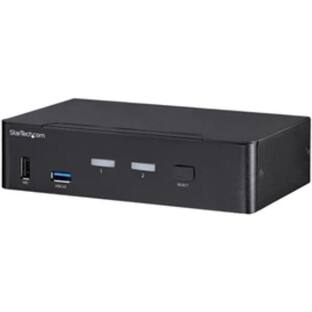
Startech - 2 Port Triple Monitor DisplayPort KVM Switch 4K 60Hz UHD HDR - Black
Reviews coming soon
About this product
The 2 Port Triple Monitor DisplayPort KVM Switch enables control of two computers using a single keyboard, mouse, and up to three monitors, supporting resolutions up to 4K at 60Hz. It includes a 2-port USB 3.0 hub for sharing peripherals and offers full audio compatibility with digital and analog audio support. Compatible with Windows, Mac, and Linux, it features user-friendly operation through pushbuttons or hotkeys, with buzzer confirmation.
Features
Triple Monitor Support
Supports up to three monitors at 4K resolution (3840 x 2160) at 60Hz for enhanced multitasking.
Integrated USB Hub
Features a 2-port USB 3.0 hub for sharing peripherals like printers and scanners between two computers.
Full Audio Compatibility
Provides support for digital audio and separate 3.5mm stereo audio for comprehensive audio management.
Cross-Platform Compatibility
Compatible with Windows, Mac, and Linux operating systems for versatile usage.
User-Friendly Operation
Allows system switching via front-panel pushbuttons or hotkeys, with buzzer confirmation for ease of use.
Specifications
- BrandStartechModel NumberSV231TDPU34KProduct Name2 Port Triple Monitor DisplayPort KVM Switch 4K 60Hz UHD HDRColorBlackSelector Switch Box TypeKVM SwitchInput(s)2 x 3.5mm audio, 2 x DisplayPort
Reviews
This product doesn't have any reviews yet.
Compare similar products
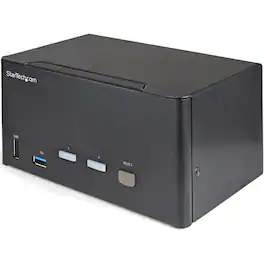
The 2 Port Triple Monitor DisplayPort KVM Switch enables control of two computers using a single keyboard, mouse, and up to three monitors, supporting resolutions up to 4K at 60Hz. It includes a 2-port USB 3.0 hub for sharing peripherals and offers full audio compatibility with digital and analog audio support. Compatible with Windows, Mac, and Linux, it features user-friendly operation through pushbuttons or hotkeys, with buzzer confirmation.
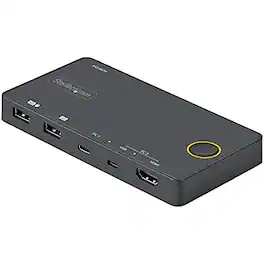
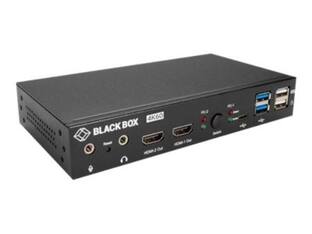
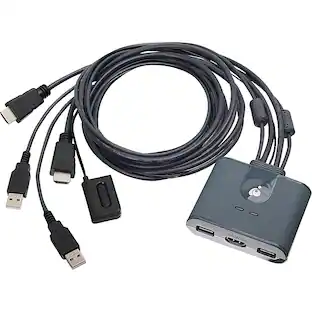
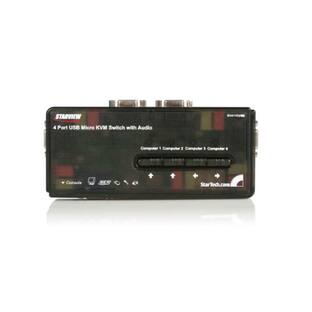
The 2 Port Hybrid USB-A + HDMI & USB-C KVM Switch allows seamless switching between a USB-C (DP Alt Mode) device and an HDMI + USB-A device, enabling control of two computers with a single keyboard, mouse, and HDMI monitor. It supports 4K resolutions at 60Hz, ensuring high-quality video output. The compact, USB-powered design minimizes clutter and is ideal for mobile or hot desk environments. All necessary cables are included for easy setup, and the device is compatible with various operating systems, including Windows, Linux, macOS, iOS (Apple iPad Pro), and Android.

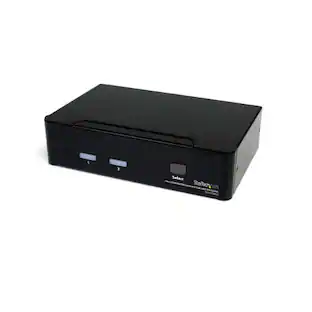
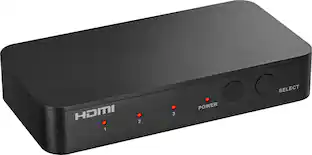
The 2-Port Full HD KVM Switch is plug-and-play. And all the cables you need are included. The KVM shows which computer you are using with a light on the unit (either PC1 or PC2). Toggling between two HDMI computers is as easy as clicking the remote port selector button allowing the user to multitask with two computers. Place the 6 ft remote port cable behind your computer set-up so the selector button can be placed on your desk for easy reach.
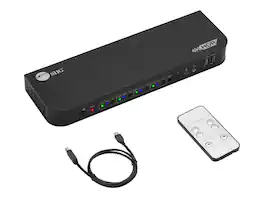
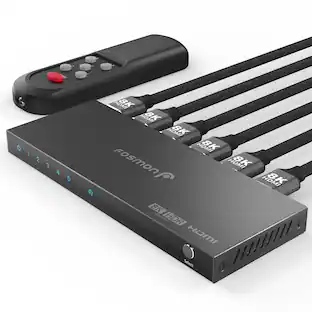
The 4x1 DisplayPort KVM USB 3.0 Switch allows you to control four DisplayPort 1.4 computers using one keyboard and mouse. It supports video output up to 8K@30Hz or 4K@60Hz, features USB 3.2 Gen 1 ports for high-speed data transfer, and includes a remote control for easy switching. This KVM switch is designed for seamless integration into any workspace, making it ideal for media editing, graphic design, and office use.
| Pros for Startech - 2 Port Triple Monitor DisplayPort KVM Switch 4K 60Hz UHD HDR - Black | |||
|---|---|---|---|
| There were no pros for this product— | There were no pros for this product— | Ease of Use | There were no pros for this product— |
Specs
Be the first to ask a question.
We’ll try to get your question answered within 24 hours by a Best Buy customer or brand representative.
Customers often buy these together
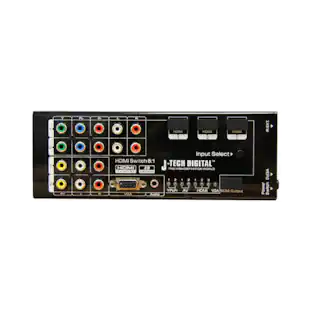
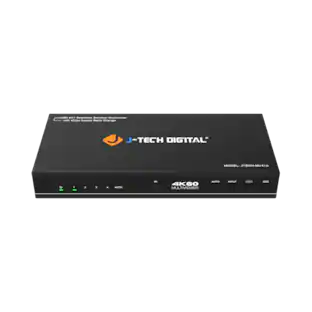
J-Tech Digital 4K 60Hz 4x1 Seamless HDMI Switch and Multiviewer with Video Aspect Ratio Change
$215.99The price was $222.97






More to consider
J-Tech Digital 4K 60Hz 4x1 Seamless HDMI Switch and Multiviewer with Video Aspect Ratio Change
$215.99The price was $222.97

Elevate your entertainment Sponsored
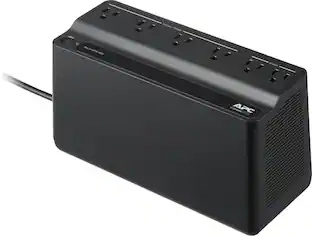
APC UPS Battery Backup, 450VA/255W, Tower/Wall Mount, 6 Outlets, LED Indicator
Top Deal$56.99The price was $66.99
Keep exploring
J-Tech Digital 4K 60Hz 4x1 Seamless HDMI Switch and Multiviewer with Video Aspect Ratio Change
$215.99The price was $222.97