StarTech.com - DK30C2DAGPD USB-C Adapter - Dual 4K DisplayPort, 2x USB-A, 100W PD 3.0, GbE
About this product
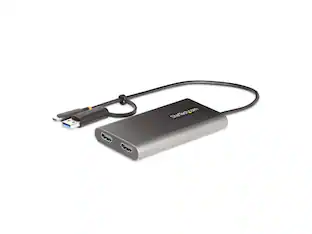
StarTech.com DK30C2DAGPD USB-C Multiport Adapter - Dual-Monitor - Windows - USB-C to Dual 4K DisplayPort Adapter - 2x USB-A Ports - 100W PD 3.0 - GbE
Features
Dual 4K Display Support
Dual monitor USB C multiport adapter turns your Windows USB-C laptop into a portable workstation with dual DisplayPort video output and 2 x USB-A ports (USB 3.0 & USB 2.0) and GbE port plus power and charge
100W Power Delivery
Powers the adapter and your laptop with 100W Power Delivery 3.0 (85W laptop charging) using a USBC power adapter
Multiple Connectivity Options
USB Type-C to dual DisplayPort adapter with flexible video output: dual 4K 30Hz or dual 2K 60Hz or single 4K 60Hz
DisplayPort Alternate Mode
Select the resolution and USB speed with DP Alt Mode switch
Driverless Setup
Utilizes Multi-Stream Transport (MST) technology for dual DisplayPort monitors without the need for driver installation.
Specifications
- Connector Type (End 1)USB-CConnector Type (End 2)USB-C
Reviews
This product doesn't have any reviews yet.

Compare similar products

StarTech.com DK30C2DAGPD USB-C Multiport Adapter - Dual-Monitor - Windows - USB-C to Dual 4K DisplayPort Adapter - 2x USB-A Ports - 100W PD 3.0 - GbE
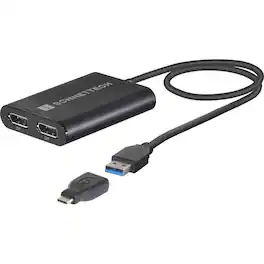
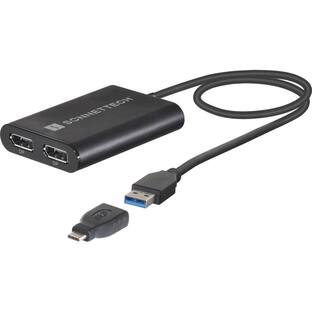
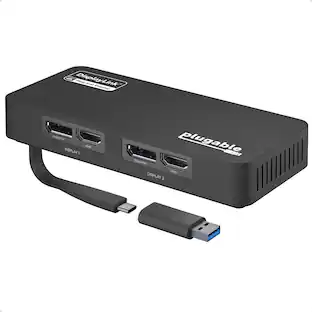
Take your productivity and entertainment experience to new heights with the DisplayLink USB Type-A to Dual DisplayPort Adapter for M1 Macs. This high-quality, durable adapter is designed to overcome the limitations of M1 Mac computers, allowing you to connect two 4K @ 60Hz or two 1440p @ 144Hz DisplayPort displays to a single port on your computer. Leveraging DisplayLink technology, this versatile adapter is perfect for users who need to run multiple applications on separate screens, edit code, or view detailed spreadsheets on a large display. It's also ideal for mirroring your notebook's display on a larger monitor, expanding your workspace and boosting your efficiency. Beyond work, this compact and easy-to-use adapter enhances your leisure time as well. Connect your computer to a large monitor or big screen TV and enjoy browsing the web or watching videos on YouTube and other platforms from a distance. Key features of this adapter include the ability to connect two 4K displays to Macs or PCs, support for higher refresh rates, and audio pass-through capabilities. It's compatible with both Mac and Windows computers, making it a versatile choice for a wide range of users. Setting up this adapter is a breeze. Simply download and install the DisplayLink Manager software, connect the adapter and displays, and configure your desktop on the connected displays. The adapter is bus-powered, eliminating the need for an additional power supply. The DisplayLink USB Type-A to Dual DisplayPort Adapter for M1 Macs is not just for 4K displays. It also supports Full HD displays and audio out, making it a great choice for various home and work applications. Despite its compact size, this adapter packs a punch, offering you the flexibility to connect three displays to your M1 Mac mini. In conclusion, the DisplayLink USB Type-A to Dual DisplayPort Adapter for M1 Macs is a robust and reliable solution for expanding your onscreen work and play area. Whether you're a professional seeking to boost productivity or a tech enthusiast looking to enhance your entertainment experience, this adapter is a must-have accessory.

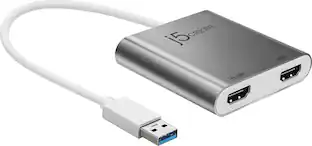
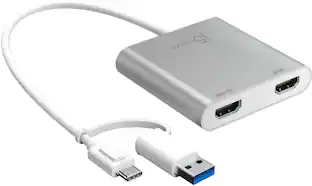
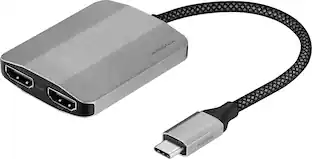
The USB-C to Dual HDMI Multi-Monitor Adapter acts as an external video card for your MacBook or Windows laptops. It allows you to add two additional displays through your USB-C port, boosting your productivity by giving you more screen space to work from. One of the HDMI ports can output resolutions up to 4K, while the other can output resolutions up to 2048 x 1152. Simply install the driver for the USB-C to Dual HDMI Multi-Monitor Adapter by plugging-in the adapter and then connect your monitors using HDMI cables for a dual-display workstation!

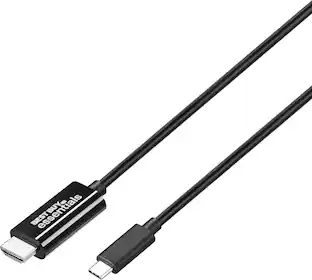
It’s just another cable—until you need to view your display onto a bigger screen. This Best Buy essentials 6' USB-C to HDMI Cable can help you mirror or extend the screen of your laptop, smartphone, tablet and more. Now you can see videos, presentations, games and more in resolutions up to 4K. The 6 ft. cable transmits both video and audio signals for an all-in-one solution. Plug-and-play technology makes the connection simple. Just connect from a USB-C device to an HDMI-enabled monitor, and you’ll be ready to go. Plus, our cable is backed by Best Buy, so you can trust it will impress anyone you share your screen with.
| Pros for StarTech.com - DK30C2DAGPD USB-C Adapter - Dual 4K DisplayPort, 2x USB-A, 100W PD 3.0, GbE | |||
|---|---|---|---|
| There were no pros for this product— | There were no pros for this product— | Ease of use, Overall Performance, Connectivity, Multi-Monitor, Price | Ease of use, Quality, HDMI, Compatibility, Cable Length |
| Cons for StarTech.com - DK30C2DAGPD USB-C Adapter - Dual 4K DisplayPort, 2x USB-A, 100W PD 3.0, GbE | |||
| There were no cons for this product— | There were no cons for this product— | Compatibility | There were no cons for this product— |
Specs
Be the first to ask a question.
We’ll try to get your question answered within 24 hours by a Best Buy customer or brand representative.
Customers often buy these together
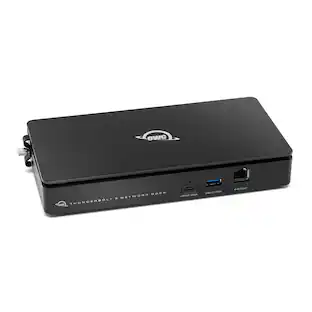
OWC Express 4M2 Four-Slot USB4 (40Gb/s) External Storage Enclosure for NVMe M.2 SSDs (Enclosure with SoftRAID)
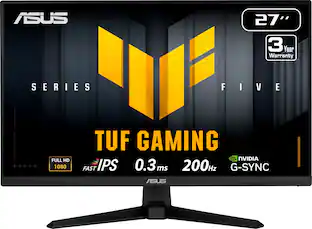
$299.74The price was $379.99ASUS TUF Gaming 27" FHD IPS 200Hz 0.3ms Gaming Monitor with G-SYNC/FreeSync Premium and HDR (DisplayPort, HDMI)
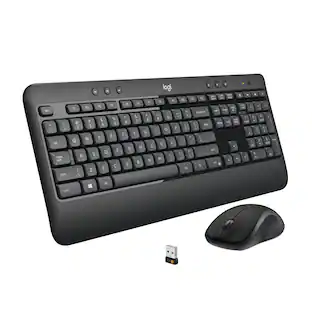
$139.99The price was $189.99Logitech MK540 Full-size Advanced Wireless Membrane Keyboard and Mouse Combo for PC
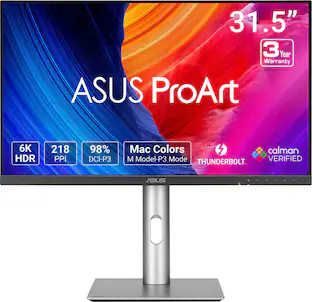
$49.99The price was $59.99ASUS ProArt 32" 6K IPS Professional Monitor with HDR 10 (DisplayPort, HDMI)
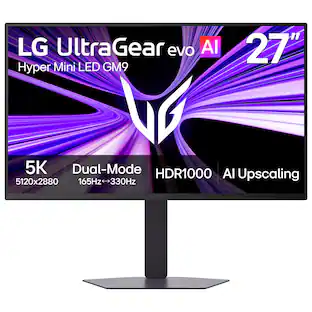
$1,262.99The price was $1,299.99LG UltraGear evo AI GM9 27" 5K Hyper Mini LED 165Hz 1ms G-SYNC FreeSync Premium Gaming Monitor with DisplayHDR1000
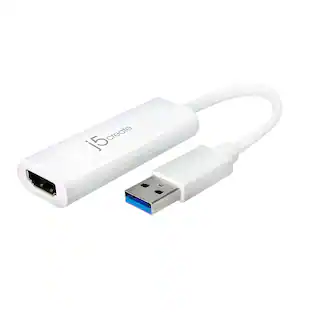
$899.99The price was $1,199.99Belkin 5-Port Hub w/ 4K HDMI Display with 60Hz, 100W PD, Data Transfer 5Gbps, USB-C Multiport Adapter
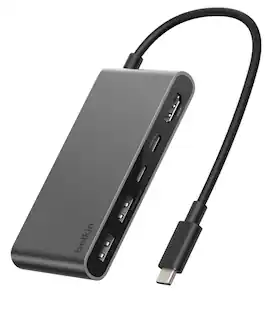
Holiday Deal$22.49The price was $24.99


More to consider
Rocstor USB-C to Dual DP Adapter - 4K/60Hz - USB-C Male, 2 DP Female - 3840x2160
$38.56The price was $42.42



Explore tech essentials Sponsored
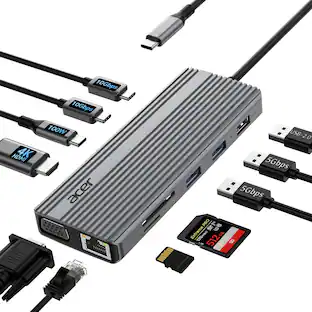
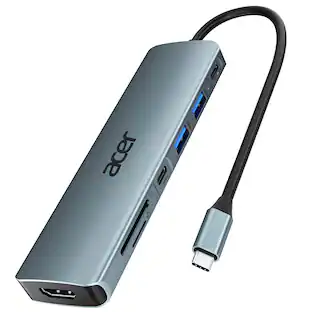
Acer 11 in 1 USB C HUB Multiport Adapter with 4K@60Hz HDMI, 1080P VGA, 2x10Gbps USB C, 2x5Gbps USB A
Holiday Deal$37.99The price was $45.99

Keep exploring
Anker USB C to USB C Cable, 2-Pack 3.3 FT (1 m) Type C 100W Fast Charging Cable
$11.99The price was $13.59Acer USB C to HDMI Cable for Home Office 6.6FT (4K@60Hz), High-Speed Type C to HDMI 2.0 Braided Cord
Holiday Deal$10.99The price was $13.99