Verbatim - USB-C Hub - 6 Ports, 4K, 4 USB-A, 1 USB-C
Reviews coming soon
About this product
Verbatim USB-C Essentials Multiport Hub- 6 Ports - Charging Capability - USB Type C - 4K @30Hz - 3840 x 2160 - 4 x USB Ports - 3 x USB Type-A Ports - USB Type-A - 1 x USB Type-C Ports - USB Type-C - 1
Features
Fast Charging Support
Charging Capability
Fast Data Transfer
USB Type C
Reliable Ethernet
4K @30Hz
4K HDMI Support
3840 x 2160
Pass-Through Charging
4 x USB Ports
Specifications
- Cable Length6 feetConnector Type (End 1)HDMI Type AConnector Type (End 2)HDMI Type A, RJ45, USB-A
Reviews
This product doesn't have any reviews yet.
Compare similar products
Verbatim USB-C Essentials Multiport Hub- 6 Ports - Charging Capability - USB Type C - 4K @30Hz - 3840 x 2160 - 4 x USB Ports - 3 x USB Type-A Ports - USB Type-A - 1 x USB Type-C Ports - USB Type-C - 1

You can have an easy and hassle-free connection from your laptop or tablet to your video display with USB Power Delivery at the same time. The plug-and-play compatibility works with Mac and Windows laptops and other USB-C devices. You can charge while you’re using your video display with pass-through USB Power Delivery up to 60W. This cable supports HD-quality resolution up to 3840x2160 at 60Hz, so the video on the compatible display will look as good as on your device.

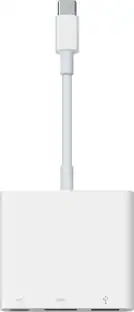
The USB Type-C digital AV multiport adapter lets you connect your USB Type-C enabled Mac or iPad Pro to an HDMI display, while also connecting a standard USB device and a USB Type-C charging cable.
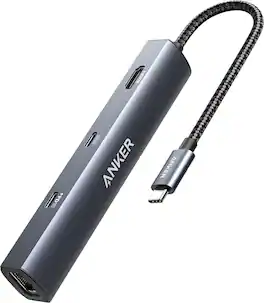
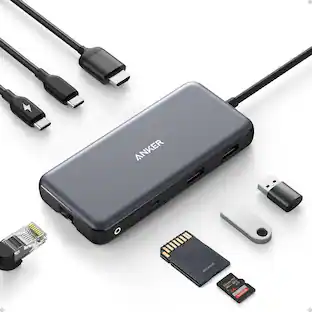
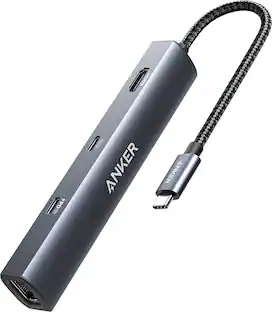
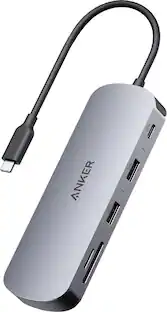
The Anker PowerExpand USB-C Hub expands your laptop's connectivity with multiple ports for pass-through charging, 4K HDMI media display, Ethernet, and fast data transfer. Enjoy a stable wired internet connection, crisp external monitor support, and seamless file transfers while powering your laptop through a single USB-C port. A versatile, all-in-one hub for enhanced productivity at your desk or on the go
| Pros for Verbatim - USB-C Hub - 6 Ports, 4K, 4 USB-A, 1 USB-C | |||
|---|---|---|---|
| There were no pros for this product— | Overall Performance, HDMI, Ease of use, Compatibility, Video Quality | Compatibility, Overall Performance, HDMI, Ease of use, Connectivity | There were no pros for this product— |
| Cons for Verbatim - USB-C Hub - 6 Ports, 4K, 4 USB-A, 1 USB-C | |||
| There were no cons for this product— | Power, Cable Length | Price, Ports, Size, Heat | There were no cons for this product— |
Specs
Be the first to ask a question.
We’ll try to get your question answered within 24 hours by a Best Buy customer or brand representative.
Customers often buy these together



More to consider
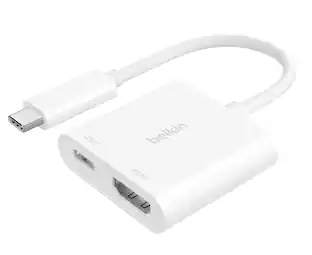
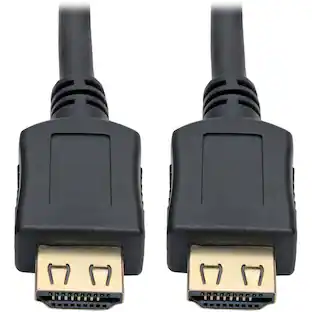

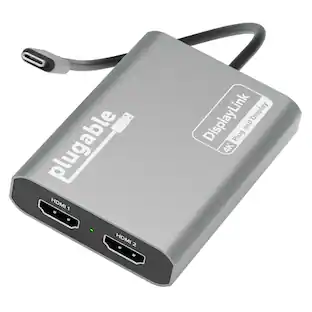
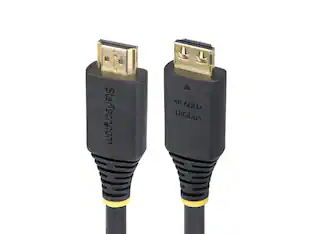
Elevate your entertainment Sponsored


Keep exploring
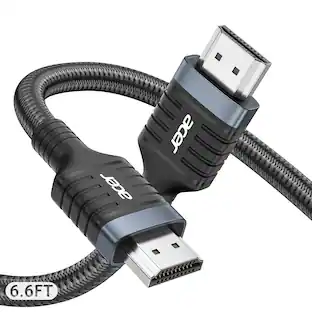
Acer 8K HDMI 2.1 Cable 6.6FT, 48Gbps Ultra High-Speed Braided Cord Supports 8K@60Hz, 4K@120Hz, HDR10+/HDCP 2.2 &ARC/eARC
Holiday Deal$11.99The price was $13.99Acer USB C to HDMI Cable for Home Office 6.6FT (4K@60Hz), High-Speed Type C to HDMI 2.0 Braided Cord
Holiday Deal$10.99The price was $13.99