Voice Control or Smart Calendar Setup & Basic Mounting
About this product
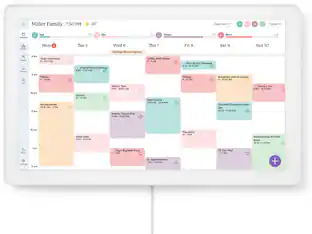
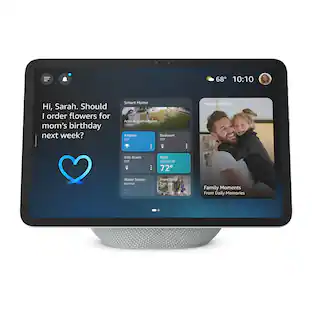
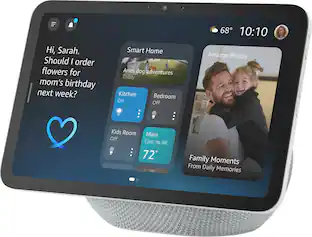
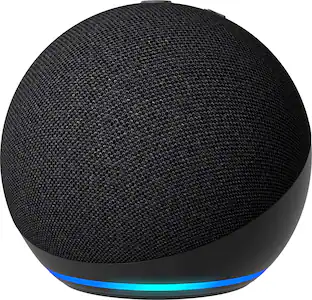
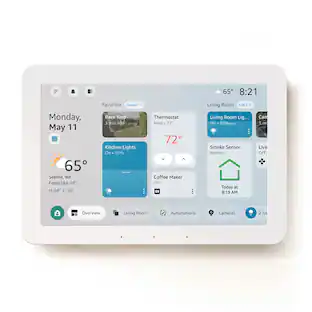
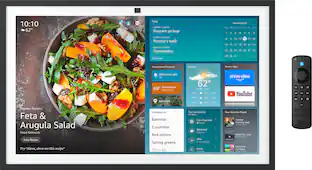
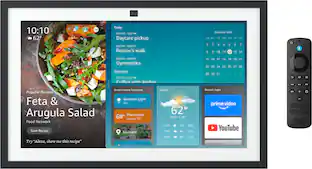
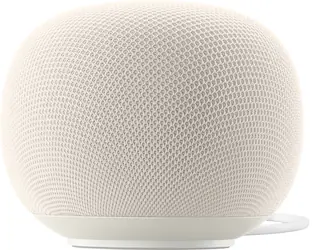
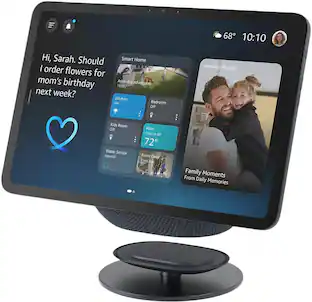
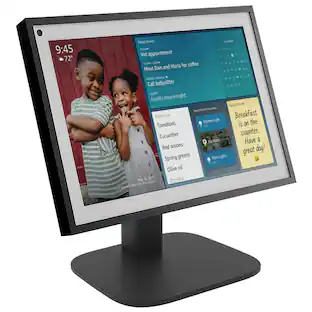
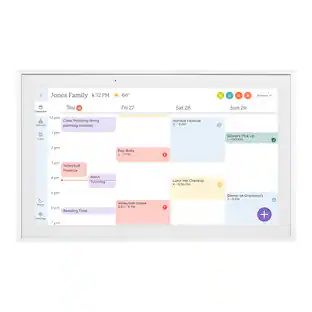
We’ll help set up and demonstrate your new smart home voice assistant, TV smart video calling device, or smart calendar.
Features
Getting started
When we arrive, we’ll ask about the desired outcome, answer questions, and ensure your expectations and needs are met for this service.
Setting up your device
We’ll unbox and set up one smart home voice assistant, a TV smart video calling device, or a smart calendar on your existing network. We’ll help update your device’s software/firmware and sync your accounts and calendar to the device.
Showing you how to use it
We’ll provide a demonstration of your device and answer any questions.
Cleaning up
It’s like we were never there. We’ll clean up the work area and remove our tools and supplies.
Specifications
- BrandGeek Squad®Product NameVoice Control or Smart Calendar Setup & Basic MountingEstimated Time to Complete Service70 minutesRequired for ServiceCustomer supplied voice control device. An existing and functional network.Workmanship WarrantyWe stand behind our services and repairs with a 90-day workmanship warranty.UPC400058032020
Reviews
Rating 4.5 out of 5 stars with 317 reviews
Customer Images
The vast majority of our reviews come from verified purchases. Reviews from customers may include My Best Buy members, employees, and Tech Insider Network members (as tagged). Select reviewers may receive discounted products, promotional considerations or entries into drawings for honest, helpful reviews.
Compare similar products
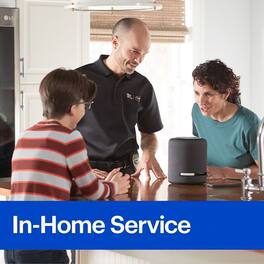
We’ll help set up and demonstrate your new smart home voice assistant, TV smart video calling device, or smart calendar.

You can experience music throughout your home when you choose our networked audio device installation service. Enjoy time savings and convenience by having our installers set up your networked audio devices, such as Sonos or Heos. If needed, we’ll complete any initial software configurations your TV might need so it can be ready for us to complete your service. We’ll install and program the audio platform/application on a compatible phone, tablet or computer, connect the system to your network, and complete updates. We’ll also adjust the audio settings to be tailored to your space while utilizing built-in tuning software when available. Then, we’ll help you set up your user account and configure up to two streaming services like Spotify or Apple Music. After the setup is finished, we’ll demonstrate your new technology and make sure you know how to use it. Finally, we’ll ensure that all wires and cables are neatly dressed and the workspace is clean when we finish. Best Buy’s networked audio services are backed by a 90-day limited workmanship warranty.

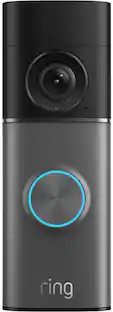
Sit back and let a professional install your smart doorbell and help you monitor the covered areas of your home, even when you’re away.

Sit back and let a professional install and configure your new smart door lock system and connect it to your home network.
| Pros for Voice Control or Smart Calendar Setup & Basic Mounting | |||
|---|---|---|---|
| There were no pros for this product— | Overall Performance, Installation, Knowledge, Ease of use, Professionalism | There were no pros for this product— | There were no pros for this product— |
| Cons for Voice Control or Smart Calendar Setup & Basic Mounting | |||
| There were no cons for this product— | Sonos App | There were no cons for this product— | There were no cons for this product— |
Specs
Customers often buy these together
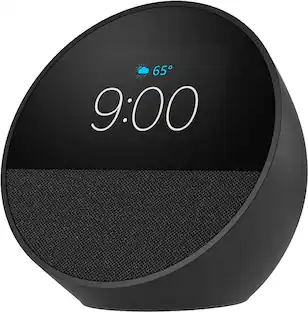 $99.99The price was $109.99