VTech - Amplified Corded/Cordless Answering System with Big Buttons Display - White
About this product
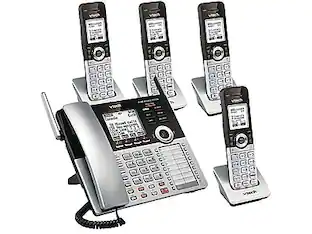
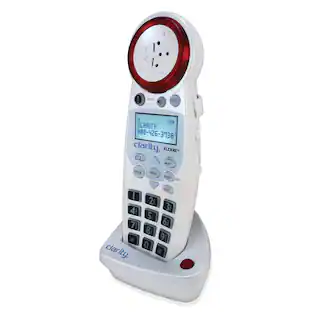
Designed for seniors or the hearing impaired, the VTech SN5147 Amplified Corded/Cordless Senior Phone System with 90dB Extra Loud Visual Ringer, Big Buttons & Large Display comes with features to make hearing and dialing calls easier than ever. With big butttons, large displays, and a full-duplex speakerphone on each device, this senior-friendly telephone system takes the guesswork out of dialing calls. Attach a photo to each of the four phone speed dial buttons on the Photo Dial handset and call frequently dialed phone numbers with one touch for quick access to freinds and family. Increase the volume of incoming sound on this VTech SN5147 Amplied corded/Cordless Senior Phone System with 90dB Extra-Loud Visual Ringer, Big Buttons & Large Display by up to 50 decibels, making conversations easier to hear and understand. You can say goodbye to unwanted calls with this amplified telephone thanks to smart call blocker. Robocalls on your landline are automatically blocked for ever ringing through-even the first time. You can also permanently black list up to 1,000 numbers with one touch.
Features
50dB Audio Assist®
Temporarily increases overall volume by up to 50dB and enhances sound frequencies that make speech easier to understand.
90dB ringer volume
The extra-loud ringer makes it easy to hear incoming calls throughout your home.
Digital answering system
Digitally record up to 22 minutes of incoming messages, outgoing announcements, and memos. The system also allows for instant playback, selective save or delete, and skipping or repeating messages from the handset and base.
Smart call blocker
Say goodbye to unwanted calls. Robocalls on your landline are automatically blocked from ever ringing through—even the first time. You can also permanently blacklist up to 1,000 numbers with one touch.
Photo dial
Never forget whose number is whose. Program eight frequently dialed phone numbers and attach a photo to each one for convenient speed dialing.
Big buttons, large display
Oversized buttons and an easy-to-read display screen make the system super easy and comfortable to use.
Full Duplex Handset and Base Speakerphones
Enjoy a speakerphone that can keep up with your calls. Increase participation by allowing both ends to speak and be heard at the same time, for conversations that are more true to life.
Digital answering system voice guide
Setting up your system just got easier. Talking prompts walk you through the setup of your new phone's digital answering system, so you can be confident it's ready to record.
Caller ID announce
Screening calls has never been easier. The handset and base announce the name of the caller, so you don't have to scramble for the handset to see who's calling.
Visual ringing indicator
A light on the top of the handset and base unit flashes when the telephone rings, signaling an incoming call. This feature is especially helpful for those who are hearing impaired.
Expandable up to 4 handsets with only one phone jack
uses SN5107 or SN5307 accessory handsets (sold separately). Additional handsets can be placed anywhere in your home or office near an outlet, making this system convenient, flexible and easy to use.
Cordless and corded handsets
Enjoy the freedom and mobility of a cordless handset and the confidence of knowing the location of the corded unit. This system eliminates the frantic search for a ringing cordless phone.
Line power mode
Make and receive calls using the corded handset and base keypad during an outage. This system uses power generated from the telephone line so backup batteries are not necessary.
Caller ID/call waiting—50 name and number caller ID history
Handset displays the name, number, time, and date of incoming calls.
Specifications
- SpeakerphoneYesBluetooth EnabledNoExpandableYesFrequency1.9GHzPaging LocatorYesAnswering System IncludedYes
Reviews
Rating 4.2 out of 5 stars with 39 reviews
Customer Images
The vast majority of our reviews come from verified purchases. Reviews from customers may include My Best Buy members, employees, and Tech Insider Network members (as tagged). Select reviewers may receive discounted products, promotional considerations or entries into drawings for honest, helpful reviews.
Compare similar products
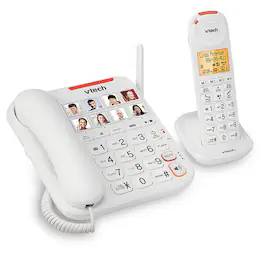
Designed for seniors or the hearing impaired, the VTech SN5147 Amplified Corded/Cordless Senior Phone System with 90dB Extra Loud Visual Ringer, Big Buttons & Large Display comes with features to make hearing and dialing calls easier than ever. With big butttons, large displays, and a full-duplex speakerphone on each device, this senior-friendly telephone system takes the guesswork out of dialing calls. Attach a photo to each of the four phone speed dial buttons on the Photo Dial handset and call frequently dialed phone numbers with one touch for quick access to freinds and family. Increase the volume of incoming sound on this VTech SN5147 Amplied corded/Cordless Senior Phone System with 90dB Extra-Loud Visual Ringer, Big Buttons & Large Display by up to 50 decibels, making conversations easier to hear and understand. You can say goodbye to unwanted calls with this amplified telephone thanks to smart call blocker. Robocalls on your landline are automatically blocked for ever ringing through-even the first time. You can also permanently black list up to 1,000 numbers with one touch.
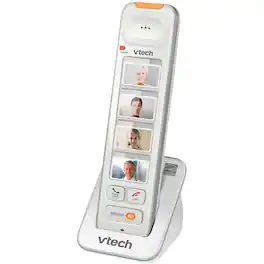
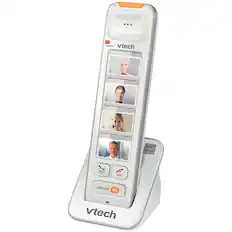
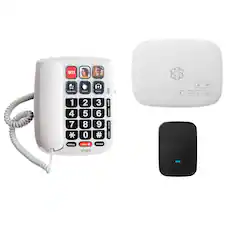
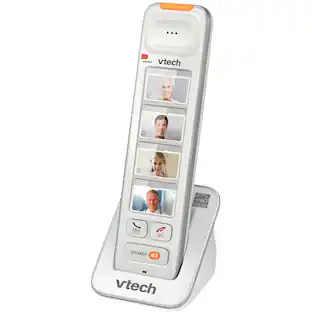
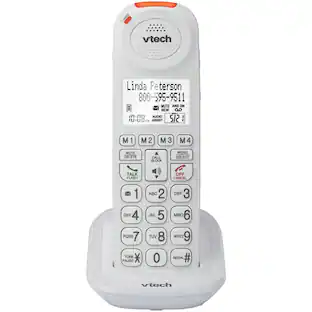
See who's calling with this VTech Amplified photo dial handset. The storage has enough room for four photos to make selecting numbers simpler, and the light at the top flashes when a call is incoming. This VTech Amplified photo dial handset announces the names of callers to make caller identification easier.

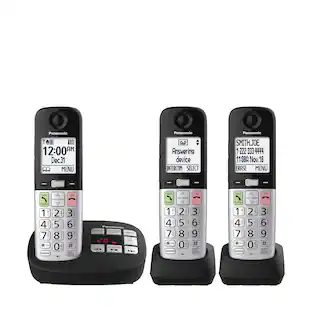
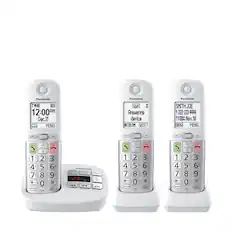
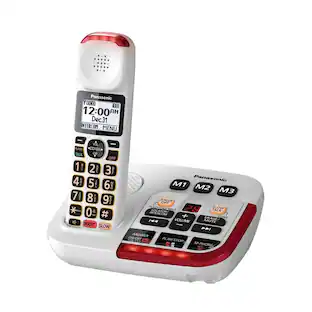
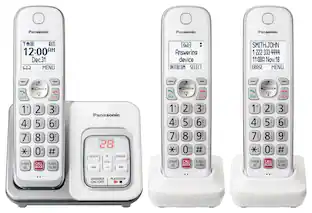
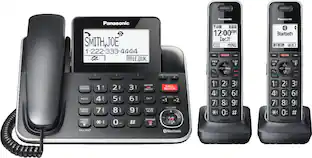
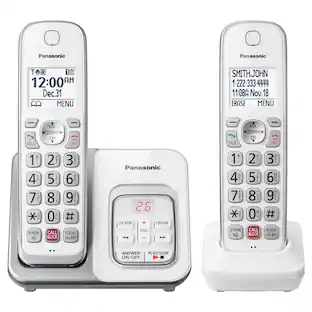
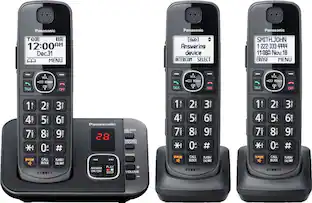
Enjoy crystal clear conversations and record digital voice messages with this amplified Panasonic cordless telephone. The volume boost feature amplifies caller voices, while the slow talk option on the digital answering machine reduces message playback speed to make them easier to understand. Nine speed dials keep favorite numbers handy on this amplified Panasonic cordless telephone.

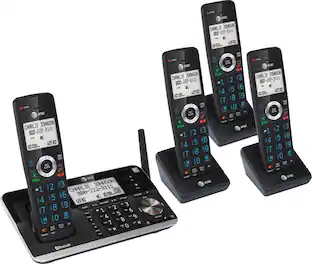
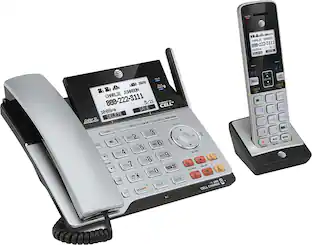
Easily manage multiple business calls on this AT&T TL86103 phone, which features 2 USB ports and Bluetooth for sending and receiving mobile calls. Softphone Call Manager merges Microsoft Linc, Skype, VoIP and landline service for an integrated system.
| Pros for VTech - Amplified Corded/Cordless Answering System with Big Buttons Display - White | |||
|---|---|---|---|
| There were no pros for this product— | There were no pros for this product— | Sound Quality | Ease of use, Bluetooth, Overall Performance, Features, Price |
| Cons for VTech - Amplified Corded/Cordless Answering System with Big Buttons Display - White | |||
| There were no cons for this product— | There were no cons for this product— | There were no cons for this product— | Button Size, Complexity, Speed Dial, Wall Mount |
Specs
Customers often buy these together
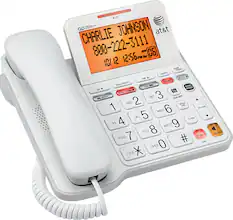
AT&T - CL4940 Corded Phone with Digital Answering System - White
$57.99The price was $68.76

More to consider
 $135.99The price was $156.24
 $99.95The price was $119.95
 Techtober Deal$95.99The price was $105.99
 $119.95The price was $139.95
Discover lifestyle innovations Sponsored
 Techtober Deal$191.99The price was $211.99
 $184.99The price was $199.99
 Techtober Deal$133.99The price was $143.99
 $107.99The price was $115.99
- Techtober Deal$95.99The price was $105.99
Discover related products
 $74.99The price was $139.99
 $138.99The price was $169.99
 $59.99The price was $61.99
 Techtober Deal$29.90The price was $40.90