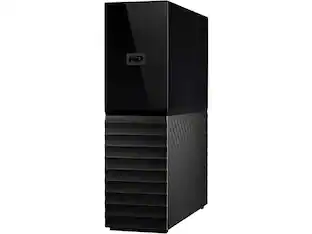
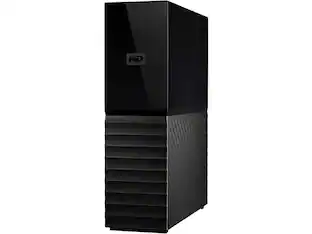
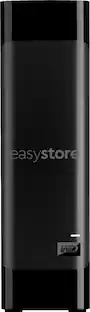
Western Digital - WD My Book 12TB Desktop External Hard Drive for Windows/Mac/Laptop, USB 3.0 (WDBBGB0120HBK-NESN) - Black
About this product
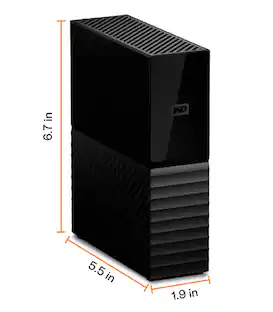
WD My Book 12TB Desktop External Hard Drive for Windows/Mac/Laptop, USB 3.0 Black (WDBBGB0120HBK-NESN)
Features
Backup with Time Machine and software
Backup with included backup software and Time Machine compatibility
Password protected with hardware encryption
Password protection with hardware encryption
WD Discovery Software for security and cloud
WD Discovery Software for security, Social Media and Cloud Storage import and drive utilities
Trusted storage with WD reliability
Trusted storage built with WD reliability
USB 3.0 port with USB 2.0 compatibility
USB 3.0 port; USB 2.0 compatible
Specifications
- Storage Capacity12000 gigabytesStorage Drive TypeHDDInterface(s)USB-A (USB 3.0 Gen1), USB-A
Reviews
This product doesn't have any reviews yet.
Compare similar products
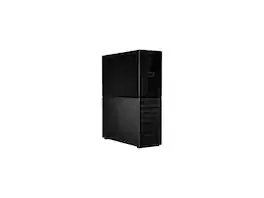
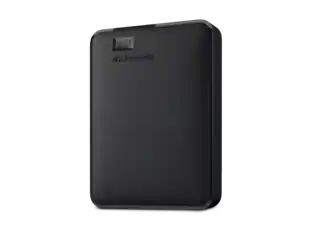
WD My Book 12TB Desktop External Hard Drive for Windows/Mac/Laptop, USB 3.0 Black (WDBBGB0120HBK-NESN)
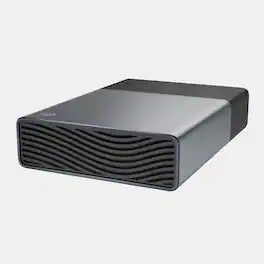
The high-capacity, bus-powered drive for effortless convenience. Get in touch with total storage freedom. Revolutionize your workflows with game-changing convenience and ease. High-capacity with bus-powered single-cable USB-C connectivity, One Touch delivers a fuss-free, clutter-free backup experience that lets you work anywhere, anytime. Built to perform with exceptional reliability and smart software, it’s a value-packed solution that’s multi-platform compatible, ideal for everyday use or protecting long-term data.
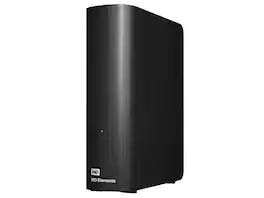
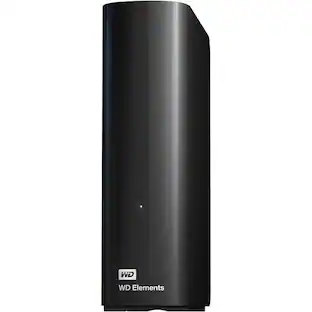
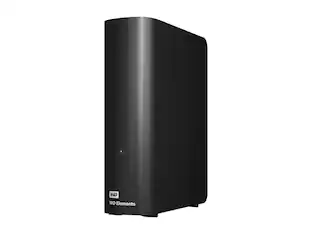
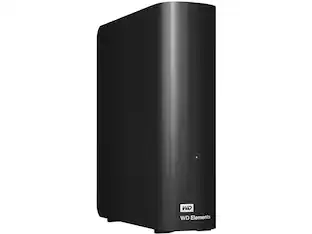
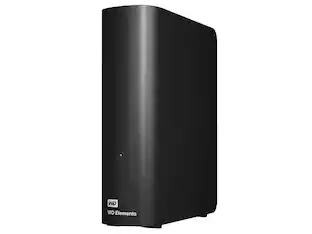
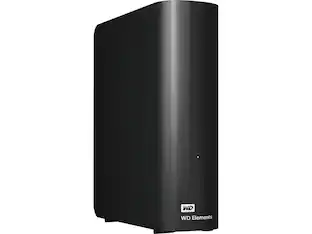
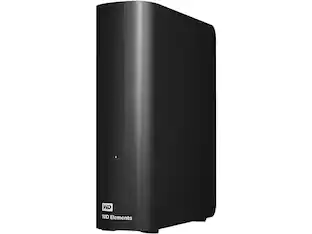
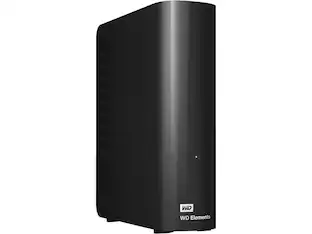
WD Elements 12TB USB 3.0 Desktop External Hard Drive WDBWLG0120HBK-NESN Black
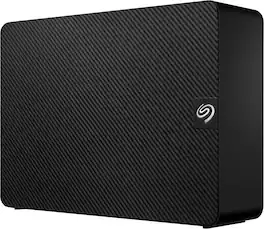
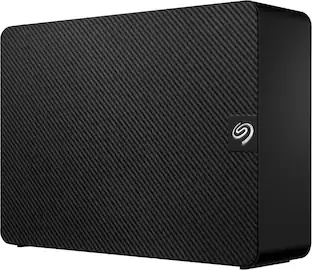
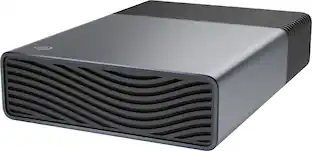
Ideal for the home, office, or dorm, Seagate Expansion desktop drive offers enormous desktop storage for photos, movies, music and more. Backing up and transferring content is incredibly easy — just drag and drop! To get set up, connect the USB hard drive to Windows or Mac — no software required. For Apple Time Machine, simply reformat. Included is an 18-inch USB 3.0 cable and 18W power adapter. Plus, Seagate Expansion comes with Rescue Data Recovery Services for additional peace of mind.
| Pros for Western Digital - WD My Book 12TB Desktop External Hard Drive for Windows/Mac/Laptop, USB 3.0 (WDBBGB0120HBK-NESN) - Black | |||
|---|---|---|---|
| There were no pros for this product— | Storage Capacity, Overall Performance | There were no pros for this product— | Storage Capacity, Overall Performance, Ease of use, Speed, Connectivity |
| Cons for Western Digital - WD My Book 12TB Desktop External Hard Drive for Windows/Mac/Laptop, USB 3.0 (WDBBGB0120HBK-NESN) - Black | |||
| There were no cons for this product— | There were no cons for this product— | There were no cons for this product— | Noise Level |
Specs
Customers often buy these together
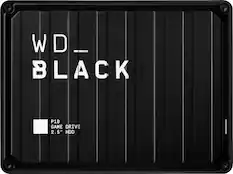
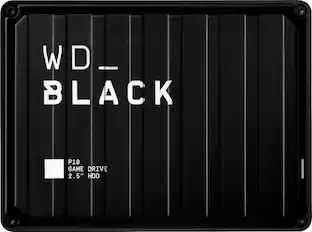
WD - P10 4TB External USB 3.2 Gen 1 Portable Hard Drive - Black
$259.99The price was $263.99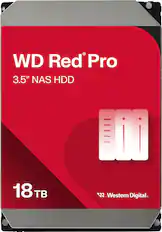
WD - Red Pro 18TB NAS Internal Hard Drive
$754.99The price was $854.99
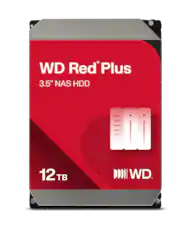
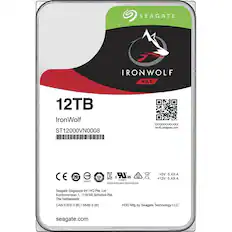
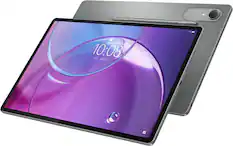

More to consider
 $487.99The price was $549.99
- $679.99The price was $759.99
 $508.99The price was $558.62
 $849.99The price was $879.99
 $849.00The price was $887.27

Explore tech essentials Sponsored
 $829.99The price was $1,099.99
 $159.99The price was $189.99

Keep exploring
 $333.99The price was $349.11