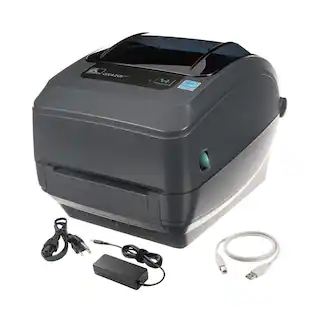
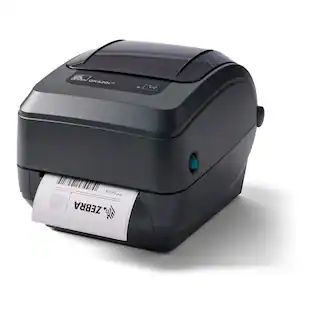
Zebra - Refurbished Excellent - GX430t Thermal Transfer Desktop Printer
Reviews coming soon
About this product
Thermal transfer barcode label printer with Ethernet
USB, Serial, and Ethernet Connectivity
No Ink or Toner Needed: Uses efficient thermal transfer technology that uses resin ribbons, eliminating costly ink or toner replacements.
High-Quality Entry-Level Printing: Best-in-class print speed
Fast & Cost-Effective: Prints at 4 inches per second at 300 dpi; on-demand printing allows exact quantities, saving time and reducing label waste.
Cross-Platform Support: Compatible with Windows 10 and later
- BrandZebraProduct NameZebra GX430t Thermal Transfer Desktop PrinterWarranty - Parts1 yearProduct Width10.5 inchesProduct Height9.7 inchesProduct Length12.3 inches
Reviews
This product doesn't have any reviews yet.

Compare similar products
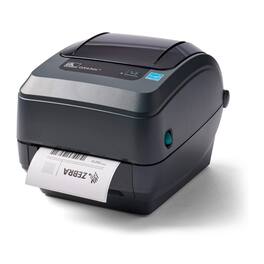
Thermal transfer barcode label printer with Ethernet
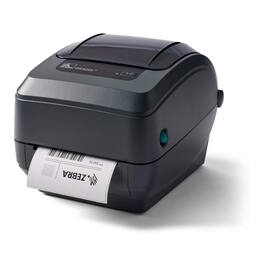
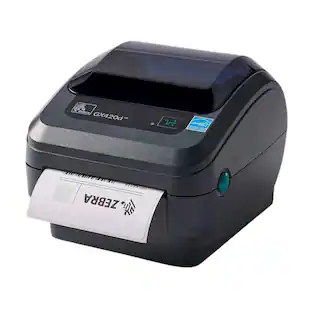
Industrial thermal transfer label printer
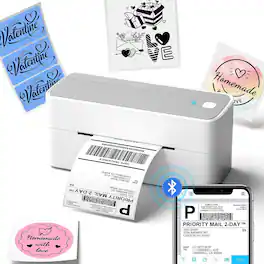
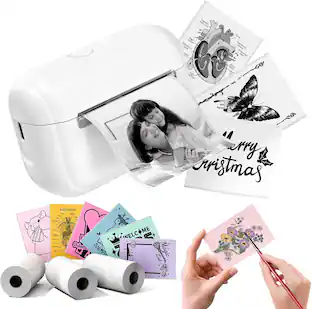
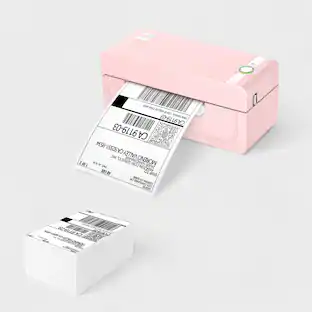
The Phomemo PM-241BT is a compact, wireless label maker designed for effortless printing of shipping labels, package labels, logos, and stickers. Featuring Bluetooth connectivity, it allows you to create professional-grade business labels directly from your smartphone. Its sleek, space-saving design fits seamlessly on any desktop, while Phomemo’s advanced quick-print technology ensures fast, efficient handling of high-volume label printing with ease.
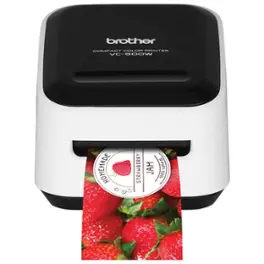
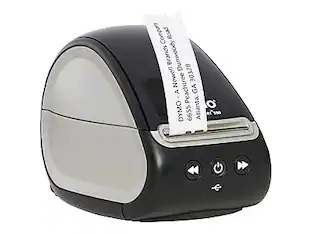
The compact Brother VC-500W color label and photo printer with wireless networking features ZINK Zero Ink technology that allows you to print amazing full-color labels, photos, stickers and more up to 17" long in a single pass without the need for ink cartridges, ribbons, or toners. All colors required for high-quality photo printing are embedded in the ZINK paper which is water-, tear- and smudge-resistant and has an adhesive backing that adheres to most surfaces. The wireless interface offers easy connectivity and lets you print from virtually anywhere or share on a network. Create and print from your mobile device when connected to a wireless network. The free Color Label Editor app includes thousands of personalized features, such as frames, fonts, art, backgrounds, and ready-made designs for your mobile device (download from app stores). Use the P-touch Editor software to print a wide variety of professional-looking labels from your Windows or Mac computer to easily tackle a myriad of office and organizational tasks, business projects, address labels and more. Built-in cutter for full and half cuts. Uses convenient Brother CZ and CK ZINK paper rolls requiring no ink. Prints up to 0.3 ips in black, up to 0.15 ips in color.
Specs
Be the first to ask a question.
We’ll try to get your question answered within 24 hours by a Best Buy customer or brand representative.
Customers often buy these together
 Top Deal$199.99The price was $239.99
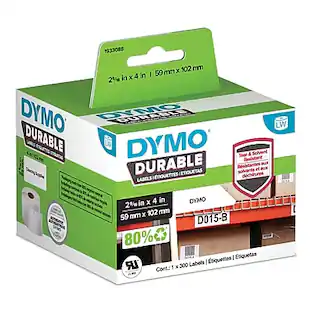
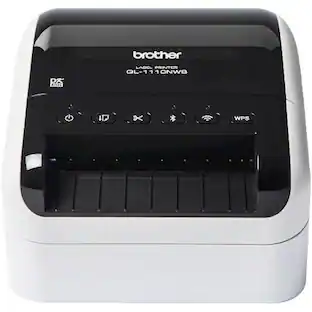
More to consider
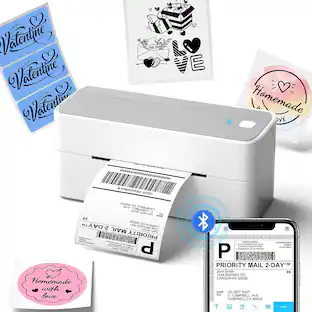 $79.99The price was $88.88
Explore tech essentials Sponsored
- Top Deal$199.99The price was $239.99


Keep exploring
- $79.99The price was $88.88