Elgato - Stream Deck MK.2 Full-size Wired USB Keypad with 15 Customizable LCD keys and Interchangeable Faceplate - Black
Customers are saying
Customers are pleased with the product's exceptional ease of use and its strong overall performance, which makes it a popular choice for gaming setups. Users frequently highlight the versatility of the customizable LCD keys and the intuitive nature of the software. While some note that the price is on the higher side and the stand could be more secure, the device remains highly regarded for its compact size and efficient functionality.
Color
BlackFeatures
15 Customizable LCD Keys
Instantly control your apps, tools and platforms.
One-Touch Operation
Trigger single or multiple actions, launch social posts, adjust audio, mute mic, turn on lights, and much more.
Visual Feedback
Know that your command has been executed.
Powerful Plugins
Elgato 4KCU, OBS, Streamlabs, Twitch, YouTube, Twitter, Spotify, Philips Hue, and many more.
Hotkey Actions
Streamline your film editing, music production, photography workflow, etc.
Smart Profiles
Automatically switch between unique key configurations for different apps.
Interchangeable Faceplate
Choose from a growing range of designs or customize your own.
Stream Deck Store
Download plugins, icons, thousands of royalty-free tracks, SFX, and more.
Easy Setup
Drag and drop actions onto keys in the Stream Deck app, and assign icons.
Included Accessories
Detachable stand and USB-C cable.
Specifications
- BrandElgatoModel Number10GBA9901Product NameStream Deck MK.2 Full-size Wired USB Keypad with 15 Customizable LCD keys and Interchangeable FaceplateColorBlackLeague/AssociationNot ApplicableKeyboard TypeMacro keypad
Reviews
Rating 4.9 out of 5 stars with 814 reviews
- Ease of use (491)
- Overall Performance (158)
- LCD Keys (80)
- Customization (76)
- Software (24)
- Price (13)
- Stand (3)
Customer Images
The vast majority of our reviews come from verified purchases. Reviews from customers may include My Best Buy members, employees, and Tech Insider Network members (as tagged). Select reviewers may receive discounted products, promotional considerations or entries into drawings for honest, helpful reviews.

- HyperX - Cloud III S Wireless Gaming Headset for PC, PS5, PS4, Nintendo Switch, Mac, and Mobile - Red/Black$129.99The price was $179.99

Compare similar products
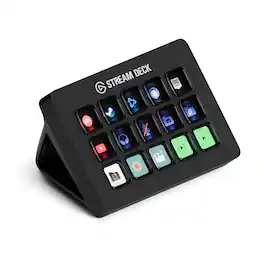
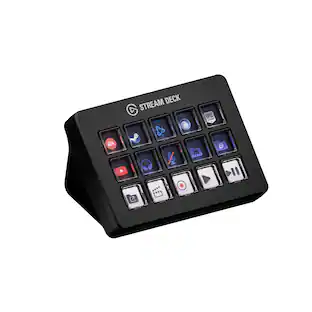
Stream Deck gives you 15 LCD keys to control your apps and tools. Trigger actions, launch social posts, adjust audio, play sound clips, activate lights, and much more. Get visual feedback to confirm your commands. Set Stream Deck to automatically switch key configurations as you jump between apps. It’s the ultimate workflow hack, and it’s fully customizable. Personalize your Stream Deck with custom icons, screensavers, and a growing range of interchangeable faceplates. Use the app to configure keys with ease, and hit the Stream Deck Store for app plugins, icon packs, thousands of royalty free tracks, effects, and more.
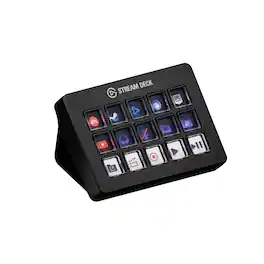
Same Stream Deck power, now with a sharper snap. Smooth, fast, and precise, every key press triggers an action no matter where you apply pressure. Control apps, platforms, and devices—your entire setup—in one place. There’s no need to navigate menus or memorize keyboard shortcuts. Every command you need is at your fingertips, clearly labeled and ready for instant deployment. Personalize your Stream Deck with custom icons, screensavers, and a growing range of interchangeable faceplates. Configure keys with ease in the app, and visit Elgato Marketplace for plugins, icons, royalty-free music, effects, and more.
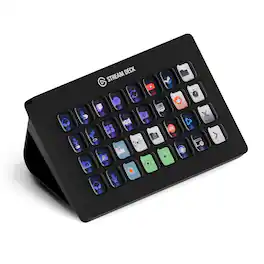
Improve the quality of online broadcasts with this Elgato Stream Deck XL advanced stream controller. The included app makes it easy to assign custom functions to the 32 touch-sensitive keys for easy access to actions and effects. This Elgato Stream Deck XL advanced stream controller is compatible with a variety of popular live streaming services.
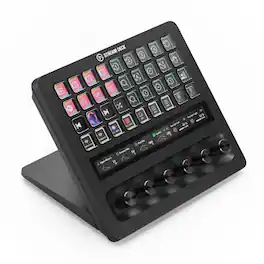
With dozens of customizable controls and real-time info monitoring, Stream Deck + XL lets professionals run entire productions and systems from a single, easy-to-use platform. Integrate everything from DAWs to camera equipment and creative apps with drag-and-drop setup on PC or Mac. Stay in command—32 macro keys and six multifunction dials streamline your work, while a touch strip display puts critical insights within easy view. Optional accessories expand your setup even further, letting Stream Deck + XL double as an audio interface or USB hub. It’s our biggest Stream Deck yet, built for your biggest workflows.
| Pros for Elgato - Stream Deck MK.2 Full-size Wired USB Keypad with 15 Customizable LCD keys and Interchangeable Faceplate - Black | |||
|---|---|---|---|
| Ease of use, Overall Performance, Customization, LCD Keys, Software | There were no pros for this product— | Ease of use, Overall Performance, Customization, Back Lighting, Size | Overall Performance, Adjustment Dials |
| Cons for Elgato - Stream Deck MK.2 Full-size Wired USB Keypad with 15 Customizable LCD keys and Interchangeable Faceplate - Black | |||
| Price, Stand | There were no cons for this product— | Price | There were no cons for this product— |
Specs
Questions & Answers
OK While I am not new to computers and computer games I am very new to streaming. Is this easy to setup and use at the moment I am streaming via the twitch studio app Thanks
Answered by CorsairHi John, It'd be! Please do look it up on YT as we have content and many, many, many content creators use it in their setups as well. Feel free to reach out to our team directly on our site with any further questions. -Art

Can I trigger multiple actions with one touch?
Yes, you can trigger single or multiple actions.
This question and answer was generated by AI based on customer and product data.Does this keypad have a wired connection?
Yes, this keypad has a wired USB-C connection.
This question and answer was generated by AI based on customer and product data.Does this device allow visual feedback?
Yes, this device provides visual feedback for commands.
This question and answer was generated by AI based on customer and product data.Does this device come with a detachable cable?
Yes, this device comes with a detachable USB-C cable.
This question and answer was generated by AI based on customer and product data.
More to consider
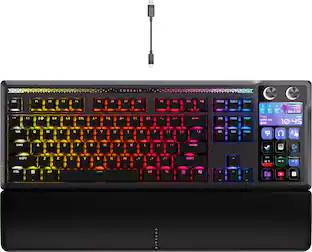
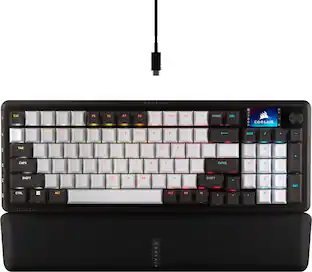
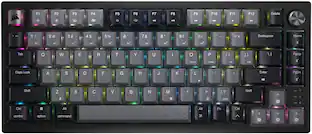
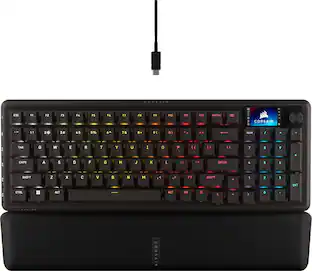
CORSAIR GALLEON 100 SD Stream Deck-Integrated Mechanical Gaming Keyboard
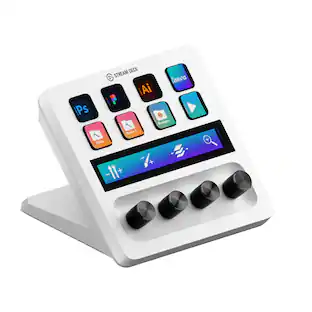
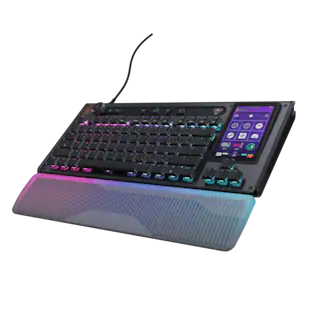
Holiday Deal$299.99The price was $349.99Elgato Stream Deck + Studio Controller with customizable touch strip and dials
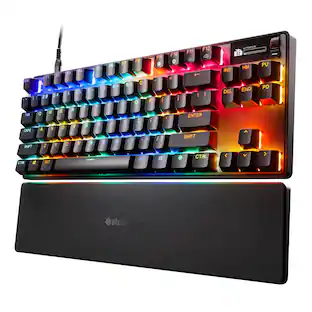
$159.99The price was $179.99SteelSeries Apex Pro TKL Gen 3 Wired Magnetic Hall Effect OmniPoint Adjustable Gaming Keyboard with Rapid Tap
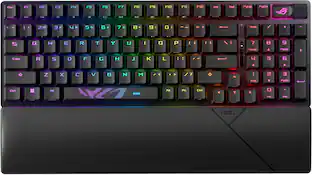
$199.99The price was $239.99ASUS ROG Strix Scope II 96 96% Wireless Mechanical Gaming Keyboard with Hot-Swappable ROG NX Snow Switches
$125.00The price was $179.99
Explore tech essentials Sponsored
CORSAIR GALLEON 100 SD Stream Deck-Integrated Mechanical Gaming Keyboard
Holiday Deal$299.99The price was $349.99CORSAIR VANGUARD PRO 96 RGB Wired Magnetic Hall Effect MGX Linear 96% Gaming Keyboard with FlashTap SOCD + Rapid Trigger
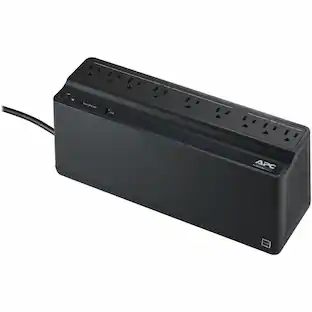
Holiday Deal$179.99The price was $229.99APC Back-UPS, 900VA/480W, Tower/Wall Mount, 9 Outlets, LED Indicator, USB-A port
Holiday Deal$109.99The price was $127.99

Discover related products
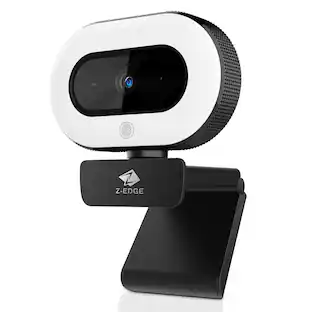
Z Z-Edge 2K 2592x1944 Stream Webcam Auto Focus Web Camera for PC/Desktop/Laptop
$24.99The price was $39.99