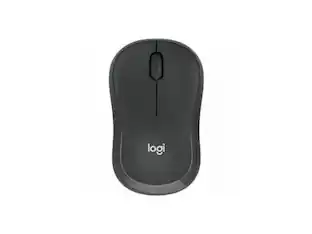
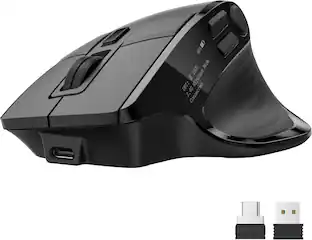
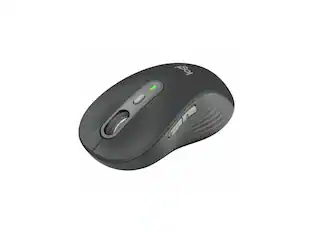
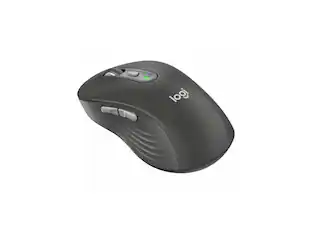
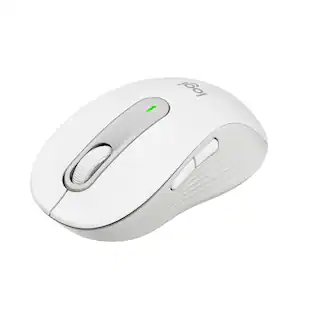
Logitech - Signature Comfort M840 L Wireless Bluetooth Mouse with Silent Clicks and Customizable Buttons - Wireless - Off-white
Customers are saying
Customers praise the mouse for its excellent ergonomics, which users with smaller hands find particularly comfortable. Additionally, the device is frequently commended for its quiet clicking mechanism and its ability to connect to computers instantly. Overall, users are satisfied with the product's reliable performance.
Color
Off-whiteFeatures
Comfy grip, every click
Contoured mouse shaped for right-handed use and adapted for most hand sizes, this comfortable mouse with cozy side grips make your workday more comfortable
Scroll faster, stay focused
Scroll line by line or fly through pages with SmartWheel; quiet clicks reduce noise in shared or home offices
Make it yours
Customizable buttons via Logi Options+ adapt to your tasks and help you do more; in the app you can boost productivity across apps, adjust DPI levels and personalize your workflow.
Simple connections
Connect this multi-device mouse with Bluetooth pairing, then swap up to 3 devices instantly with Easy-Switch—just a tap, no dongle needed; perfect for multitasking
Power that just keeps going
Logitech Signature Comfort M840 L wireless Bluetooth mouse stays powered up for up to 24 months—no constant battery changes
Power that just keeps going
Logitech Signature Comfort M850 L wireless Bluetooth mouse stays powered up for up to 24 months—no constant battery changes
Works on nearly any platform
Compatible with Windows, macOS, Chrome OS, Linux, ipadOS and Android; one mouse for all your devices and desk setups
Designed for sustainability
The plastic parts of Signature Comfort Plus M850 L are made with a minimum of 49% post-consumer recycled plastic
Specifications
- Lighting TypeNoneMaximum Sensitivity4000 dots per inchNumber of Buttons (Total)6Connection TypeWireless
Reviews
This product doesn't have any reviews yet.

Compare similar products
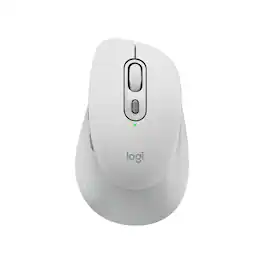
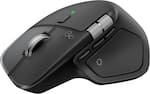
Discover Signature Comfort M840 L, created for all-day comfort with a natural shape for right hands and cozy side grips. Enjoy smooth SmartWheel scrolling and quiet clicks—making every navigation peaceful and precise. Effortlessly switch between up to three devices with Bluetooth and Easy-Switch, with no dongle required. Connect wirelessly across Windows, macOS, Chrome OS, Linux, iPadOS, and Android for a seamless working experience. With up to 24 months of battery life, you can work, create, and stay connected with fewer interruptions and more focus.
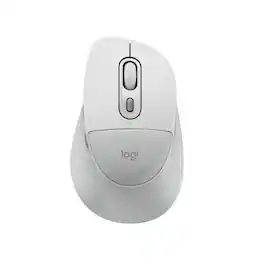
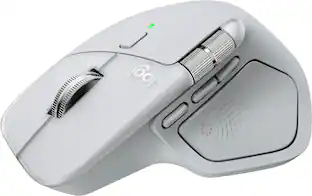
Meet Signature Comfort Plus M850 L, Logitech’s first mouse with a palm cushion for a soft, comfy spot beneath your hand. Designed for right hands, M850 L features cozy side grips and a natural shape for lasting comfort during long days. SmartWheel scrolling lets you move between precise and speedy navigation, while quiet clicks keep your workspace peaceful. Effortlessly switch between up to three devices with Bluetooth pairing and Easy-Switch—no dongle required. Connect wirelessly and seamlessly to Windows, macOS, Chrome OS, Linux, iPadOS, and Android, and enjoy up to 24 months of battery life.

Upgrade to smarter scrolling, better comfort, and more productivity with the Signature M650. The versatile mouse features an adaptive scroll SmartWheel that delivers line-by-line precision, and auto-switches to super-fast free spin mode with the flick of a finger. A choice of sizes for smaller, larger and left hands means there's a perfect fit for anyone. Seamless wireless connectivity, customizable side buttons, and a comfort shape keep you comfortably and productive hour after hour. Logitech’s SilentTouch technology delivers silent clicks to keep you focused – while the up to 24-month battery life and universal operating system compatibility ensure hassle-free performance.
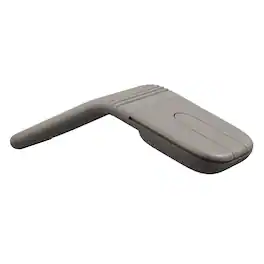
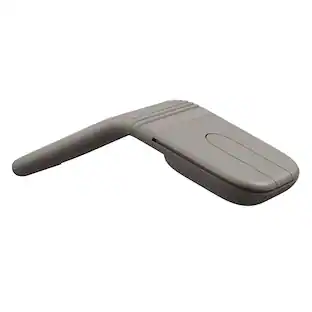
Meet Mobi Fold, the ultra-portable mouse that makes travel effortless. The slim, compact design unfolds to fit naturally in your hand, with 22% less muscle strain versus a trackpad. Get accurate tracking with 4K DPI, and line-by-line precision with Adaptive Touch Scrolling. Fast charge offers 22 hours of use on a 1-minute charge, and one month on a full charge. Customize 2 buttons with Logi Options+ App to streamline tasks. Pair up to 3 devices and switch between them with Easy-Switch. Mobi Fold is compatible with laptops, tablets, and phones across most major operating systems. For remote work, capturing ideas, or giving presentations, Mobi Fold keeps you productive and creative—anywhere.
| Pros for Logitech - Signature Comfort M840 L Wireless Bluetooth Mouse with Silent Clicks and Customizable Buttons - Wireless - Off-white | |||
|---|---|---|---|
| Ergonomics, Connectivity, Noise Level, Overall Performance | Ergonomics, Noise Level, Overall Performance, Connectivity | Overall Performance, Noise Level, Ergonomics, Ease of use, Size | Overall Performance, Connectivity, Portability, Battery Life |
| Cons for Logitech - Signature Comfort M840 L Wireless Bluetooth Mouse with Silent Clicks and Customizable Buttons - Wireless - Off-white | |||
| There were no cons for this product— | There were no cons for this product— | Price, Side Buttons, Software | There were no cons for this product— |
Specs
Customers often buy these together
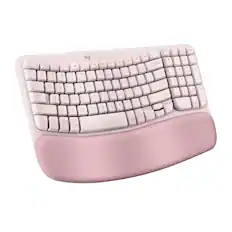
Computer Keyboards

Logitech - MX Keys S Universal Full-size Wireless Scissor Keyboard for PC and Mac with Backlit keys - Pale Gray
$104.99The price was $129.99

![The text on the image reads:
888 DD DI DD 4 DSC i F2 F3 4 FS T6 ET 1. 1N IN F.. 11 1.. 114 1n F1 F12 118 in9 - a ee 1 8F 2 3 $ 4 % 5 A 6 & 7 . 8 I 9 I 0 ee I + = delete fn home page up clear - / + tab Q W E R T Y U I 0 P { [ ] ] | I delete end page down 7 8 9 ee caps lock A S D F G H J K L : I - return 4 5 6 + shift Z X C V N M < F > ? / shift a 1 2 3 control option 2 command 3 command option control Y - 0 enter
After grouping and correcting the text, it reads:
888 DD DI DD 4 DSC i F2 F3 4 FS T6 ET 1. 1N IN F.. 11 1.. 114 1n F1 F12 118 in9 - a ee 1 8F 2 3 $ 4 % 5 A 6 & 7 . 8 I 9 I 0 ee I + = delete fn home page up clear - / + tab Q W E R T Y U I 0 P { [ ] ] | I delete end page down 7 8 9 ee caps lock A S D F G H J K L : I - return 4 5 6 + shift Z X C V N M < F > ? / shift a 1 2 3 control option 2 command 3 command option control Y - 0 enter](https://pisces.bbystatic.com/image2/BestBuy_US/images/products/f4059d3a-0c2a-46ef-bcfd-4e11b9b26d5d.jpg;maxHeight=232;maxWidth=233?format=webp)



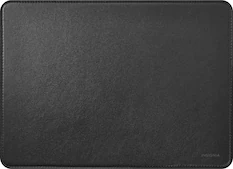
Mouse Pads
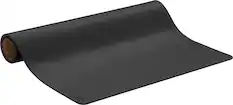
Insignia™ - Desk Mat - Black
Black Friday Deal$12.49The price was $24.99


Customers ultimately bought
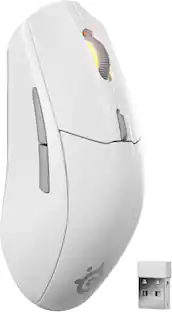
SteelSeries Rival 3 Gen 2 Wireless Optical Gaming Mouse with Ultra-fast clicks
$49.99The price was $59.99Logitech Signature M650 Wireless Optical Mouse with Silent Clicks
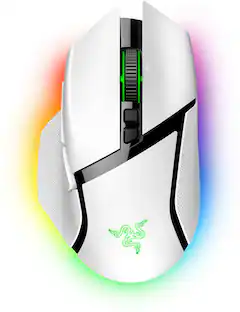
Black Friday Deal$24.99The price was $39.99Razer Basilisk V3 Pro Optical Gaming Mouse with HyperScroll Tilt Wheel
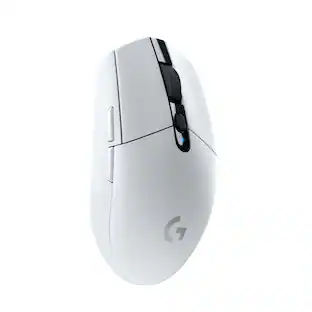
Black Friday Deal$79.99The price was $159.99Logitech G305 LIGHTSPEED Wireless Optical 6 Programmable Button Gaming Mouse with 12,000 DPI HERO Sensor
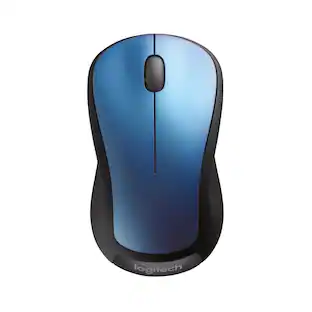
Black Friday Deal$26.99The price was $49.99Logitech Signature M550 L Full Size Wireless Bluetooth Optical Ambidextrous Mouse with Silent Clicks
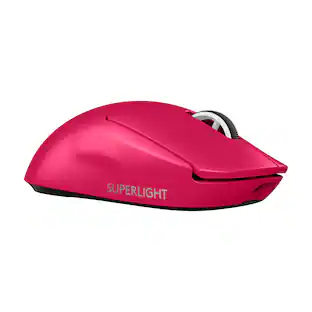
$18.99The price was $29.99Logitech G502 X PLUS LIGHTSPEED Wireless Optical Gaming Mouse with HERO 44K Sensor
Black Friday Deal$119.99The price was $159.99
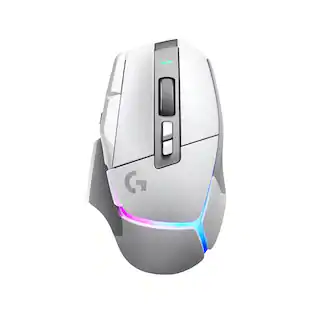
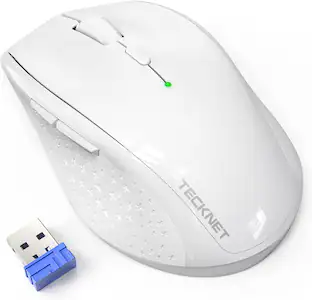
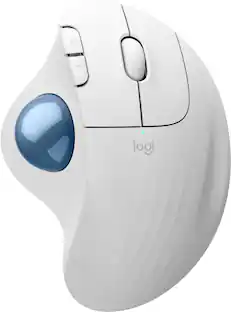
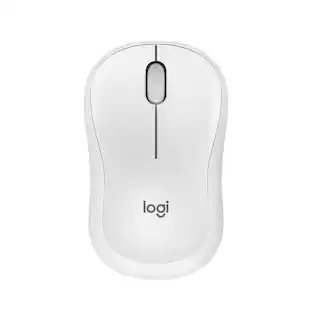
Explore tech essentials Sponsored
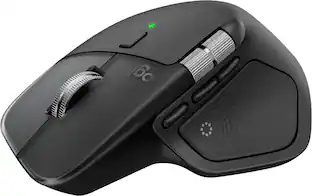
Logitech MX Master 4 for Mac - Wireless Laser Ergonomic Mouse with Advanced Performance Haptic Feedback
Black Friday Deal$109.99The price was $119.99Logitech MX Master 4 - Adobe Edition - Wireless Laser Ergonomic Mouse with Advanced Performance Haptic Feedback
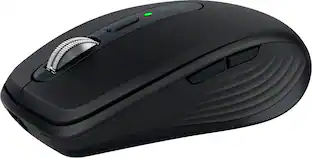
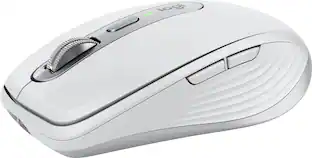
Black Friday Deal$109.99The price was $119.99Logitech MX Anywhere 3S Wireless Bluetooth Optical Fast Scrolling Mouse with Programmable Buttons
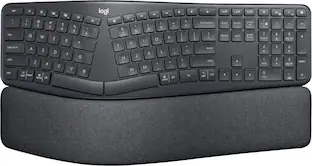
Black Friday Deal$66.99The price was $89.99Logitech ERGO K860 Ergonomic Full-size Wireless Scissor Keyboard for Windows and Mac with Palm Rest
$113.99The price was $149.99
Discover related products
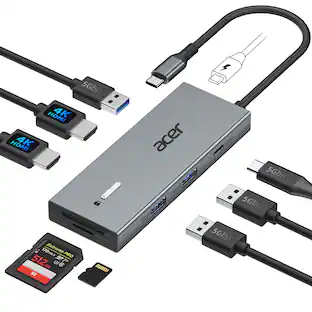
Acer USB C Docking Station With 2 HDMI, 9-IN-1 Docking Hub with USB A&C 3.0, SD/Micro SD, 100W Charging
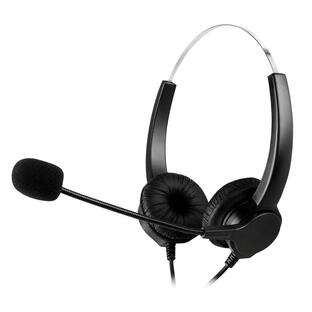
$39.99The price was $47.99AGPtek Call Center Noise Cancelling Corded Binaural Hands-free Headset Headphone With Microphone
$21.99The price was $23.99Arozzi Alzare Neo Gas Spring Single Monitor Arm – Ergonomic Desk Mount for Gaming & Office –
$54.99The price was $69.99Nelko PM230 Portable Bluetooth Thermal Sticker Printer with 2 Rolls 54mm x 3.5m
$21.99The price was $40.66
Keep exploring
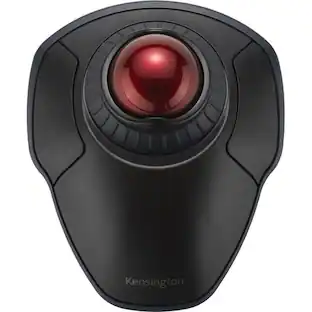
Kensington Orbit Wireless Trackball with Scroll Ring - Optical - Wireless - Bluetooth/Radio Frequency - 2.40 GHz
Black Friday Deal$49.99The price was $71.00Anker Ergonomic Optical USB Wired Vertical Mouse 1000/1600 DPI, 5 Buttons CE100
$16.14The price was $25.99GravaStar Mercury X Wireless Optical Gaming Mouse with 32000 DPI and 49g Magnesium Alloy Frame
$59.95The price was $109.95