LG - 27" Class LB70 Series Full HD Smart webOS TV (2026)
Customers are saying
Customers love the excellent picture quality provided by this product, which is its most frequently praised feature. Users also appreciate how simple it is to set up and get started right away. Additionally, the convenient single support stand design and the compact physical dimensions make it a perfect fit for smaller spaces like kitchens.
Screen Size Class
27"Series
LB70 SeriesHighlights
Features
Full HD
Enjoy your favorite shows, movies, and streaming content in sharp HD clarity.
α5 AI Processor Gen9
Get quick access to your streaming apps with the Alpha 5 AI Processor Gen9.
HDR10 Pro
HDR10 Pro dynamically adjusts brightness, revealing crisp details and vivid color in both bright and dark scenes for a stunning, lifelike picture.
webOS
Search less and stream more with LG’s Award-winning Smart TV platform - which delivers a smarter more personalized experience. Browse all your favorite streaming apps and let LG Channels connect you to over 400 free channels and 10,000+ movies & shows (on-demand). Plus LG Shield helps provide protection against malware, viruses & other threats.¹
LG Channels
Get instant access to over 400 free channelss and 10,000+ movies & shows (on-demand). Discover and enjoy premium new entertainment with nothing more than an internet connection.²
Specifications
- Display TypeLEDResolutionFull HD (1080p)Screen Size Class27 inchesHigh Dynamic Range (HDR)YesHigh Dynamic Range FormatHDR 10, Hybrid Log-Gamma (HLG)
Reviews
Rating 4.4 out of 5 stars with 76 reviews
- Picture Quality (35)
- Ease of Setup (10)
- Design (4)
- Physical Dimensions (3)
Customer Images
The vast majority of our reviews come from verified purchases. Reviews from customers may include My Best Buy members, employees, and Tech Insider Network members (as tagged). Select reviewers may receive discounted products, promotional considerations or entries into drawings for honest, helpful reviews.

- Hisense - 85" Class U6 MiniLED QLED UHD 4K HDR Glare-Free Smart Fire TV with Alexa+ (2026)$999.99The price was $1,699.99
- Hisense - 75" Class U7 MiniLED QLED UHD 4K HDR Glare-Free Smart Google TV with Gemini (2026)$1,299.99The price was $1,999.99




Compare similar products
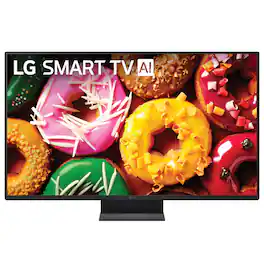
Perfect for compact spaces, this HD TV delivers crisp, clear picture quality in a size that fits just about anywhere—bedrooms, dorm rooms, kitchens, RVs, or home offices.

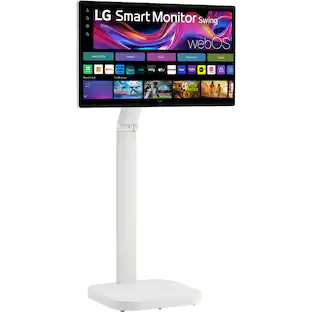
The LG 27LQ600S Smart TV Monitor feels right at home, anywhere in the home. With a thoughtful design which includes a wide display base, this Smart TV monitor can go nearly wherever it’s needed. Place the screen on virtually any counter or desk top and enjoy your favorite streaming content via LG’s webOS smart TV platform, or use as a computer monitor to just as easily immerse yourself in your work. The large, 27” Full HD IPS screen is a great size for placement in the kitchen, a second bedroom or even a dorm room.

From sharp imagery to spot-on color, watch your brightest ideas come to life in Full High Res Definition on a 27 inch webOS enabled screen.
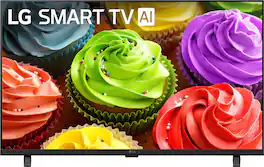
Bring your favorite content to life in High Definition. Ideal for bedrooms, kitchens, dorms, or cozy living spaces, this delivers stunning picture quality, with built in smart features.
| Pros for LG - 27" Class LB70 Series Full HD Smart webOS TV (2026) | |||
|---|---|---|---|
| Picture Quality, Ease of Setup, Design, Physical Dimensions | Picture Quality, Design, Size, Ease of use, TV Size | Picture Quality, Ease of use, Size, TV Size, Color | Picture Quality, Ease of Setup, Connectivity |
| Cons for LG - 27" Class LB70 Series Full HD Smart webOS TV (2026) | |||
| There were no cons for this product— | Remote Control | Remote Control, Connectivity, Software, Stand | Performance |
Specs
Questions & Answers
does this tv have cc (closed caption)
Answered by LG Digital Customer CareThe LG 27" Class LB70 Series Full HD Smart webOS TV (2026), Model # 27LB7000PUA, features built-in Closed Captioning (CC). It provides accessibility features to display text for over-the-air broadcasts and connected video sources. You can quickly activate and customize your captions by navigating through the webOS system menus: 1. Press the Settings (Gear Icon) button on your LG remote control. 2. Select All Settings (the three vertical dots at the bottom of the quick settings sidebar). 3. Navigate to General and then choose Accessibility. 4. Click on Closed Captions and toggle the switch to On. • The TV's internal settings will control captions for traditional over-the-air antenna TV channels or devices plugged into the HDMI ports (like a cable box). However, if you are streaming movies or shows inside individual apps (like Netflix, Prime Video, or YouTube), the TV's main settings menu will not control the subtitles. You will need to press up or down on your remote while the video is playing to open that specific app's playback menu and toggle the subtitles on from there. The FCC mandates Closed Captioning capabilities on all televisions sold in the United States, regardless of screen size. This federal requirement is enforced under the Television Decoder Circuitry Act of 1990 and expanded by subsequent FCC regulations. Because of these strict FCC guidelines, any TV you purchase must allow you to visually adjust the captions to fit your needs. Manufacturers are legally required to provide settings that let you change the text size, font style, text color, background color, and opacity of the captions...^Ivan.
How wide
Answered by LG Digital Customer CareBest Buy's specifications for the LG 27" Class LB70 Series Full HD Smart webOS TV (2026) Model # 27LB7000PUA, under 'Dimensions', list Product Width - 24.1 for the TV and if you click on the thumbnail image to the left with the ruler icon, there is an image of the TV showing the width...^Ivan.
Is there a way to stream apps like Netflix and others without having to create an lg account?
Answered by LG Digital Customer CareCreating an LG account is only required to use the native, built-in smart platform and to download apps from the LG Content Store on the LG 27" Class LB70 Series Full HD Smart webOS TV (2026) Model # 27LB7000PUA. If you connect an external streaming device (like a Roku, Amazon Fire TV Stick, Apple TV, or Google Chromecast) to one of the HDMI ports on the LG Model # 27LB7000PUA, you do not need to create an LG account...^Ivan.
What is the wattage? I need to use a power bank to power it. I want to get a small power bank and want to make sure I get the appropriate size. I want to get the smallest power station possible. Please advise.
Answered by LG Digital Customer CareThe LG 27" Class LB70 Series Full HD Smart webOS TV (2026), Model # 27LB7000PUA, has a Power Consumption of 30 W, an Annual Power Consumption of 58 kWh/y, and a Standby Power Consumption of less than 0.5 W. The easiest method for a portable power station is to simply plug the TV’s factory 120V power cord directly into the power station's AC outlet. A small 200Wh power station could easily run this 30W TV for roughly 5 to 6 hours continuously. If you want to use a smaller, highly portable laptop-grade power bank, you can run the TV entirely off a DC connection, but it requires two specific hardware constraints. You must use a high-capacity power bank that supports USB-C Power Delivery (PD) and is capable of outputting at least 45W or 65W at 20 Volts. The TV uses an external AC/DC barrel power adapter that converts wall power down to 19 Volts DC. To connect it to a power bank, you must purchase a "USB-C to 19V DC Trigger Cable" (specifically with a 6.5mm x 4.4mm barrel connector plug matching LG's standard port). This specialty cable fools the USB-C power bank into pushing out a steady 20V flow, mimicking the factory wall adapter perfectly...^Ivan.
Can I use this TV to access free channels?
Yes, this TV includes LG Channels, which provides instant access to over 400 free channels and thousands of movies and shows.
This question and answer was generated by AI based on customer and product data.

Customers often buy these together
Monitor and Television Mounts
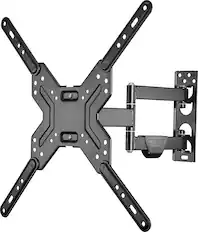
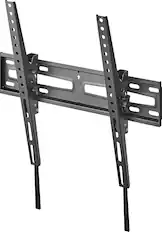
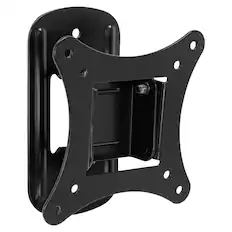
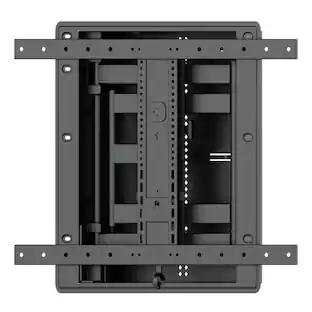
Best Buy essentials™ - Full Motion TV Wall Mount for Most 19–50" TVs - Black
$33.99The price was $39.99

Soundbars



More recommended items
 Surge Protectors
 4K HDMI (2.0) Cables
 Streaming Media Players
Consider the latest in display technology
Red, green and blue (RGB) LEDs create vivid color directly instead of filtering white light like traditional LED TVs.
Learn more
This is a modal window.
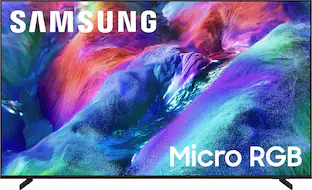
Samsung 75" Class R85H Series Micro RGB 4K UHD SamsungVisionAI Smart Tizen TV (2026)
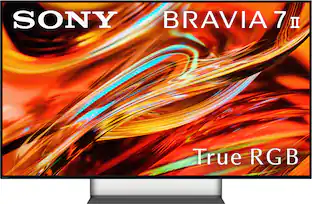
Top Deal$1,799.99The price was $2,799.99Sony 55" Class BRAVIA 7 II True RGB 4K HDR Google TV with Gemini
Top Deal$1,699.99The price was $2,099.99
Customers ultimately bought
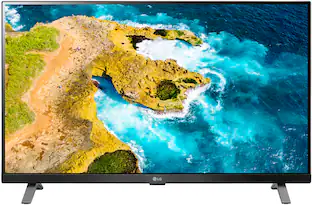
LG 27" Class LED Full HD Smart webOS TV with Countertop Design (2022)
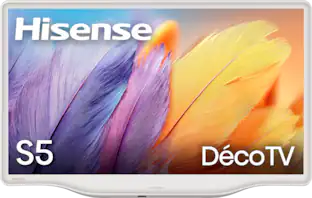
Clearance$199.99The price was $209.99Hisense 32" Class S5 Hi-QLED Deco TV QLED Series 1080P LED Smart Fire TV (2025)
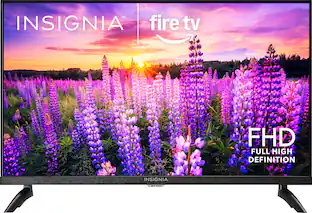
$229.99The price was $249.99Insignia™ 32" Class F40 Series 1080P Full HD Direct LED Smart TV with Fire TV
$89.99The price was $129.99

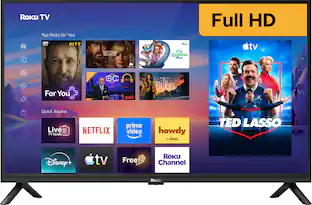

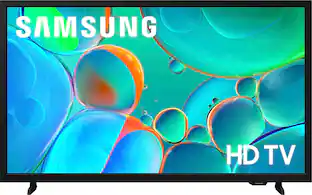
Elevate your entertainment Sponsored
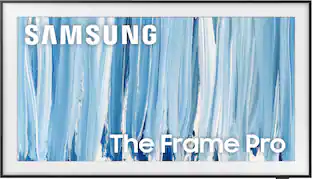
Samsung 65” Class LS03HW Series The Frame Pro 4K UHD SamsungVision AI Smart Tizen TV (2026)
Top Deal$1,599.99The price was $1,999.99
Discover related products
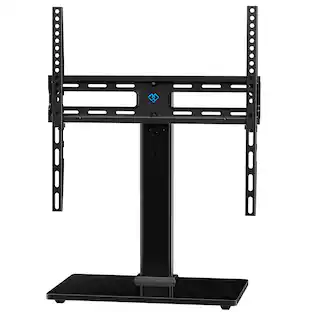
Perlesmith Universal Tabletop TV Stand Fits 32"–60" TV's, Vesa 400x400mm Up to 88lbs, Model PSTVS34B
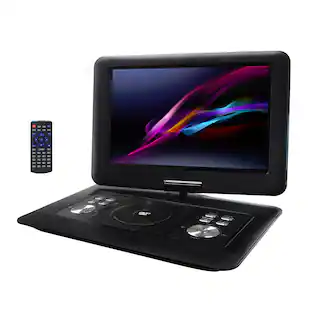
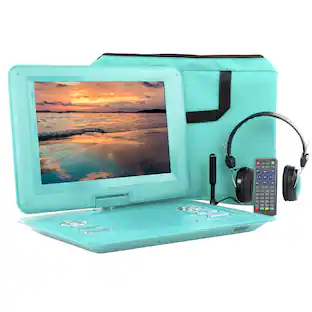
$46.99The price was $49.99Trexonic 13.3 Inch Portable TV+DVD Player with Color TFT LED Screen and USB/HD/AV Inputs
$119.98The price was $179.98
Keep exploring
Sylvox 55" Outdoor TV, 1000nits Google Smart TV, IP56 Waterproof Partial Sun Outside TV(Deck Pro3.0)
$1,549.00The price was $1,599.00Samsung QN77S90HAEXZA 77 Inch S90H Series OLED 4K UHD Smart Vision AI TV with a 2 Year Amber Protection Plan (2026)
$2,497.99The price was $2,997.99Sony 77" BRAVIA XR A95L Series QD-OLED 4K HDR Smart TV (2023) with 26 Month Potection Plan Bundle w/ Movies Streaming
$3,498.00The price was $5,267.92