LG - 32" Class LB65 Series LED HD webOS TV (2026)
Customers are saying
Customers are enthusiastic about the excellent picture quality provided by this television. Users also appreciate the straightforward setup process and the ease with which the device connects to home WiFi networks. While the overall experience is positive, some users have noted that the TV can occasionally be slow to respond to remote commands.
Series
LB65Highlights
Features
α5 AI Processor Gen8
Get quick access to your streaming apps with the Alpha 5 AI Processor Gen9.
HDR10 Pro
Brilliant Detail in Every Scene.¹ HDR10 Pro dynamically adjusts brightness, revealing crisp details and vivid color in both bright and dark scenes for a stunning, lifelike picture.
AI Sound powered by Alpha 5
Adjusts audio to match the scene, so every moment sounds richer and more immersive.
webOS
LG’s Award-winning Smart TV platform powered by webOS. Get access to your favorite apps and provides tailored AI recommendations.²
LG Channels
Get instant access to over 400 free channels with LG Channels and 10,000+ movies & shows (on-demand).³
Specifications
- Display TypeLEDResolutionHD (720p)Screen Size Class32 inchesHigh Dynamic Range (HDR)YesHigh Dynamic Range FormatHDR 10, Hybrid Log-Gamma (HLG)
Reviews
Rating 4.4 out of 5 stars with 82 reviews
- Picture Quality (61)
- Ease of Setup (11)
- Connectivity (3)
- Performance (3)
The vast majority of our reviews come from verified purchases. Reviews from customers may include My Best Buy members, employees, and Tech Insider Network members (as tagged). Select reviewers may receive discounted products, promotional considerations or entries into drawings for honest, helpful reviews.

- Hisense - 85" Class U6 MiniLED QLED UHD 4K HDR Glare-Free Smart Fire TV with Alexa+ (2026)$999.99The price was $1,699.99
- Hisense - 75" Class U7 MiniLED QLED UHD 4K HDR Glare-Free Smart Google TV with Gemini (2026)$1,299.99The price was $1,999.99


Compare similar products
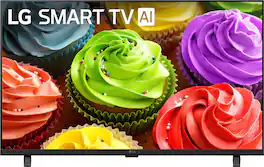
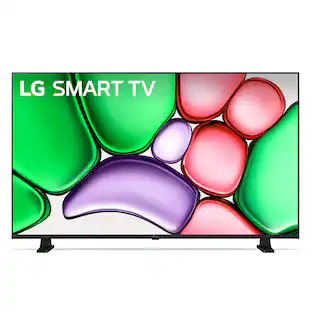
Bring your favorite content to life in High Definition. Ideal for bedrooms, kitchens, dorms, or cozy living spaces, this delivers stunning picture quality, with built in smart features.

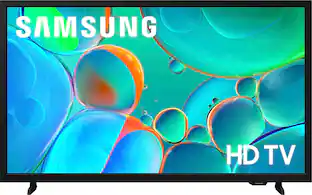
Enjoy your favorite shows in high definition, featuring vibrant colors, deep contrast and dynamic audio that flows with the action. Stream 2,700+ free channels including 400+ Samsung TV Plus premium channels, and feel secure with triple-layer protection for your personal data.

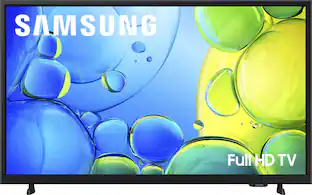
Step up to Full HD for a significantly clearer picture than regular HD. Enjoy impressive, fine-tuned colors and deep contrast, all wrapped in a sleek design and secured by triple-layer protection. Virtual 3-D sound is enhanced and tracks movement on screen for a truly immersive experience.
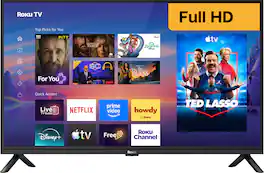
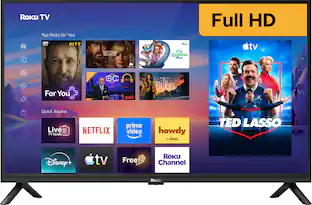
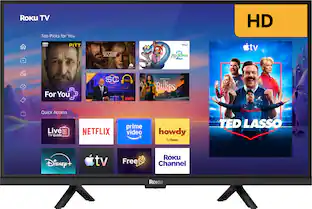
The smart TV you want. And a little more. Roku Select Series Full HD TVs are designed for a delightful streaming experience. Enjoy your favorites in bright Full HD and catch every word with auto speech clarity and night mode. Watch free live television right from the home screen or use the voice remote to find entertainment across thousands of apps. It’s the perfect TV for bedrooms, living rooms, kitchens, or kids’ rooms. Smart TV doesn’t have to be complicated. That’s why we’ve designed a line of flat screen TVs powered by the delightfully simple Roku experience.
| Pros for LG - 32" Class LB65 Series LED HD webOS TV (2026) | |||
|---|---|---|---|
| Picture Quality, Ease of Setup, Connectivity | Picture Quality, Ease of Setup, Size | Picture Quality, Ease of Setup, Size, Weight | Picture Quality, Ease of Setup, Connectivity, Size, Brightness |
| Cons for LG - 32" Class LB65 Series LED HD webOS TV (2026) | |||
| Performance | Performance, App Performance, Remote Control Design | App Performance, Responsiveness, Processor Speed, Button Layout | There were no cons for this product— |
Specs
Questions & Answers
Can this tv be mounted on a wall?
Answered by LG Digital Customer CareThe LG 32" Class LB65 Series LED HD webOS TV (2026), Model # 32LB650BPUA is a VESA-Compliant display with a 100 x 100 mm VESA Mount Pattern...^Ivan.
does the TV have ethernet hook up or coax
Answered by LG Digital Customer CareThe LG 32" Class LB65 Series LED HD webOS TV (2026), Model # 32LB650BPUA, has both an Ethernet port for connection to your router and an F-Type, 75-Ohm coaxial connector labeled 'Antenna/Cable In' for connecting it to an indoor or outdoor antenna or to your cable set-top box...^Ivan.
Where is the QR code to register this with ThinQ
Answered by LG Digital Customer CareThe LG 32" Class LB65 Series LED HD webOS TV (2026), Model # 32LB650BPUA, has a digital QR code embedded directly into the TV's user interface, in addition to the standard factory sticker printed on the back panel. You can access and use the QR code for registration using two different methods: Method 1: Digital QR Code via TV Menus (Recommended) 1. Turn on the TV and press the Settings button (gear icon) on your remote control. 2. Navigate to the General settings tab, then look for Support or System/TV Information. 3. Select Product Registration or Account Management. 4. A dedicated registration layout will pop up on the screen displaying a unique QR code alongside your TV's exact serial number and model code. 5. Open your smartphone's camera or the official LG ThinQ Mobile App, scan the on-screen code, and it will automatically fill out your TV’s information to log the warranty into your MyLG Account. Method 2: Physical Label QR Code • If your TV is not yet hooked up to Wi-Fi, you can look at the white/silver product information sticker stuck onto the back of the television chassis. • Modern production runs of this 2026 series include a tiny square QR code printed right next to the Serial Number and Bar Code fields, which can be scanned to pull up product documentation and registration pages instantly...^Ivan.
Can the 720p be changed to 1080p?
Answered by LG Digital Customer CareThe LG 32" Class LB65 Series LED HD webOS TV (2026), Model # 32LB650BPUA, has an HD (1,366 x 768) resolution, which is referred to as 720p primarily because it is the computer monitor and laptop equivalent of the television broadcasting standard, designed to play High Definition (HD) signals without losing picture quality. In digital video display standards, resolutions are categorized by their vertical pixel count (the second number). • Standard Definition (SD): 480i / 480p (640 x 480) • High Definition (HD): 720p (1280 x 720) • Full High Definition (FHD): 1080p (1920 x 1080). Because 768 is very close to 720, but significantly below 1080, any screen with a 768-pixel vertical limit falls into the 720p / HD class. It cannot display a 1080p image natively without shrinking and compressing the pixels, but it can easily fit a full 720p video file on the screen. When flat-screen displays shifted from square boxes to widescreen formats, the industry adopted the 16:9 aspect ratio. True 720p is exactly 1280 x 720, which scales perfectly to a 16:9 ratio (1280 ÷ 720 = 1.777). However, back in the early 2000s, manufacturing computers to process digital information in multiples of 720 wasn't ideal for binary computing. Microchips and computer graphics cards prefer powers of 2. Manufacturers found that a horizontal resolution of 1366 was incredibly cheap and efficient to manufacture because it utilizes a binary base (1024 + 256 + 64 + 16 + 4 + 2 = 1366). To keep a 16:9 widescreen shape with 1366 horizontal pixels, the math required a vertical resolution of roughly 768 pixels (1366 ÷ 768 = 1.778). Display manufacturers and retailers realized that introducing a completely new term like "768p" or "WXGA" would confuse the average consumer shopping for a budget laptop or TV. Since the panels were engineered specifically to ingest, downscale, and cleanly display 720p broadcast television signals without leaving black bars around the video, marketing departments simply labeled them as "720p HD" or "HD Ready" to keep things simple. A 720p TV cannot be converted to a 1080p TV. The resolution of a television is a permanent, physical property of the display panel hardware itself. A 720p screen is manufactured with a fixed grid of roughly 1 million individual pixels (usually 1280x720 or 1366x768). A 1080p screen requires a physical grid of over 2 million pixels (1920x1080). Because you cannot physically add millions of microscopic light-emitting subpixels to a screen after it has been manufactured, the native hardware resolution can never be upgraded...^Ivan.
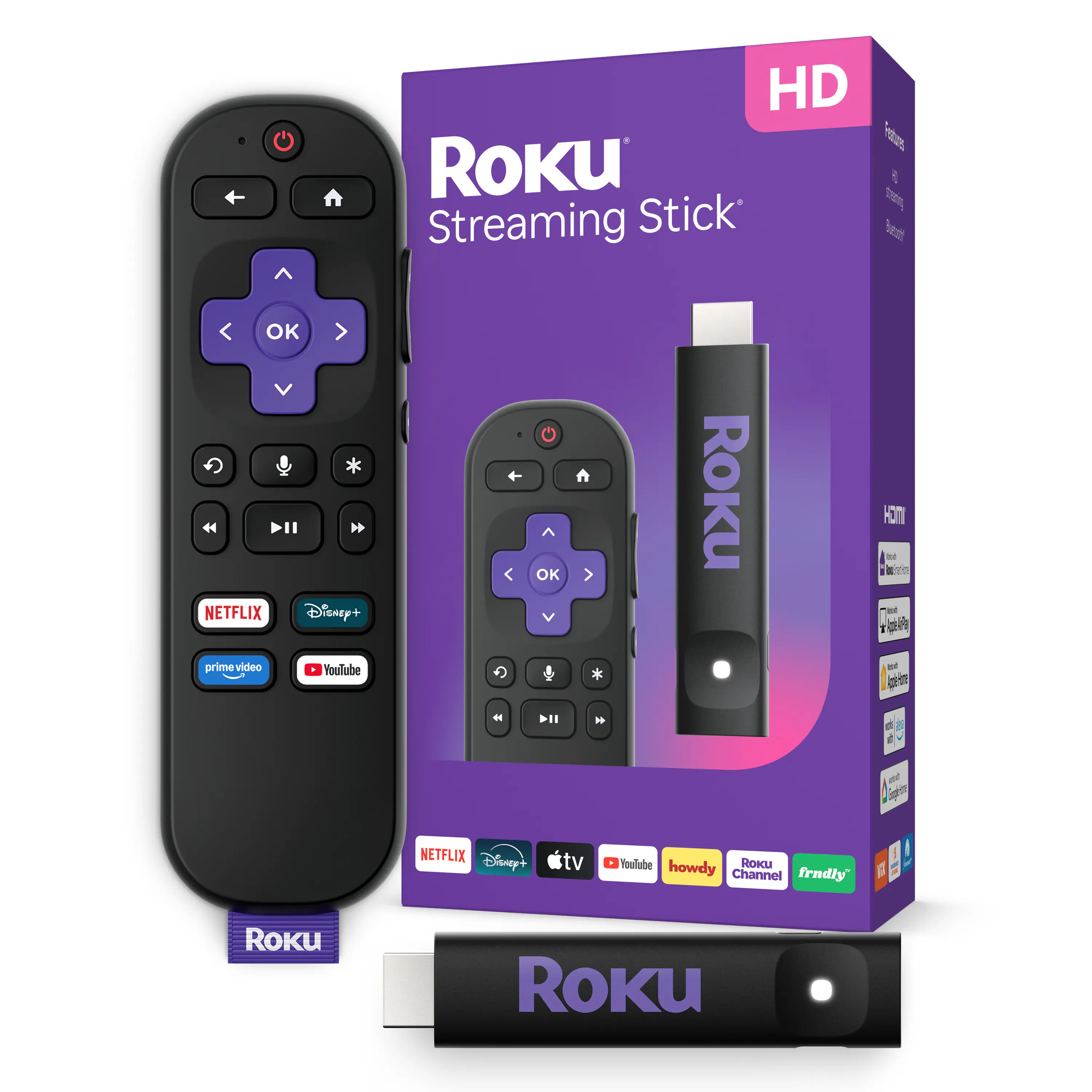
is there a USB port for my self powered Roku???
Answered by LG Digital Customer CareHi, mamajo! Thank you for sharing your question with us about the LG TV (32LB650BPUA). Yes, the LG TV 32LB650BPUA features a USB port (USB 2.0) that can be used to power compatible streaming devices like your Roku. You can explore the full feature list and support details here: https://www.bestbuy.com/product/lg-32-class-lb65-series-led-hd-webos-tv-2026/JJ8VPZZ8T7. If you need further support, please feel free to email us at lgdigitalcare@lg.sprinklrsupport.com. — Avril


Customers often buy these together
Monitor and Television Mounts
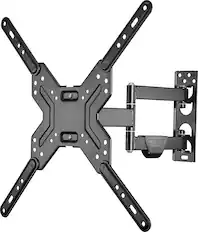
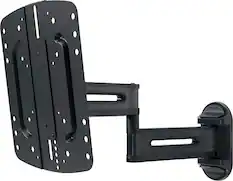
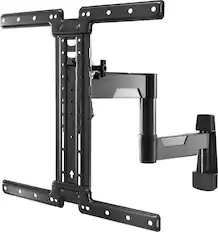
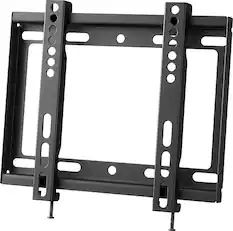
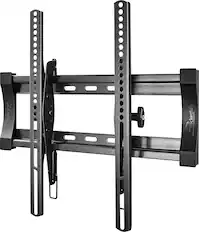
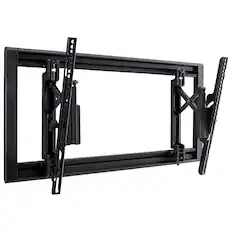
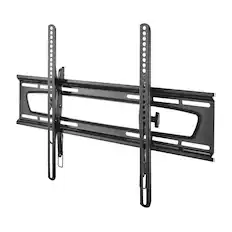
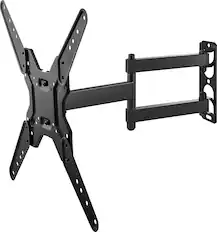
Best Buy essentials™ - Full Motion TV Wall Mount for Most 19–50" TVs - Black
$33.99The price was $39.99
Soundbars
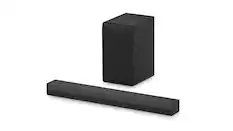
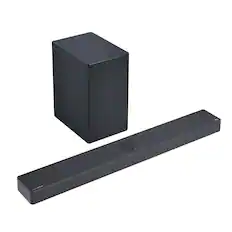
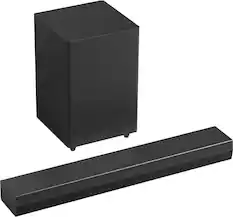
LG - 2.1-Channel S40T Soundbar with Wireless Subwoofer, Bluetooth Connectivity, Dolby Audio and WOW Orchestra - Black
Top Deal$169.99The price was $229.99


More recommended items
 Speaker Mounts
 Surge Protectors
 4K HDMI (2.0) Cables
 Streaming Media Players
Consider the latest in display technology
Red, green and blue (RGB) LEDs create vivid color directly instead of filtering white light like traditional LED TVs.
Learn more
This is a modal window.
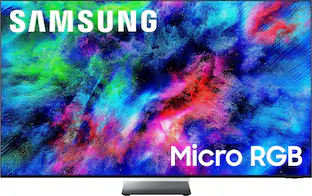
Samsung 65" Class R95H Series Micro RGB 4K Glare-Free TV with SamsungVisionAI (2026)
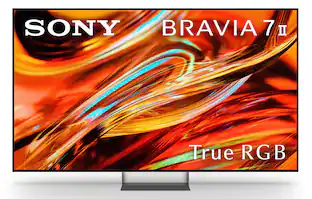
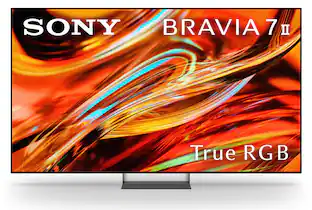
$2,799.99The price was $3,199.99Sony 75" Class BRAVIA 7 II True RGB 4K HDR Google TV with Gemini
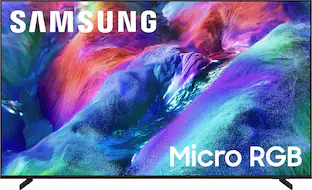
Top Deal$2,299.99The price was $3,099.99Samsung 65" Class R85H Series Micro RGB 4K UHD SamsungVisionAI Smart Tizen TV (2026)
$1,599.99The price was $2,099.99
More to consider
Insignia™ 32" Class F40 Series 1080P Full HD Direct LED Smart TV with Fire TV
$89.99The price was $129.99Samsung 43” Class U8000H Series Crystal UHD 4K Smart Tizen TV (2026)
Top Deal$199.99The price was $249.99

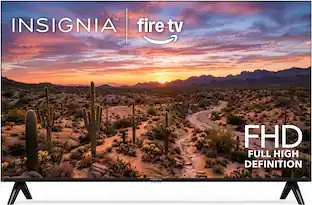
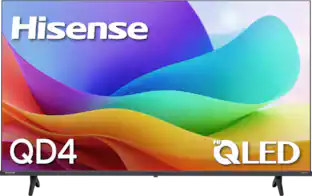


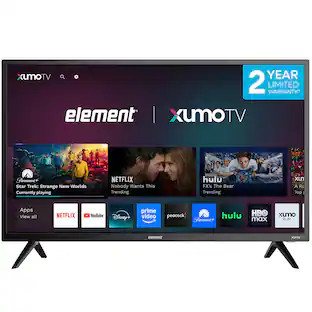
Elevate your entertainment Sponsored
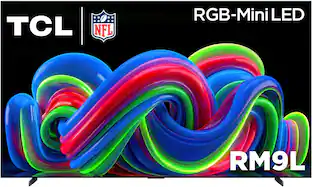
TCL 115" Class RM9L Series 4K UHD HDR RGB-Mini LED Smart TV with Google TV (2026)
$19,999.99The price was $24,999.99
Discover related products
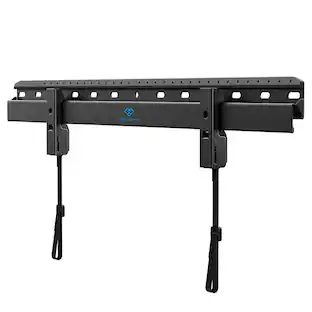
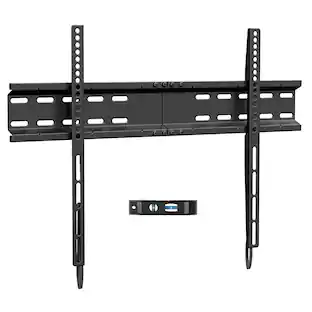
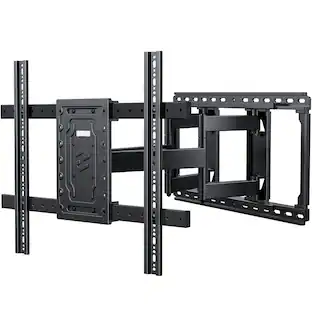
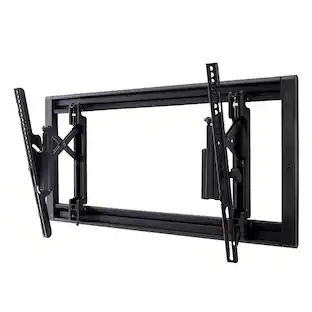
Perlesmith 32"–86" Low-Profile Fixed TV Wall Mount Bracket for Flat-Screen, Model PSLL4B-US
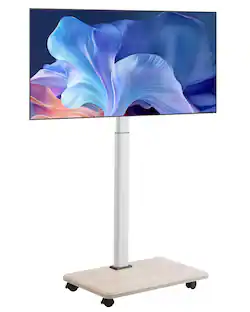
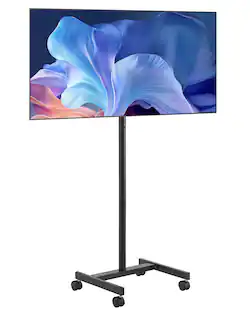
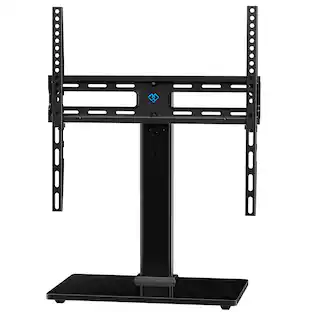
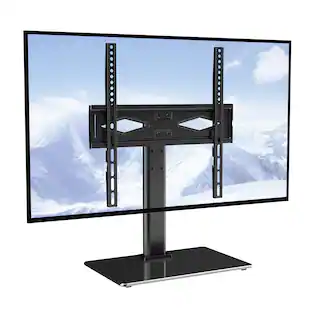
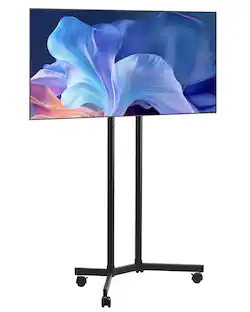
$19.99The price was $29.99Perlesmith Universal Tabletop TV Stand Fits 32"–60" TV's, Vesa 400x400mm Up to 88lbs, Model PSTVS34B
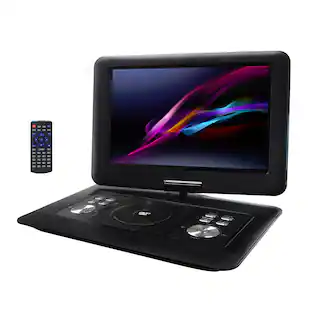
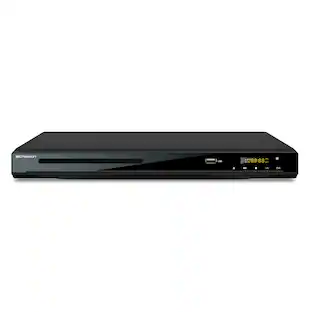
$46.99The price was $49.99Trexonic 13.3 Inch Portable TV+DVD Player with Color TFT LED Screen and USB/HD/AV Inputs
$119.98The price was $179.98

Keep exploring
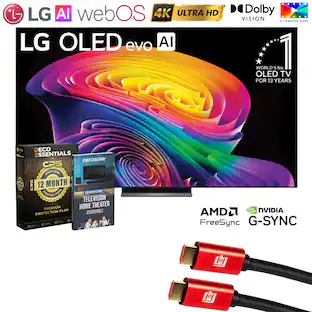
LG OLED42C6PUA 42 Inch Class OLED AI C6 4K Smart TV with 2 Year Amber Protection Plan (2026)
$1,049.99The price was $1,199.99LG OLED55C6PUA 55 Inch Class OLED AI C6 4K Smart TV with 2 Year Amber Protection Plan (2026)
$999.99The price was $1,499.99LG 77" OLED evo AI C6H 4K Smart webOS TV (2026) + 1 Year Extended Warranty Protection Package
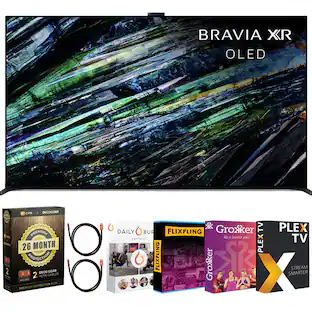
$1,999.99The price was $3,196.95Sony 77" BRAVIA XR A95L Series QD-OLED 4K HDR Smart TV (2023) with 26 Month Potection Plan Bundle w/ Movies Streaming
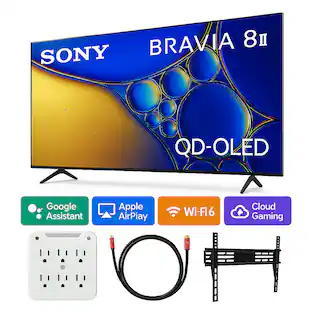
$3,498.00The price was $5,267.92Sony BRAVIA 8 II 55 Inch QD-OLED 4K Google TV (2025) with Wall Mount and Kit
$1,999.99The price was $2,599.99Westinghouse 32-inch Edgeless Roku TV, HD Smart LED TV with Wi-Fi, AirPlay, Alexa & Google
$109.99The price was $139.99