IOGEAR - 2-Port USB DisplayPort Cable KVM Switch - Black
About this product
Easily switch between your two DisplayPort computers and control them with one monitor, one keyboard and one mouse. IOGEAR's 2-Port USB Cable DisplayPort KVM Switch comes ready with built-in cables and is USB powered. This KVM offers an efficient and affordable way to switch between your two DisplayPort computers. Hide the KVM anywhere and use the 6 ft. cable remote push-button to switch between the two connected computers.
Features
KVM Switchbox
Use this KVM Switchbox and eliminate the need to manually switch cables between sources
Multiple Computers Supported
Connect up to 2 computers to 1 local users
Maximum Video Resolution
4096 x 2160 resolution for high-quality video delivery
Interfaces
Includes USB, DisplayPort
Item Quantity
Available in the quantity of 1
Peace of Mind
Comes with a 3 year limited warranty to ensure your satisfaction and peace of mind
Specifications
- BrandIOGEARModel NumberGCS52DPProduct Name2-Port USB DisplayPort Cable KVM SwitchColorBlackSelector Switch Box TypeDisplayPort SwitchInput(s)2 x DisplayPort, 1 x USB-A
Reviews
Rating 3.3 out of 5 stars with 4 reviews
The vast majority of our reviews come from verified purchases. Reviews from customers may include My Best Buy members, employees, and Tech Insider Network members (as tagged). Select reviewers may receive discounted products, promotional considerations or entries into drawings for honest, helpful reviews.
Compare similar products
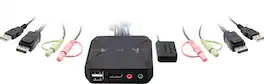
Easily switch between your two DisplayPort computers and control them with one monitor, one keyboard and one mouse. IOGEAR's 2-Port USB Cable DisplayPort KVM Switch comes ready with built-in cables and is USB powered. This KVM offers an efficient and affordable way to switch between your two DisplayPort computers. Hide the KVM anywhere and use the 6 ft. cable remote push-button to switch between the two connected computers.
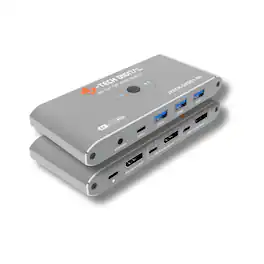
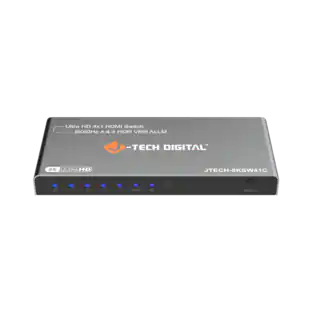
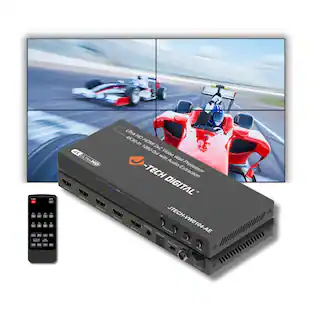
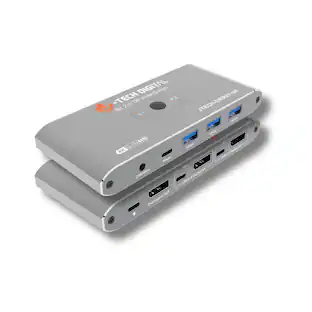
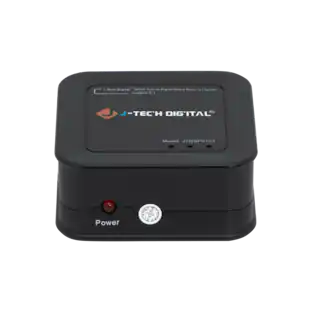
The J-Tech Digital JTECH-DKM21-8K DisplayPort 1.4 KVM Switch allows you to control two computers using one monitor, keyboard and mouse for a clean and efficient workspace. Designed for high performance setups, this 8K KVM switch supports resolutions up to 8K@60Hz and 4K@240Hz with ultra-high 32.4Gbps bandwidth, delivering sharp visuals, smooth performance and lag free transmission for gaming, creative work and professional multitasking. Equipped with four USB 3.0 ports including USB-A and USB-C, it enables fast sharing of peripherals such as keyboards, mice, printers and external storage devices between two systems. With simple button or wired remote switching, the J-Tech Digital JTECH-DKM21-8K provides a reliable DisplayPort KVM solution ideal for dual PC gaming stations, home offices and advanced workstation environments.
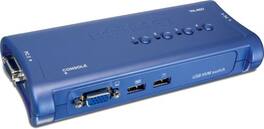
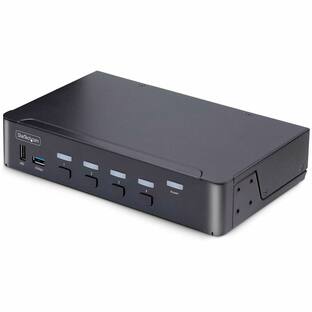
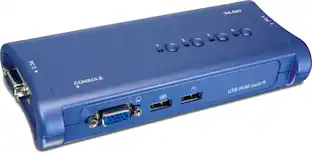
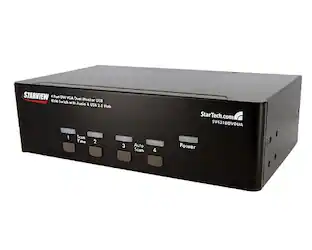
The 4-Port USB KVM Switch Kit allows you to control up to four computers using a single set of keyboard, mouse, and monitor. It supports VGA resolutions up to 2048 x 1536 at 60Hz, ensuring high-quality visuals. Switching between computers is convenient with options like front panel push buttons, keyboard hot keys, or Windows-based client software. The kit includes four sets of detachable KVM cables, eliminating the need for additional purchases. Designed for plug-and-play functionality, it requires no driver installation, making it suitable for various operating systems, including Windows, Linux, and Mac OS.

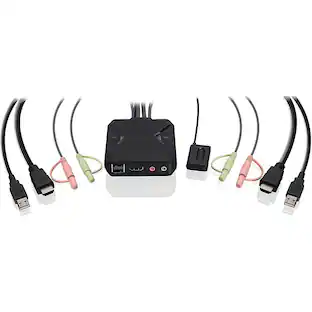
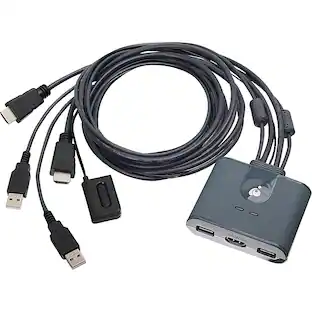
The 2-Port Full HD KVM Switch is plug-and-play. And all the cables you need are included. The KVM shows which computer you are using with a light on the unit (either PC1 or PC2). Toggling between two HDMI computers is as easy as clicking the remote port selector button allowing the user to multitask with two computers. Place the 6 ft remote port cable behind your computer set-up so the selector button can be placed on your desk for easy reach.
| Pros for IOGEAR - 2-Port USB DisplayPort Cable KVM Switch - Black | |||
|---|---|---|---|
| There were no pros for this product— | There were no pros for this product— | There were no pros for this product— | Ease of Use |
Specs
Customers often buy these together
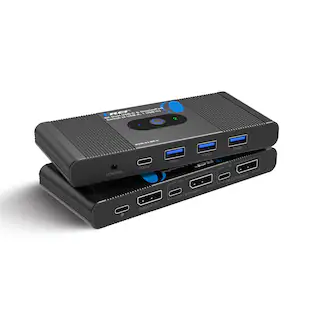
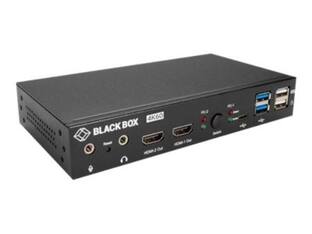
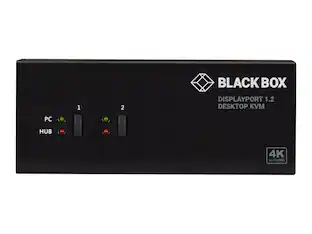
Black Box Network Services 2-Port 4K HDMI Dual-Head KVM Switch [with Audio Line In/Out and USB Hub] (KVD200-2H)
$335.84The price was $342.78


More to consider





Elevate your entertainment Sponsored
Sanus In-Wall Cable Concealer TV and Soundbar Power Kit for Mounted TVs and Soundbars
Black Friday Deal$59.99The price was $79.99
Discover related products
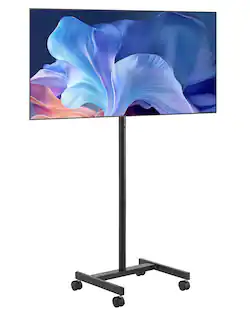
VEVOR Rolling TV Stand, Mobile TV Cart for 17-55 Inch Screens, Portrait to Landscape, Portable TV Stand with Wheels
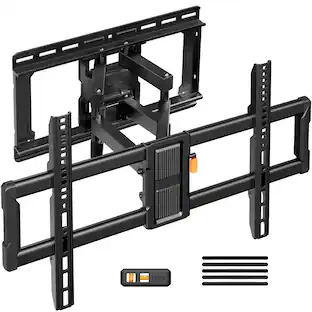
Black Friday Deal$34.11The price was $43.00Perlesmith Full Motion TV Wall Mount for 37"–86" TVs, up to 132 lbs
Black Friday Deal$39.99The price was $69.99
Keep exploring
Aten Technology 4-Port USB 4K HDMI KVMP Switch [Cables Included] (CS784H)
$129.36The price was $144.93