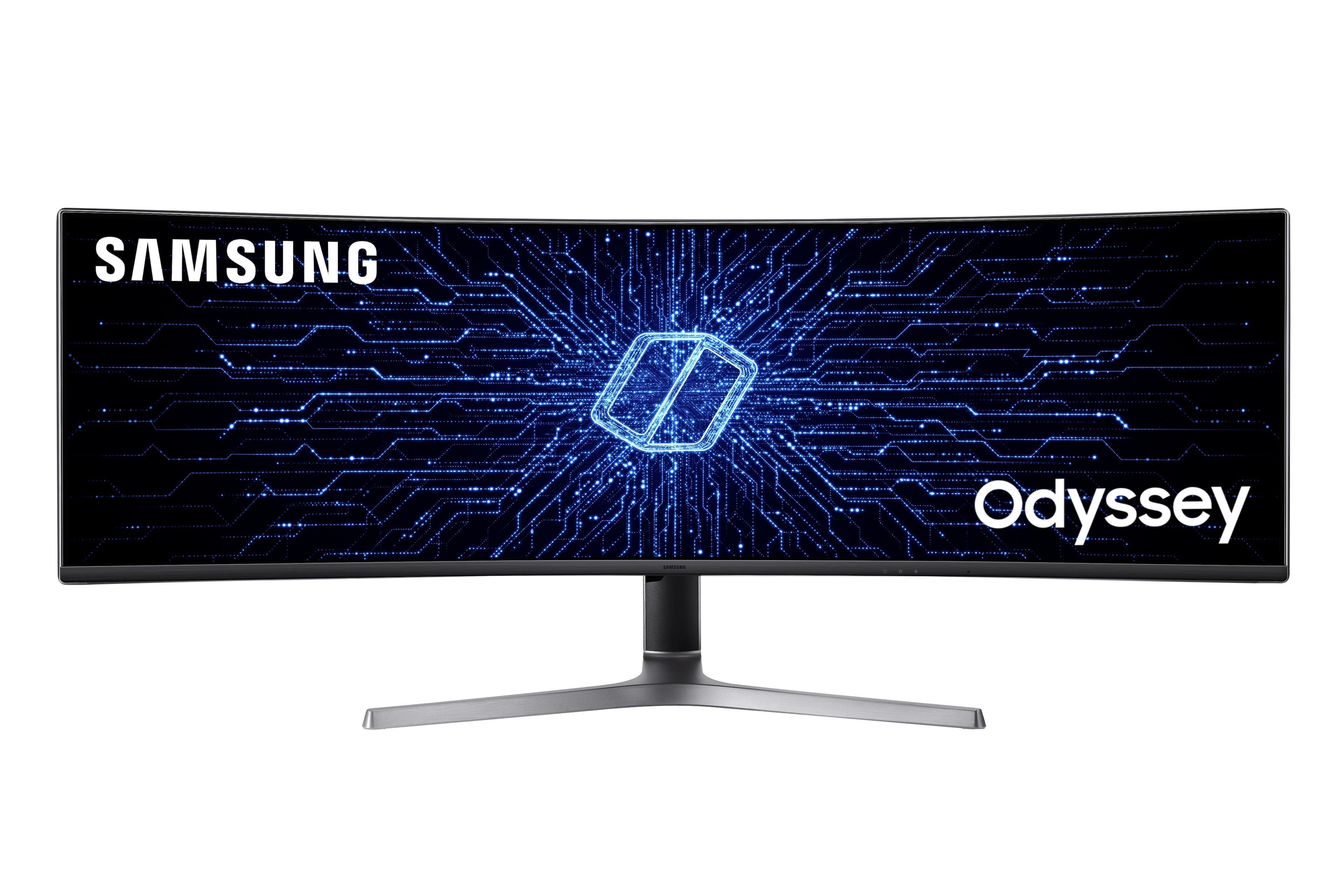
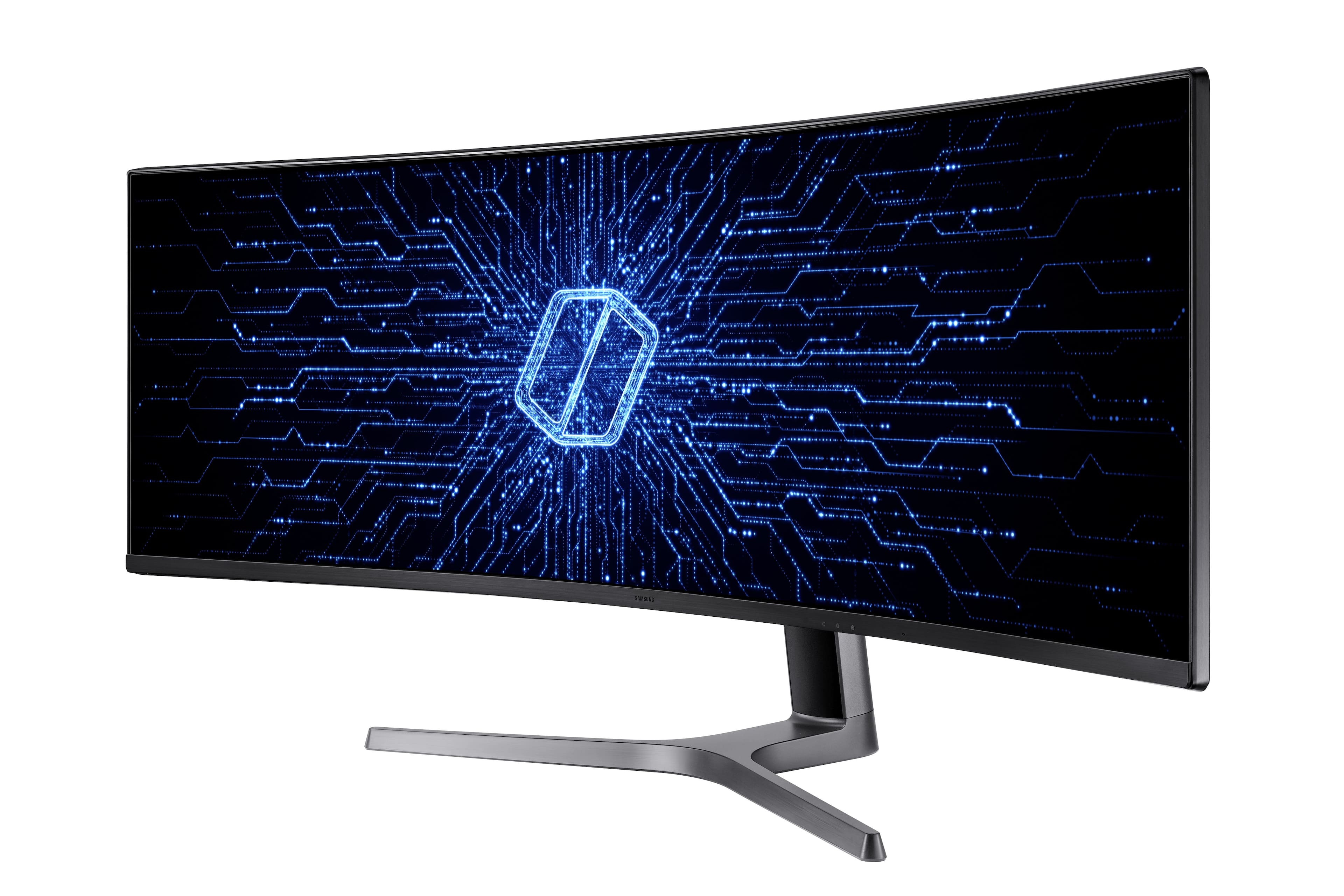
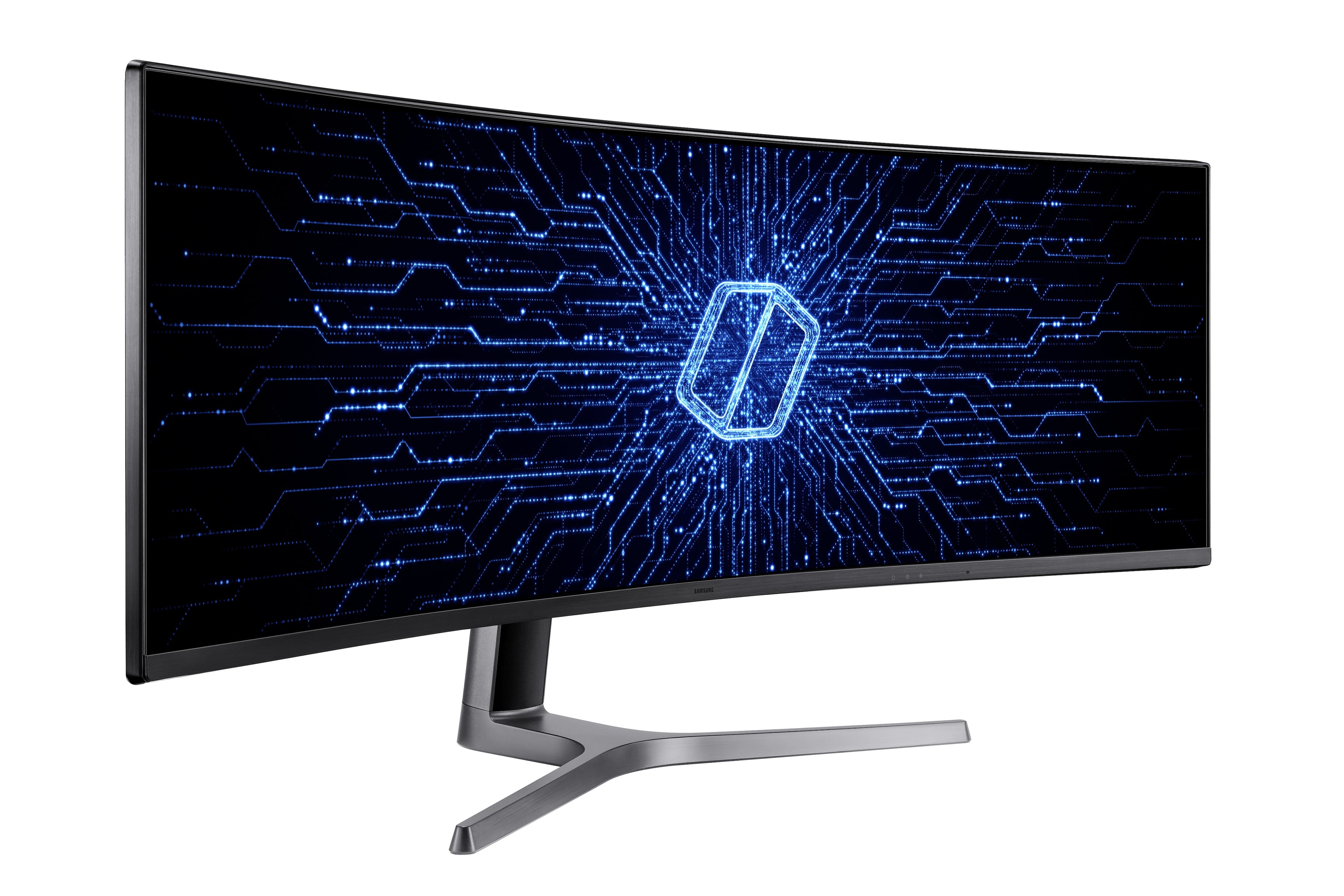
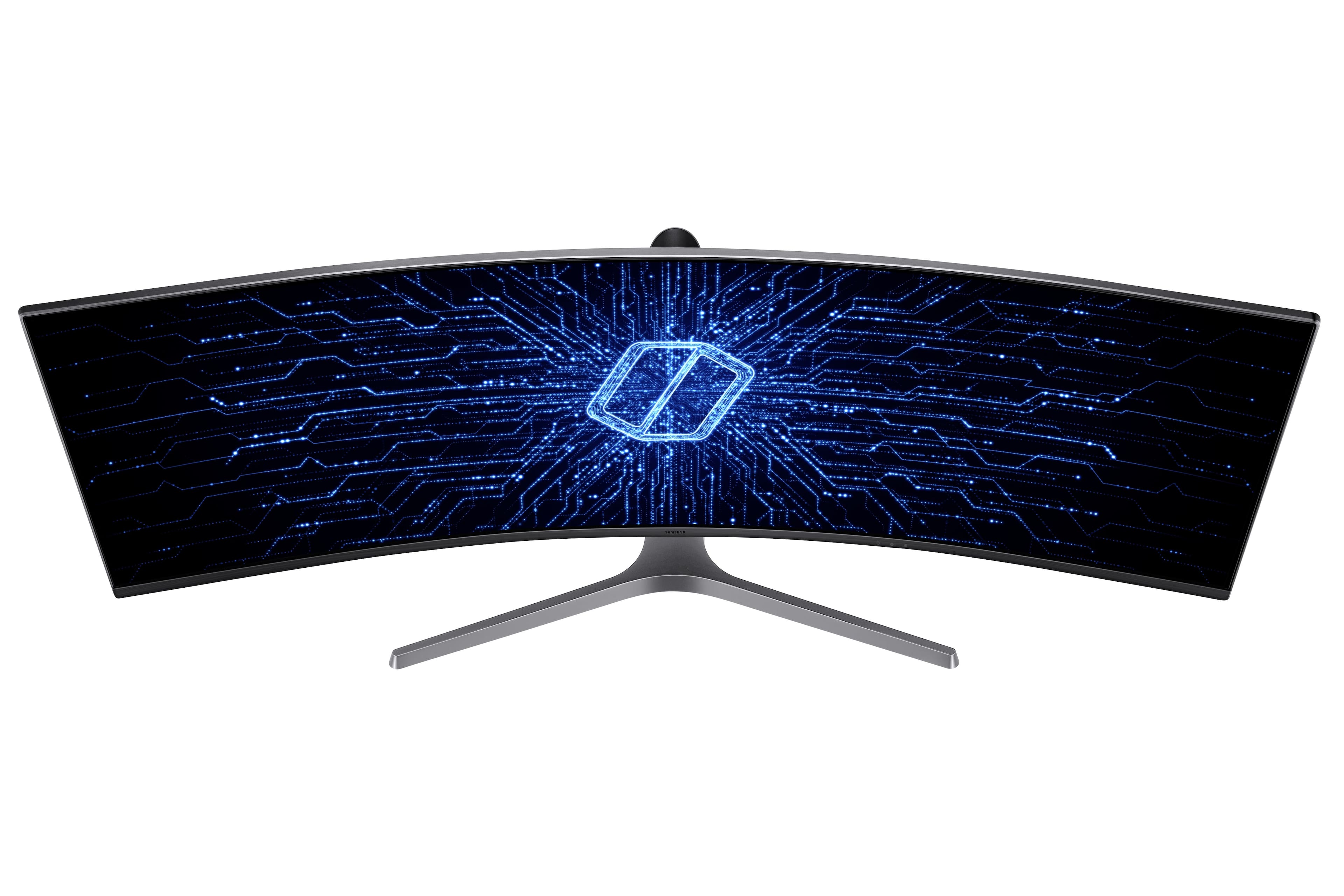

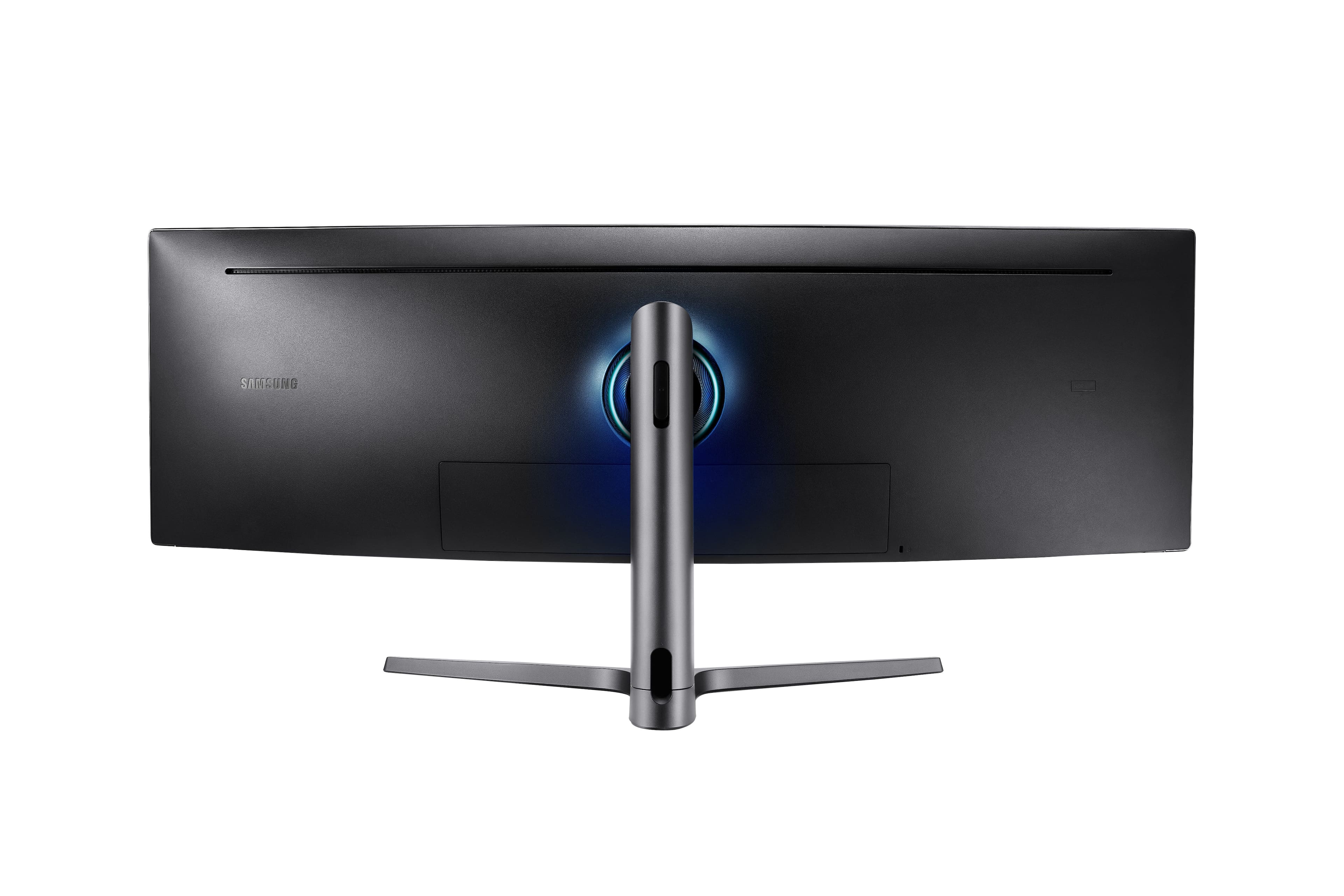
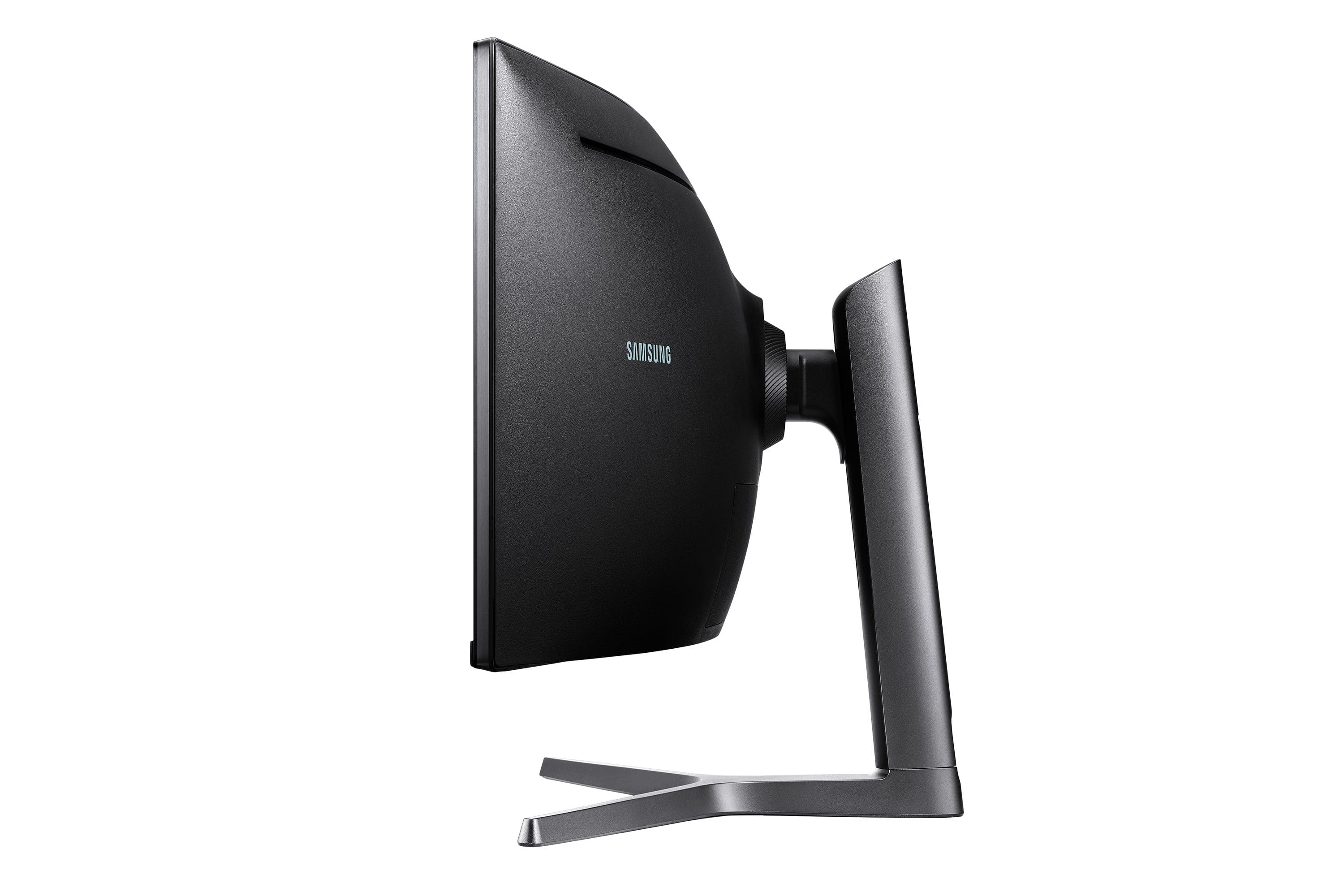
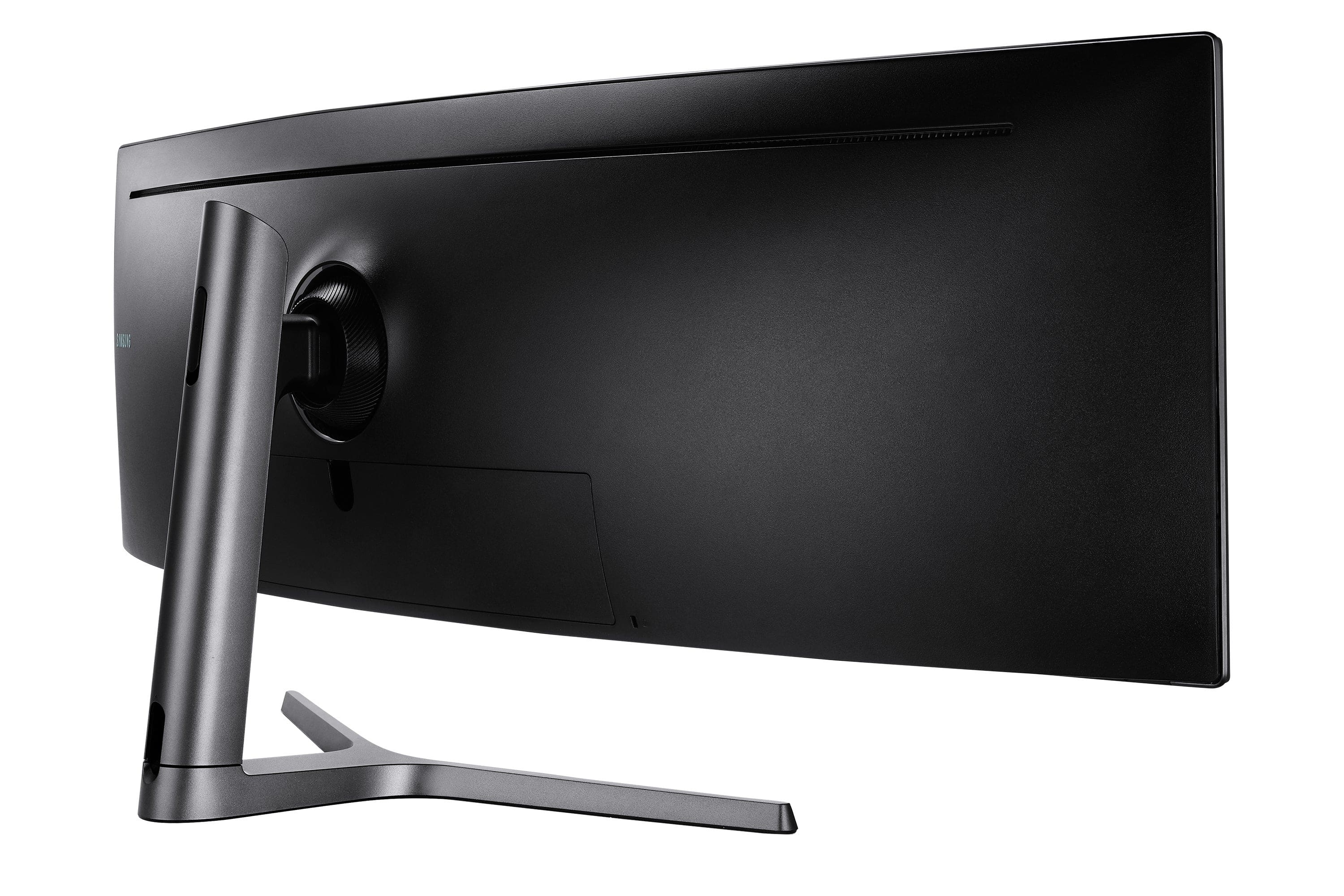
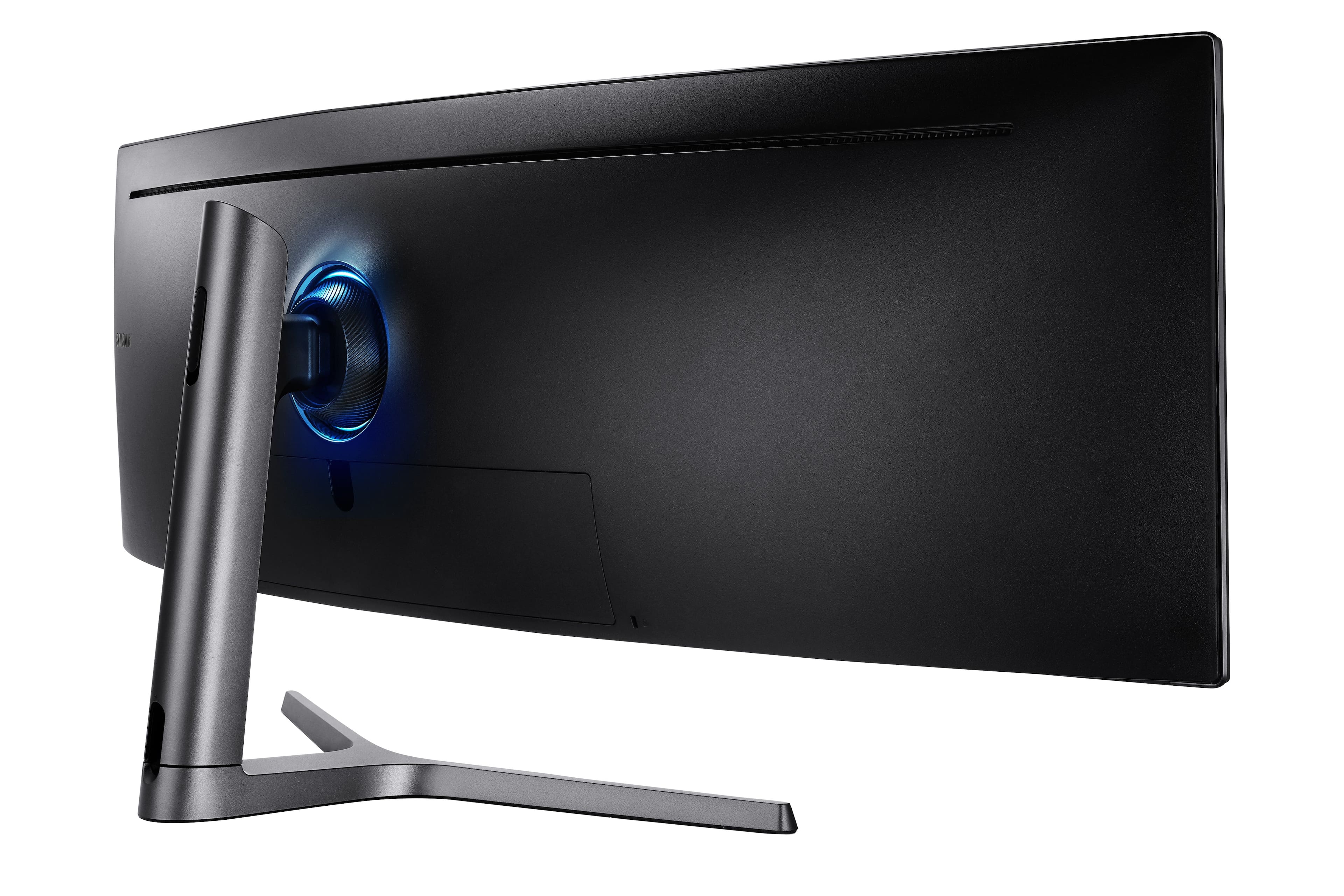

Samsung - Odyssey CRG9 49" Curved Dual QHD FreeSync and G-Sync Gaming Monitor (DisplayPort, HDMI, USB) - Black
4 payments starting at
$60.00
with
Description
Features
Dual QHD Display
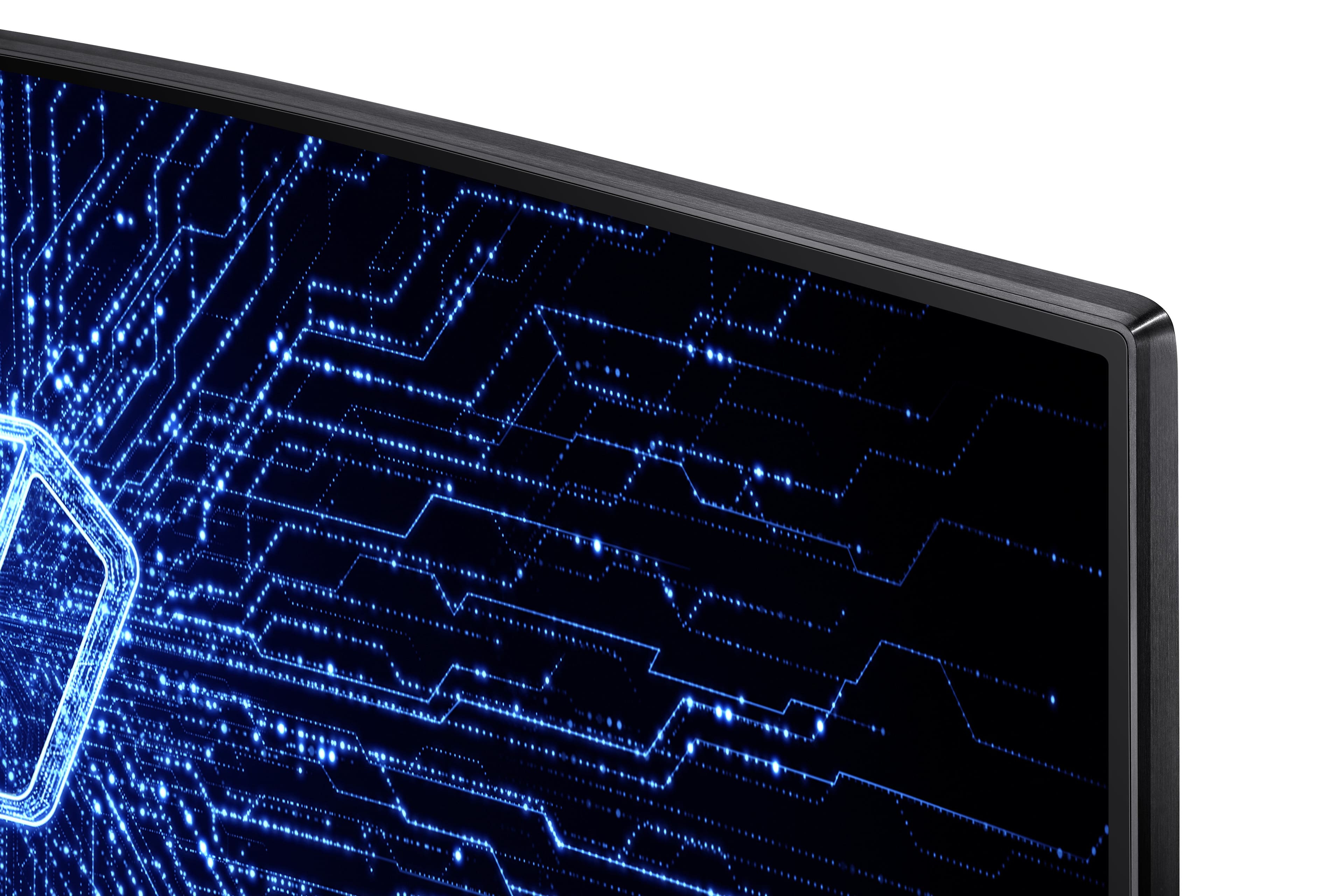
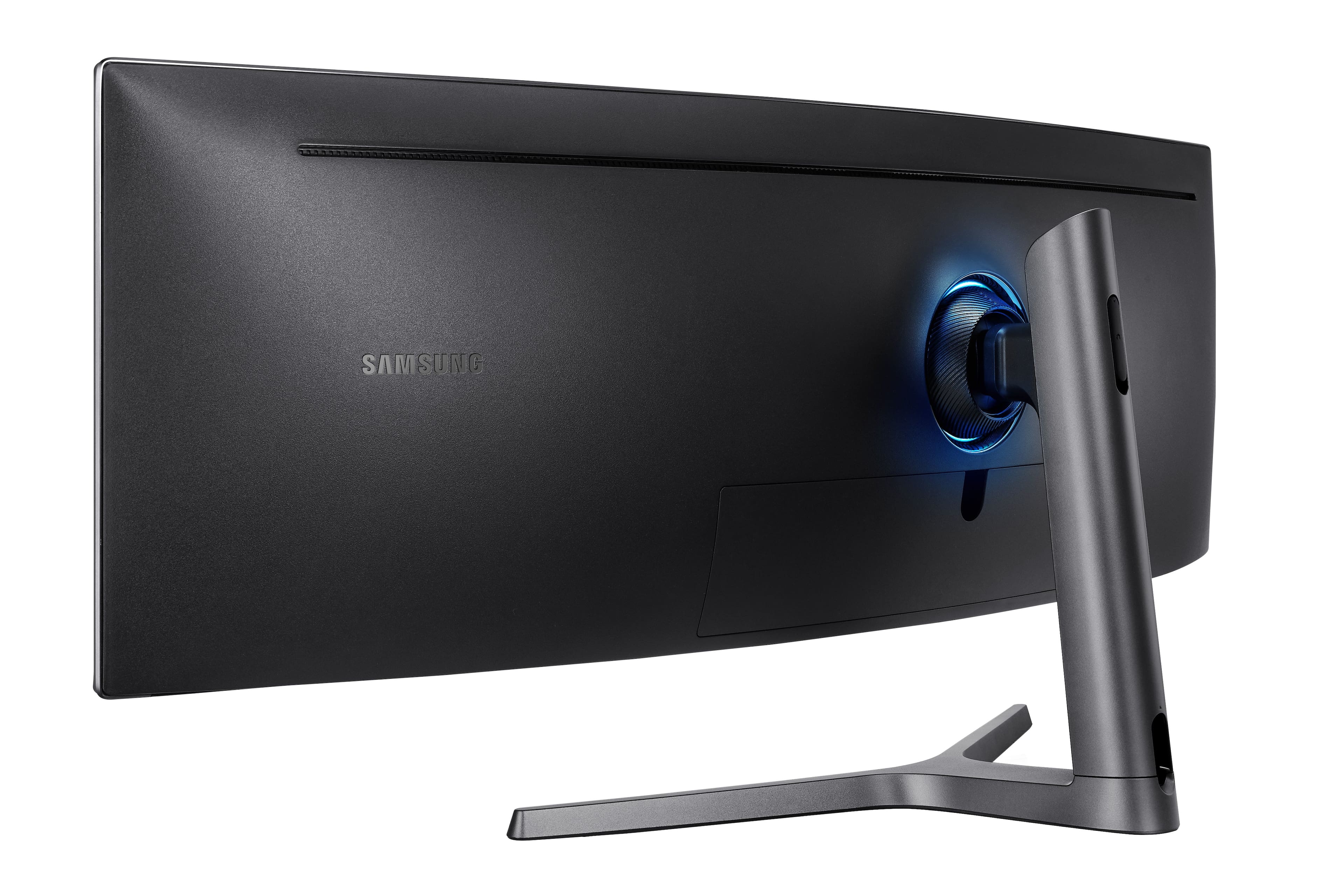
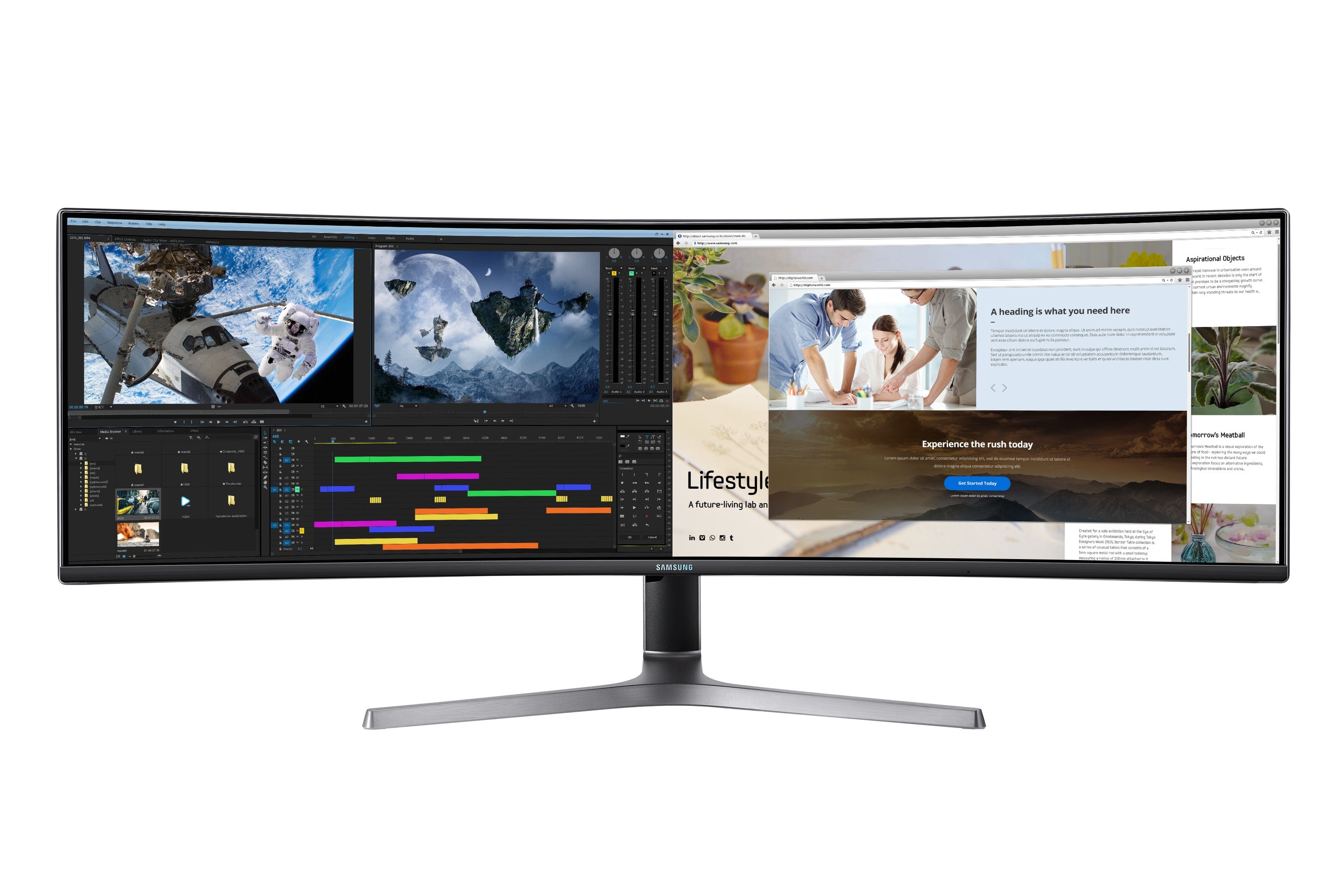
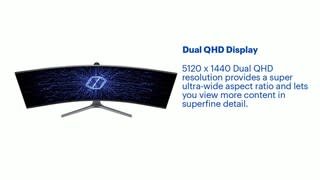
The CRG9’s 5120 x 1440 Dual QHD resolution provides a super ultra-wide aspect ratio that lets you view more content in superfine detail. With screen space equivalent to two 27-inch QHD displays side by side, the 49-inch curved monitor delivers a wider view for winning play.
Super Ultra-Wide Curve
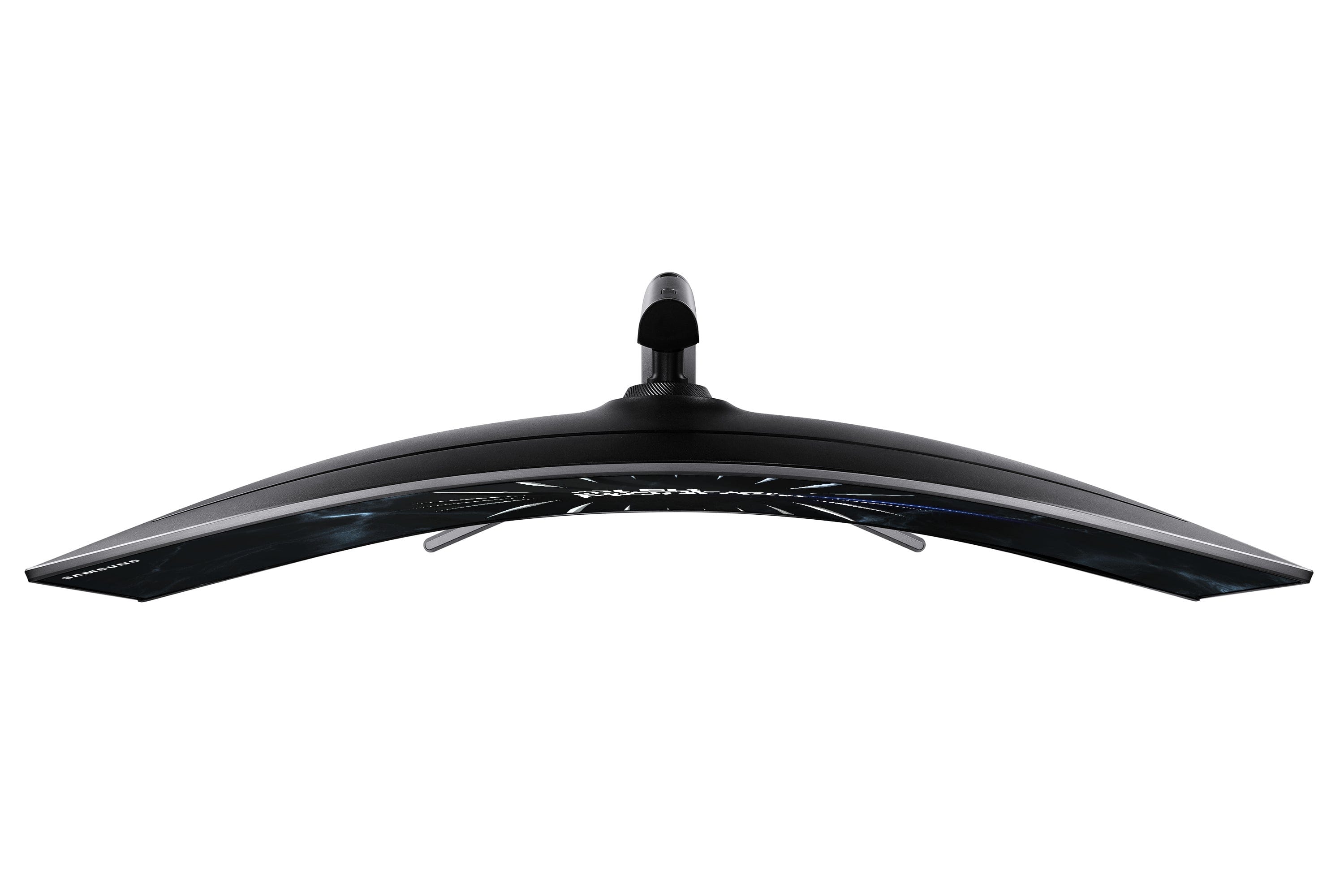
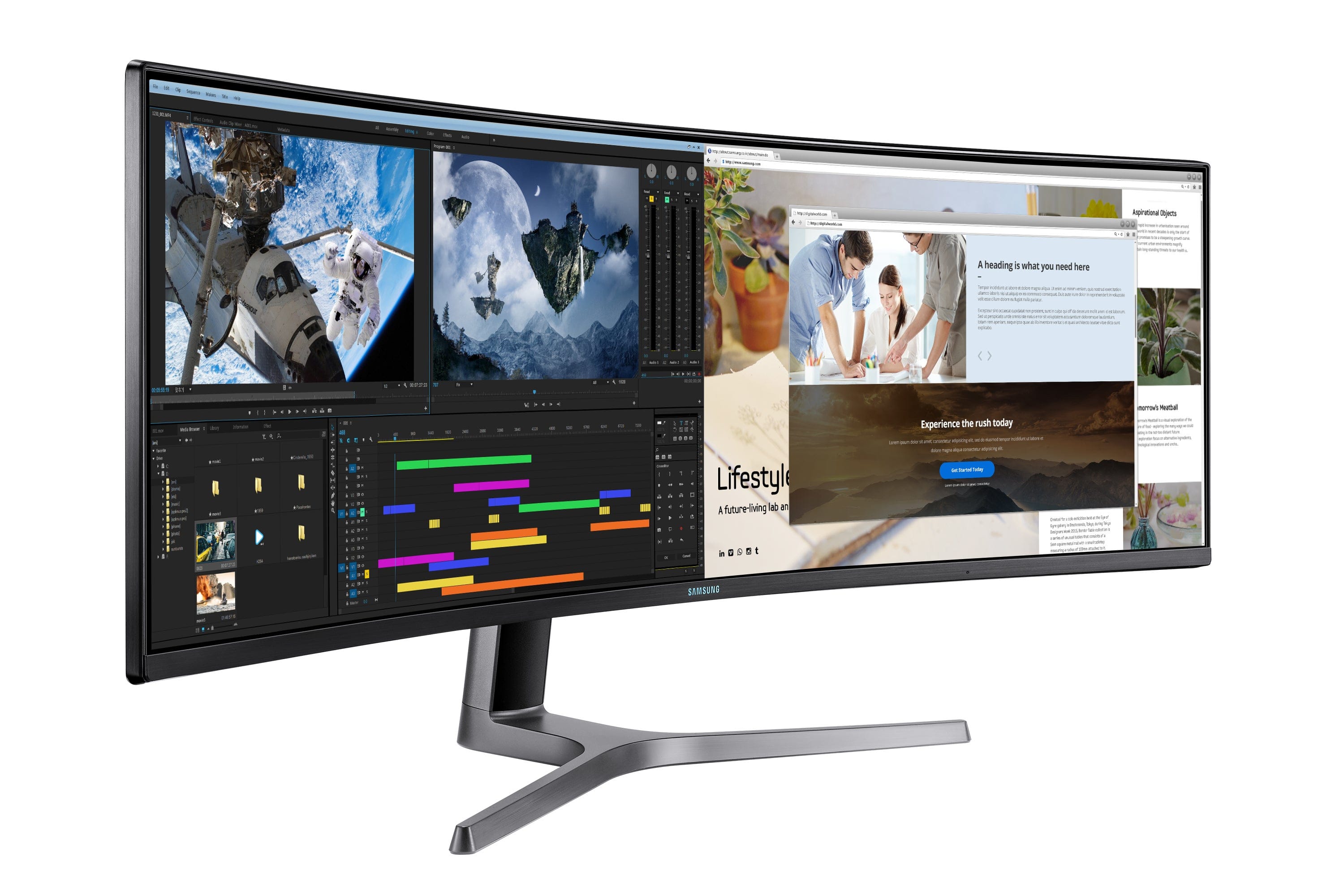
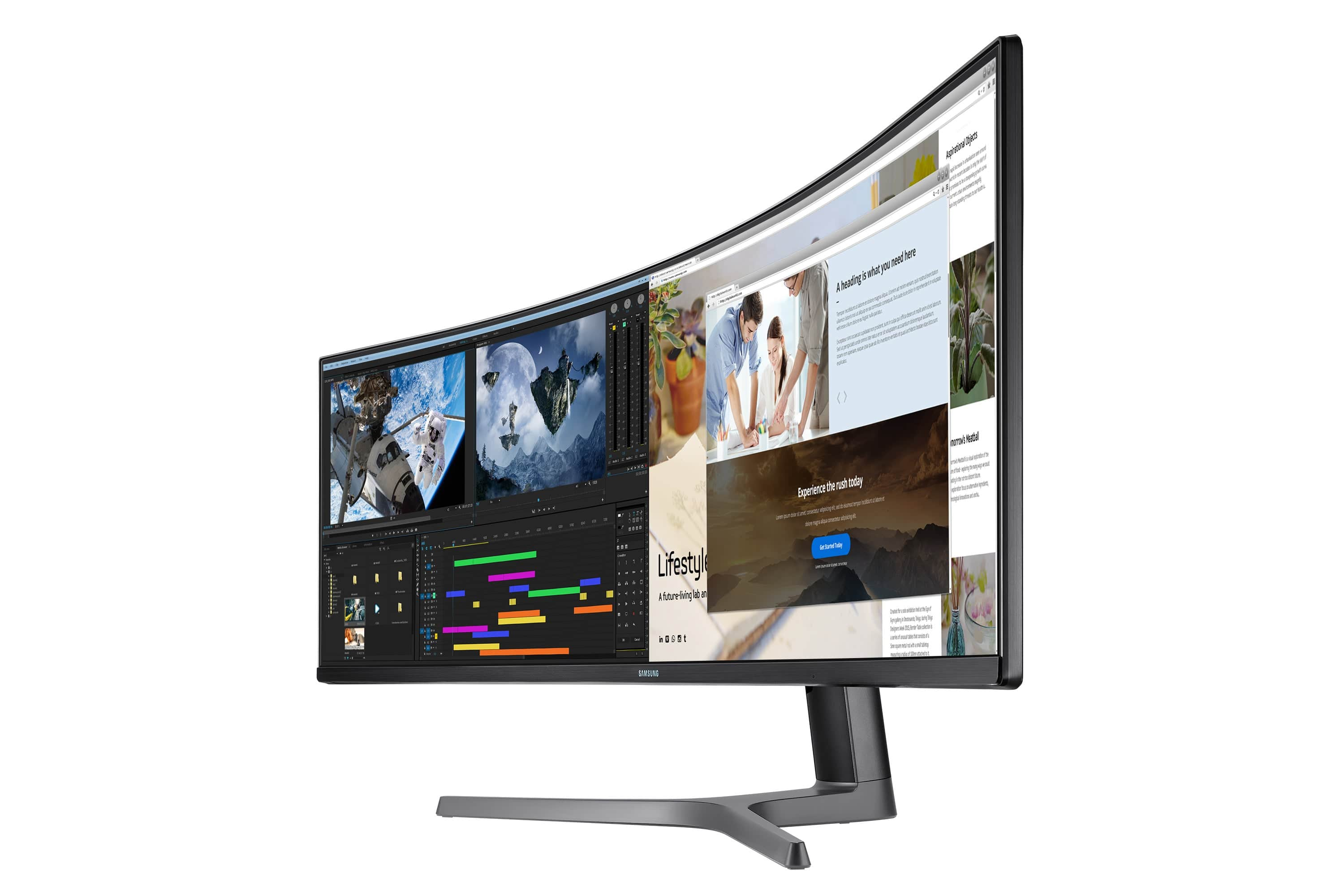
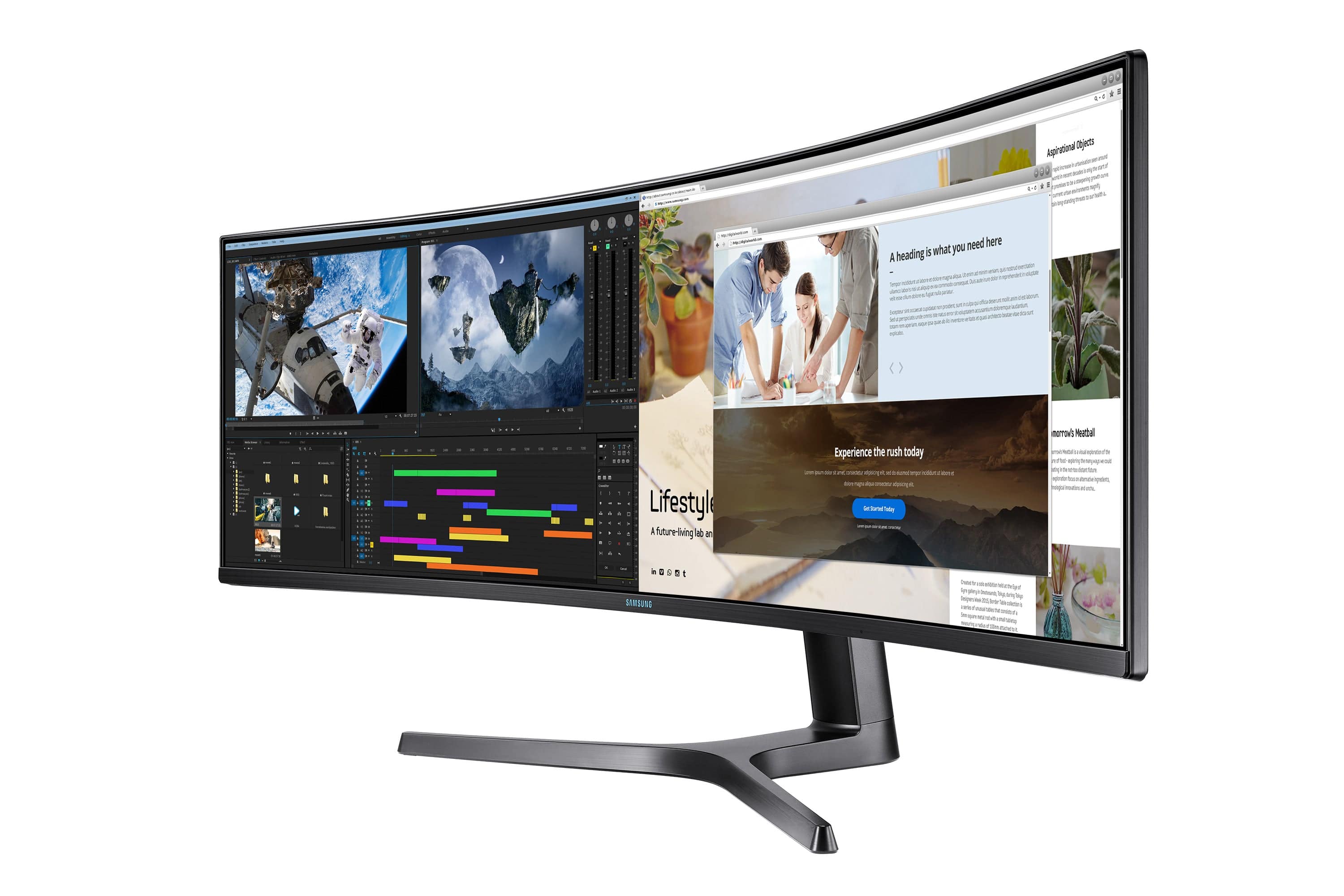
With a Super Ultra-Wide 32:9 ratio, the CRG9 curves around your field of view to immerse you in all the onscreen gaming action.
HDR1000 and QLED
HDR1000 supports a peak brightness rating of 1,000 nits for true high dynamic range (HDR content). And with Samsung QLED technology delivering DCI-P3 95%, colors are purer, brighter and truer to life than ever.
AMD FreeSync Premium Pro
Based on the adaptive sync technology of the original AMD FreeSync Technology to reduce stutter and screen tearing.
FreeSync Premium Pro include support for HDR content display, reduced input latency, and Low Framerate Compensation (LFC) for effortlessly smooth gameplay.
120 Hz Refresh Rate
The rapid 120 Hz screen refresh rate minimizes image lag and motion blur for smoother gaming. The user-friendly 60 Hz settings let you quickly optimize performance via the on-screen display without having to access the display setting menu.
Play to Win
The game-optimized monitor is designed to let you play to win.
Turn on Game Mode to instantly adjust contrast and color settings for any game genre, switch to Low Input Lag Mode for even faster response times, and target your enemies more accurately with Virtual Aim Point onscreen crosshairs.
Picture-by-Picture
With Picture-by-Picture you can connect and view input sources without degrading the original image quality. Picture-by-Picture offers convenience for PC games. For example, you can watch a movie and do a web search whilst playing your favorite game.
Eye Comfort
Eye Saver Mode reduces fatigue-inducing blue light emissions and Flicker Free technology suppresses distracting screen flicker, letting you play for longer with less eye strain.
Optimized Viewing
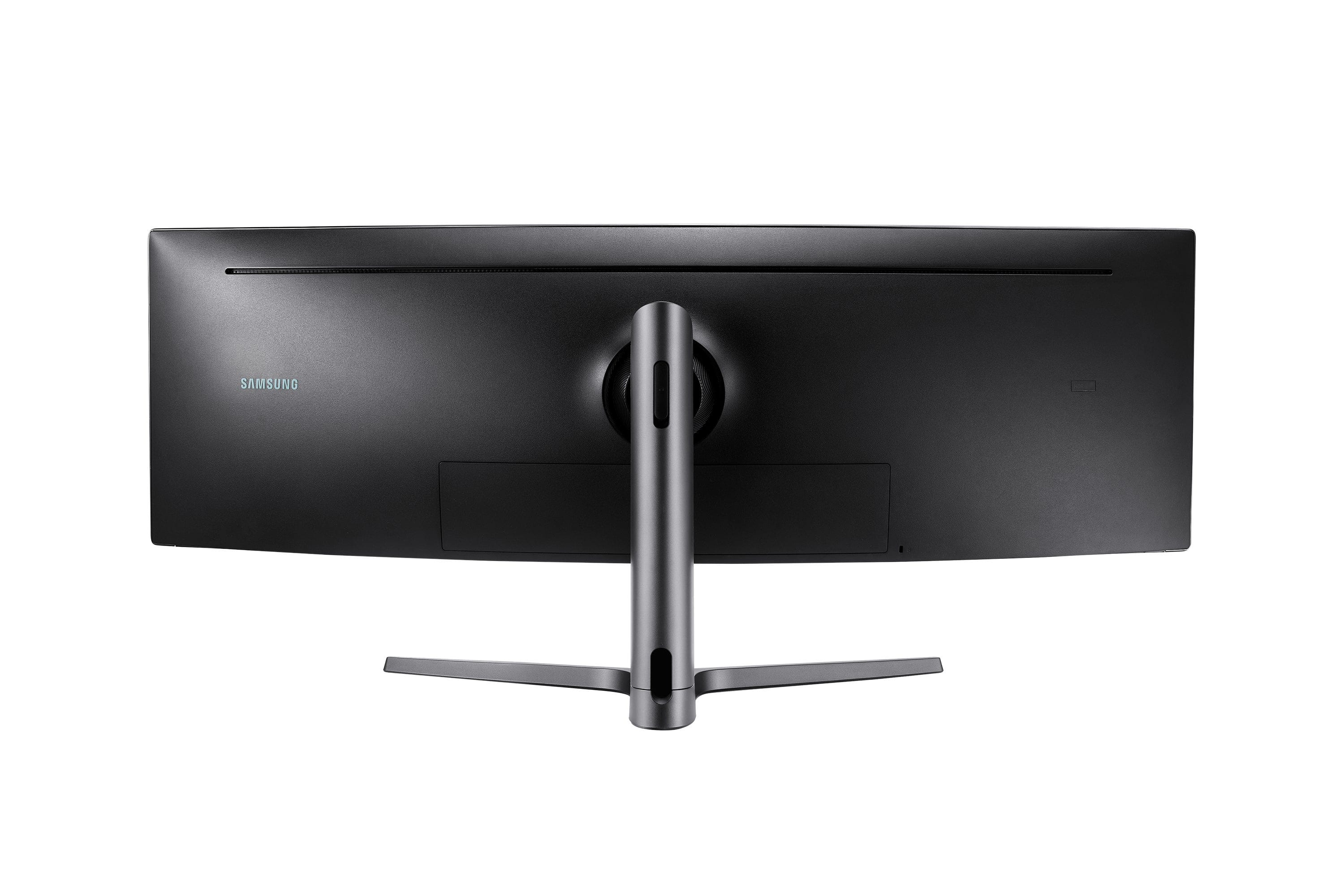
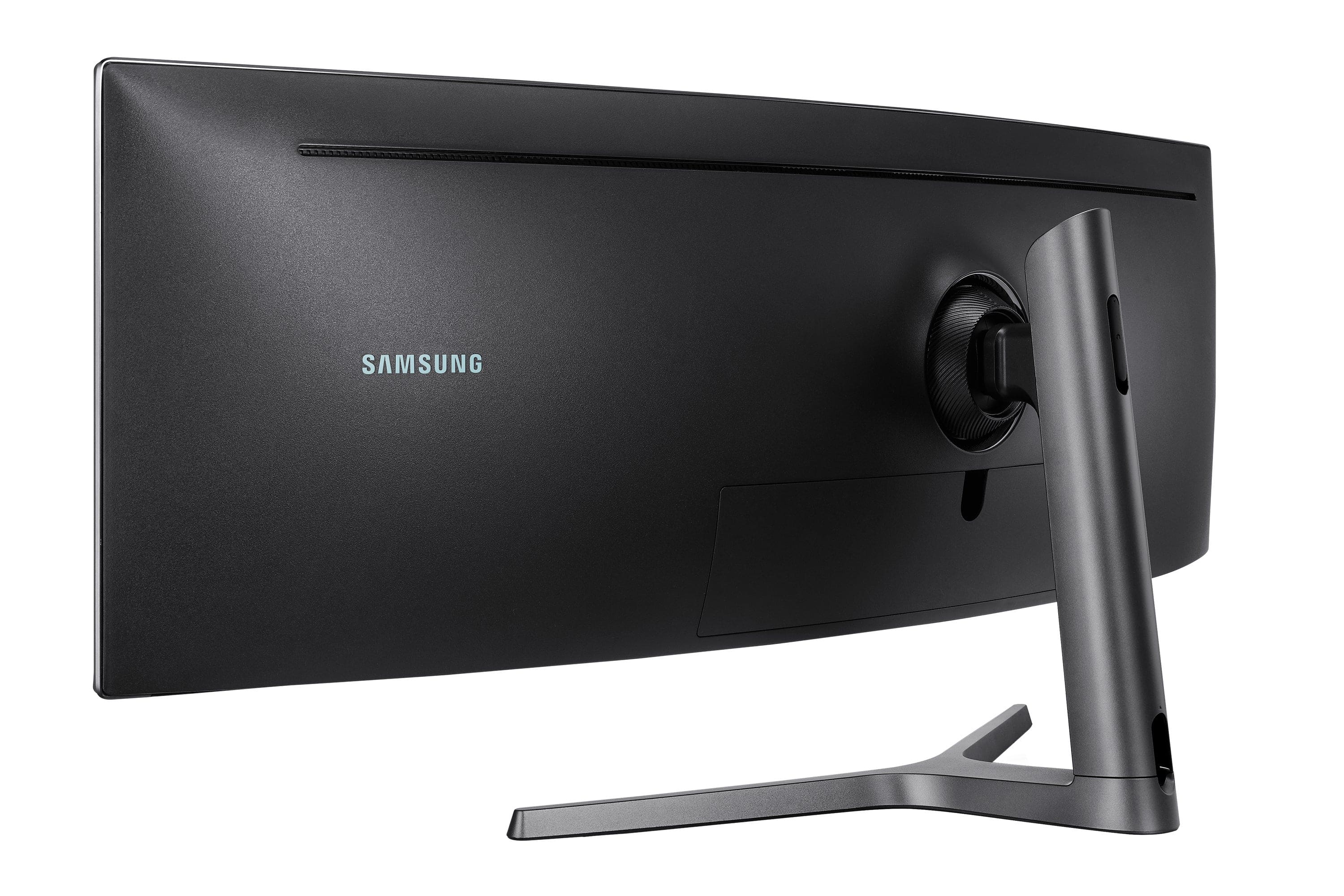
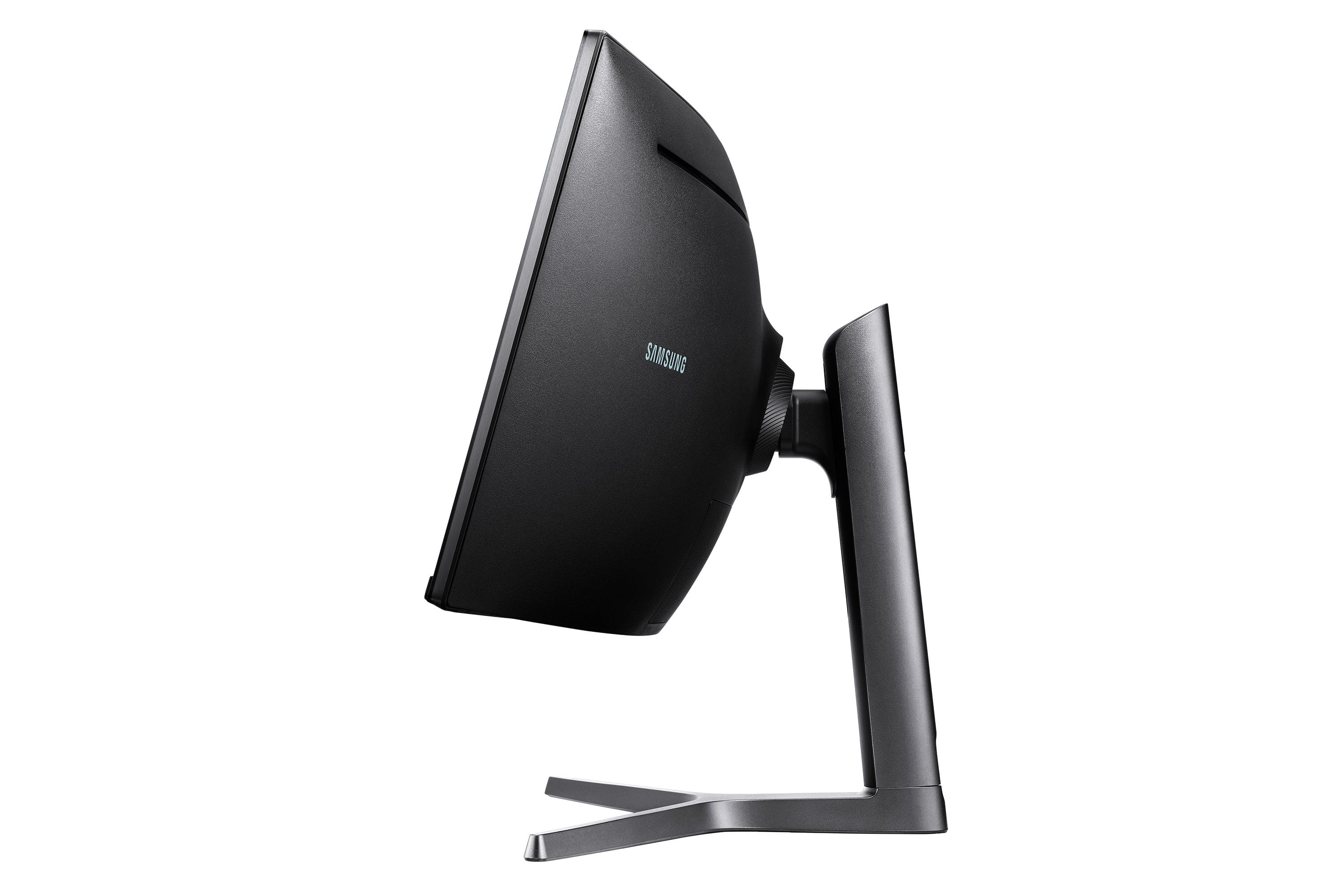
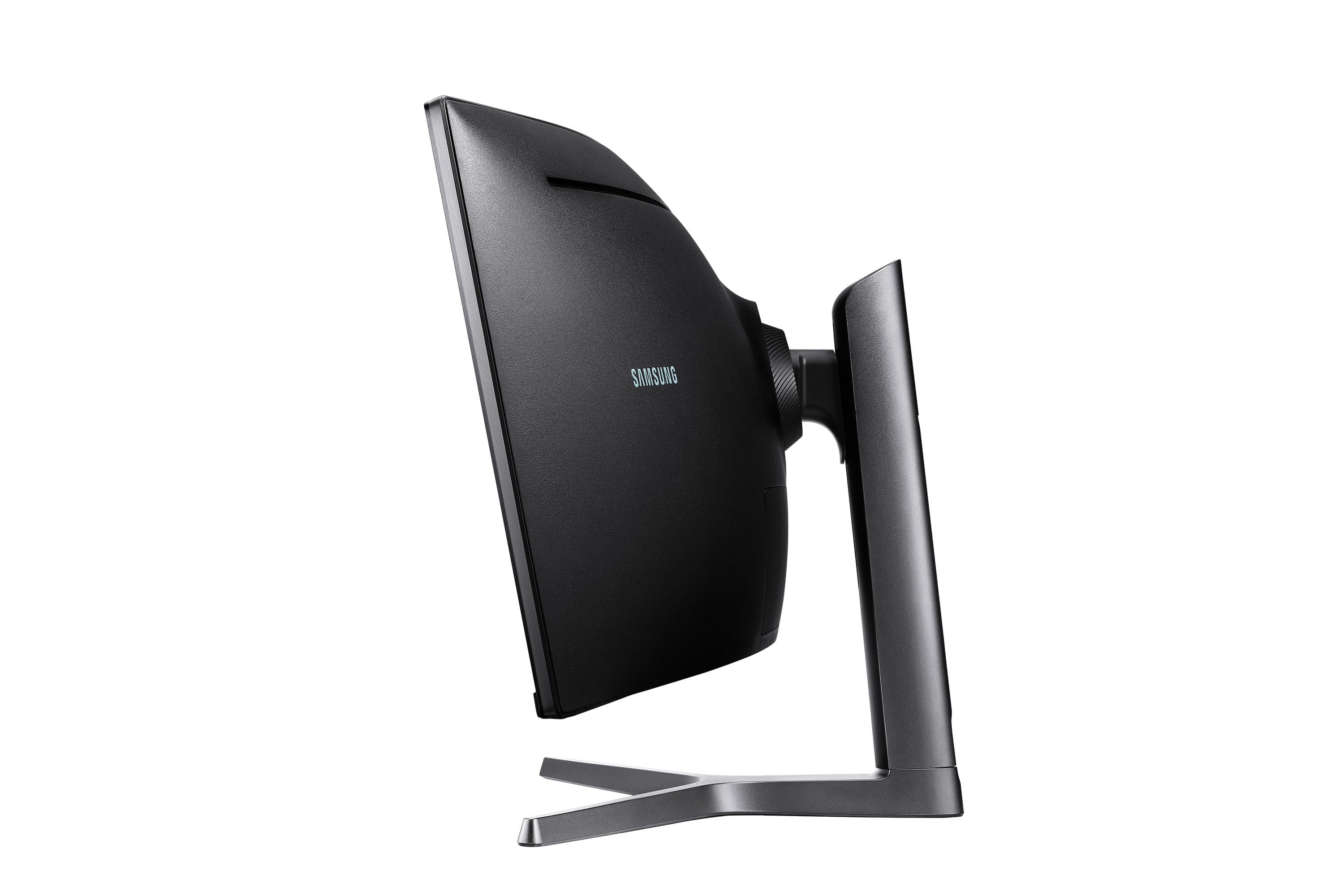
The swivel/tilt and height-adjustable stand offers all the flexibility you need to position the screen for maximum comfort. The panel’s VESA Standard mount also offers the option of mounting on VESA-compatible arms.
Included Free
 Webroot - Internet Security with Antivirus Protection (3 Devices) (6-Month Subscription) - Android, Apple iOS, Chrome, Mac OS, Windows [Digital]Real-time protection for PC, Mac, Chromebook Android and IOS devices.Cloud based Webroot Internet Security Plus with Antivirus proactively shields households from the latest malware, phishing scams and other cyberattacks—all without slowing down your computer.We continuously analyze and classify billions of apps, files, websites and more so you bank, shop and browse online worry-free. Our leading rollback technology automatically returns infected devices to their original state.Installing in seconds and designed to work with any software, the full package features Chromebook security and system optimizer. Webroot empowers you with peace of mind without slowing you down.
What's Included
Power Cable
HDMI Cable
DP Cable
USB 3.0 Cable
Key Specs
- Refresh Rate120Hz
- Maximum Resolution5120 x 1440
- Response Time4 milliseconds
- Panel TypeVA
- Synchronization TechnologyFreeSync (AMD Adaptive Sync), G-SYNC (NVIDIA Adaptive Sync)
- Screen Size49 inches
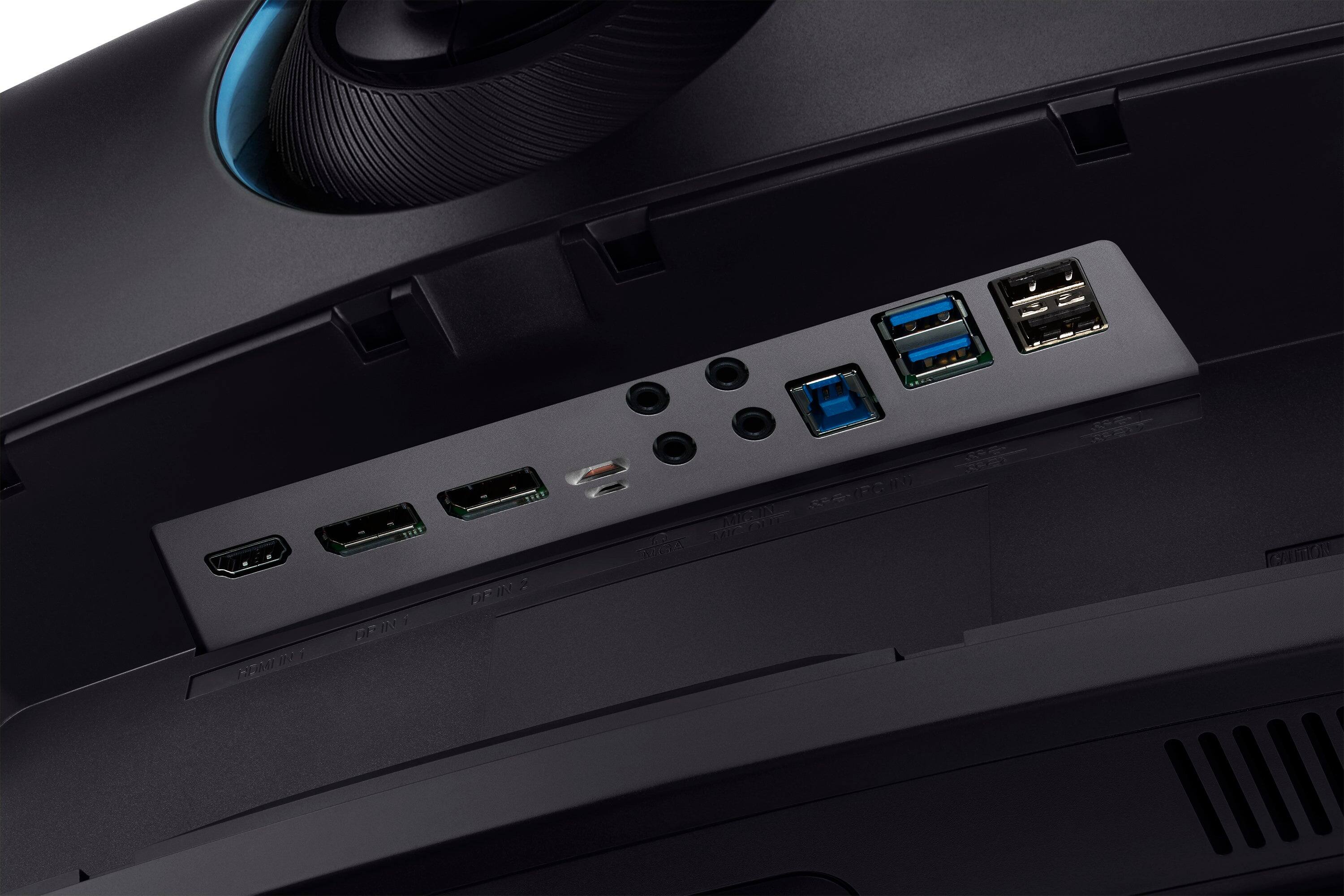
- Display Connector(s)2 x DisplayPort 1.4, 1 x HDMI 2.0
General
- Product NameOdyssey CRG9 49" Curved Dual QHD FreeSync and G-Sync Gaming Monitor (DisplayPort, HDMI, USB)
- BrandSamsung
- Operating System CompatibilityNot Applicable, Mac, Windows
- Model NumberLC49RG90SSNXZA
- ColorBlack
Display
- Refresh Rate120Hz
- Maximum Resolution5120 x 1440
- Native Resolution5120 x 1440
- Contrast Ratio3000:1
- Response Time4 milliseconds
- Display TypeLED
- Panel TypeVA
- Synchronization TechnologyFreeSync (AMD Adaptive Sync), G-SYNC (NVIDIA Adaptive Sync)
- Aspect Ratio32:9
- Curved ScreenYes
- Brightness1000 candela per square meter
- Screen Size49 inches
- High Dynamic Range (HDR)Yes
- High Dynamic Range FormatHDR 10
- Horizontal Viewing Angle178 degrees
- Vertical Viewing Angle178 degrees
- Touch ScreenNo
- Color Gamut (NTSC)0.88 percent
- Color Gamut (Standard RGB)1.25 percent
Connectivity
- Number of DisplayPort Inputs (Total)2
- Number of HDMI Inputs (Total)1
- Number of VGA Ports0
- Number of DVI Inputs0
- Number of Mini DisplayPort Inputs0
- Number of Thunderbolt Ports (Total)0
- Display Connector(s)2 x DisplayPort 1.4, 1 x HDMI 2.0
- Number of USB Ports (Total)4
- USB Ports2 x USB-A 3.0, 2 x USB-A 2.0
- Headphone JackYes
Compatibility
- Wall MountableYes
- VESA Wall Mount Standard100mm x 100mm
- Voice Assistant Built-inNo
Features
- TiltableYes
- Adjustable Stand HeightYes
- Eye Relief FeaturesLow blue light, Flicker free
- Anti-GlareNo
- Built-In WebcamNo
- Integrated Speaker(s)No
Dimensions
- Product Height With Stand20.6 inches
- Product Height Without Stand14.5 inches
- Product Width47.2 inches
- Product Depth (With Stand)13.8 inches
- Product Depth Without Stand7.6 inches
- Product Weight32.2 pounds
- Stand IncludedYes
- Cord Length59.05 inches
Power
- Power Saving/Off Mode0.5 watts
Certifications Listings & Approvals
- ENERGY STAR CertifiedNo
- EPEAT QualifiedNo
Warranty
- Manufacturer's Warranty - Parts1 year
- Manufacturer's Warranty - Labor1 year
Other
- UPC887276302348
Customer reviews
Rating 4.6 out of 5 stars with 504 reviews
(504 customer reviews)Rating by feature
- Display Quality4.7
Rating 4.7 out of 5 stars
- Ease of Use4.6
Rating 4.6 out of 5 stars
- Features4.7
Rating 4.7 out of 5 stars
Customers are saying
Customers love the Odyssey CRG9's expansive screen size and immersive curvature, praising its ease of use for multitasking and the high-quality visuals. However, some users experienced issues with HDMI compatibility and reported that the monitor can generate noticeable heat. The large size and weight were also noted by some customers.
This summary was generated by AI based on customer reviews.
- Pros mentioned:Multitasking
Rated 5 out of 5 stars
Great buy if multiple monitors are a necessity!
||Posted . Owned for 1 week when reviewed.This reviewer received promo considerations or sweepstakes entry for writing a review.I've only had this monitor going on 2 weeks and I love it! At first, because my desk (18"x58") isn't HUGE, it felt like the stand (just over 12") took up too much real estate. But I quickly acclimated to a custom setup that works for me (I can also always mount it to the wall in the future). I mainly purchased this monitor for the discounted price ($899) and visual real estate. As I work from home and use multiple applications simultaneously, dual or even triple monitors are a must! I've since taken advantage of the PBP option for using only 2 monitors while splitting the third with Crunchyroll. I'm not a PC gamer at all and many (including my coworkers) say I paid too much for an ultrawide gaming monitor when I don't even game on PC. And they may be partly correct. There are TONS of features and customizations for the best gaming experience possible (and I don't understand any of them). What I will say is with the inclusion of my $26 Jelly Comb multi-device keyboard and mouse. I can juggle slow periods in the day between support and streaming without switching cables and/or adapters. I can easily toggle use of my Chromebox, Surface Pro and work laptop seamlessly with the touch of a button (I'm getting off-topic). While I may not be utilizing this monitor to its fullest potential. I'm very happy with my purchase and the options I do use more than make up for the high price tag. I hope to update this review 6 months to a year after the honeymoon phase has worn off.
I would recommend this to a friend Rated 5 out of 5 stars
You NEED this monitor! JUST BUY IT!
||Posted . Owned for less than 1 week when reviewed.This reviewer received promo considerations or sweepstakes entry for writing a review.This has been a great monitor for my needs. I use it for work, but mainly for my photo edits in Adobe Lightroom/Photoshop. I really like that it has an RGB mode which helps when editing my RAW photos. This monitor is paired with an NVIDIA GEFORCE RTX 3070ti and I have had zero issues. I even play Fortnite with the kids and game play is smooth, with frame rates in 200-250 FPS range. I have it mounted to my desk so I can't speak to the table top stand, but it seems like a sturdy mount. I purchased it for $899 and have no complaints. Thank you Samsung again for a quality product!!!!
I would recommend this to a friend- Pros mentioned:Multitasking
Rated 5 out of 5 stars
See the World Through a Bigger, Crisper Lens
||Posted . Owned for 1 month when reviewed.This reviewer received promo considerations or sweepstakes entry for writing a review.I've now been using my 49" curved Samsung Monitor for just over two months. Before installing this display my desk was cluttered with these ... 1. 32" Monitor attached to my desktop 2. Three 9" Tablets 3. 2nd 15" Laptop Monitor 4. My Cell phone From the above description I'm sure you could tell that I'm not a Gamer. I use my computer primarily for various Business, Financial and Home Automation processing systems. I've replaced all of the above listed equipment with one Best Buy MSI Laptop running Windows 11, an extensive 24T HDD array and this stellar 49" Samsung Curved Monitor. I'm typically running 5 to 8 open, active Window Apps. The monitor is large and crisp enough to allow me to easily see the numbers and text that I need. I can now easily cut n paste data from one App to another active App. This has helped me tremendously and is a great time saver with no errors caused by having to retype numbers into multiple Windows/Apps. I love this Monitor and a big plus was that Best Buy did a price match for me. The monitor stand allows me to easily shift the height and angle of the display. Best part is that by participating in Best Buy's new promotional program, a Geek Squad Tech installed ALL of my new equipment and software, even equipment that I did nother from Best Buy, at no additional charge. Plus, I now have a full year to use Geek Squad Service 7x24 hours.
I would recommend this to a friend Rated 5 out of 5 stars
Great Alternative to the Odyssey G9 or Neo G9
||Posted . Owned for 1 month when reviewed.This reviewer received promo considerations or sweepstakes entry for writing a review.I upgraded to this monitor after my Samsung CRG5 went bad and I don't regret the decision. Once you go to an ultra wide monitor is hard to go back. There are higher tier options like the Odyssey G9 or Neo G9 but for the price and performance the CRG9 does the job perfectly, specially if you can get a hold of it on a sale. It beats having two monitor side by side, being great for gaming but for productivity and content creation I would maybe consider a different option. Overall, I am very pleased with this product and its beautiful display.
I would recommend this to a friendRated 5 out of 5 stars
Outstanding monitor!!
||Posted . Owned for 1 month when reviewed.This reviewer received promo considerations or sweepstakes entry for writing a review.I had 2 27 inch curved monitors but was looking to just have 1 large monitors to make things more clean in my home office. Needless to say this thing is phenomenal! The 120hz display is buttery smooth and a noticeable improvement over 60hz! I highly recommend this CRG9!!!
I would recommend this to a friendRated 4 out of 5 stars
Super useful monitor, but not for everthing
||Posted . Owned for more than 2 years when reviewed.This reviewer received promo considerations or sweepstakes entry for writing a review.It's an excellent monitor that's great for both productive work and gaming. My pros and cons are listed below. The biggest downside is services not utilizing the full 49" screen. Pros: -2k but almost 4k resolution is great enough for most uses. -The 49" makes it a great screen size to multitask with two side-by-side windows with one side for web browsing and the other side for Word doc, discord, or Slack. -The brightness is super strong. Enough to temporarily blind you if you get flash-banged in a game. -gaming has a super wide perspective allowing you to see a lot more. (also a con described later) This gives an edge in spotting enemies based on peripheral vision. It also makes scenes more breathtaking especially in games like Minecraft with RTX. -PBP is great for using 2 devices at once. I used it to diagnose my broken PC while using a mini PC to search for solutions. make sure to adjust the screen resolution when switching to PBP for the best viewing experience. -super useful for video editing especially when you have a long timeline or need to browse for assets in folders. Cons: -Can be too bright and hurt your eyes, I suggest using one of the 3 customizable preset buttons to set the eye protection mode with a brightness of less than 25%. Having a well-lit room also helps -ultra super wide gaming means your top and bottom view might be reduced. This is not ideal for certain first-person shooter games especially when there are cut scenes that look super zoomed in but also high resolution at the same time. -Not meant for fast-paced gaming, if the game is first-person view and fast-paced, the motion blur and quick motions can be a little bit nauseous. -Never truly dark. Even with black scenes, there will be a slight color bloom. This is more noticeable when you look at the mouse cursor on a dark background. -not suitable for most video and movie full-screen modes. They're not designed to be viewed in Full screen so a lot of screen space will be blank. Some sources like Disney+ require a chrome extension to expand them to a 34" monitor aspect ratio -can have finicky resolutions if connected to Apple products like an iPad pro. (most likely iPad OS issues not designed for large screens) -No speakers so the choices are using external sound bars, wired directly to monitor/ PC, or using Bluetooth devices. -Monitor stand legs can take up a lot of room. Monitor arms that support 49" can be pretty pricey (usually $100+) -pray for your neck. Unless you're further than 3ft+ from the screen, you'll be turning your head a lot to view either end of the ultra-wide screen. -Good luck finding high-quality wallpapers. Unless you like only using 1 wallpaper, the market for 49" wallpapers is quite limited unless you search long enough or pay for one. It sucks especially if you want animated wallpapers from the wallpaper engine which often cuts out cool wallpapers or has weird edges. some simple ones still work great -doesn't have auto wake-up mode from power saving mode after using a peripheral like keyboard or mouse. You have to manually press the power button to allow the PC to connect to the monitor from deep sleep which usually happens when the monitor isn't in use for 1 or 2+ hours.
I would recommend this to a friendRated 5 out of 5 stars
Cloud 9 for Multitasking
||Posted . Owned for 2 months when reviewed.This reviewer received promo considerations or sweepstakes entry for writing a review.It’s awkward finding it a proper home but I’d work on the floor as long as I have this monitor. The only reason I still go to my office and work is because I haven’t found a safe way to move it home since the box was thrown away. I can see A to Z in a spreadsheet or run 3. I could have conquered the world by now if I had ordered this years ago.
I would recommend this to a friendRated 5 out of 5 stars
This thing is a beast
||Posted . Owned for 1 month when reviewed.This reviewer received promo considerations or sweepstakes entry for writing a review.For the price, it is phenomenal. Not really great with free sync/gsync. If your okay with that and the panel not being oled. This is a must buy. (If your desk has the room)
I would recommend this to a friend
Q: QuestionCan this screen work with a Macbook Pro using HDMI? I am also thinking adding another windows machine to use the PBP (Picture by Picture) feature. Will this work?
Asked by Achtungparag.
- A:Answer Yes it will you need a thunderbolt to DisplayPort wire in order to get the full resolution but the MacBook Pro for sure supports the full 5120x1440 resolution
Answered by Decibullz
Q: QuestionDoes the 5120x1440 get rid of the blurry text when using it for anything besides gaming? I have 3840 x 1080 version and it is horrible. If I return it, and upgrade to this, will that solve the issue. I mainly use for work productivity and spreadsheets.
Asked by RyanP.
- A:Answer I'm buying 2 of these to stack and use precisely for spreadsheet & financial program use. There is a review by Bert that states he loves it for spreadsheet use. I'll try to have my setup done over the next 2 days and I can answer from experience to better help!
Answered by RobD
Q: QuestionCan this monitor show two screens at the same time? Like Quickbooks on one side & email or Excel worksheet on the other?
Asked by Mary.
- A:Answer yes. All monitors actually can do that, this one gives you the equivalent of 2 27" monitors side by side. All you do is drag your window from the title bar over to one side of the screen and windows will snap that window to exactly half your screen size. This functions on all monitors.
Answered by BBodine
Q: QuestionHas anyone managed to stack 2 of these, one on top of the other, to give you options of viewing 4 or more windows/programs open at the same time? If so, what mount did you use or should I use to accomplish this?
Asked by RobD.
- A:Answer Yes you can stack them. One single monitor can view 4 different windows at the same time by placing the windows in the upper right, bottom right, bottom left and upper left. If you had two, you could use 4 different inputs from 4 different devices because you can dedicate each side of the screen to each respective device. I use a USX Mount 26-55” with vesa 400x400 and up.
Answered by Whit
Q: Questionwhat is the actual height measurement of just the screen itself
Asked by marklesparkle.
- A:Answer The height of the screen alone without the stand is 14 1/4". With the stand the lowest you can adjust is 16 1/2" and highest is 21".
Answered by Justin
Q: QuestionWhy does the AD state Free-Sync and G-Sync when the specs clearly state Free-Sync only?
Asked by Monger.
- A:Answer you can still enable g-sync in Nvidia control panel allowing the use of G-sync even thouugh its free sync. It's known as "g-sync compatible".
Answered by LuciDreamerAce
Q: QuestionHow do I connect this monitor to my Mac Desktop pro
Asked by MC63.
- A:Answer I am using a Mac Studio with this monitor - I use a USB-C to DisplayPort (1.4 or higher) cable to connect that and my MacBook Pro. Currently I get full resolution with 120Hz refresh rate. I believe the lower refresh rate to be due to my cable, not the monitor or Mac devices. Hope this helps!
Answered by Anonymous
Q: Questioncan the screen be split into 3, playing games or show like 3 working pages?
Asked by Lesa.
- A:Answer Yes, you can split the screen into three different working pages.
Answered by Techlove