Last-Minute SavingsLimited quantities.Shop now

Main Content

Chromebook Plus

(9)
Sort by:
Sponsored

Benefits of a Chromebook Plus

What is Chromebook Plus?

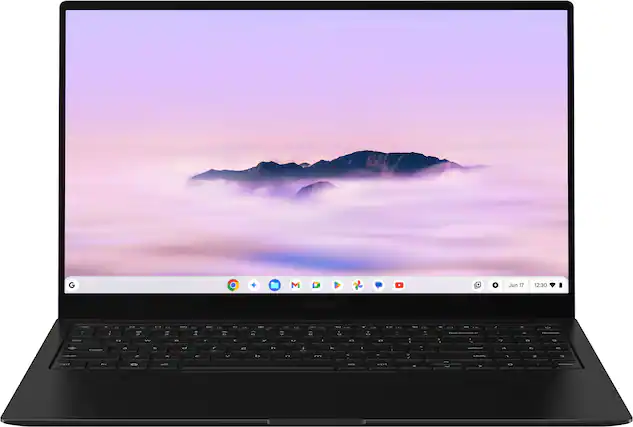
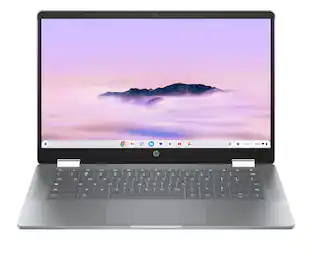
The Chromebook Plus from Google brings you all the convenience and affordability of the standard Chromebook and adds the perks of specialized AI features. Gemini, Google AI’s interface, can make almost every task more efficient. It can provide a summarized version of articles and long-form content, brainstorm new ideas with you, streamline your photo editing, compose personalized content and more.

Choosing a new laptop computer can feel daunting. When it comes to Chromebook Plus vs. Chromebook, the Chromebook Plus has enhanced processing power, a higher-quality display and additional features tailored for multitasking, offering a more premium experience while still maintaining the simplicity and security the Chromebooks are known for.

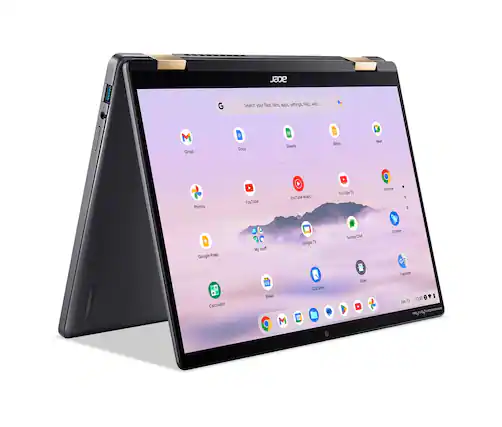
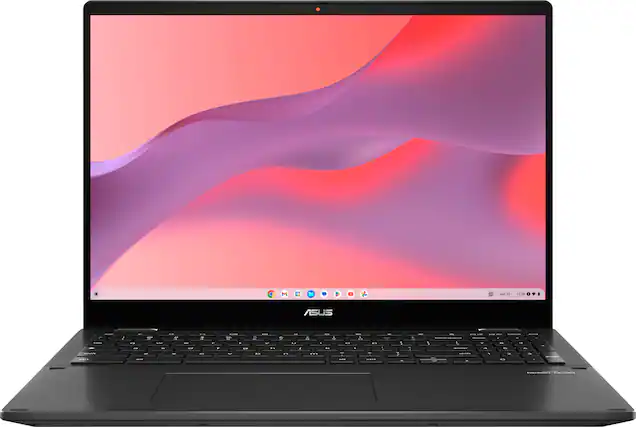
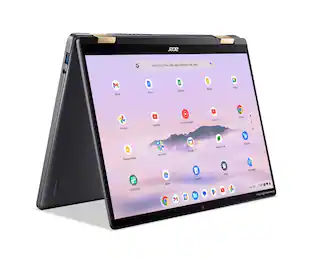
Picking the best Google Plus Chromebook comes down to your preferences about physical size, storage, RAM capacity and specific features. Do you want a touchscreen Chromebook Plus? Do you want a 2-in-1 Chromebook Plus that can double as a large tablet? Consider how you plan to use your device to ensure you get the right balance of performance and portability.

Setting up a Chromebook Plus

To set up your new Chromebook Plus laptop, connect your device to an existing Google account or start a new Google account and follow the start-up directions. You will then be able to load apps like Microsoft Office 365 and the Chromebook-specific Express Suite from Adobe.

Keep in mind that many Chromebooks have limited local hard drive space because they are designed to optimize cloud storage. However, unlike other files, software programs must be stored locally on the device. So, when picking your new Chromebook laptop, be sure to consider the programs you’ll need in order to select the right amount of hard drive capacity.

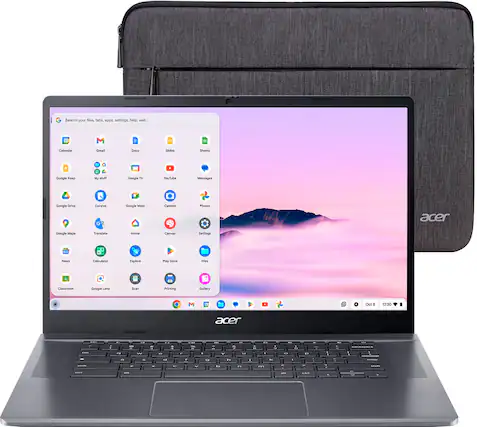
When setting up your new Chromebook, you will also want to consider the steps you can take to keep your new device secure. Invest in a laptop sleeve or laptop briefcase to protect your computer when in transit, and make sure you have up-to-date anti-malware operating on the device. You might also consider laptop insurance and repair plans to save yourself inconvenience in the future.

Sponsored
Sponsored

Similar products from outside of Best Buy

sponsored