A:AnswerWindows defender if on the os it self or you can get from Microsoft url. If there is already a preinstalled virus program it might turn of defender. Check to see if it has webroot or mcgafe on it
A:AnswerWell it depends on how much animation you were doing and how involved it is.
I would not do any heavy Pixar or aftereffects on a computer with only 8 GB of memory. It might do OK to begin with, but would not grow with you.
I would spend a little more on a PC and get an I7 with 16 GB of memory. It still would not be anywhere as expensive as a comparable Mac.
I do love Mac, though…
A:AnswerIt should be OK, but will probably not grow with you. If you're doing a lot of heavy pro presenter or multi-camera Sunday Streams/ vMix, you'll probably get a lot of buffering.
I would spend a little more on an Intel I7 with 16 GB of memory. See if you can squeeze a little more out of the church budget... :-) We've all been there!
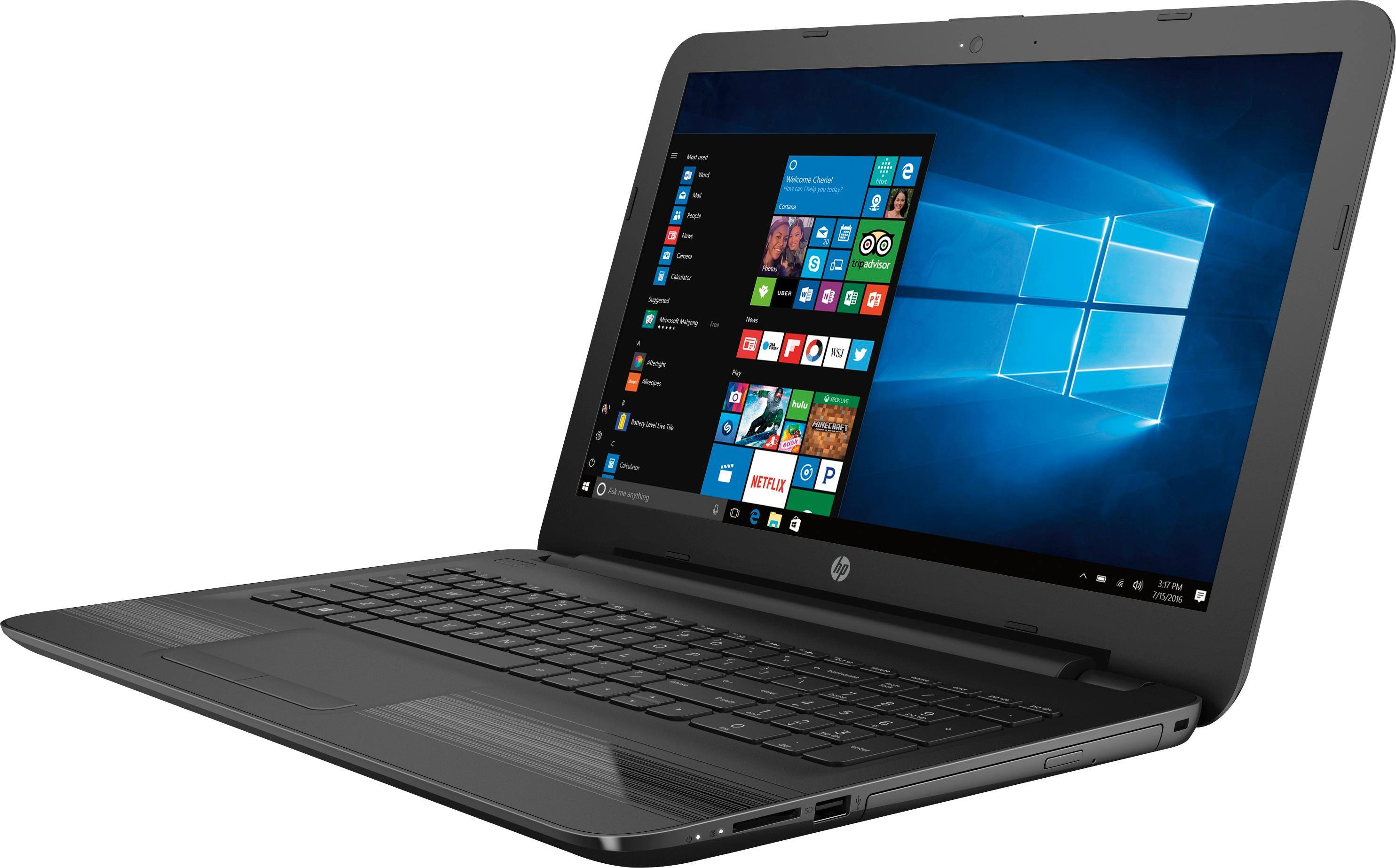
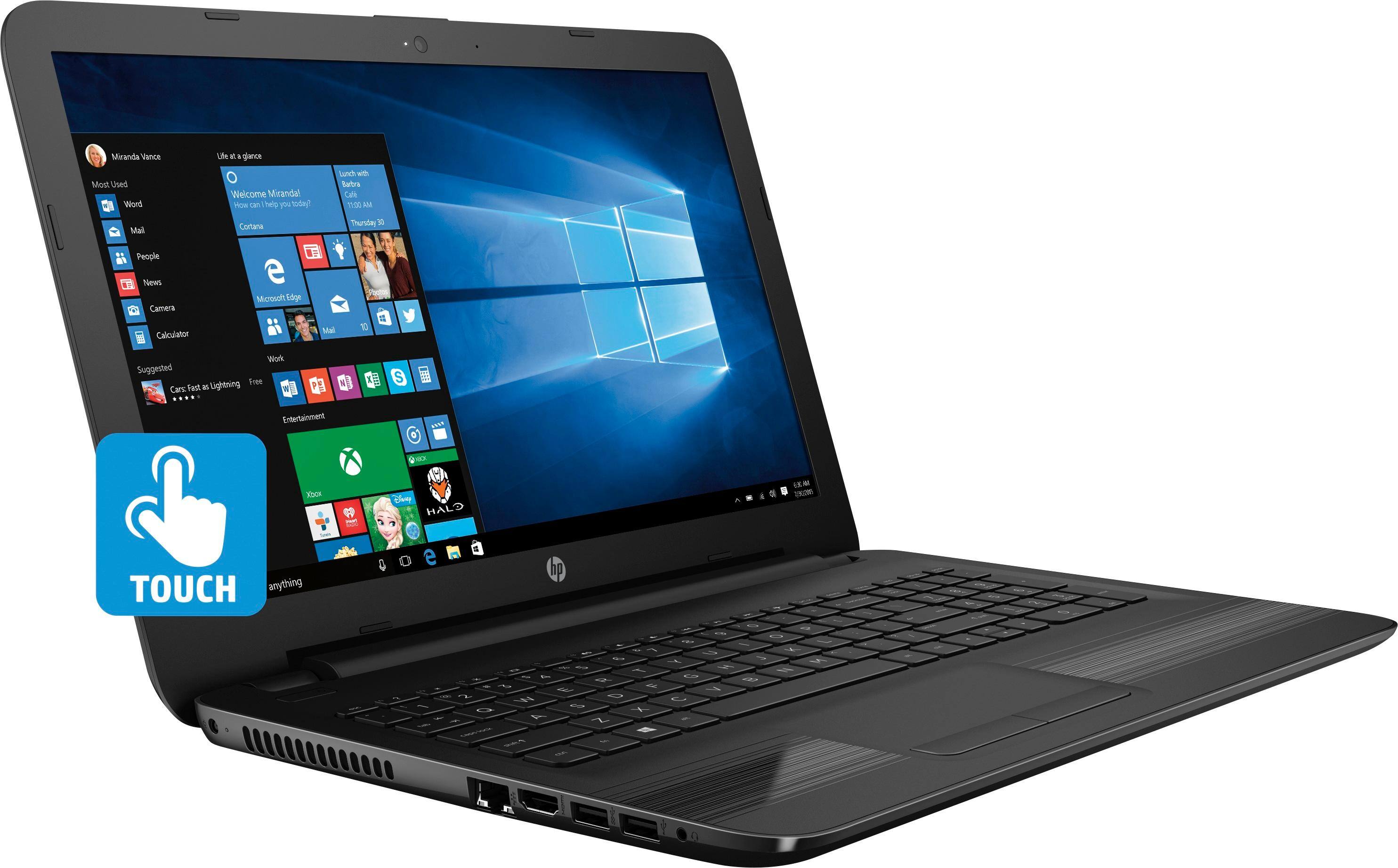
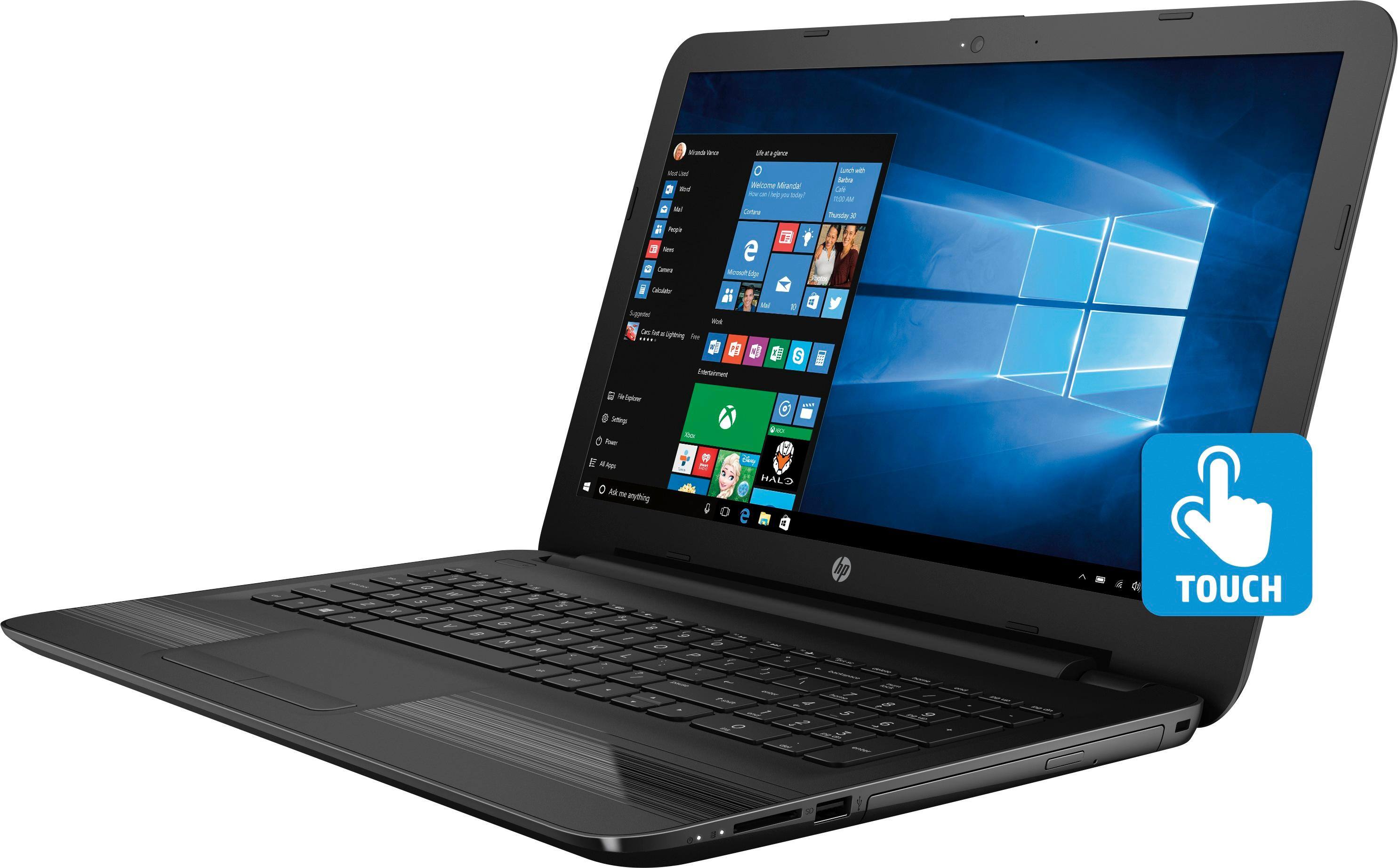
A:AnswerOn mine it's on the right side. I do have trouble with Tray opening without side button but works fine from software controls of win explorer or music software.
A:AnswerI believe it would depend on where you wanted to purchase your computer. Some offer installment plans, and others request that you pay for the product up front. Then on a roll they try to encourage you to buy insurance and tech support plans. Do what is within your budget. I suggest you deal with the retailer who is most transparent and the one who the most customer-focused [who thinks about your needs more than his or her company's profits]. Keep searching until you find the one who you feel most comfortable with. Then that still inner voice in you will give you the okay, proceed sign. Hope this helps.