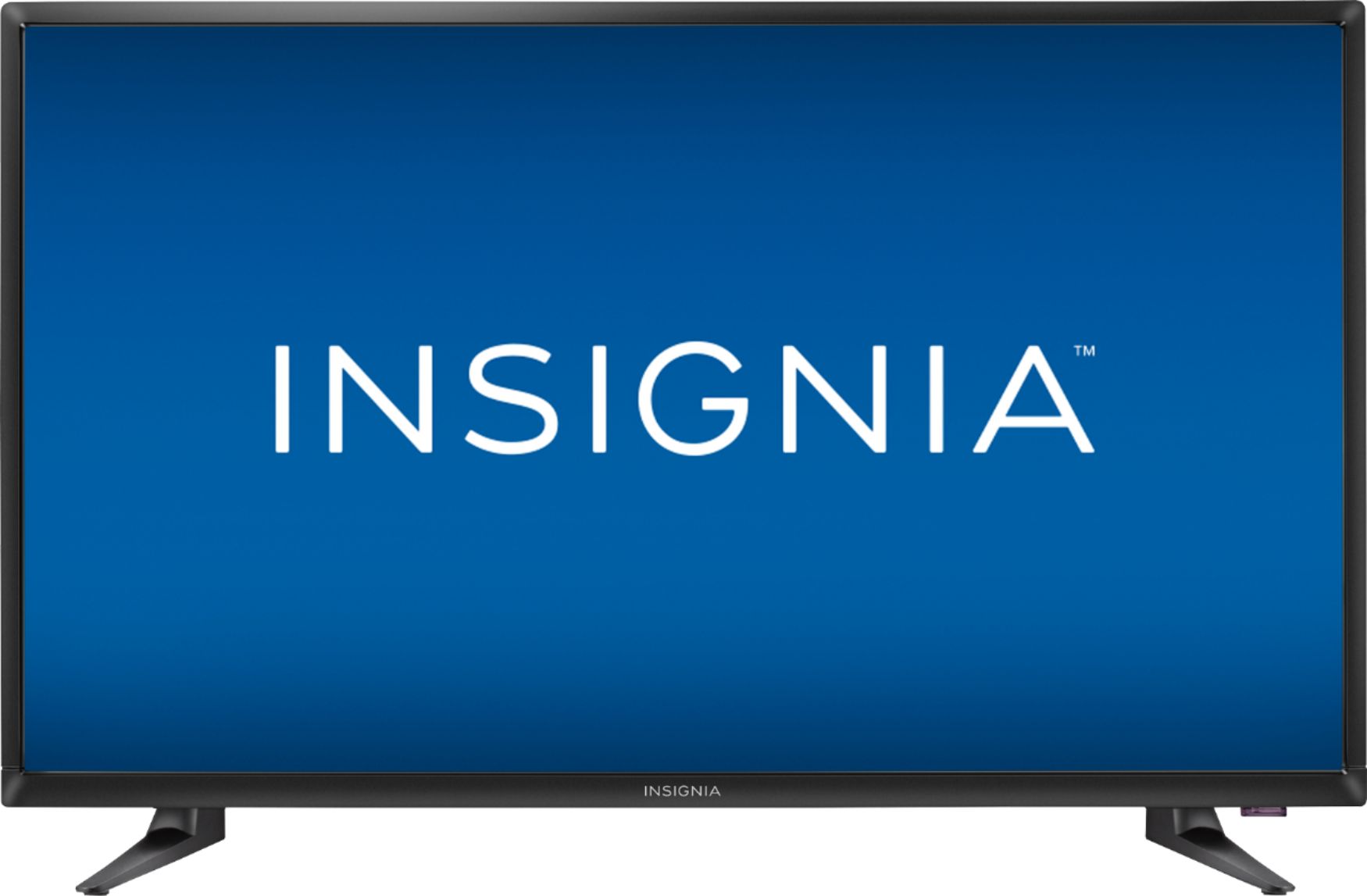
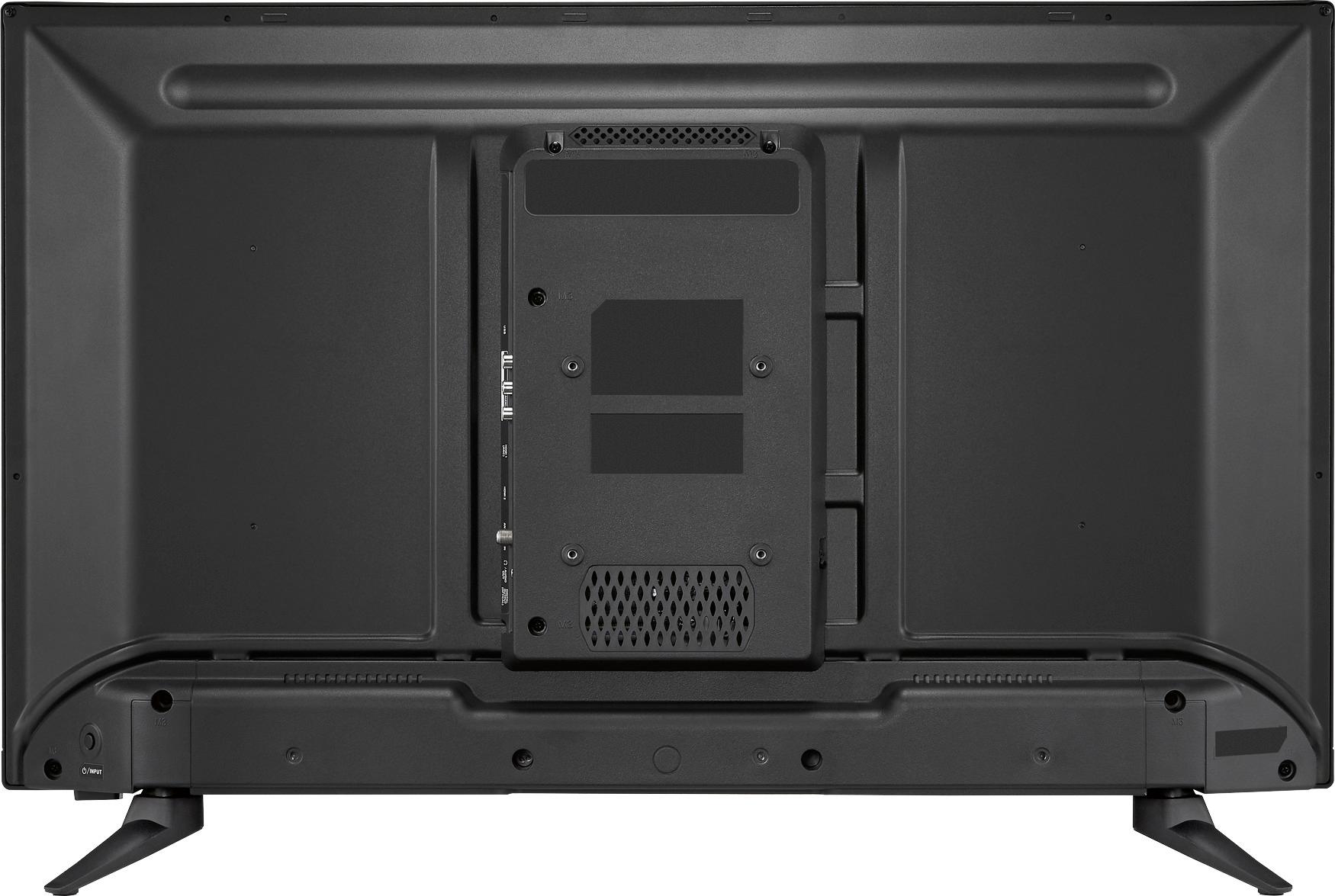
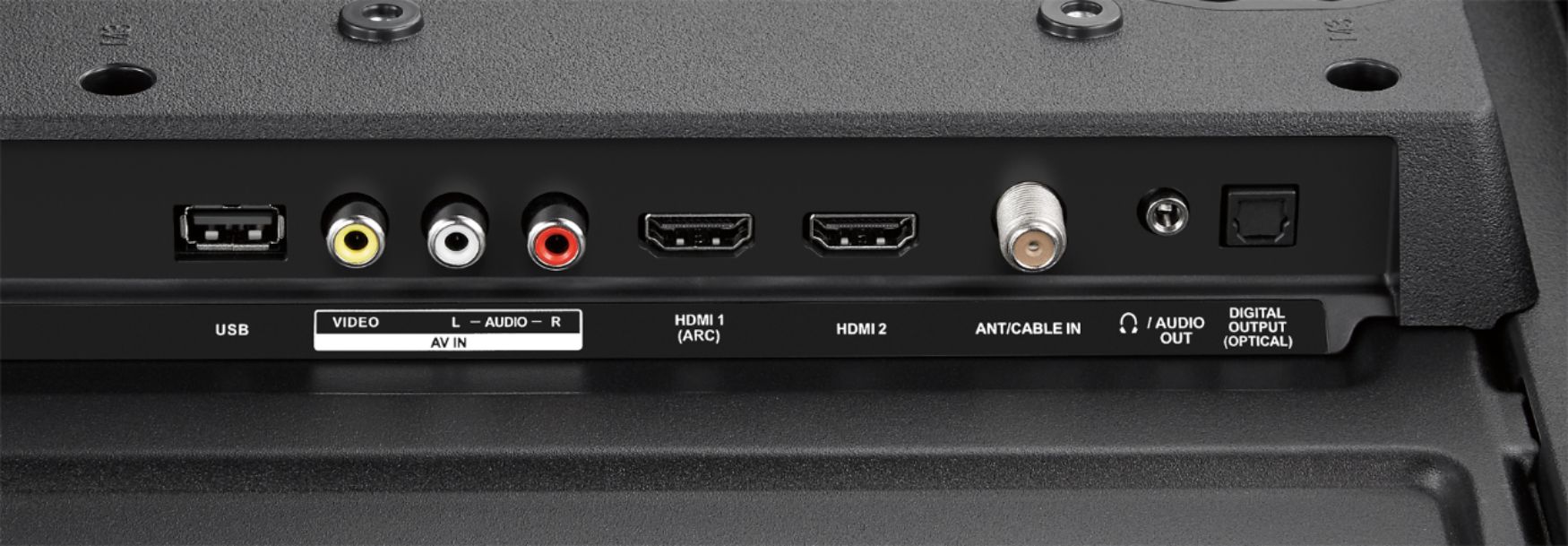
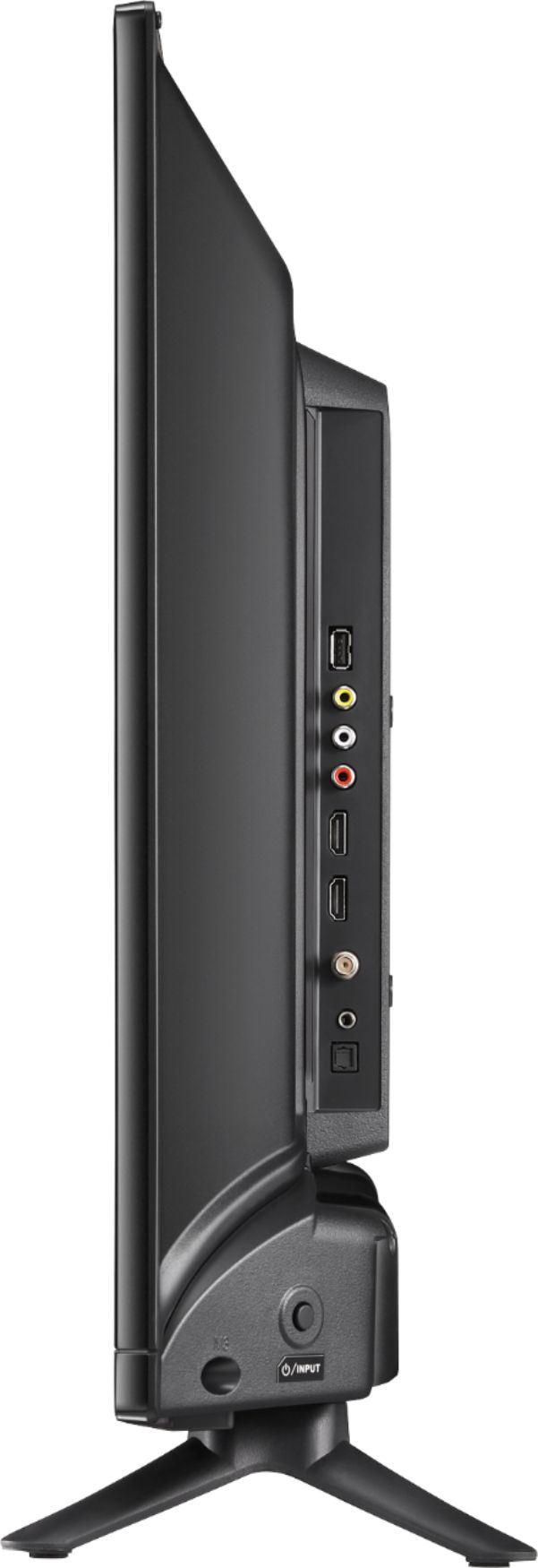
A:AnswerHello Cat, you can hook up the cable box with a coaxial cable (screws in the antenna jack), RCA (red, white and yellow), and HDMI which would be the best picture quality option for you. Omar S. - Insignia Support.
A:AnswerIt should. Click input on the remote and make sure it's set to TV and it should work. Most cable companies use converter boxes and use HDMI cables to feed the TV, and the TV probably came out of the box with the input set to HDMI. If you change it from HDMI to TV you will have to do a channel scan again. If your input is set to TV and it still doesn't work, then I don't know. An old VHF/UHF antenna should work OK, but the modern ones designed for the digital signals will probably work a little better. Here's a link to the manual if you wish to read through it: https://files.bbystatic.com/DSCUYMerLg4YdWGISet3qQ%3D%3D/0d209460c7ab2e0e1875618849eb77a9
Or browse for: insignia ns-32d311na17 manual if the above link doesn't work.
A:AnswerIf you have a device such as a Roku, Google Stick, PS3 you can get Netflix. However it is not an "app" on the TV itself. I use my PS3 to access Hulu and Netflix.
A:Answeryou will need to hook up a blu ray player w/wi fi in order to do what you wish. This is what I did with my 40 in Insignia using a Sony blu ray player and I now have netflix up and running. Hulu and others are options as well but I have only used netflix so far and it works perfectly.
A:AnswerSHORT ANSWER: No.
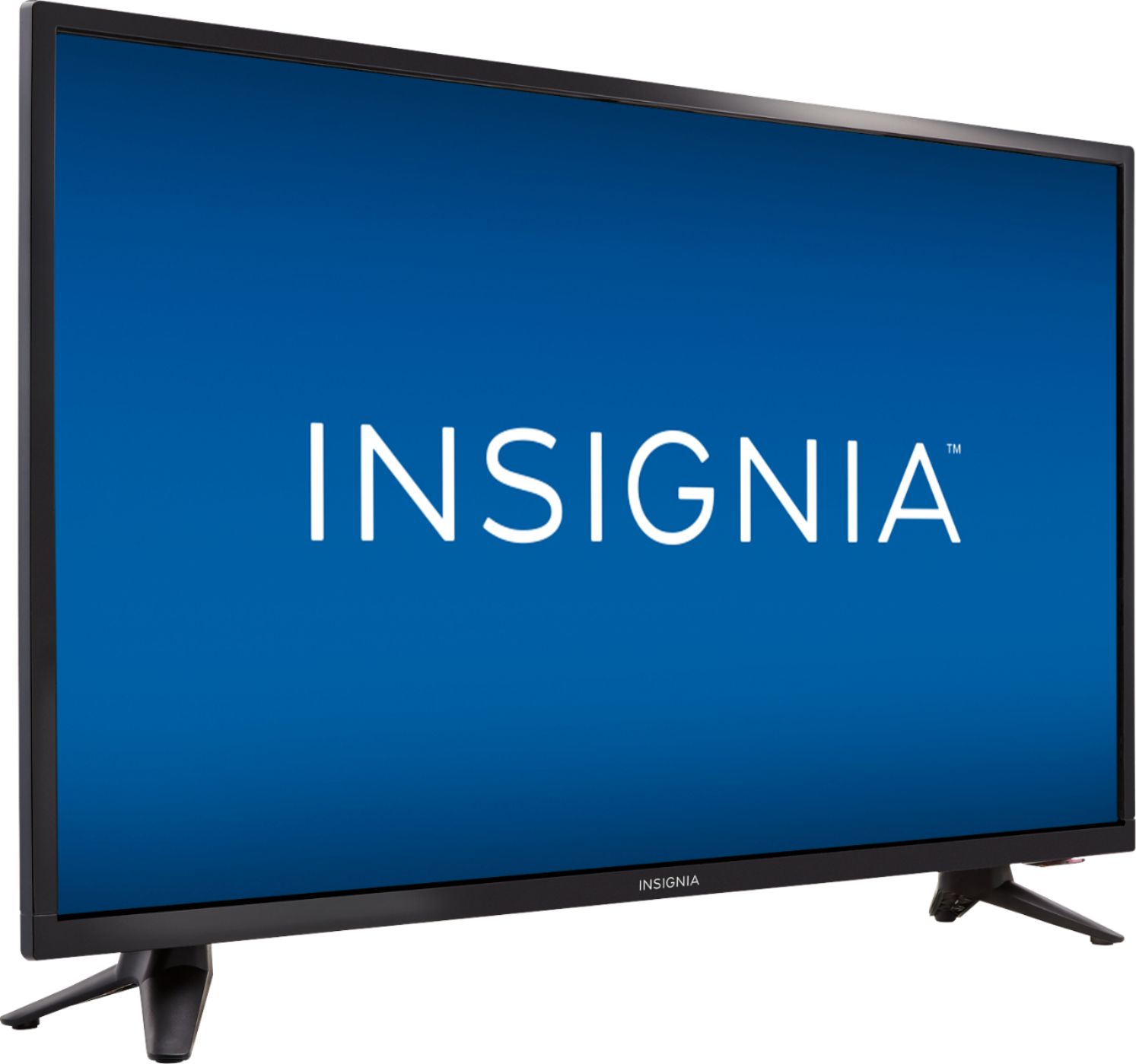
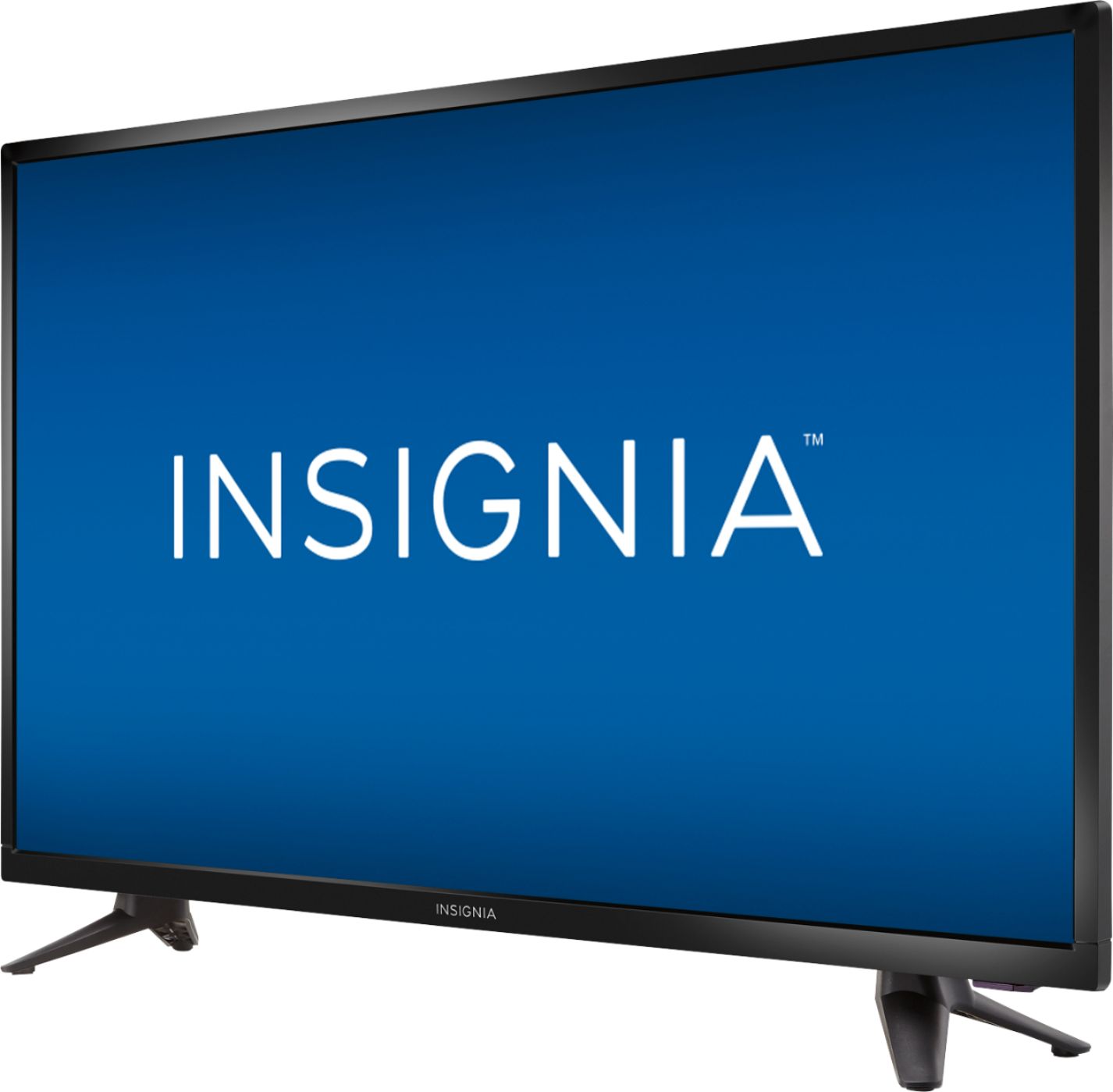
LONG ANSWER: The NS-32D311NA17 is a VA LCD Panel that will produce darker blacks and better contrast, but will lose saturation when viewed from an angle. If you need a HDTV that has a much wider viewing angle, then the Insignia NS-32D220NA18 is a better option with an IPS Panel, although you will sacrifice contrast and darker blacks. Google "IPS vs. VA" if you need this explained; choose the link to the rtings.com site.
A:AnswerPress the menu button and move the arrow button to Accessibility. Once there click the arrow down button to Voice Guide. Hit enter and use the down arrow to select OFF.