A:AnswerHi ssmith158, It does not have a calibration mic nor an input to connect one. You may need to manually set the speaker sound level using test tone setting. -Jerome
A:AnswerIf you have no specific sound format: stereo, Surround 5.1 etc
Use the audio button on remote change the setting to Auto that
will play all speakers from cd or movie DVD Blue ray etc
Hope that helps
A:AnswerHello imnags! The supplied cable length for the surround speakers are 10M. For more information regarding the specifications of this unit, please visit the following link: https://docs.sony.com/release//specs/BDVE3100_mksp.pdf ~Jeannette
A:AnswerMy husband is able to use his Ipod to play music on the system so I would think an Iphone would also work. I don't know how he wired it up and he is a tech-y sort of guy. He does use his all the time....plus the TV is hooked up and probably the blu ray DVR.
A:AnswerHi BlueOrchid!
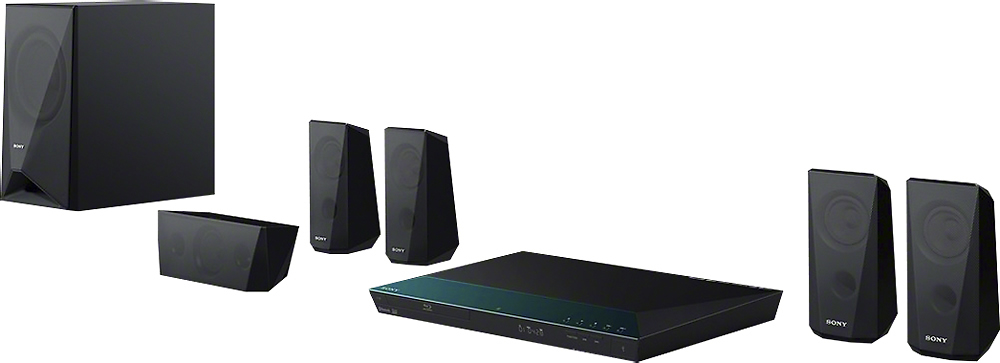
You can mount the center speaker on a wall just above the TV. Please check this link for more info: https://docs.sony.com/release//BDVE6100_E4100_E3100_E2100_install_EN_FR_ES.pdf.
-Anthony
A:AnswerHello Handke94! This Home Theater system is bundled with a specific set of speakers and a subwoofer. Unfortunately, it will not be possible for you to use a different subwoofer than the one originally comes with the whole system. We will suggest that you try all the different sound modes available with this model just by pressing SOUND MODE button repeatedly during playback. This may improves the sound quality at your preference. Best regards! ~Edward
A:AnswerHi, You may isolate this issue by following the troubleshooting steps here:
https://us.en.kb.sony.com/app/answers/detail/a_id/39271/
https://us.en.kb.sony.com/app/answers/detail/a_id/34343/
Regards,
Vincent