A:AnswerIt's an all in one and doesn't have it's own model number. You would have to search around on the Samsung site and you might find the info you're looking for.
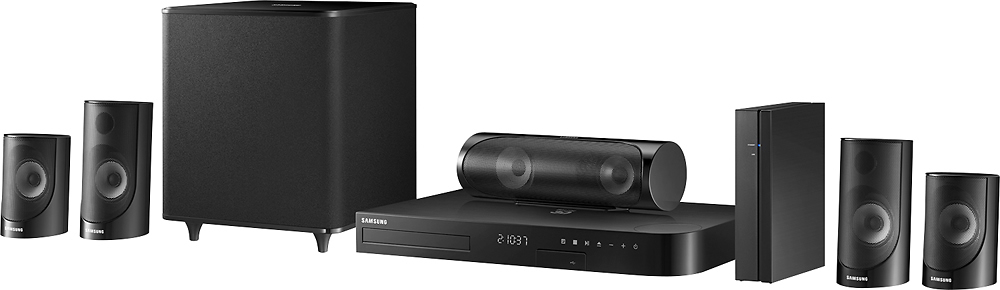
A:AnswerThe speakers have one keyhole in the back to mount on a single screw in the wall or some kind of hook. The center channel has two keyholes due to it's width. I have the front L&R and rear L&R mounted on the wall with the center on a stand in front of my TV.
A:AnswerThe only way I can get to the setup is by placing a CD in the unit and change the tv to play cd's.
Then go to the home button on the units remote.
A:AnswerHi, to get back to the initial set up; power on the player, then press and hold the stop button on the panel for 8 seconds, without a disc in the player. ^Rosi
A:AnswerThe sub is about 12x12x12 give or take a couple of inches. It isn't powered but it is wires directly to the unit so you need to place it kind of close unless you feel like running more wires to a remote location. Hope that helps!
A:AnswerIf you projector has an HDMI input, yes you can connect it. If you want both, you have to connect your Direct TV to your projector for video, and optical or auxiliary RCA to the Samsung for audio.
A:AnswerThe rear speakers are hardwired, to the wireless surround module. The wireless connection is only from the main unit to the wireless module. You can use wire nuts from the proprietary cables connected to the surround module and connect to your house wiring, as long as your house wiring isn't too heavy a gauge to fit in the spring connectors on the back of the speakers. It's a lot of extra work though, probably not worth it.
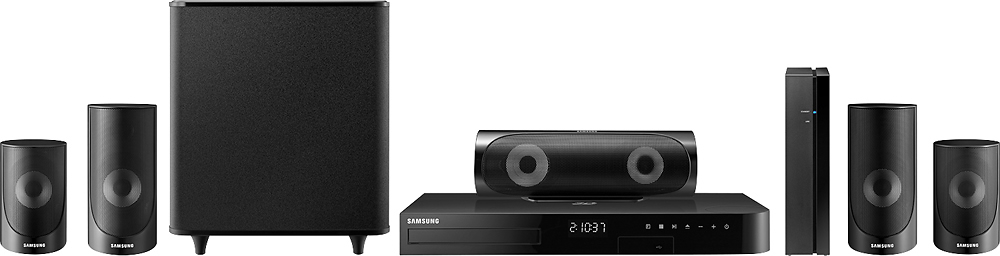
A:AnswerI don't think so. That's only stereo. So only sub and 2 front speakers will work. Maybe center. But not rear. However, it's pretty loud, hope this answered ur question