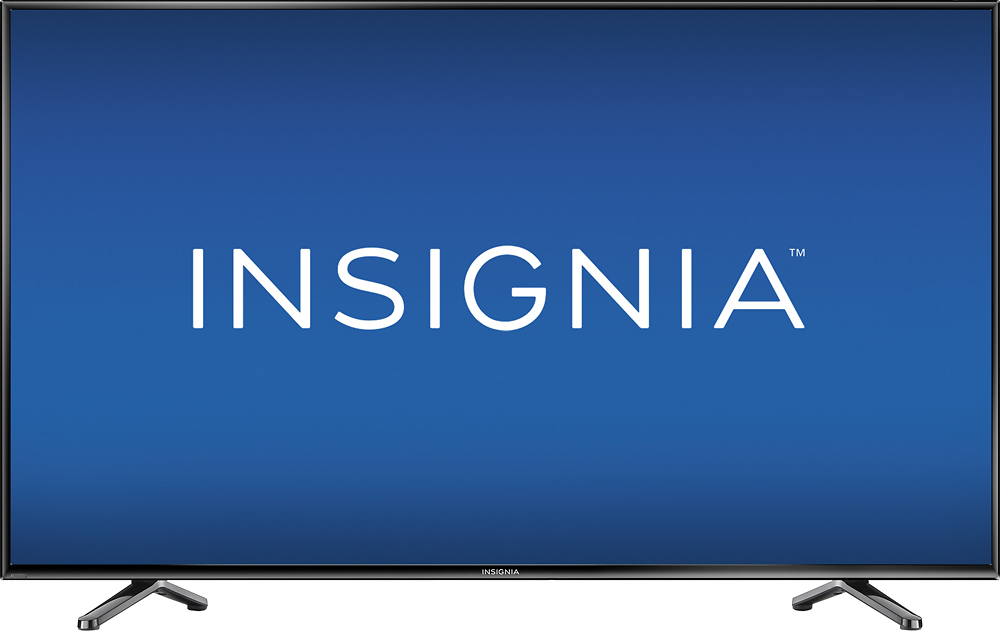
A:AnswerJust picked up this TV as an open box item with no remote...it ONLY has one button on it...the on/off/input button on the bottom left. ALL other functions have to be operated thru the remote. Never owned a TV without the function button on it...bummer!
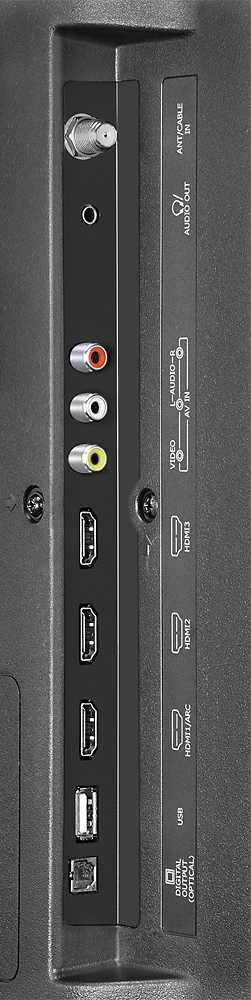
A:AnswerYes you can hook up a computer to this TV, purchase a DVI to HDMI cable. Check out this product here: http://www.bestbuy.com/site/startech-com-6-hdmi-to-dvi-d-video-cable-black/2780053.p?skuId=2780053
A:AnswerYou can't use your wifi alone with this tv as it is NOT a smart tv, but you can use wifi via your Roku, or a fire stick, or Apple TV, or chromecast.
A:AnswerThe tv is about 35 lbs. I was able to get it from my vehicle, up several flights of stairs. I did not lift it, I pulled it up and was able to sit it on the table once I got it upstairs. I am 5'2" and 168 lbs. If I can do it, anyone can!
A:AnswerYou would not be able to upgrade the TV itself. You could however buy a gaming system such as the ps4 or xbox one which would provide more than enough options. Certain Blu-ray players can achieve the same results as a standard smart tv. And products such as the roku do the same and more.
A:AnswerIf I recall correctly I believe it's ~40" apart. The specs on the product listing should show the depth. I wonder why they don't ever include the stand width on TV specs.