A:AnswerHello Aaron,
While the Dish Anywhere app is currently not available on SmartCast, you are able to cast this app from your phone or mobile device. Thanks for your question!
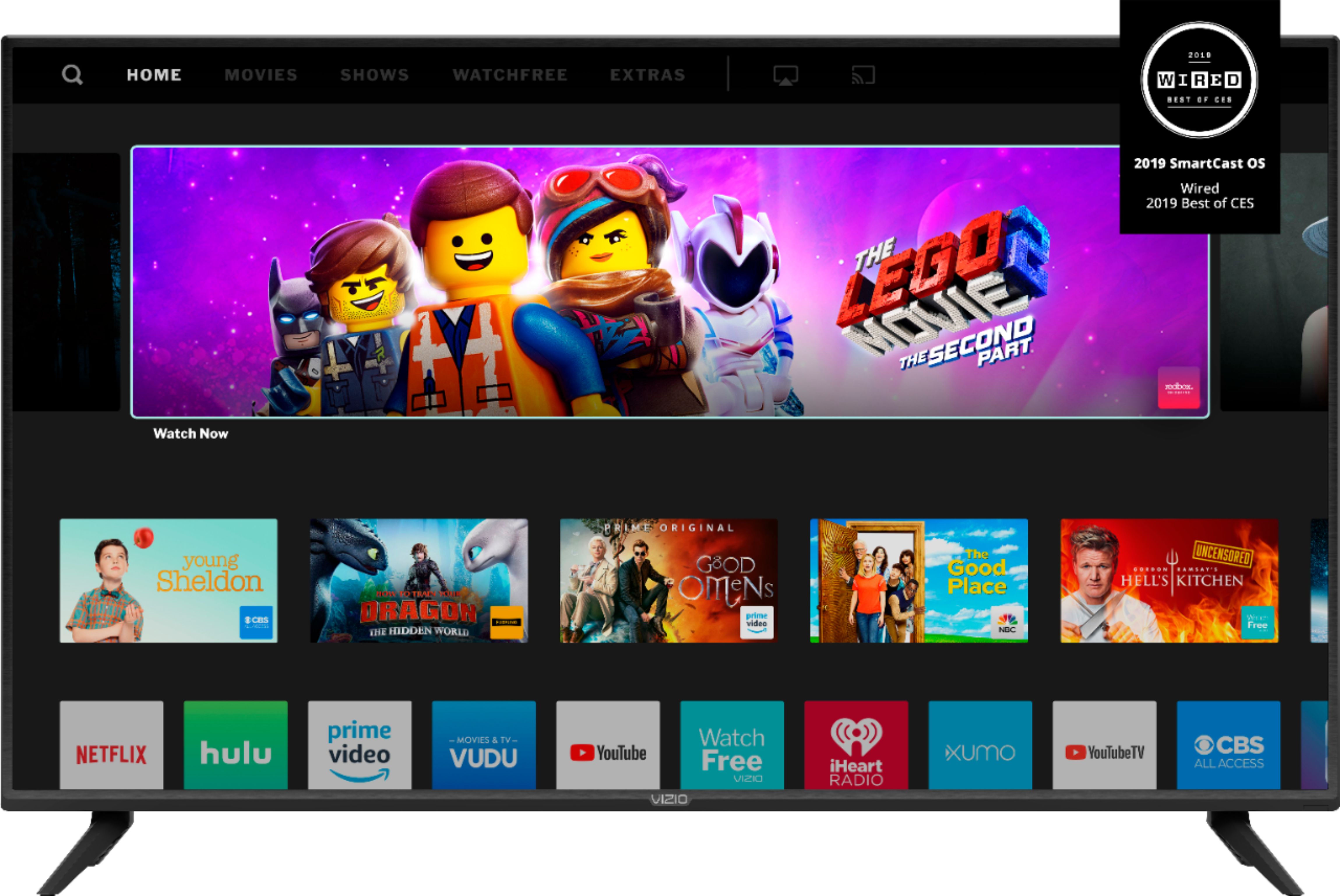
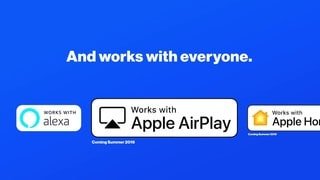
A:AnswerThis TV comes with most popular applications (Netflix, Hulu, Vudu, Amazon, Disney+, and others) available on the home screen. It also supports Google Chromecast and Apple AirPlay 2 so that you can steam content form hundreds more apps on your smartphone or tablet directly to the TV.
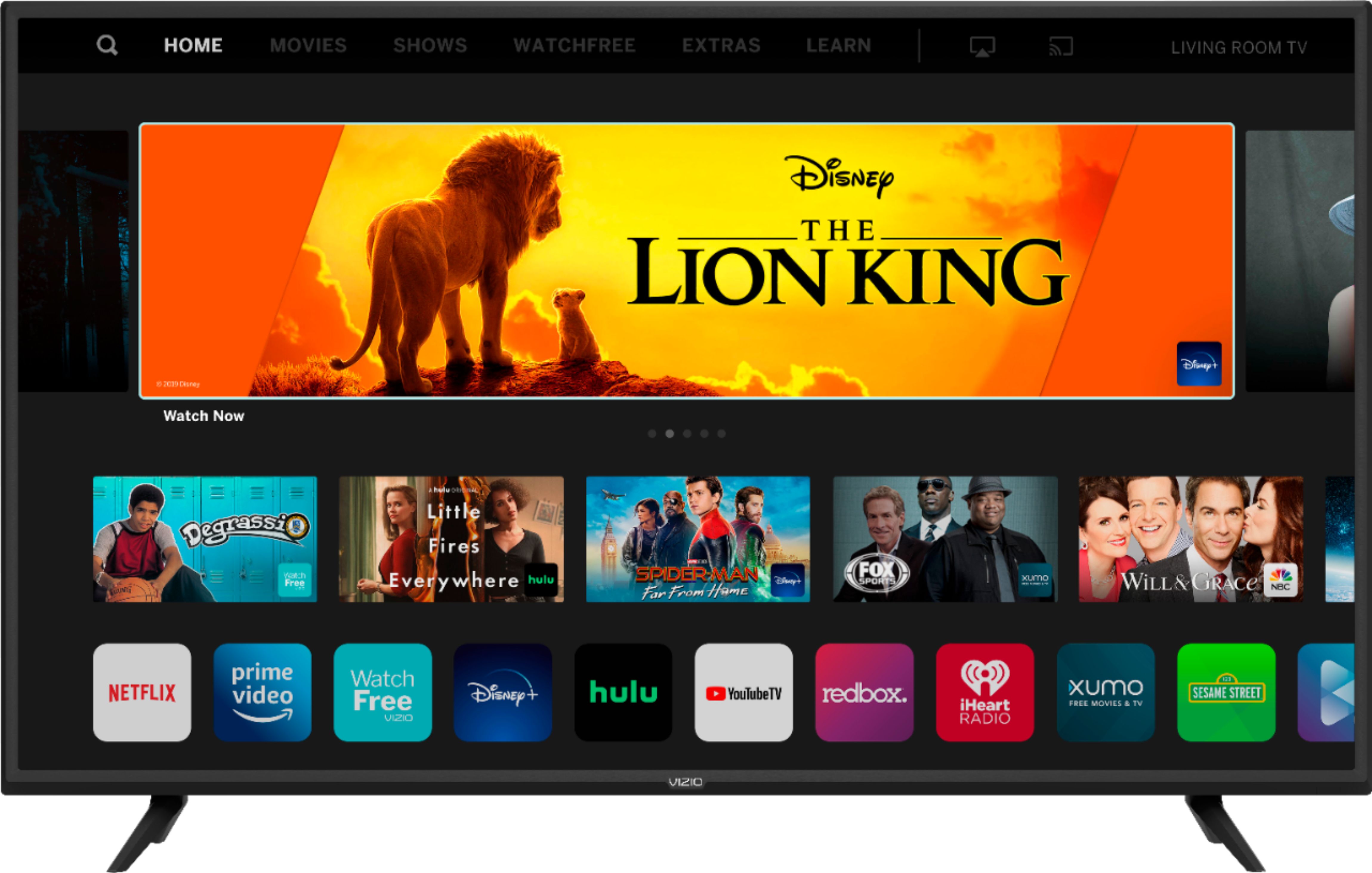
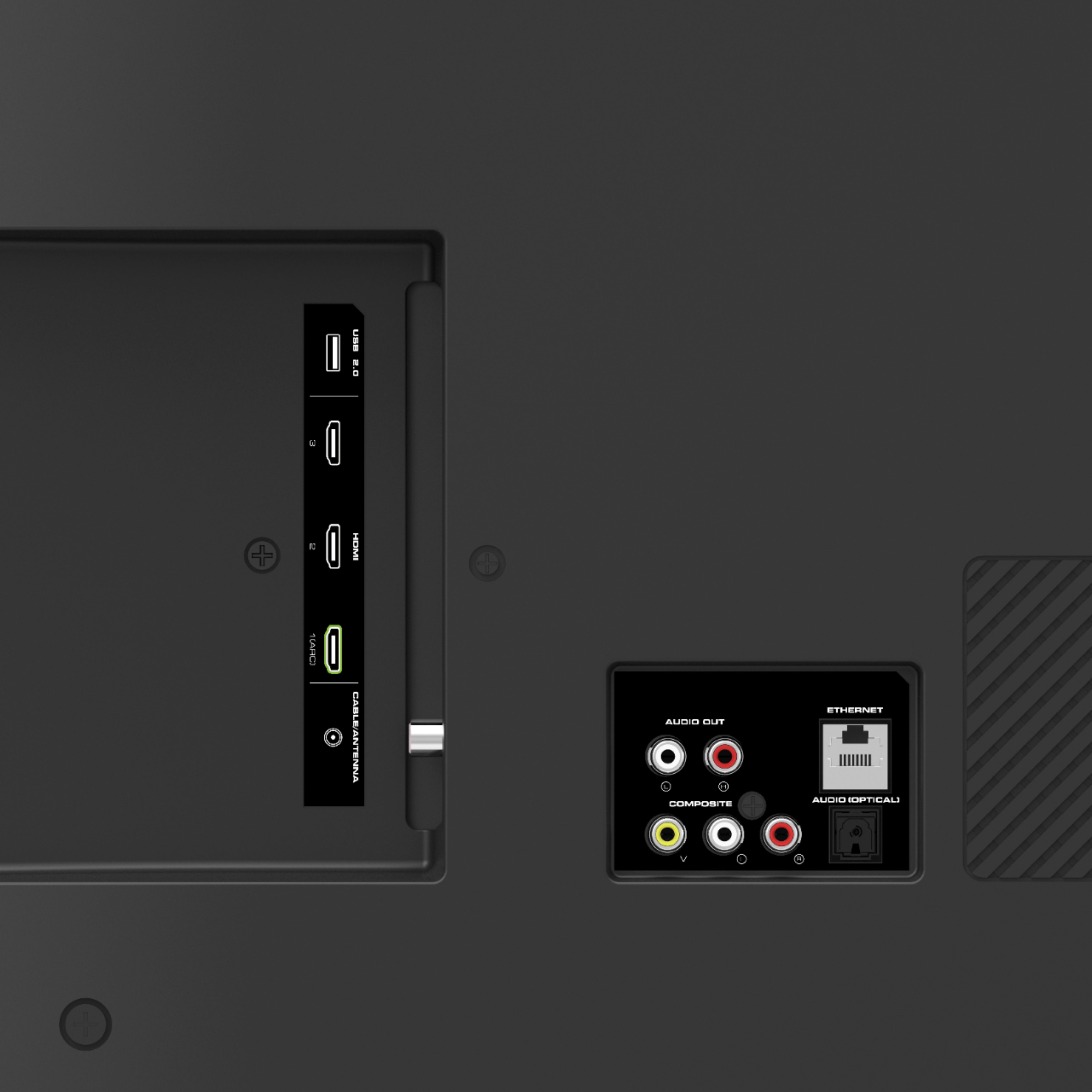
A:AnswerThis TV should work just fine with any device that connects through the HDMI port. But, I'd also add the TV comes with most major apps already included on the home screen. It also supports Google Chromecast & Apple AirPlay2 for sharing screen content, or other apps. We've also added support for Amazon Alexa, Google Voice, and Apple HomeKit voice controls. So you may not need the Roku or Fire Stick.
A:AnswerYou can find instructions to set up your Alexa device here: https://support.vizio.com/s/article/Alexa-SmartCast-Display?language=en_US. If you need any further assistance please reach out to our customer support.
A:AnswerThat functionality isn't supported by the TV. Usually if you'd like to do this- the device that's sending the signal would have that setting to rotate it.
A:AnswerThis TV does use a Bluetooth Low energy signal to pair to some devices so that you can use the VIZIO SmartCast Mobile application to control your TV.

But it doesn't have the ability to connect to a bluetooth speaker to send audio.