A:AnswerYou probably have "hdmi control" setting on (this setting automatically switches to the input based on the input signal source). It does not always work perfectly, When this happens you will see the picture but No Audio. A simple fix is to turn off the receiver and turn it back on. This works for me. Other way is to just toggle the inputs and return back to HDMI 3.
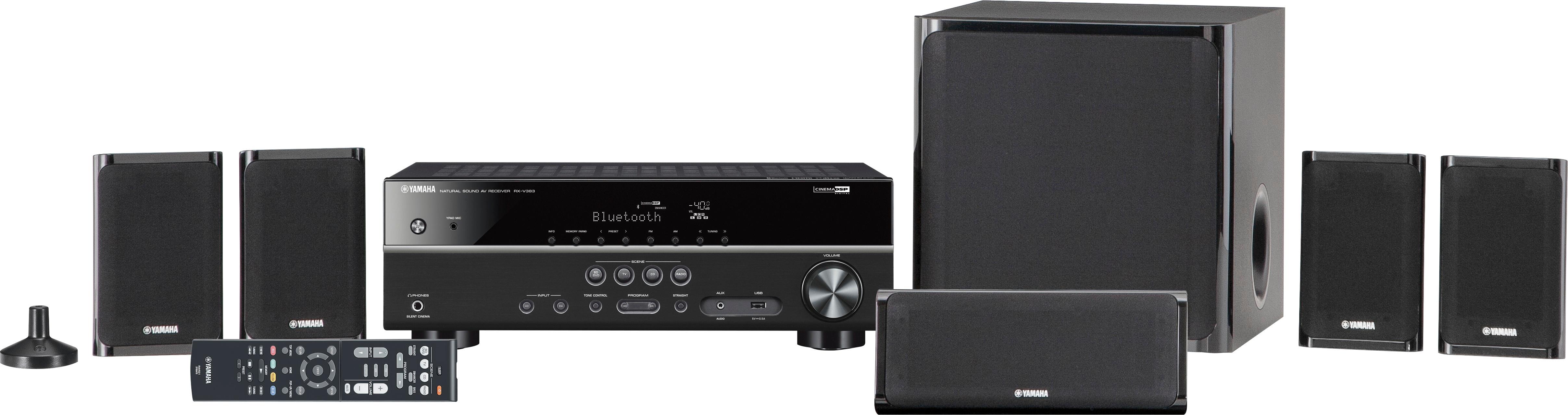
A:AnswerTo play Dvds and CDs you would need a CD or Dvd player pluged into it. The reciever has Am Fm built in. All other items like a record player, game systems, cd/dvd players then plug into ports on the back of the receiver. The receivers function is to amplify and process the sound going to all six speakers.
A:AnswerTry connecting all your av equipment to the 4 HDMI inputs on the receiver (Instead of TV) . This way you can switch both picture and audio simultaneously.
A:AnswerHi Jay, most new receivers like this one don’t have a turntable connection anymore since Bluetooth took over. I have one on my Integra receiver I bought 4 years ago, but not sure if they even they offer it any more. It has a USB port so you could buy a USB turntable which I think will work. My friend has a Sony receiver that didn’t have a phono jack so he got a USB turntable and is very happy with it. You can get them in all price ranges, some are very inexpensive. Hope this helps!
A:AnswerHi Marcos, the sub is active; 6 1/2” and needs to be plugged into a power outlet. The response is 30 to 200 HZ. On the back of the sub it also has volume and crossover knobs for adjustment. It doesn’t state what USB in the specification but assuming it is a USB 2.0. Hope this helps!
A:AnswerI have DirectTV and a PS4 connected to the Yamaha , and then an HDMI cable from that, to the Samsung smart TV, HDMI ARC port. The Samsung TV uses apps, so when I want to watch Netflix the sound source needs to come from the TV. This required me to purchase an optical audio / toslink cable to connect from the TV to the Yamaha. Sometimes the Yamaha will recognize which source to automatically receive data from, and sometimes I have to manually choose the source. Sometimes that does not work, and I have no sound. What has worked for me to get sound is, I turn the Yamaha off & back on, if that doesn't work, I turn the TV off then on. For DirectTv no sound, I do the same as before, plus unplug the Direct TV box and let it restart. Most of the time turning the Yamaha off & on works. I also used to have an issue where the tv sound source would somehow change itself from "Audio Out", to TV speakers. Then I would have to go into the TV settings to change the sound source back to audio out. These issues do not happen every time I turn on my system. But, they do happen often enough that I'm going to read up on these issues and see if its something stupid I did, or if it is an input/output issue with having so many sound sources for the Yamaha to choose from. I will come back and post updated info when I get it. Good luck.