Questions & Answers
Page Showing 1-8 of 8 questions
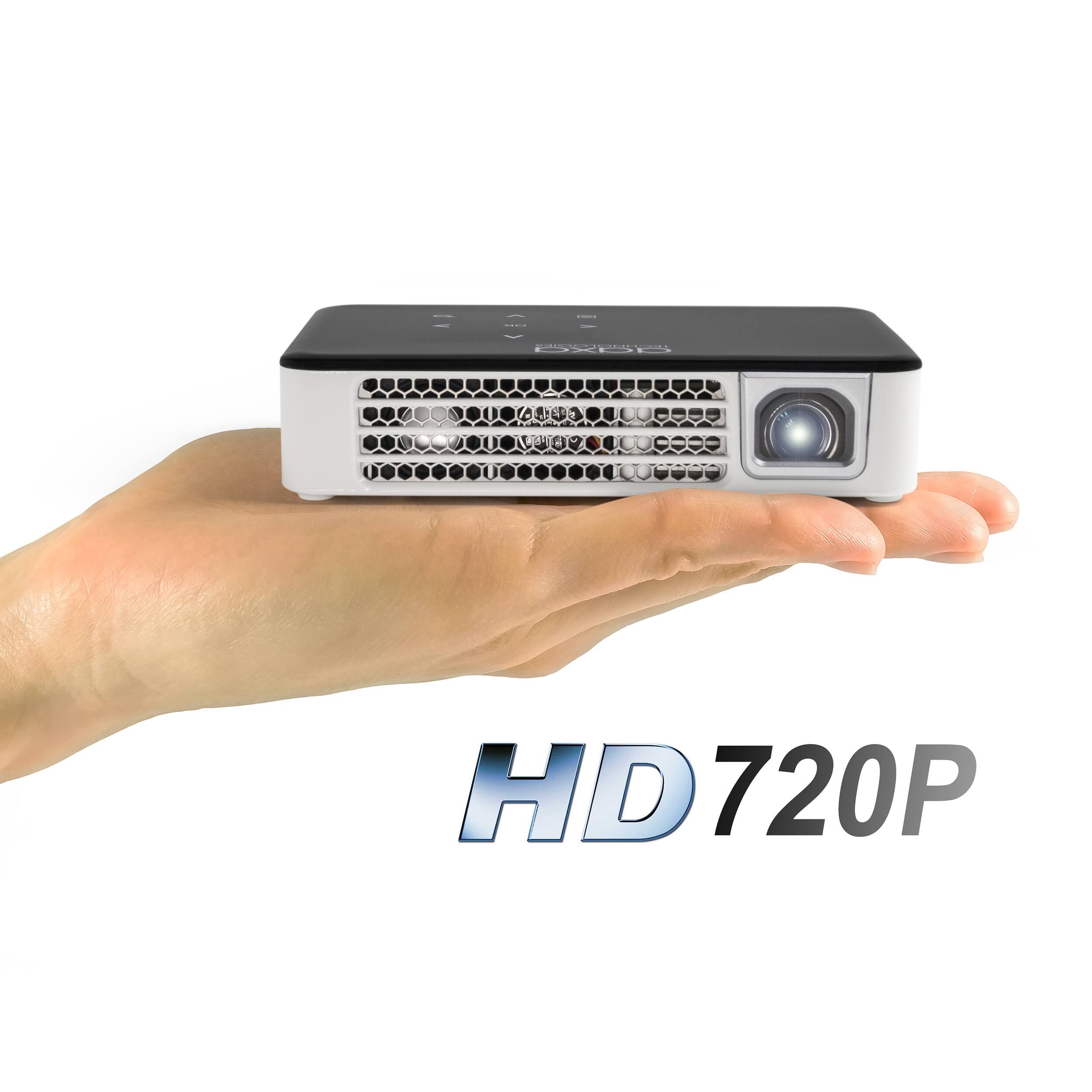
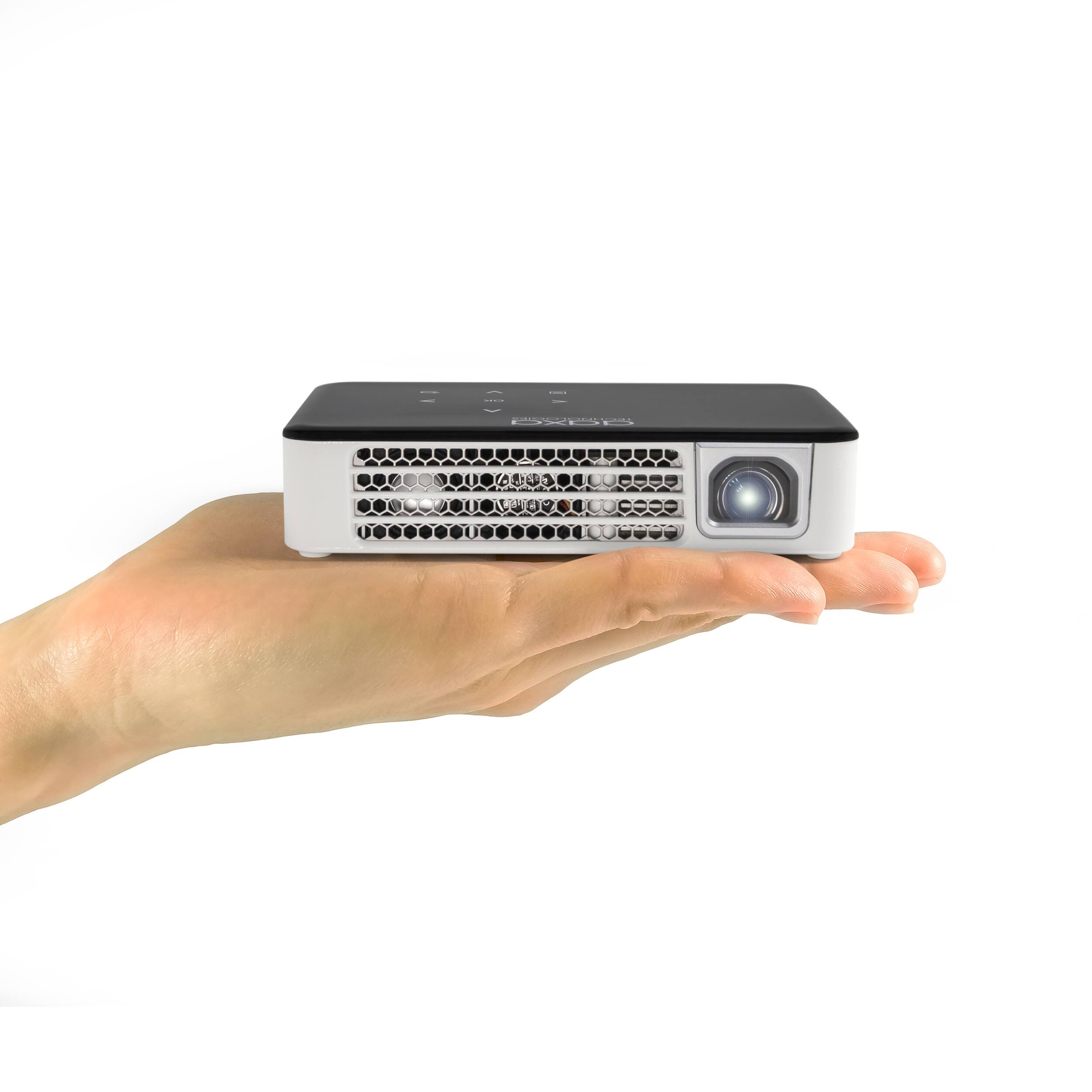
Q: QuestionI want to use this camping with the family. There is no electricity. Can this be charged with a portable USB Power Bank? (like the kind that you would use to charge your cell phone on the go...)
Asked by Tanner.
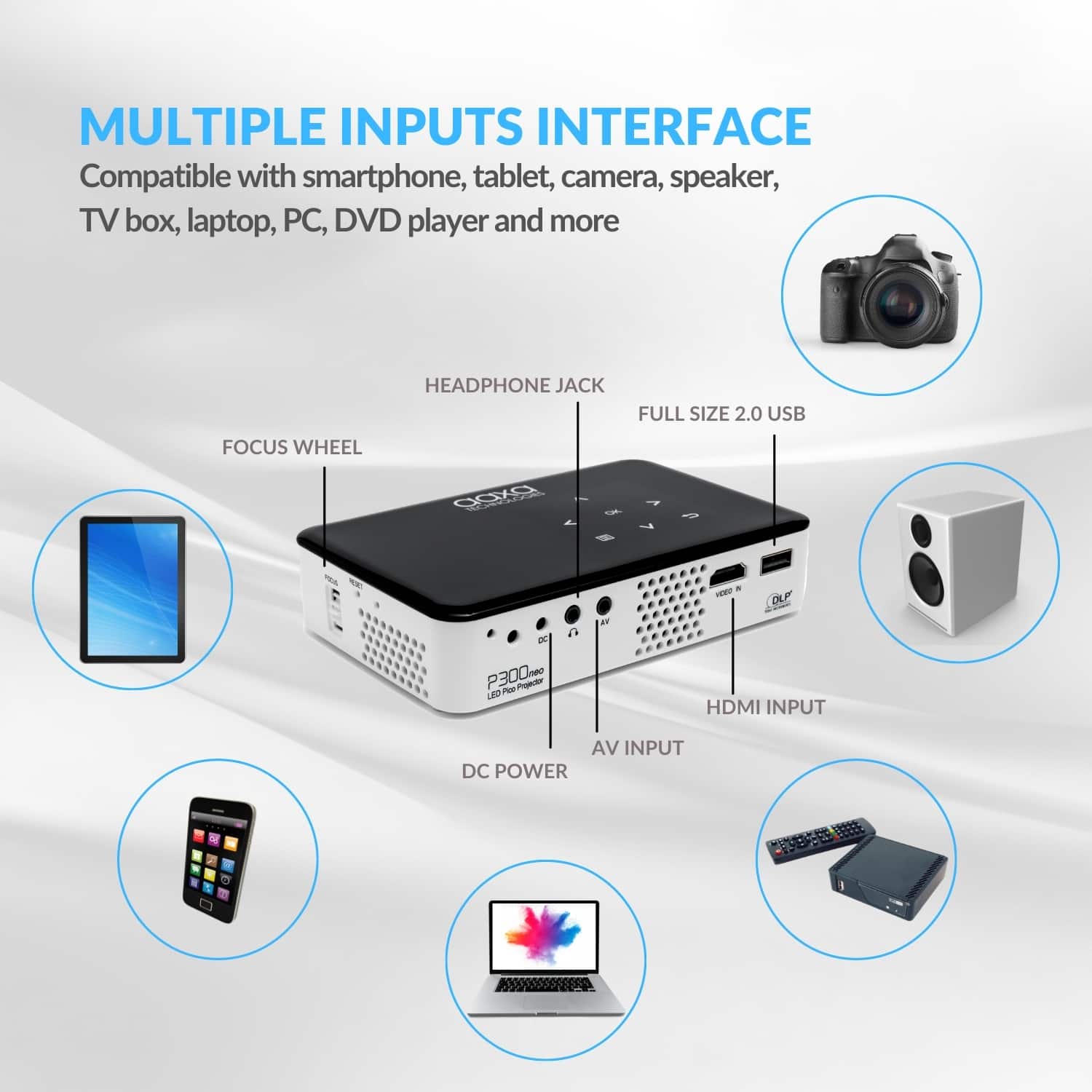
- A:Answer Please note the P300 Neo will only be able to accept power through the DC port. So you will need to find a portable battery pack that will have a DC output of at least 12V for the projector to operate properly.
Answered by AAXA Technologies

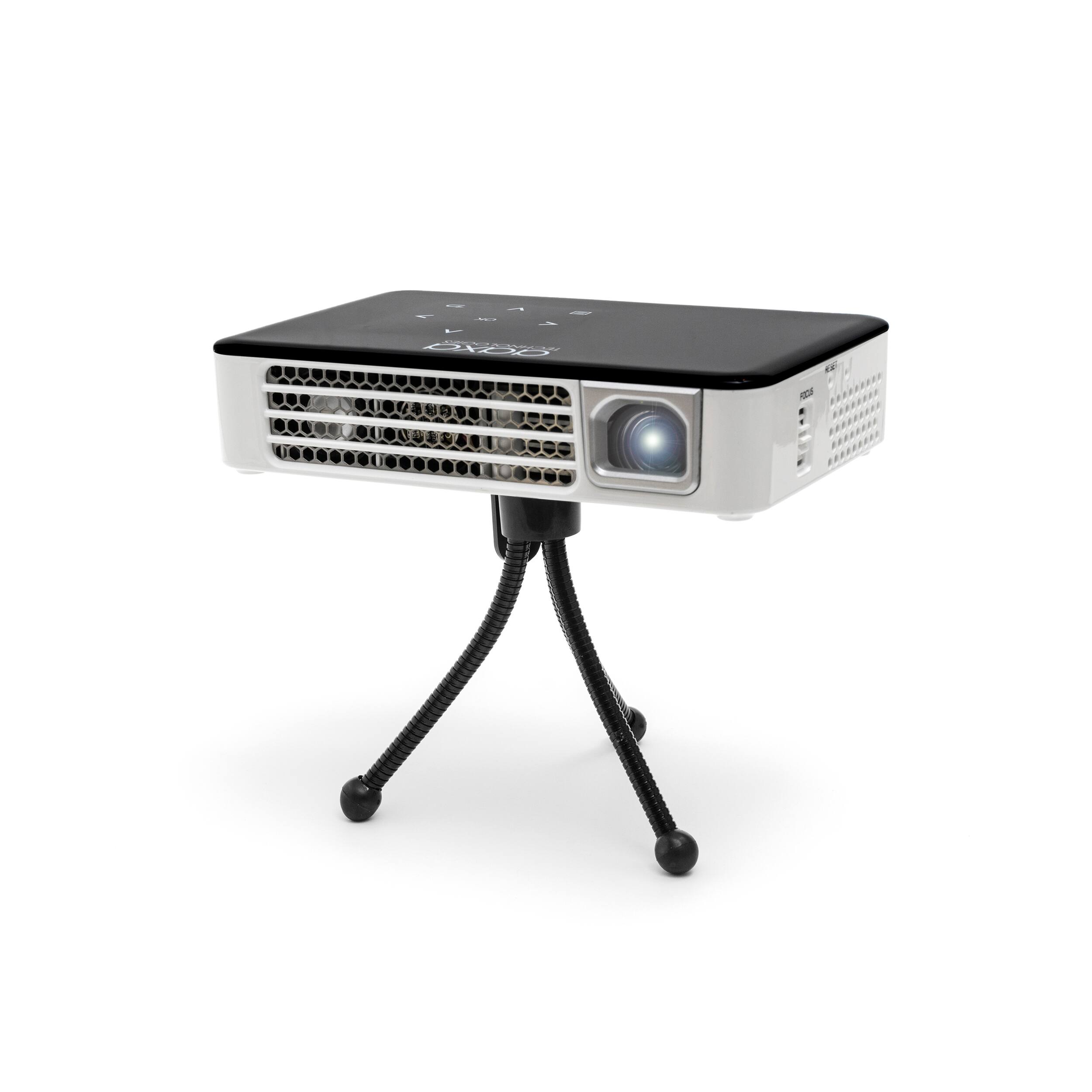
Q: QuestionDoes the included tripod the only kind the projector will work with? or can it be mounted on a 5-6 ft tripod with standard attachment?
Asked by Steve.
- A:Answer It does comes with a tiny cheap tripod, which I dont use. I have a portable tripod that extends to about 5 ft that works great. I think your tripod will be fine
Answered by Buddeeelee
Q: QuestionDoes this projector work with the Xbox one? Laptop? And wired speakers (aux cable)?
Asked by Alyssa.
- A:Answer thats exactly what I use mine with. my xbox hooks to the projector and then the aux cable goes to my soundbar.
Answered by mackcity
Q: QuestionDoes this projector work with and iPhone or ipad?
Asked by Query.
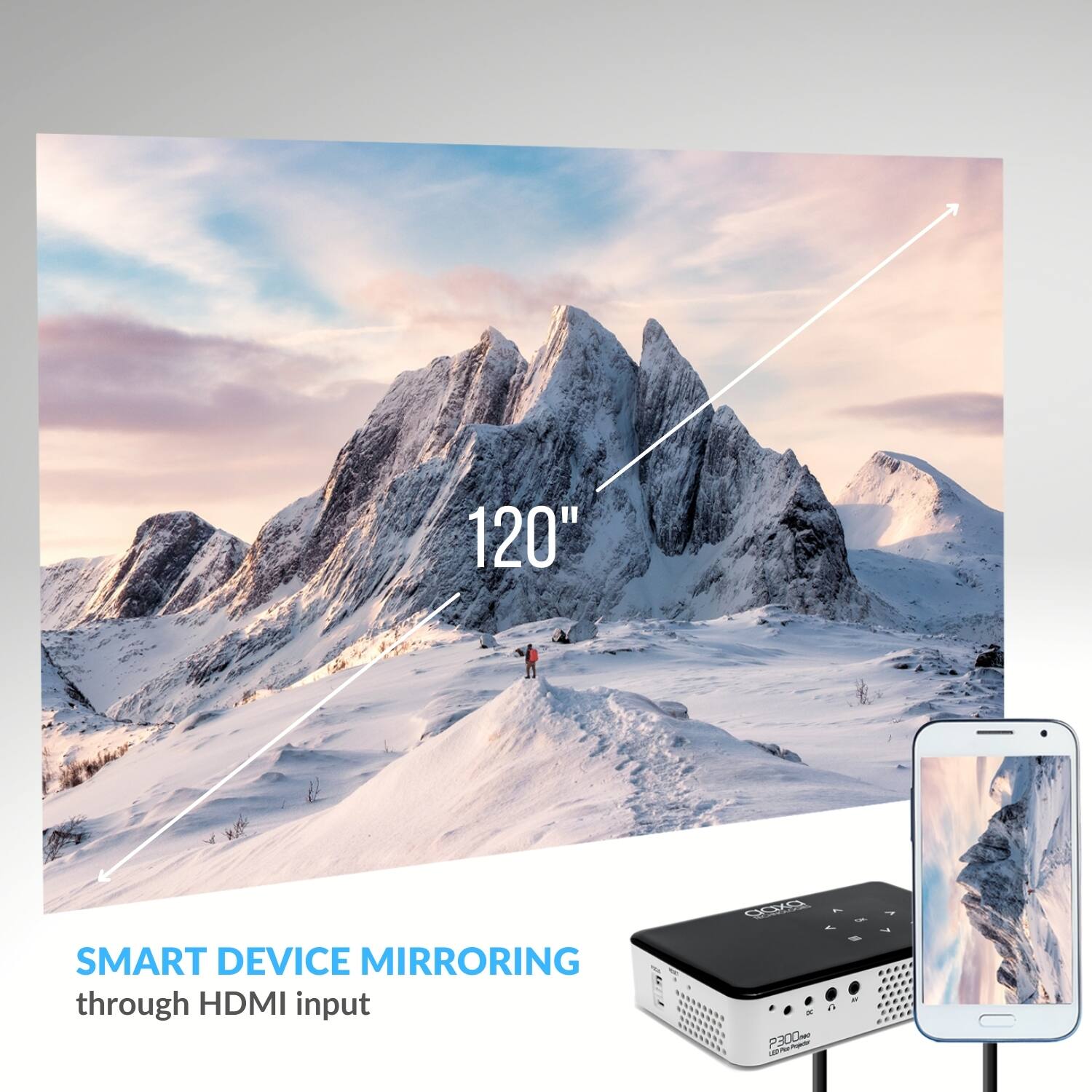
- A:Answer Yes the P300 Neo will work with any iPhone or iPad. You will need to get a Lighting digital a/v adapter from Apple and connect with a HDMI cable.
Answered by AAXA Technologies

Q: QuestionIs the display bright enough to use in a room with the lights on?
Asked by Pm.
- A:Answer Nope... maybe a night light or a desk lamp is ok
Answered by Buddeeelee
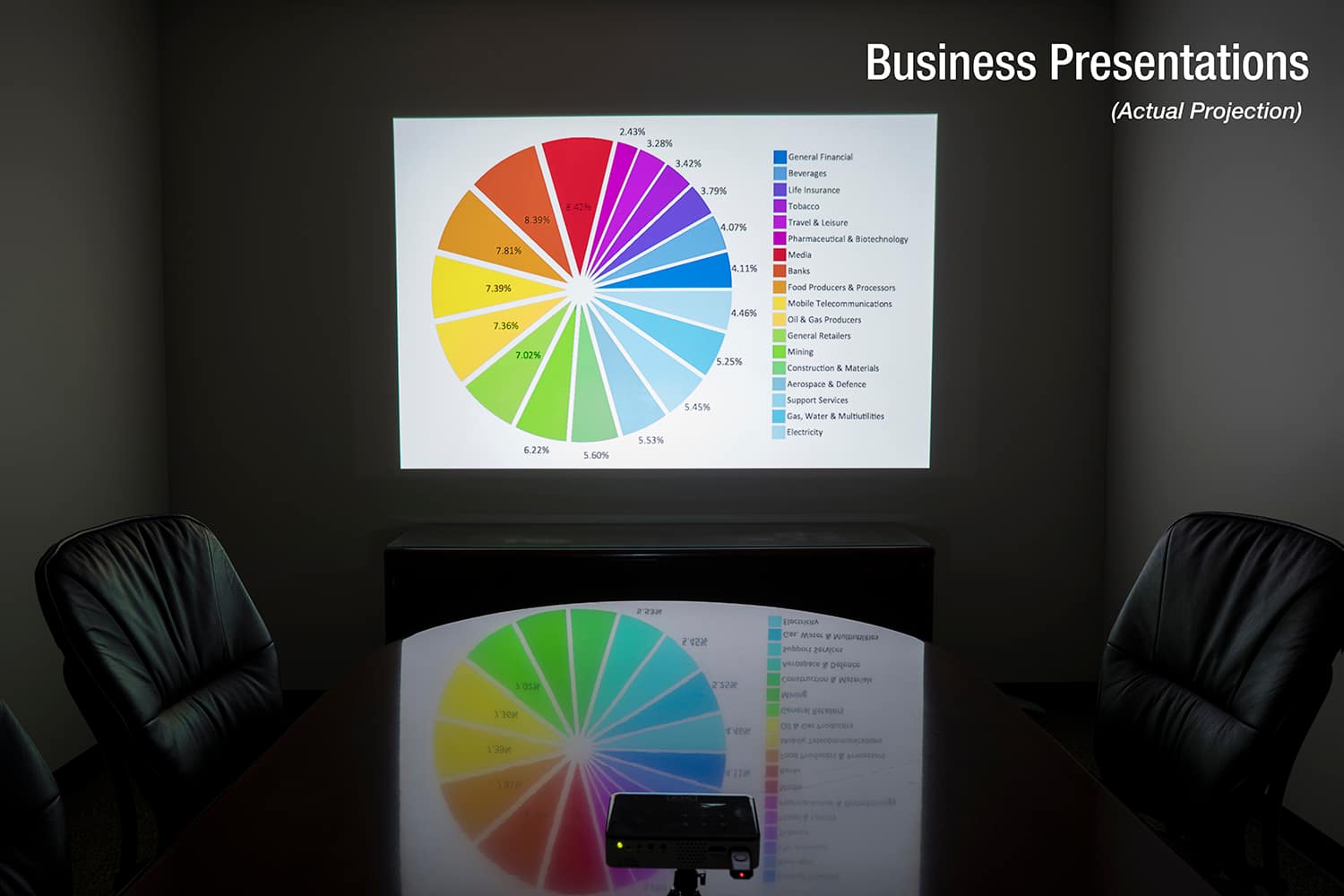
Q: QuestionI want to do a slide show from my computer for a crowd. Will this machine be able to either wirelessly or with cable (included in package?) relay a slide show from Macintosh laptop to wall?
Asked by MOBOFLIZ.
- A:Answer Unfortunately the P300 Neo will not have wireless capabilities. You will be able to connect it with an HDMI cable. You will most likely need to get an adapter for your Mac laptop. For the older ones you will need a mini-display port to HDMI adapter. For the newer ones with USB-C, you will will need a USB-C to HDMI adapter.
Answered by AAXA Technologies

Q: QuestionCan I project a power point presentation from my Kindle Fire. I am not a tech nerd so do I need to purchase additional cables to make this work?
Asked by Africa.
- A:Answer It will really depend on what model you have to see if you will be able to connect at all. You can follow this guide to see if your model will be compatible: https://www.technipages.com/how-to-connect-kindle-fire-hd-to-tv.
Answered by AAXA Technologies

Q: QuestionWill this projector work well for business presentations that will include print as well as video?
Asked by russell.
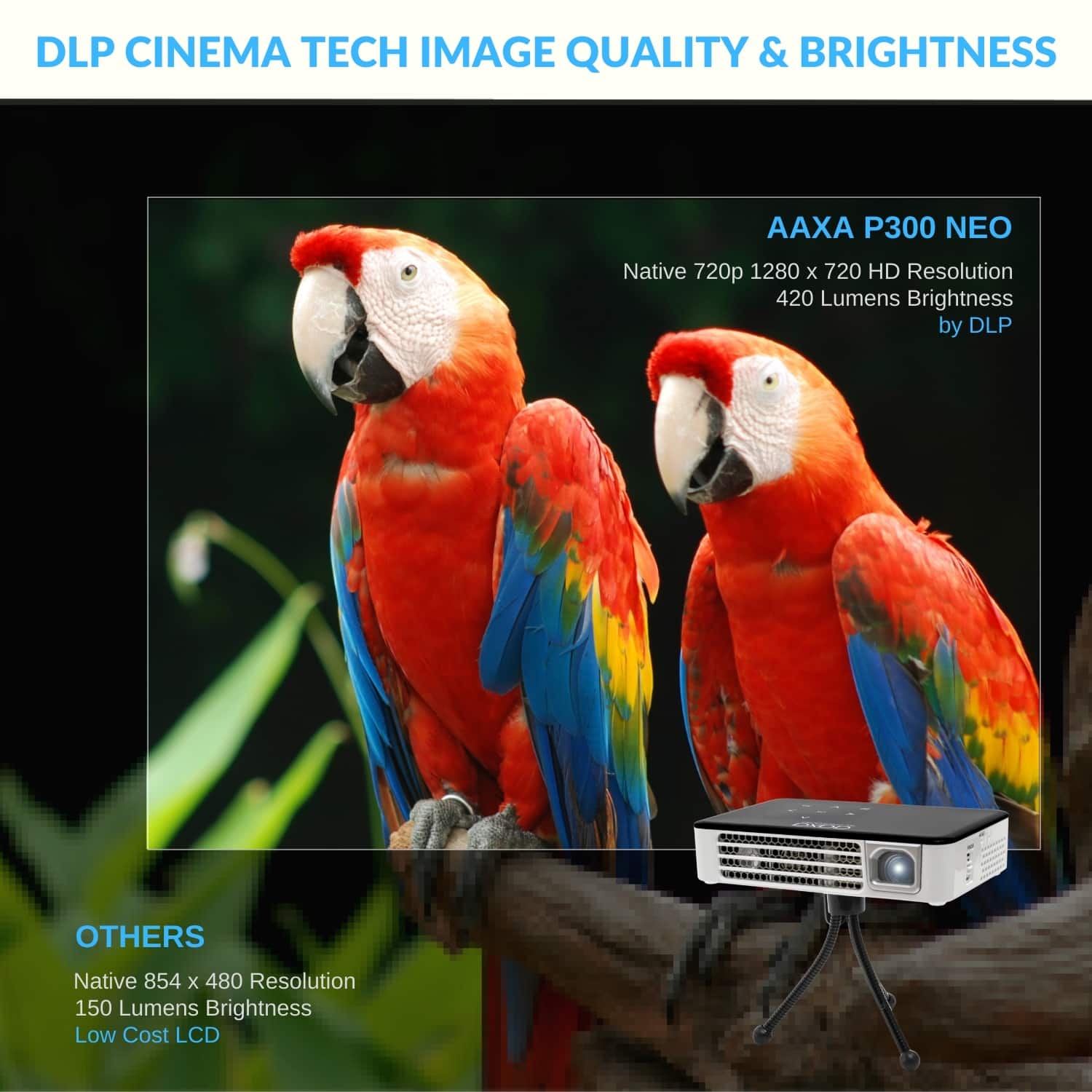
- A:Answer I think it’s a very good projector, especially for its size. It’s not too strong so if you don’t have a dark room you will not see too good.
Answered by EliJ
Page 1, Showing 1-8 of 8 questions
Best-selling Best Buy
- $299.99$299.99The price was $349.99
- $59.99$59.99The price was $99.00
- $199.99$199.99The price was $349.99
- $14.99$14.99The price was $19.00
- $24.99$24.99The price was $29.99
- $14.99$14.99The price was $19.00
- $139.99$139.99The price was $149.99