Questions & Answers
- Model:
- CB3-532-C8DF
- |
- SKU:
- 6170703
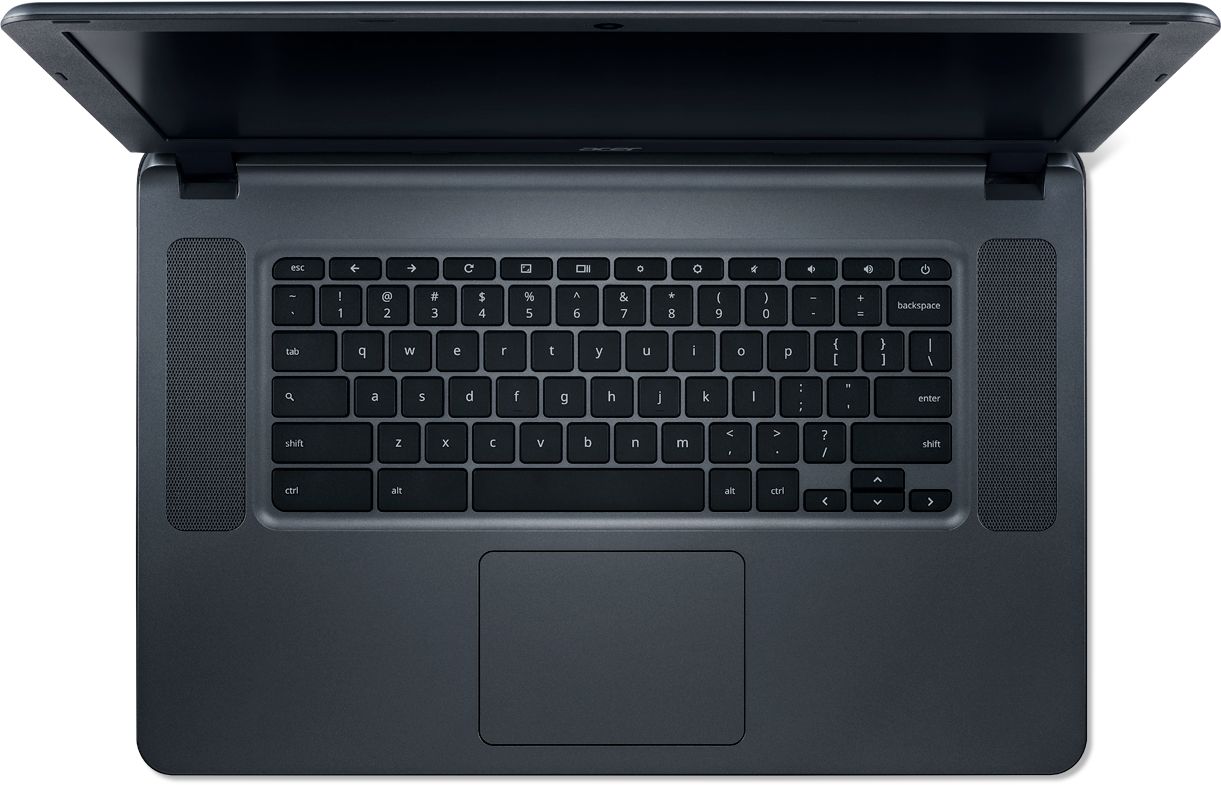
Q: QuestionHow do you page up and down on this unit?
Asked by jam7959.
- A:Answer Hi Jam, You can page up and page down by pressing the up and down arrow keys under the shift key on the lower right hand side of the keyboard. Thank you, Acer America
Answered by TeamAcer

Q: QuestionWhat accessories go with this?
Asked by Raj.
- A:Answer Please see the section on the product page titled, "Have everything you need?" for a list of compatible accessories.
Answered by CommunityAnswer
Q: QuestionIs this touch screen
Asked by Shan.
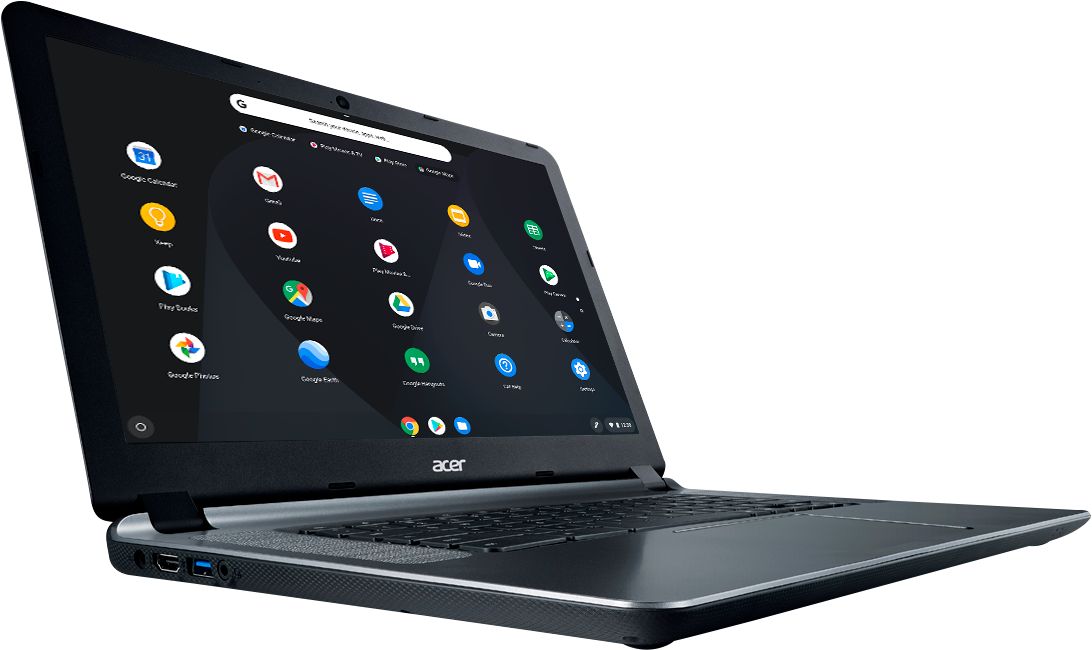
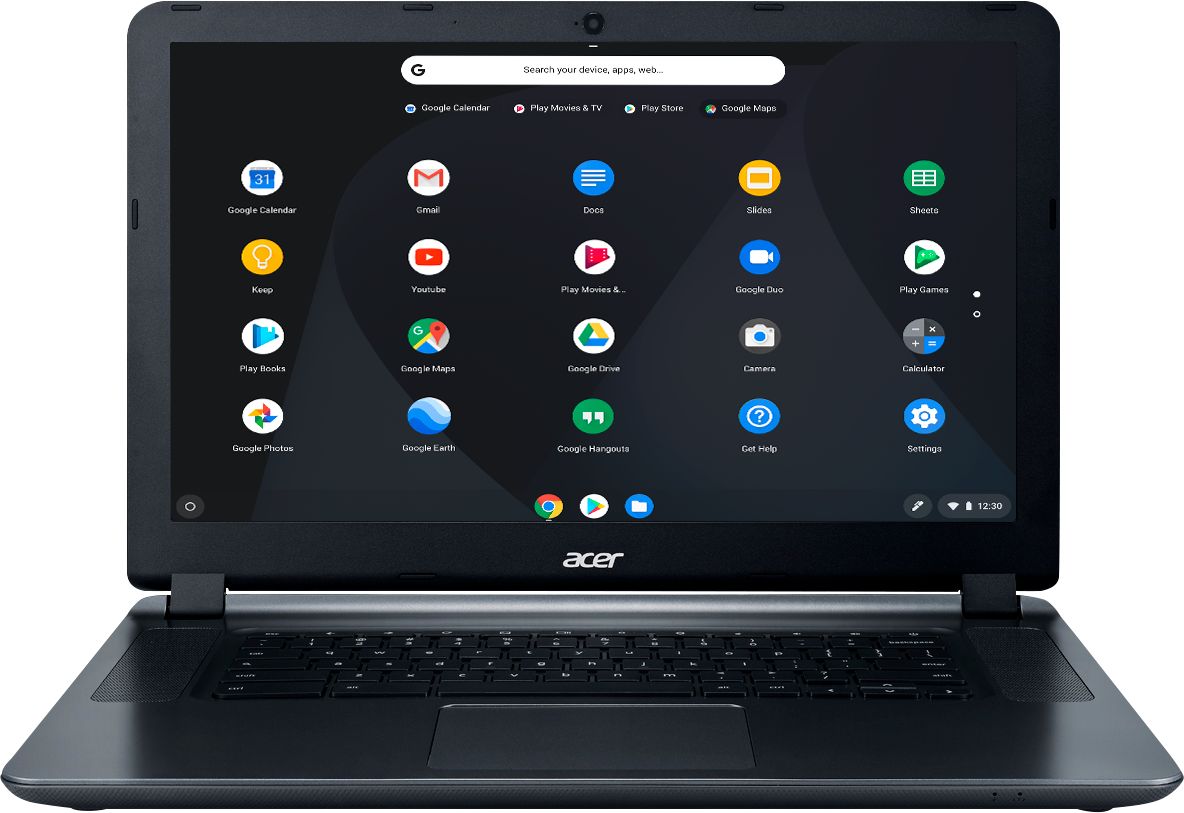
- A:Answer No, this is not a touchscreen PC.
Answered by CommunityAnswer
Q: Questioncan it run flash player or facebook game room
Asked by Pmmm1617.
- A:Answer I play Farmville on facebook and shock wave crashes often. Usually lasts a few minutes and then is fine
Answered by Sammy
Q: QuestionDoes it include google assistant?
Asked by Pacal.
- A:Answer No, but here is a link that has information on how to enable it on a Chromebook: https://www.androidguys.com/tips-tools/enable-google-assistant-chromebooks/
Answered by TeamAcer

Q: QuestionHonestly, all I want to know is if this would be decent to run the Sims 4.
Asked by Eliza.
- A:Answer If the game is available as an Android app or through Google Playstore, yes. Chromebooks are different from standard laptop products in that they are designed to be used primarily while connected to the Internet, with most applications and documents living in the cloud. Because of this they don’t have much for on board storage but they also are not expensive either. Chromebooks run off apps like an Android phone or tablet so you cannot download and install applications or .exe files. If you need to use third party software applications that must be installed on the computer, a Chromebook is likely not for you, where a Windows laptop would suit you better.
Answered by TeamAcer

Q: Questioncan you use the acer 15.6 '' Chromebook inter 4GB Memory on a printer
Asked by Anonymous.
- A:Answer Yes you can use printers with Chromebooks. Here is a link you might find helpful: http://cbookreviewguide.com/chromebook-compatible-printers-cloud-ready/
Answered by TeamAcer

Q: QuestionInterested in getting it for my 14 year old daughter. She likes playing Minecraft and watching Youtube Videos. Is this something that will keep up?
Asked by paulmbee.
- A:Answer Great inexpensive laptop for viewing videos, playing games and listening to music online. It does not have a disk drive, but I got an external CD-RW/DVD-RW PLAYER/BURNER ON EBAY FOR $18.00.
Answered by Mike
Q: QuestionIs hard drive ssd ? How many gigs?
Asked by Mac.
- A:Answer The storage is a 16GB eMMC flash drive. This is designed to be used primarily on the Internet using Cloud storage. If you need other storage options you can use a USB flash drive or external USB hdd.
Answered by TeamAcer

Q: Questionwhat version of windows does it have?
Asked by Anonymous.
- A:Answer It runs google chrome, so it's not a Windows machine. It's more of an internet/email machine, but can be used for docs and spreadsheets...with google help.
Answered by cowtownhorn
Q: QuestionIs this screen Gorilla glass or hard surface? Or is it the film typle? Can you filter out blue light?
Asked by Trilpub.
- A:Answer This Chromebook does not have a Gorilla glass or blue light filter; this has a standard LCD glass TN screen.
Answered by TeamAcer

Q: Questioncan I go USB cable to my Kodiak printer?
Asked by YIP.
- A:Answer Yes. you can wifi as well. with steps
Answered by cowtownhorn
Q: QuestionI have an older Acer and somehow the screen is now enlarged and I cannot get it back to normal size. Are there a series of keys I can hit to get it back to normal size?
Asked by Talmadge.
- A:Answer Making assumption that this is an earlier Chromebook, you might try: Try simultaneously pressing CTRL and Shift and + (addition sign) keys OR CTRL and Shift and - (minus sign) keys, OR Go to Settings and then Search on Display and adjust "Display Size" or Search on "Font" and adjust the font size or customize the font OR On the Chrome tab settings, adjust the "Zoom" option If you're running an older Chrome OS version, then you might also try updating your OS and then trying the above. To force an update, when you're in Settings press the three parallel lines to the left of the title "Settings" and go to "About Chrome OS" and "Check for Updates" If this is a Windows machine you might try searching on display to see if you can customize.
Answered by DCDC
Q: QuestionSince a chrome book has a 5 year life, when was this model released?
Asked by blackie43.
- A:Answer The CB3-532 will get auto updates until Aug 2021, according to Google's link: https://support.google.com/chrome/a/answer/6220366?hl=en
Answered by TeamAcer

Q: Questionis this a touchscreen computer
Asked by Liz.
- A:Answer No, this model is not touchscreen.
Answered by CommunityAnswer
Q: Questiondoes this have windows 10 or xp
Asked by Anonymous.
- A:Answer This Acer Chromebook does not have any Windows programs on it because it runs on Chrome OS (from Google).
Answered by CommunityAnswer
Q: Questioncan I run a digital projector from this item
Asked by Guy.
- A:Answer Yes, a digital projector can be ran from this Chromebook.
Answered by CommunityAnswer
Q: QuestionCan this chromebook read a SIM card ?
Asked by Ritamo.
- A:Answer No, this Chromebook supports wifi only.
Answered by TeamAcer

Q: QuestionCan this device operate on Dial-up service?
Asked by southelba.
- A:Answer No. Acer Chromebooks support wifi and do not include a modem for dial up.
Answered by TeamAcer

Most-viewed items
- $329.99$329.99The price was $469.99
- $249.99$249.99The price was $379.99
- $449.99$449.99The price was $649.99
- $169.99$169.99The price was $299.99
- $1,399.99$1,399.99The price was $2,699.99
- $449.99$449.99The price was $689.99
- $349.99$349.99The price was $599.99