Questions & Answers
- Model:
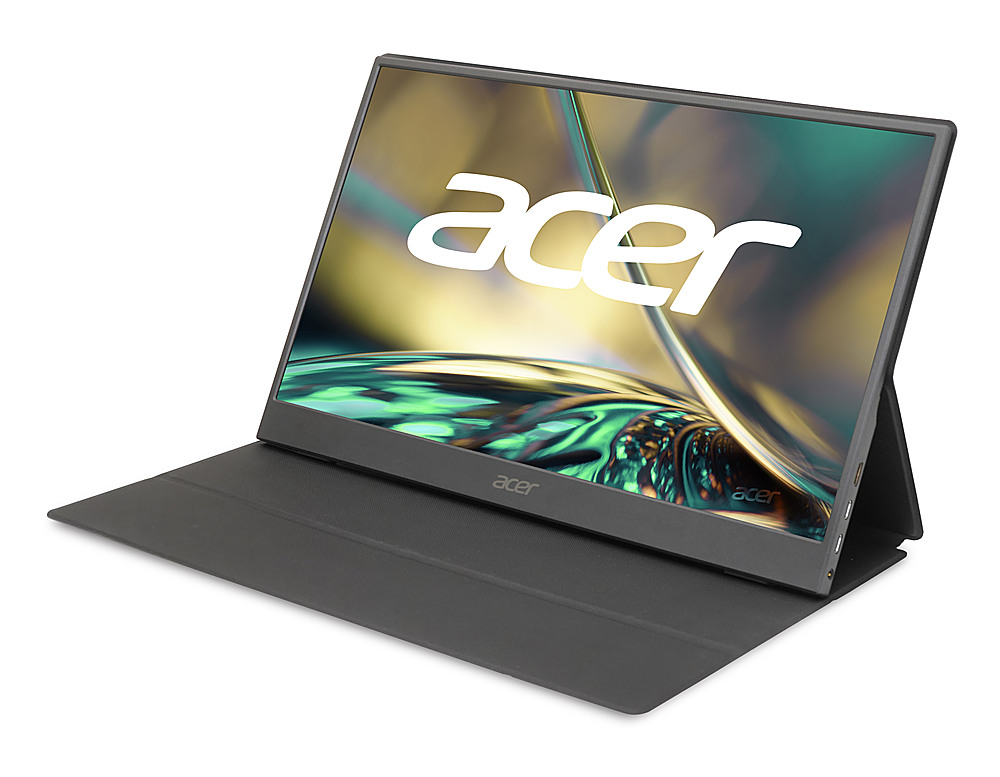
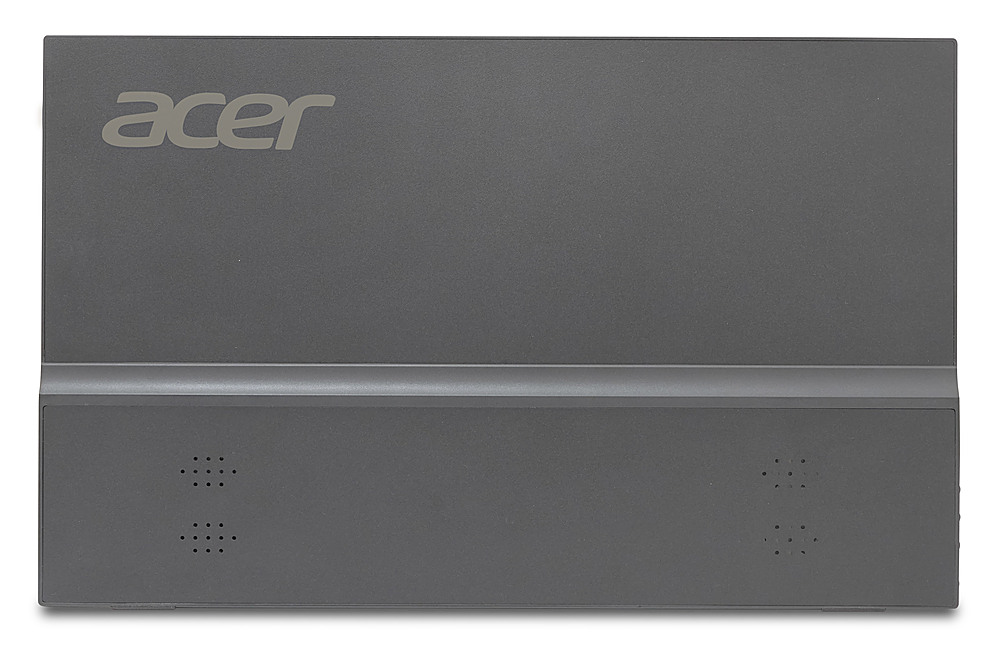
- PM161Q Abmiuuzx
- |
- SKU:
- 6545112
Highly rated by customers for: Ease of use, Screen Size, Weight
$40.99Your price for this item is $40.99
Clearance
Comp. Value: $149.99
The comparable value price is $149.99
Page Showing 21-40 of 46 questions
Q: QuestionDoes the laptop bring the charger already or do I need to buy it on the side
Asked by Lola.
- A:Answer The power source is included with all Acer products.
Answered by TeamAcer

Q: QuestionCAN I ADD A SECOND MOTIOR TO THIS LAPTOP
Asked by SUE.
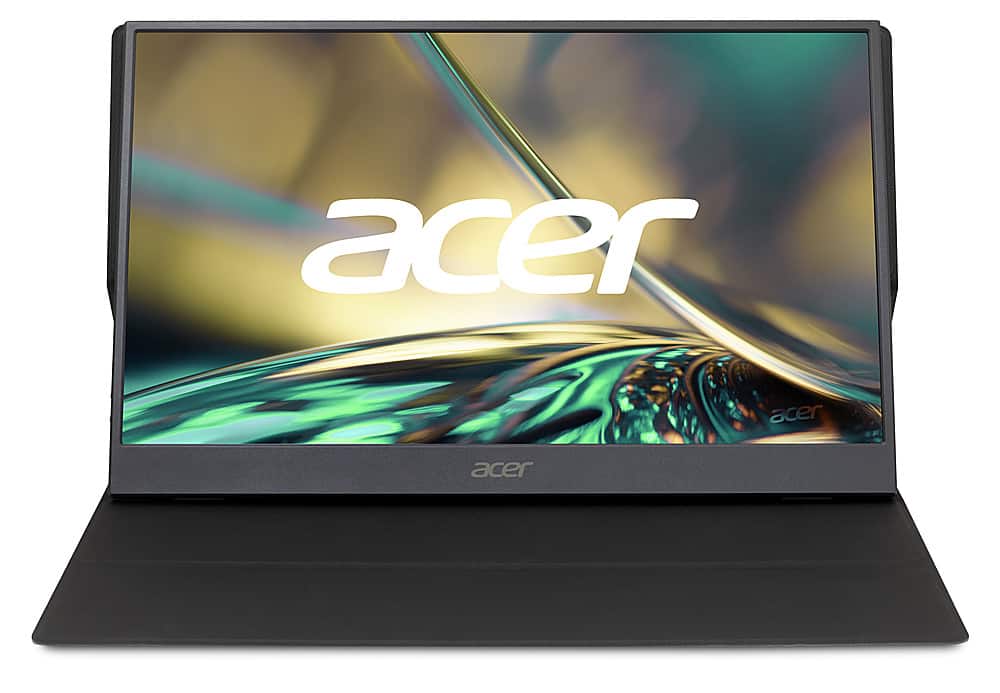
- A:Answer This is not a laptop- it is a display (monitor) device only. You can add a second monitor to the Acer PM161Q. To set up a dual monitor configuration with your PM161Q, you'll need to ensure that your second monitor is connected to your computer via an appropriate video output port such as HDMI, DisplayPort, or USB-C. The PM161Q supports USB 3.1 video output, so make sure your second monitor or the connecting device supports this or a compatible standard.
Answered by TeamAcer

Q: QuestionCan I use this as a 3rd display? The last portable monitor I purchased indicated "No Signal" unless it was one of only two displays.
Asked by JOYLL.
- A:Answer The Acer PM161Q monitor is specifically designed to be compatible with devices that support USB 3.1 video output. To use the PM161Q as a third display, ensure that it is connected to a USB-C port that supports video output. The monitor should automatically detect and display the image from the connected device if the port is compatible. If you previously experienced a "No Signal" message with another portable monitor when trying to use it as a third display, it's important to check that your current setup supports multiple displays. This includes verifying that your graphics card and drivers can handle multiple monitors and that the correct settings are enabled in your operating system to manage multiple displays. For the PM161Q, make sure it is connected to a USB-C port that supports video output. These ports are often labeled with specific icons such as DisplayPort or Thunderbolt. If you are unsure if your device supports video out via the USB 3.1 port, it's recommended to consult your device manufacturer or refer to your device's documentation. If you encounter issues or the "No Signal" message persists when attempting to use the PM161Q as a third display, consider the following troubleshooting steps: •Ensure the monitor is connected to the correct USB-C port. •Check the monitor and computer settings to ensure multiple displays are supported and activated. •Try using a different cable or adapter to ensure there is no issue with the connectivity hardware.
Answered by TeamAcer

Q: QuestionIs it windows 10 compatible? Thank you
Asked by TA.
- A:Answer Yes. I use it on Windows 10 actually. Works no problem.
Answered by CloneElite
Q: QuestionHow many GB of RAM? How fast is the processor?
Asked by Dan.
- A:Answer This is a display device only, so it does not have built in memory or a CPU.
Answered by TeamAcer

Q: QuestionCan I connect my PS4 to it?
Asked by Bryan.
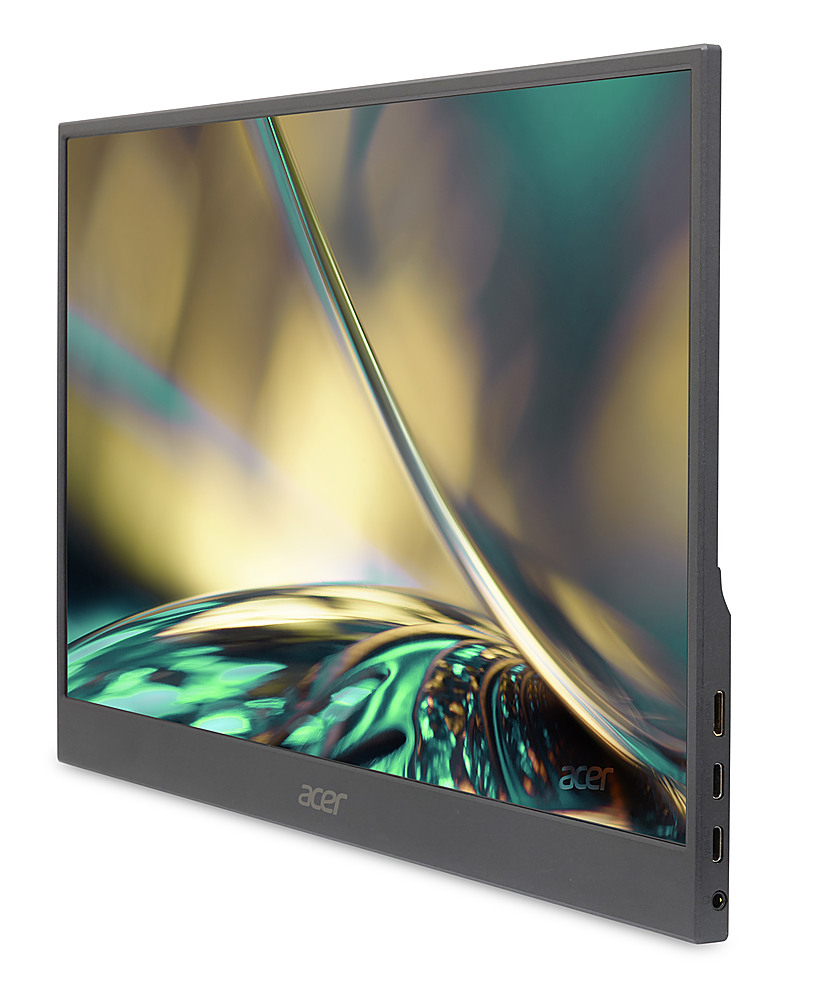
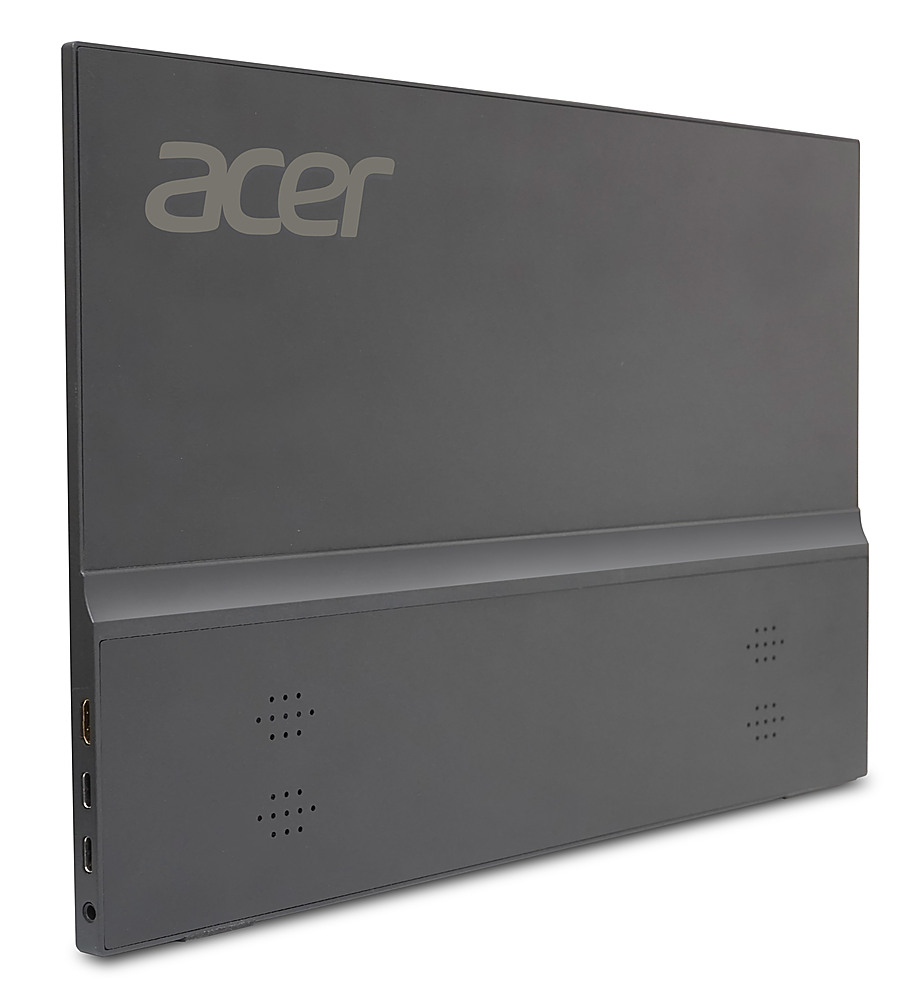
- A:Answer Yes. This monitor has a mini hdmi input, and does come with the cable that is standard size on the other end to connect devices with a standard hdmi port.
Answered by Anonymous
Q: QuestionIs it a touch screen and could it be used to record music
Asked by Anonymous.
- A:Answer This is a portable monitor, a display device only so you cannot record music. This is not a touch screen device.
Answered by TeamAcer

Q: QuestionDoes this monitor work if connected to a laptop through a USB-C cable?
Asked by JohnG.
- A:Answer YES. It has both EDP and HDMI inputs.
Answered by FabriceC
Q: QuestionWILL THIS MONITOR WORK WITH A TOSHIBA LAPTOP COMPUTER. i NEED TWO OF THESE MONITORS
Asked by Anonymous.
Q: QuestionIs this compatible with MacBook Pro M3? I couldn't find it anywhere in the specs. Appreciate the help in advance!
Asked by AmateurUser1.
- A:Answer No, my MacBook Pro 16 inch rejects it
Answered by theresaw61
Q: QuestionWHAT IS THE STORAGE
Asked by MILA.
- A:Answer There is no storage on this device, as this is a portable monitor only. It does not have storage like a laptop.
Answered by TeamAcer

Q: QuestionHow good is performance when playing games and running emulators
Asked by Gerodjr.
- A:Answer Good enough. It works with a 75 foot hdmi if you have an amd gpu. Dont know about NVidia Works switch and runs off a 20k mah battery bank. The audio onboard is garbage.
Answered by PaulF
Q: QuestionCan i plug in my ROKU stick maybe with the aid of an HDMI adapter to watch ROKU ?
Asked by Kevin.
- A:Answer Yes you can connect an hdmi cable
Answered by CRAZYJAVY
Q: QuestionCan I put a internet sim card in this laptop
Asked by Heaven.
- A:Answer No, this monitor does not have a SIM card slot.
Answered by TeamAcer

Q: QuestionCan it download and run an Android apps?
Asked by Nel.
- A:Answer No. This portable monitor is a display device only. Any apps would be installed on the computer to which it is connected.
Answered by TeamAcer

Q: QuestionCan I use my Xbox Series S on it if I buy an HDMI to HDMI mini cable?
Asked by NateG.
- A:Answer No need for a cable. It is provided. What is needed is a USB A to USB C cable to power the display via one of the XBOX USB ports.
Answered by FabriceC
Q: QuestionCan I play my game on this device?
Asked by Anonymous.
- A:Answer This is a display device that needs to be connected to a laptop or PC. Any games would be installed on the computer to which it is connected.
Answered by TeamAcer

Q: QuestionDoes this come with any kind of protective sleeve or case?
Asked by Jeff.
- A:Answer No this does not include a case or sleeve.
Answered by TeamAcer

Page 2, Showing 21-40 of 46 questions
Most-viewed items
- $44.99Your price for this item is $44.99
- $99.99Your price for this item is $99.99$109.99The comparable value for this item is $109.99
- $109.99Your price for this item is $109.99
- $329.99Your price for this item is $329.99$479.99The comparable value for this item is $479.99
- $99.99Your price for this item is $99.99$139.99The comparable value for this item is $139.99
- $349.99Your price for this item is $349.99$499.99The comparable value for this item is $499.99
- $169.99Your price for this item is $169.99$219.99The comparable value for this item is $219.99
- $199.99Your price for this item is $199.99$259.99The comparable value for this item is $259.99
- $499.99Your price for this item is $499.99
- $699.99Your price for this item is $699.99$799.99The comparable value for this item is $799.99
- $249.99Your price for this item is $249.99
- $99.99Your price for this item is $99.99$169.99The comparable value for this item is $169.99
- $799.99Your price for this item is $799.99$999.99The comparable value for this item is $999.99
- $44.99Your price for this item is $44.99
- $80.99Your price for this item is $80.99$89.99The comparable value for this item is $89.99
- $44.99Your price for this item is $44.99
- $239.95Your price for this item is $239.95
- $549.99Your price for this item is $549.99$699.99The comparable value for this item is $699.99
- $252.78Your price for this item is $252.78
- $152.99Your price for this item is $152.99$179.99The comparable value for this item is $179.99