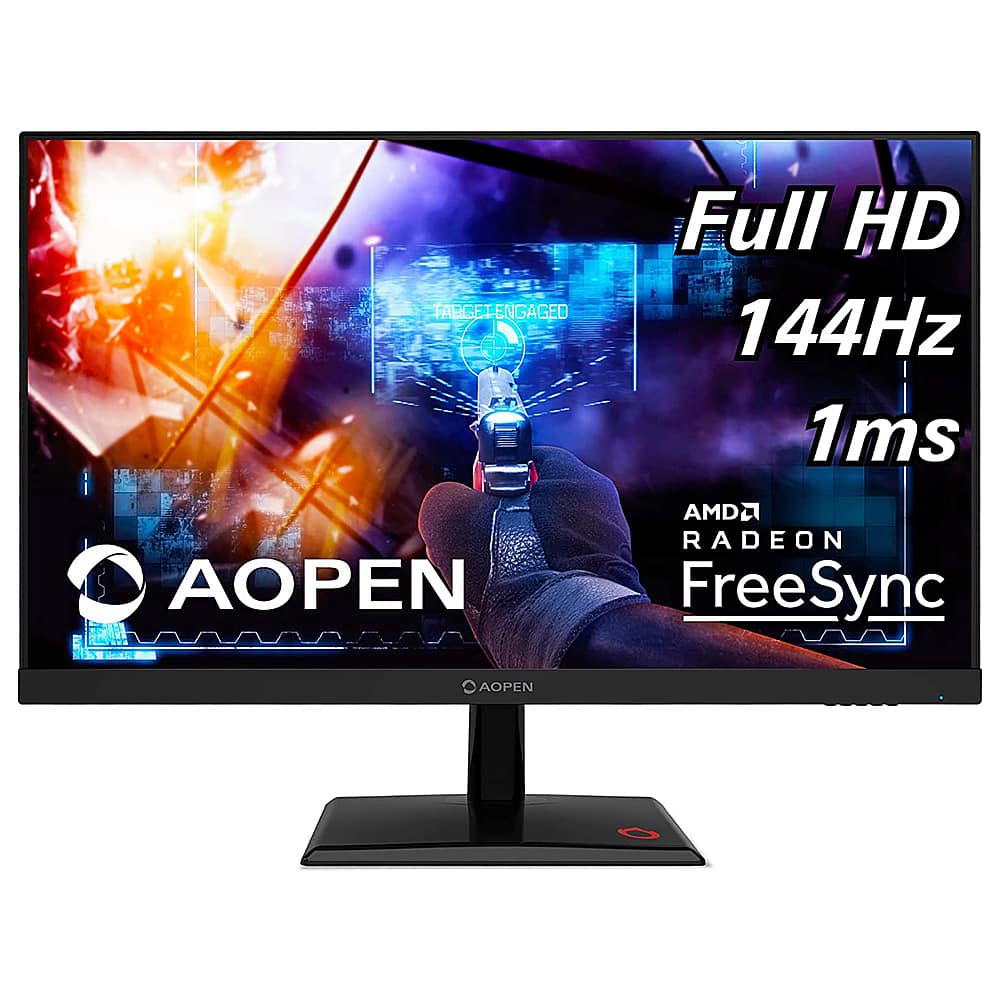
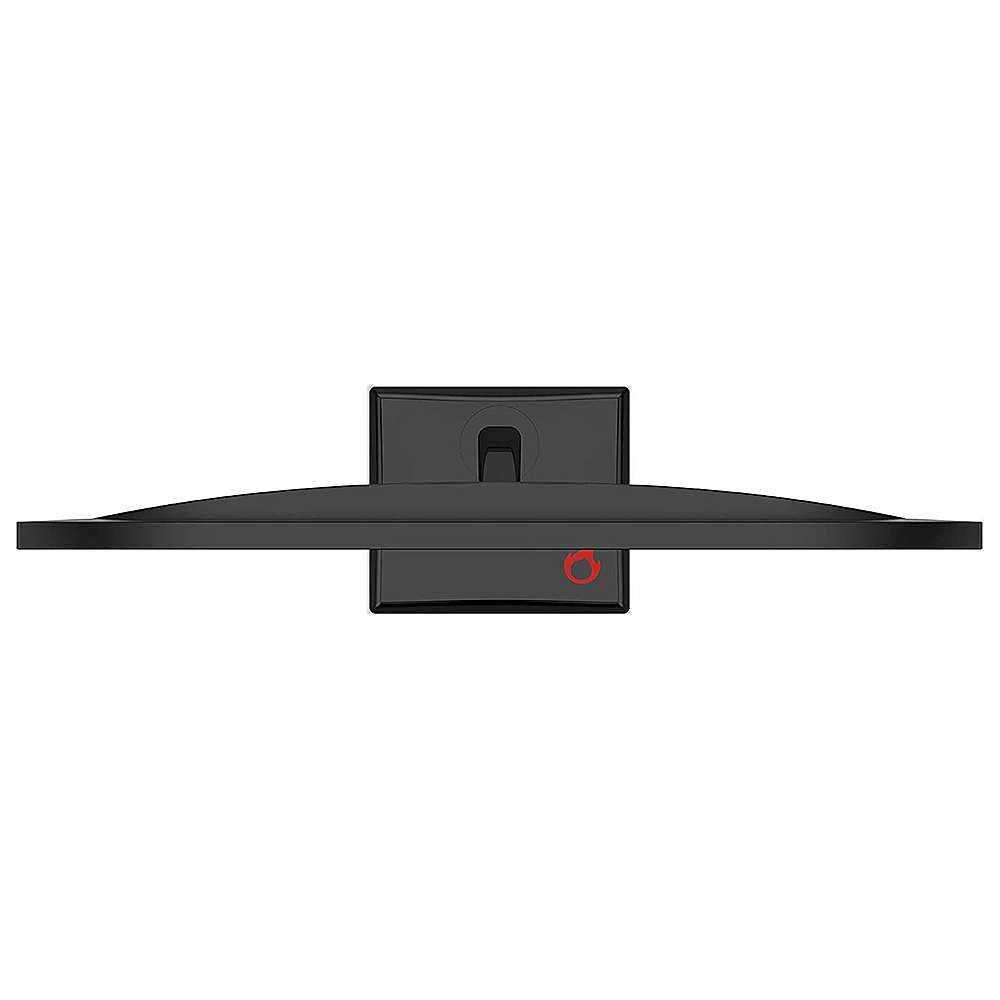
A:AnswerFPS is determined in the game settings. The monitor does support up to 144hz but when connected to a gaming console that is limited to 60hz, that is the highest refresh rate it will go.
A:AnswerThe console supports 120hz and the monitor supports up to 144hz, in doing a search it appears some games may not support the higher refresh rate on the ps5. We suggest you post your question on the Acer Community where there are many users that post questions and offer help and advice on Acer products. The link is: https://community.acer.com/. Also there are many videos on YouTube that show you how to get 120hz on this console. If you feel there is a hardware problem with the monitor, please call support at 866-695-2237.
A:AnswerThis does not include a remote and monitor settings are accessed by the Menu button on the monitor. Video settings are in the operating system.