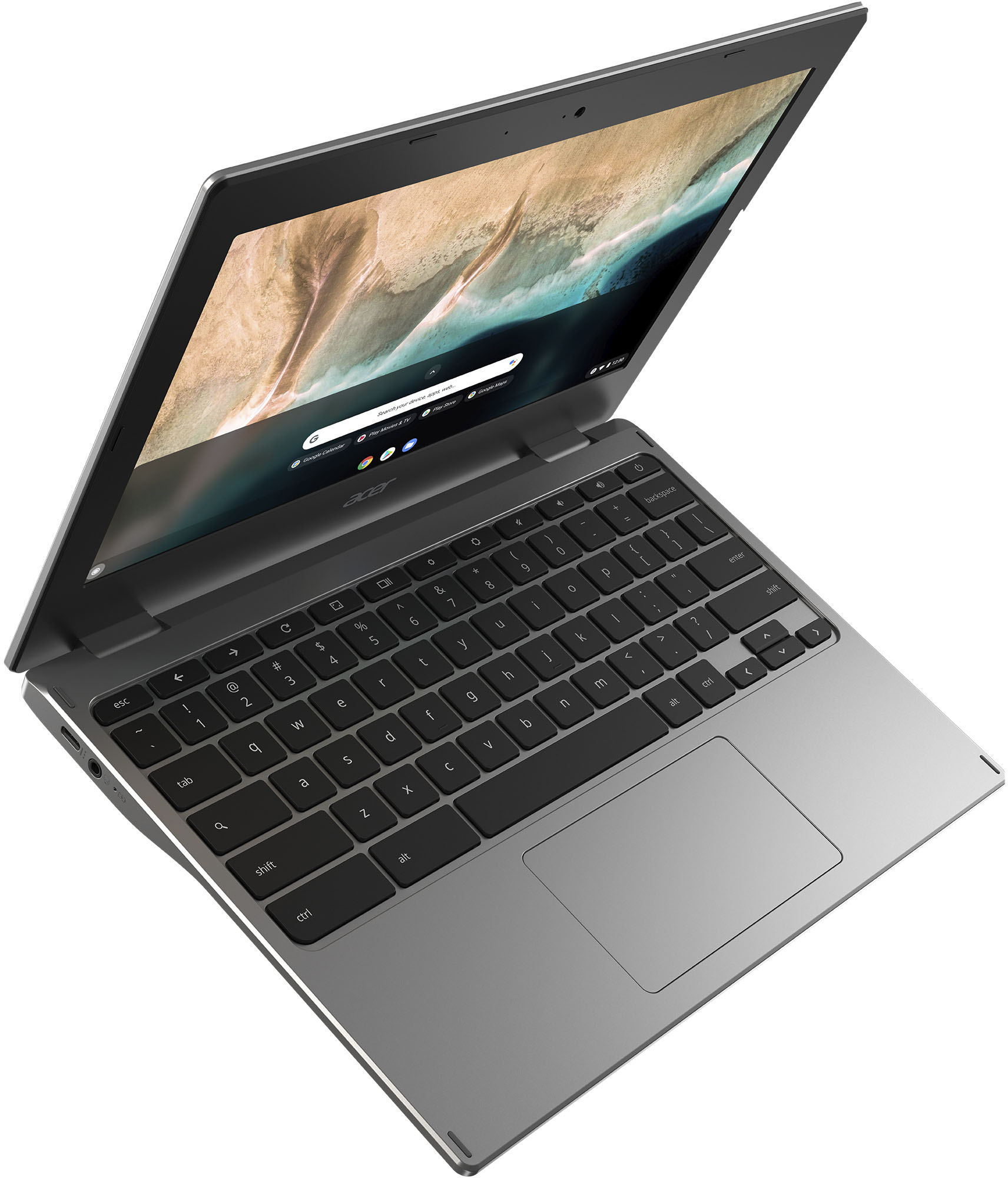
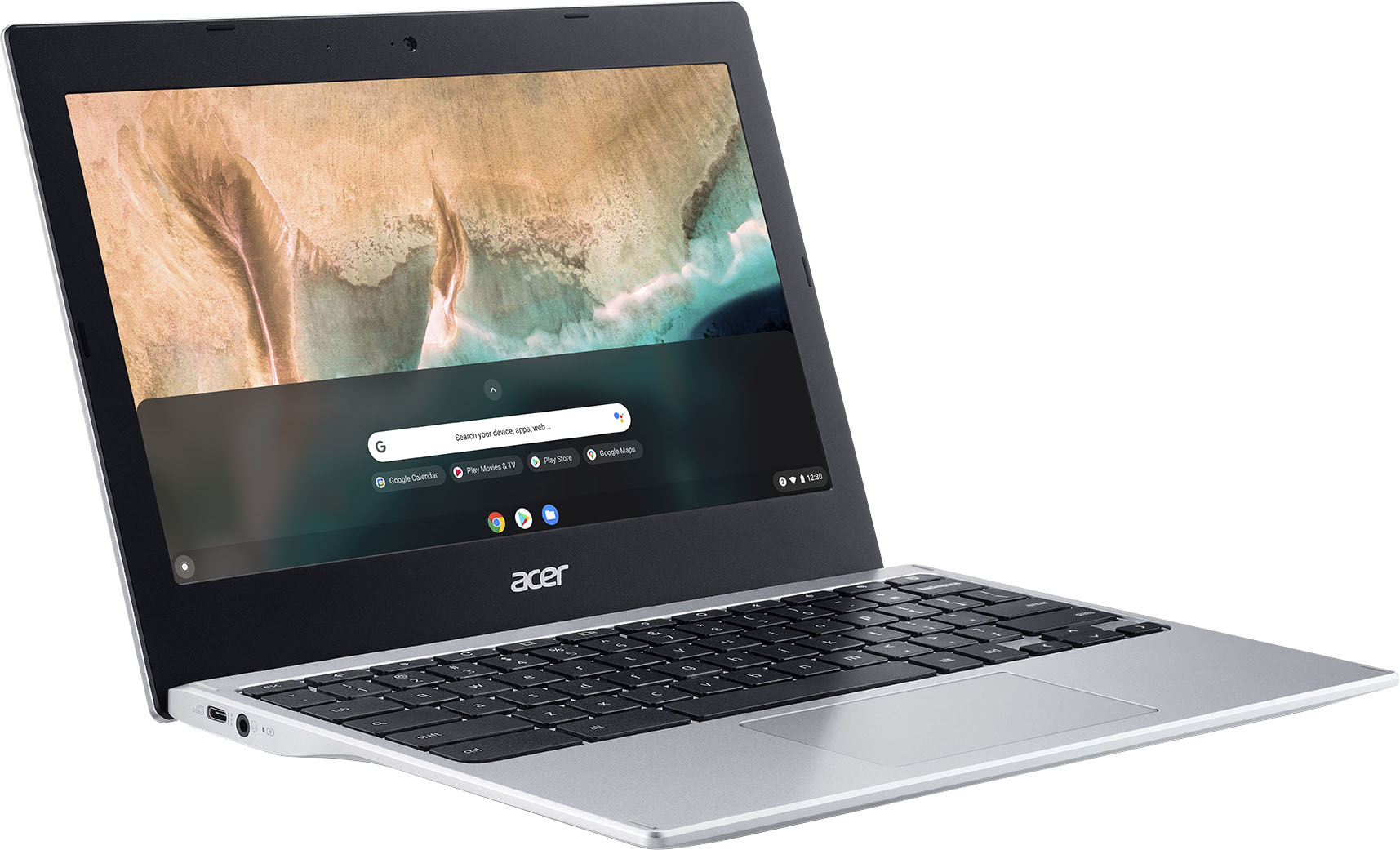
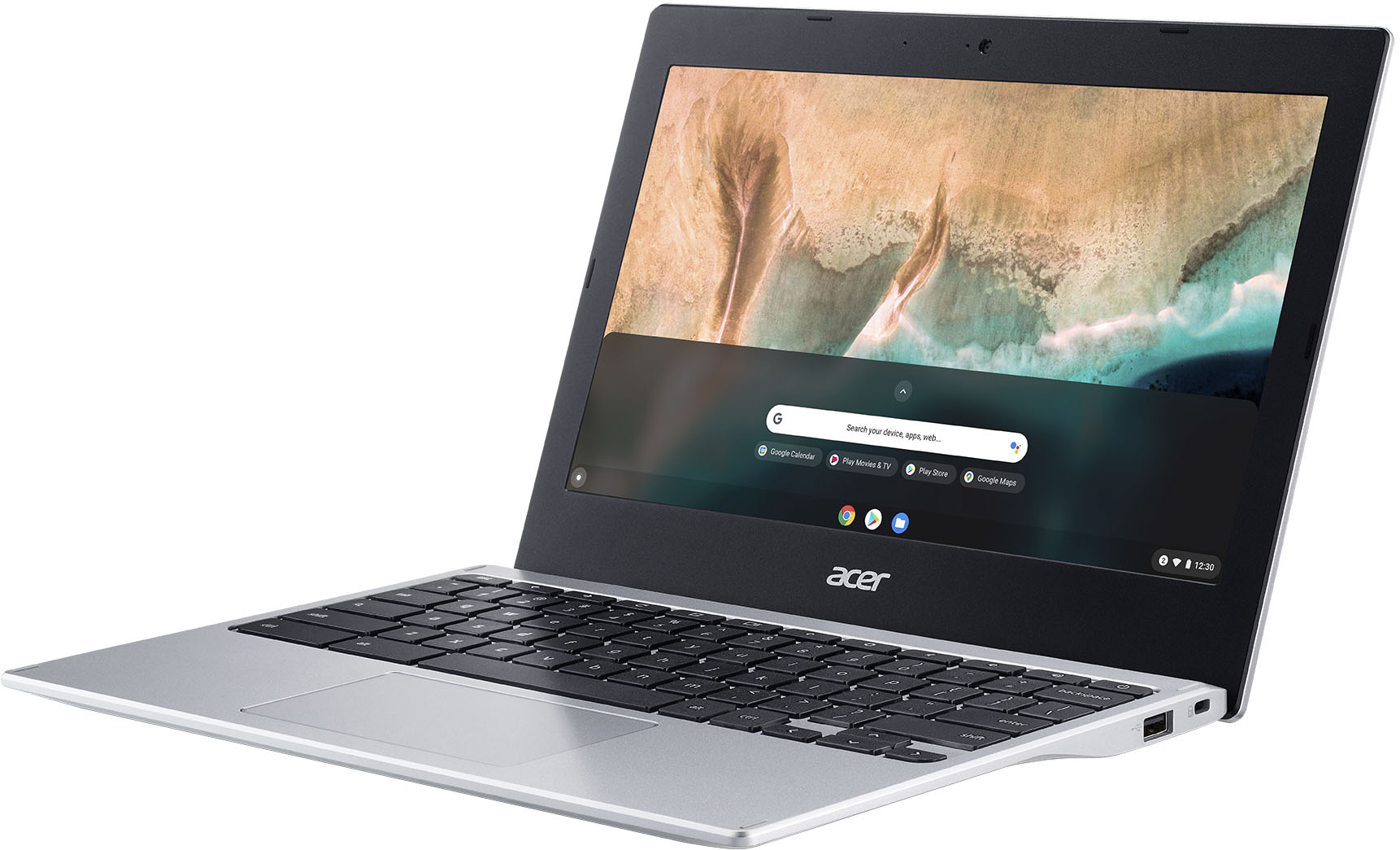
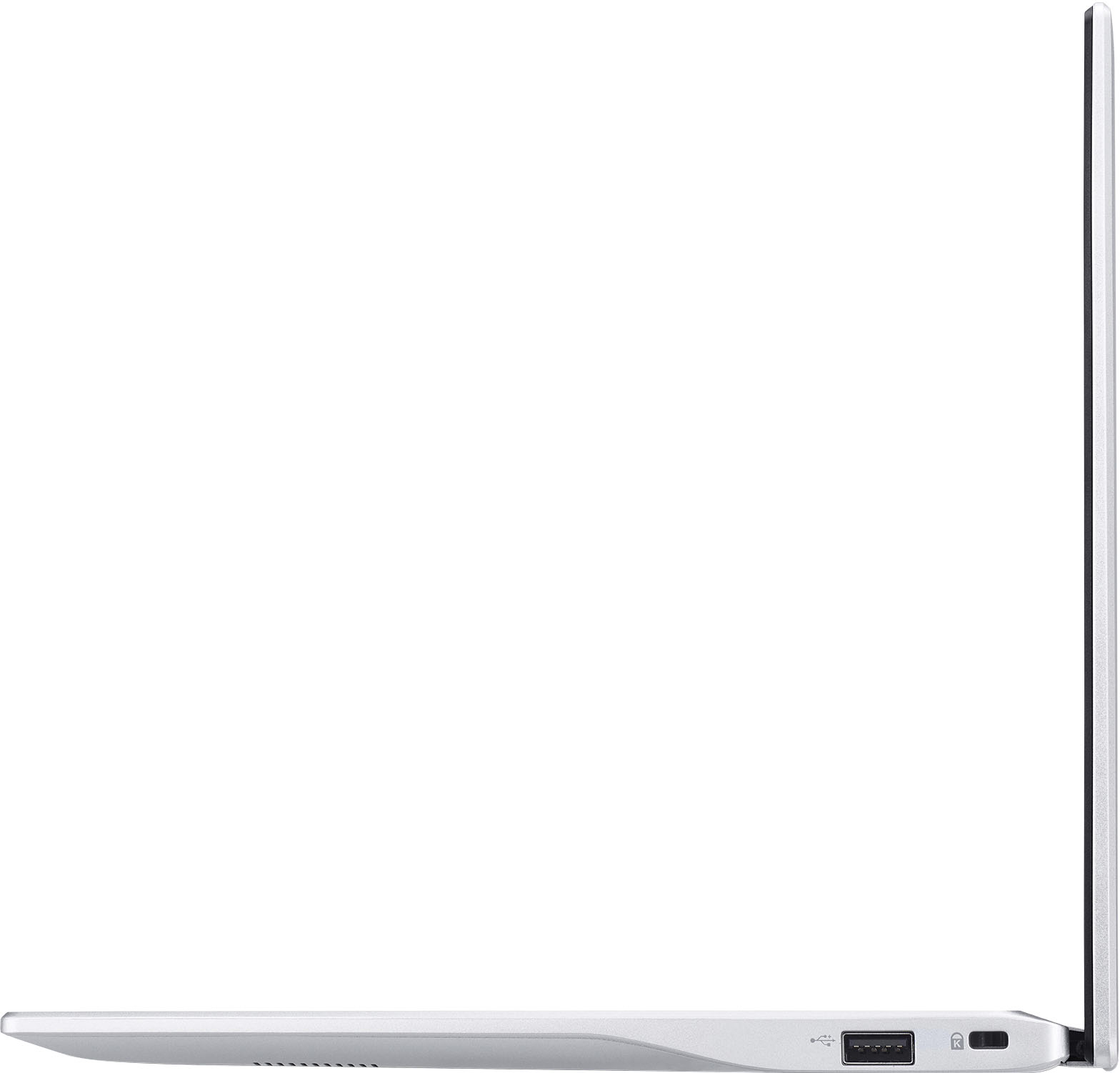
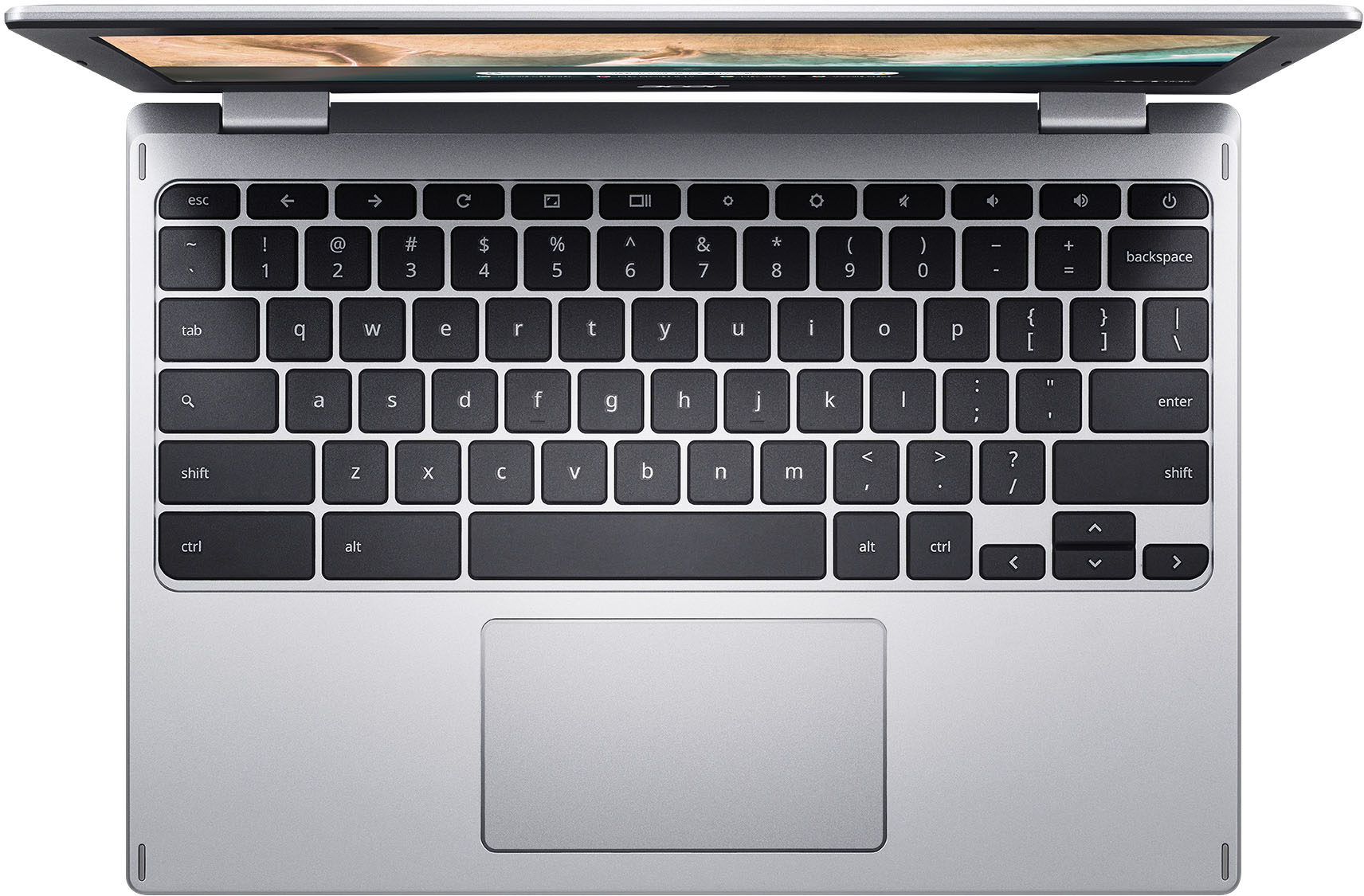
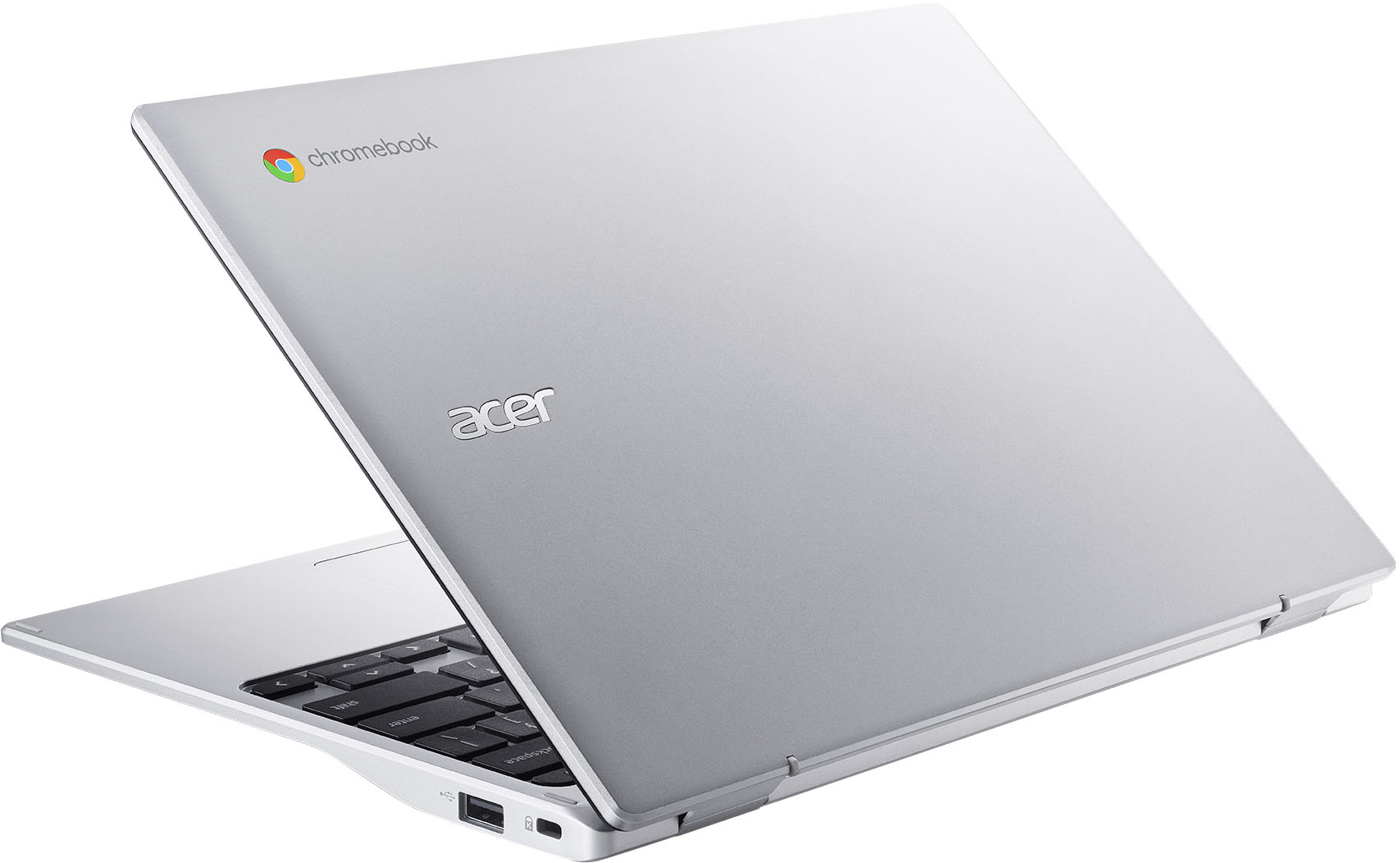
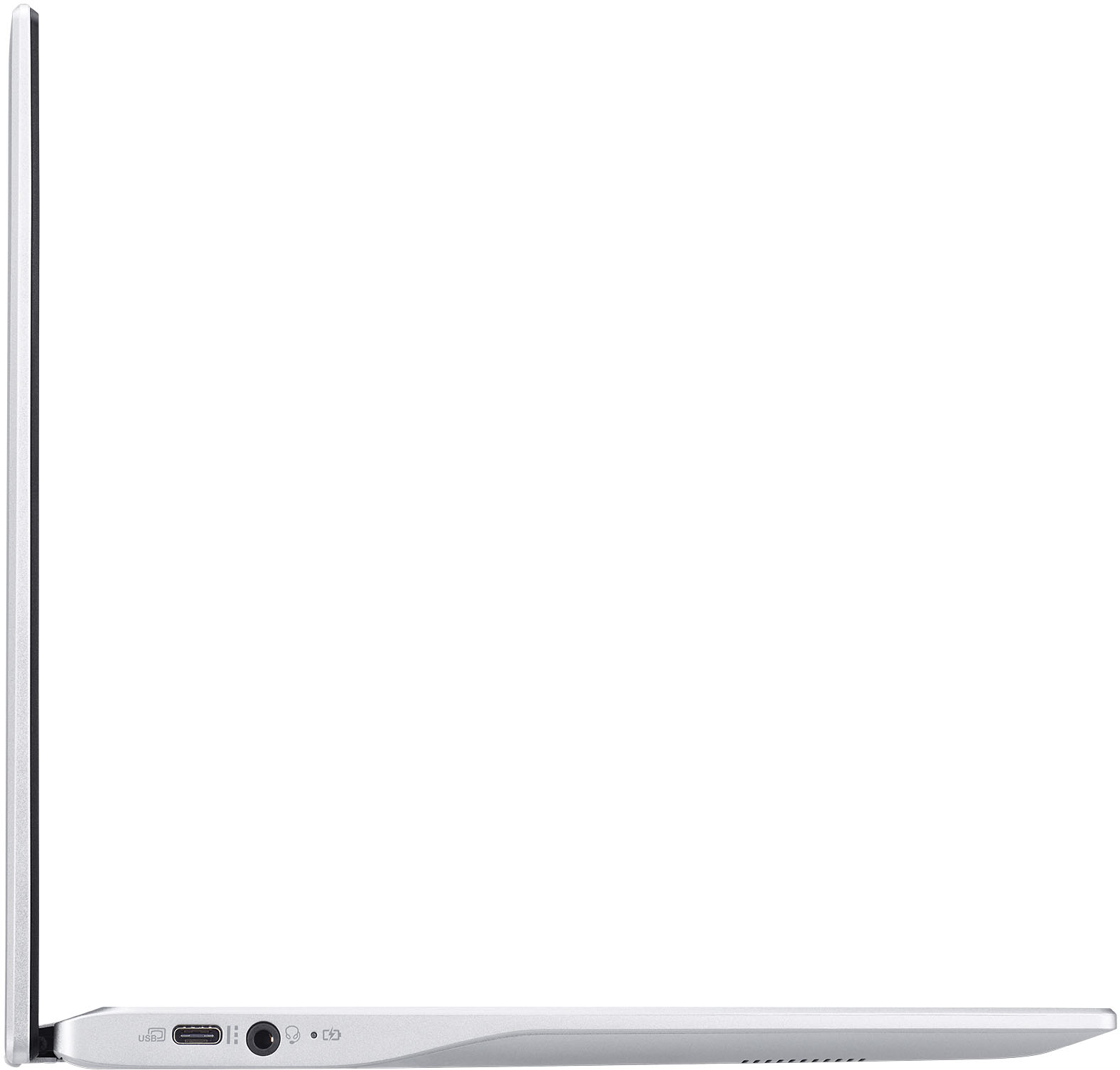
A:AnswerChromebooks are different from standard laptop products in that they are designed to be used primarily while connected to the Internet, with most applications and documents living in the cloud. Because of this they don’t have much for on board storage but they also are not expensive either. If you need to use third party software applications that must be installed on the computer, a Chromebook is likely not for you, where a Windows laptop would suit you better.
A:AnswerYou can only use the online/browser version of Microsoft programs (MS Office, Word, Powerpoint, etc) on this Chromebook or any Chromebook really. If you want to download and use the full MS Office programs, you need to obtain a laptop or PC capable of running Windows.
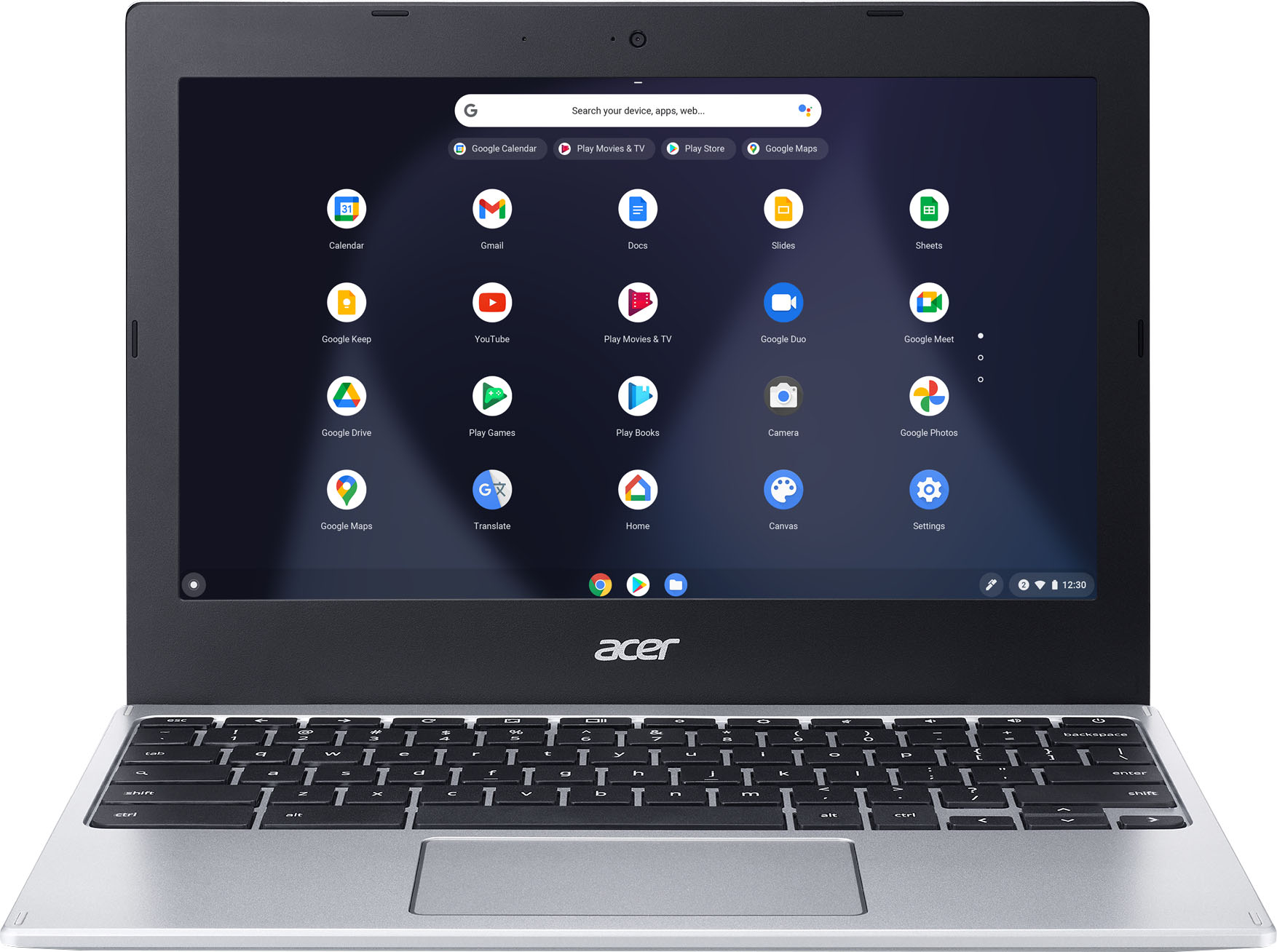
A:AnswerI use my Chromebook 90% of the time. My Windows machine gets turned on once a week or so for a few legacy apps. At less than 2.5 pounds, it "grab and go" for travel.
A:AnswerNo. This is a Chromebook that runs the Chrome operating system. Chromebooks are different from Windows laptop products in that they are designed to be used primarily while connected to the Internet, with most applications and documents living in the cloud. Because of this they don’t have much for on board storage but they also are not expensive either. Chromebooks run off apps like an Android phone or tablet so you cannot download and install applications or .exe files. If you need to use third party software applications that must be installed on the computer, a Chromebook is likely not for you, where a Windows laptop would suit you better.
A:AnswerIs the printer Cloud Ready? If you are not sure, we suggest you contact Epson support for assistance in getting the printer connected to the Chromebook. The Chromebook will support most any Cloud Ready printer via USB or via wireless.