Questions & Answers
- Model:
- CB315-4H-C0BR
- |
- SKU:
- 10917222
$203.00$203.00
Save $96
The comparable value is Comp. Value: $299.00
Page Showing 41-60 of 143 questions
Q: QuestionDoes it have a webcam?
Asked by Nata.
- A:Answer Yes, all Acer Chromebooks and laptops include a built in webcam.
Answered by TeamAcer
Q: QuestionIs the Ram expandable Can I add more to it
Asked by Chad.
- A:Answer Memory on Chromebooks devices is onboard and not upgradeable.
Answered by TeamAcer
Q: QuestionWould this be good for a online writing class
Asked by Lina.
- A:Answer Yes
Answered by CheyenneR
Q: QuestionWhat's does it mean, When it indicates "WiFi wireless signal"
Asked by Louis.
- A:Answer Works well doesn't need hook ups
Answered by LoriT
Q: QuestionWhat accessories go with this? And when was this manufactured?
Asked by Shelly.
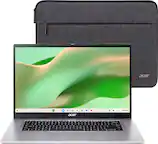
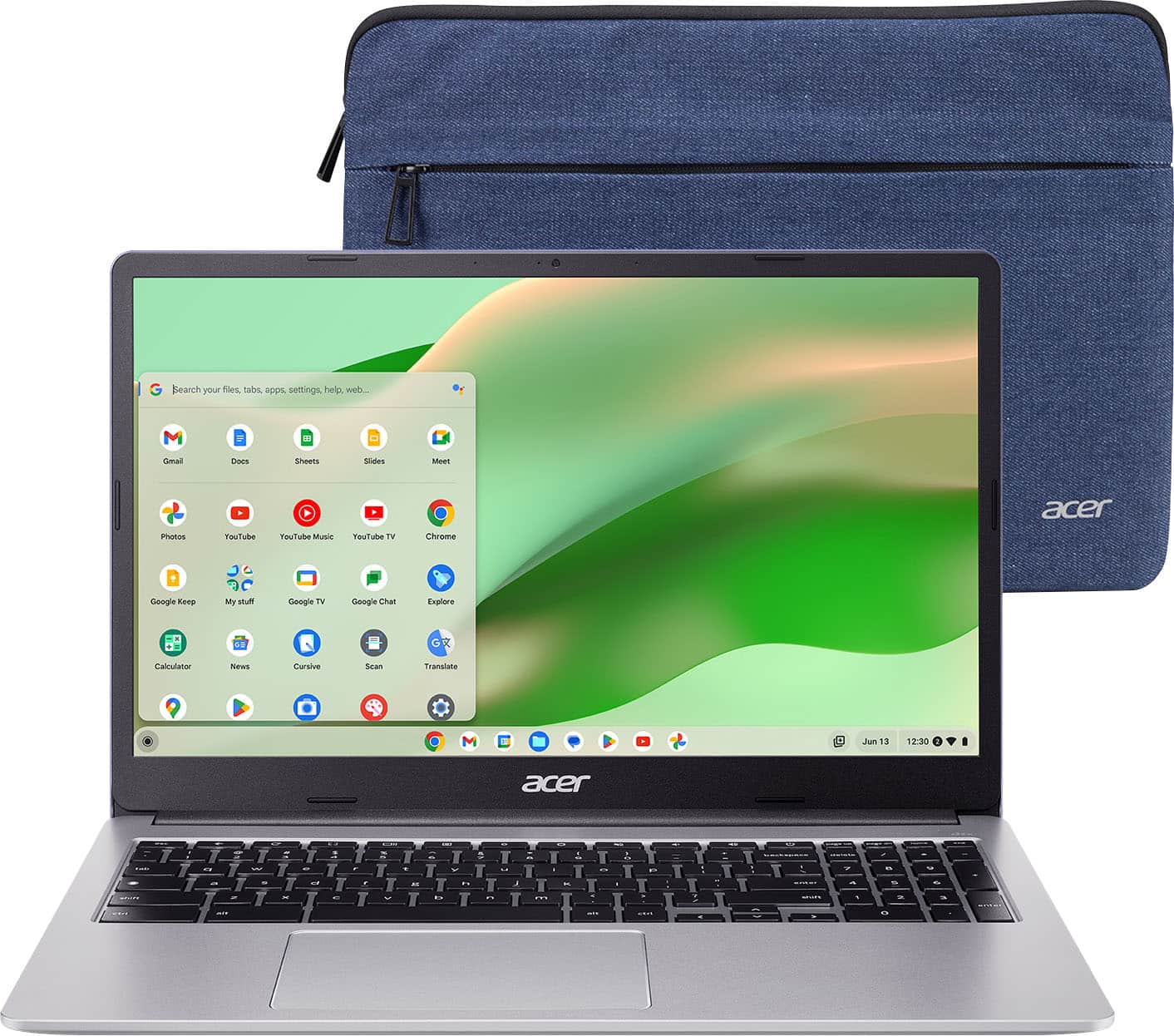
- A:Answer This Chromebook comes with: the Chromebook, USB Type-C AC Adapter, Power Cord, and protective sleeve. This model first came out in 2025.
Answered by TeamAcer
Q: QuestionCan the memory be expanded?
Asked by Ringsensor.
- A:Answer I believe with the purchase of Google one for your google account, you can get more memory
Answered by AbbeyR
Q: QuestionCan you connect it to "Garmin express:?
Asked by Ed.
- A:Answer Garmin Express is a desktop application designed specifically for Windows and macOS operating systems, and it is not compatible with Chromebooks or Linux-based operating systems.
Answered by TeamAcer
Q: QuestionDo you have to pay a monthly subscription fee to access cloud storage or does it come with it?
Asked by JenB.
- A:Answer The 100 GB offer is typically valid for 12 months, not indefinitely. Once the trial ends you should be prompted for payment if you want to continue with the subscription.
Answered by TeamAcer
Q: QuestionDoes it have windows 11 or 11 pro?
Asked by Cat.
- A:Answer This is a Chromebook that runs the Chrome operating system. These devices are not compatible with Windows operating systems. Chromebooks run off apps like an Android phone or tablet so you cannot download and install applications or .exe files. If you need to use third party software applications that must be installed on the computer, a Chromebook is likely not for you, where a Windows laptop would suit you better.
Answered by TeamAcer
Q: QuestionWhat is the Update Expiration date on the Chromebooks? I would like to purchase a reconditioned one but wonder if they have a new expiration date for updates.
Asked by PegsLegs808.
- A:Answer According to Google the AUE for the CB315-4H-C0BR Chromebook is June 2031.
Answered by TeamAcer
Q: QuestionI am using windows on the acer I have now will I be able to transfer to this acer?
Asked by Windowswork.
- A:Answer Yes, you can transfer data from a Windows laptop to a Chromebook, primarily by using cloud storage like Google Drive or physical USB drives. Since Chromebooks are cloud-centric, the easiest method is to upload files from Windows to Google Drive and access them in the "Files" app on the Chromebook.
Answered by TeamAcer
Q: QuestionIs a Chromebook safe for online banking? Can my bank and investment accounts get hacked or am I safe using a Chromebook?
Asked by Bob.
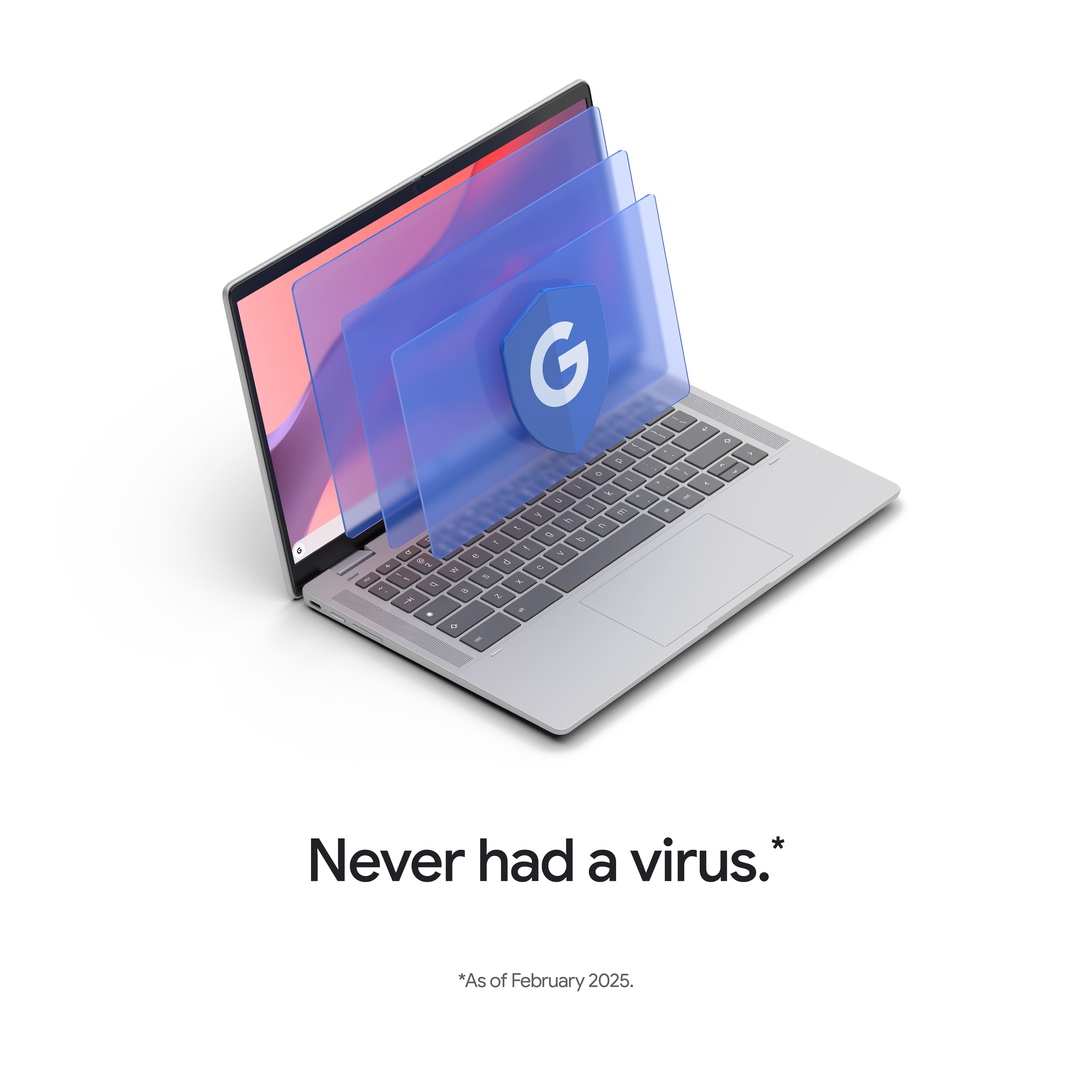
- A:Answer Chromebooks are considered very safe for online banking and investment, offering, in some cases, better protection against malware than Windows or macOS devices. With built-in security like automated updates, sandboxing, and encrypted storage, the risk of a direct hack on the device is extremely low.
Answered by TeamAcer
Q: QuestionDoes this computer come with windows 11
Asked by Anonymous.
- A:Answer No. Chromebooks run the ChromeOS and are not compatible with Windows operating systems. Chromebooks are different from Windows laptop products in that they are designed to be used primarily while connected to the Internet, with most applications and documents living in the cloud. Because of this they don’t have much for on-board storage but they also are not expensive either. Chromebooks run off apps like an Android phone or tablet so you cannot download and install applications or .exe files. If you need to use third party software applications that must be installed on the computer, a Chromebook is likely not for you, where a Windows laptop would suit you better.
Answered by TeamAcer
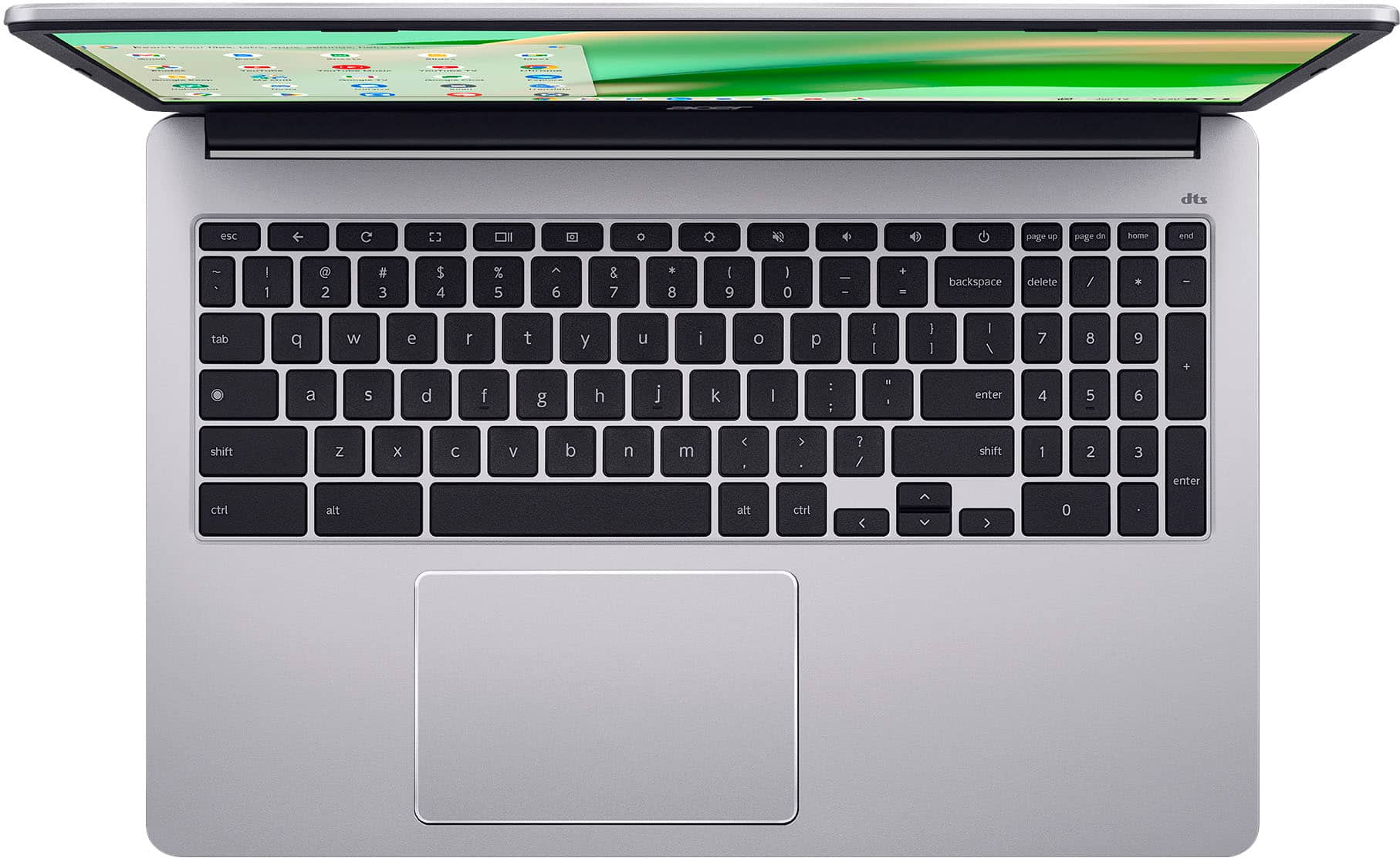
Q: Questionwhere is the speaker located
Asked by mimi.
- A:Answer The speakers are located on the underside of the chassis, near the front corners.
Answered by TeamAcer
Q: QuestionI want to use this specifically for iTunes to back up my CDs. Would this have sufficient storage?
Asked by Anonymous.
- A:Answer This Chromebook has 64GB storage. Whether this is sufficient for backing up your CDs depends on the size of your music library, but for a large collection, it will likely be insufficient without external help. Please note that iTunes does not run natively on a Chromebook. It is highly recommended to use the Chromebook's built-in File app to rip CDs into a compressed format (like MP3) and store them on an external drive, then upload them to a music service like YouTube Music or Plex, which work better on ChromeOS. If you must use iTunes, we recommend using a Windows laptop.
Answered by TeamAcer
Q: QuestionIs this Chromebook have a touch screen?
Asked by CharlesD.
- A:Answer No
Answered by user321854
Q: QuestionCan I burn a C/D to a thumb drive on this?
Asked by Sr.
- A:Answer No, you generally cannot burn (write) data to a CD/DVD directly on a Chromebook because Chrome OS lacks the native software and drivers for optical media writing.
Answered by TeamAcer
Q: QuestionIf I order this is it bran new ?
Asked by Chris.
- A:Answer yea. im pretty sure they'd tell you its used otherwise.. if its not brand-new then you should make a refund and report that nothing on the product displayed it being used
Answered by AbdayahY
Top Rated
- $194.00$194.00The price was $399.00
- $70.00$70.00The price was $139.00