A:AnswerYes you can. To get past this, you need to press "CTRL+ D". This will bring you to a screen that prompts you to press ENTER. Press SPACE and the Chromebook will once again restart. The Chromebook will now have to be "re-setup" as a new Chromebook. If you already have it on, you have to turn it off first. then reboot.
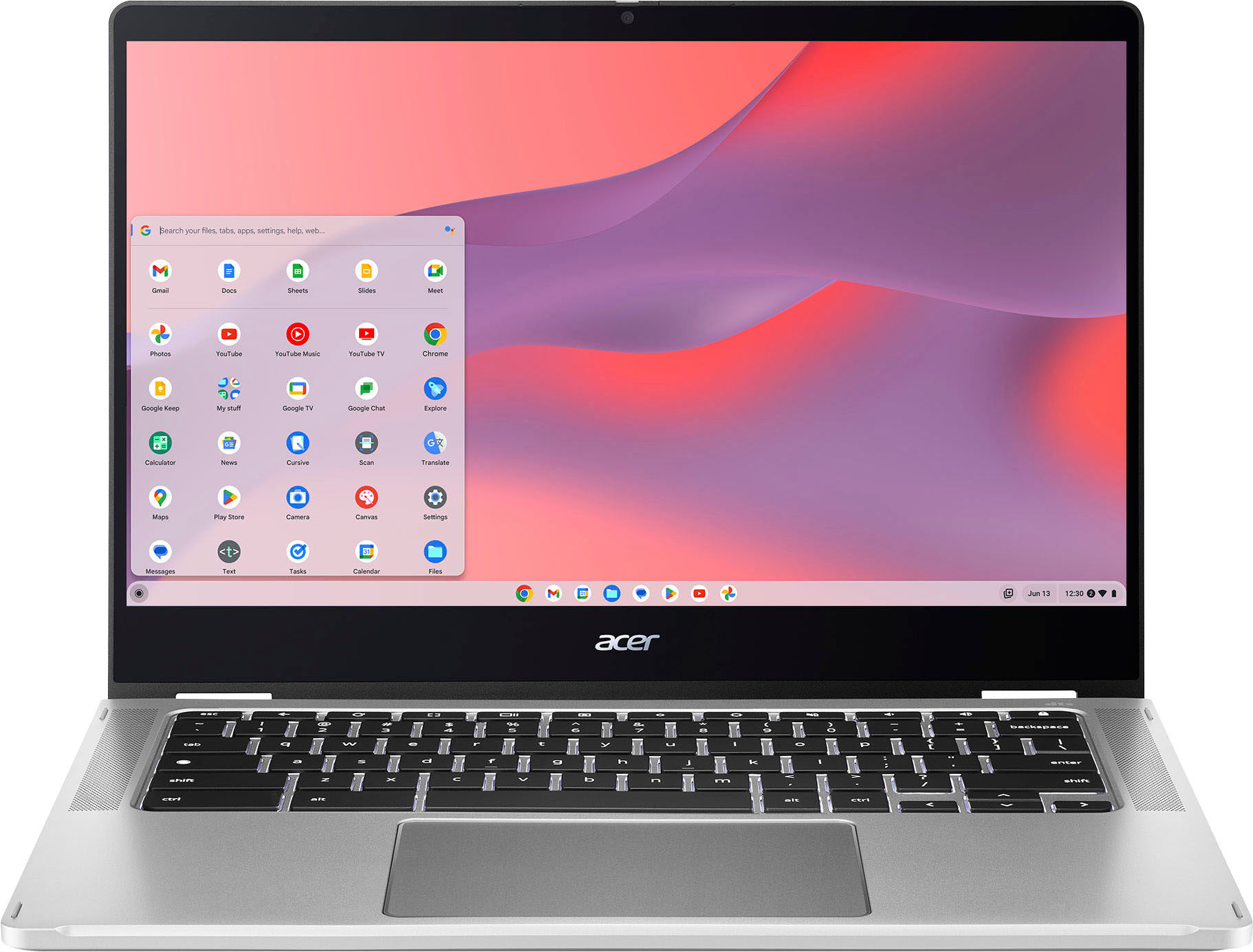
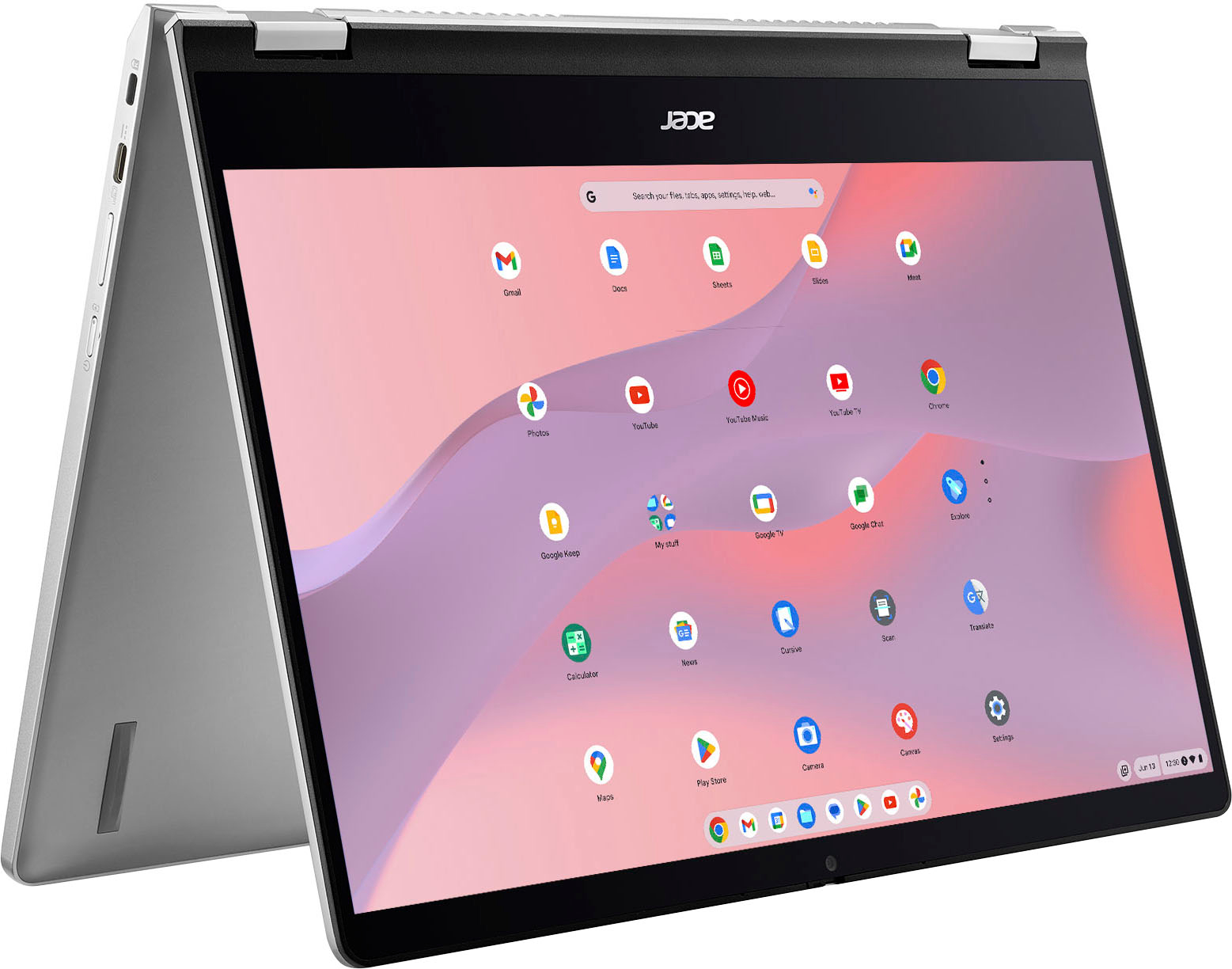
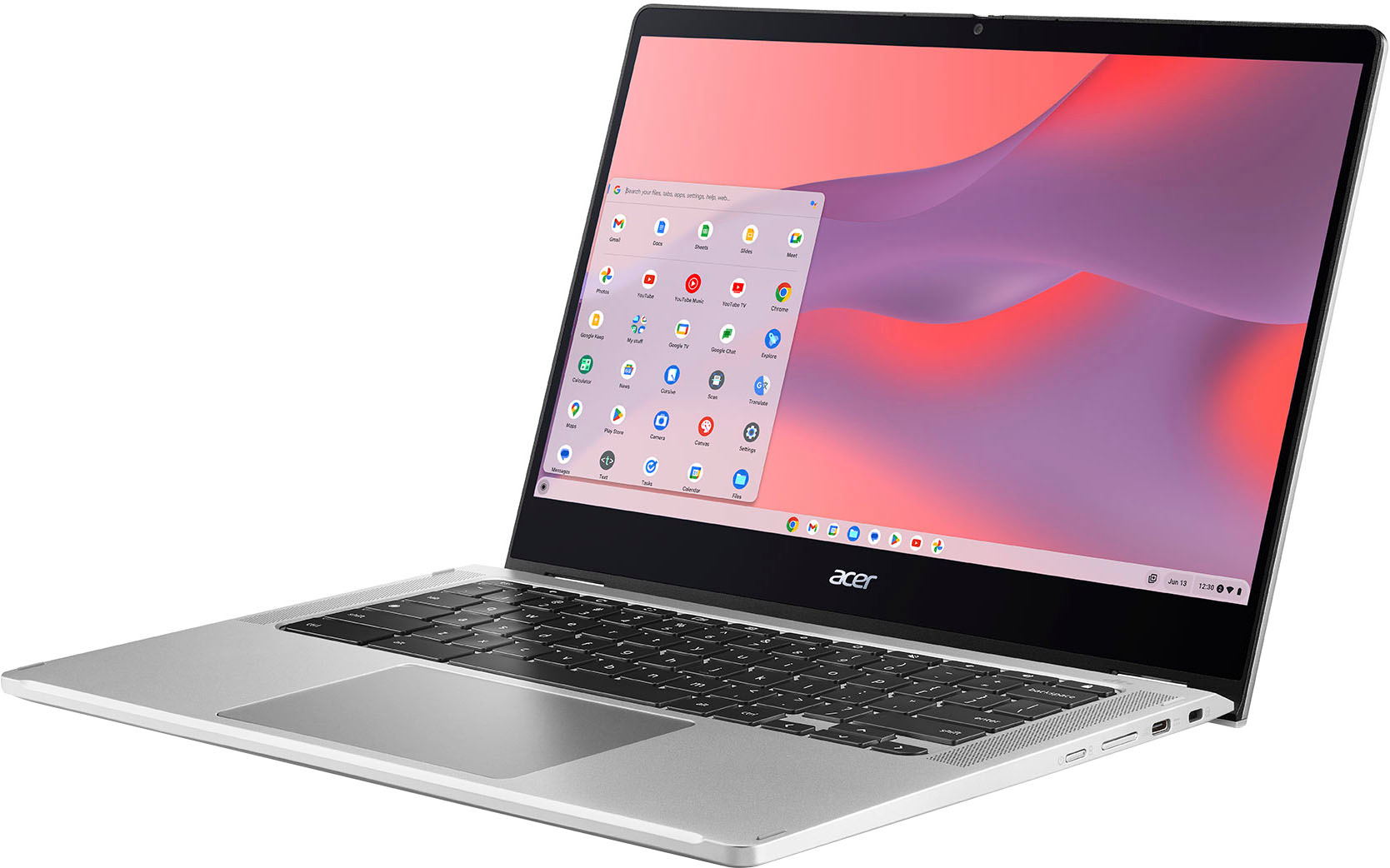
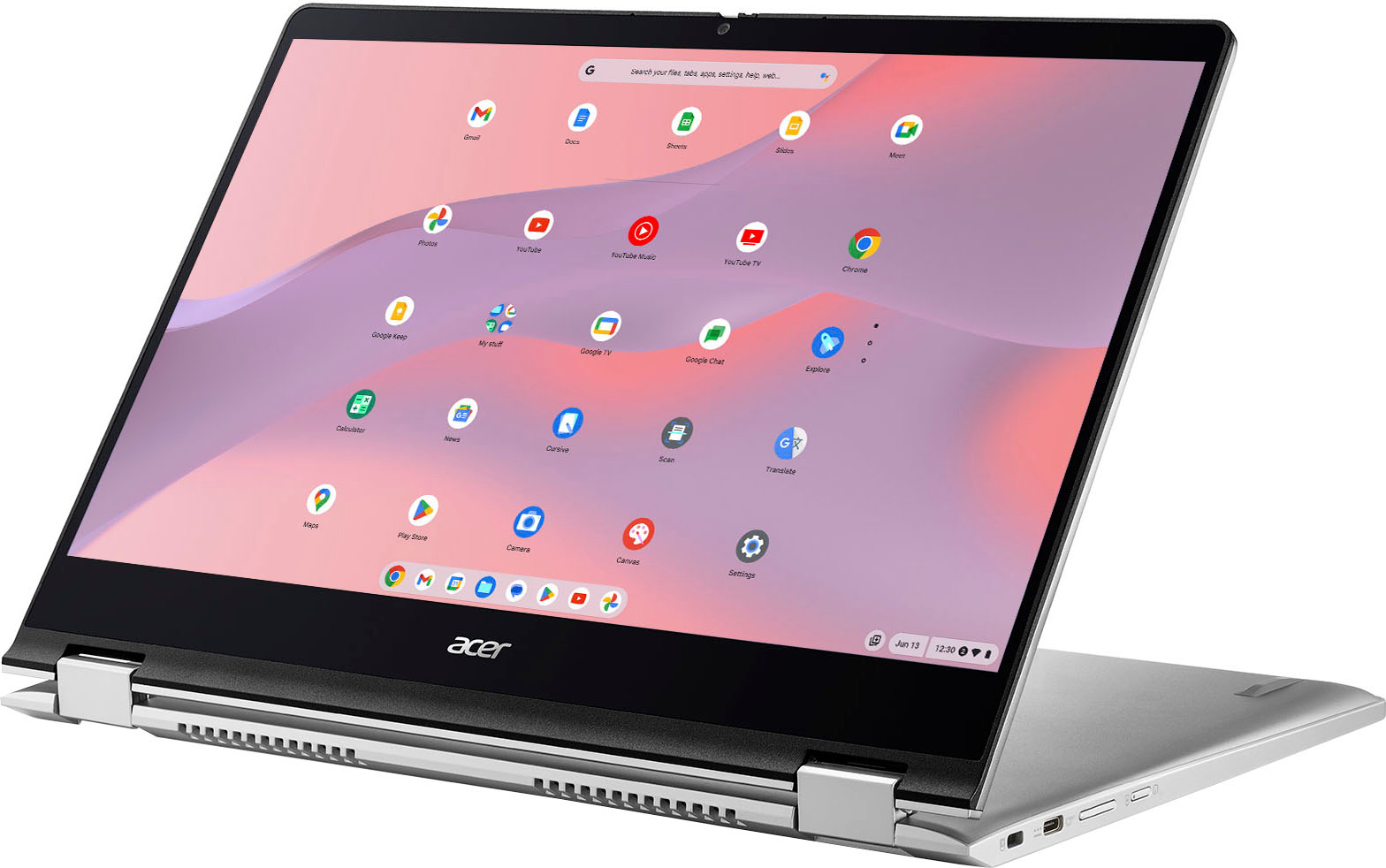
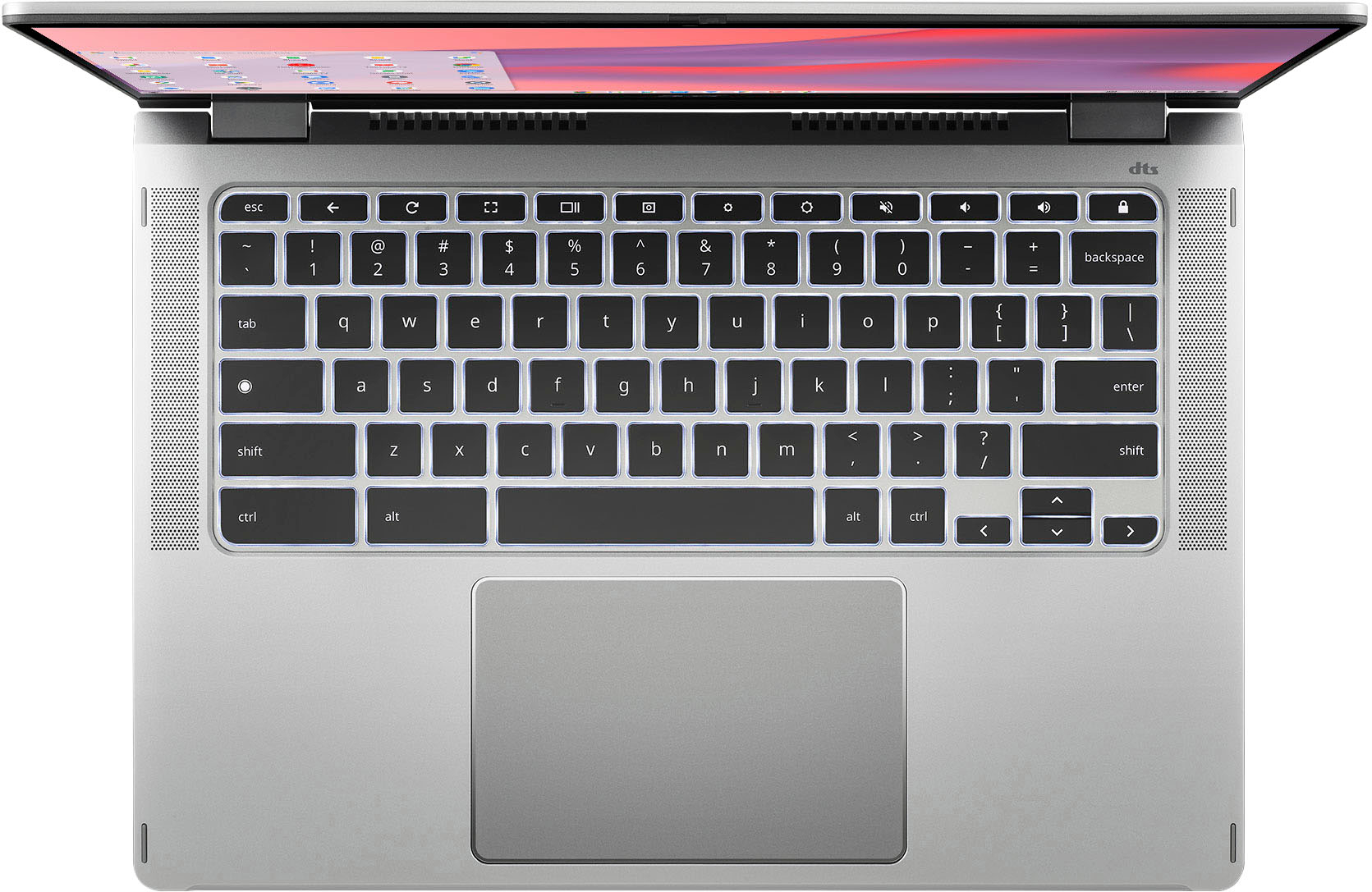
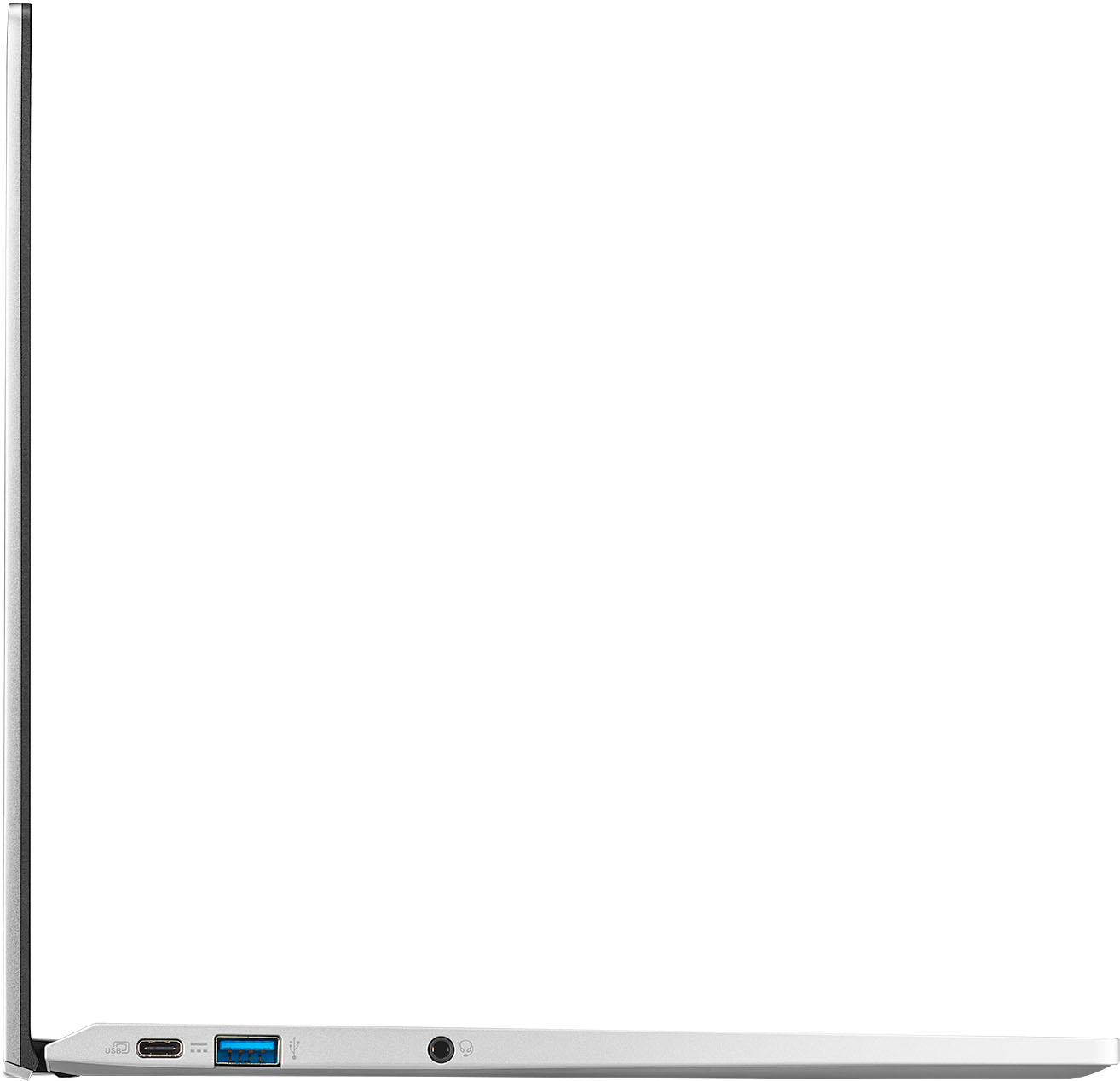
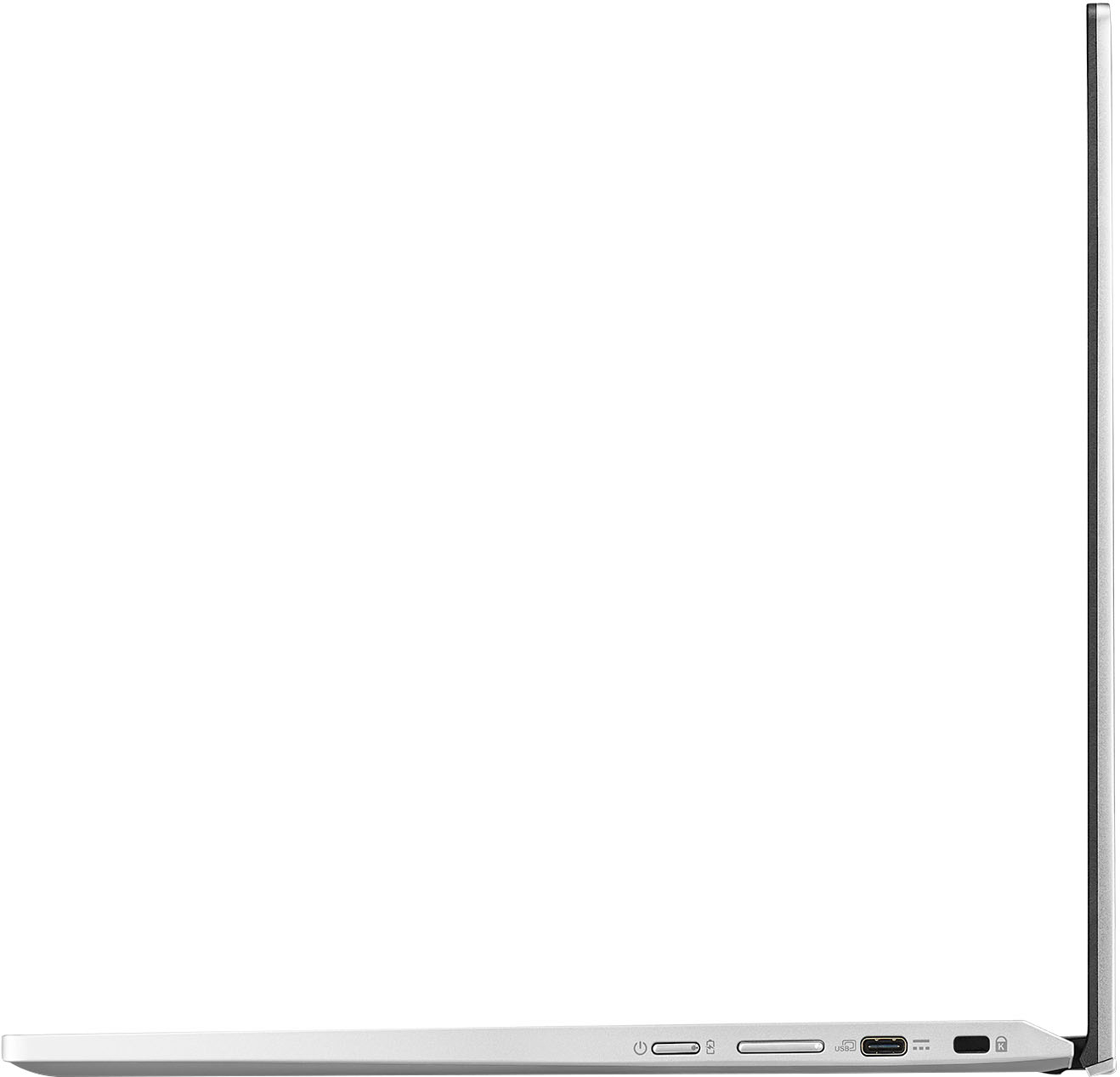
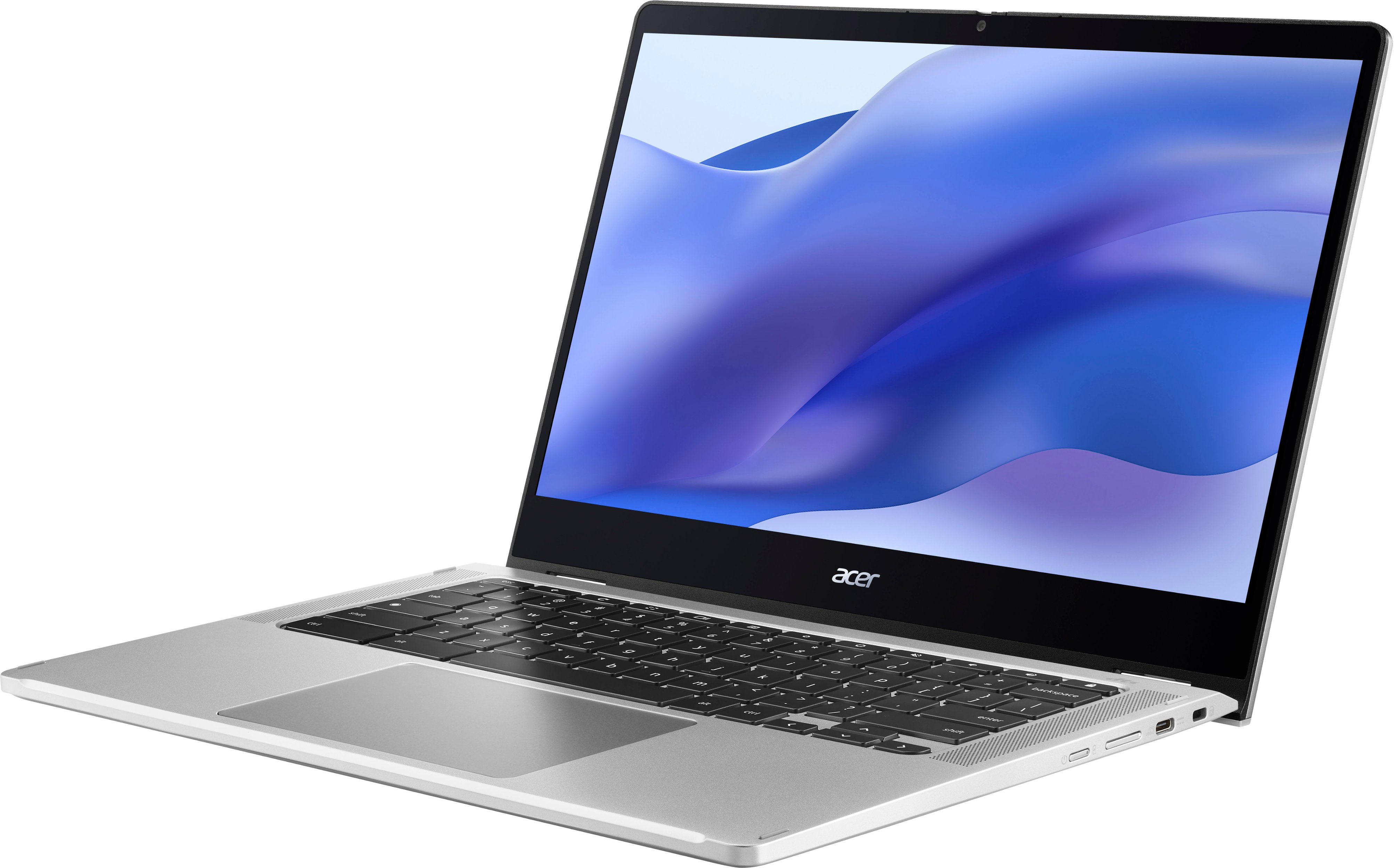
A:AnswerThere are two USB-C ports both supporting DisplayPort to connect monitors. Most any USB docking station should work. There is one front facing camera.
A:AnswerYes you can. To get past this, you need to press "CTRL+ D". This will bring you to a screen that prompts you to press ENTER. Press SPACE and the Chromebook will once again restart. The Chromebook will now have to be "re-setup" as a new Chromebook. If you already have it on, you have to turn it off first. then reboot.
A:AnswerUsing Linux, I installed Minecraft Java Edition which at slightly lower setting runs okay (usually a steady 40 FPS without the F3 menu), but Minecraft is not a very demanding game on some versions. I use cloud gaming as it will run well if you have a stable internet.
A:AnswerThe hardware storage on Chromebooks is not upgradeable. If you lose the hard drive it will require repair to replace the eMMC drive. For assistance with this please contact Acer support at 866-695-2237.