A:AnswerYes, it will do well for these tasks. As with any software you want to use, we would recommend you check that the computer meets the system requirements of the application/game to determine if it will work.
A:AnswerWhile Acer does not test many gaming applications we would recommend you check that the computer meets the system requirements of the application/game to determine if it will work. You can also contact the software vendor to see if they can provide information on compatibility with their software. You might also post your question on the Acer Community where there are many users that post questions and offer help and advice on Acer products. The link is: https://community.acer.com/
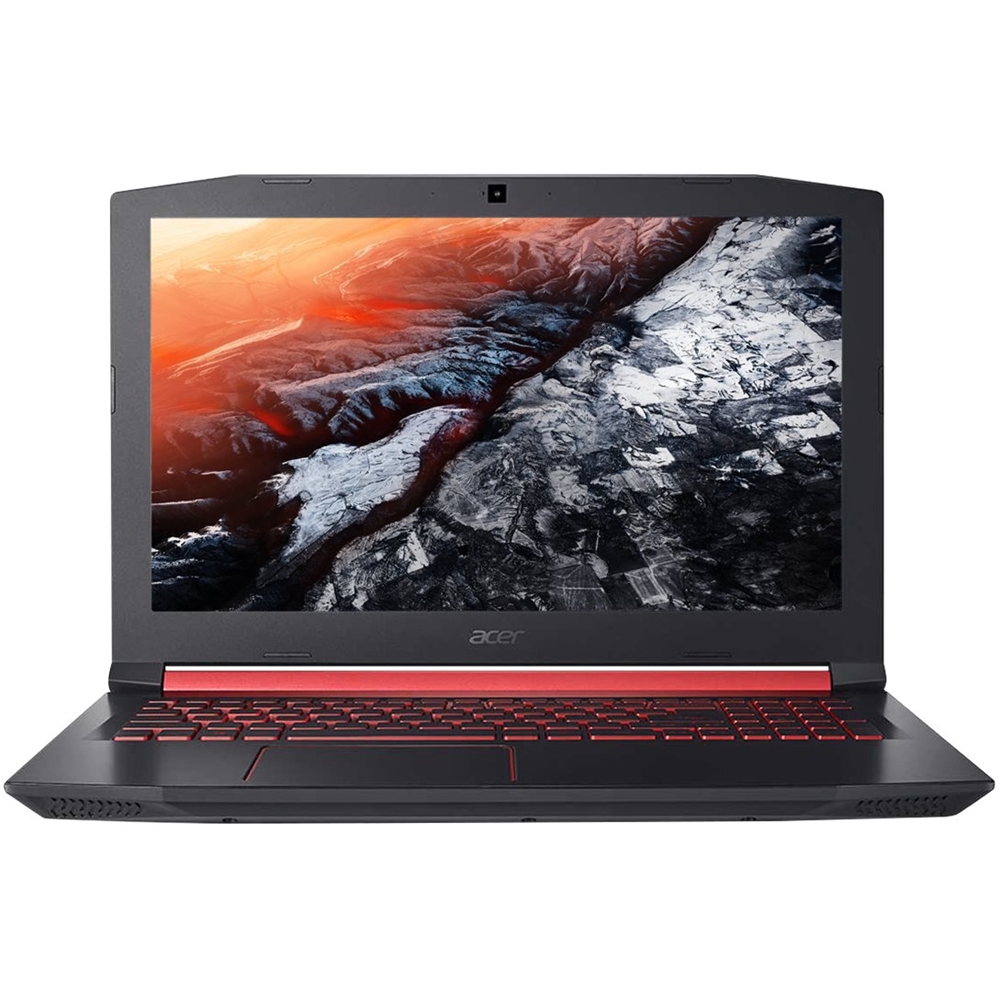
A:AnswerThis model ships with the Radeon RX 560X GPU. Full specifications are posted here as well: https://www.acer.com/ac/en/US/content/model/NH.Q4TAA.001
A:AnswerWhile Acer does not test many gaming applications we would recommend you check that the computer meets the system requirements of the application/game to determine if it will work. You might also post your question on the Acer Community where there are many users that post questions and offer help and advice on Acer products. The link is: https://community.acer.com/
A:AnswerIt depends on your budget. There are loads of videos (or there should be) on Youtube about wether you should get a PC or laptop. If you have the space and budget, then you should get a PC, as it’s more customizable for what you need.
A:AnswerThere could be a number of reasons it was recertified-some are demo units, review units or customer returns. Unfortunately there is no way to determine why a particular model was recertified but it should be in working condition. Yes, this laptop has an IPS panel.
A:AnswerWhile Acer does not test many gaming applications we would recommend you check that the computer meets the system requirements of the application/game to determine if it will work. You might also post your question on the Acer Community where there are many users that post questions and offer help and advice on Acer products. The link is: https://community.acer.com/
A:AnswerWhile Acer does not test many gaming applications we would recommend you check that the computer meets the system requirements of the application/game to determine if it will work. You can also contact the software vendor to see if they can provide information on compatibility with their software. You might also post your question on the Acer Community where there are many users that post questions and offer help and advice on Acer products. The link is: https://community.acer.com/