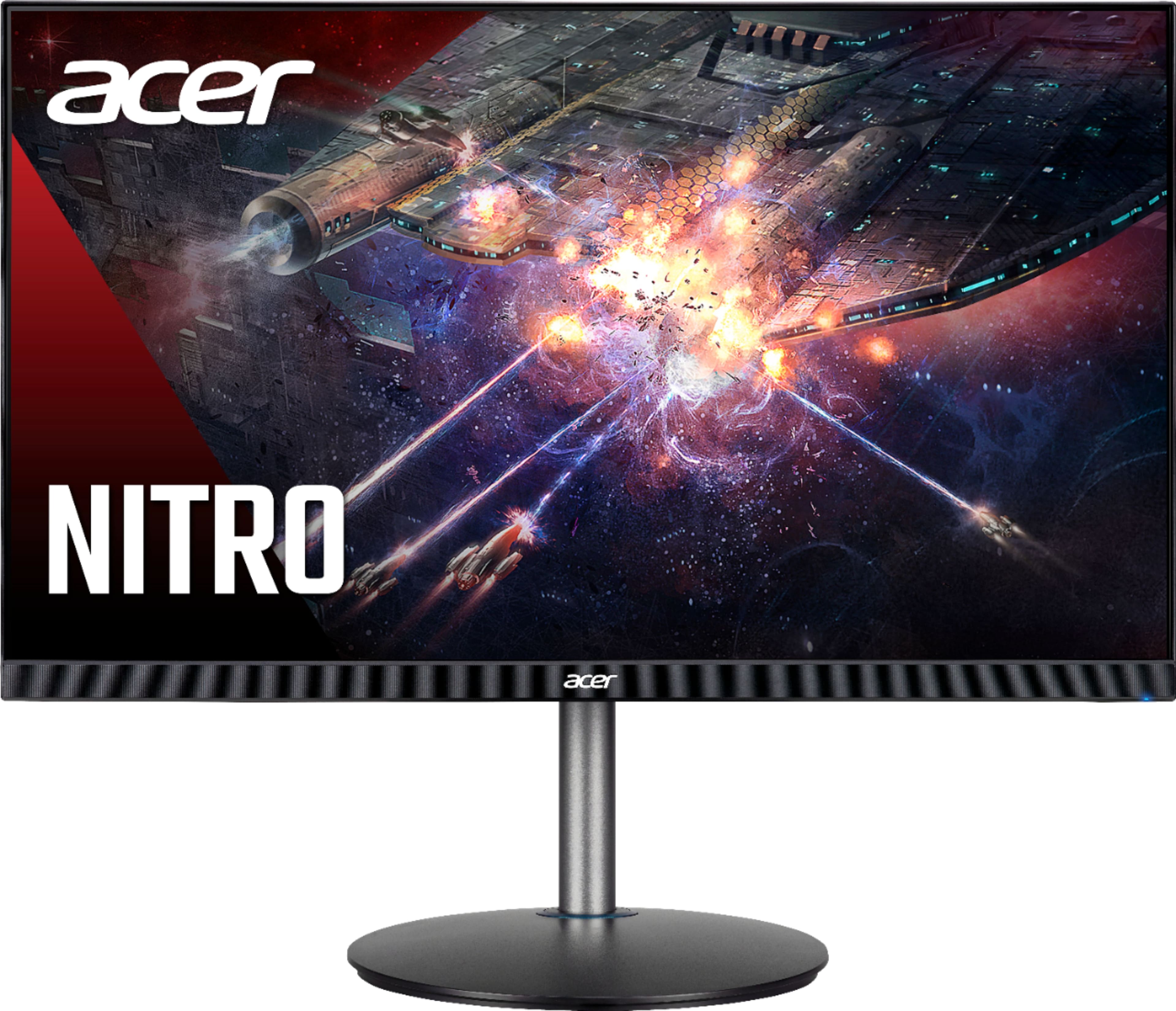
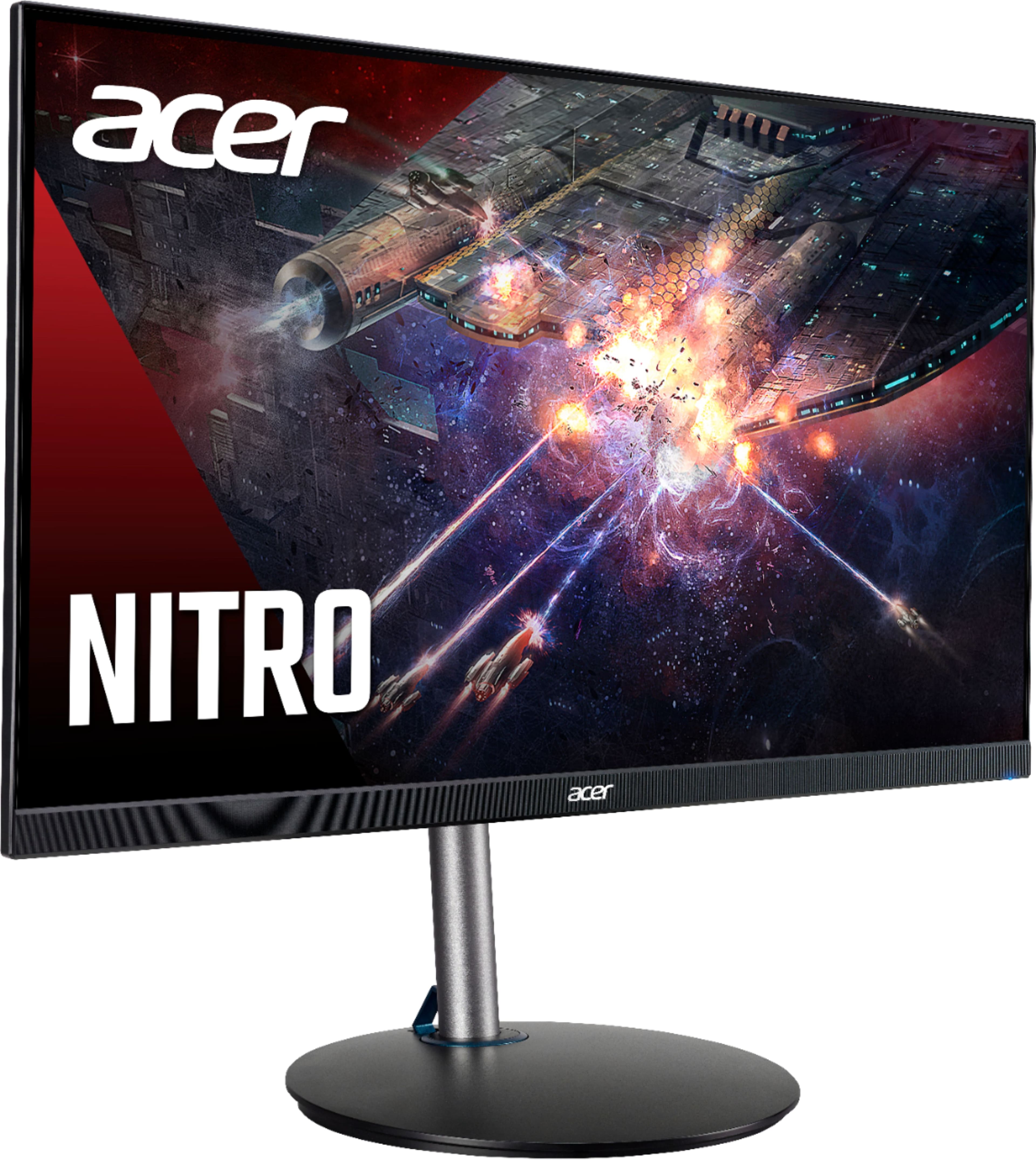
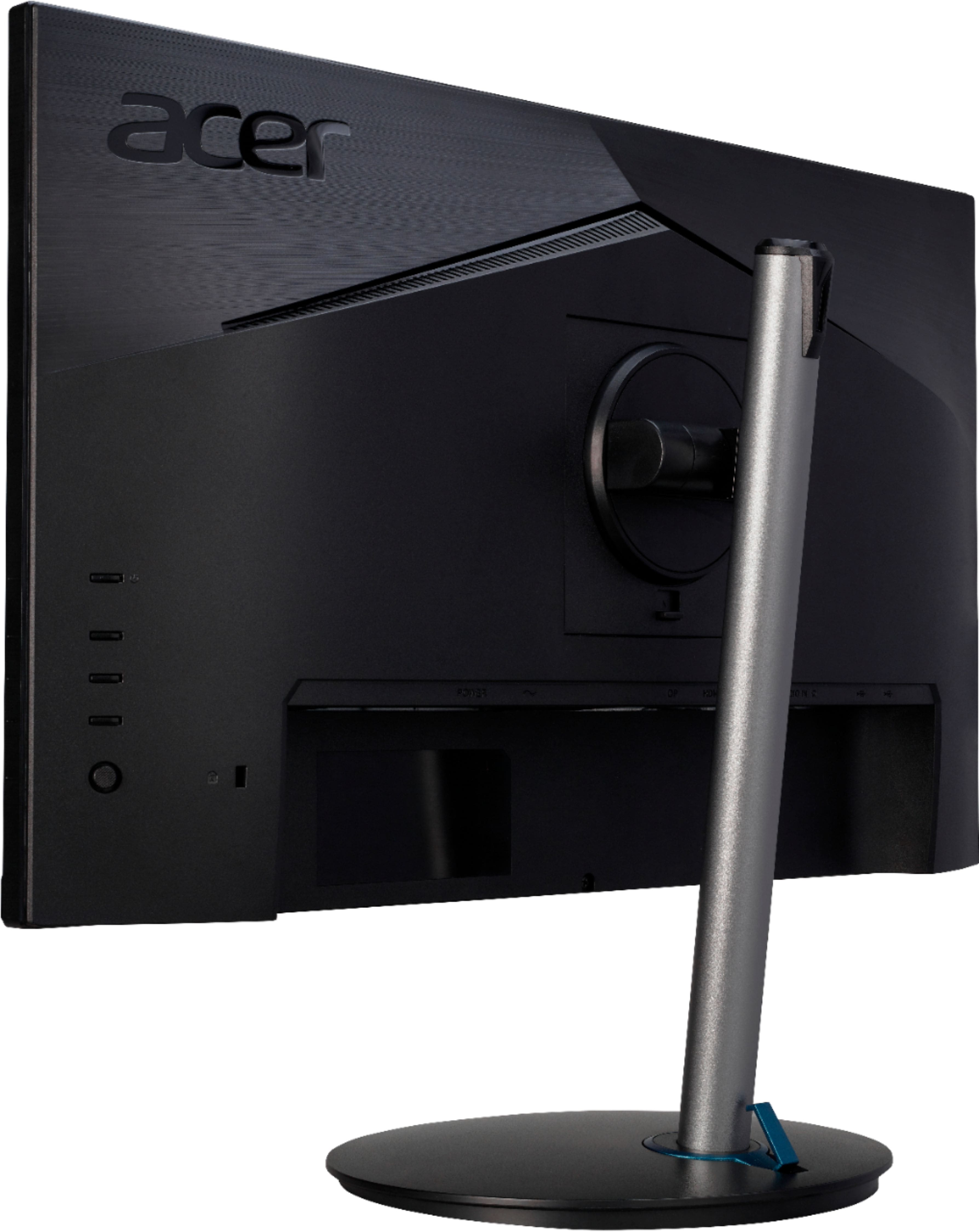
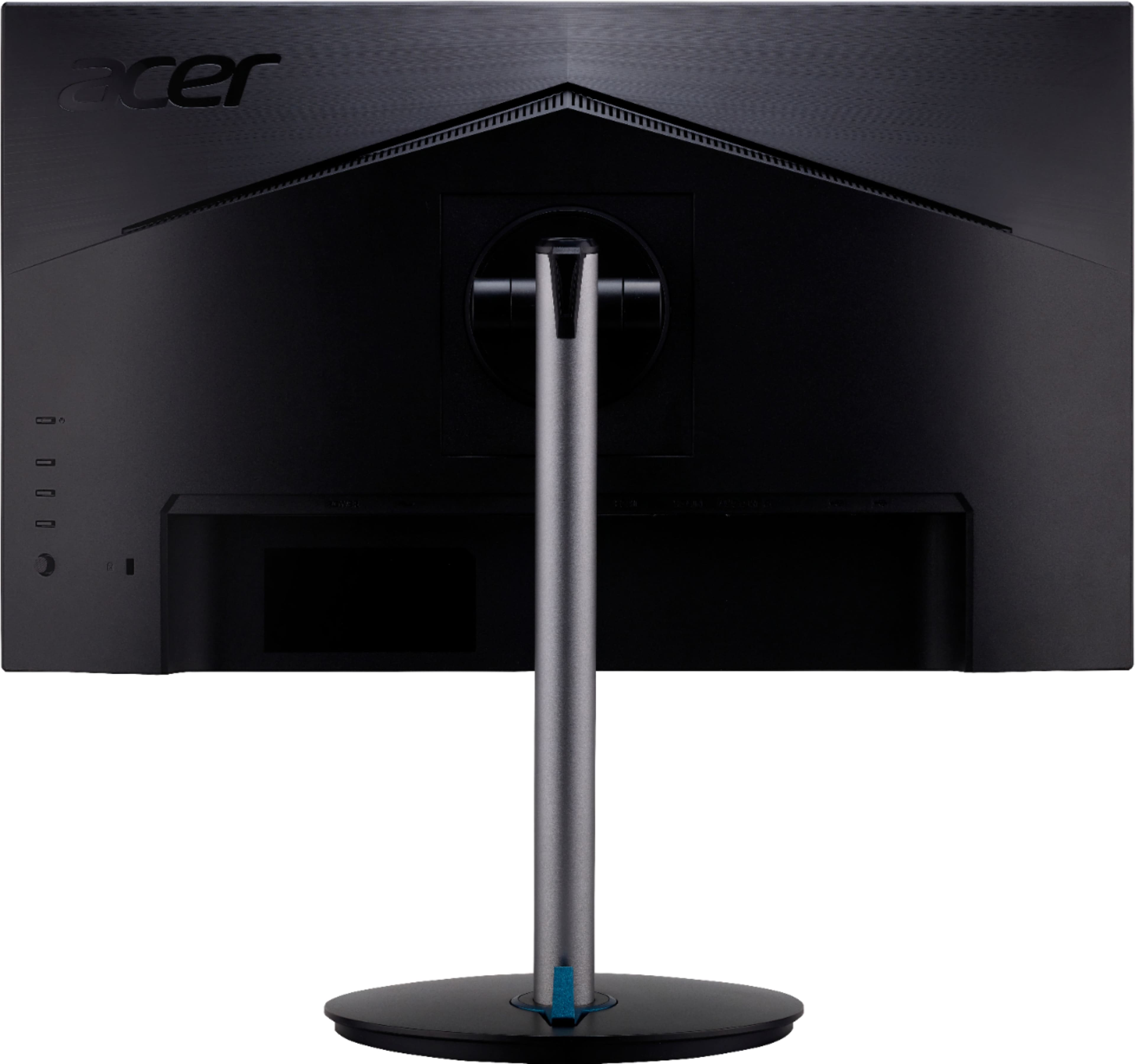
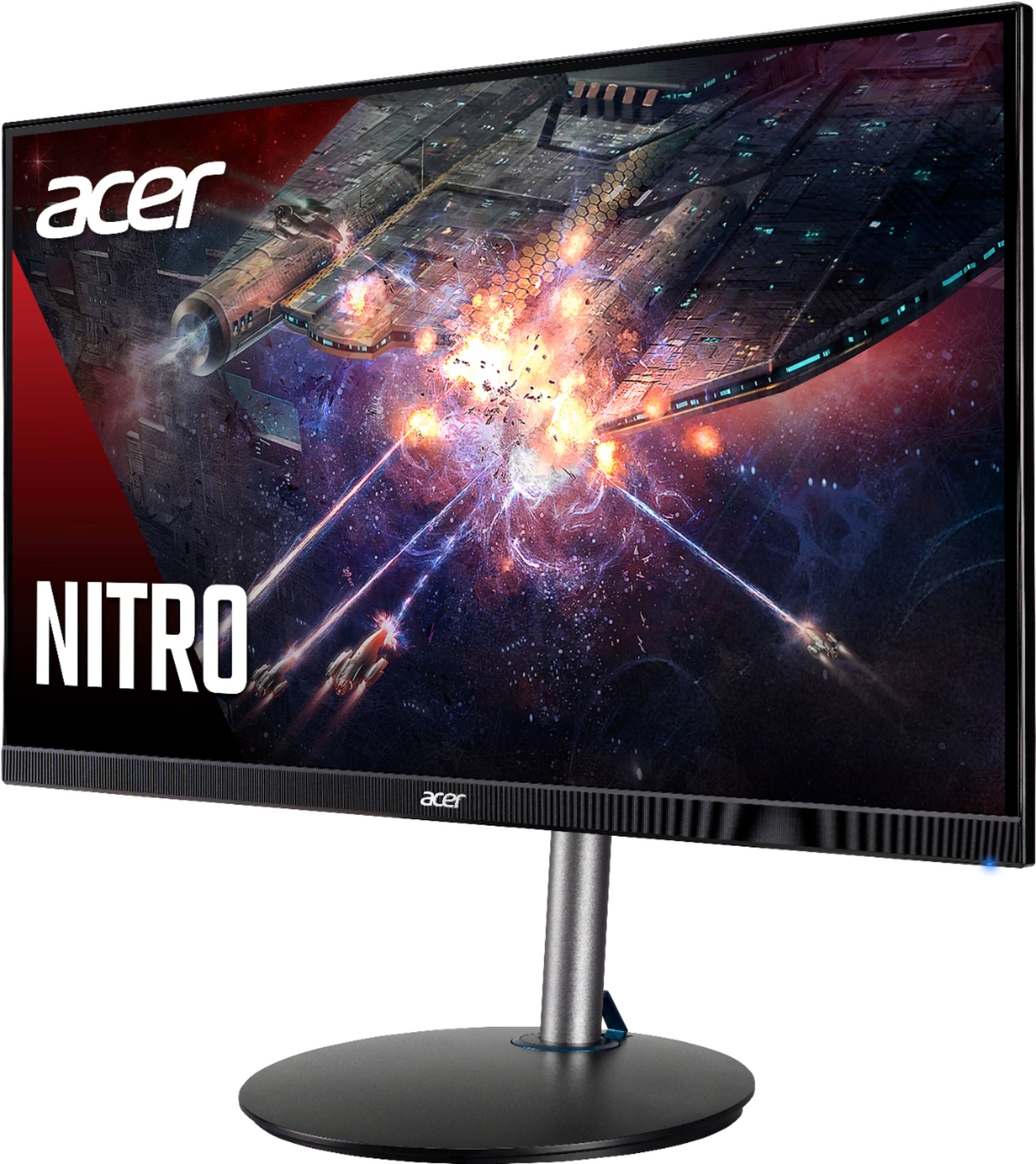
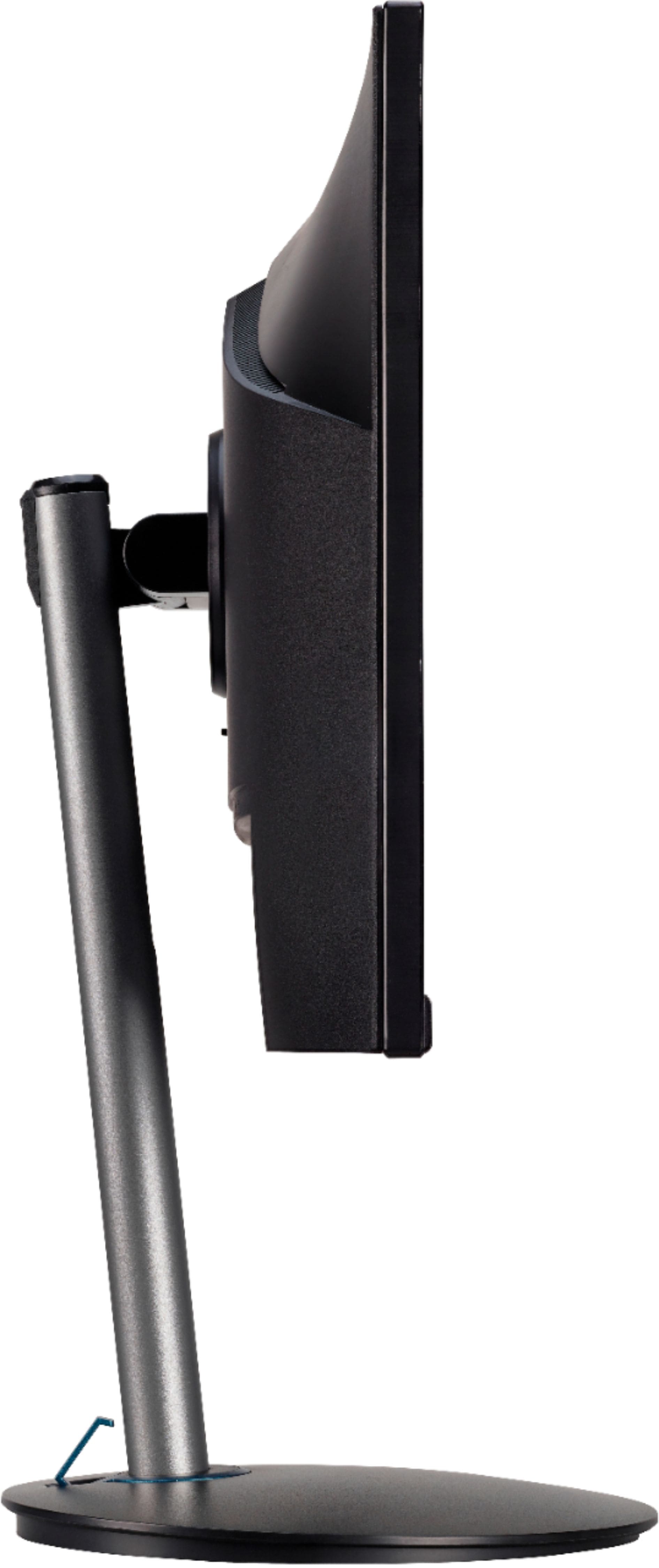
A:AnswerYou don't say where you have the volume at the lowest, but the monitor menu settings has volume and brightness control, and you can start there. Also check the volume settings in Windows and make adjustments there. If you need further help please contact Acer support at 866-695-2237.
A:AnswerMonitors with built in speakers are generally very low wattage, ie: 1W-2W. Most users would prefer a more robust sound system via powered USB speakers or headphones for best quality sound.
A:AnswerI bought two for gaming because i didn't want to spend a fortune on more expensive ones. I got them for a bargain and it was great. It looks small but when you turn it on, the display makes it feels bigger. Color is great and fast. This is probably the best monitor if you dont want to spend too much money.
A:AnswerThis monitor supports AMD Freesync. If you are connected to an Nvidia GPU, you will not get the AMD Freesync features. This particular monitor is not on the list of Nvidia Gsync supported monitors.