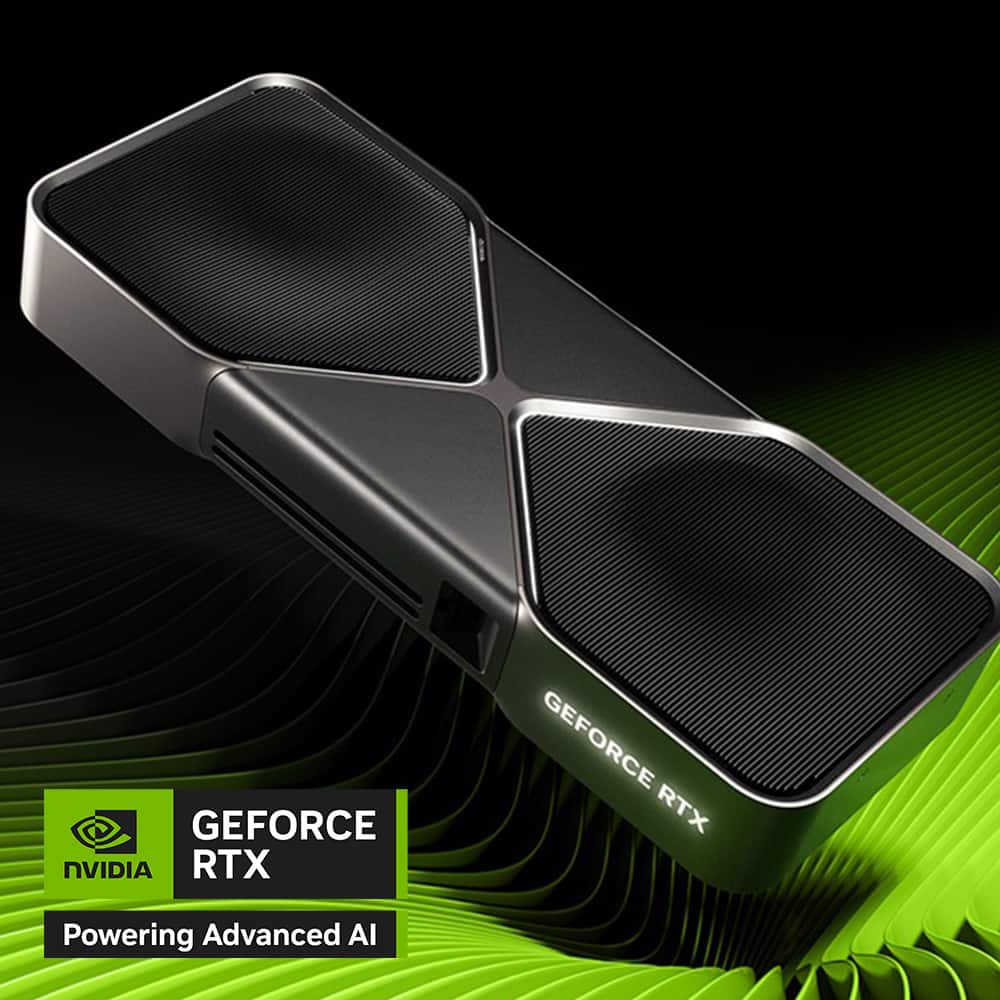
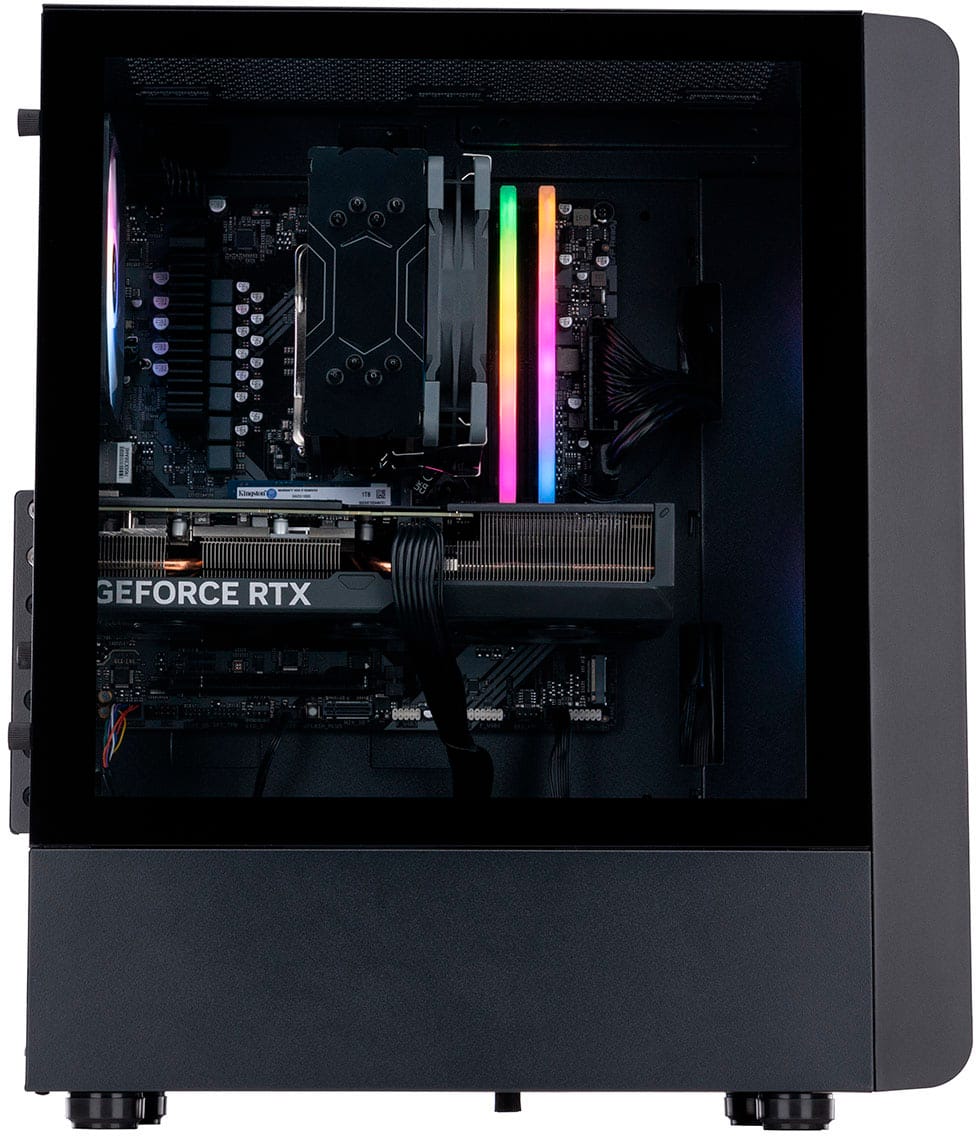
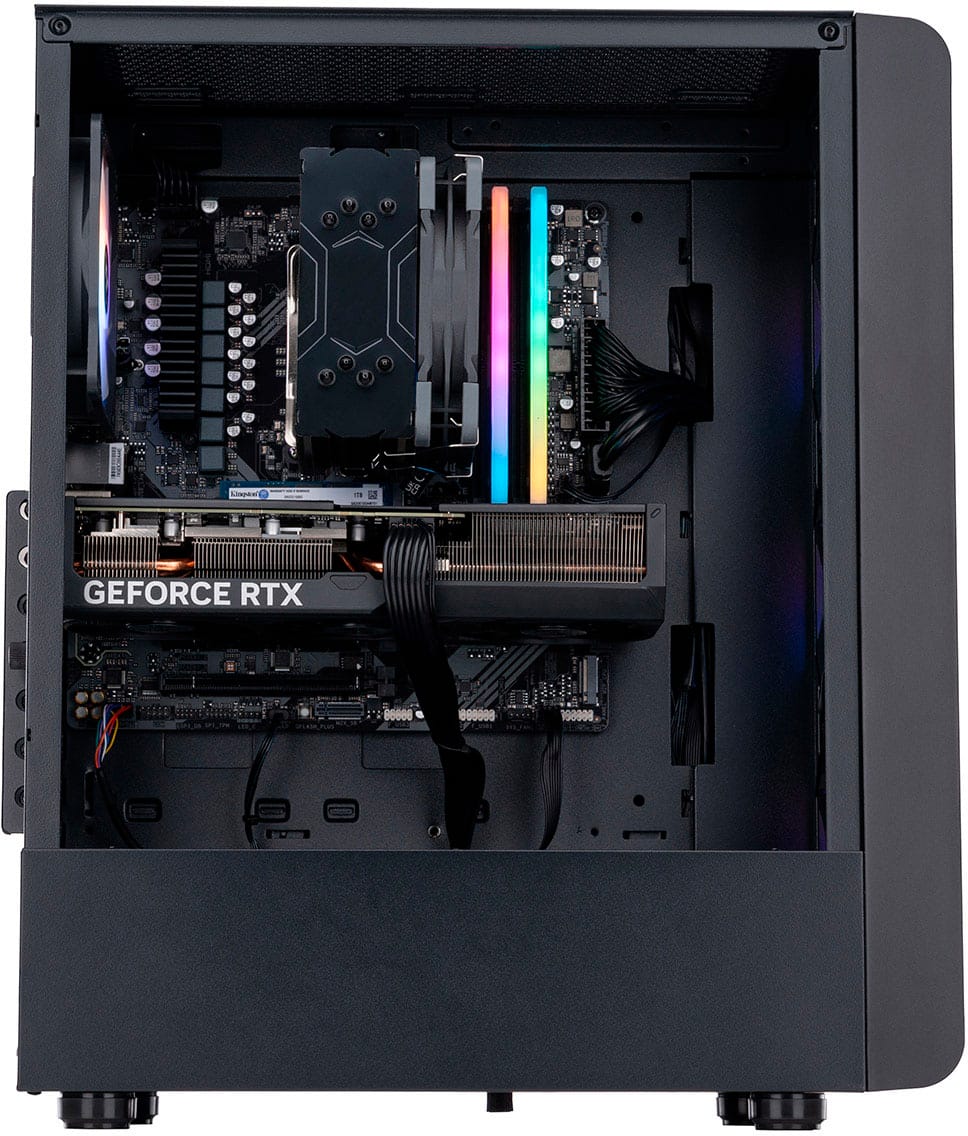
A:AnswerNo, you cannot upgrade the GPU in the N60-180-UB33 because it is a soldered component, meaning it is permanently attached to the motherboard and not designed to be user-replaceable
A:AnswerYes, the N60-180-UB33 desktop can have its SSD upgraded. This system has an M.2 NVMe SSD and features three M.2 slots, allowing for both replacement and the addition of more high-speed storage.
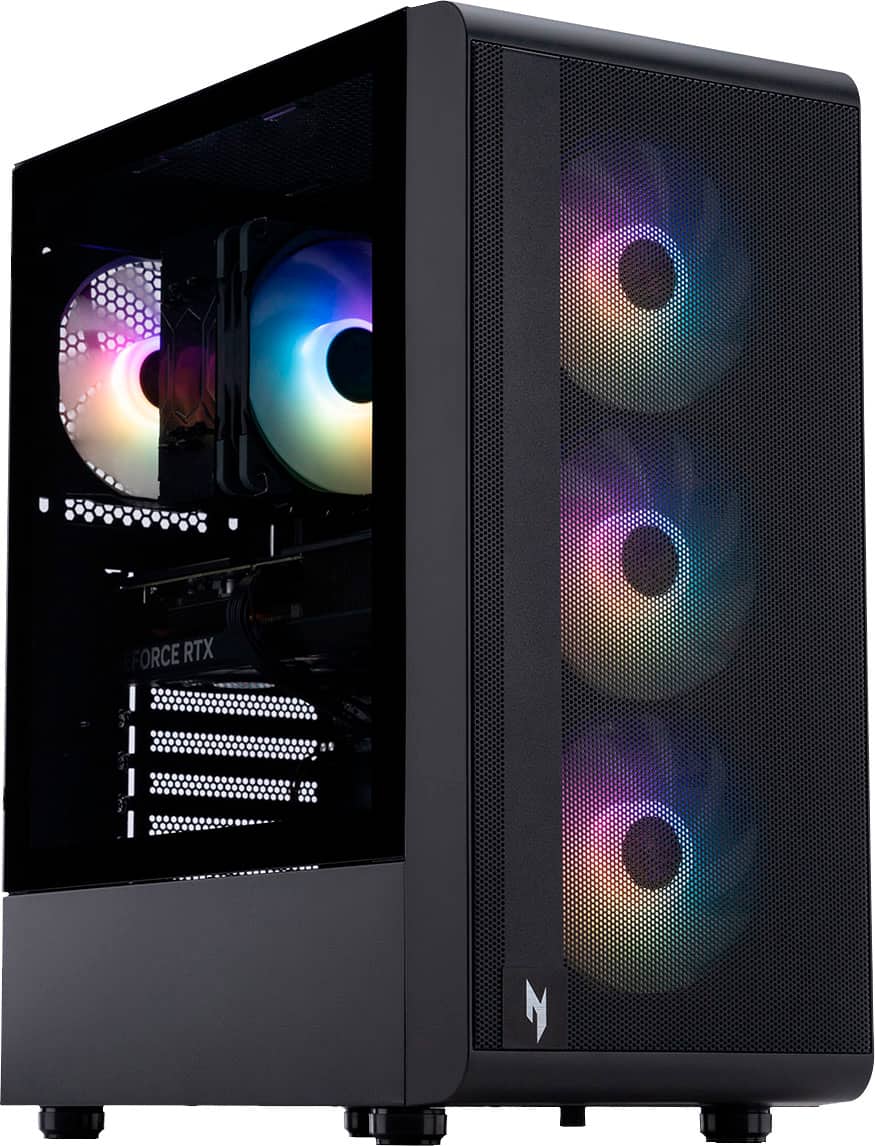
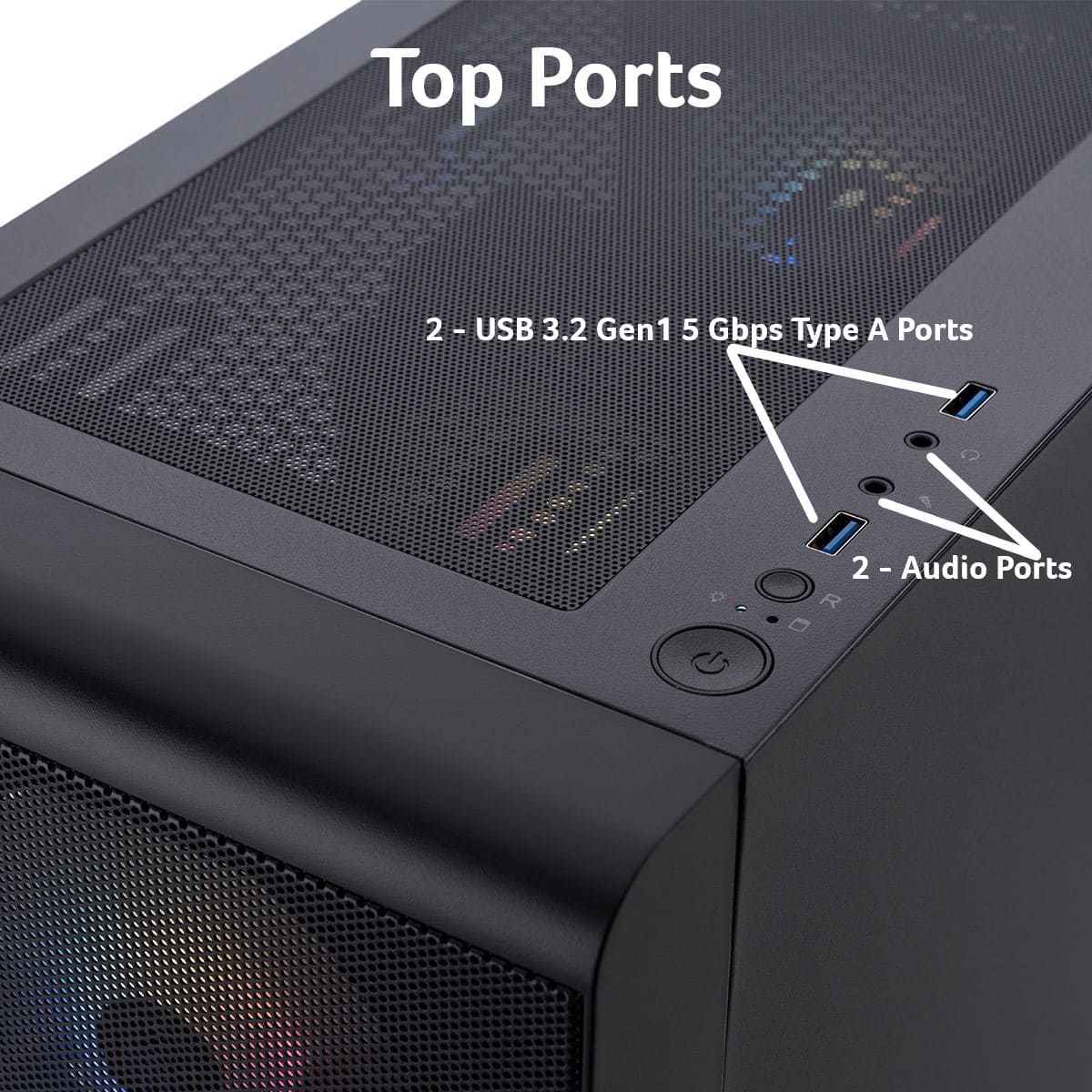
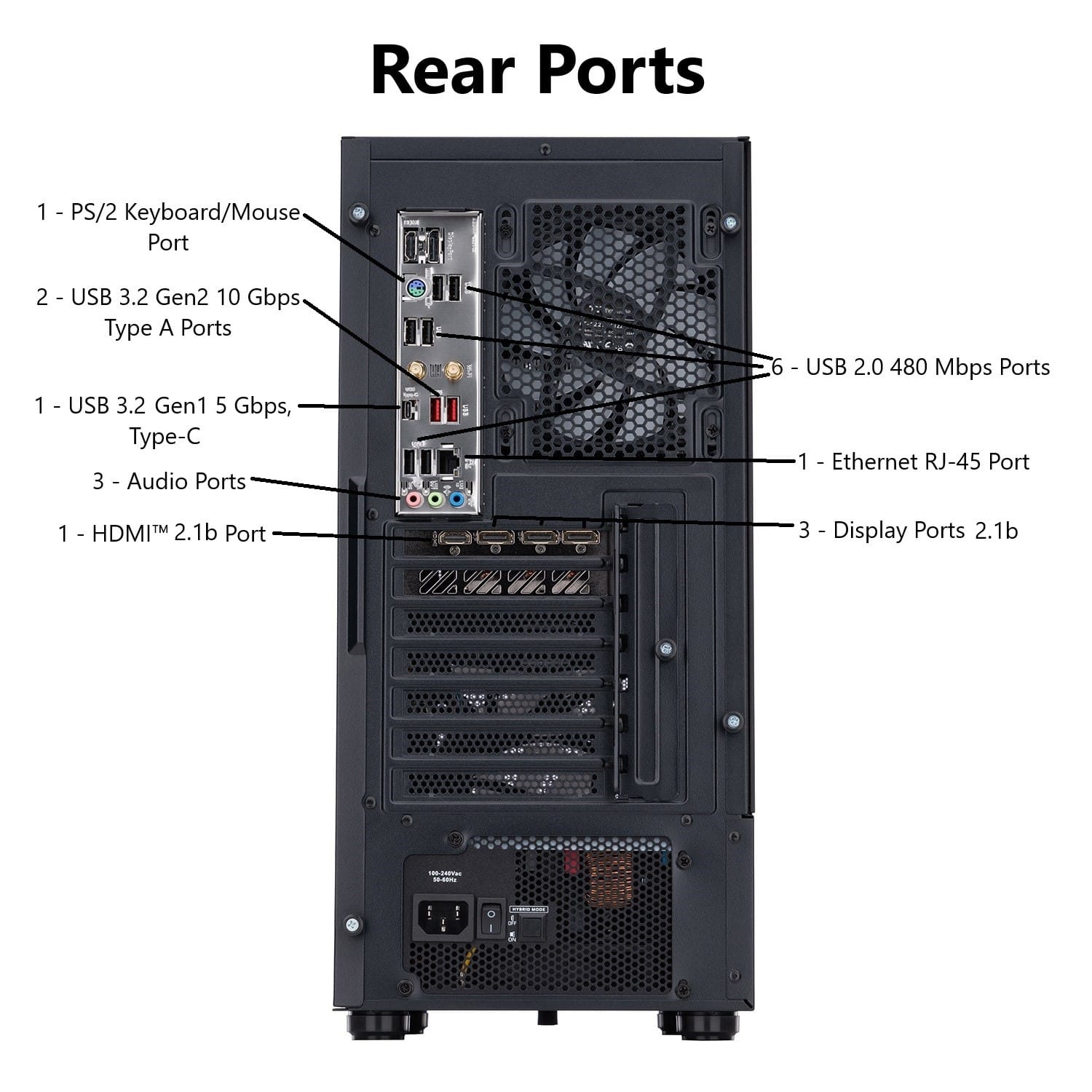
A:AnswerYes, the system has an audio out port and is designed for use with gaming headsets that often use a single 3.5mm combo audio/mic jack or connect via USB or Bluetooth.
A:AnswerThis PC should have three display ports. If you are unable to use them, please contact our support team at 866-695-2237; they are available to assist 24/7 for in-warranty products.
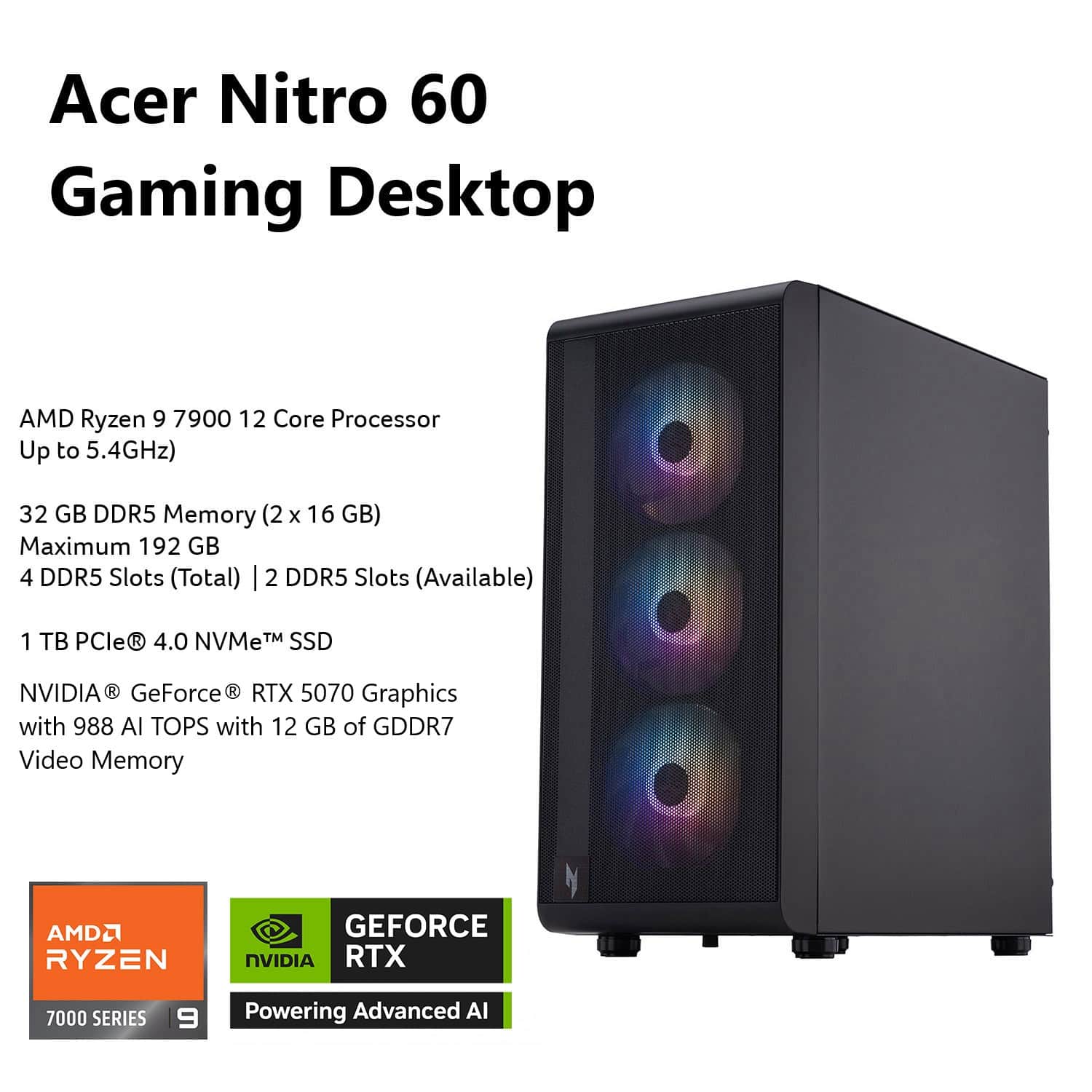
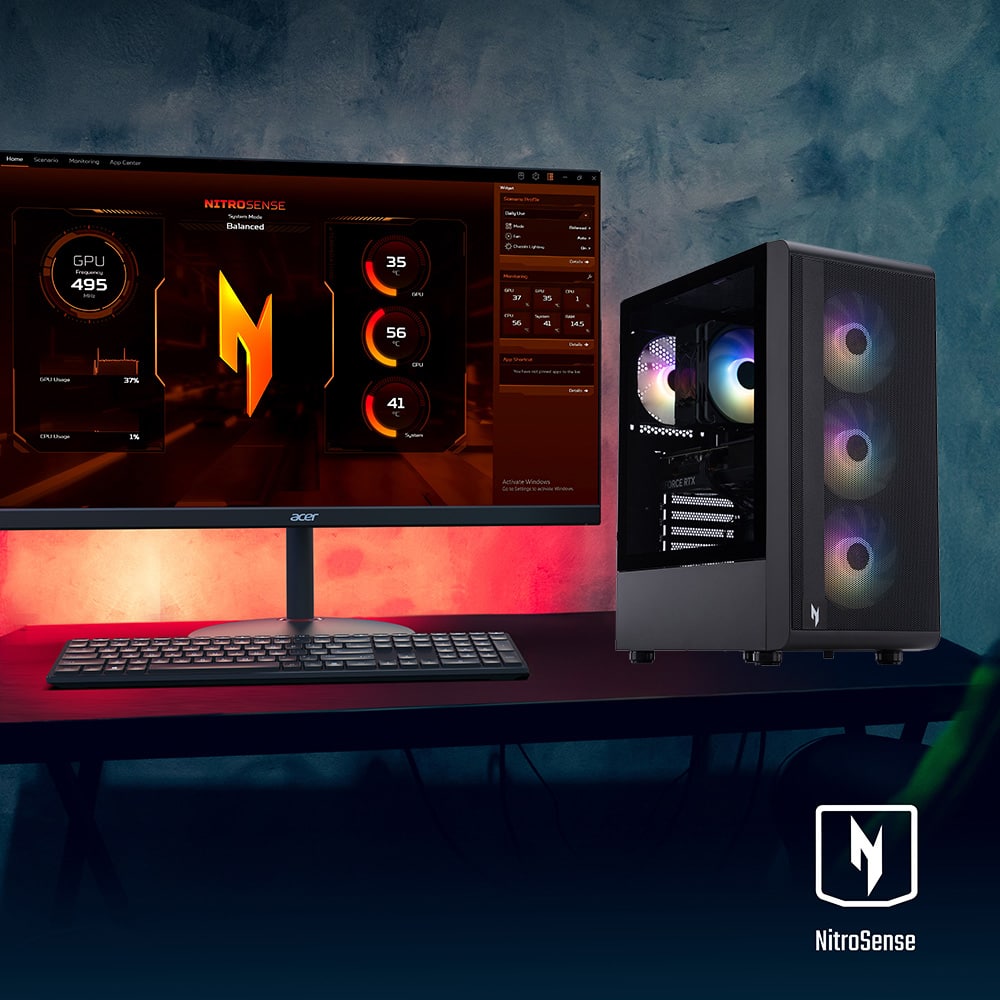
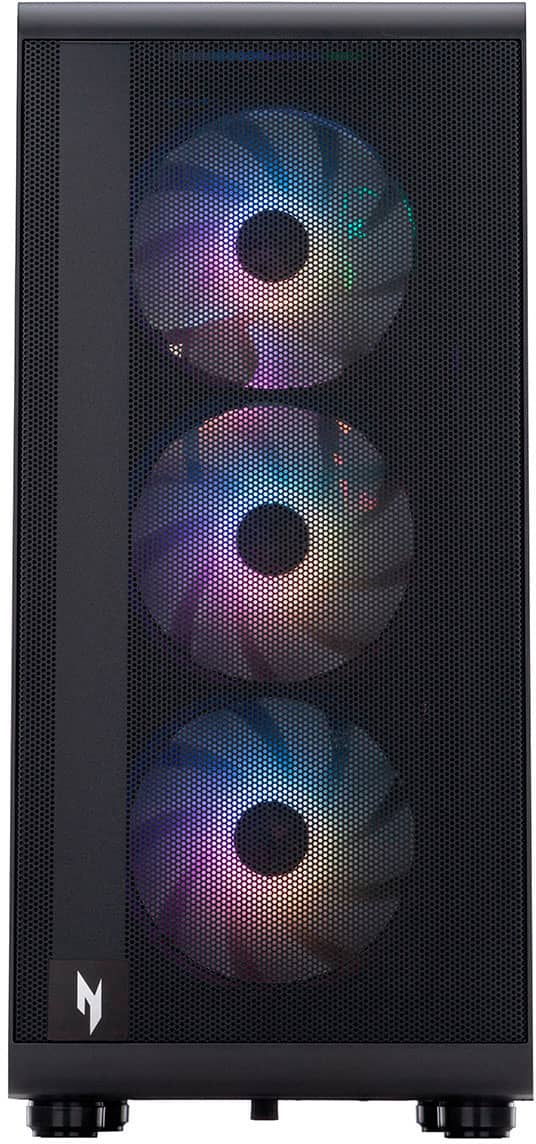
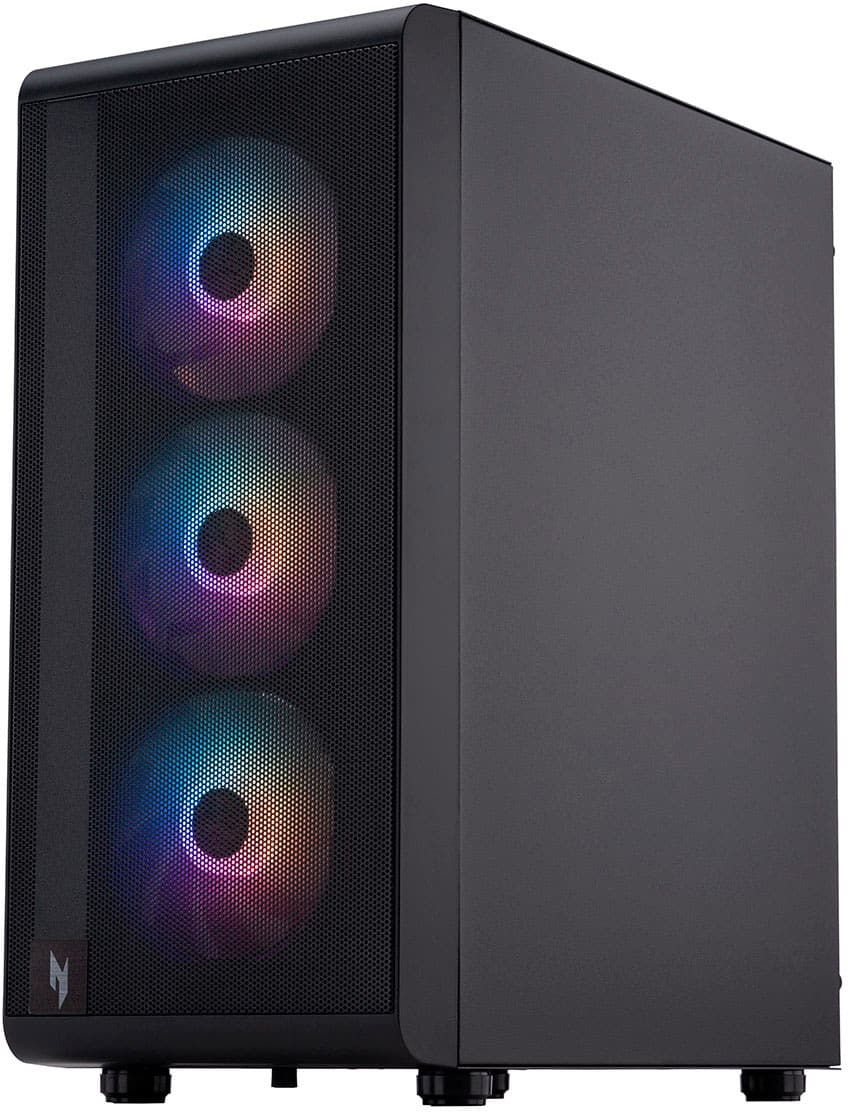
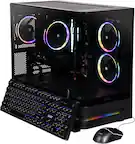
A:AnswerFor the Acer Nitro N60-180-UB33, you can control or turn off the RGB fan lights by using third-party software such as OpenRGB. Since Acer does not include its own built-in RGB control software for these desktop models, community members have confirmed that alternative solutions work.