Questions & Answers
- Model:
- CP311-1HN-C2DV
- |
- SKU:
- 6211731
Highly rated by customers for: Ease of use, Touch Screen, Speed
Page Showing 141-148 of 148 questions
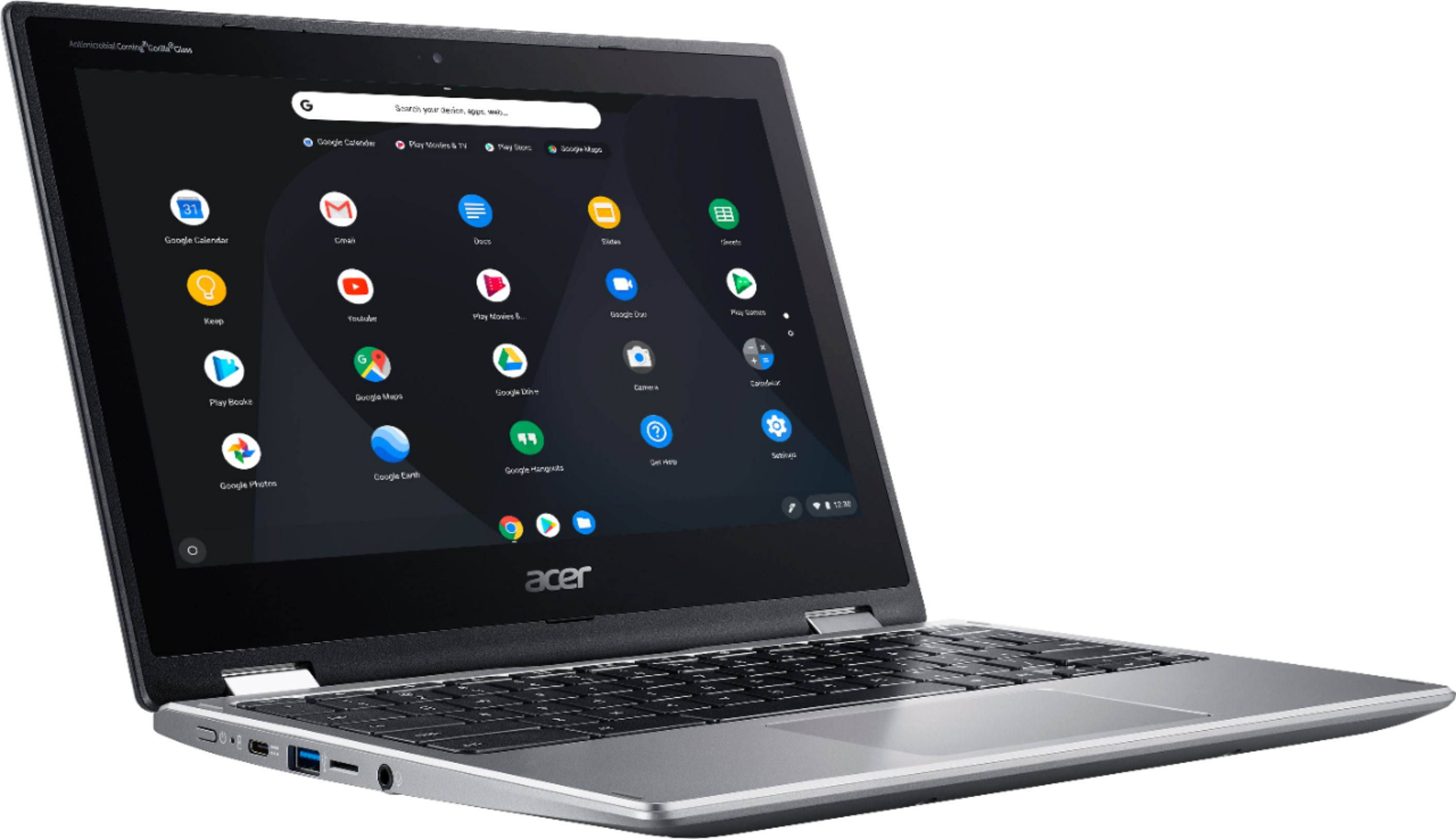
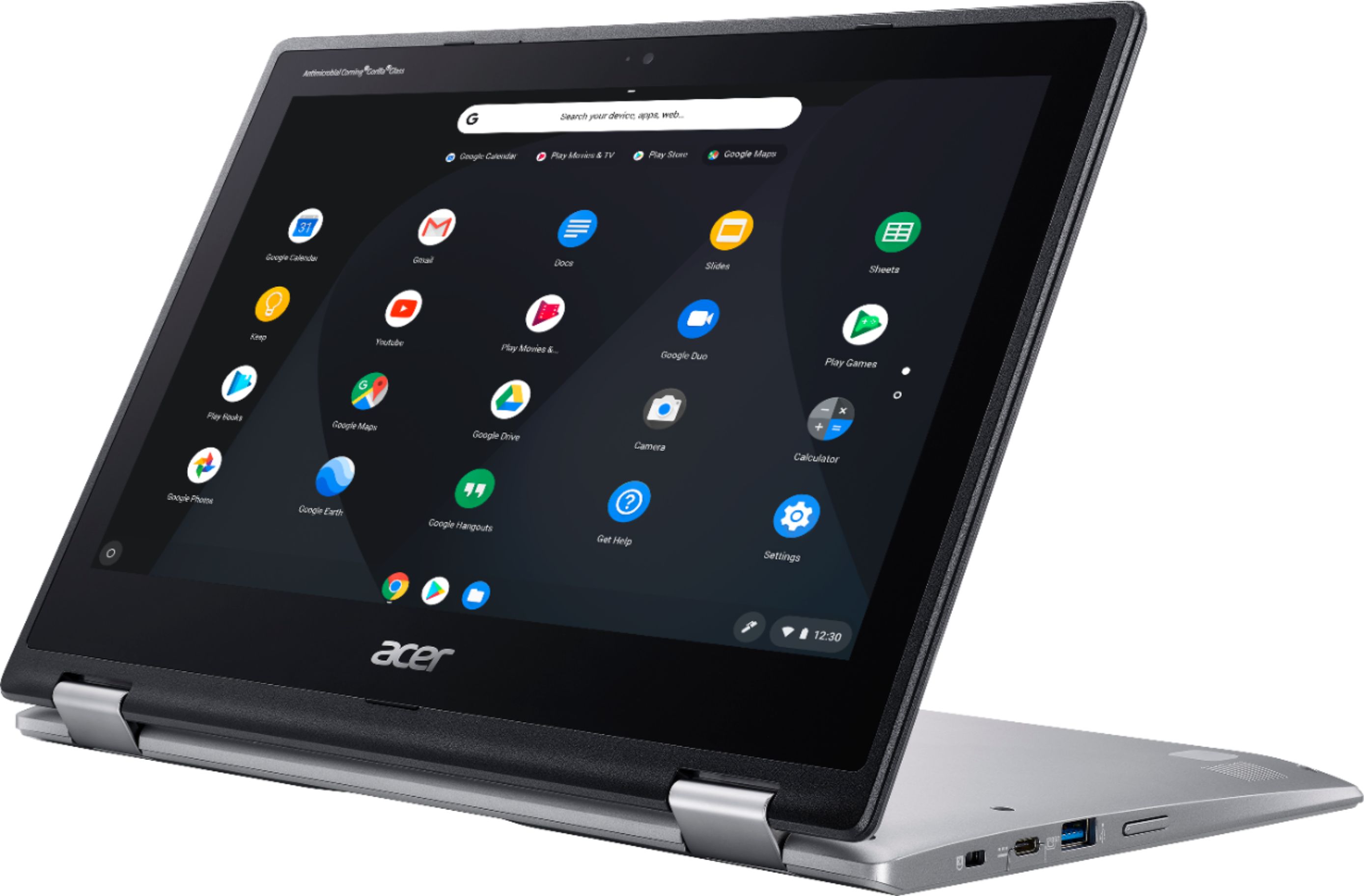
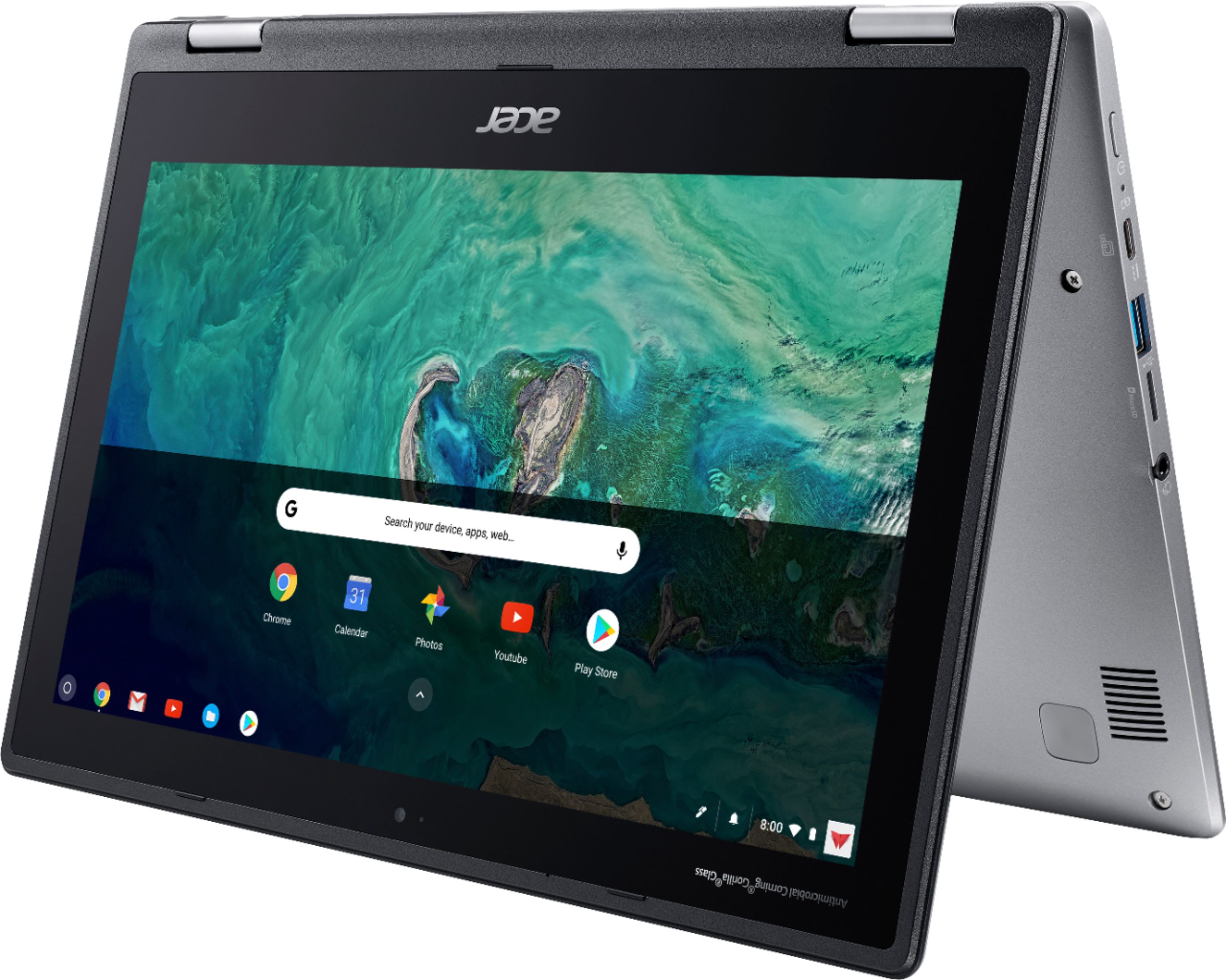
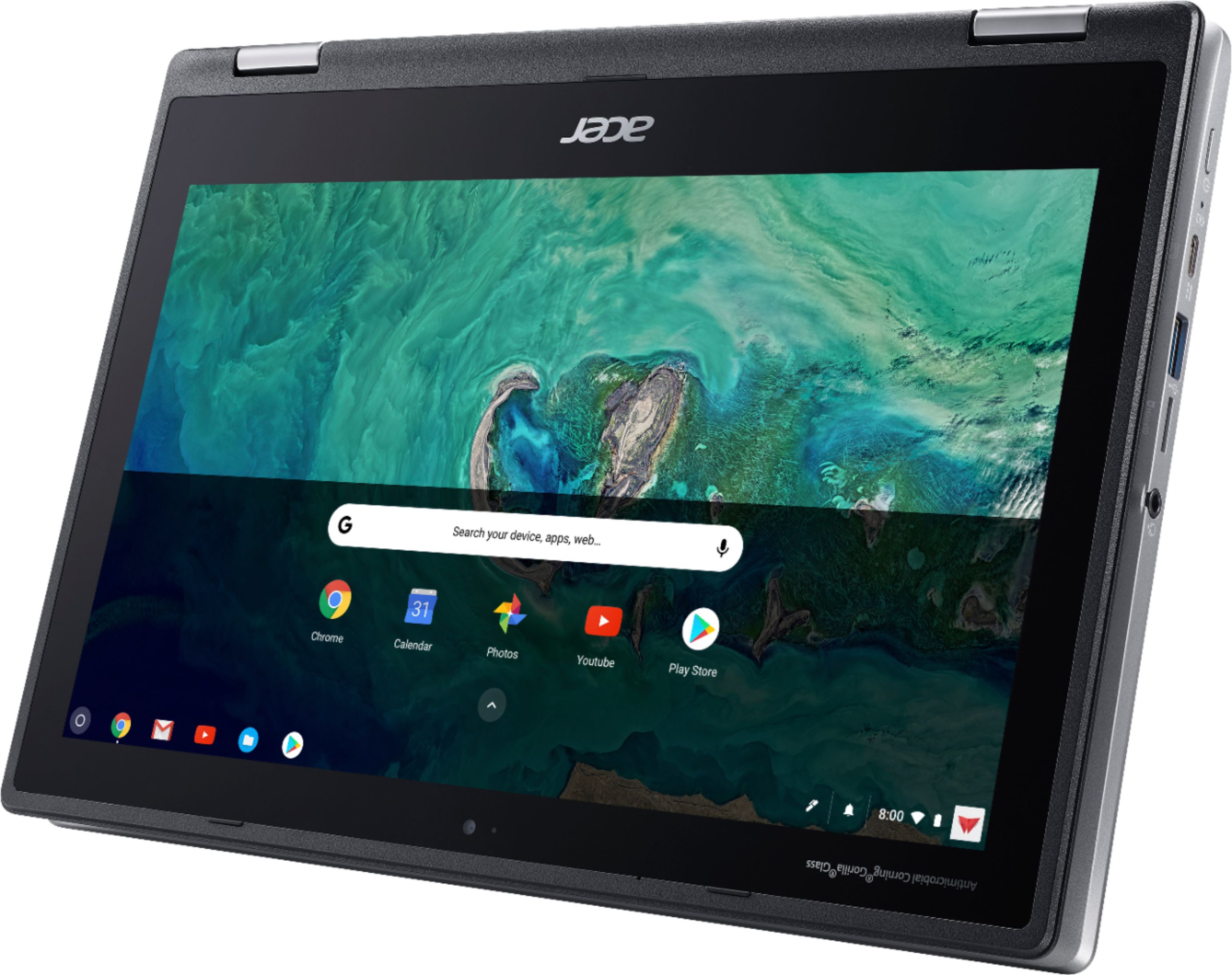
Q: QuestionCan the keyboard be used as the stand? In other words, can I put the keyboard face down on a table and curve the display up? I don't like "tent mode".
Asked by ansky.
- A:Answer yes
Answered by Jentlemanj
Q: QuestionDoes this Chromebook came with a hdmi plug-in
Asked by Manuel.
- A:Answer No, this Chromebook uses DisplayPort to connect to an external monitor.
Answered by TeamAcer

Q: Questioncan you draw & take notes on this acer my granddaughter wanted a surface go but this seems to have more features
Asked by mooch.
- A:Answer While this does have a touch screen and you can draw using a capacitive touch stylus, this does not support a digitizer pen which offers more precision drawing with a finer tip stylus. If it is to be used for finer detailed drawing, this may not be a suitable choice.
Answered by TeamAcer

Q: QuestionIs it water resistant?
Asked by Dan.
- A:Answer Yes, as long as it's not submerged. See the previous question for detailed information about what this Chromebook can withstand. It's quite durable.
Answered by Anonymous
Q: QuestionHow the sound quality on this
Asked by Aron.
- A:Answer The sound quality is poor. The sound works great at times but will suddenly go out. I have to reboot the computer to get the sound to start working again.
Answered by Anonymous
Q: QuestionDoes the computer come with google docs??? Or anything like PowerPoint I need those things for school.
Asked by Anonymous.
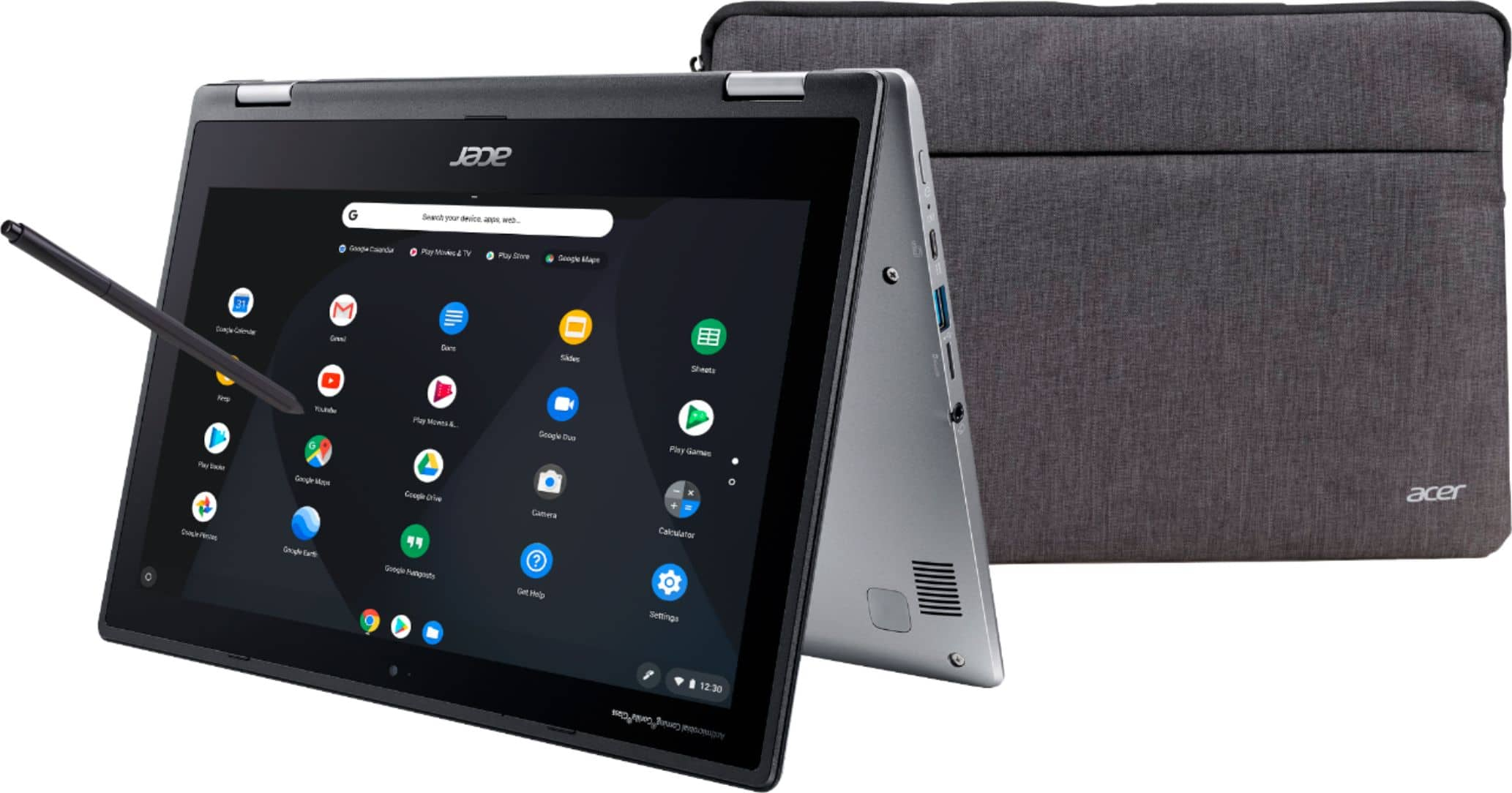
- A:Answer Google docs is included with all Google accounts. This laptop runs ChromeOS and once you sign in with your Google account, you will be able to access Google docs. You can also downloads Word, Excel, Power point from the Google Play store, though these require the purchase of an Office 365 subscription through Microsoft.
Answered by elitegangsta
Q: QuestionHOW LONG DO I HAVE TO PUT PROTECTION PLAN ON IT AFTER PURCHASE ...
Asked by CHINA.
- A:Answer You have 2 weeks (14 days) after purchase to add the Apple Care protection plan. However, its about $250.
Answered by Yami
Q: QuestionI am buying this for my niece to do her homework. Does it come with word processor features or can we install Microsoft office on it?
Asked by Russ.
- A:Answer Keep in mind a ChromeBook will utilize Google products online and among those products are Google's version(s) of Word (Docs) and Excel (Sheets). Docs and Sheets are increasingly utilized in the academic world and your student may be just fine with these. Check the school's website for recommended student technologies.
Answered by bbodb1