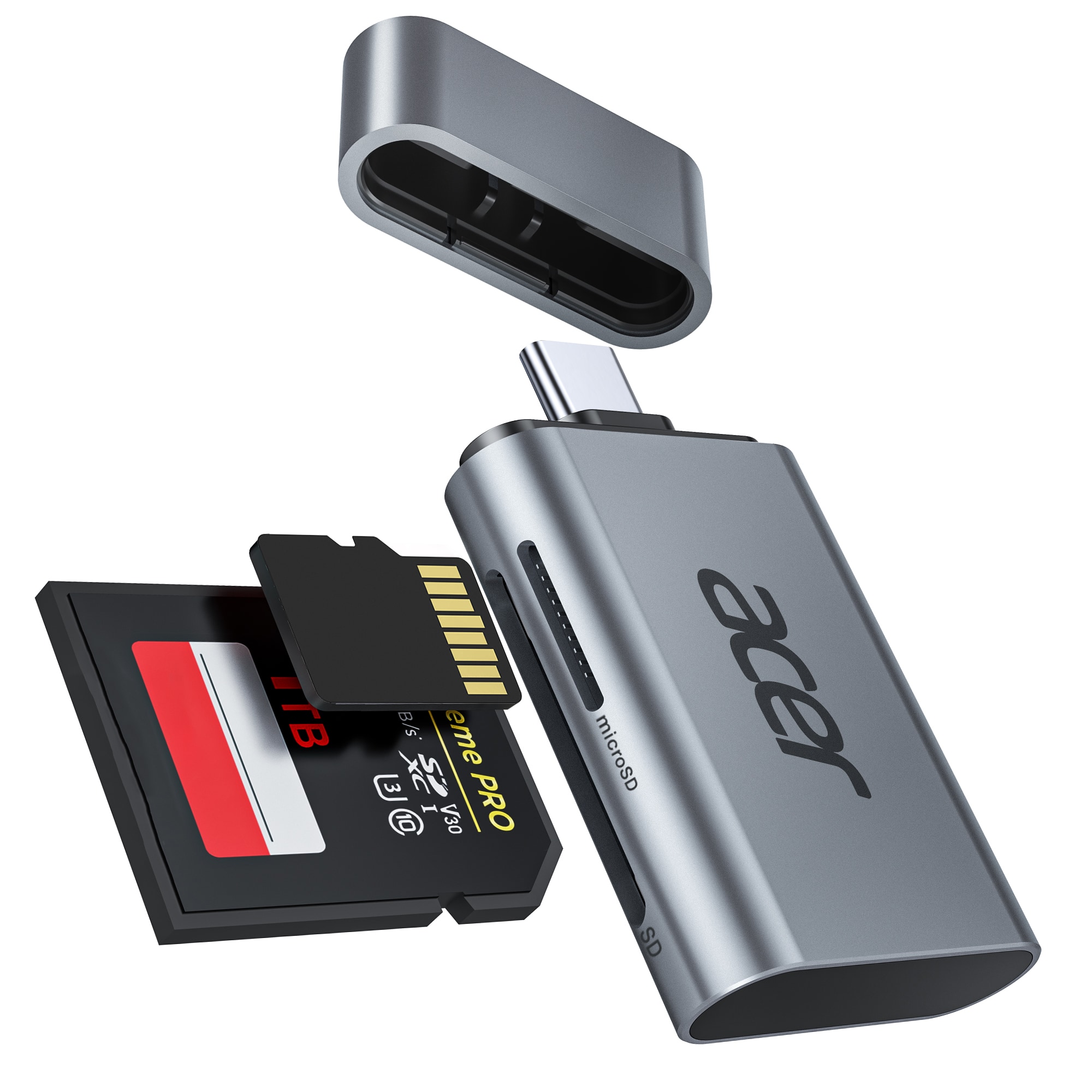
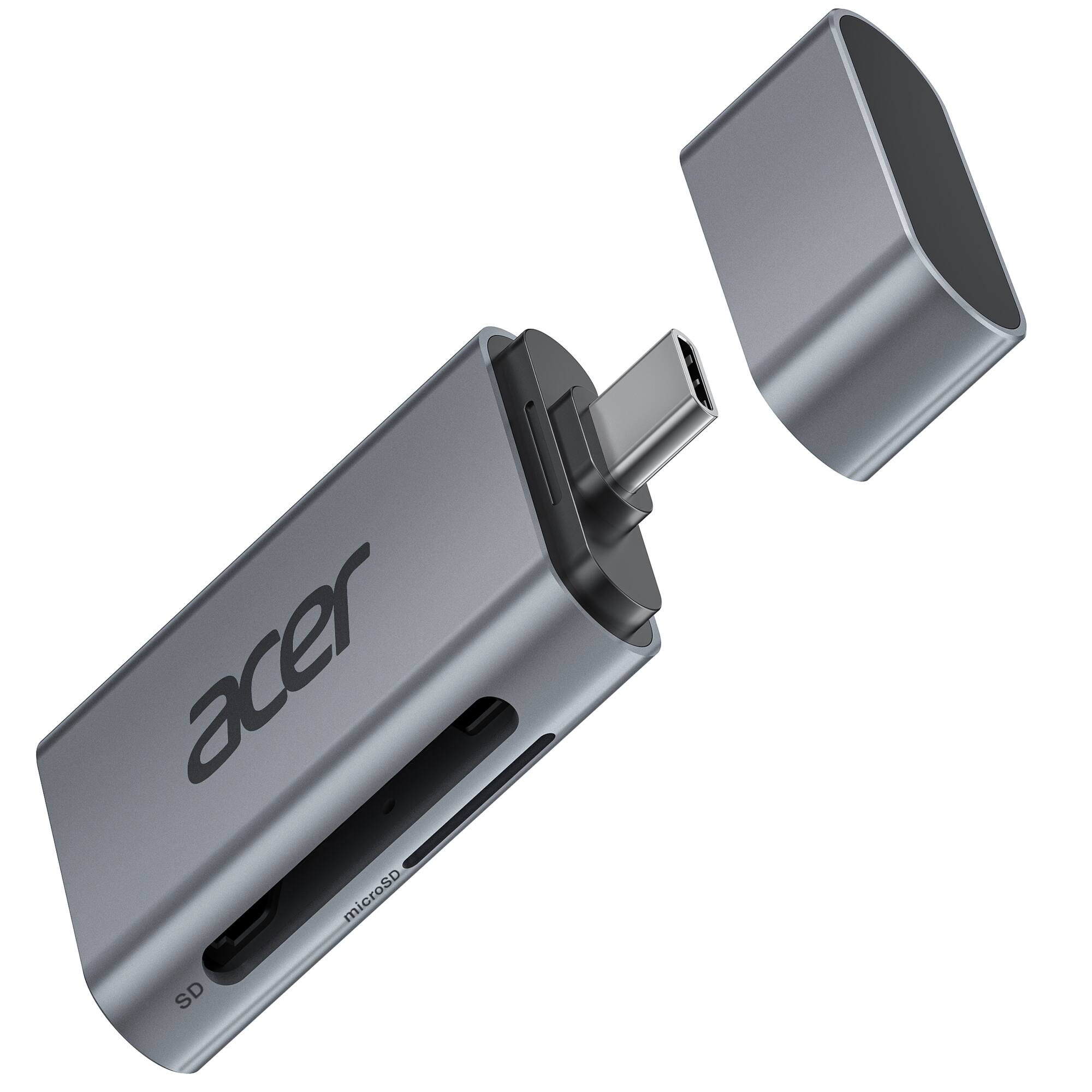
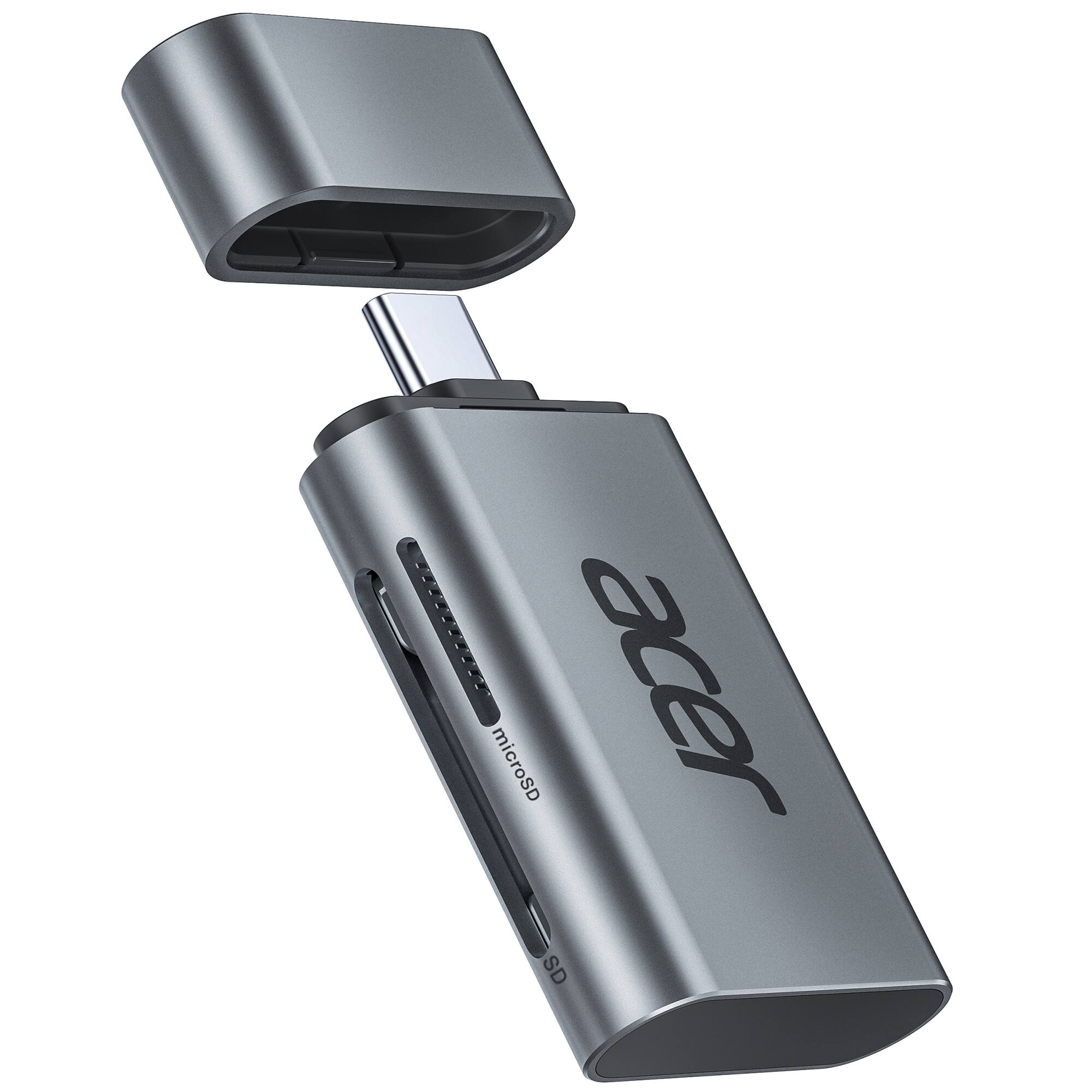
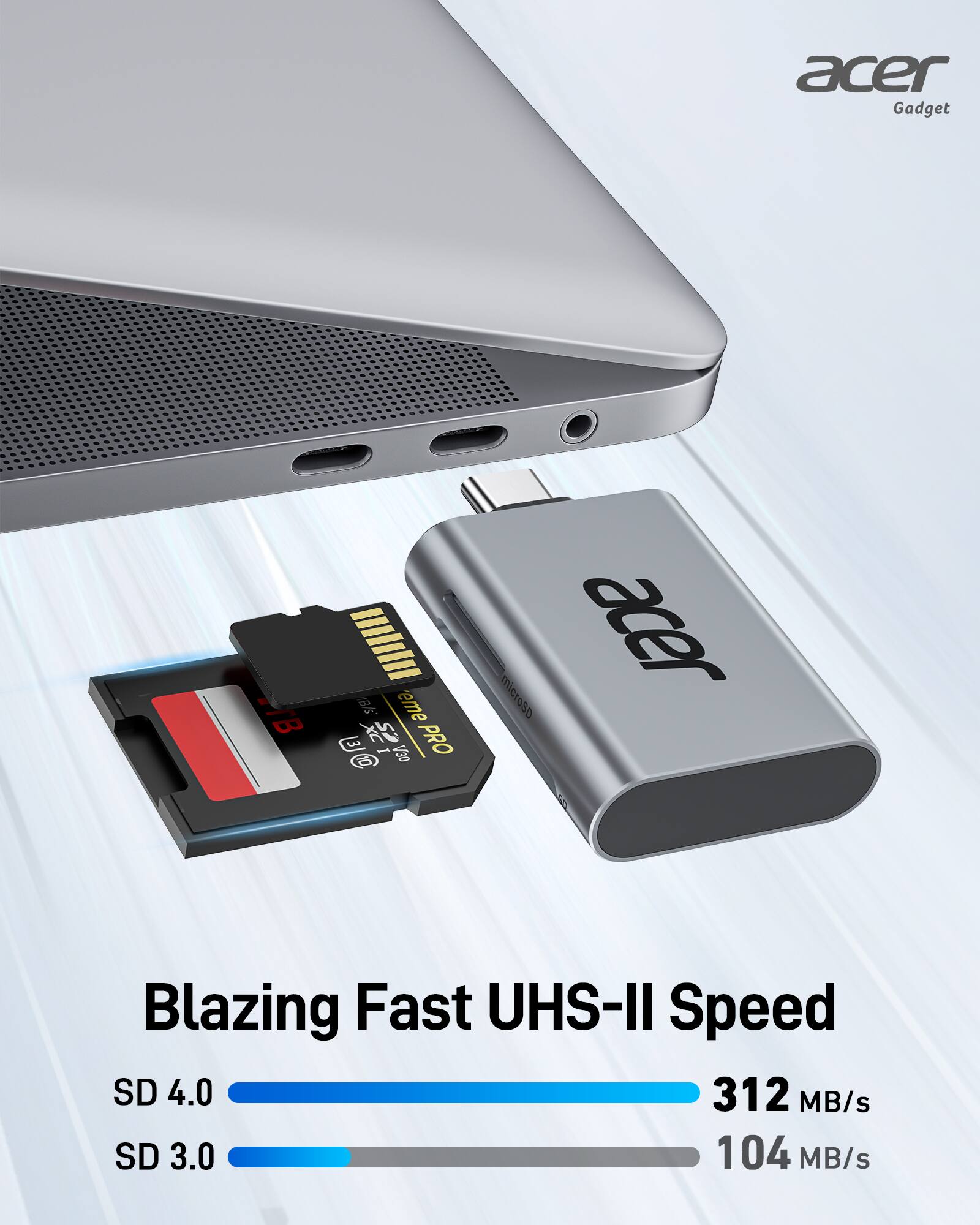
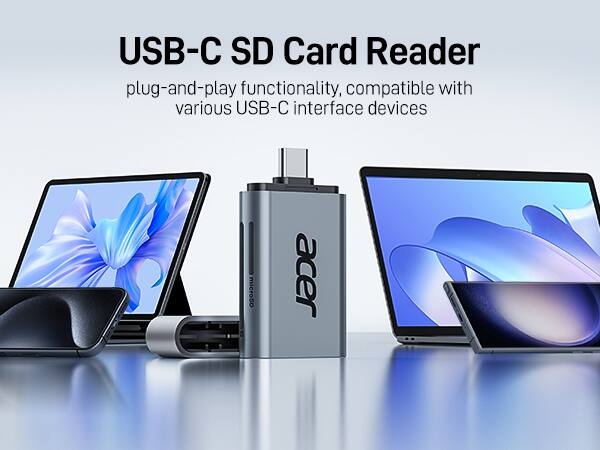
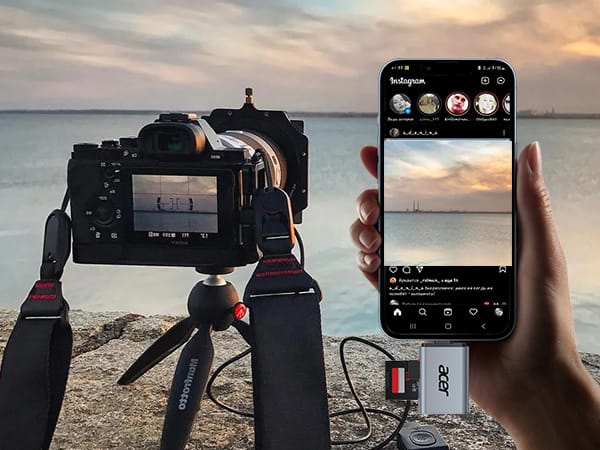
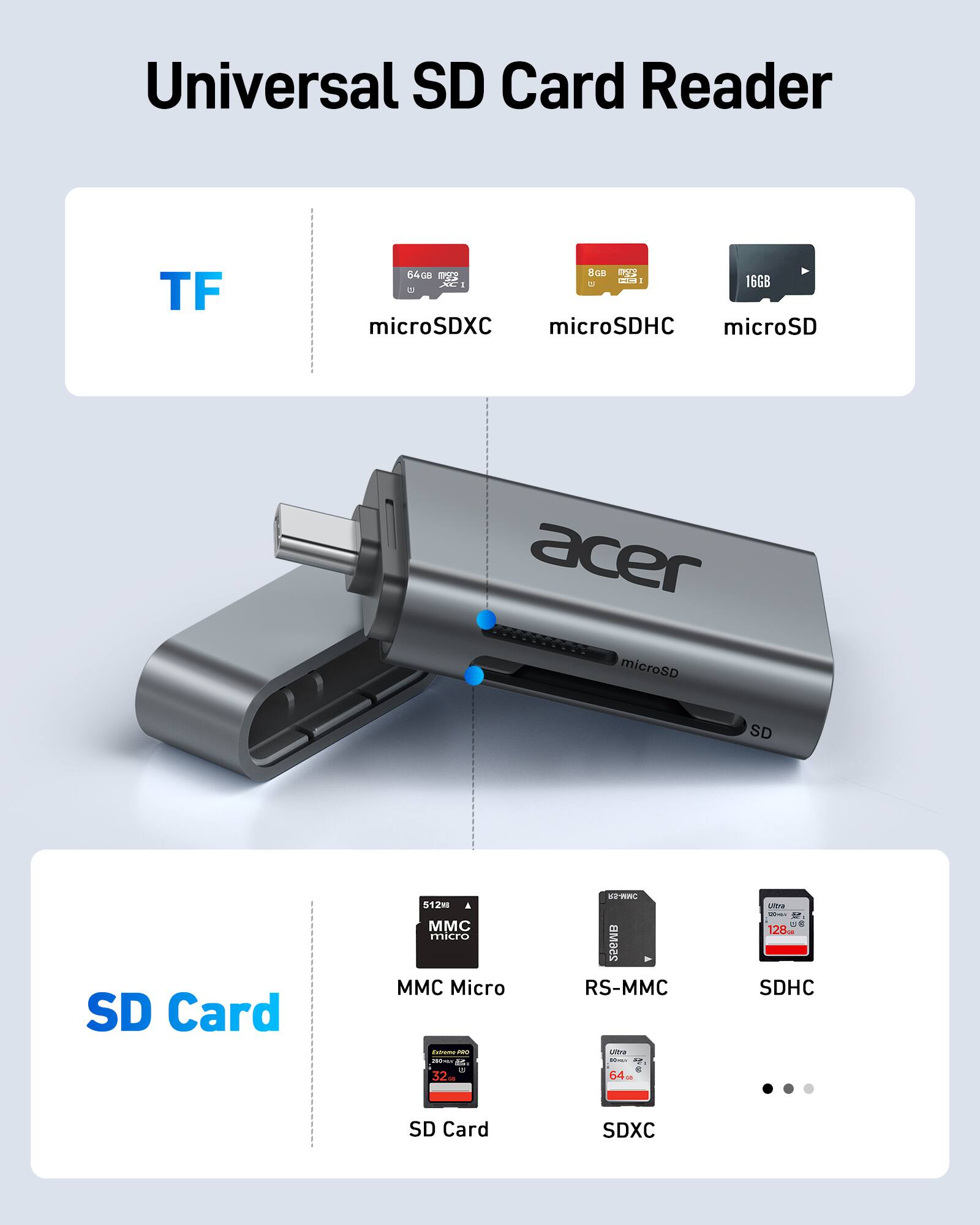
A:Answer To move photos from your phone to an SD card using a card reader, connect the reader to your phone, insert the SD card into the reader, then open your phone's file manager, select the photos, and use the "Move to" or "Copy to" option, choosing the SD card as the destination. Another way is to connect both the phone and the SD card to a computer, then drag and drop the photos from your phone's storage to the SD card.