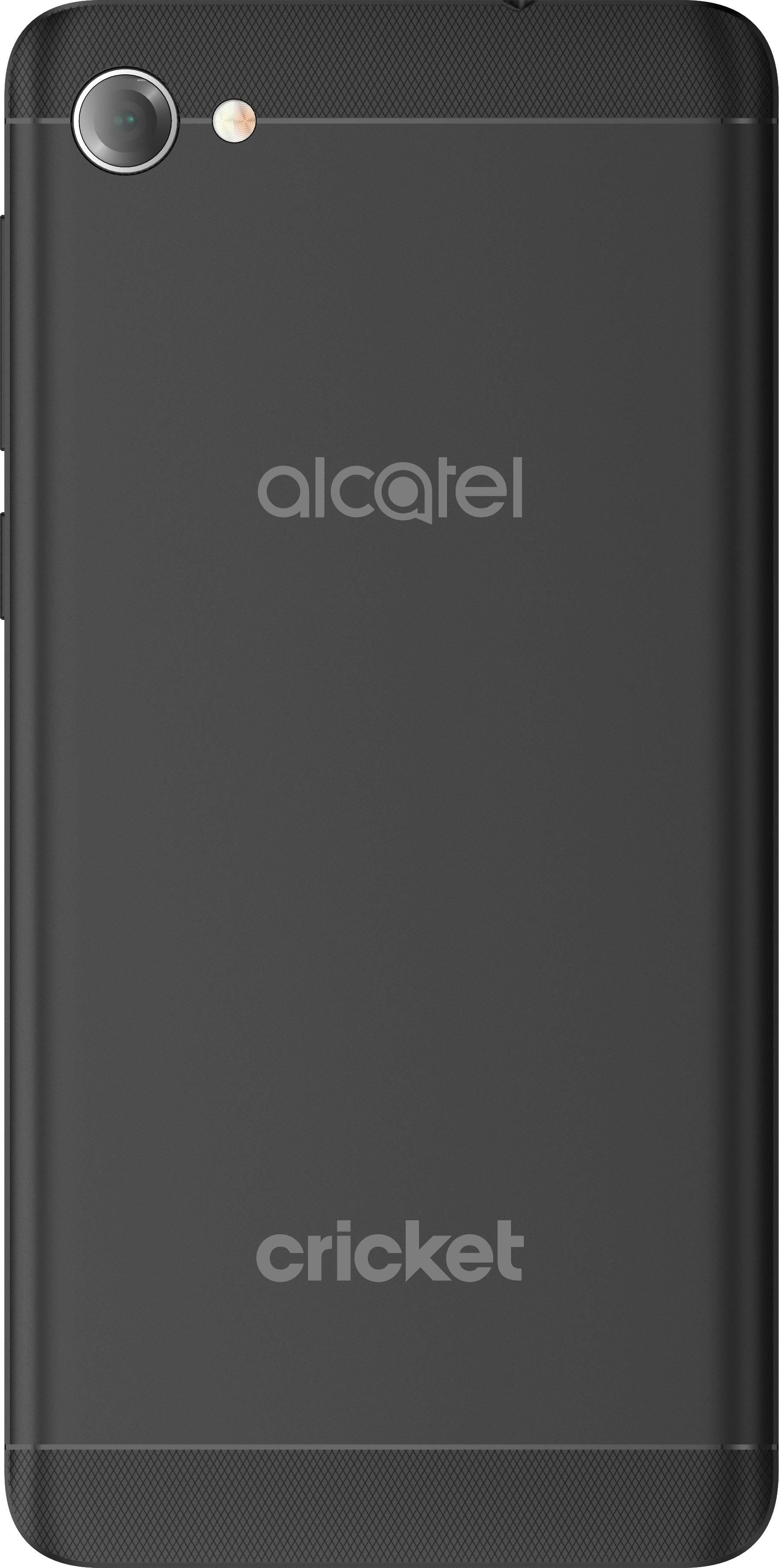
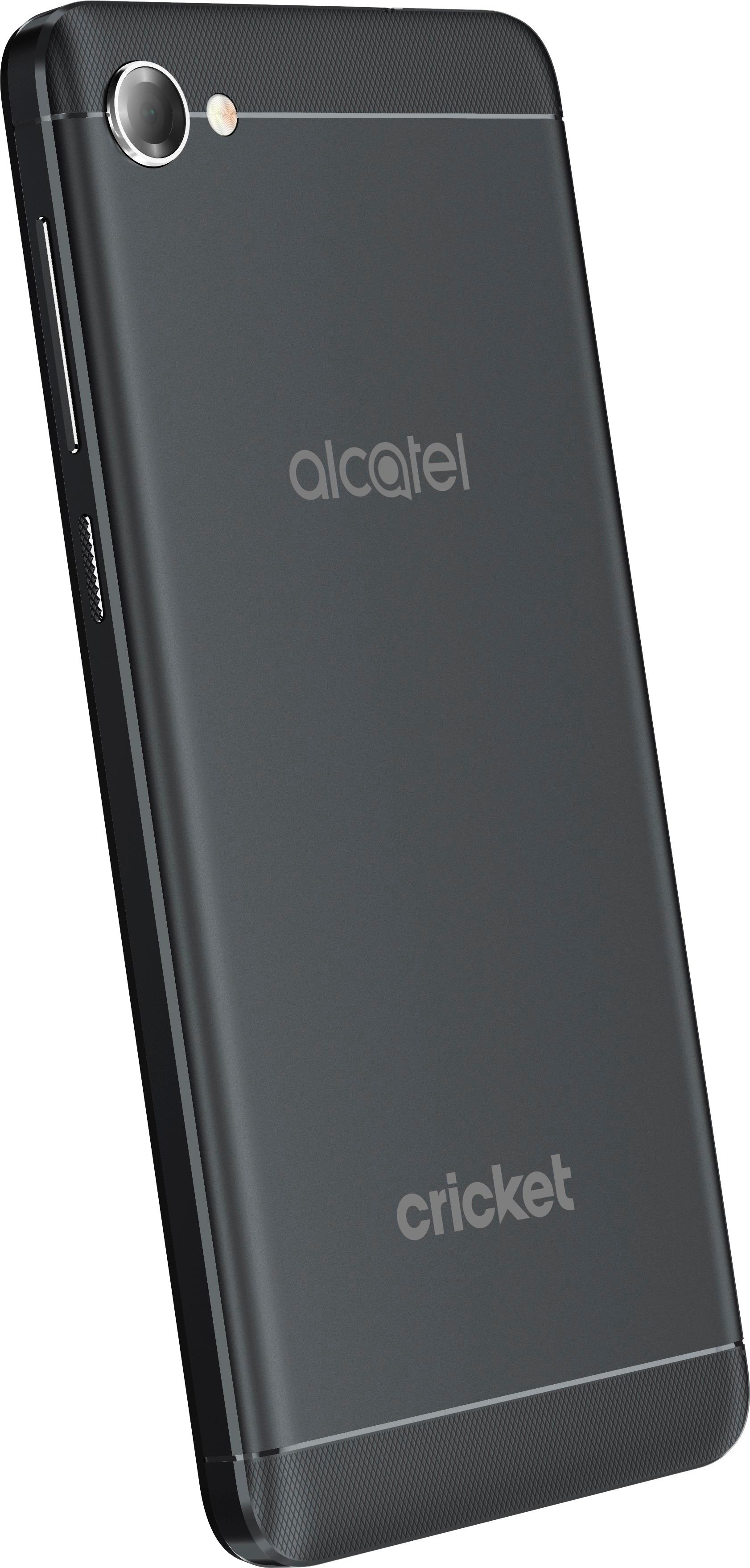
A:AnswerMy local Cricket store advised me to purchase a new phone elsewhere as their available in-store phones were higher priced than retail stores like Best buy AND I would be charged an activation fee but if I bought a cricket phone elsewhere & brought it in to them there would be no activation fee. I did have to purchase a Sim card as the Alcatel Pulsemix I bought had a different size Sim and I wanted all my info transferred but was still much less expensive than the inflated price + activation
A:AnswerBlock Incoming Calls:
Open “Contacts”
Go to “All contacts”
Select the phone number/contact you want to block
Tap “Edit” > “Menu” and enable “All calls to voicemail”
Unblock Calls:
Launch “Contacts”
Access “All contacts”
Tap the contact you want to unblock
Tap “Edit” > “Menu”
Turn “All calls to voicemail” Off
Block Messages:
Launch Google Messenger
Tap the conversation thread exchanged with the contact/phone number you want to block
Tap “Menu” > “People & Options”
Tap “Block [phone number]” > “OK”
NOTE: The conversation thread and future messages from the blocked contact will be archived, and notification alerts are disabled for all archived items.
Unblock Messages:
Open Google Messenger
Tap “Menu”
Access “Archived”
Select the conversation thread exchanged with the contact/phone number you want to unblock
Tap “Menu” > “Unarchive”
Press “Menu” again and access “People & Options”
Tap “Unblock [phone number]”
Enable Call Forwarding:
Open “Phone”
Tap “Menu”
Go to “Settings”
Tap “Call forwarding” (NOTE: this option might not be available if it isn’t supported by your carrier)
Enter the phone number you want to use for call forwarding. Alternatively you can select a contact from the phonebook
Tap “Enable”
Enable Conditional Call Forwarding:
Launch “Phone”
Tap “Menu” > “Settings”
Access “Call forwarding”
Select to forward incoming calls “When unreachable”, “When unanswered” or “When busy”
Enter or edit the phone number you want to use for call forwarding
Tap “Update” / “Enable" to confirm
Disable Call Forwarding:
Open “Phone”
Tap “Menu”
Go to “Settings” > “Call forwarding”
If necessary, tap the forwarding option you want to turn off
Tap “Disable”
A:Answerits the actual amount of total memory before any is used. remeber that it is part of the system software which includes the operating system which takes up almost and around 7 gigs in latest smartphones including android as well as windows. This is the minimum storage space requirement nowadays with mobile phones. In a nutshell... Operating system and preloaded apps take a fourth out of most phones... updates add to it