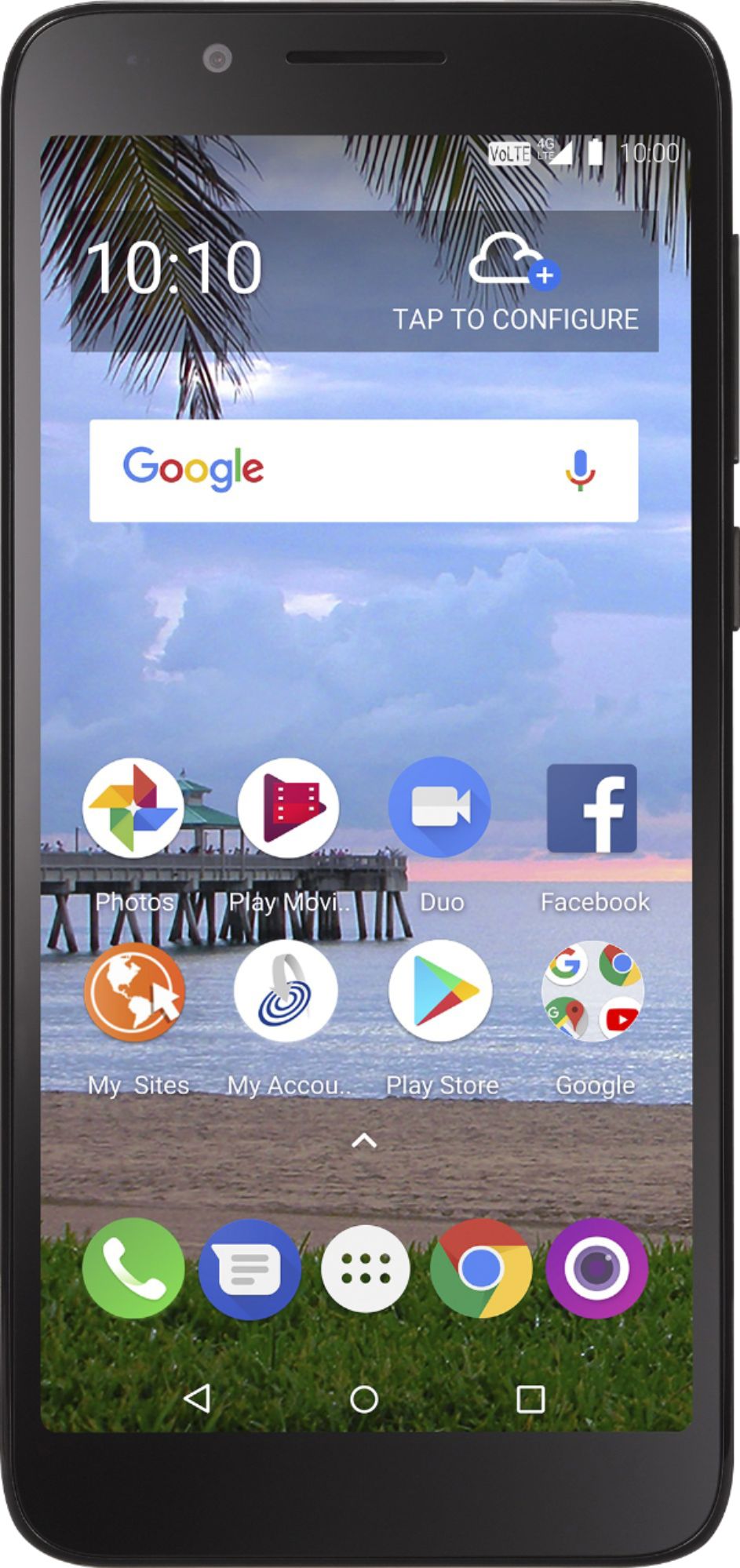
A:Answer when you make a call, AFTER the number is dialed and you no longer see number key pad screen, you will see on new call screen bottom left side an icon that looks like a megaphone with curved sound waves in front, tap that and your call will continue in speaker phone mode. answering a call is same way, find that icon on bottom left of call screen and tap it.