A:AnswerDell offers the initial 1 year warranty from the invoice date. The option for 3 years extended warranty support is offered by Best Buy. Please reach out to the Best Buys support team for more details on this support program and assistance in purchasing it.
A:AnswerYes, I bought a crucial brand SSD, off Amazon pretty inexpensively l don’t know why you would need extra fans.
There is great ventilation already, the air gets sucked in from the front and vents out the top, kind of like a jet engine...
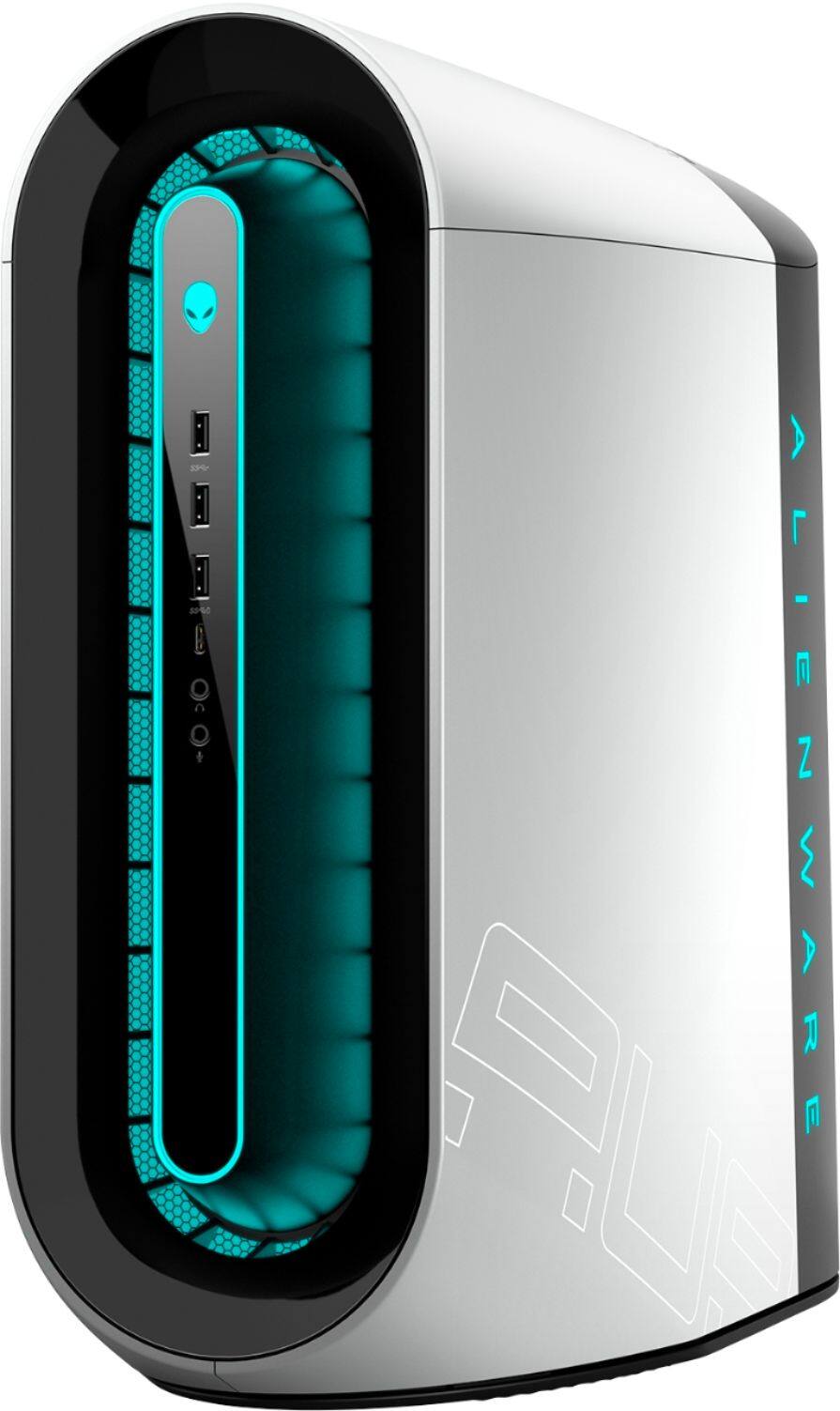
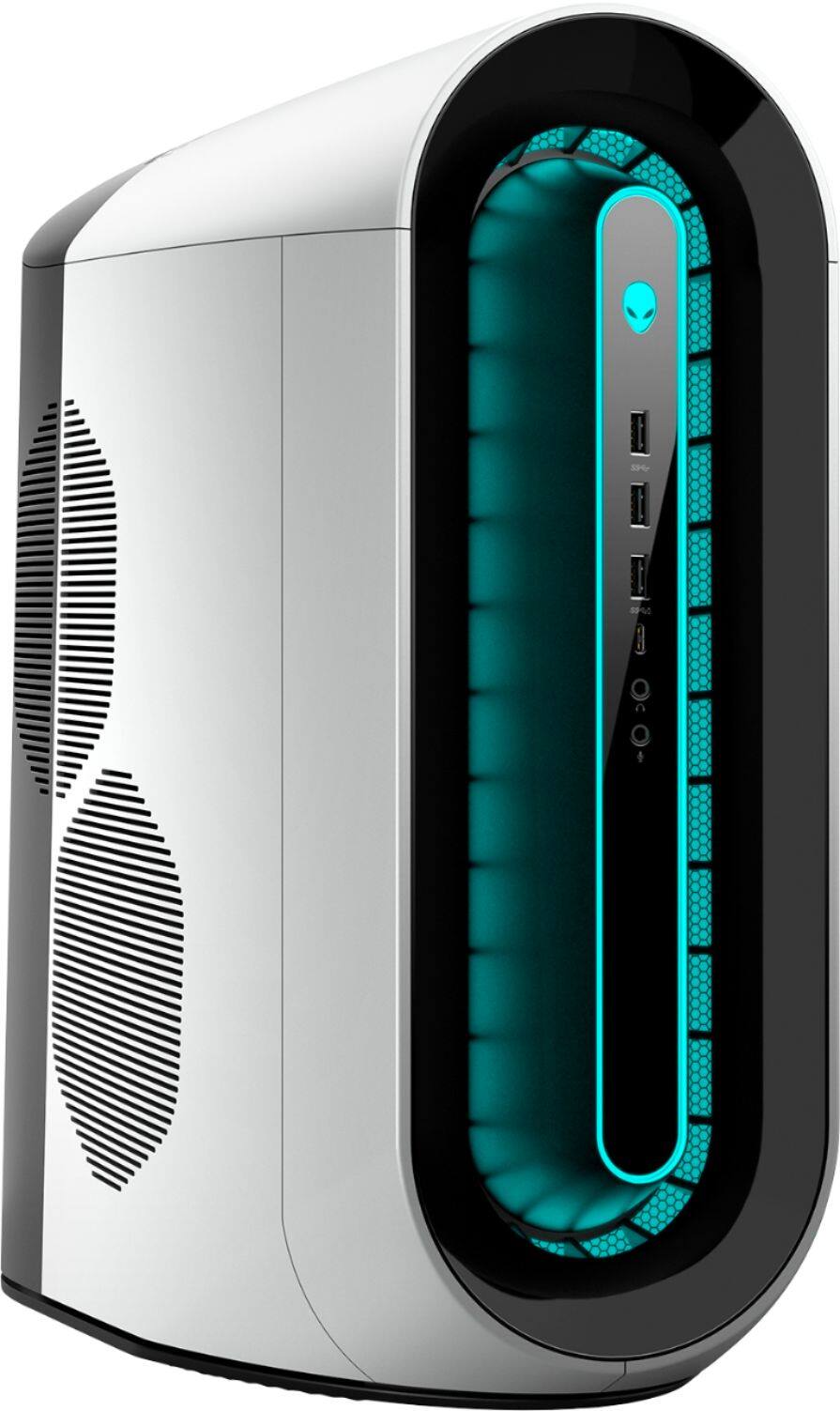
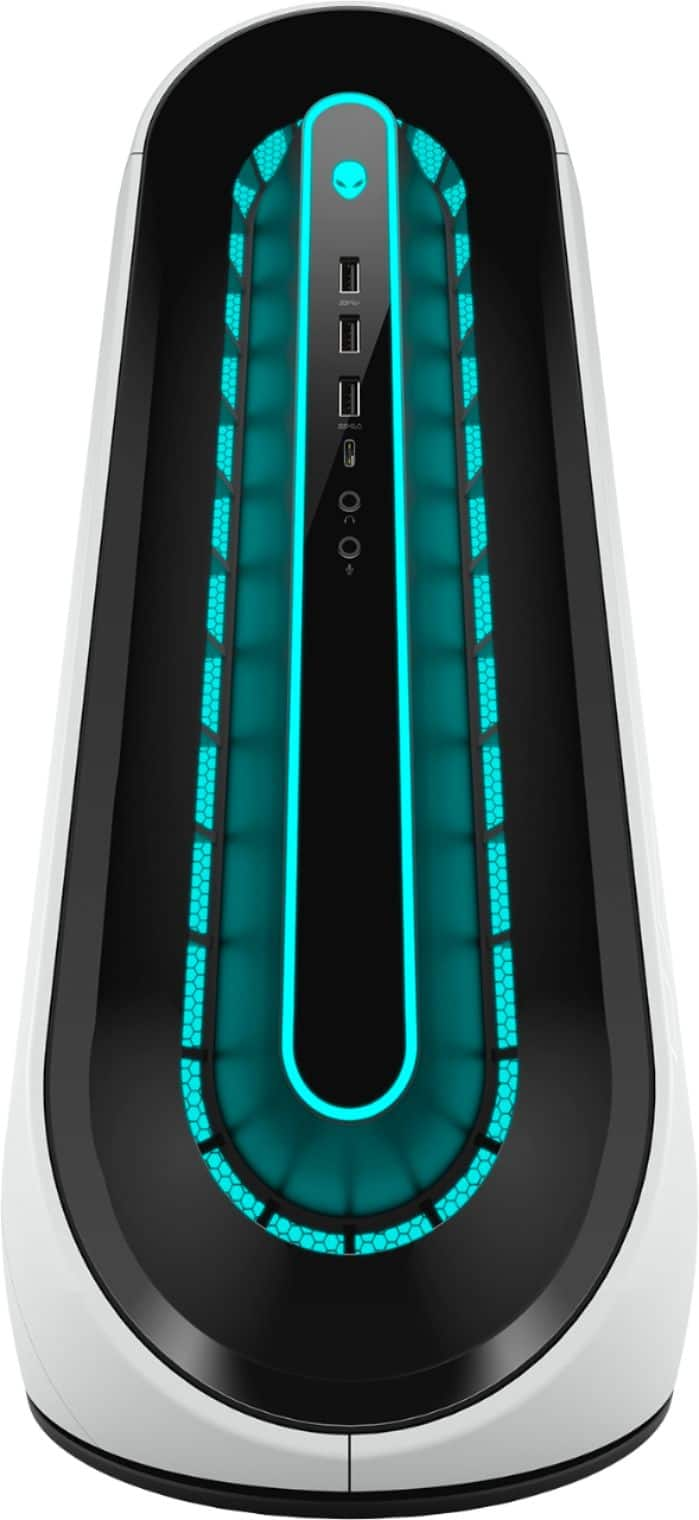
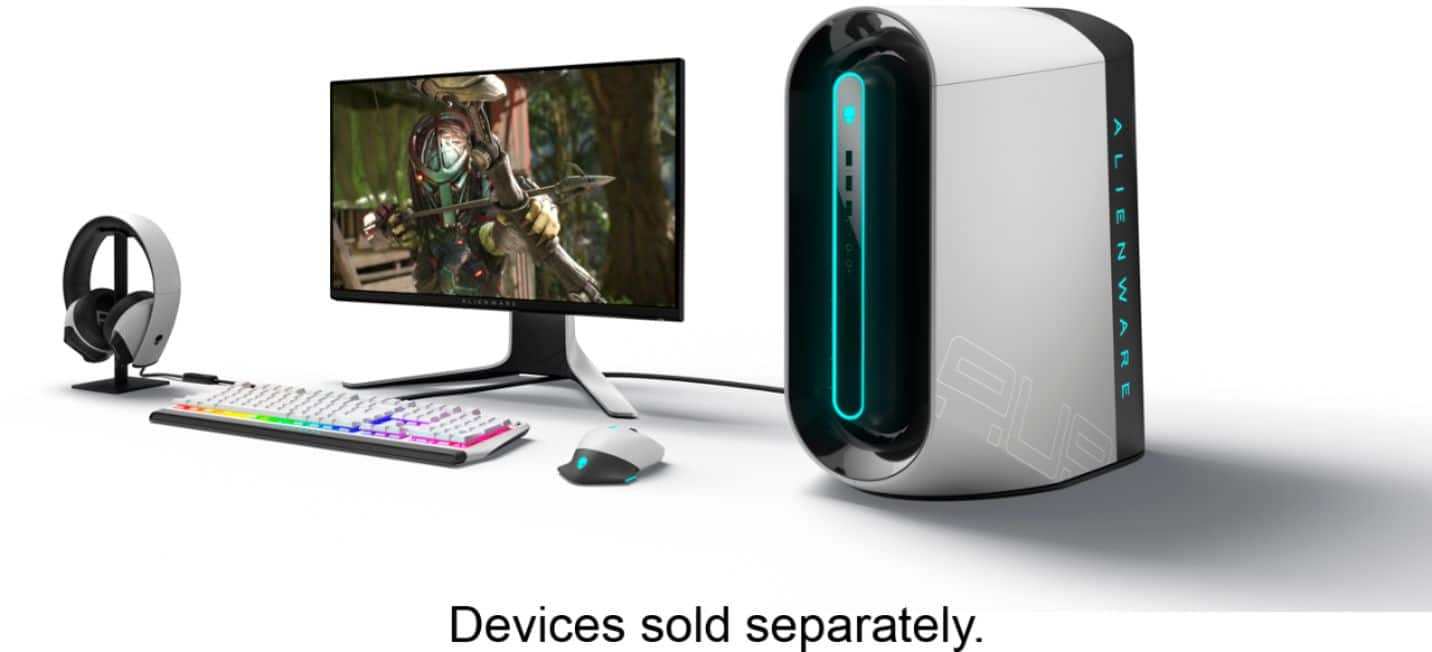
In the pictures, the orange ring is how the air gets drawn in, and the second pic shows the top vent where the air vents out...and you can control the vent speed through an Alienware app on the machine.
A:AnswerYes, go to Crucial, pretty inexpensive RAM...and the stock HyperC Fury RAM isn’t that expensive either. Don’t buy a machine with tons of RAM...this is a machine that would be $3k if you bought it with tons of RAM and you can max it out at 128gb for $300 and get a bigger SSD for $100...it’s a great deal, especially with the 8gb video card.
A:AnswerYou will need to buy the Dell premium warranty for International support (outside the region of purchase) as the system comes with basic warranty by default.
A:AnswerI don't think this question was answered correctly. Even in the images of the specs that were included with the answer, it clearly shows that 128GB of RAM can be used if using 2933 MHz or 3200 MHz. It seems that the RAM is limited to 64GB only if using 3400 MHz.
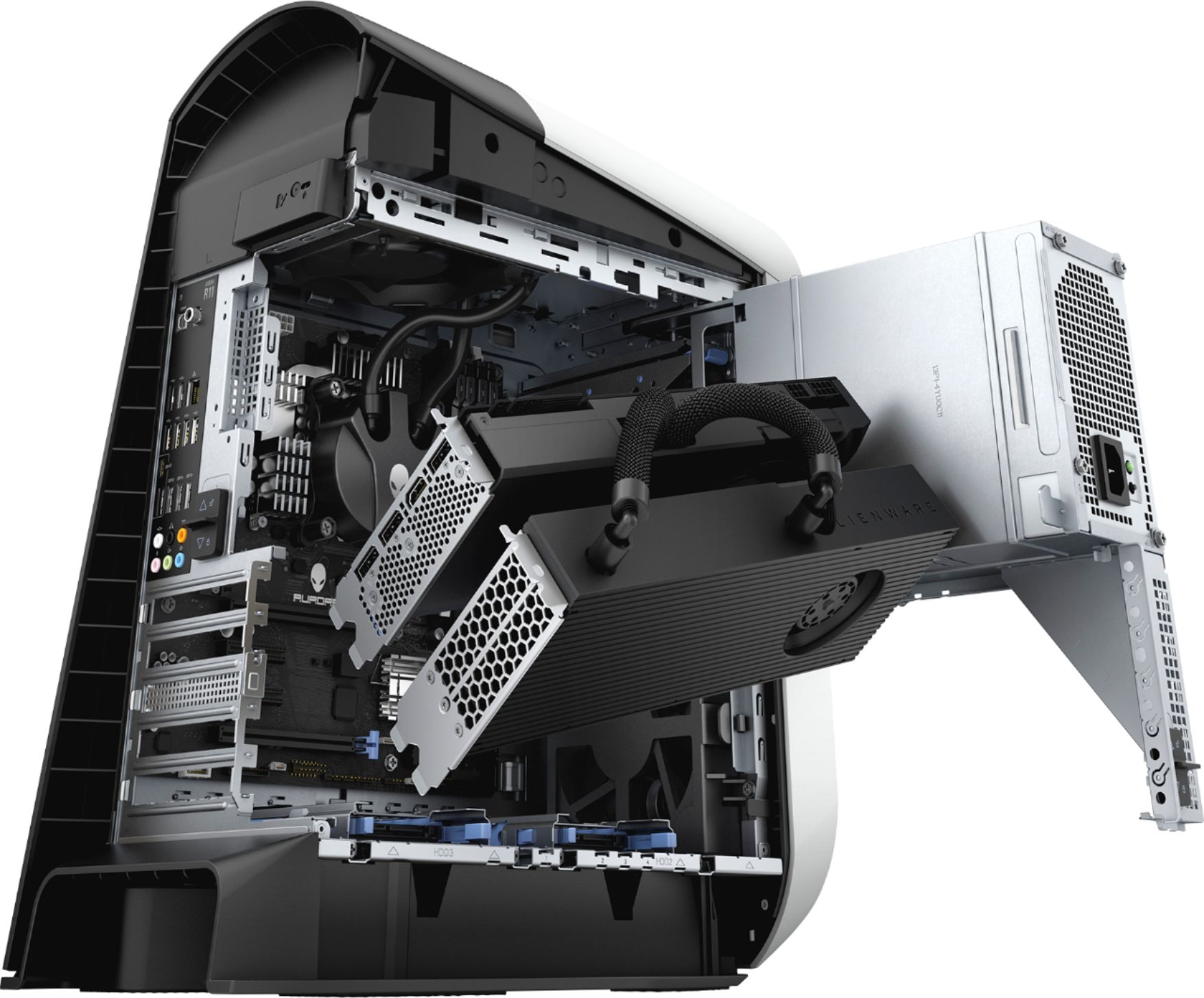
A:AnswerYes, the graphics card can be upgraded to a newer card and yes, this system is shipped with an air cooling system. You can add a liquid cooling system to the desktop however, we suggest you do not do any thrid party upgrades as that can void the warranty.
A:AnswerHere is the temperature range for the system to operate 10°C to 35°C (50°F to 95°F) and the storage temp ranges between –40°C to 65°C (–40°F to 149°F).
A:AnswerWe suggest you to not do any third party or non-Dell aftermarket upgrade, as that can void the system’s warranty. We suggest you to contact the Dell Technical support team regarding this query.
A:AnswerPer the manual with a Nvidia 2070 super it should support 4 (3 DisplayPort and 1 HDMI). You can get DisplayPort to HDMI adapters too so I don’t think each monitor has to be DisplayPort.
A:AnswerWith the Ge Force 2070 super, it should be compatible for VR, as I have an Oculus device running through this Alienware version. As for the UE4 VR, you would actually want to check unrealengine.com, as the recommendations actually change, and depend on the VR device you're using. Believe it might even be docs.unrealengine.com . Hope this helps!