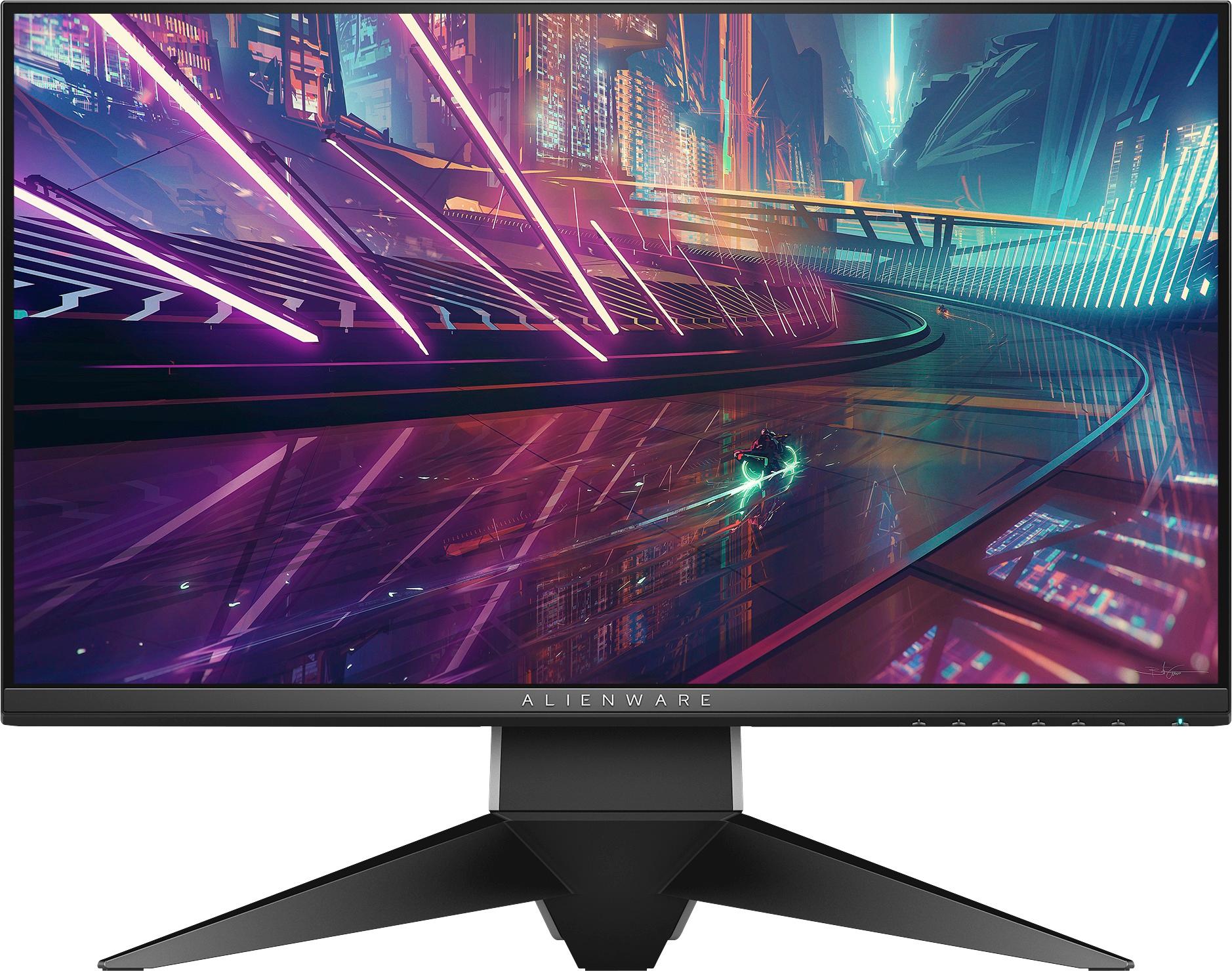
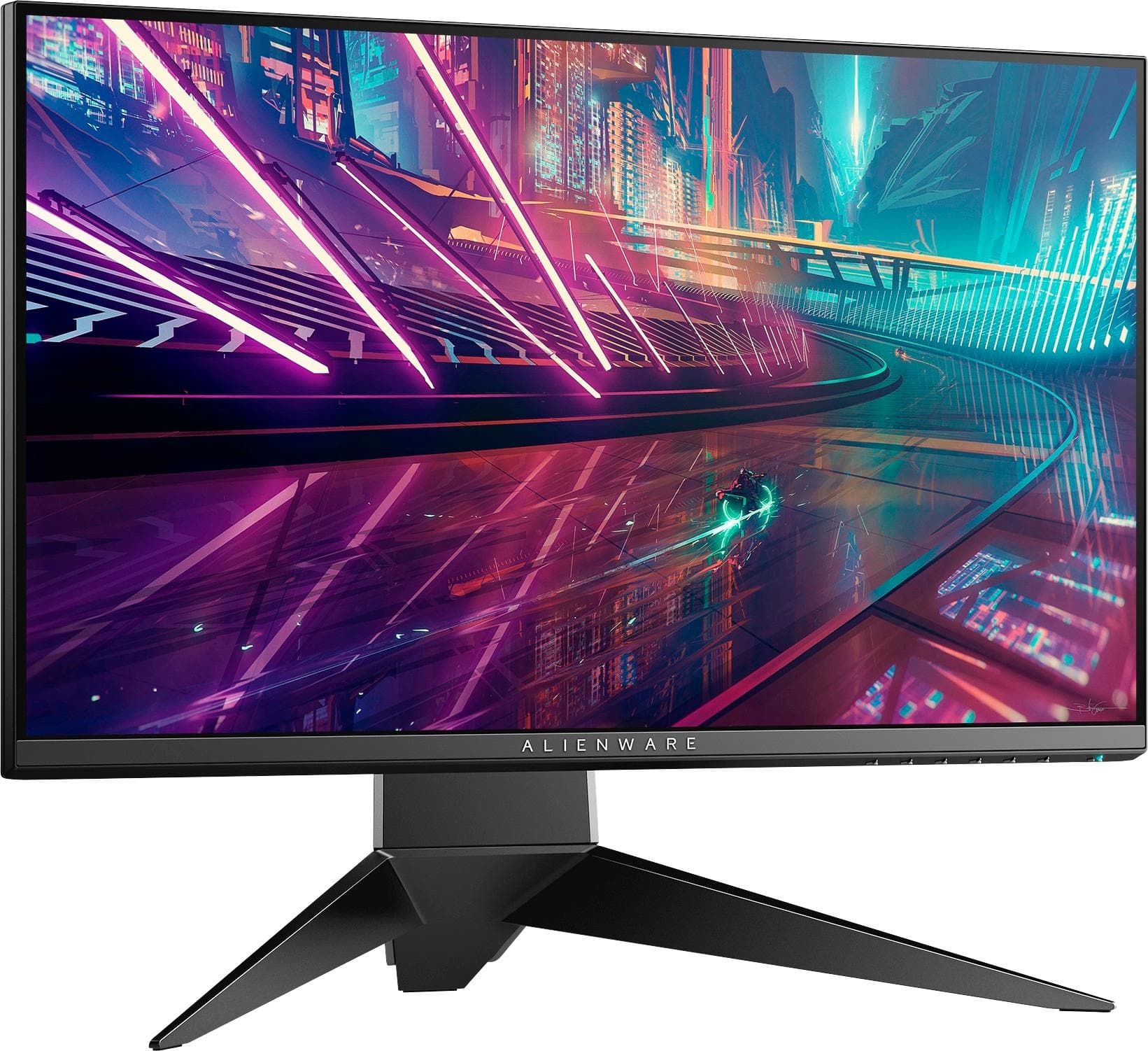
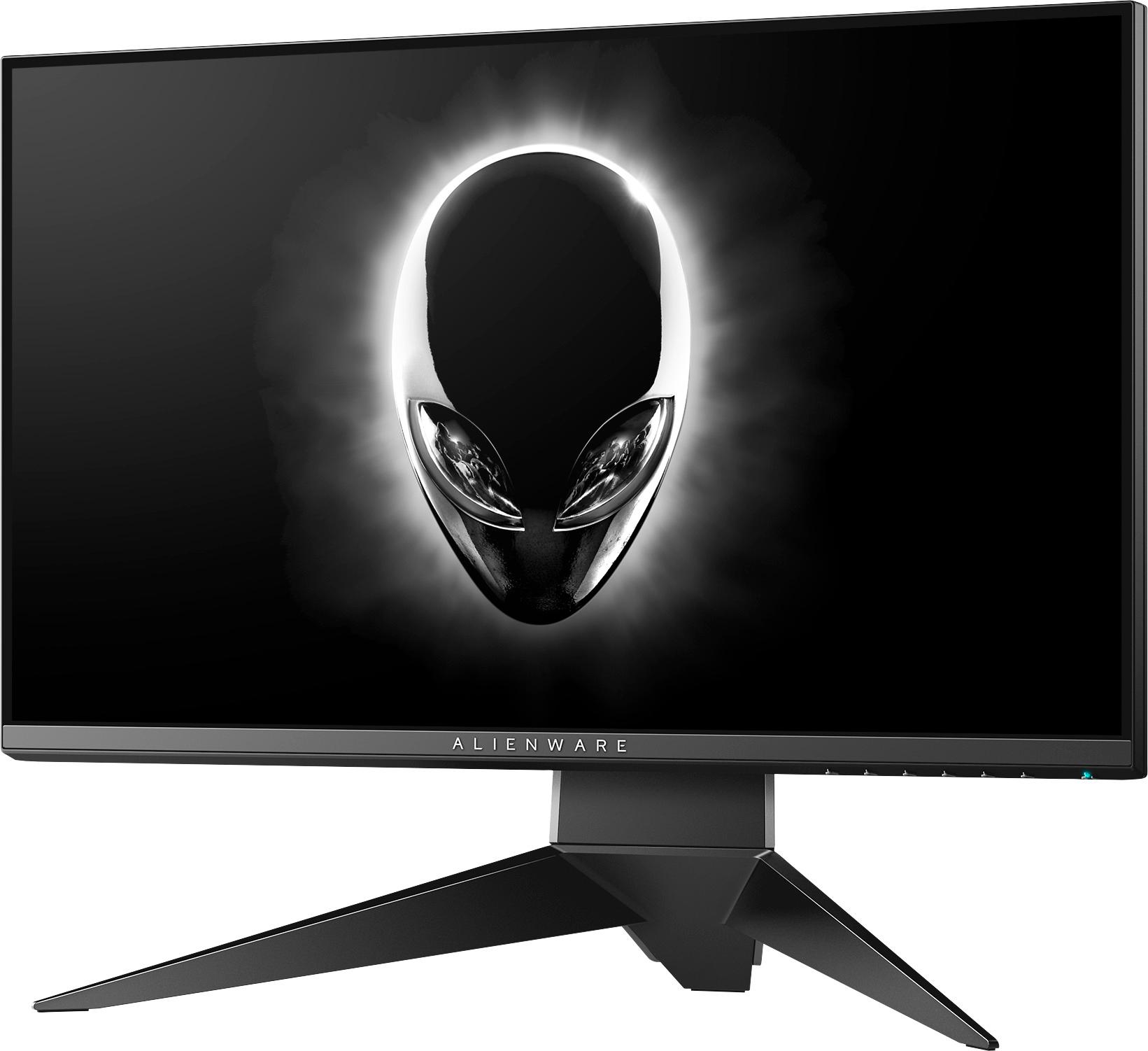
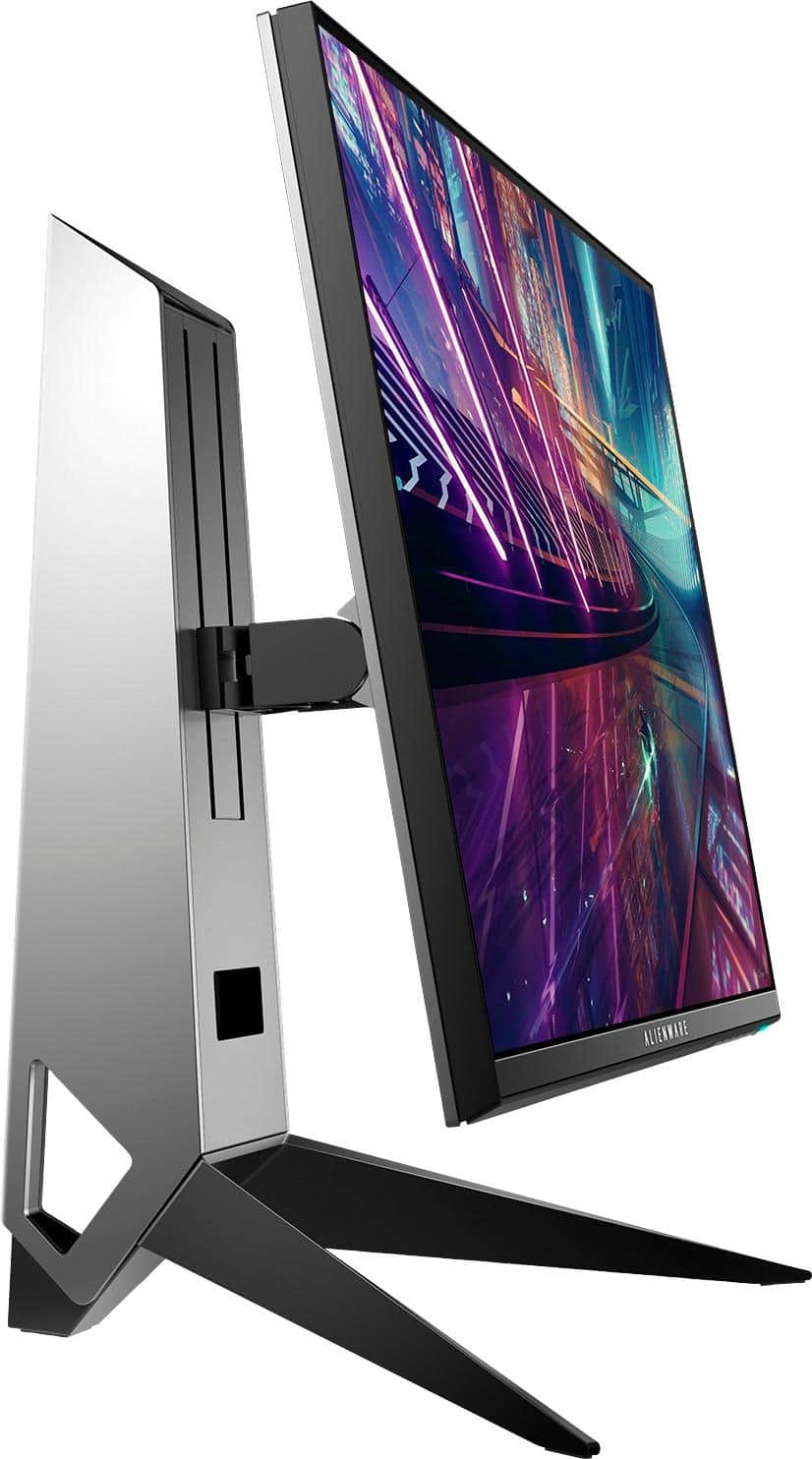
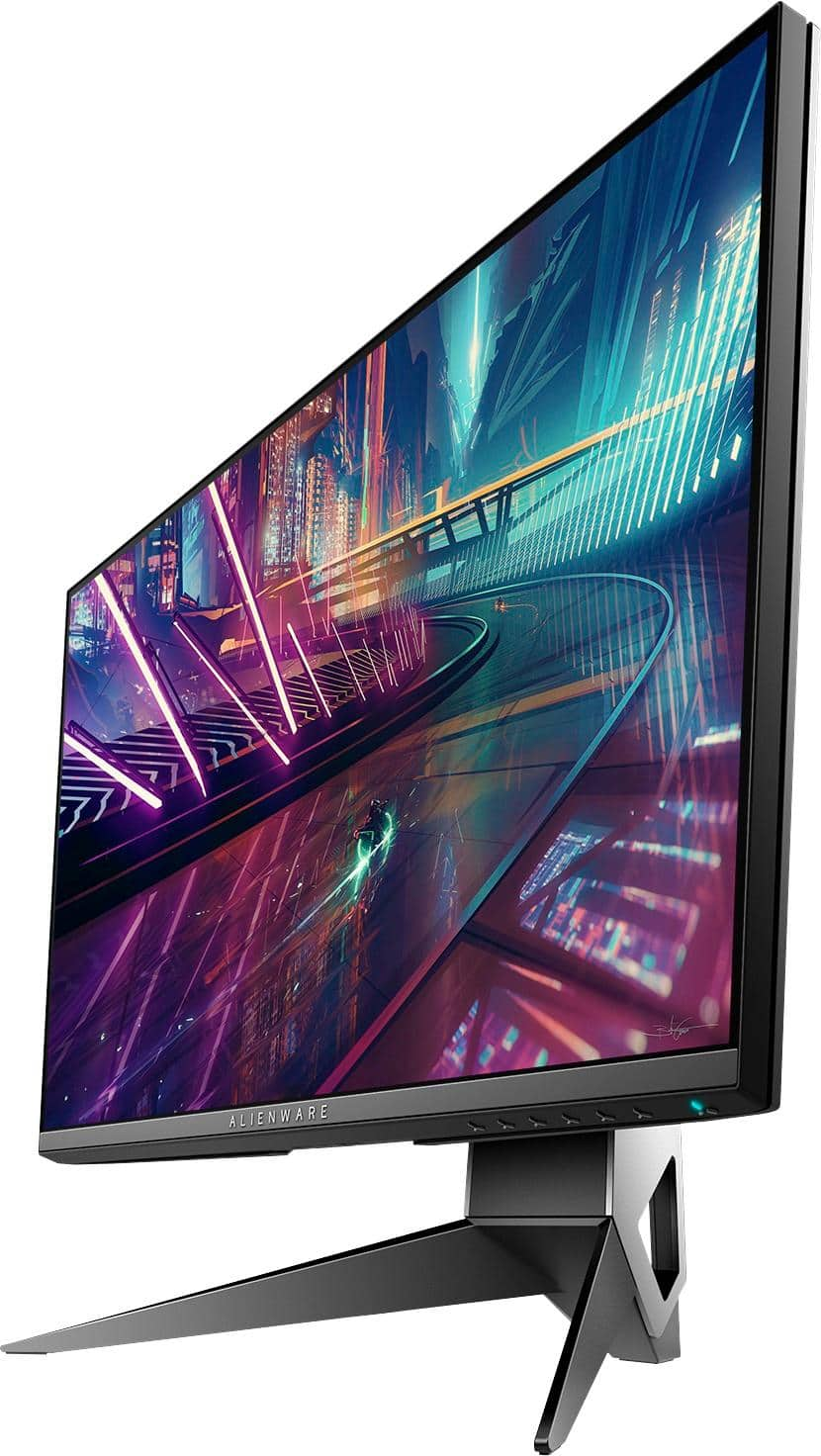
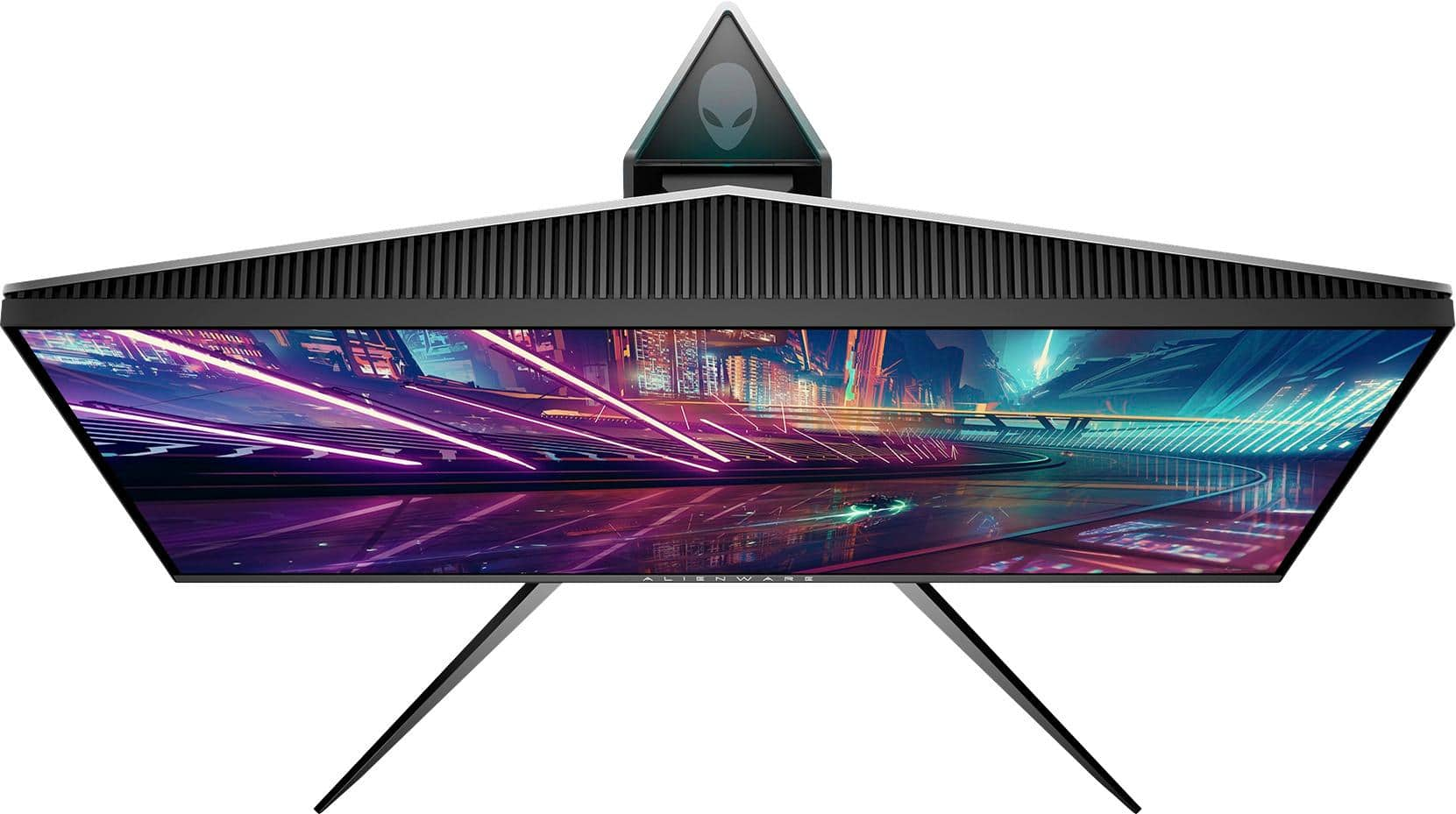
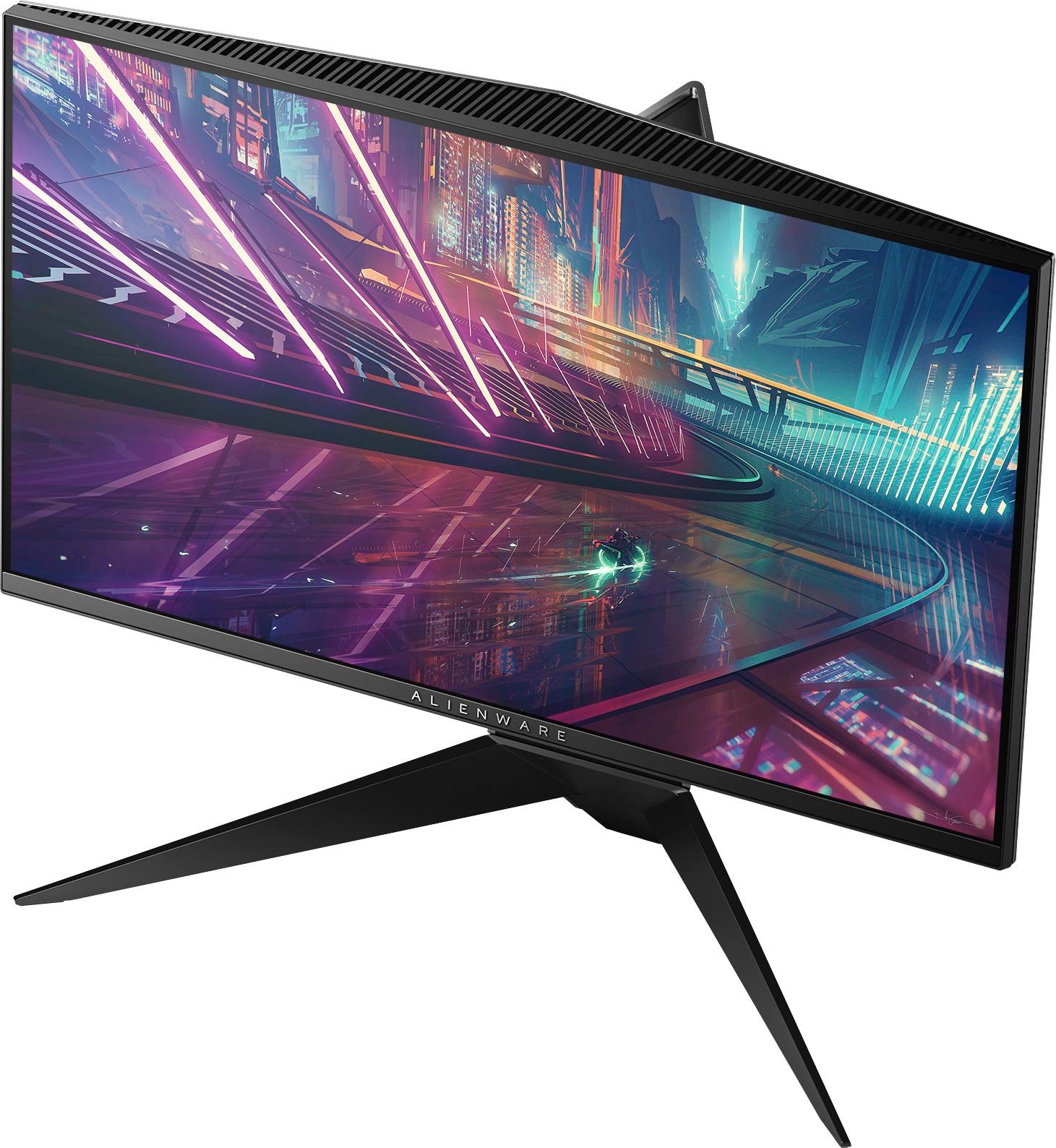
A:AnswerNo, this would not. Consoles can’t take advantage of this monitor’s two best and most expensive features, gsync and 240hz display capability. This is also only a 1080p monitor and is not HDR compatible which both the PS4 Pro and Xbox One X do support. This is a monitor designed for competitive PC gaming and really nothing besides that. I personally have this and it’s wonderful for PC but I have a samsung 4K monitor for my console.
A:AnswerThe monitor has an HDMI input which means yes. Though keep in mind you are paying a premium for Gsync and 240hz refresh rates for this monitor and won’t be utilizing its potential pairing it with a PS4.
A:AnswerYes it will work with a xbox one x but I would not buy a 240hz refresh monitor for anything other than pc because consoles are limited to 60hz refresh. My advice buy a nice tv or a nice 4k monitor with HDR to take advantage of the features the xbox one x has. Great monitor for pc gaming tho if you have a good enough gpu to push 240hz
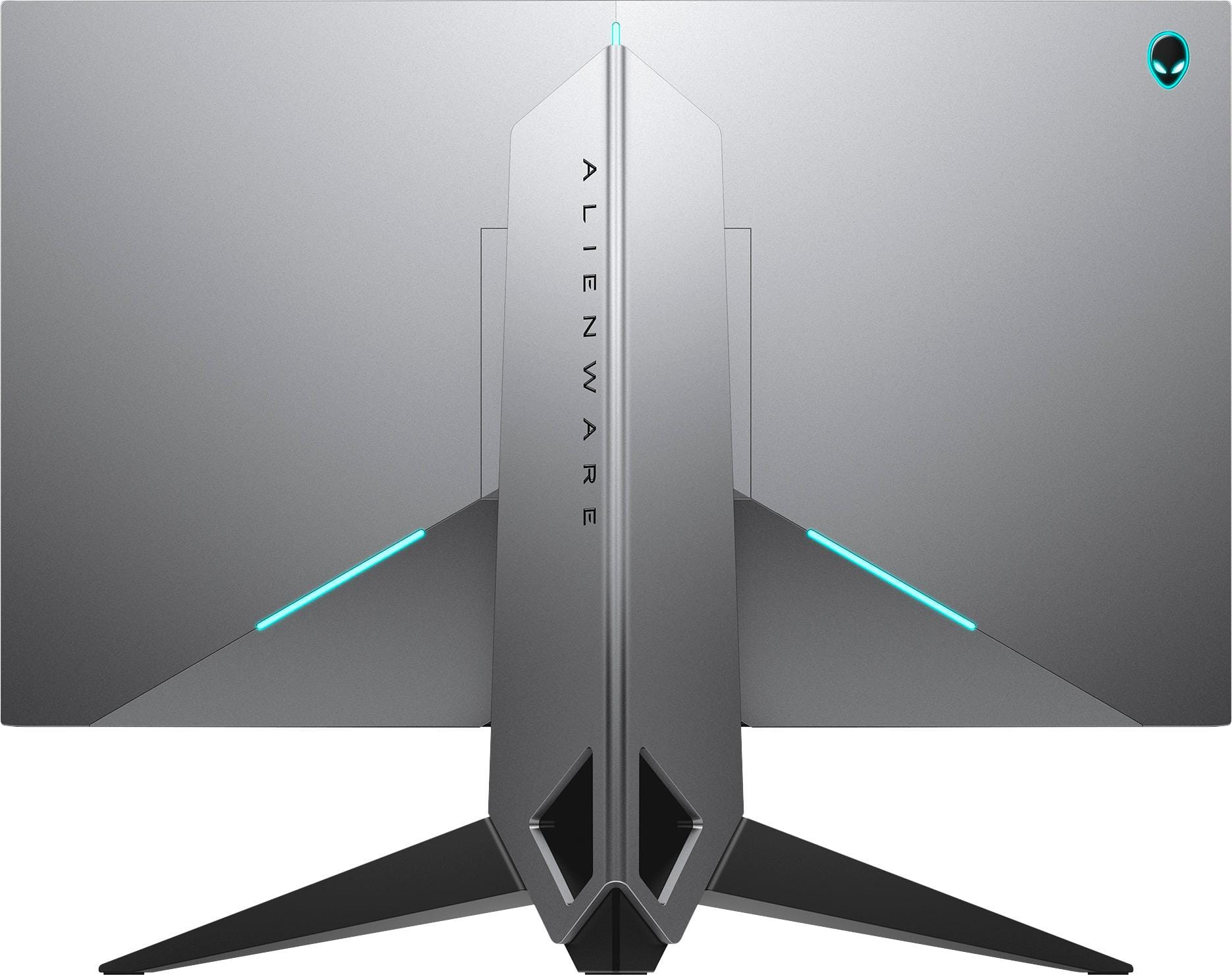
A:AnswerI found this answer from Dell’s website:
“That is not known by Dell because we do not test different model stands on different models. The AW2518H User's Guide page 9 shows us that the panel uses a standard VESA bracket. So in theory, any VESA stand could work.”
A:AnswerIt is VESA mountable based on Dell's website. I'm 99.9% sure all "Dell" monitors use the same stand-mount technology, which features a cutout and holes for a VESA mount
A:AnswerYes, but it is going to be overkill. The Nintendo Switch can’t run at 240hz which is the selling point of this monitor. The switch can run at most 60fps. Look for a cheaper option, that can perform just as well with the switch.
A:AnswerI haven’t had any problems with eye strain. I sit a good length away so I’m not too close and I don’t play for as long as I used to. I play only about 30-45 min at a time and I don’t feel any negative effects.