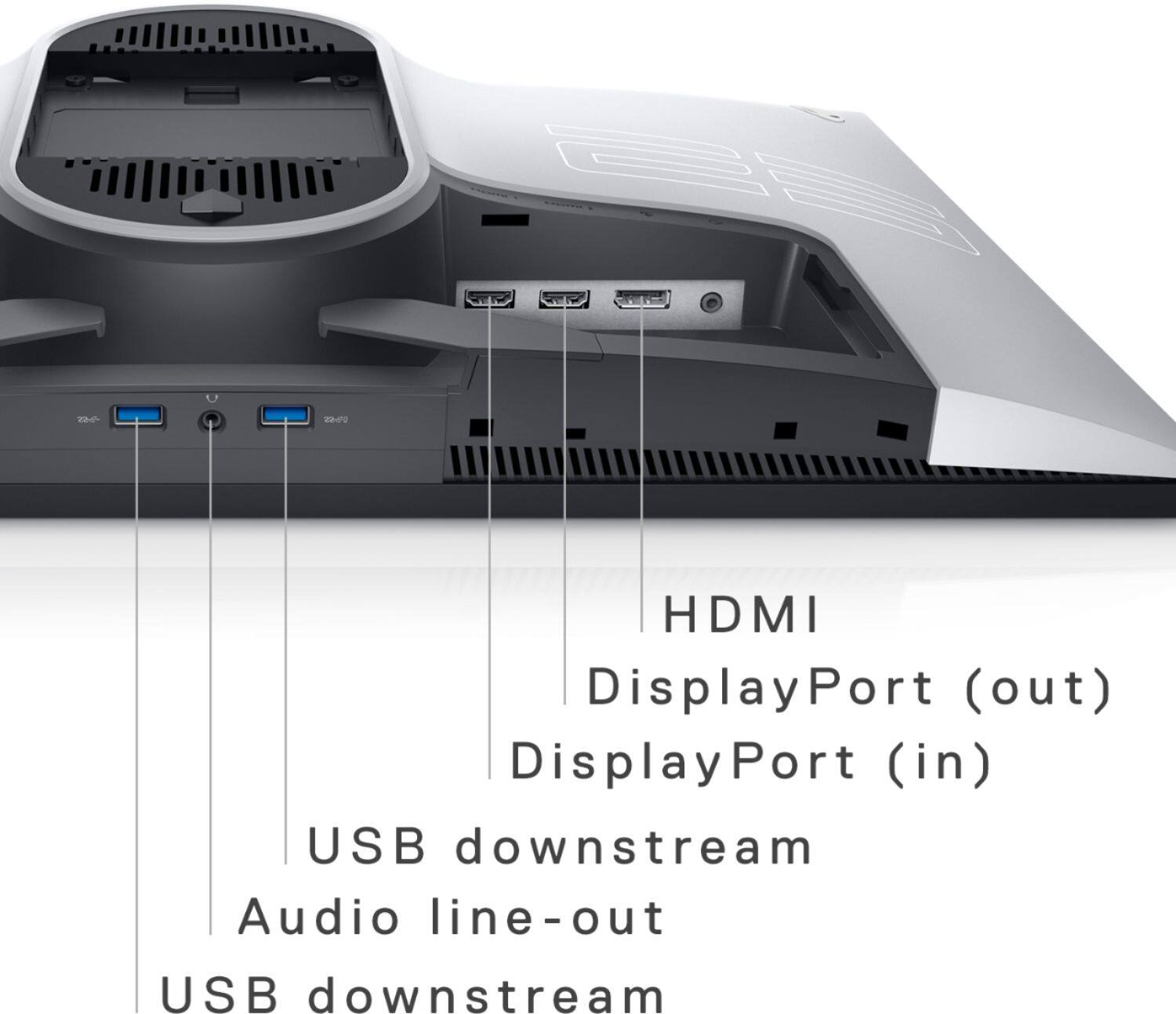
A:Answeri have the same monitor and it's a fantastic (pc) gaming monitor but unfortunately it's not ps5 compatible yet to support the 120hz even thought the monitor is 240hz. so you will be locked at 1080p 60hz until the patch
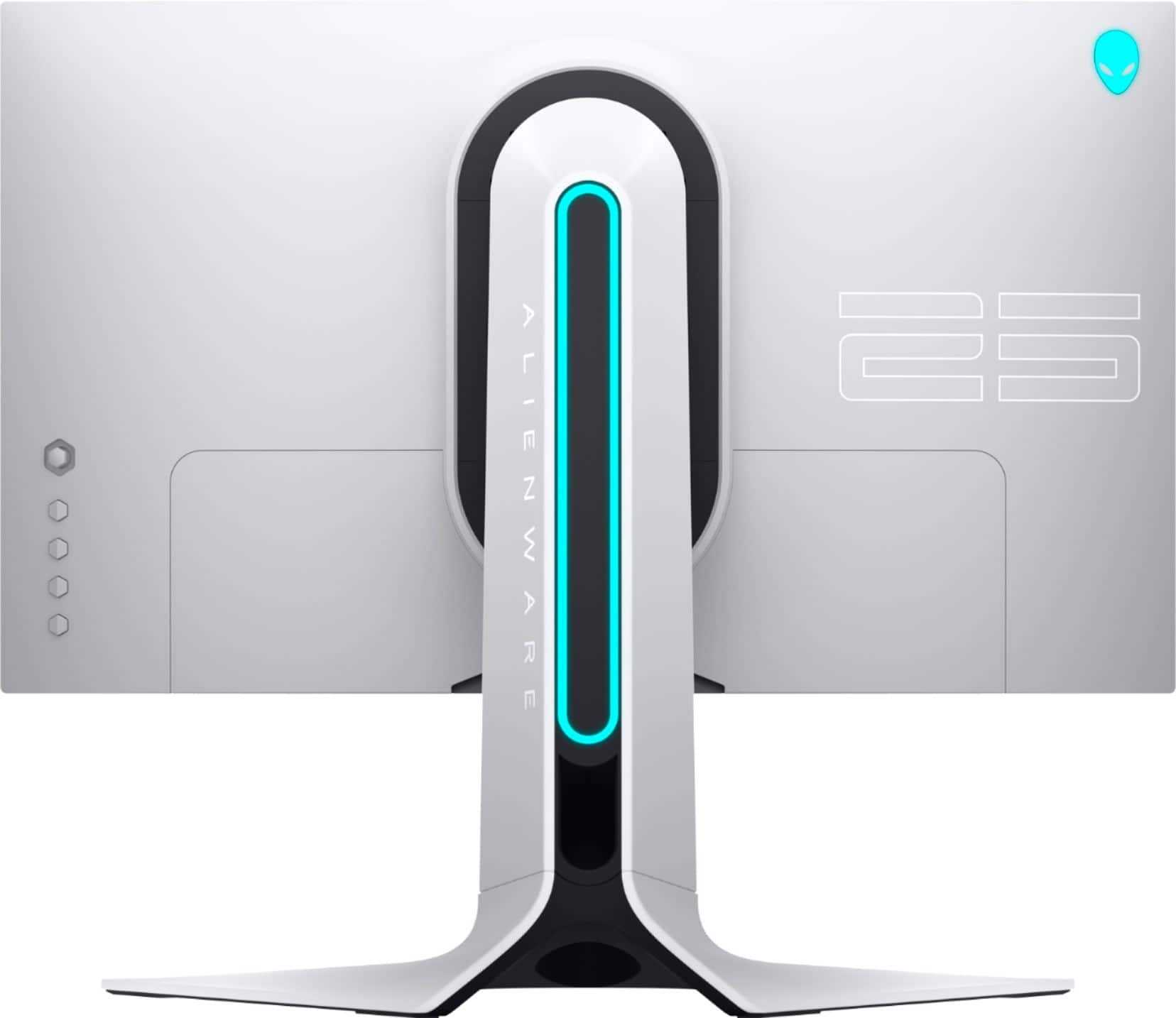
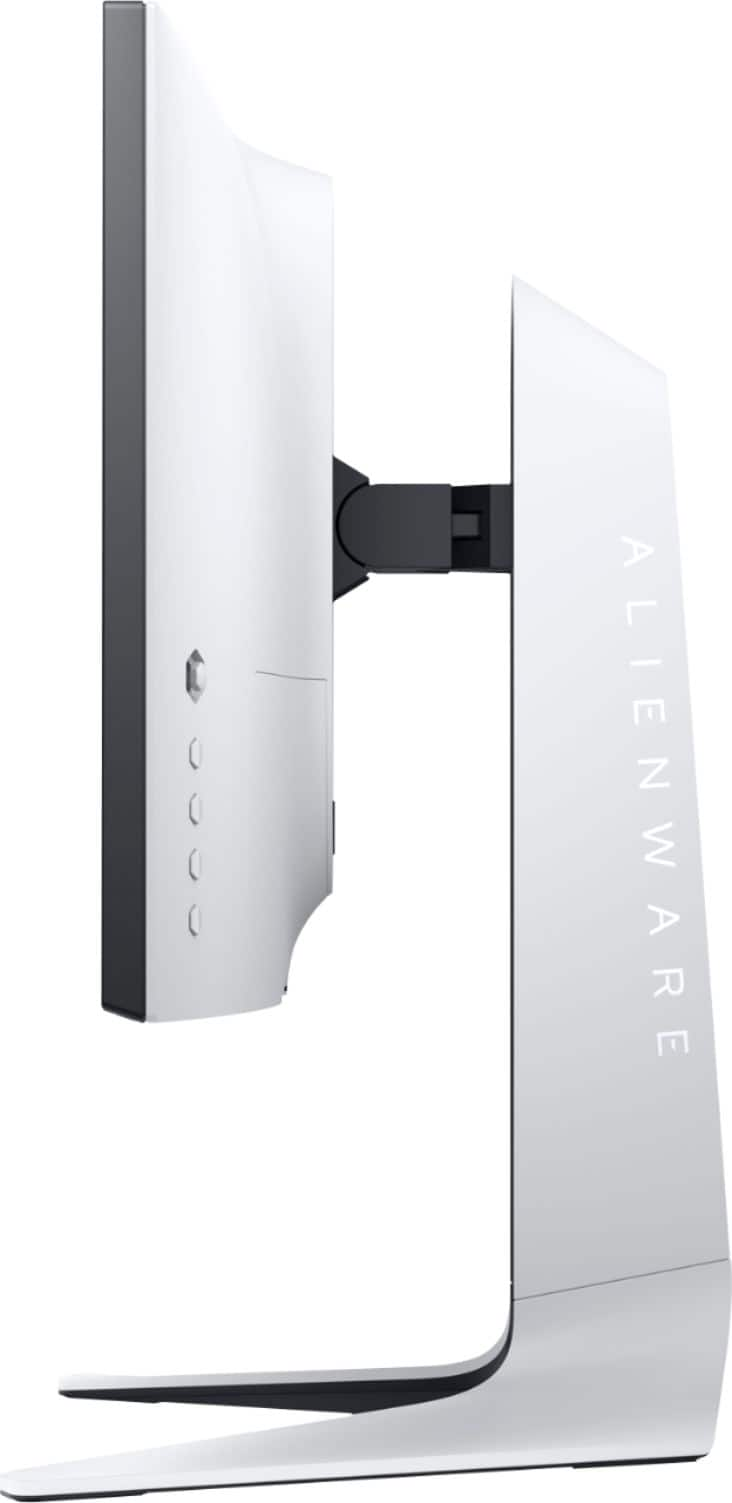
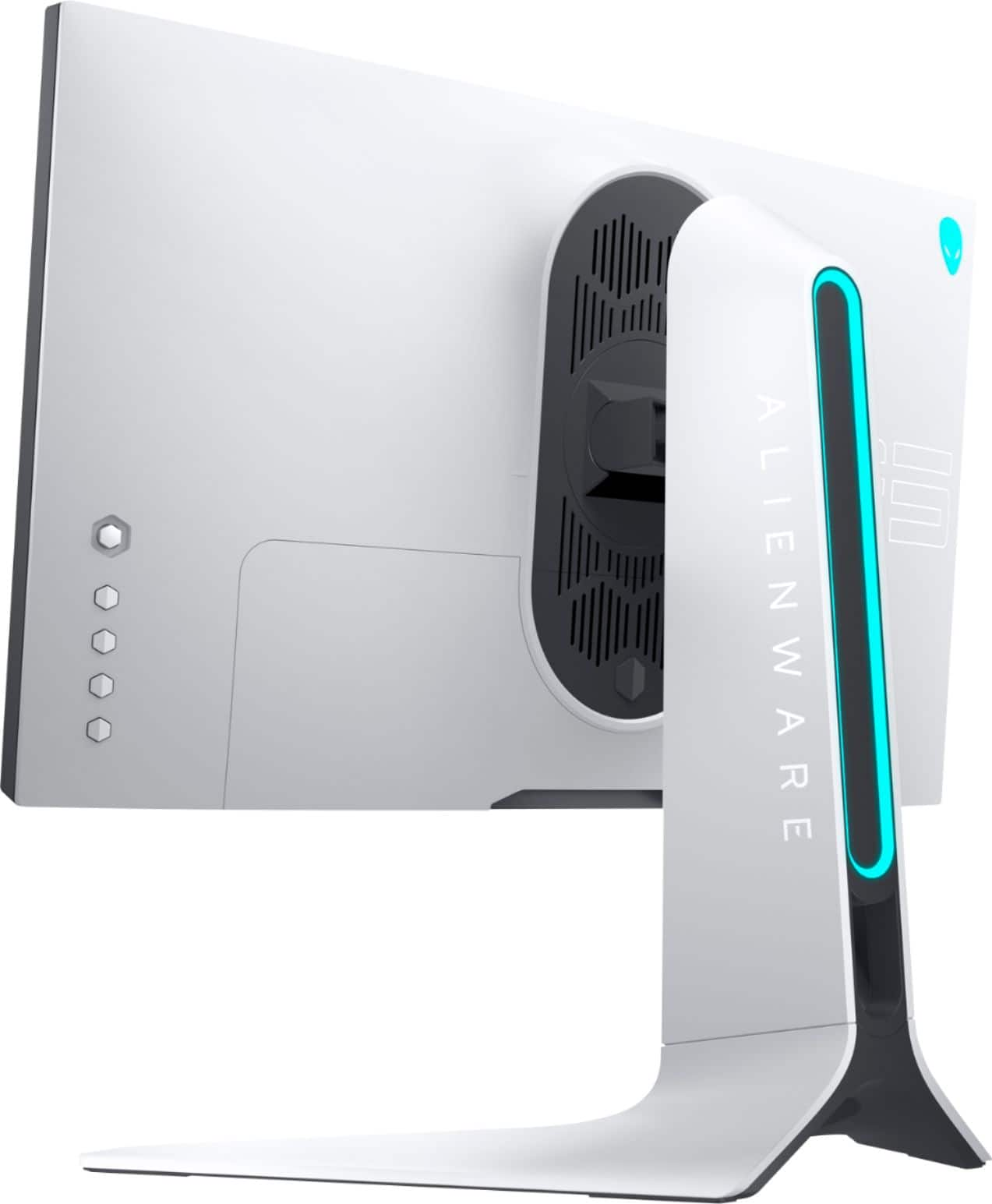
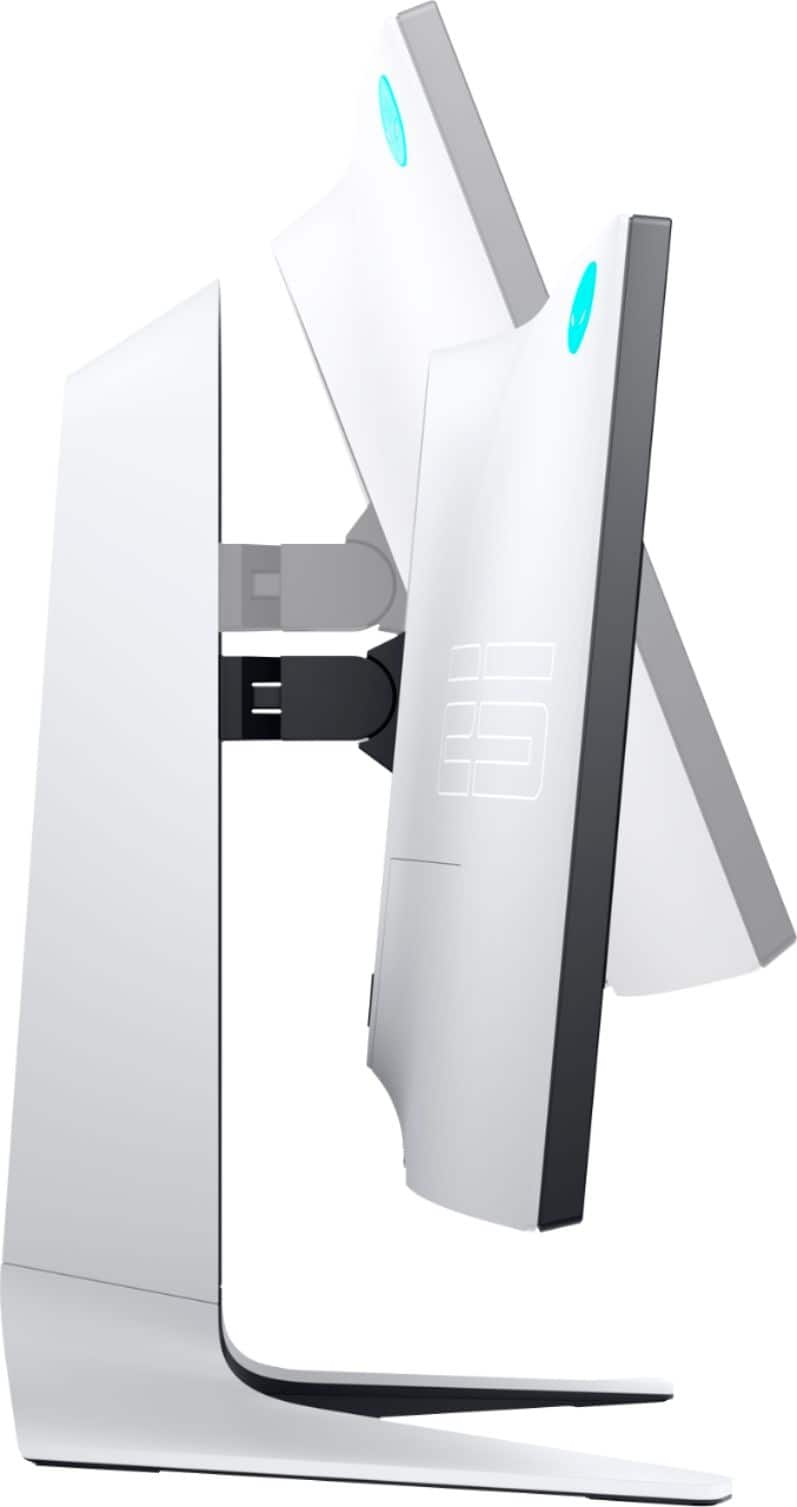
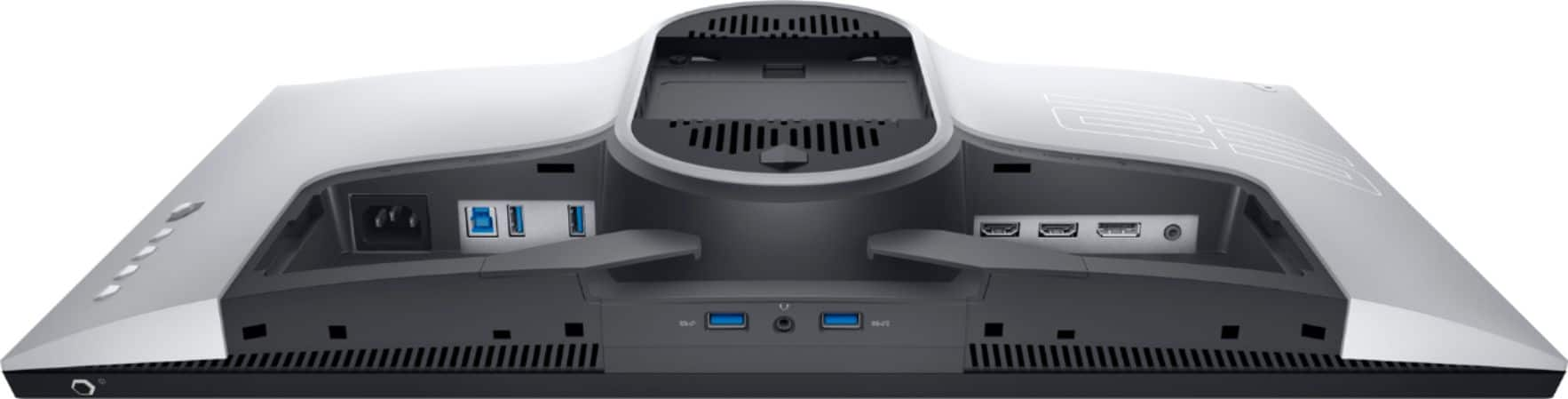
A:AnswerYes, this monitor can be wall mounted using a VESA compatible mount with 100 mm mounting holes. You could use a triple monitor mount with this monitor.
A:AnswerPretty sure, I use my ps5 with it and it runs MWII at 120fps as well as some other games that support 120, the monitor gives you the option to display the frame rate.
A:AnswerThis monitor with PS5 supports up to 1920 x 1080 @ 120 Hz. You need to select Performance Mode in PlayStation 5 Game Presets to acheive the maximum FPS.
A:AnswerWe are sorry for the experience. Please reach out to the Dell technical support team for assistance in resolving this issue. They are available 24/7 on Facebook and Twitter(@Dellcares).
A:AnswerPs5 will automatically switch the input to 120hz for supported games. Go to ps5 settings. Scroll down to Saved Data and Game/App Settings. Scroll down to Game Presets and Switch the Performance mode or Resolution Mode to Performance Mode. Only handful of games Supports this such as Call of Duty Cold War, DMC5 and Dirt 5, borderlands 3 etc Maybe Warzone if im not mistaken. Hope this helps. Cheers