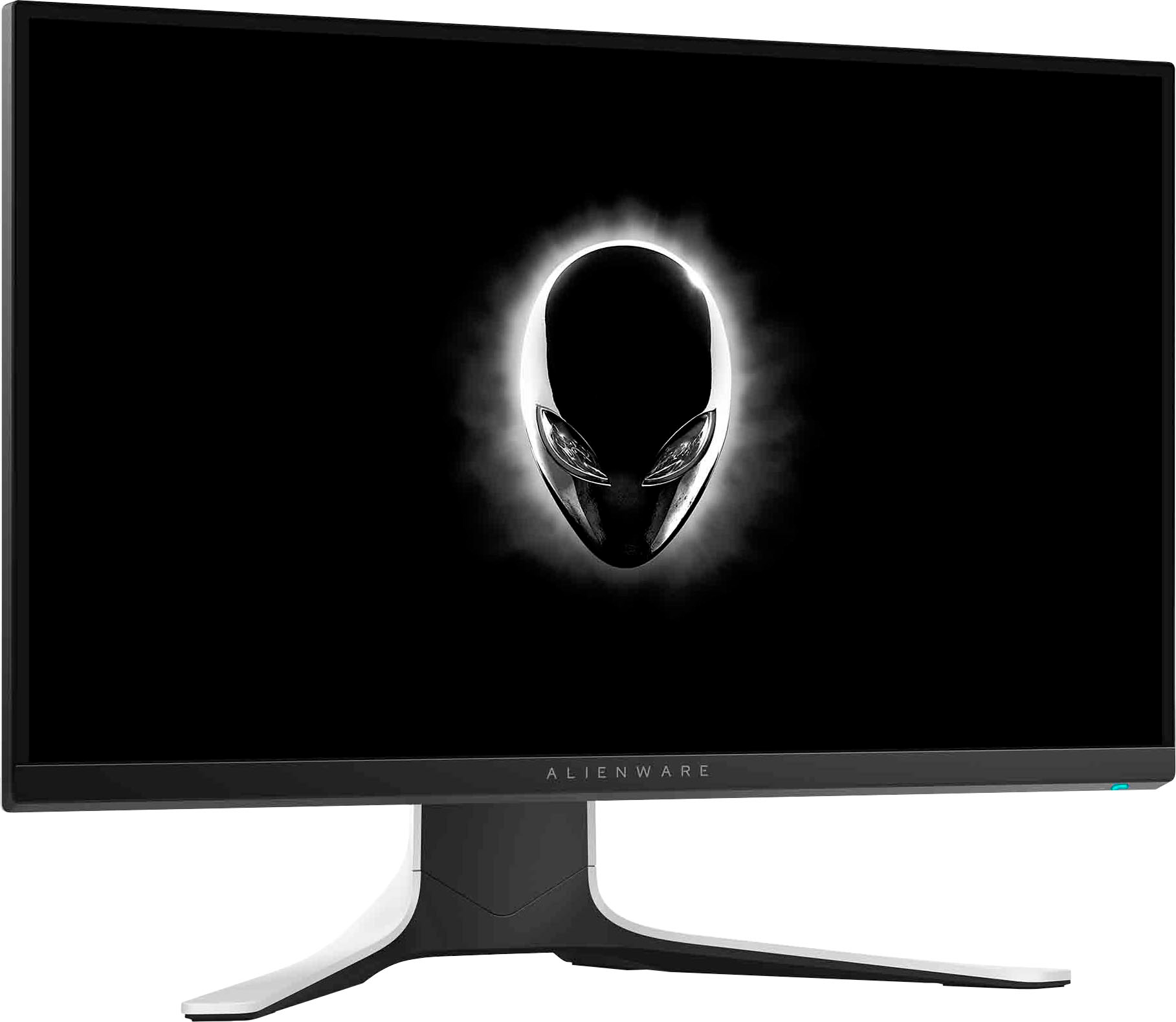
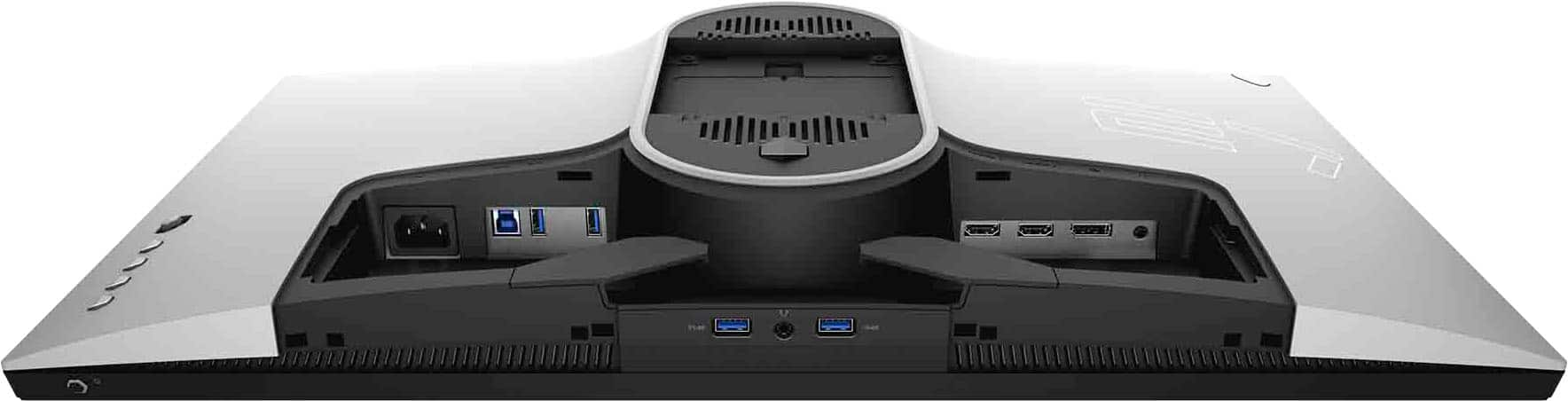
A:AnswerYes you can. Series S will cap at 120hz refresh rate so you won't get the full 240hz that the monitor offers, so keep that in mind.
There are probably some cheaper monitors out there that are strictly 120hz that might work better for you.
A:AnswerIf you have an Alienware gaming desktop or laptop, you can access the lighting controls through AlienFX in the Alienware Command Center. Otherwise you have to download the Alienware Command Center to your computer or access it online.
You can download the user manual for the monitor online, and find detailed instructions on pages 54 through 60, that will take you step-by-step through the process.
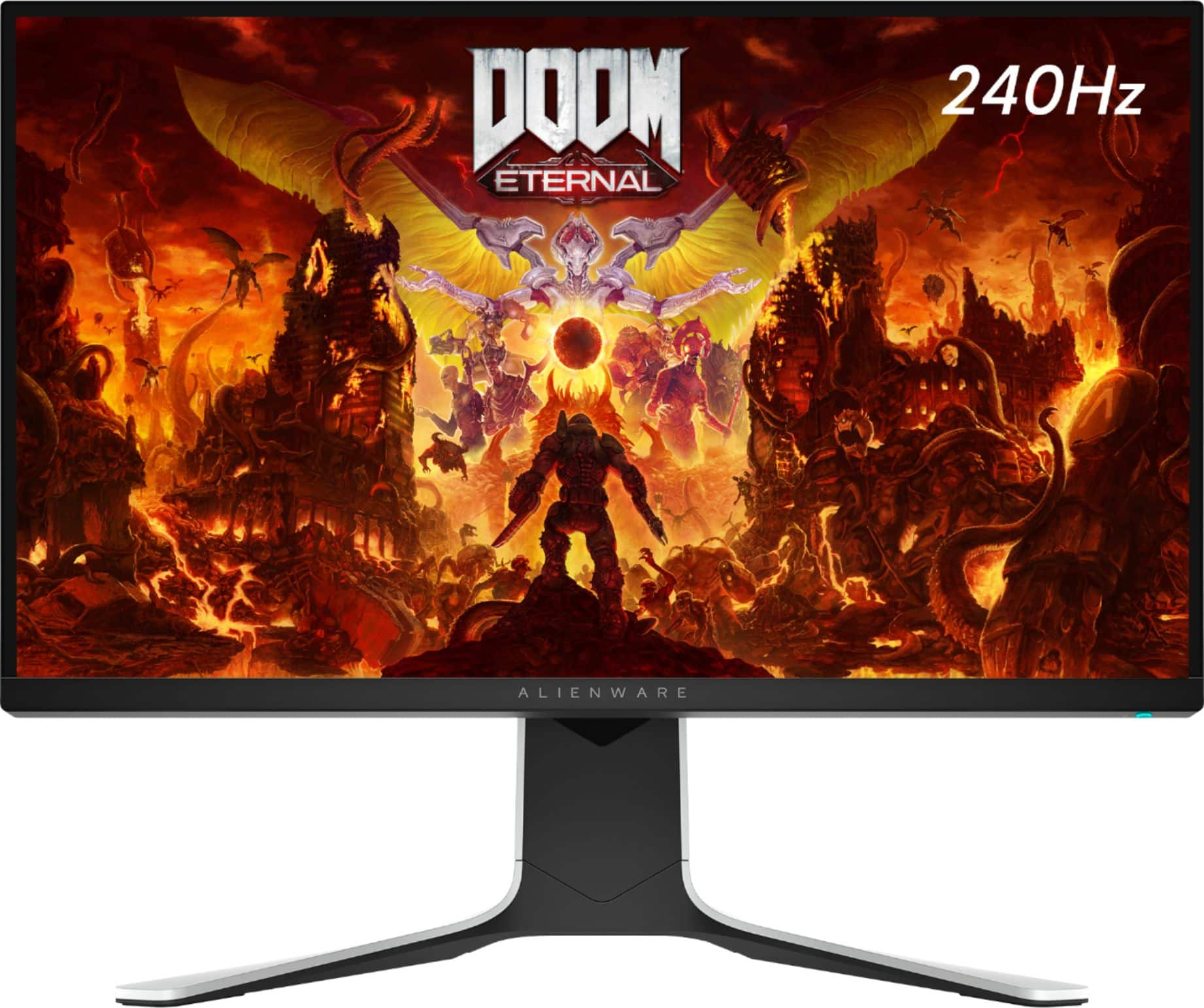
A:AnswerThis monitor is G-SYNC and FREESYNC Compatible so it should be fine, keep it mind that this monitor resolution is capped to 1080P 240Hz Superfast monitor
However, for 3090 GPU, I think you need to check somewhere else with 3090 you can get a 4k monitor with amazing performance or at least 2k resolution.
A:AnswerIt’s displaying what your computer systems hz are, to get the use of the full 240hz monitor you would need to upgrade your graphics card and or your cpu or tone down the textures of fortnite.