Black Friday is hereShop new DoorbustersShop now

Main Content

Questions & Answers

Your price for this item is $149.99
Page Showing 1-19 of 19 questions
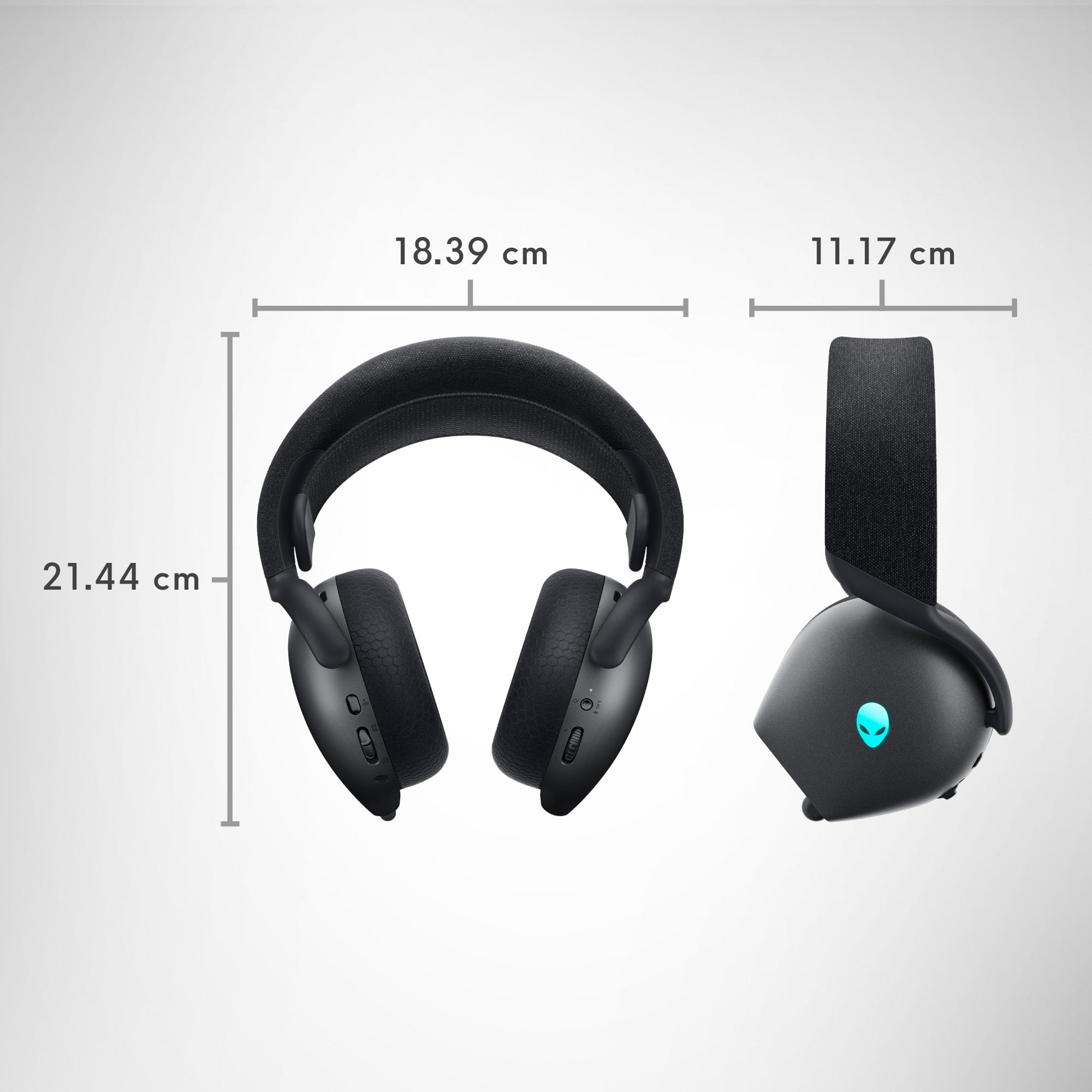
  • QuestionWhat are the dimensions of the headset?

    • Answer The headset has a depth of 4.4 inches, a height of 8.4 inches, and a width of 7.24 inches.
    This question and answer was generated by AI based on customer and product data.
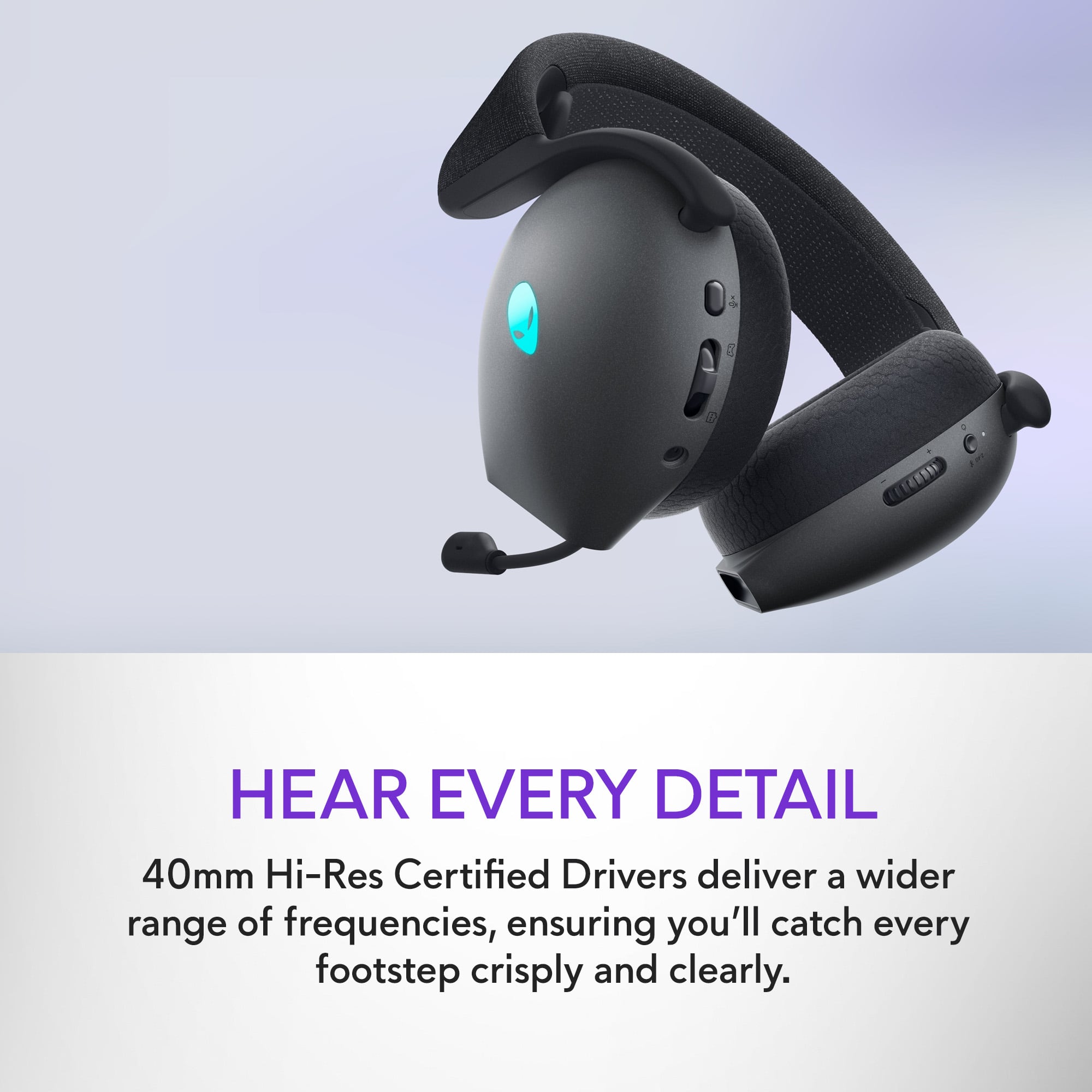
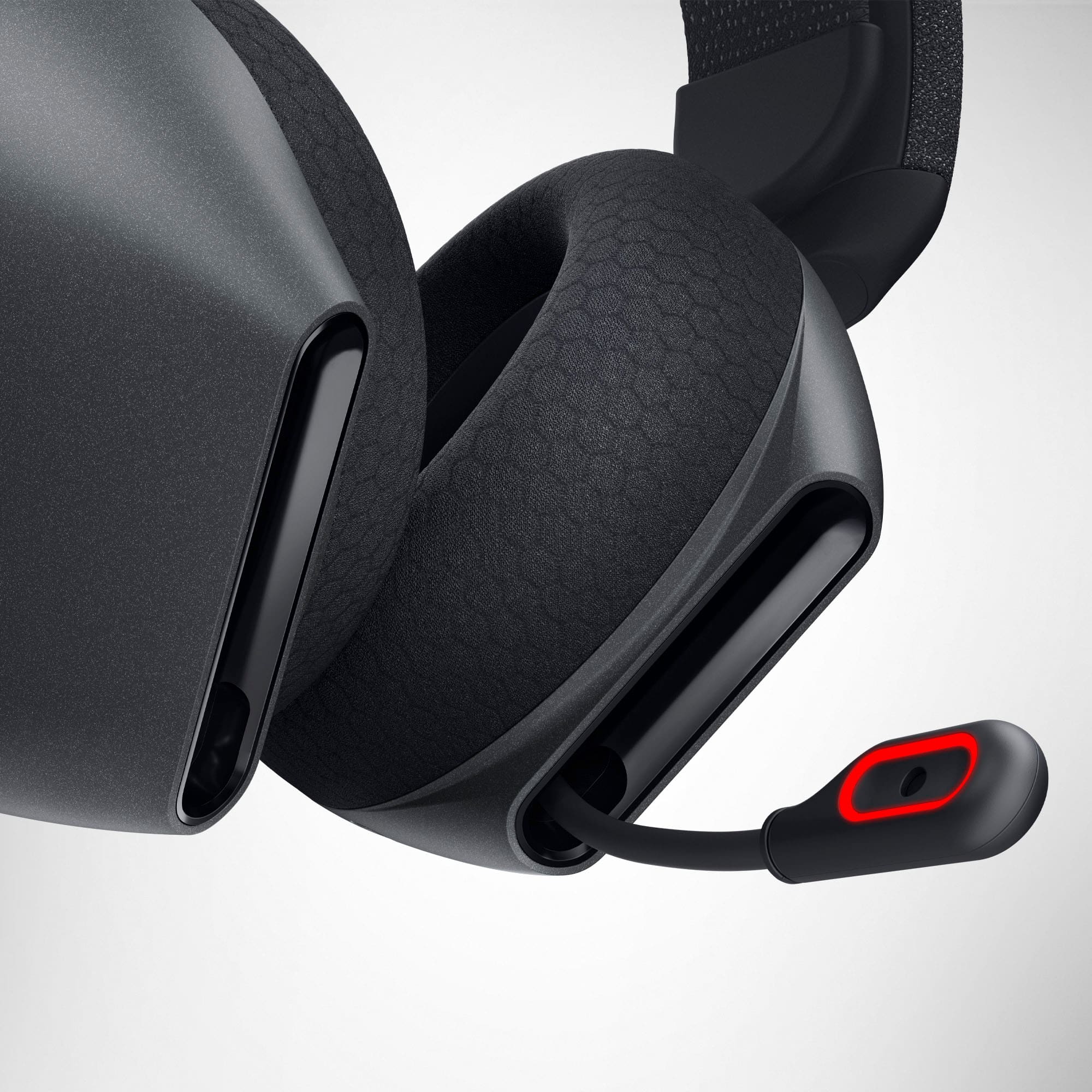
  • QuestionDoes the headset have a detachable microphone?

    • Answer This headset has a built-in microphone.
    This question and answer was generated by AI based on customer and product data.
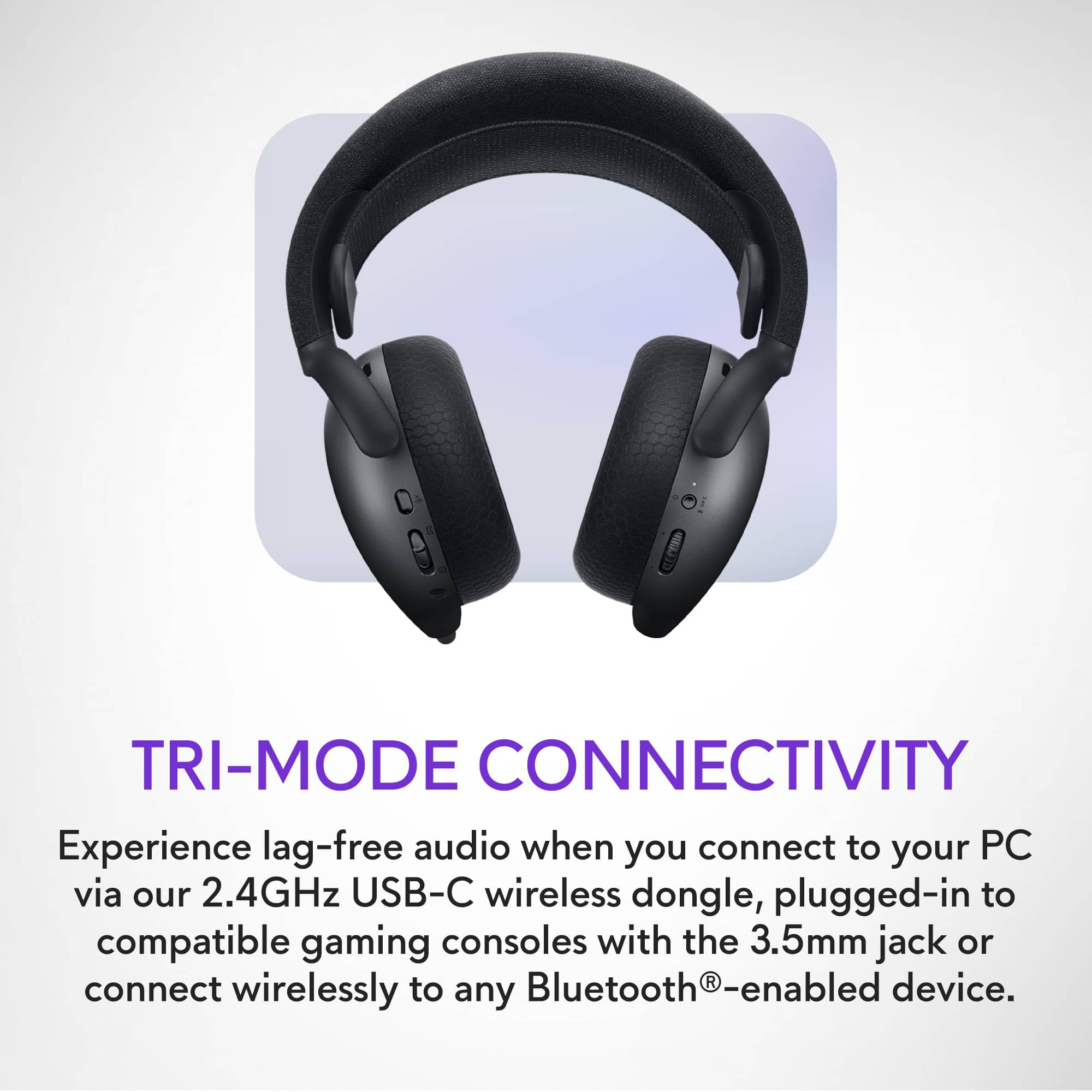
  • QuestionWhat type of connection does the headset use?

    • Answer The headset has a wireless connection type.
    This question and answer was generated by AI based on customer and product data.
  • QuestionWhat is the battery life of the headset?

    • Answer The battery life of the headset is 55 hours.
    This question and answer was generated by AI based on customer and product data.
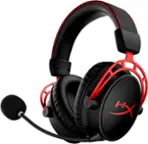
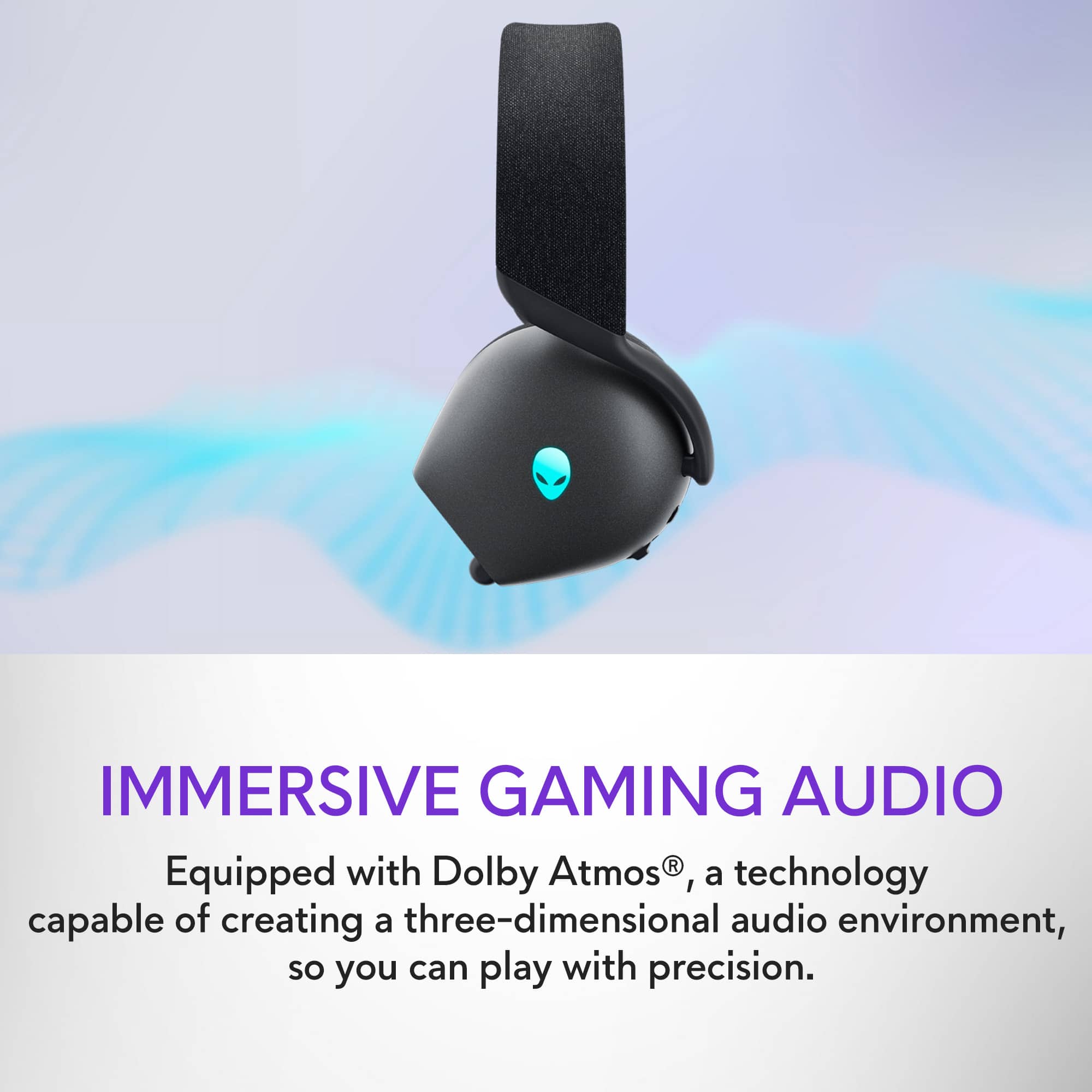
  • QuestionIs the headset compatible with Dolby Atmos?

    • Answer This Alienware gaming headset offers tactile audio precision with Dolby Atmos.
    This question and answer was generated by AI based on customer and product data.
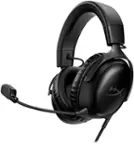
  • QuestionWhat is the impedance of the headset?

    • Answer The impedance of the headset is 32 ohms.
    This question and answer was generated by AI based on customer and product data.
  • QuestionWhat is the battery life?

    • Answer The battery life is 55 hours.
    This question and answer was generated by AI based on customer and product data.
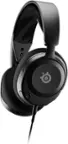
  • QuestionWhat are the dimensions of the headset?

    • Answer The headset is 4.4 inches deep, 8.4 inches high, and 7.24 inches wide.
    This question and answer was generated by AI based on customer and product data.
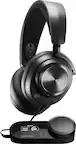
  • QuestionCan the microphone be detached?

    • Answer The microphone cannot be detached from this headset.
    This question and answer was generated by AI based on customer and product data.
  • QuestionWhat is the impedance of the headset?

    • Answer The impedance of the headset is 32 ohms.
    This question and answer was generated by AI based on customer and product data.
  • QuestionWhat type of wireless connectivity does the headset use?

    • Answer This headset uses Bluetooth for wireless connectivity.
    This question and answer was generated by AI based on customer and product data.
  • QuestionHow do i check the battery life on the headset if im using it on my ps5pro

    Asked by Anonymous.

    • Answer PS5 does not natively display battery status for third-party wireless headsets like the AW725H. The headset’s battery level cannot be viewed directly on the PS5 interface. However, here are a few alternatives: The power LED and Alien head LED on the headset indicate battery status: Fully charged: LED remains solid. Charging: LED blinks or changes color.

      Answered by YourDellTeam

  • QuestionDo you need a USB or other connector to use the wireless feature?

    Asked by bob.

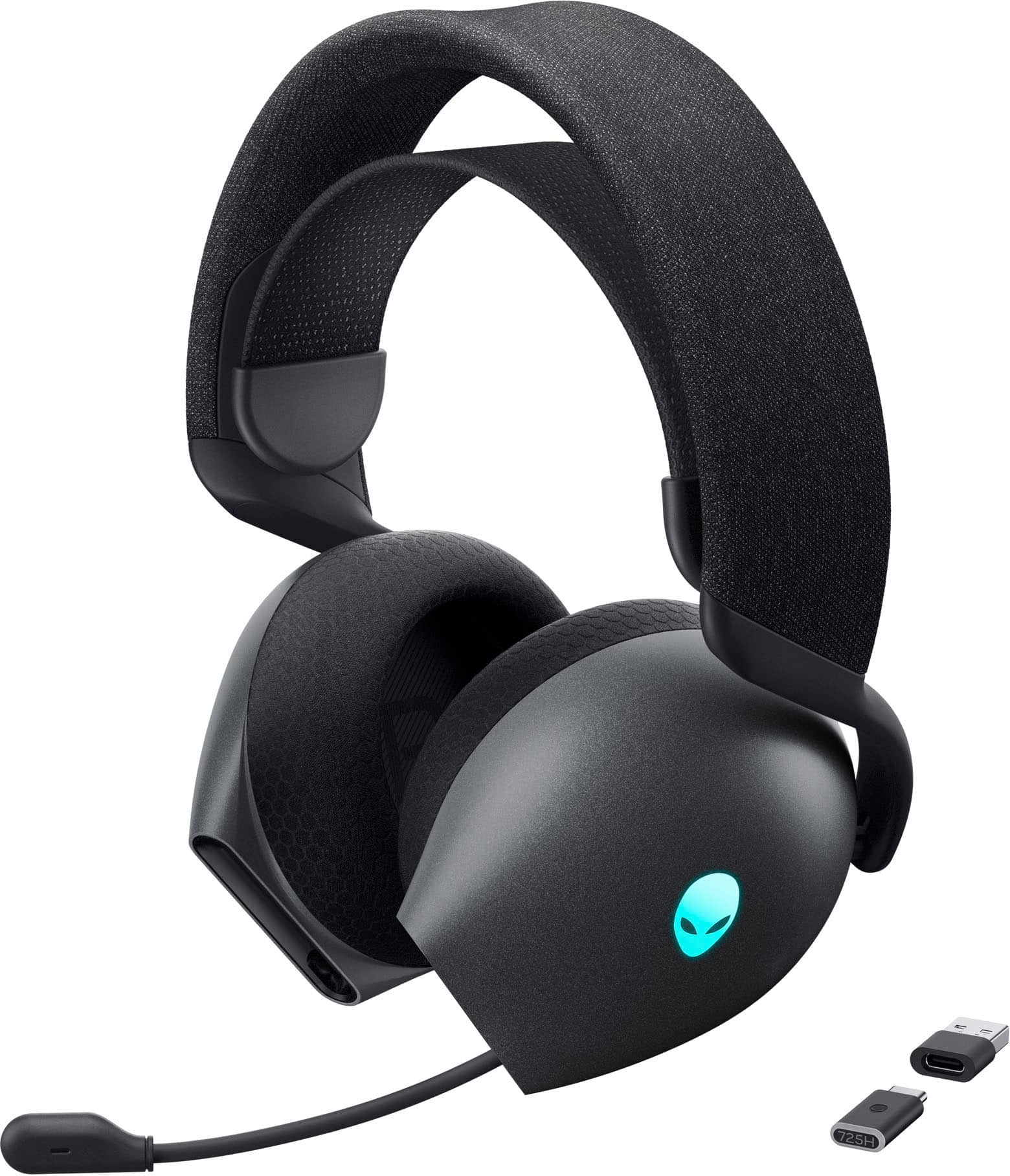
    • Answer The Headset offers three connectivity modes, and whether you need a USB or other connector depends on which mode you choose. 1. Wireless (2.4GHz) Mode - Requires the included USB-C wireless dongle. 2. Bluetooth Mode - No dongle required. Wired Mode - Uses a 3.5mm audio cable (included).

      Answered by YourDellTeam

  • QuestionCan you replace the dongle?

    Asked by Dongle.

  • QuestionWhy can’t I change the volume on the Alienware aw 725h

    Asked by D.

    • Answer Check Volume Control: Ensure you’re using the correct volume control mechanism. The headset has a volume buttons. Make sure they are functional. Device Connection: Make sure the headset is properly connected to the device you’re using. If you’re using Bluetooth, ensure it’s paired correctly. Audio Source Settings: Check the audio settings on your device. Ensure the headset is selected as the output device and that the volume is up in the system settings. Firmware Update: Ensure your headset has the latest firmware. Sometimes updates can fix bugs or issues related to functionality. Battery Level: Check if the headset has sufficient battery charge. Low battery can sometimes cause functionality issues. App Settings: If you're using a specific gaming app, check its audio settings, as some applications can override system volume controls. Reset the Headset: If all else fails, try resetting the headset according to the manufacturer’s instructions.

      Answered by YourDellTeam

  • QuestionIs this headset compatible with a PlayStation 5?

    Asked by Legion.

    • Answer Yes, it is.

      Answered by YourDellTeam

  • QuestionIs this compatible with Mac?

    Asked by KayleeC.

    • Answer Yes you can but you cannot customize it with AWCC

      Answered by Anonymous

  • QuestionCan this connect wireless to the Xbox Series X?

    Asked by Mike.

    • Answer Yes, it can.

      Answered by YourDellTeam