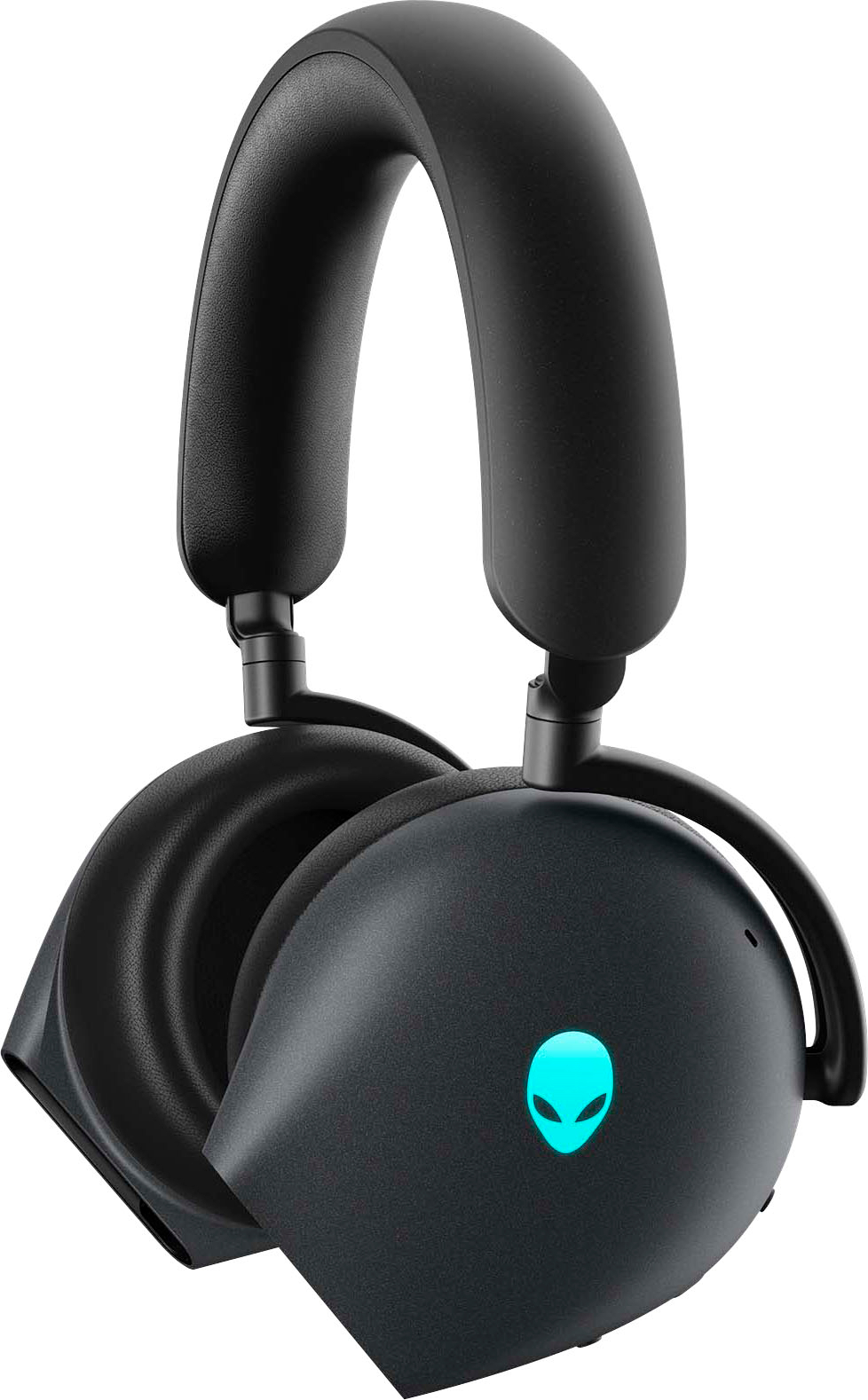
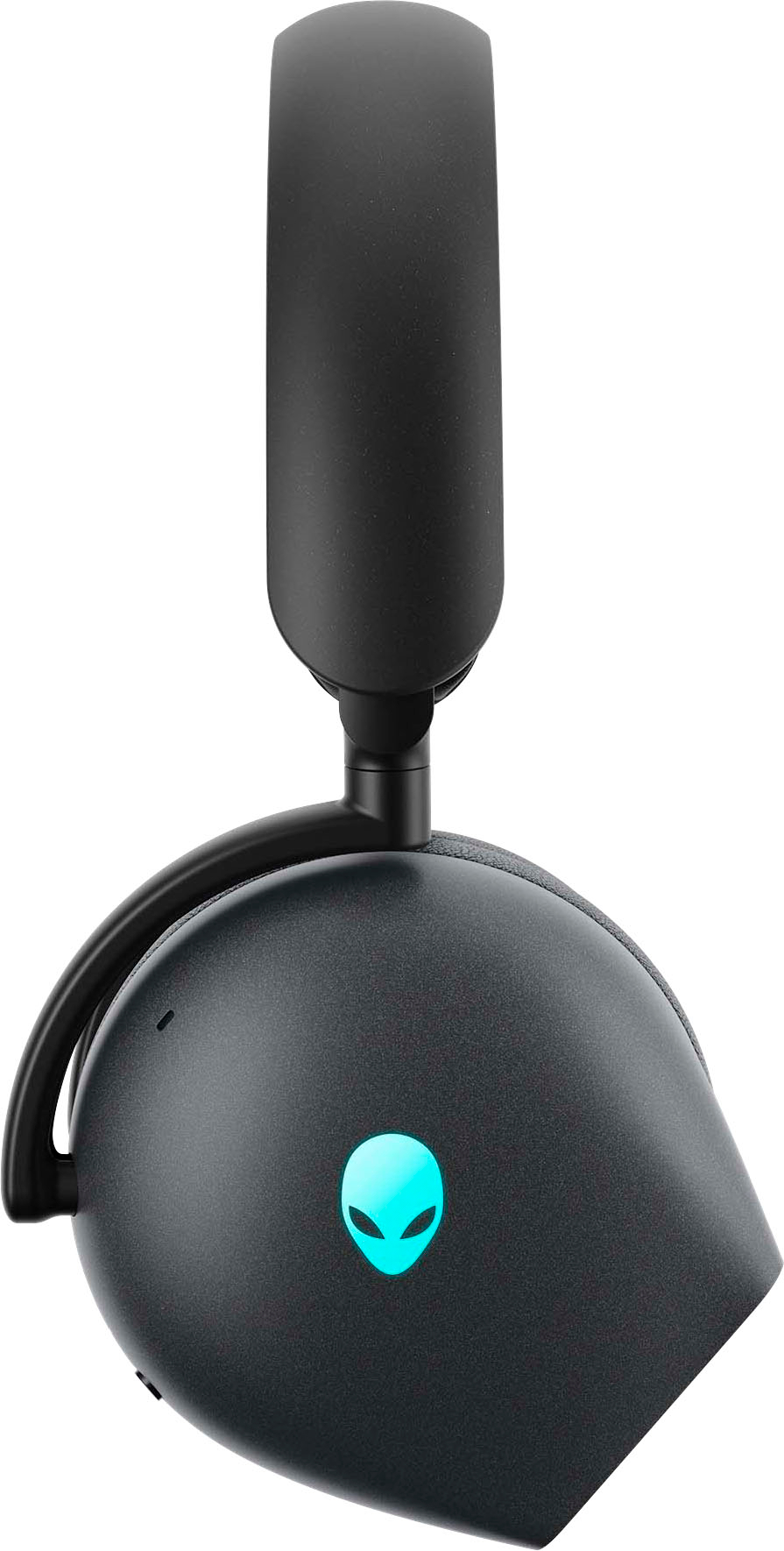
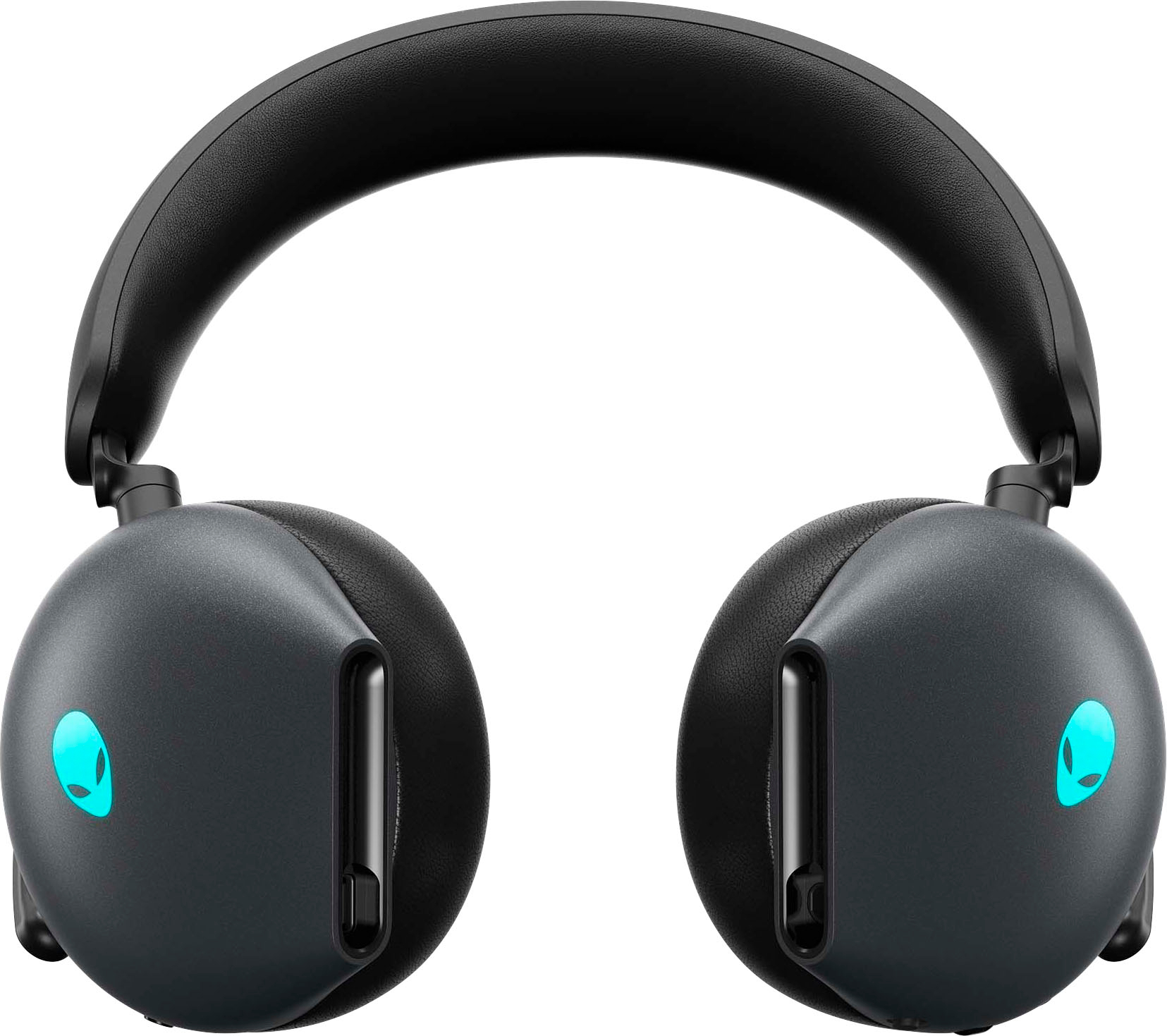
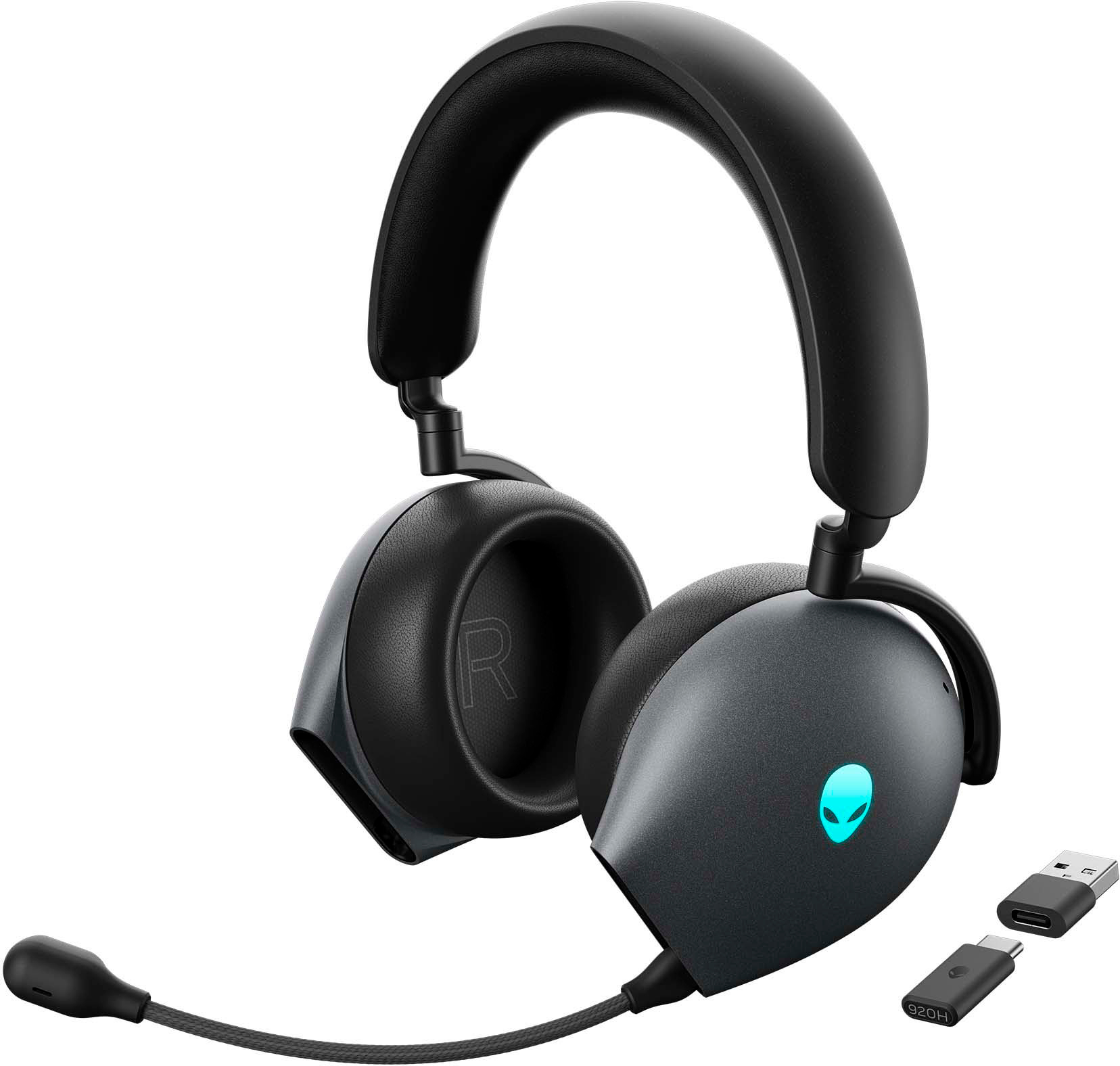
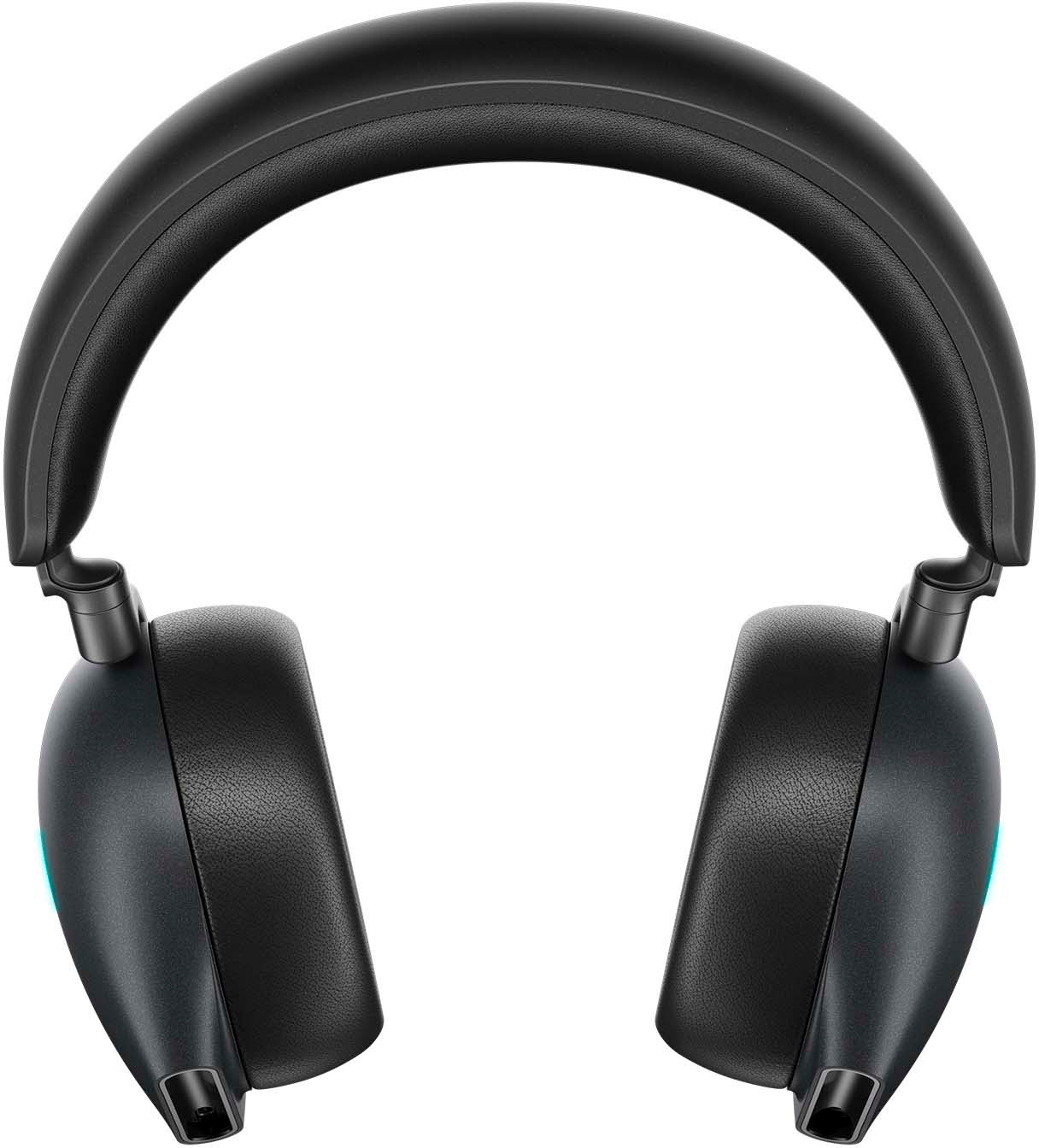
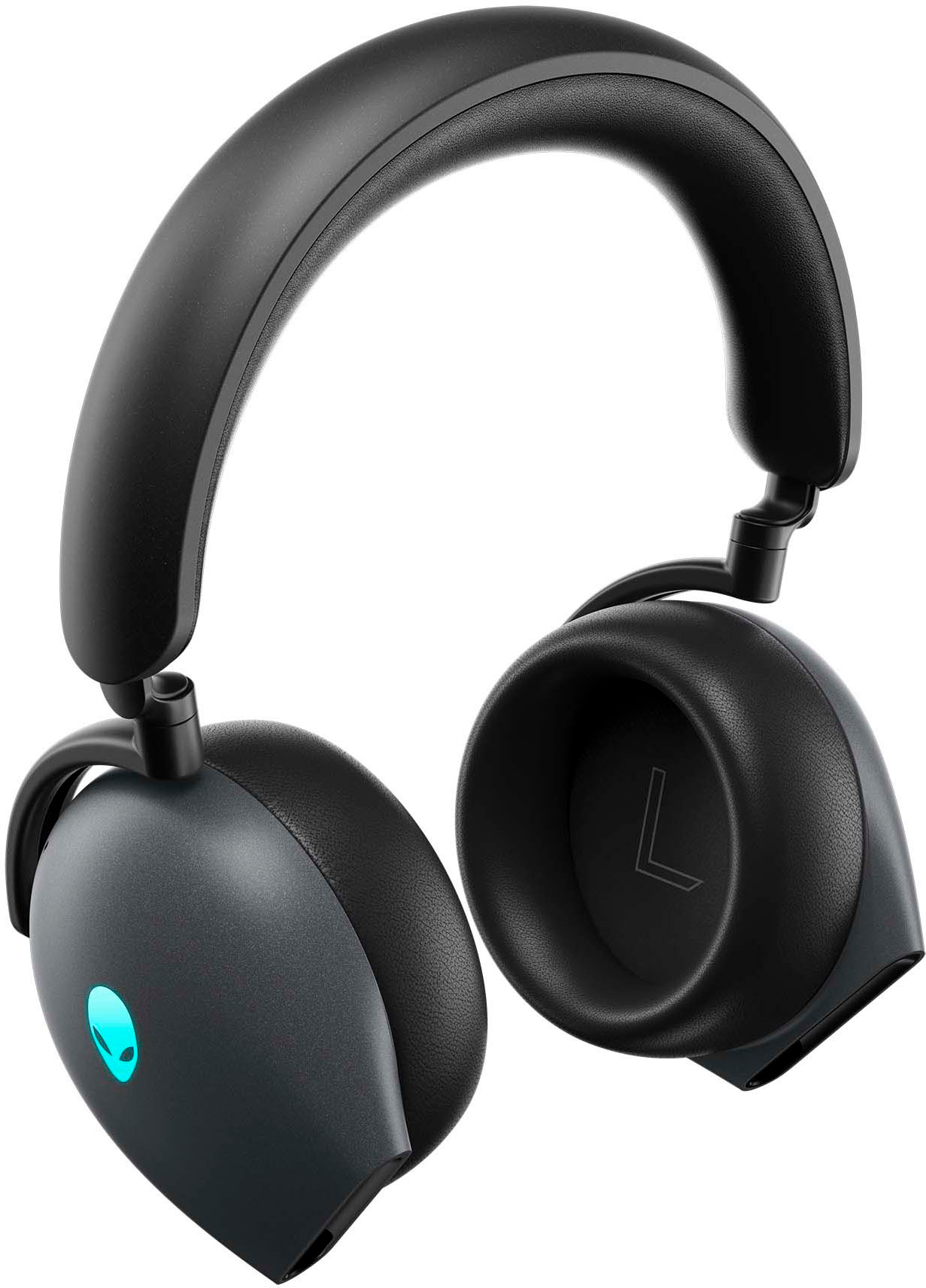
A:AnswerThis wireless gaming headset does not support wireless charging. This wireless gaming headset supports charging through the included USB-A to USB-C charging cable.
A:AnswerThis wireless headset can be connected to the Macbook(with a USB-C/Thunderbolt port) through the USB-C wireless dongle. This wireless headset can also be connected to the Macbook through Bluetooth.
A:AnswerHave you tried any of these solutions?
a. Connect the dongle provided in the box to connect directly to the PS5.
b. Pair via Bluetooth in the PS5 settings.
c. Use the 3.5 aux cable to connect to the PS5 dual sense controller.