Questions & Answers
- Model:
- AW959
- |
- SKU:
- 6278291
Highly rated by customers for: RGB Lighting, Weight, Sensitivity
Page Showing 1-6 of 6 questions
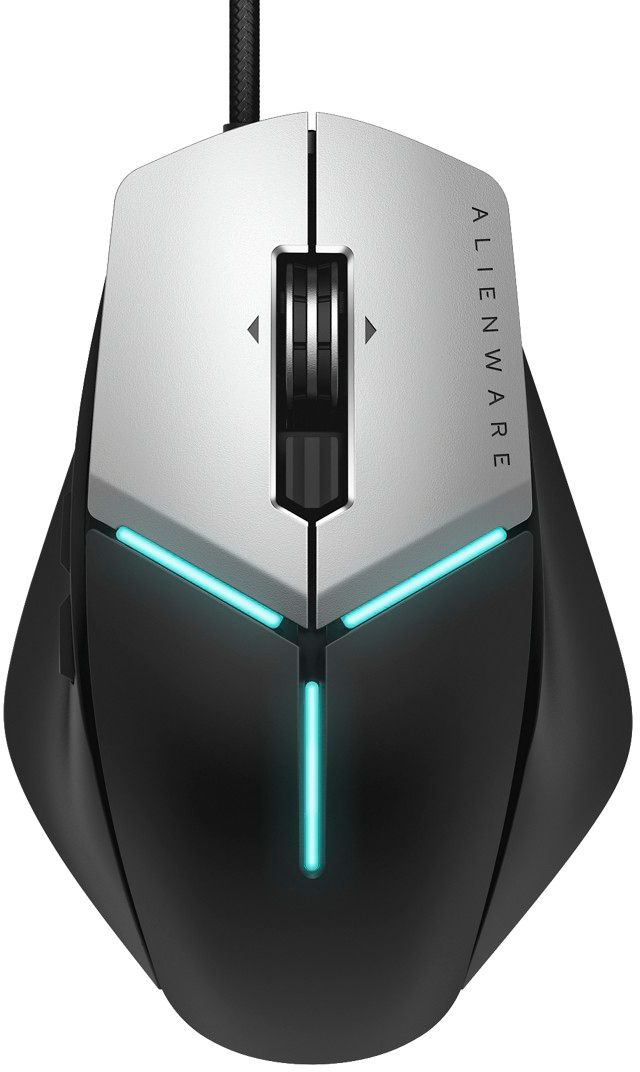
Q: QuestionCan you make the lights any color?
Asked by Mark.
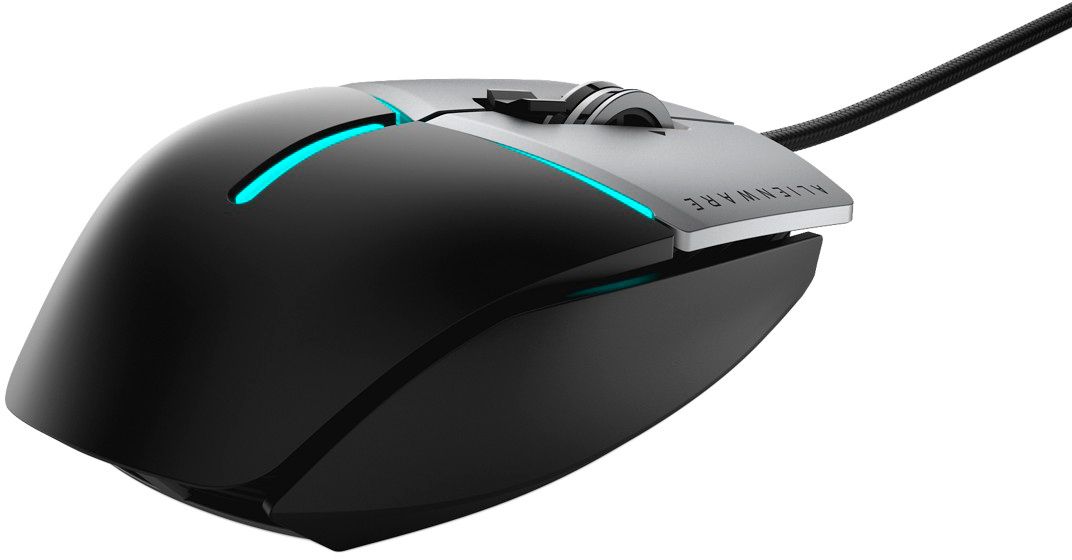
- A:Answer Yes, download Alienware FX from Dells website
Answered by Mason
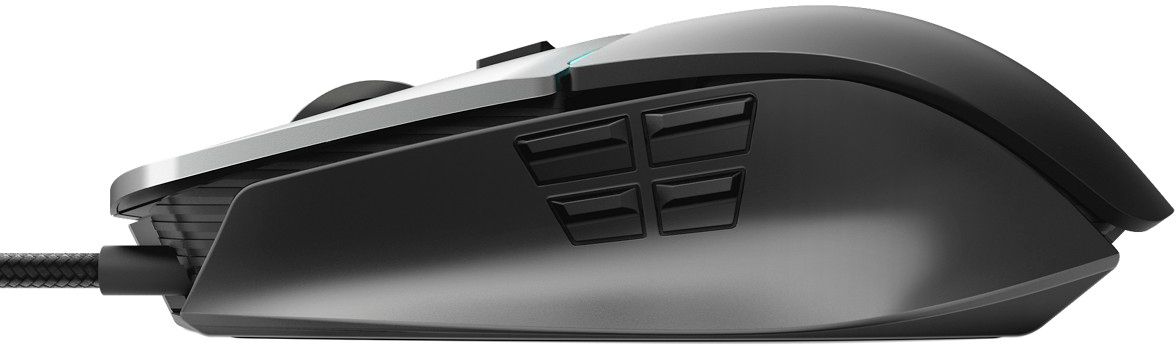
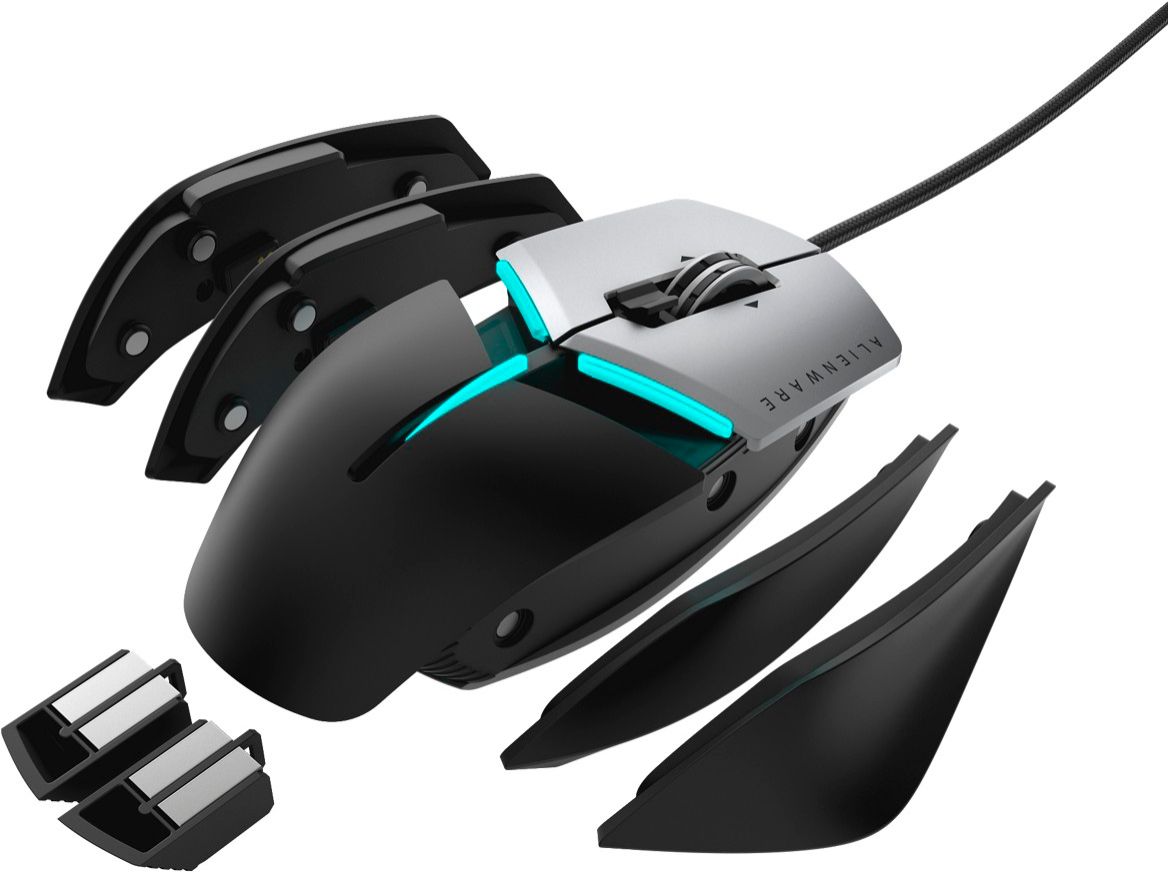
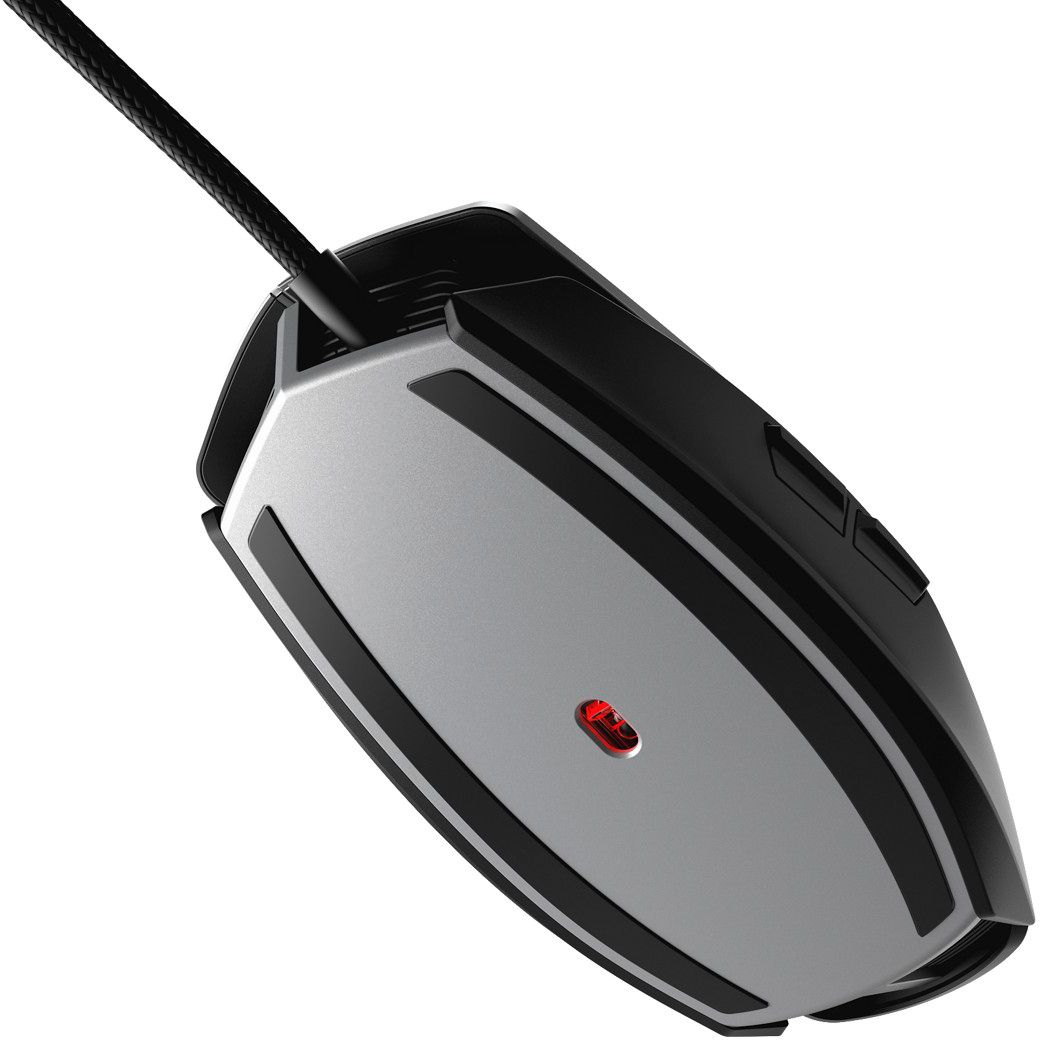
Q: Questioncan you get a replacement for the six button side my one button broke
Asked by nick.
- A:Answer Try DELL customer service to get your question Answered, they are pretty helpful
Answered by AADE
Q: QuestionJOHNNY MACRO, By what chance did you put your delay to? I watched the video that reyg posted and and im recording the marcro like he showed (im trying to remap u, o, i, p to each of the 4 buttons for switching weapons). hope i can use a short delay.
Asked by anom.
- A:Answer Setting up a delay are personal preference to each person. Delay is going to pause the action for that amount of time before it starts the action. Also once the action starts you have animation time also on top of the delay that you set up. You will have the delay on top of how long it takes for the animation to switch between weapons. If you are just using a one key macro I personally wouldn't set a delay since the delay will happen before the animation for that action will start. Also I would read the terms of use for that specific game to make sure you can even use macros. Games are starting to have built coding that doesn't allow the use of macros which means you can set up the macro perfectly and if the game itself doesn't allow macros, then the set up won't work.
Answered by InsanUnicornX
Q: Questionis ther ANY WAY to reprogram the side buttons on the mouse? I love this mouse and dont want to return it just because the side buttons are essentially useless in games.
Asked by anom.
- A:Answer Yes, you can do so with macros. Keystrokes are supposed to be the method for changing the side buttons, but for some reason they don't work properly. I've scoured the internet for any solution, but found none. There was a video on YouTube from a small tech channel where the guy went through the issues with it. He had called the Dell tech support and even they couldn't figure their own product out...lol Long story short: use the macro setting to create a macro for the side buttons, e.g., I have one of my side buttons tied to semicolon on the keyboard. The key is to fiddle with the "delay" option a bit until you hit the sweet spot. I couldn't get it to work well with something like push to talk, or anything else that requires you do constantly hold it down. Toggle works well though. So I use push to mute for Discord, for example. Hope this helps! Look for that YouTube video!
Answered by JohnnyMarco
Q: QuestionCan you program the right/left wheel tilt and wheel press-down buttons? I get tactile feedback from them and they're in the manual (photo) but they don't register in command center/games and I'm being told by Dell support that these aren't buttons.
Asked by Rose.
- A:Answer Sorry, No.
Answered by Mick72
Q: QuestionHow do you program this mouse? No directions & no YouTube videos to help.
Asked by Syrinx.
- A:Answer If your using a windows pc you can download Alienware FX for your computer from dells website.
Answered by Mason
Page 1, Showing 1-6 of 6 questions
Most-viewed items
- $449.99$449.99The price was $899.99
- $329.99$329.99The price was $469.99
- $99.99$99.99The price was $129.99
- $299.00$299.00The price was $349.00
- $449.99$449.99The price was $649.99
- $1,149.00$1,149.00The price was $1,299.00
- $499.99$499.99The price was $599.99
- $1,249.00$1,249.00The price was $2,699.99