A:AnswerNo. We do have some motion sensor frames for the purpose. This is a standard WIFI frame that uses our FrameTime app, but you can set an auto on / off feature.
A:AnswerThis frame will play photos in a sequential order or in a random mode. If you use an SD or USB thumb drive and let the frame play the photos directly from the cards you can sort photos by using a numeric code at the beginning of the file name (ex. "001_name.jpg, 002_name.jpg" etc.)
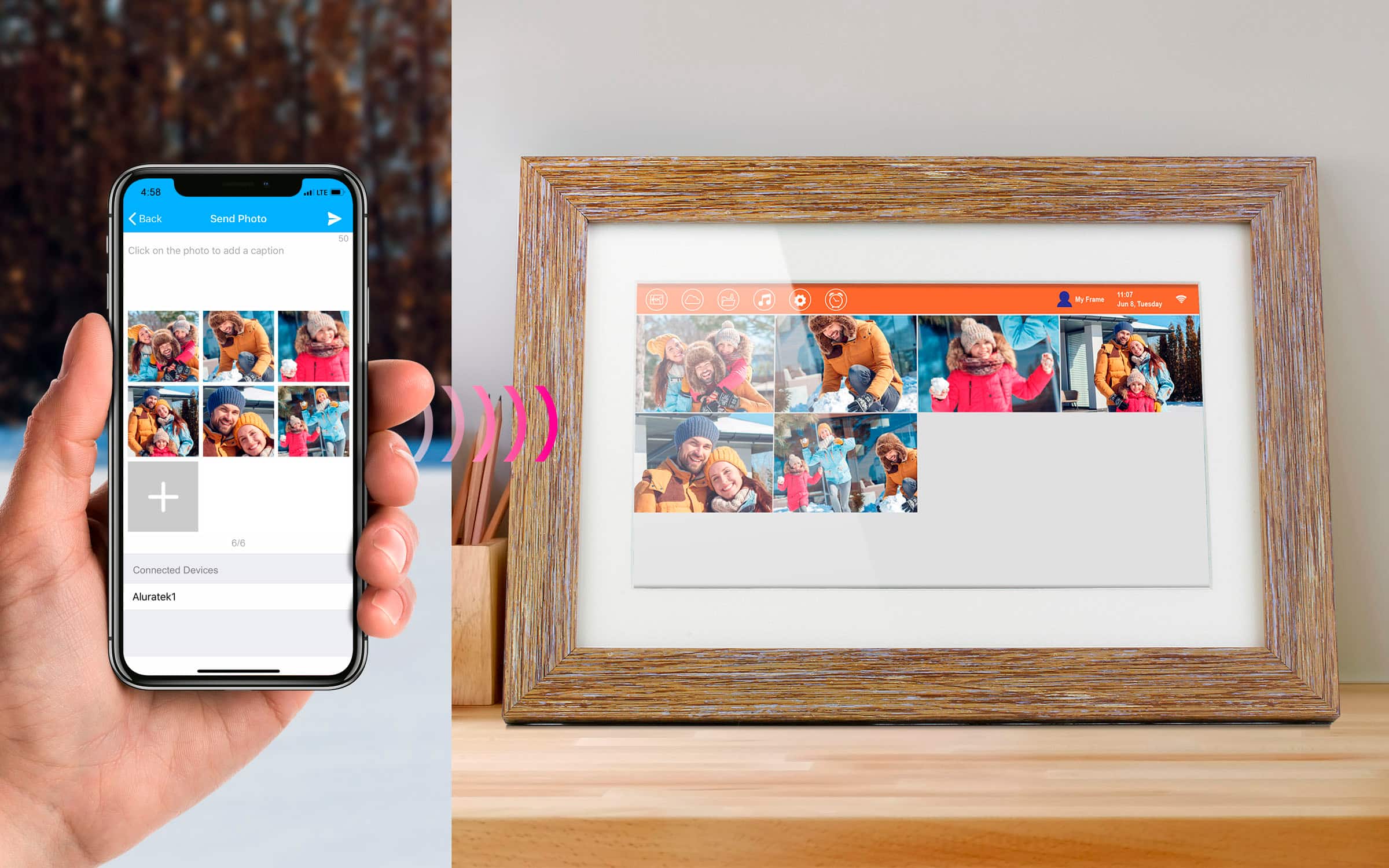
A:AnswerOur phone apps are on both Google Play and iOS app store. Be sure you download the correct app. We have 4 different apps but you must use the correct app for your frame.
A:AnswerNo. None of our frames require a membership. Our phone apps are simply for binding to the frame so you can send photos. You can also use SD or USB memory cards (32Gb or smaller) to show photos. Our frames can play the photos right from the card.
A:AnswerMake sure your memory cards (USB or SD) are 32GB or smaller. This way they will be in FAT32 format. Anything larger will likely be in a different format that the frame does not read. Feel free to contact [email protected] for more info or tips on using the frame.
A:AnswerYes, the slideshow transition time can be adjusted from 10 seconds up to 30 minutes. The settings are 10 sec, 30 sec, 1 min, 3 min, 5 min, 10 min and 30 min
A:AnswerTry the steps listed in the link below to resolve the issue that you are having.
https://aluratek.com/helpdesk/672159-Pictures-being-displayed-sideways-or-upside-down
A:AnswerYes, you can only see what you send and not what anyone else sends, unless you have the frame in front of you. To try to show what other people send to the frame on your phone app would be in violation of privacy rules. So if you have the phone app you can only control and see what you send. If you wish to see all photos that others send then setup a drop box folder or a shared Google folder and have all family members send photos to that shared folder. Now you can have access to all those photos.
A:AnswerI did contact customer service and they promptly replied. But as I was told the frame can only play from either the internal or the SD/USB device but not both at the same time. The issue is that all pictures sent by the app go to the internal memory and the frame has no way to copy those pictures to the SD/USB device. So if 8gb is enough for you then the internal memory will work but if like me that isn't nearly enough then I would pass on this frame and look to one that has the ability to copy those app pictures or play them.
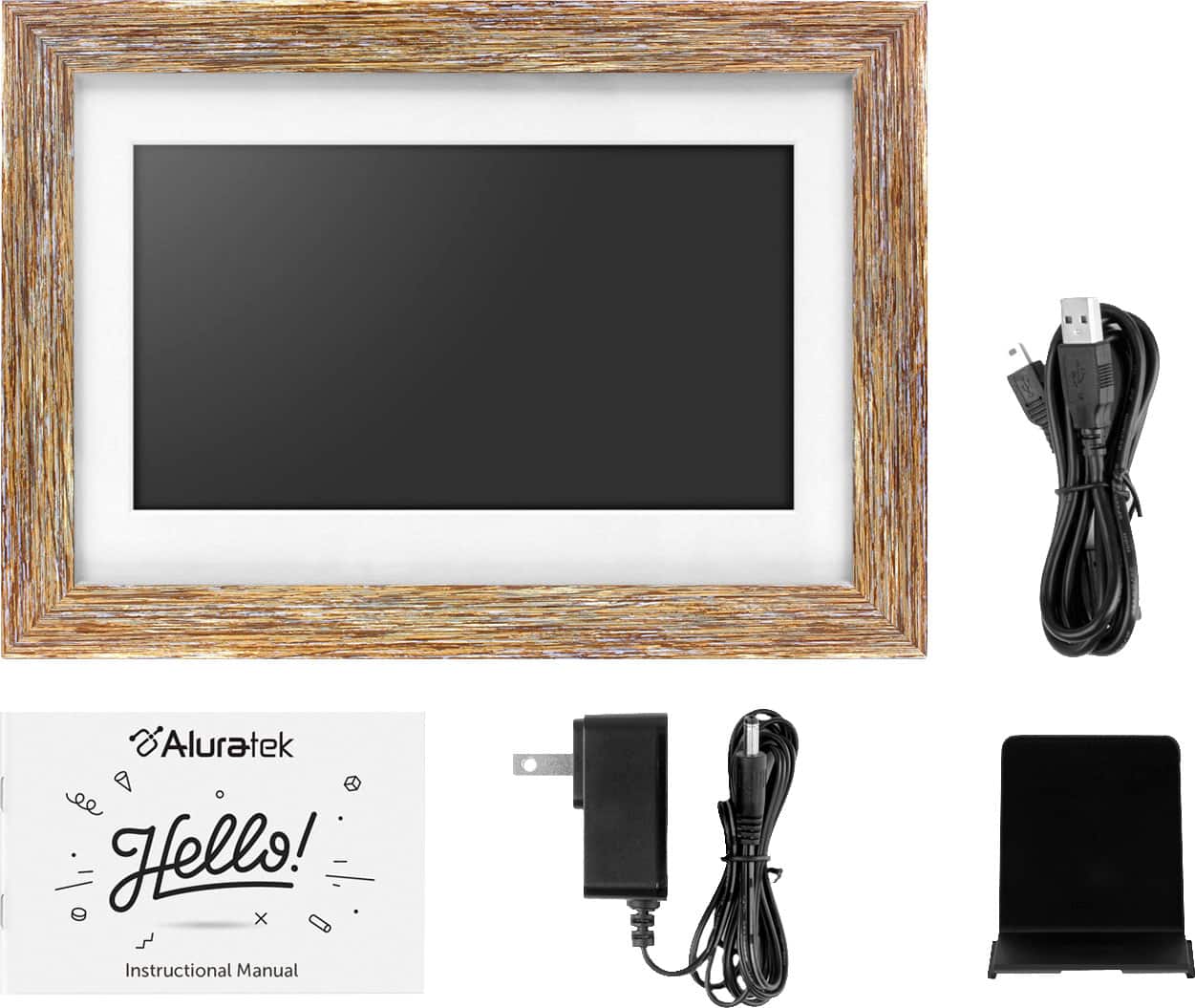
A:AnswerNo. Though it is a WIFI frame you can also use it with an SD card or USB thumb drive, 32GB cards or smaller. You can also directly connect a computer to the frame USB port and import photos that way.
A:AnswerNo. The frame will operate without WIFI. This frame has an SD card slot and a USB thumb drive slot on the back for loading photos. Use cards up to 32GB in size. Photos can be transferred from your computer to the SD or USB media cards then inserted into the back of the frame, or you can directly connect a computer to the frame and offload photos that way. Contact [email protected] for more assistance if you get the frame and need some tips.