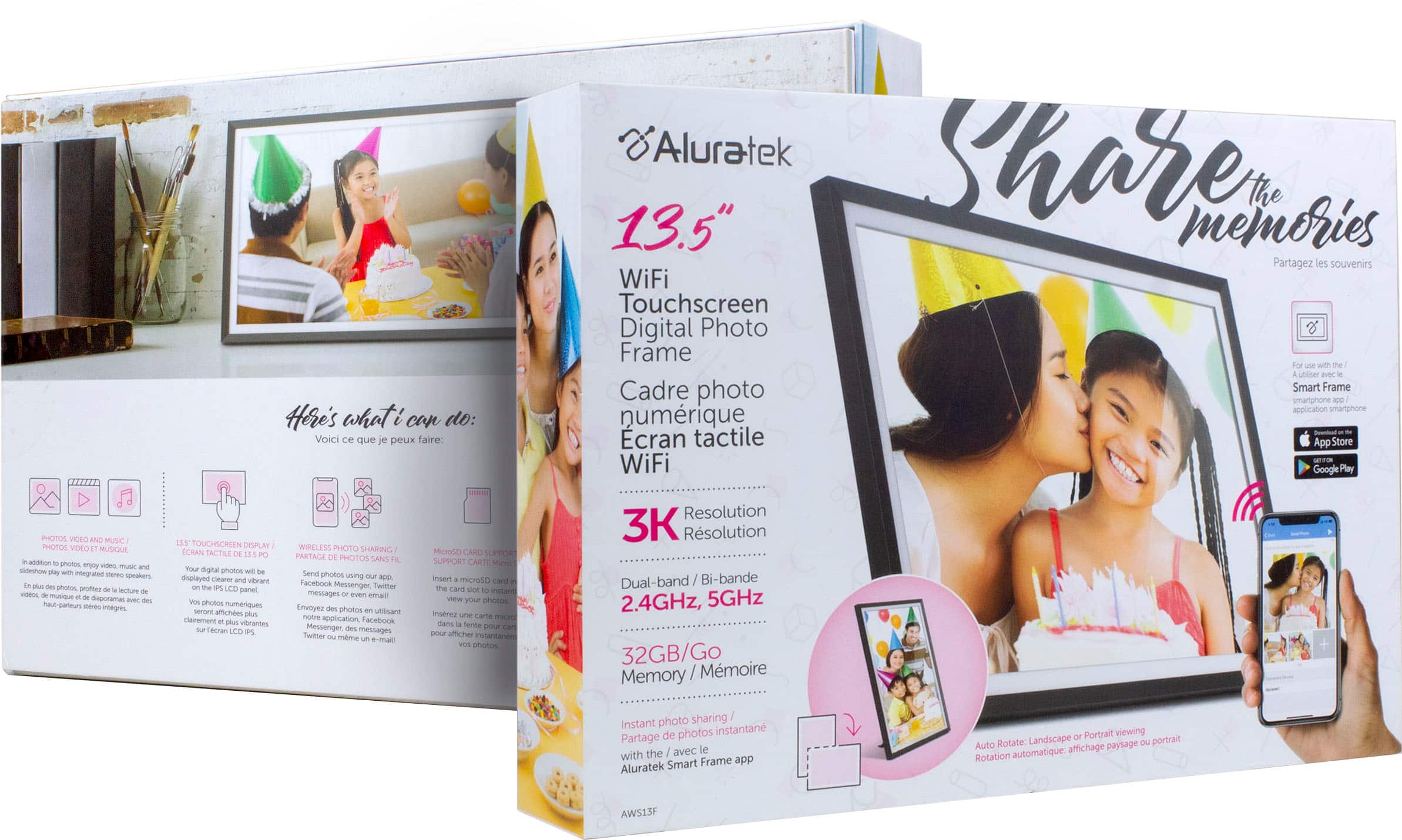
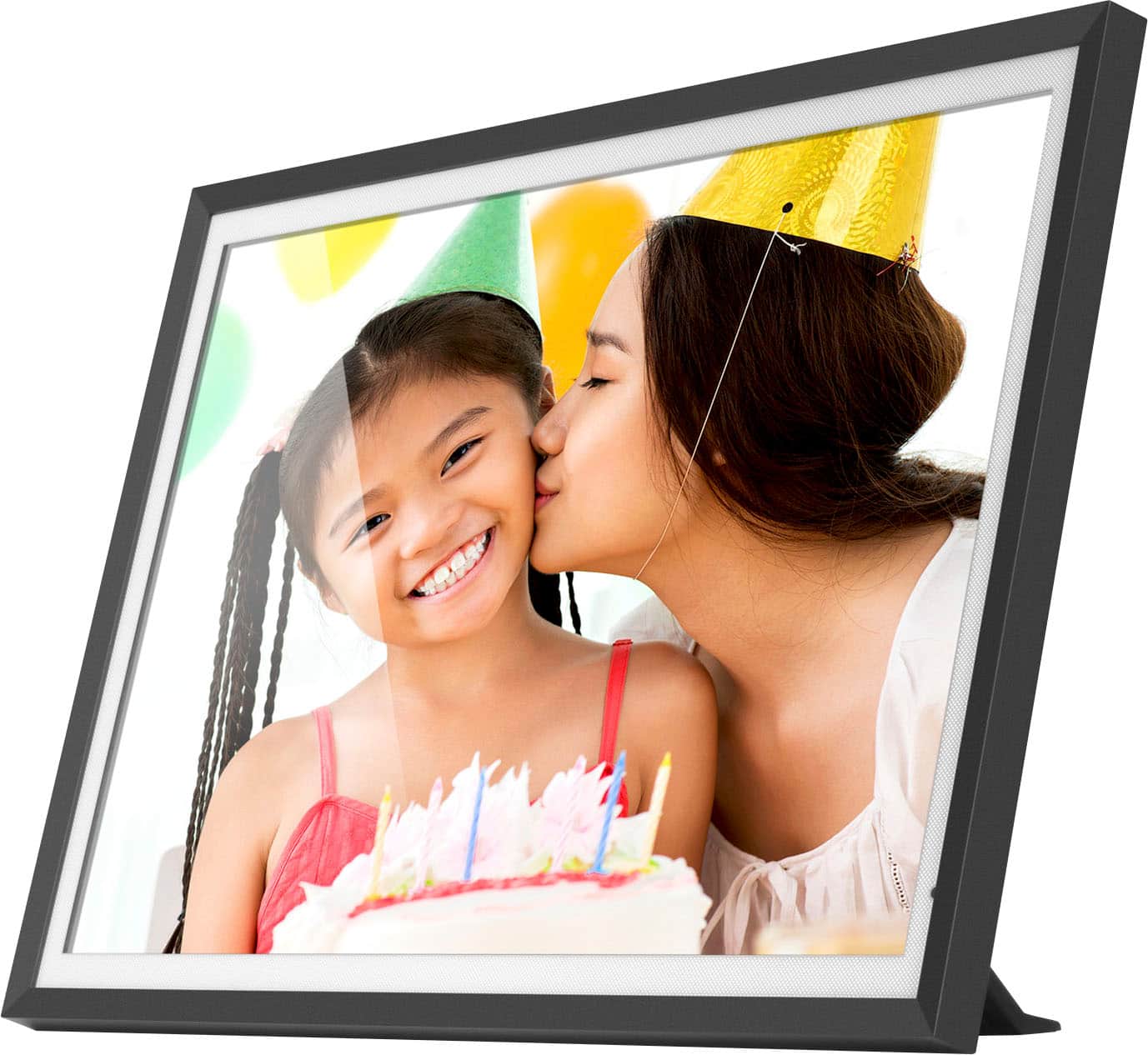
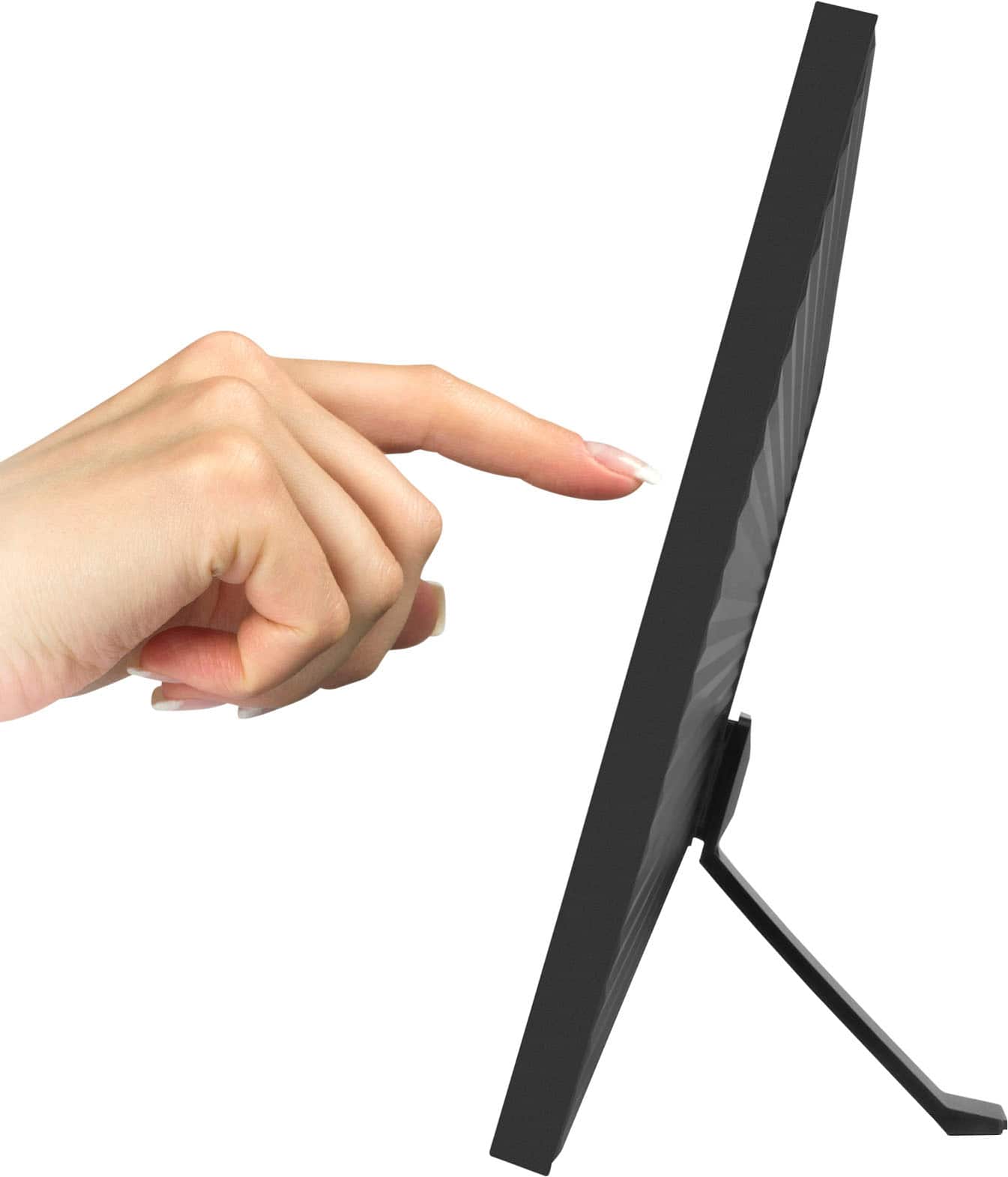
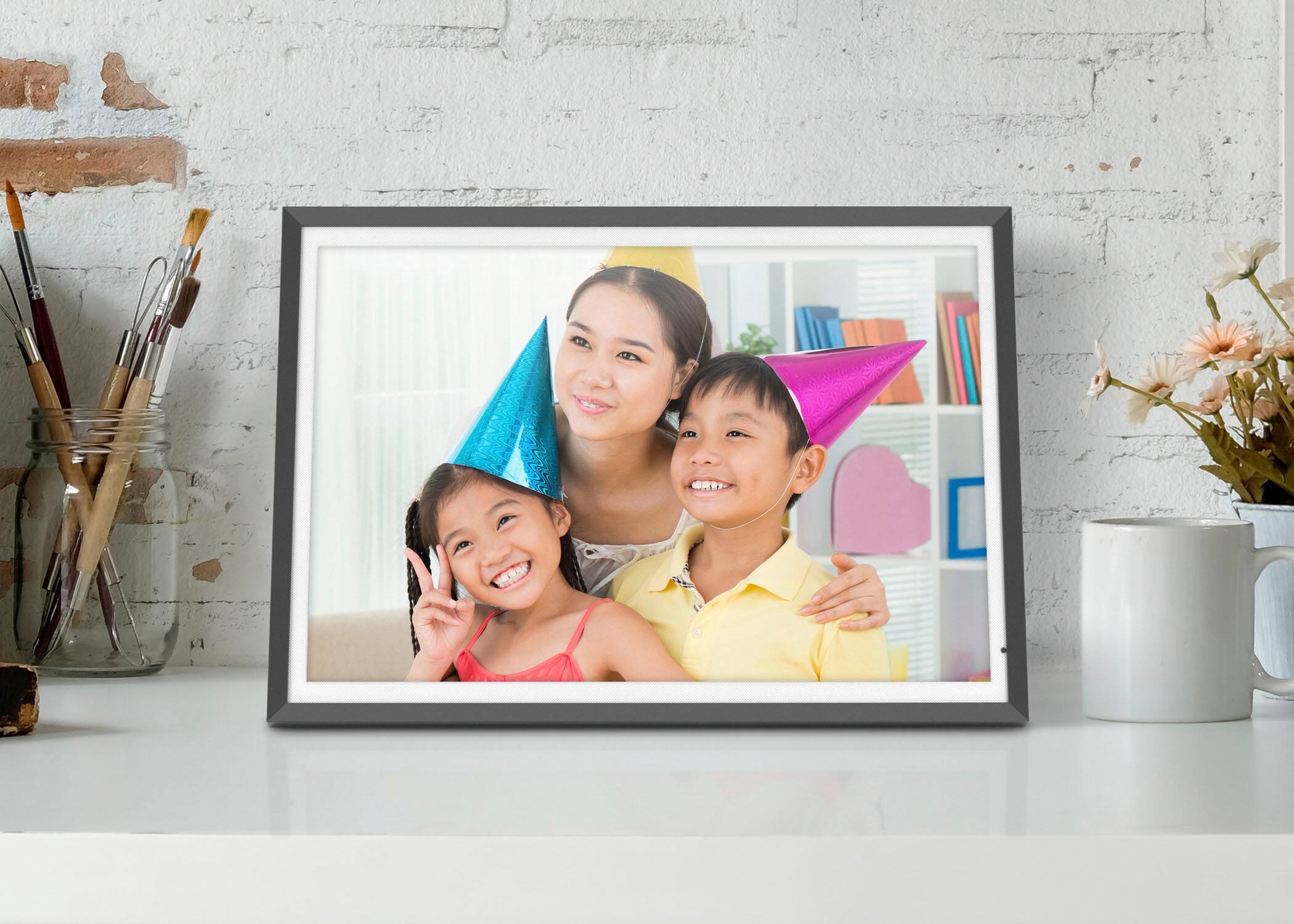
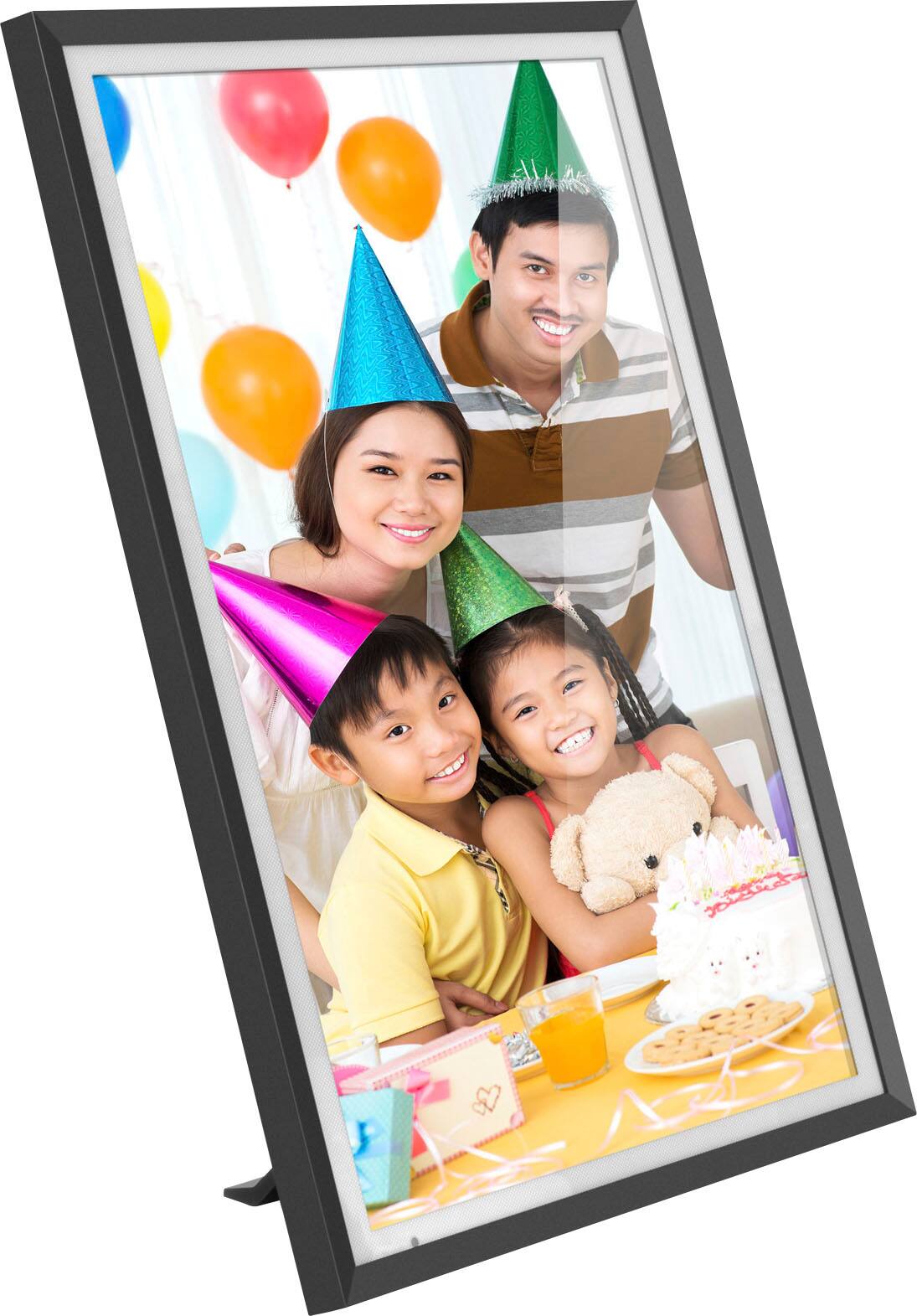
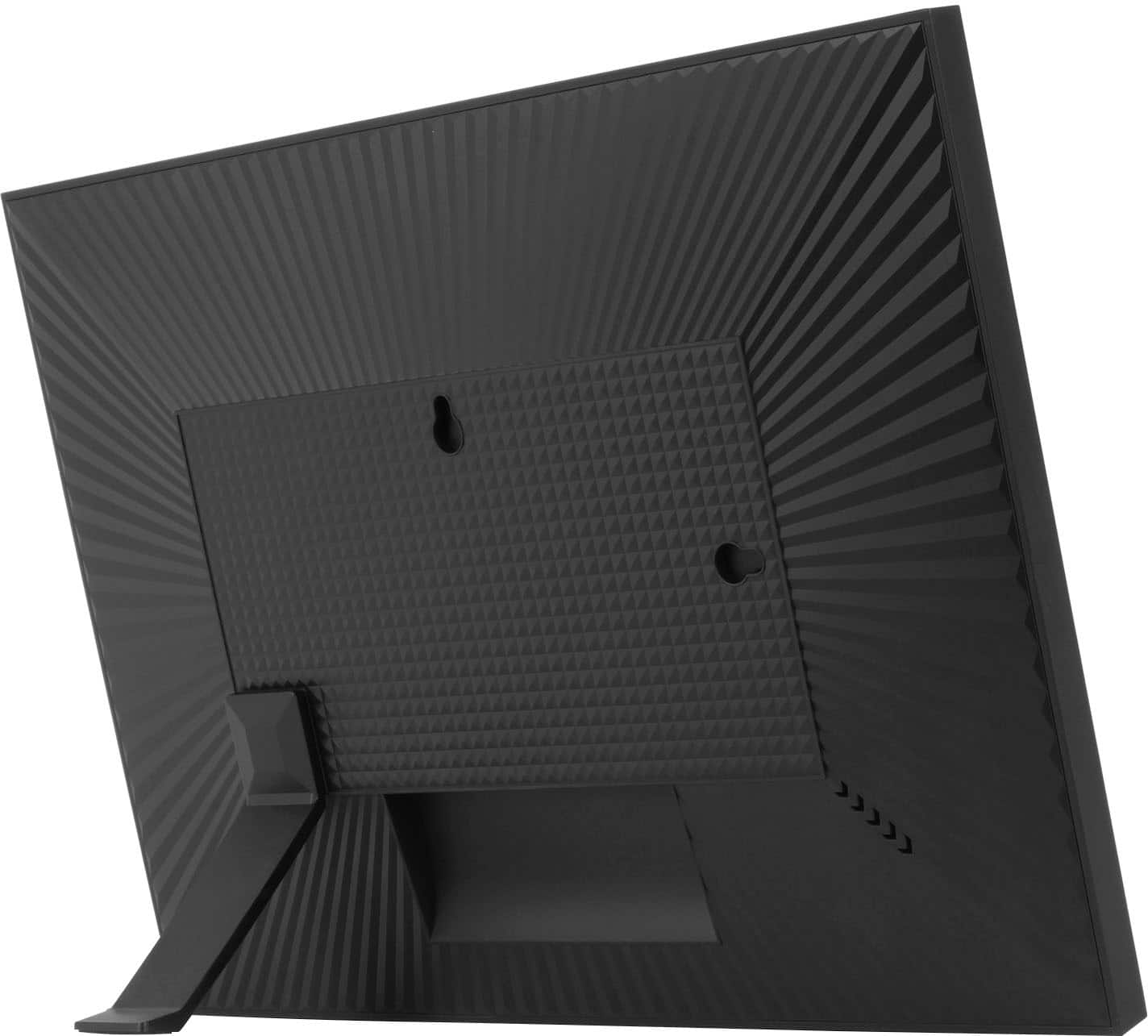
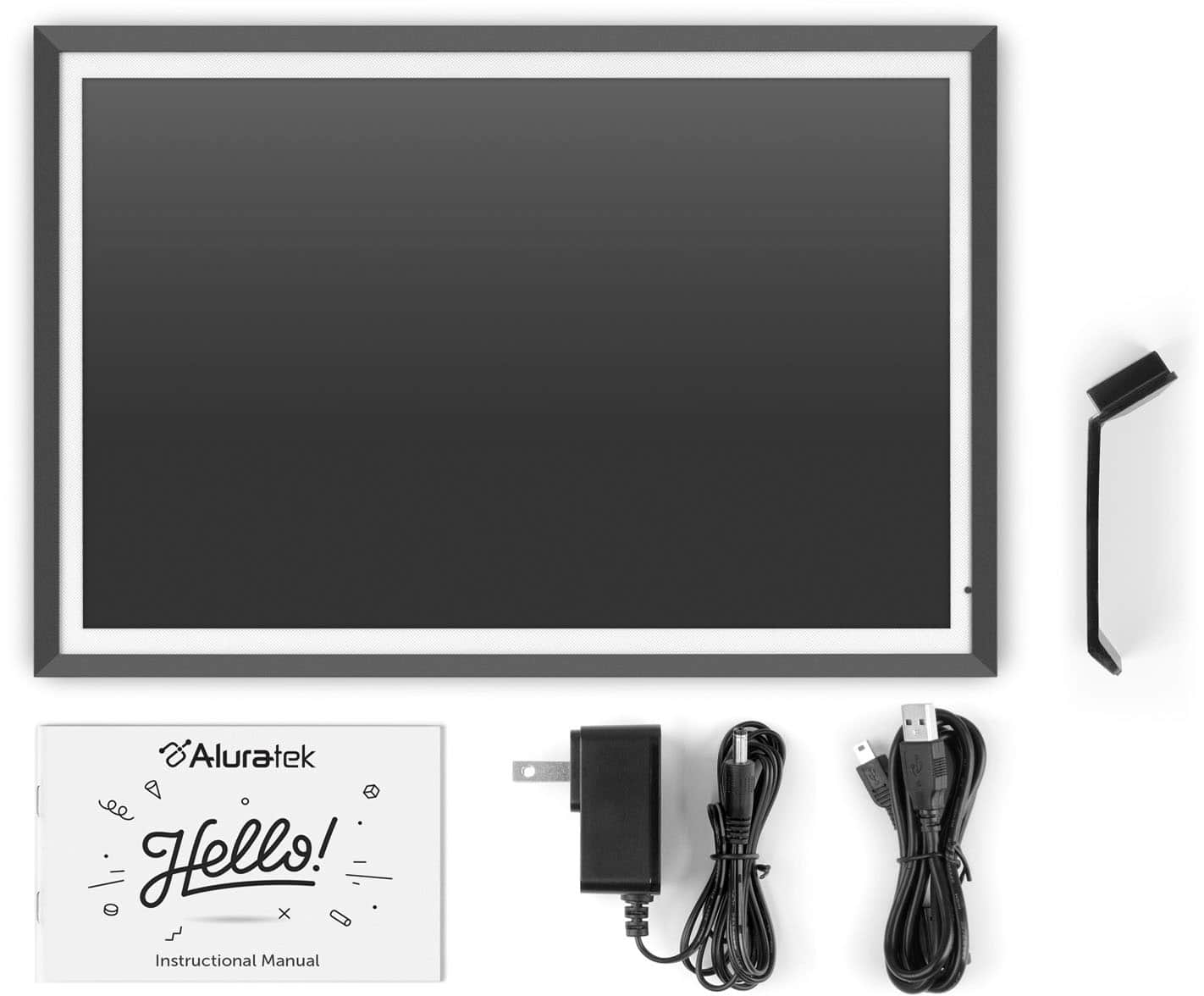
A:Answer12.5 x .63 x 9 in. (31.7 x 1.6 x 22.8 cm) Frame screens are measured diagonally just like all TVs sold in U.S. or Canada. Go to the following link on our site for more info and manual.
https://aluratek.com/dual-band-2-4ghz-5ghz-wifi-touchscreen-digital-photo-frame-with-3k-resolution-light-sensor-and-32gb-built-in-memory-13-5-inch
A:AnswerThere is an auto shutoff mode that can be programmed through the frame. This will turn the frame on and off on a scheduled time scheduled. You can also turn the frame on and off by using the touch screen
A:AnswerThis varies depending on the model of the frame. With this frame you get 5 sec, 10 sec, 15 sec, 30 sec, 1 min, and 5 min. You also get sequential and random mode for the slideshow. You can also control the full loop time of the slideshow.
A:AnswerThis depends on how you use your media cards. The frame itself will play a slideshow of all photos in the internal memory. Some photos can be placed in a favorites folder and that can be played. But you can also put different slideshows on multiple 32GB or smaller SD cards or USB thumb drives. The frame will play those photos directly from the memory card. No need to upload to the internal memory. This is how most people handle the need for multiple slideshows.
A:AnswerThis unit has 32GB memory so it can hold a few thousand photos, but this all depends on how large the photos are. This unit can also display photos directly from a memory card (32GB or smaller). We do recommend that, just as with computers, you do not fill up the memory to 100%. As with computers you want to leave roughly 35% of the memory open so other frame operations have sufficient use.
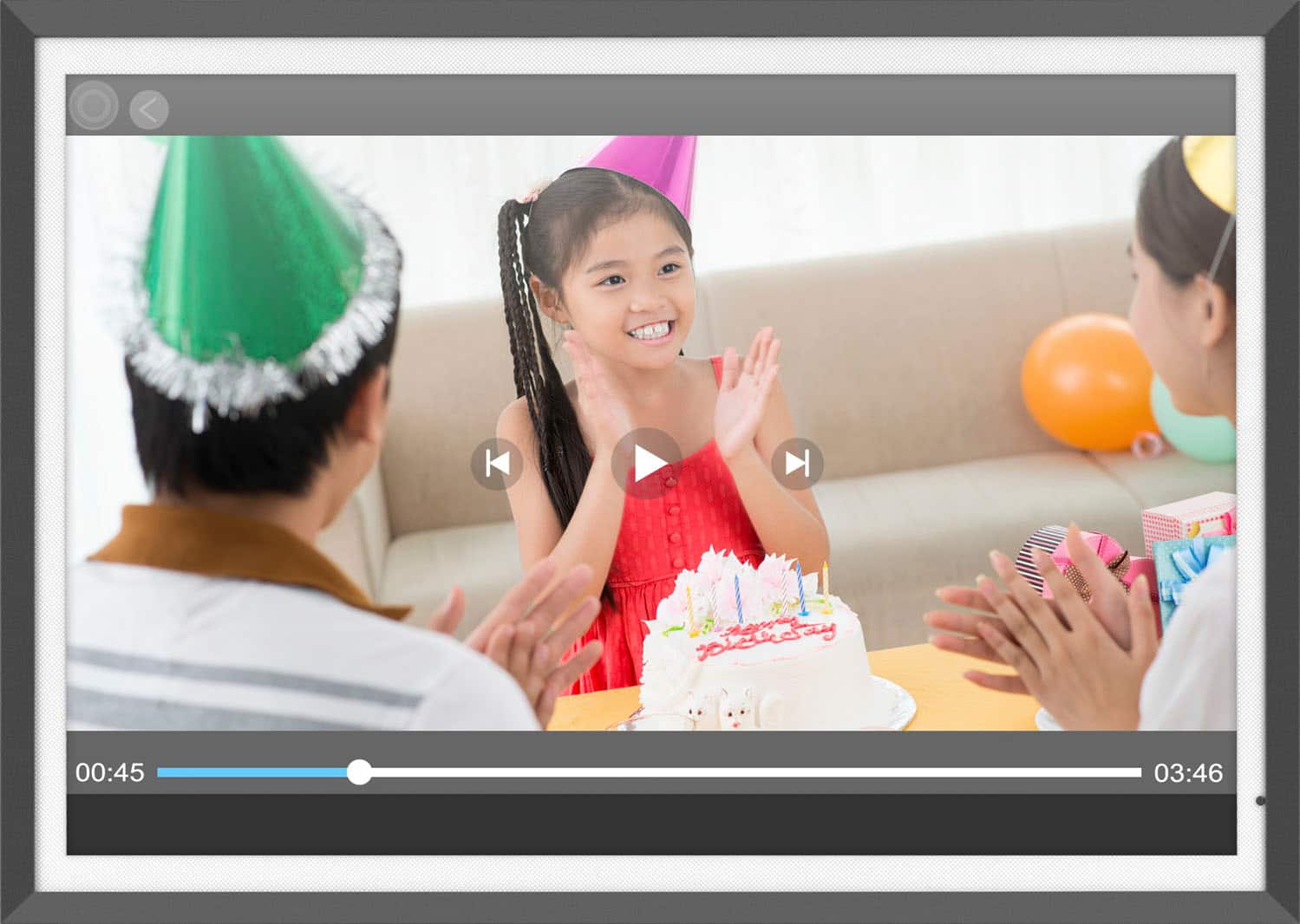
A:AnswerWe recommend short videos, roughly a few minutes long or so, in avi or mp4 format. These frames are not to be mistaken for iPads or computers costing $500 and much more. They can certainly handle a 10 minute video but that will use up a lot of the memory.
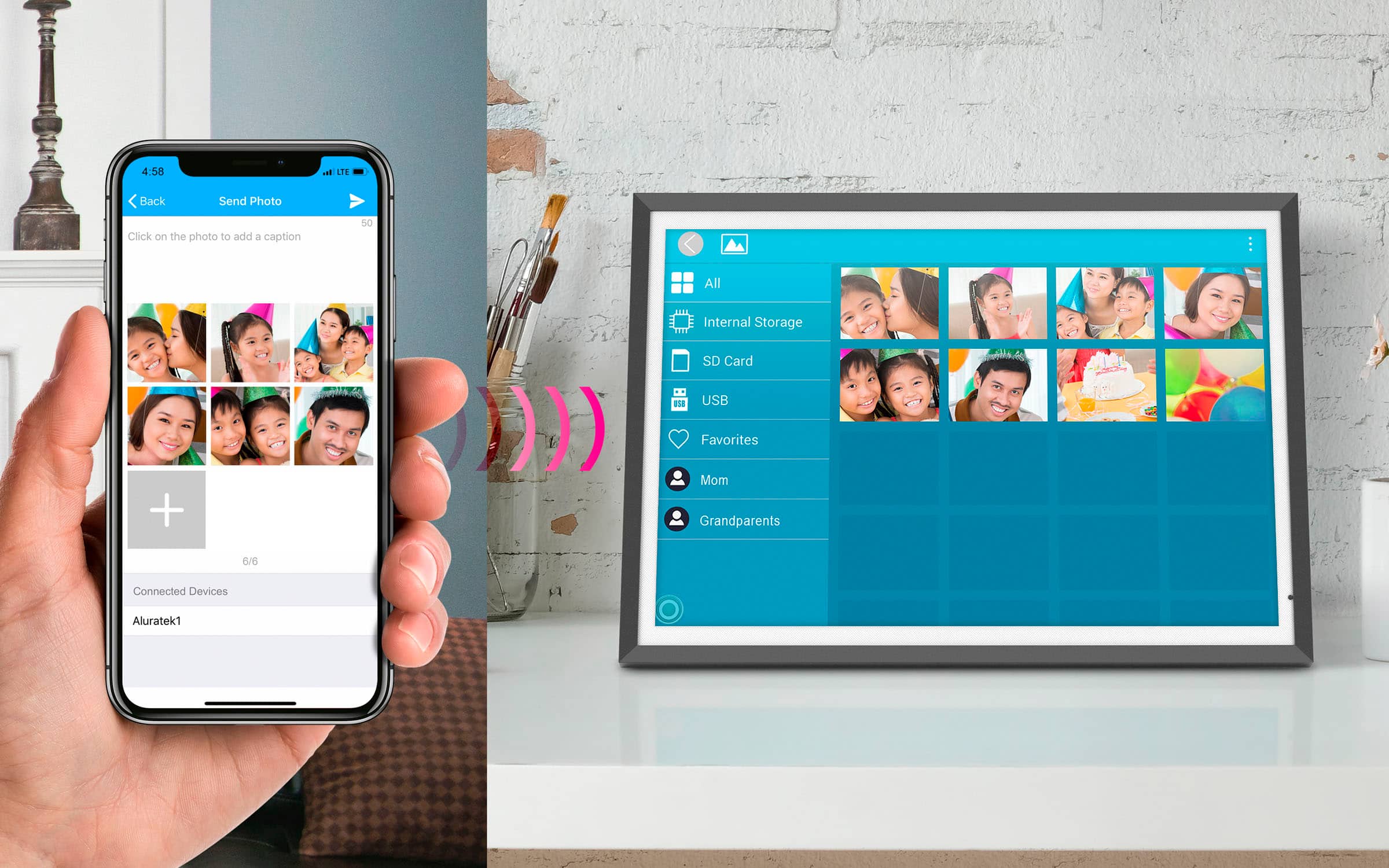
A:AnswerThis frame uses our Smart Frame app. We do have 4 apps so be careful which one you download. Also, if you need setup tips just send us an email at support@aluratek.com. Thanks!