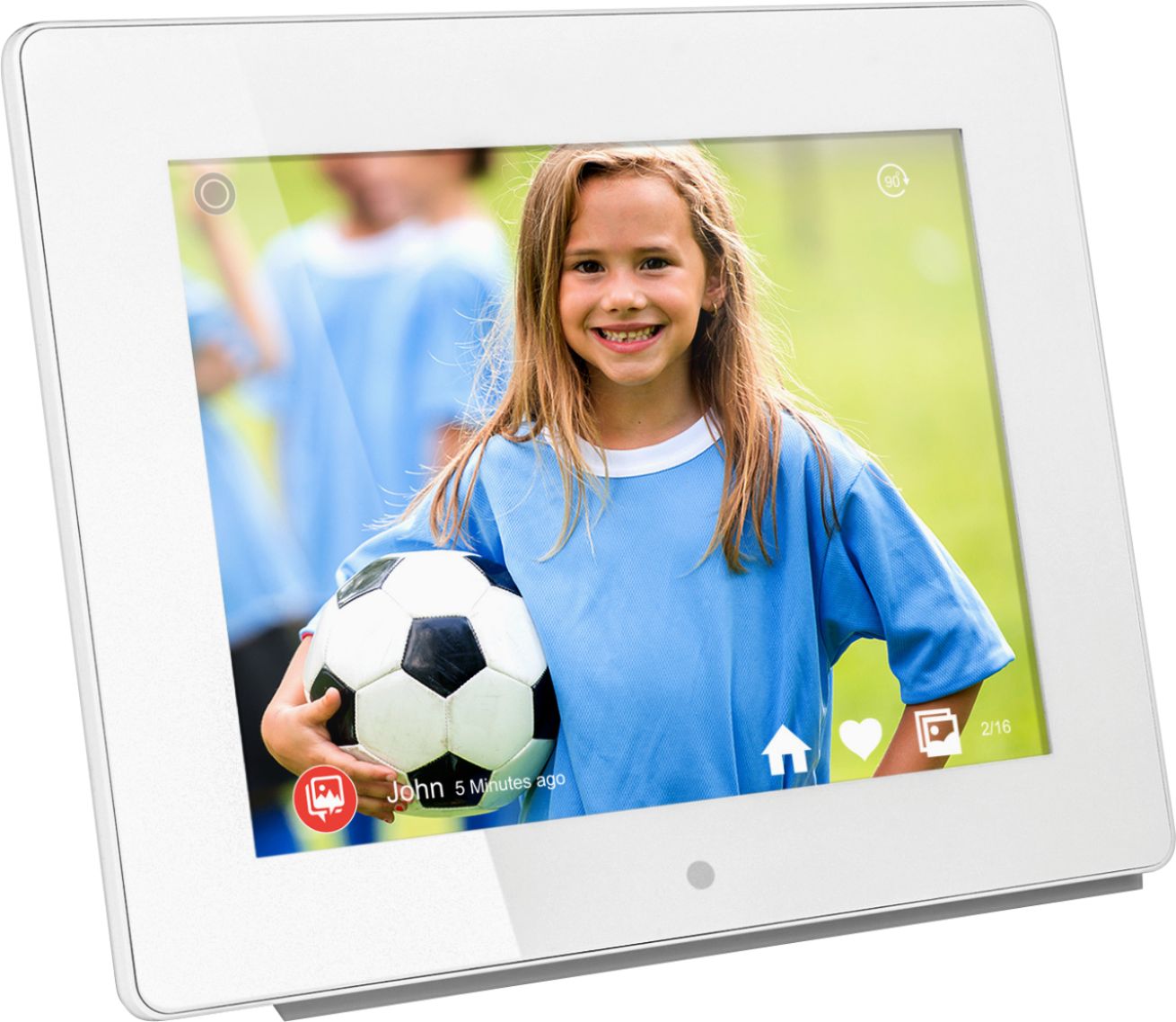
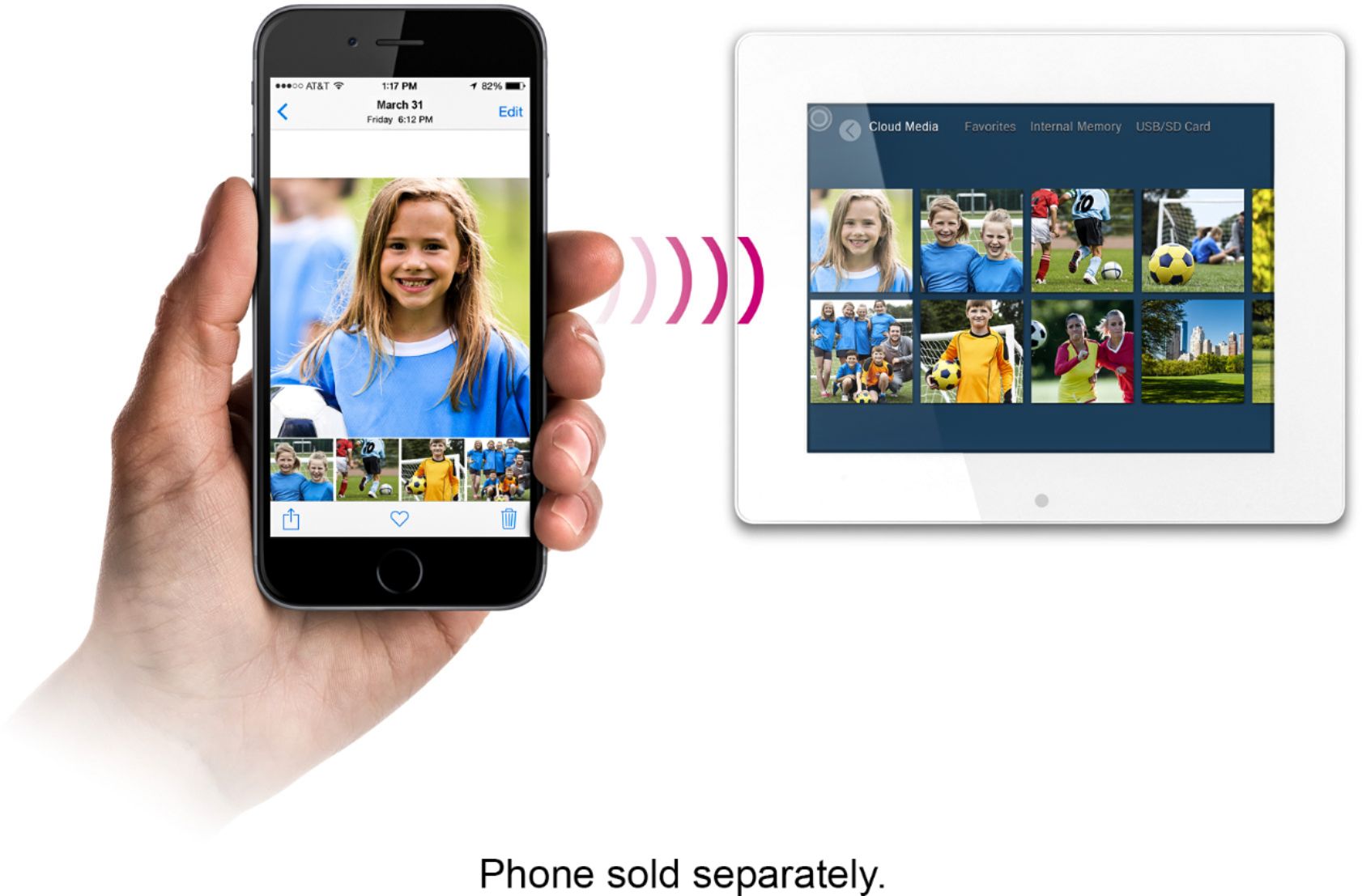
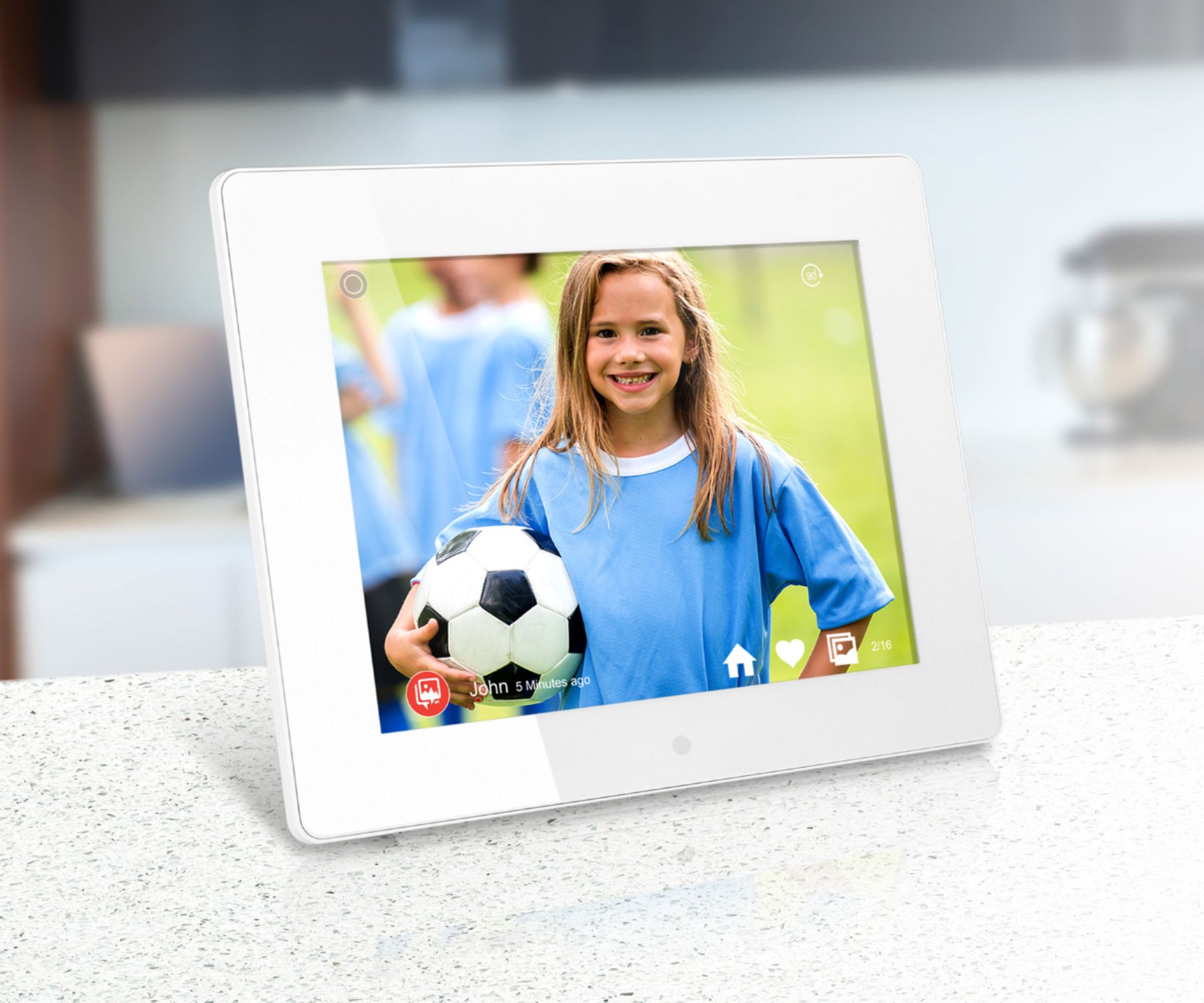
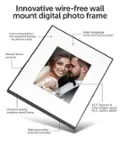
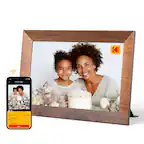
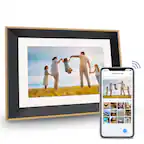
A:AnswerYes you can send pictures (or videos) directly to the frame from anywhere in the world thru your smartphone/tablet/computer. You can also personalize the pictures by adding captions to them for Ex. If you are in Hawaii and you want to instantly send pictures back to your loved ones you would take the picture on your smartphone then write "Aloha from Hawaii wish you were here!" then press send. Your picture and personal message will be delivered to the frame within seconds. The recipient will get notified that there is a new picture for them to view.
There is no need to load pics to use the frame but that is also an option.
A:AnswerYes, this unit can play .avi or .mp4 video. Make sure the video is scaled down to the resolution of the frame. But short of that those file formats will work.
A:AnswerThis is the AWDMPF8BB WIFI Frame. Whoever the first person is that sets up this frame is the primary user. All other users that bind to the frame are additional users. They setup slightly different. When the frame is connected to WIFI (2.4G WIFI, not 5G) then other bound users can send photos. So the frame can do what you are suggesting. Send a note to support@aluratek.com for specific tutorials on how to setup beyond just the first person. We are glad to help.
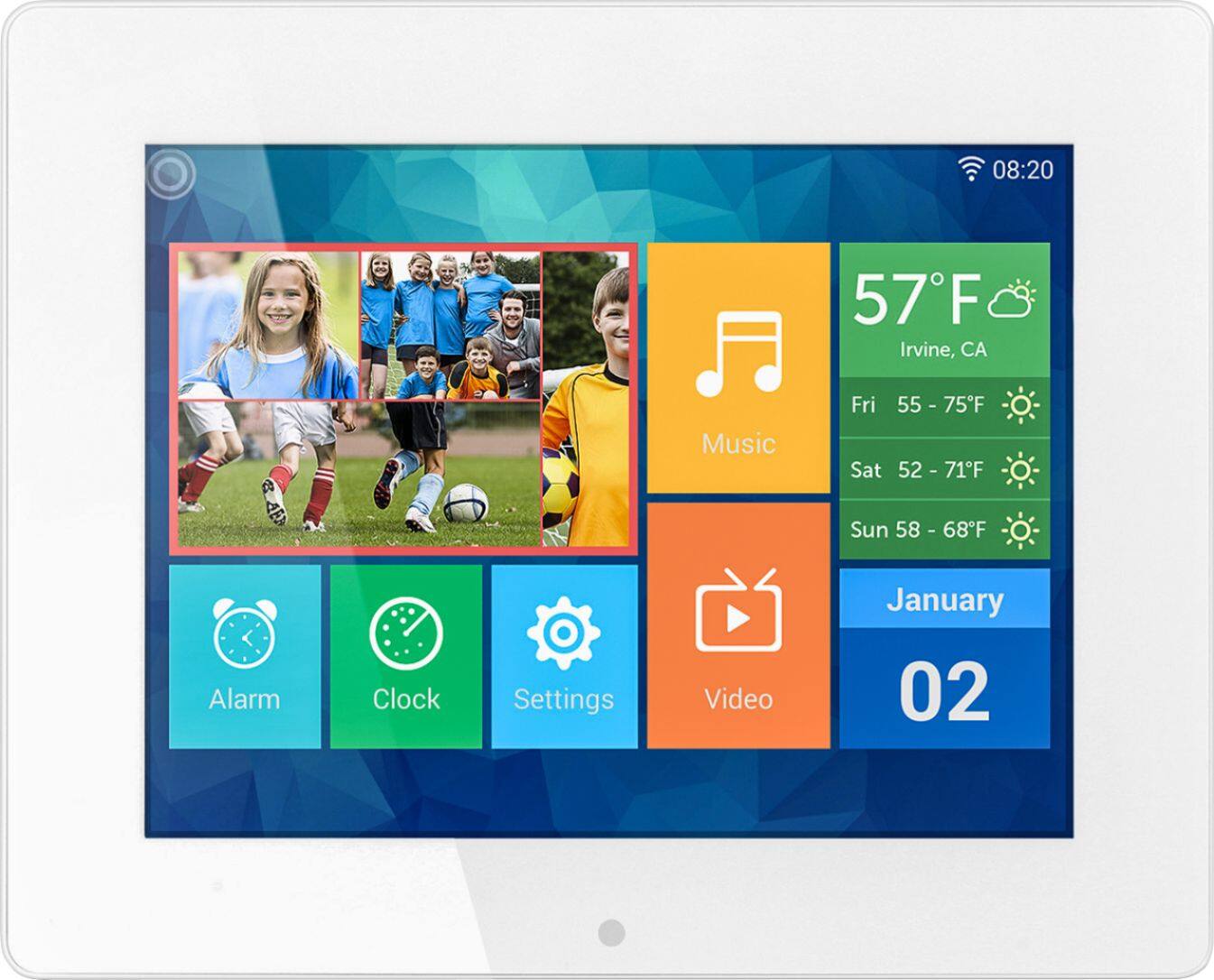
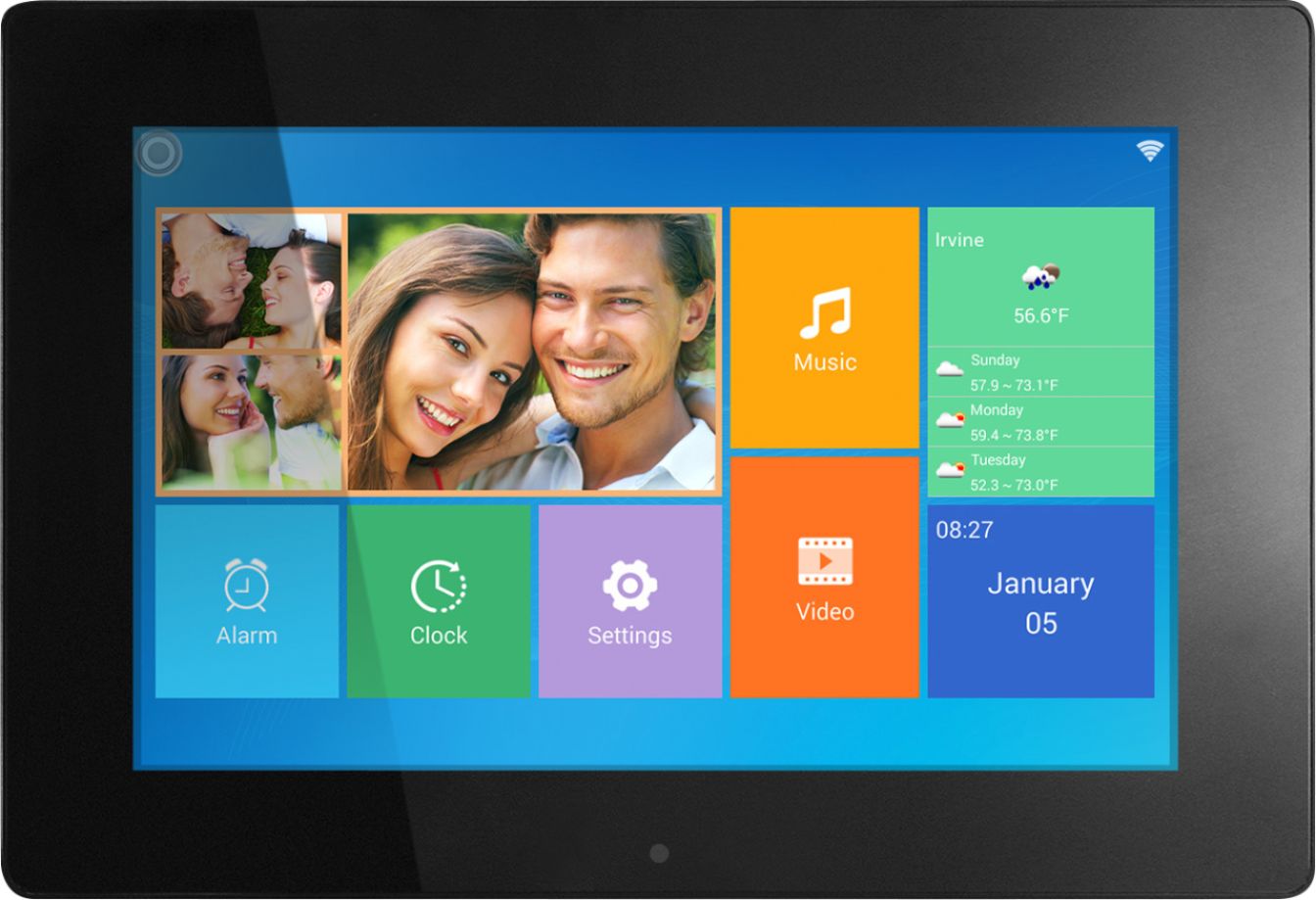
A:AnswerYes the frame supports Photo's, Music, Video's. You can send your photo's or video's remotely from anywhere in the world with an internet connection instantly to the wifi frame.