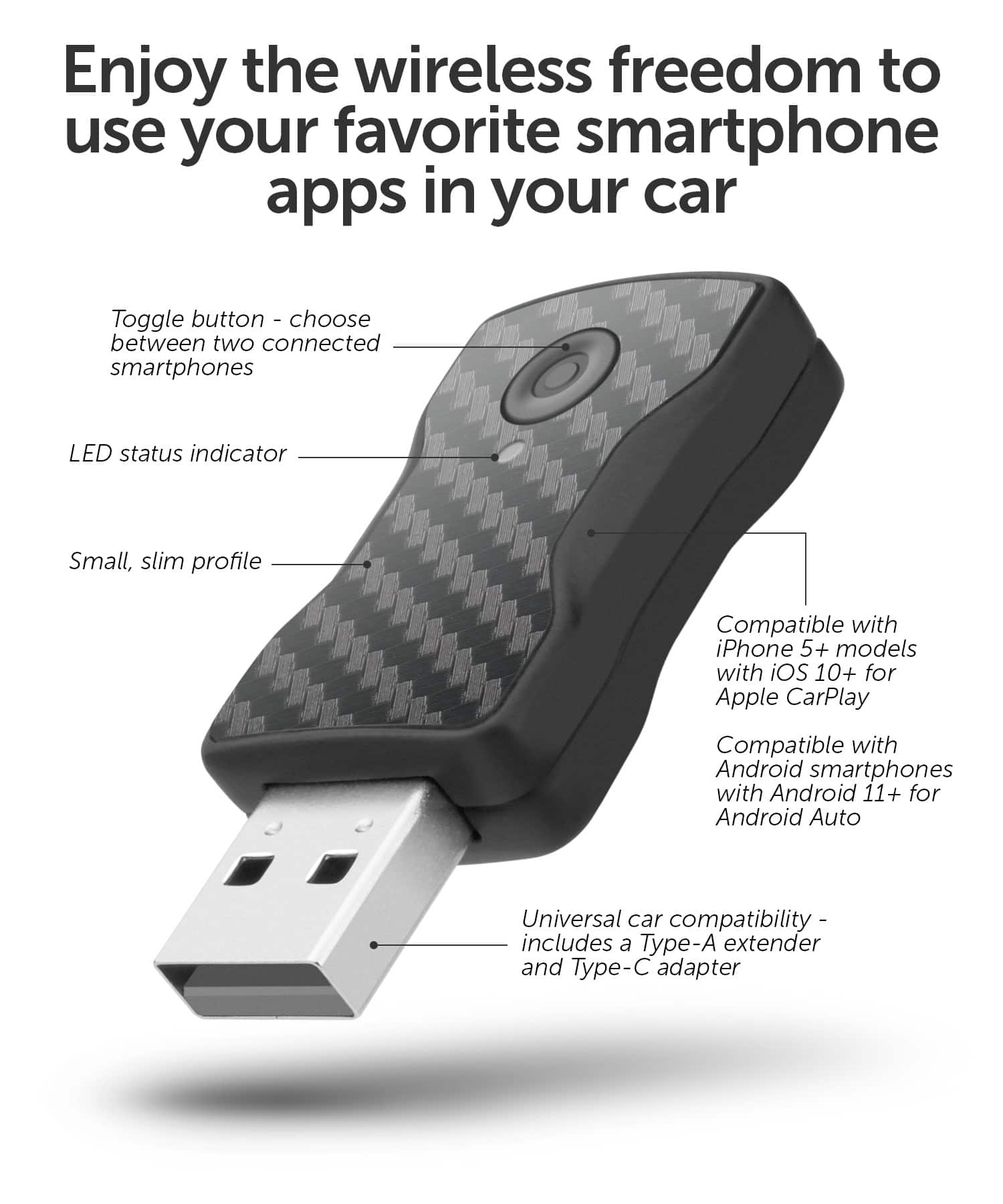
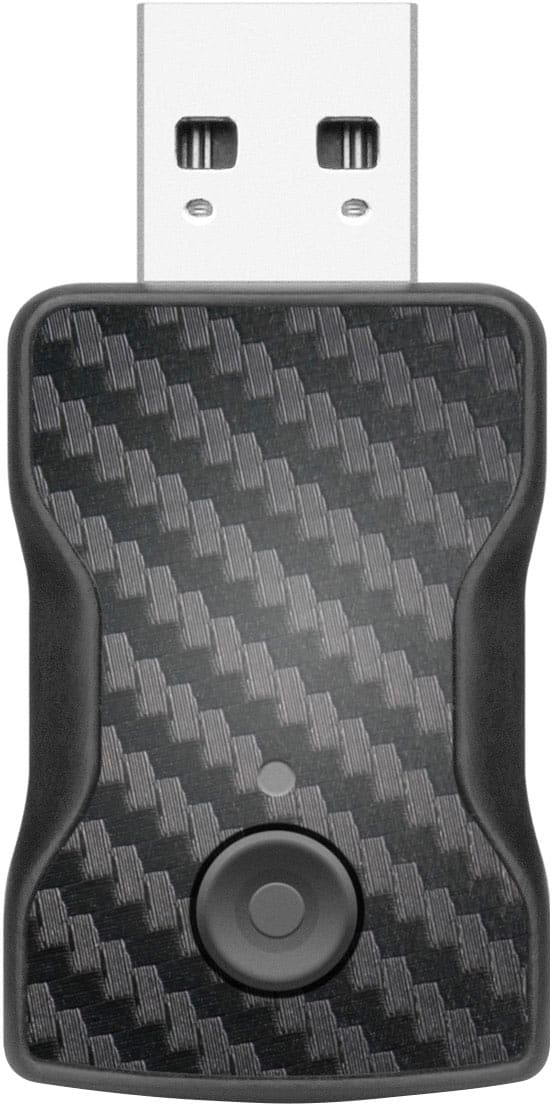
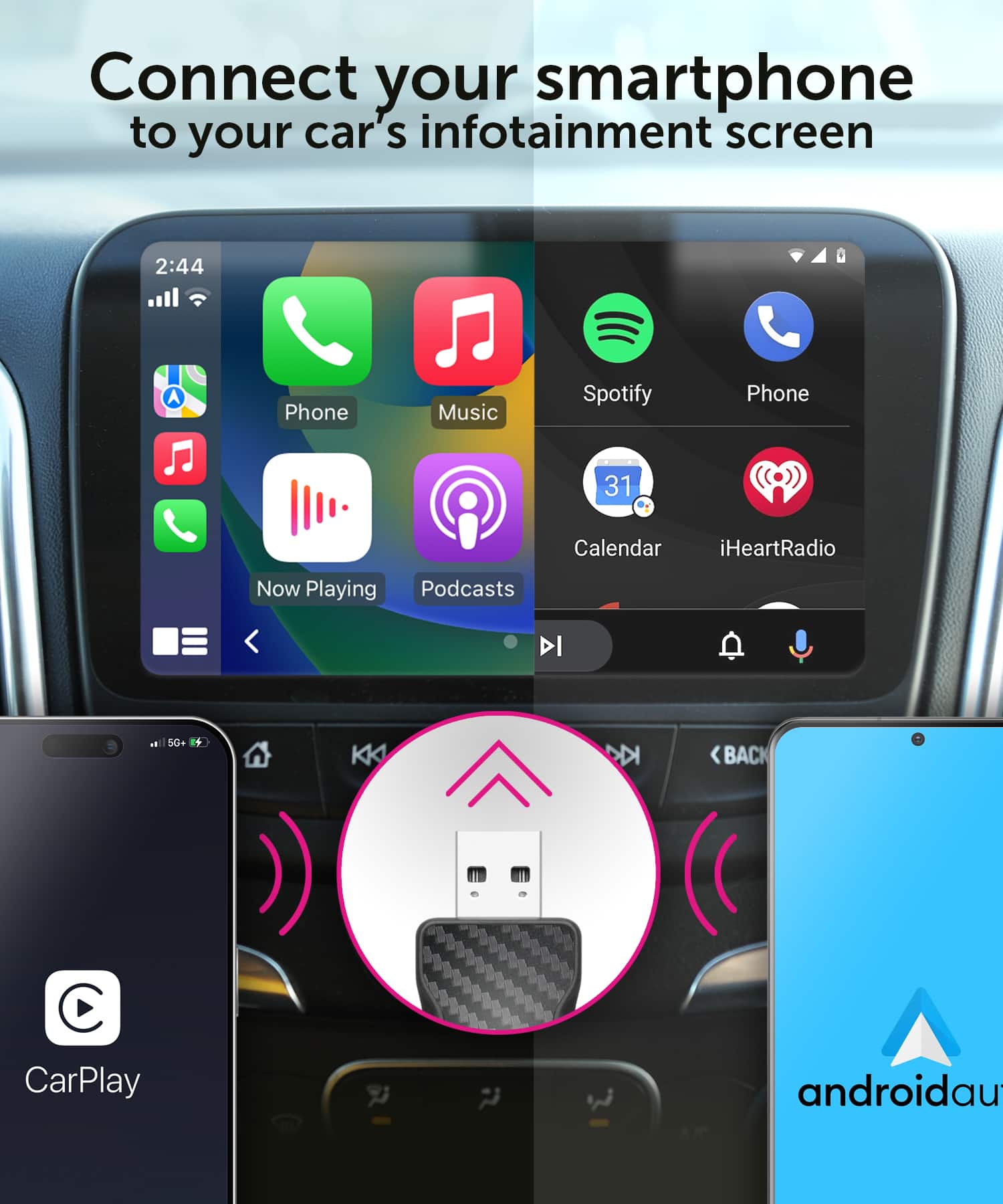
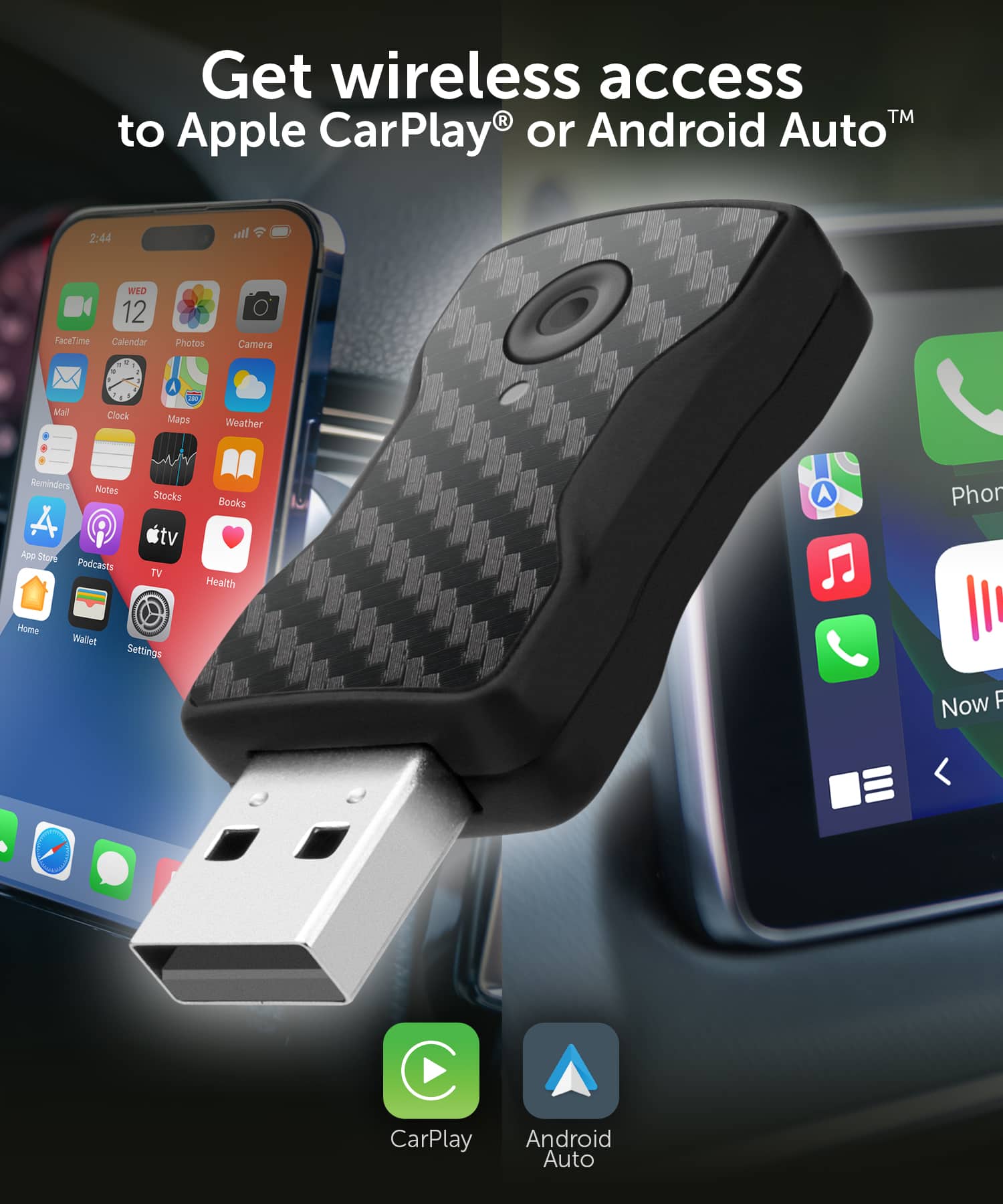
A:AnswerYou can try to reset the unit and also try to disconnect your connection and pair to the device again. There is a chance the hand-shake connection made by the adapter and phone is not strong or using different Bluetooth profiles. If the problem persists then take it back before it's too late.
A:AnswerOnly 1 phone can connect at a time. That phone will then have control of the audio to the car. You can disconnect that phone and when you connect a different phone simply make sure Bluetooth is turned off on the first phone so the adapter doesn't grab that one first. Now the second phone can pair via Bluetooth easily.
A:AnswerIf your vehicle has the Android or Apple icon showing on the stereo front panel then most likely these will work well. Be sure to test the unit once purchased if you are not sure. Contact [email protected] if you have any questions.
A:AnswerIf your vehicle has the Android or Apple icon showing on the stereo front panel then most likely these will work well. Contact [email protected] if you have any questions.
A:AnswerIt just depends on whether your vehicle already has the Apple or Android icons built into the stereo. If they are not there (when no phone is connected via USB) then chances are this may not work. Give it a try and test it quickly so you can return if the unit does not work. You connect to the adapter via Bluetooth from your phone. If you have further questions just contact [email protected].
A:AnswerIf you already have built in apps for audio, maps and phone then you may not need the adapter. If Apple Car Play's icon is already showing on your vehicle then the adapter will work but will use the phone's system for maps, audio and cellular and not your vehicle.
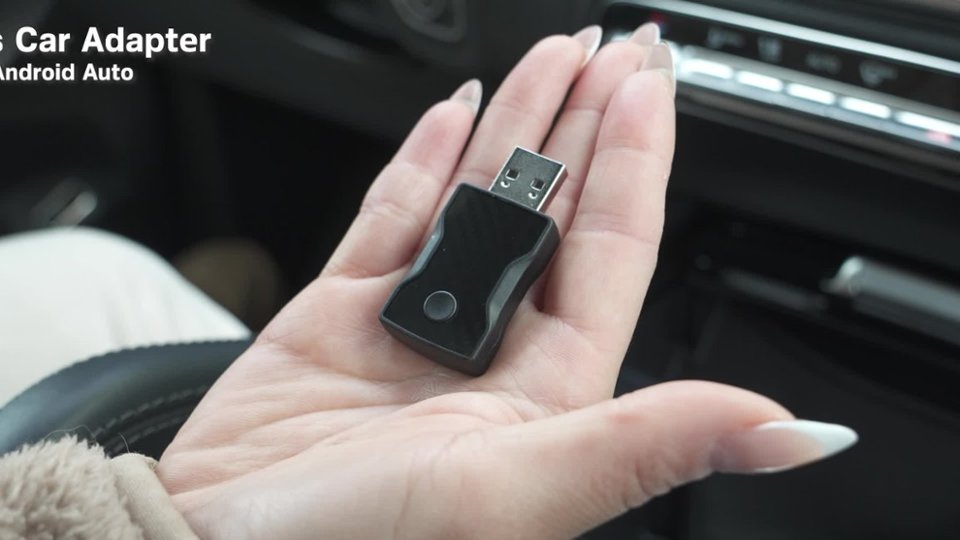
A:AnswerNo, this unit simply lets your phone send audio to the vehicle without a USB cable needed. But only audio can be transmitted via Bluetooth at present. In the future BT may be able to handle video, but for now it is just audio.
A:AnswerIt may. If the vehicle was built between 2015 and 2025 and has the Apple or Android icons showing on the stereo, even if the phone or tablet is not connected via USB, then the unit should work. Sometimes you have to check your hands-free calling settings and other settings for 3rd party devices. Be sure to test the unit quickly. Contact [email protected] if you need some help.
A:AnswerThe vehicles with the most compatibility are going to be those built from 2015 to 2025. Anything before that will not have the Apple or Android software on the vehicle to make the connection.
A:AnswerThis depends on how the stereo was manufactured in the vehicle. If the icon for Apple CarPlay is built into the stereo even when the phone is not plugged in via USB then this should work really well. But it could work well if the icon is not there and may just depend on how hands free wireless Bluetooth was setup. Some vehicles may not have the icon but may have a setting for wireless Bluetooth to phone. The best thing to do is test the unit if you do purchase one. Test it immediately and call for support if you need to. You can always take the unit back within the first 2 weeks.
A:AnswerIt may work really well. If the CarPlay or Android Auto icon on your car stereo does not show even when directly connected via USB then the adapter may not work. But each car stereo varies depending on Bluetooth integration so it is best to test the unit immediately. Contact [email protected] if you need further assistance.
A:AnswerIt should work really well, but you may have to test the unit. With some car stereos the unit may not come with the icons pre-setup for Android Auto or Apple CarPlay. In those cases the unit sometimes needs the high speed USB connection so the stereo can grab info off the phone. In these cases the Aluratek adapter may not work. So be sure to test things as soon as you get the device.
A:AnswerMake sure you have a correct "data" cable. It won't work with just a charger cable.
This device should work but we have a 2018 Ram. We had the wrong cable to strat with.