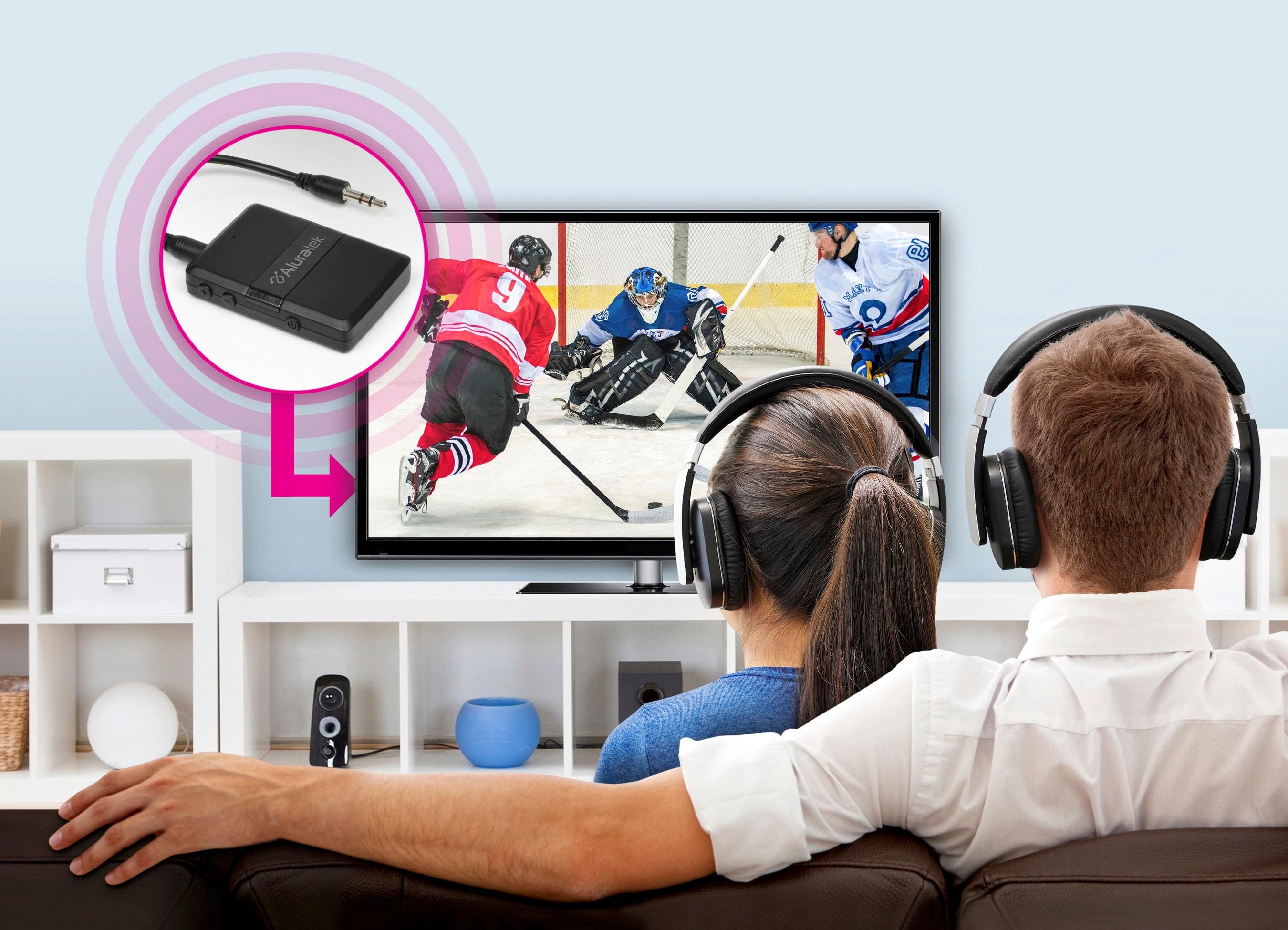
A:AnswerQuite an odd problem you have going on. I have to wonder if it has something to do with the bluetooth headphones you are using. If they are an older pair yes they should be backwards compatible. I have to wonder if that is causing the delay. If you are coming directly out of the television and not running through any other equipment you should have a good sync. I have not experienced any problems like that. You may have a problem with that particular unit. Now there is a difference between Optical cable vs RCA. You can buy a delay switch to sync perfectly. When younger I liked listening to the radio when Caywood called the bsketball games. You need one of those switches now because the radio signal hits quicker than the television. They must run television through a delay in accordance with FCC regulations now in today's world.
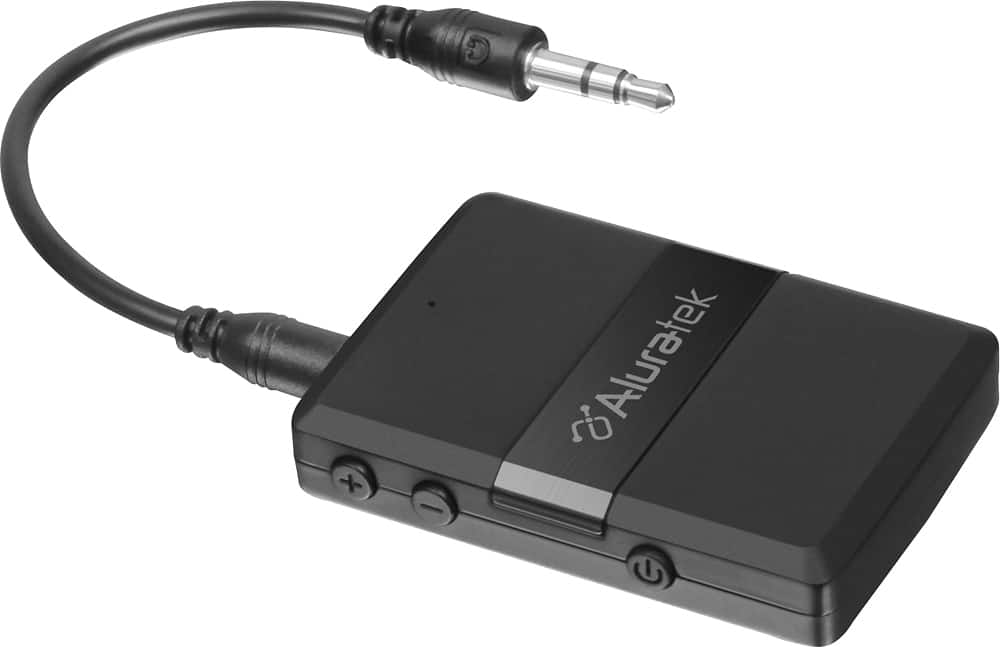
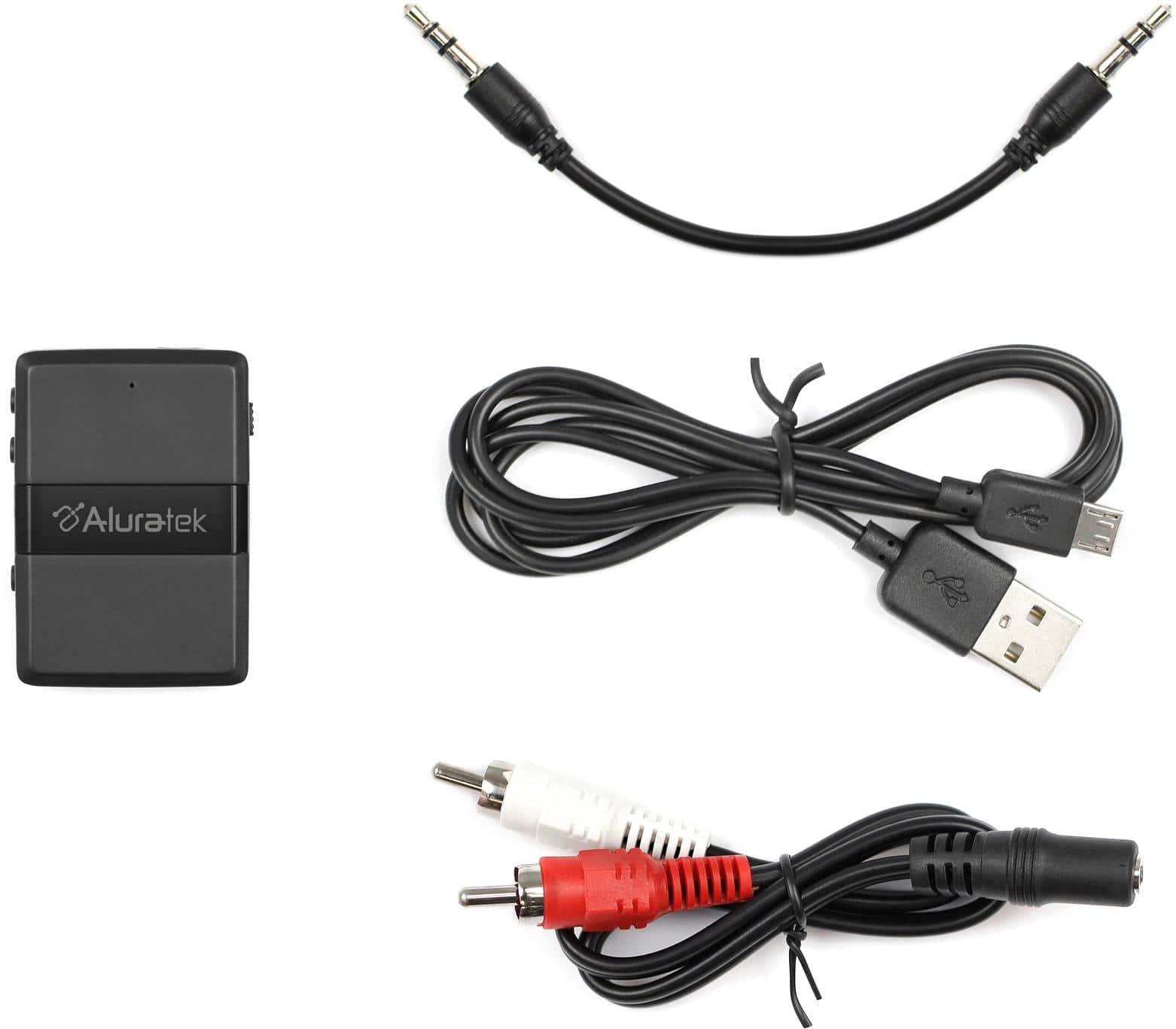
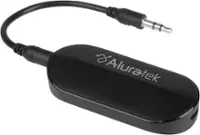
A:AnswerIt will transmit and receive signals from Bluetooth enabled devices allowing you to connect legacy (anolog devices) with the “provided“ 1/8” and white/red stereo/RCA type connections!! Definitely a handy device!!
A:AnswerIt will transmit and receive signals from Bluetooth enabled devices allowing you to connect legacy (anolog devices) with the “provided“ 1/8” and white/red stereo/RCA type connections!! Definitely a handy device!! Sound quality is only compromised by wireless interference in the area and connection/or extensions or additional adapters.
A:AnswerI was unable to connect a cd player through this device to my 2020 Ford Explorer ST. It will pair via Bluetooth to the Explorer, but will not allow the selection in the paired Bluetooth audio device list to connect for the audio output from the 3.5mm line out from the cd player. Frustrated.
A:AnswerIt will transmit and receive signals from Bluetooth enabled devices allowing you to connect legacy (anolog devices) with the “provided“ 1/8” and white/red stereo/RCA type connections!! Definitely a handy device!!
A:Answerbought this to connect my bose wireless head phones to my receiver. used an adapter to connect the 3.5mm connector to the headphone jack on the receiver. its difficult to pair
A:AnswerIt will transmit and receive signals from Bluetooth enabled devices allowing you to connect legacy (anolog devices) with the “provided“ 1/8” and white/red stereo/RCA type connections!! Definitely a handy device!!
A:AnswerIt should. This device will transmit and receive signals from Bluetooth enabled devices allowing you to connect legacy (anolog devices) with the “provided“ 1/8” and white/red stereo/RCA type connections!! Definitely a handy device!!
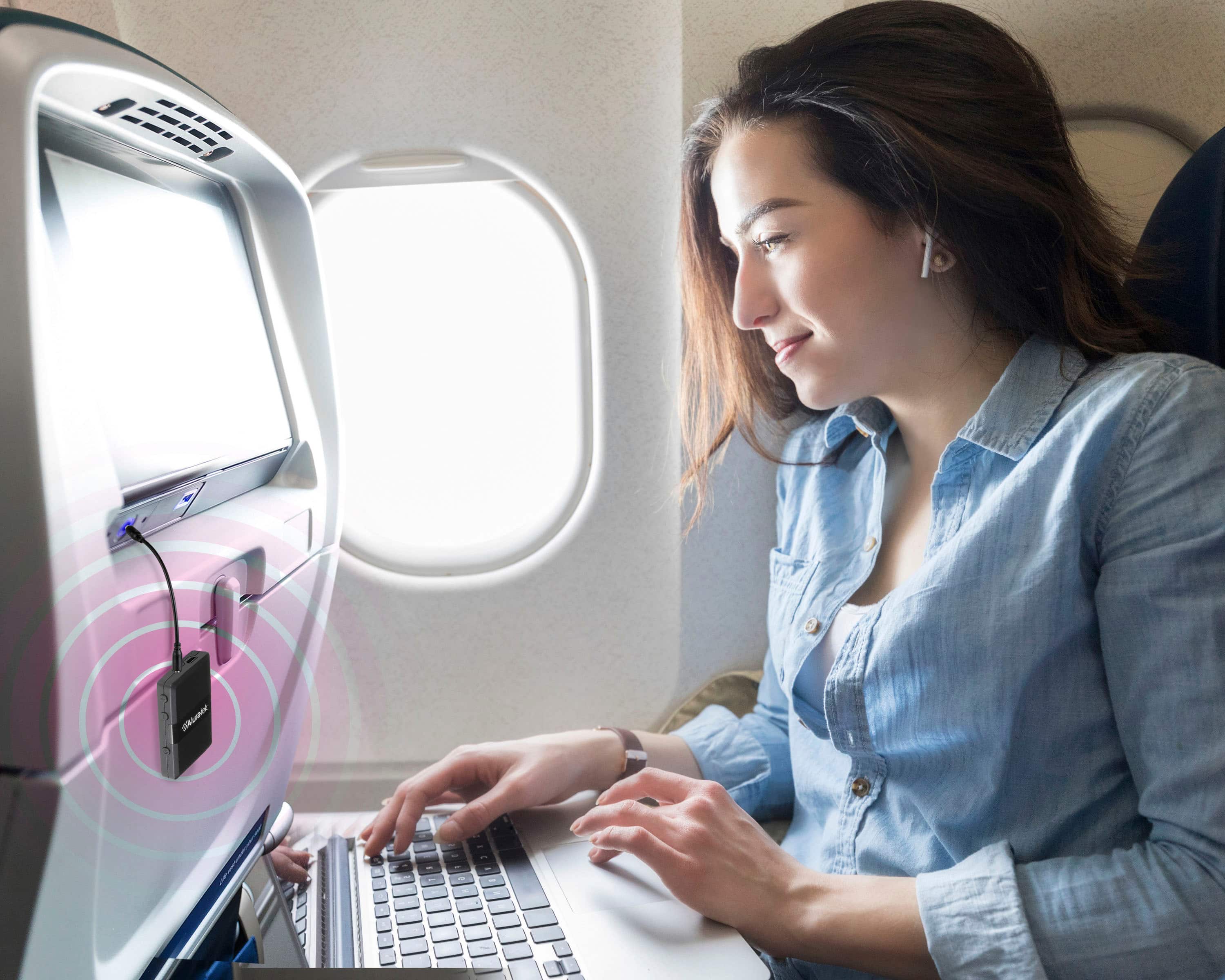
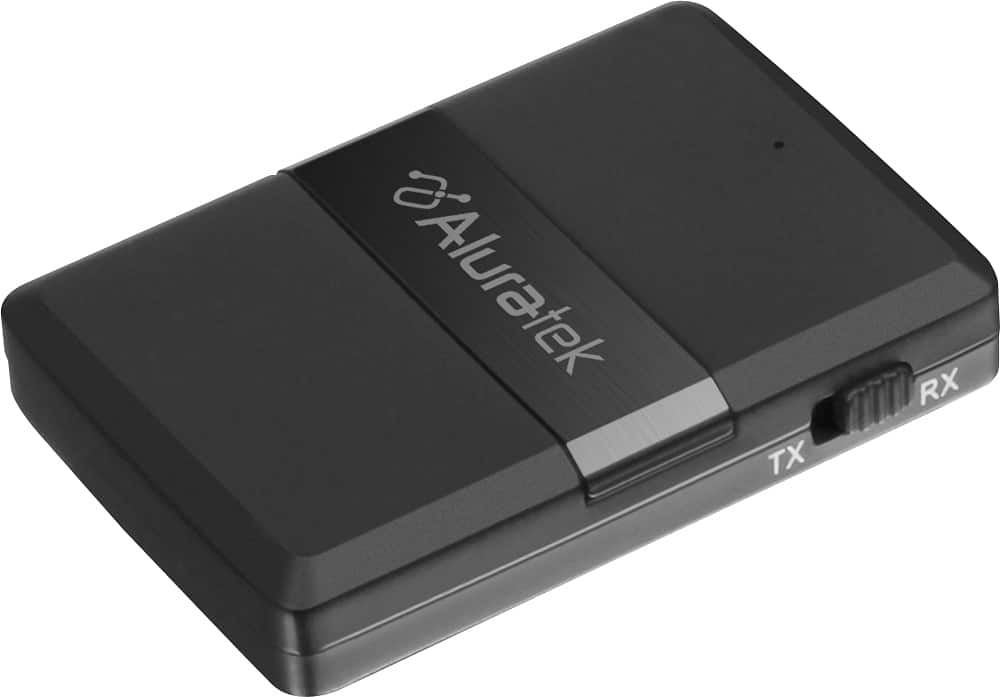
A:AnswerYes this device should be able to do what you are asking. It is a Bluetooth transmitter so it will create a Bluetooth signal and transmit your music from your MP3 player. The bigger question is will your cars system recognize it. The systems in older cars are not designed to work like you want, my 2007 Lexus is great at using Bluetooth to talk on my phone but won’t connect to other Bluetooth devices. So in short your car has to be capable.
A:AnswerRemembers up to 4 paired devices
Stream up to two devices simultaneously (transmitter mode only)
From the online data.
It says it will two at the same time. I have not done that.
I run one Sony extra base speaker from my big screen.