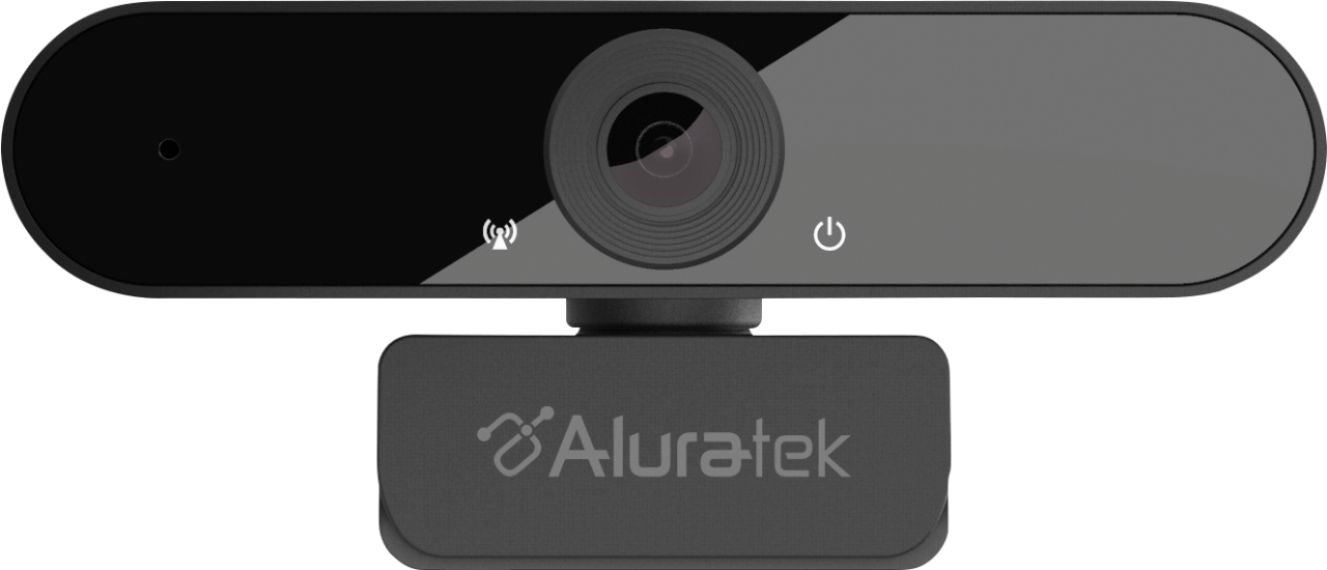
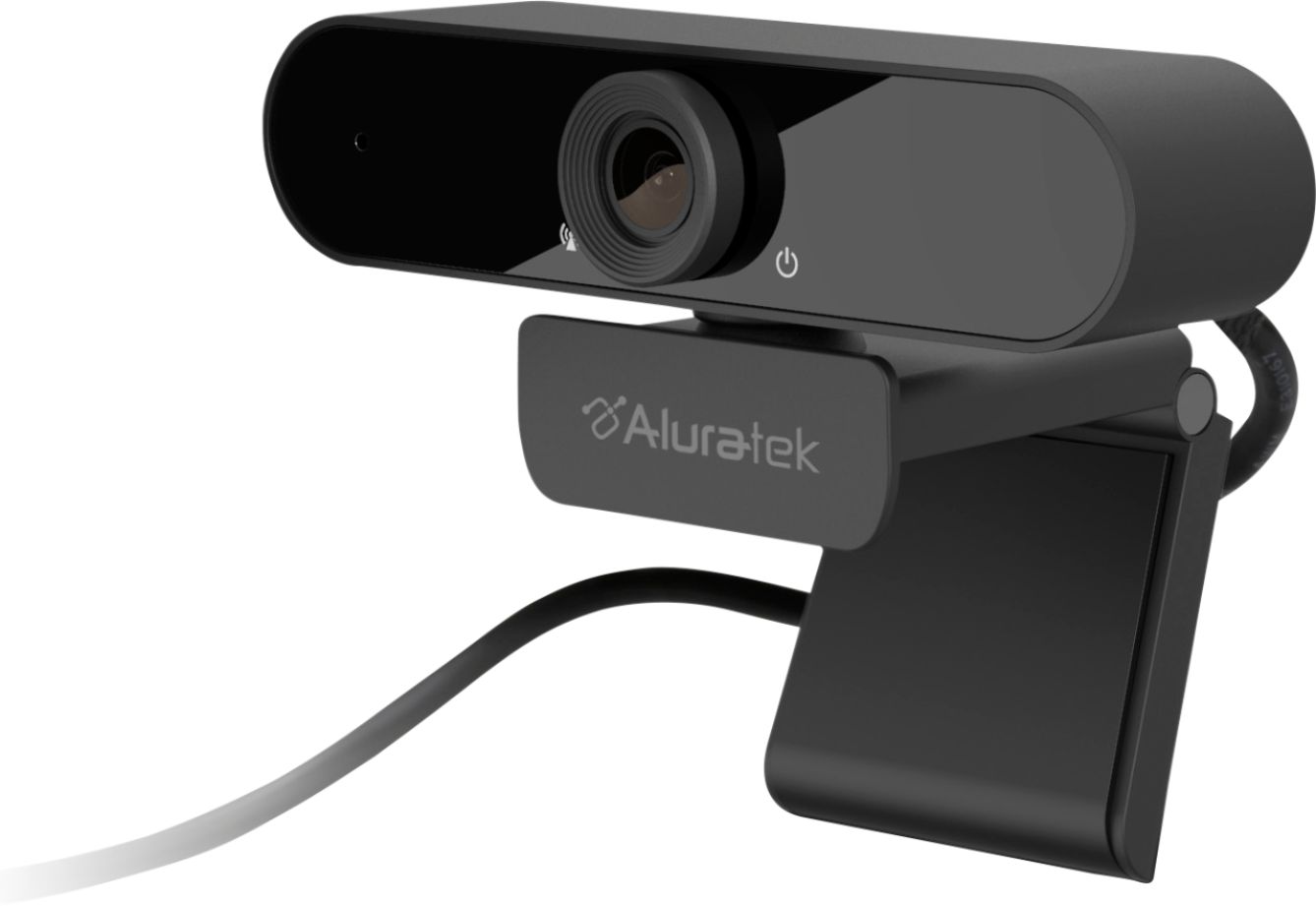
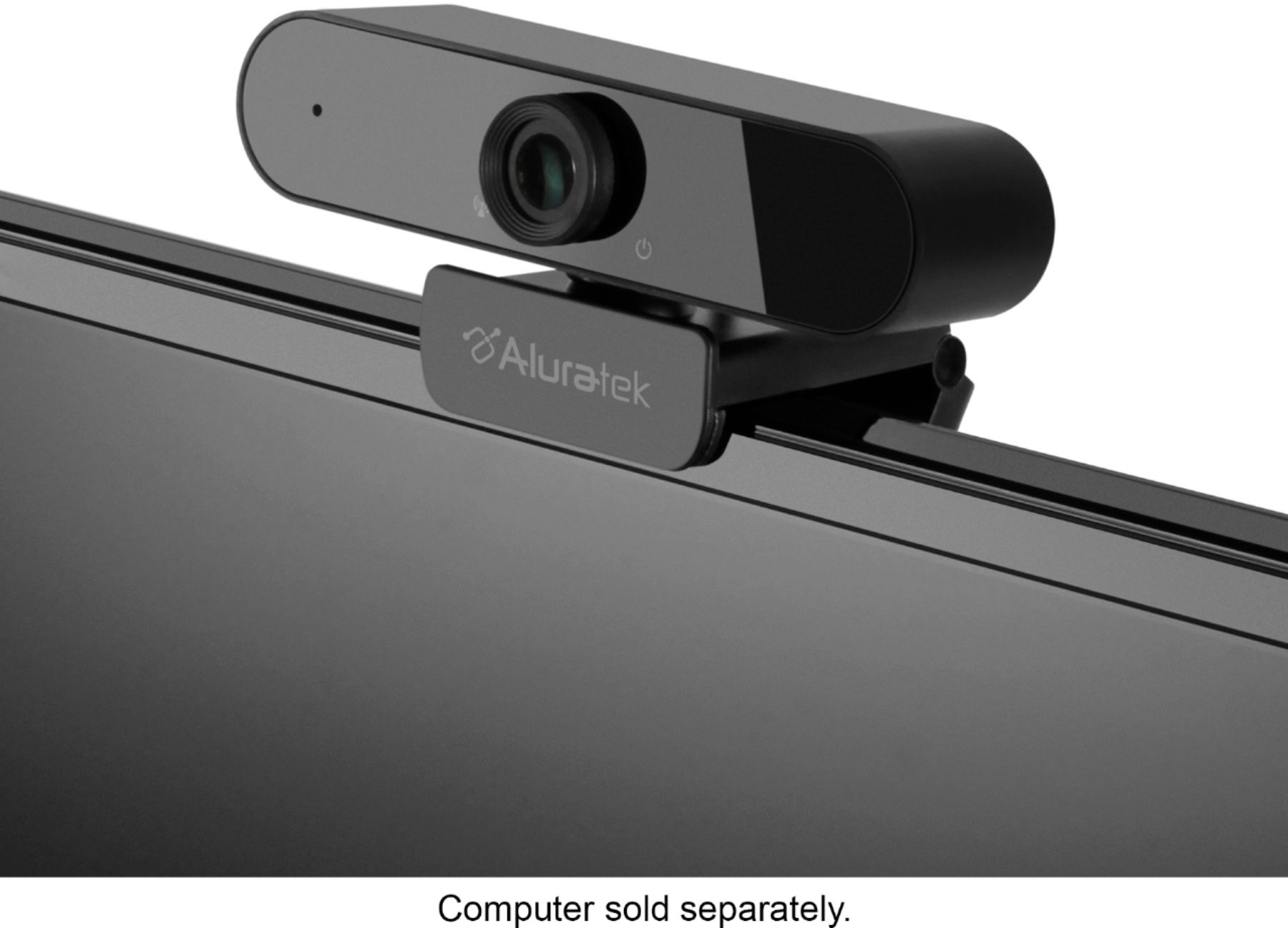
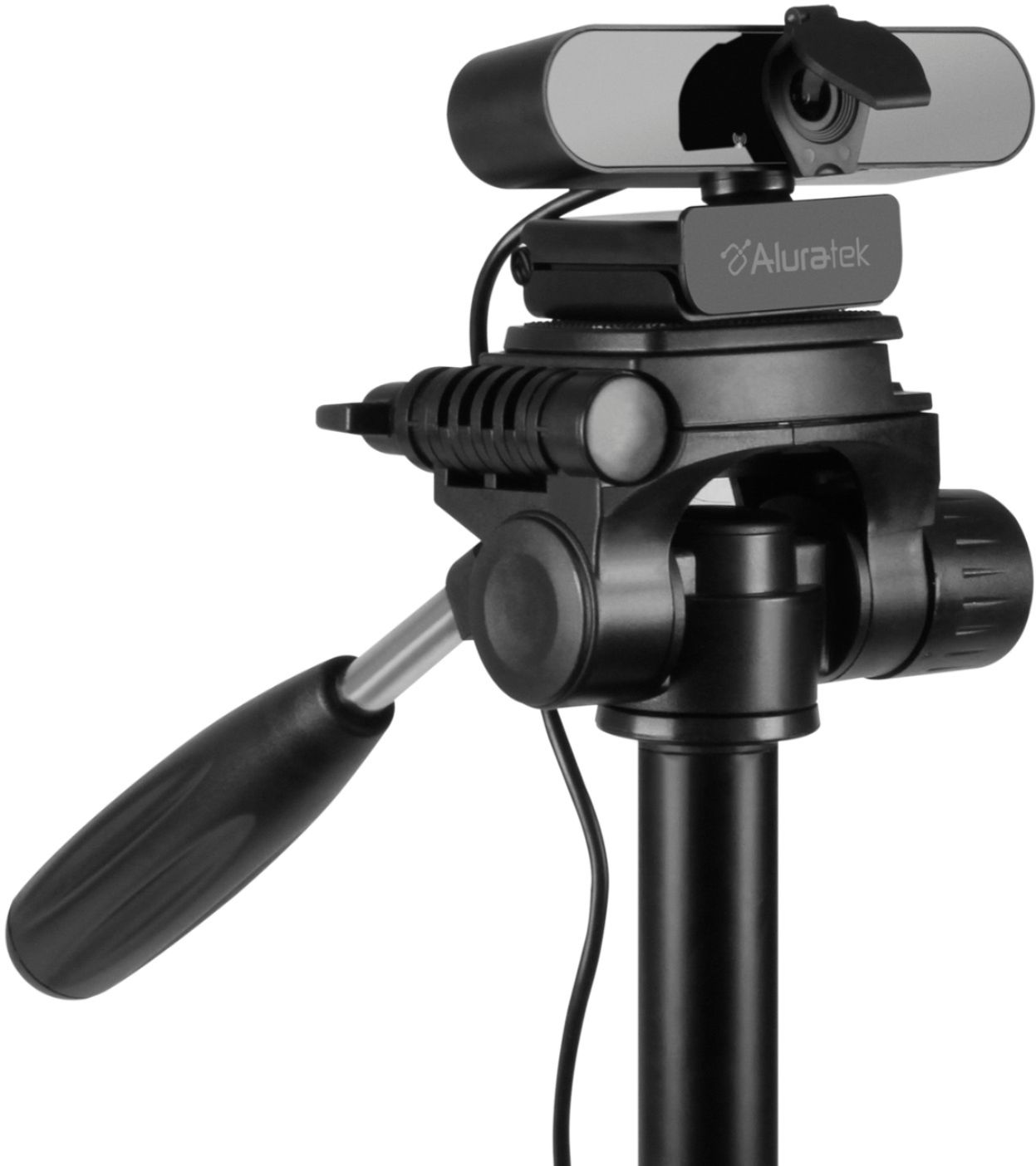
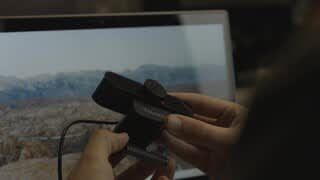
A:AnswerPlease try to manually turn the lens to focus. This is a manual focus webcam and perhaps when you added or removed the lens cover it affected the focus a bit.
A:AnswerGive us a call and we can help you. 866-580-1978 opt 2. Usually, when this happens your default microphone is still on and causing interference.
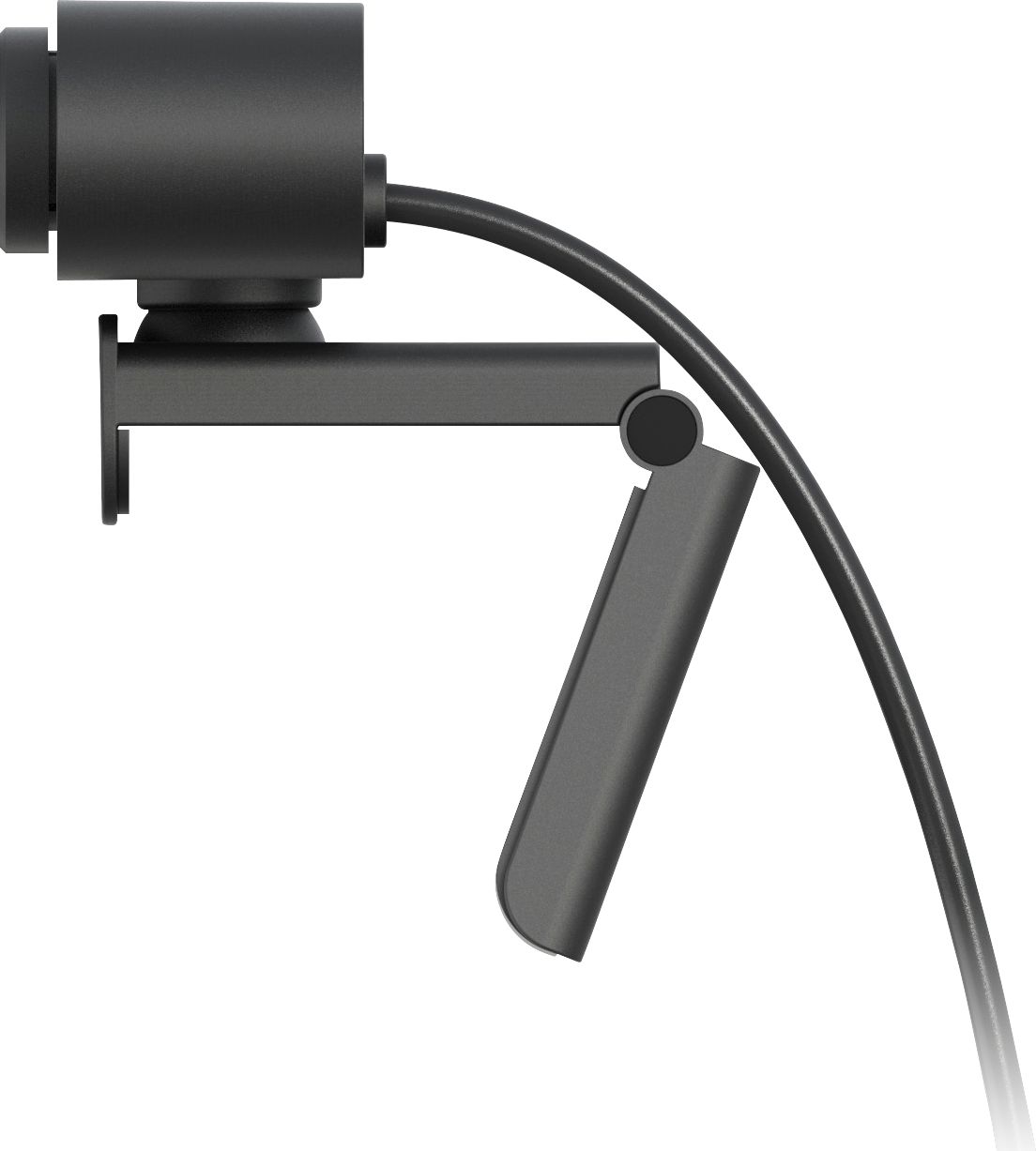
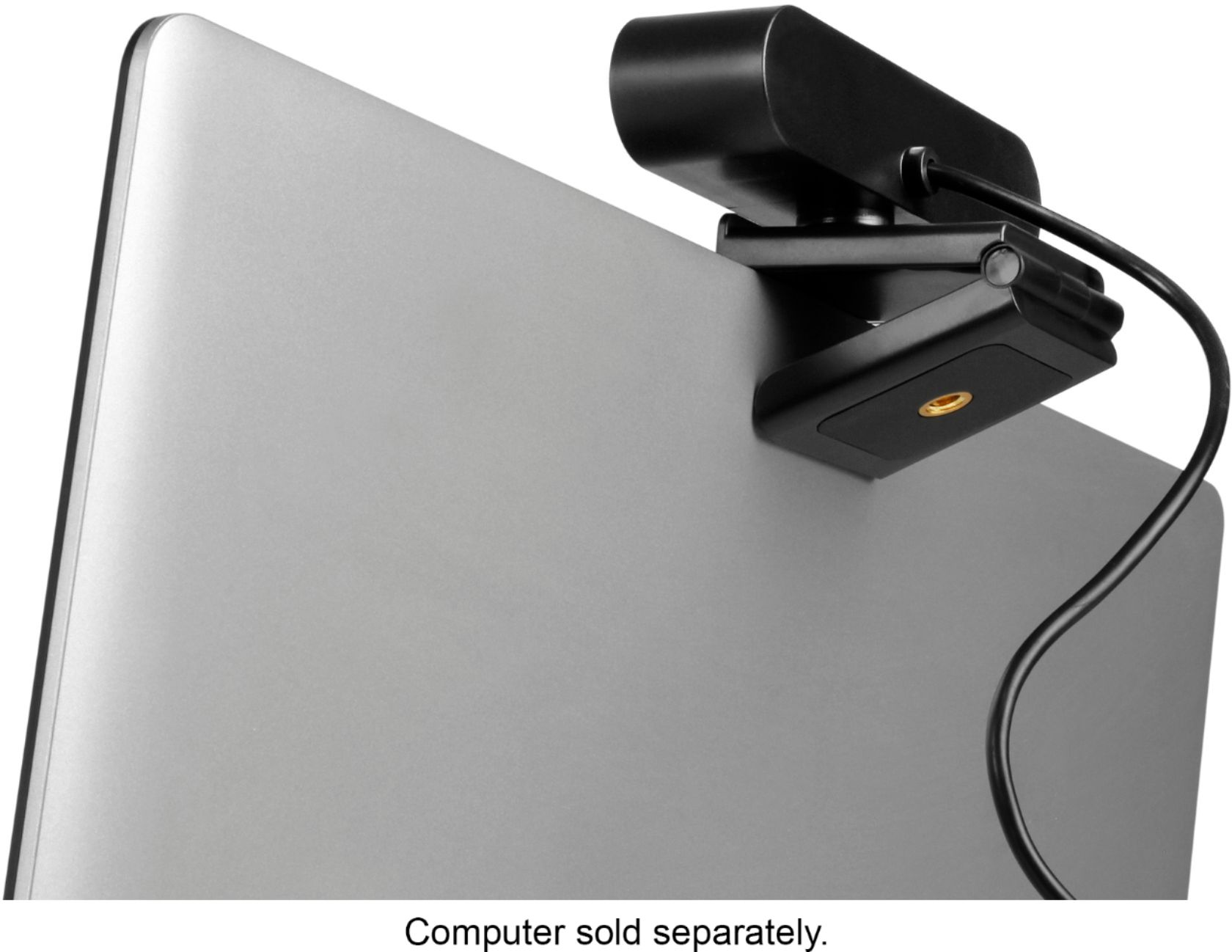
A:AnswerYes, you can use this camera and replace your built in mic & camera. In the video conferencing software you use you will just select the new camera as the video and mic option. Camera is completely plug and play. The only software you need is something like Zoom, Teams, Skype etc.
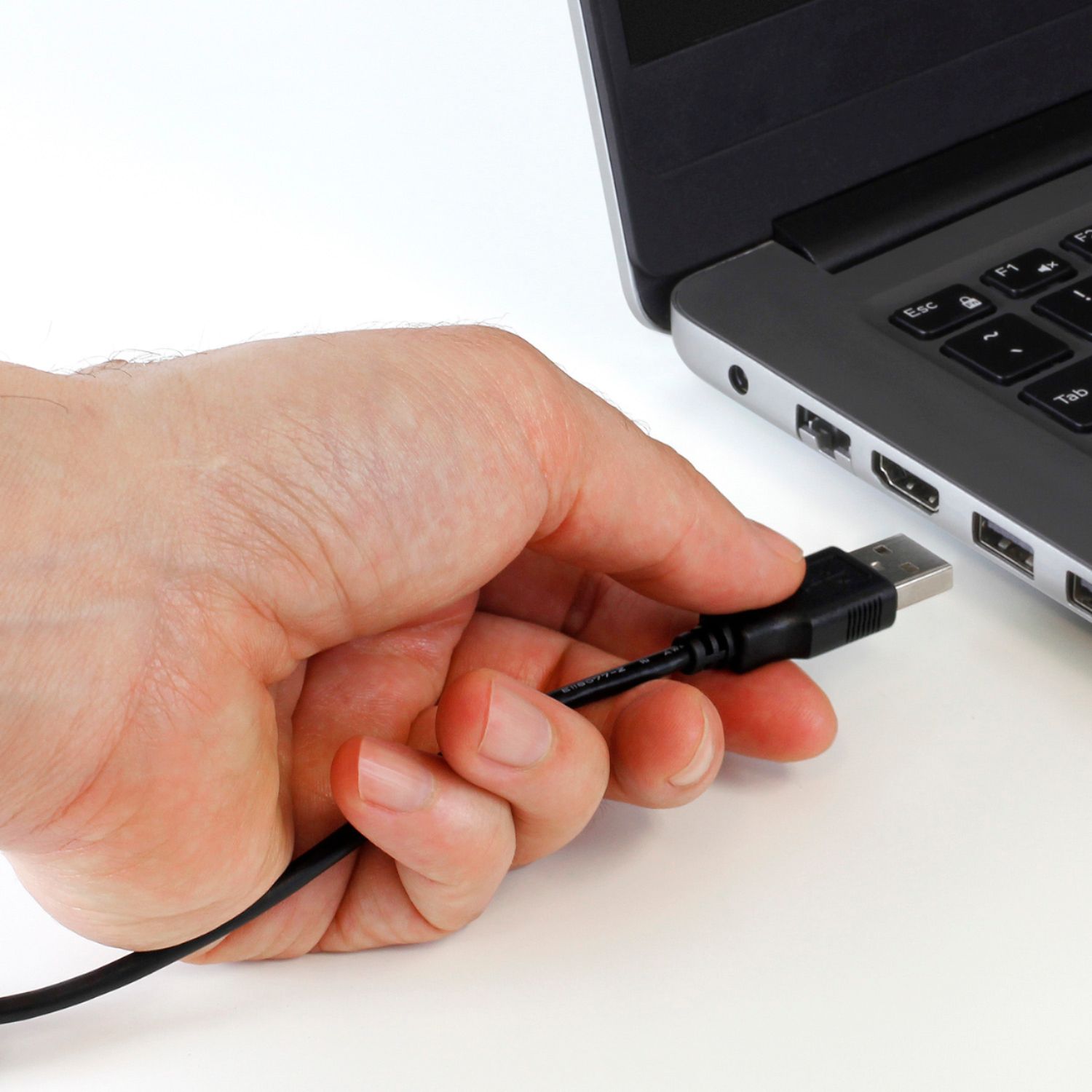
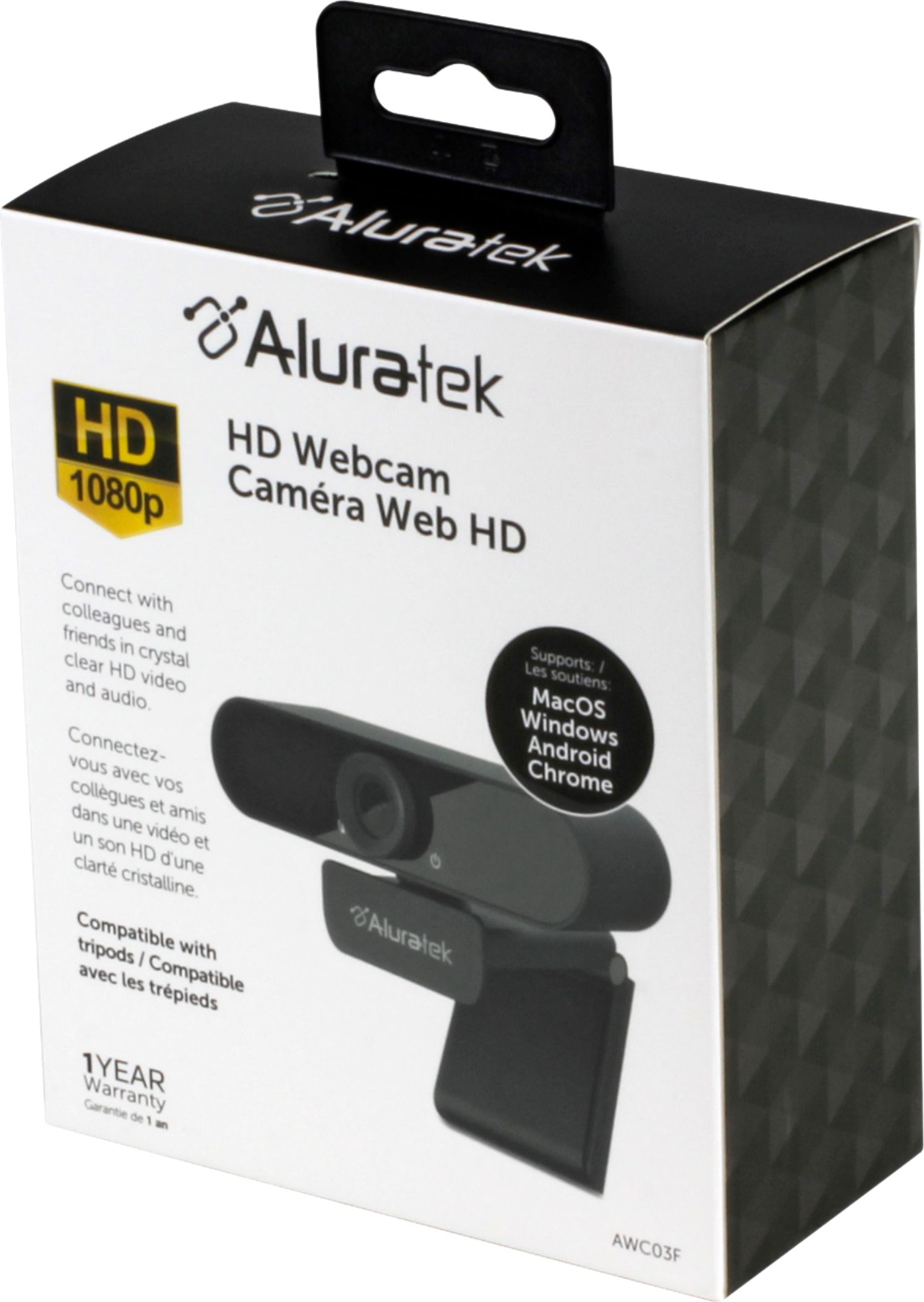
A:AnswerThe box states system requirements windows XP, 7, 8 and 10. Nothing to D/L. Just plug it in, the computer recognizes it, enable it, and use. Very easy