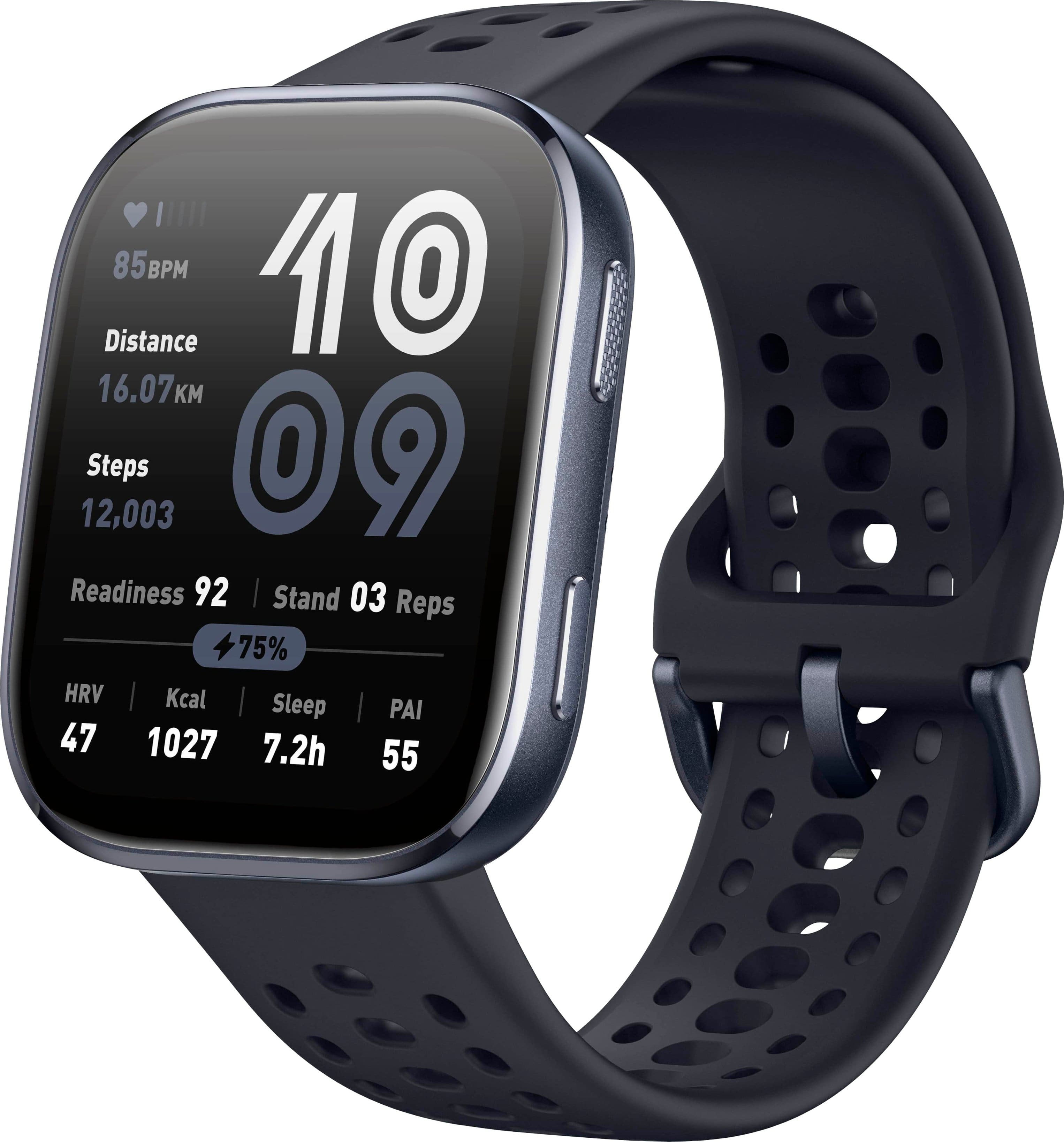
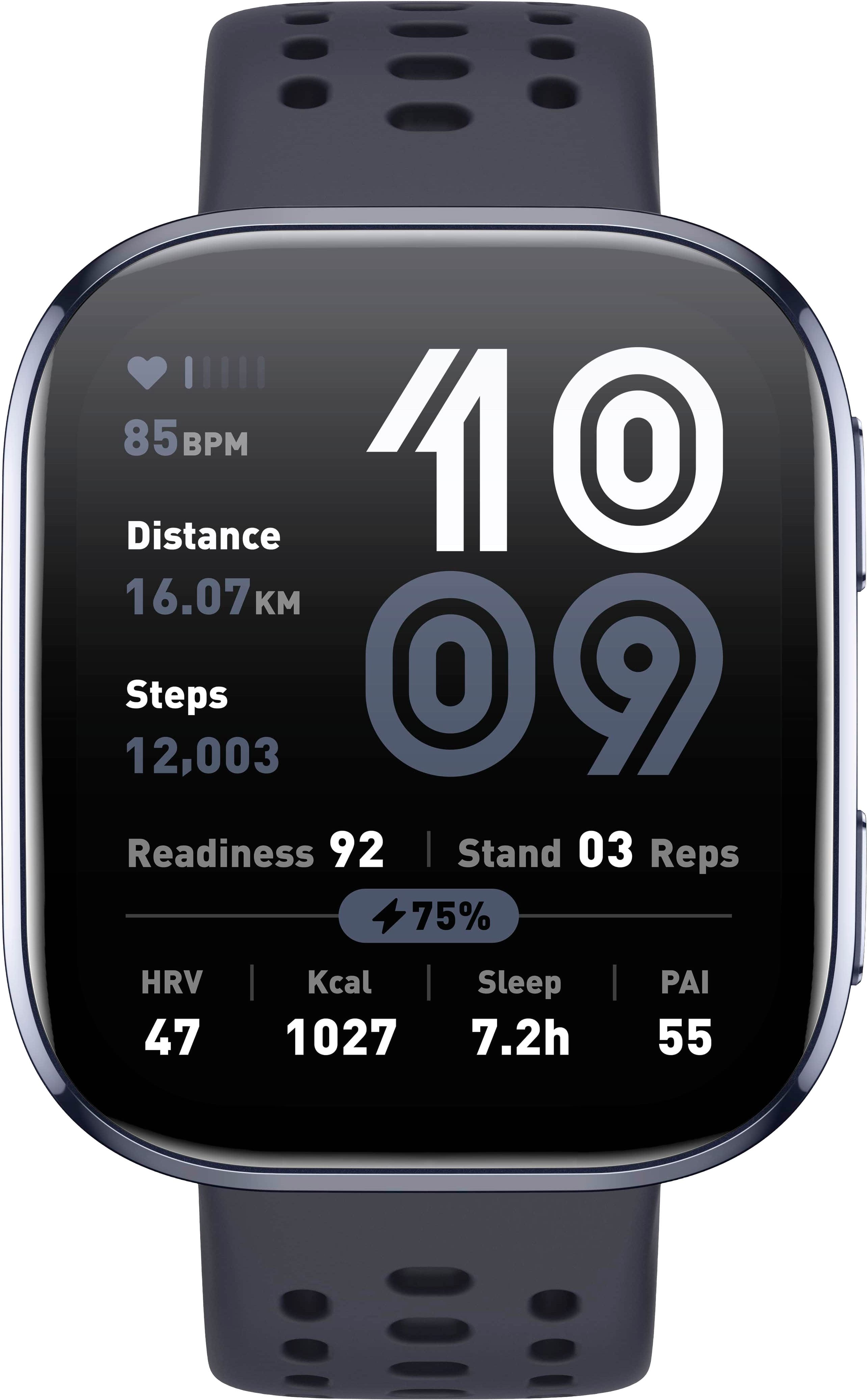
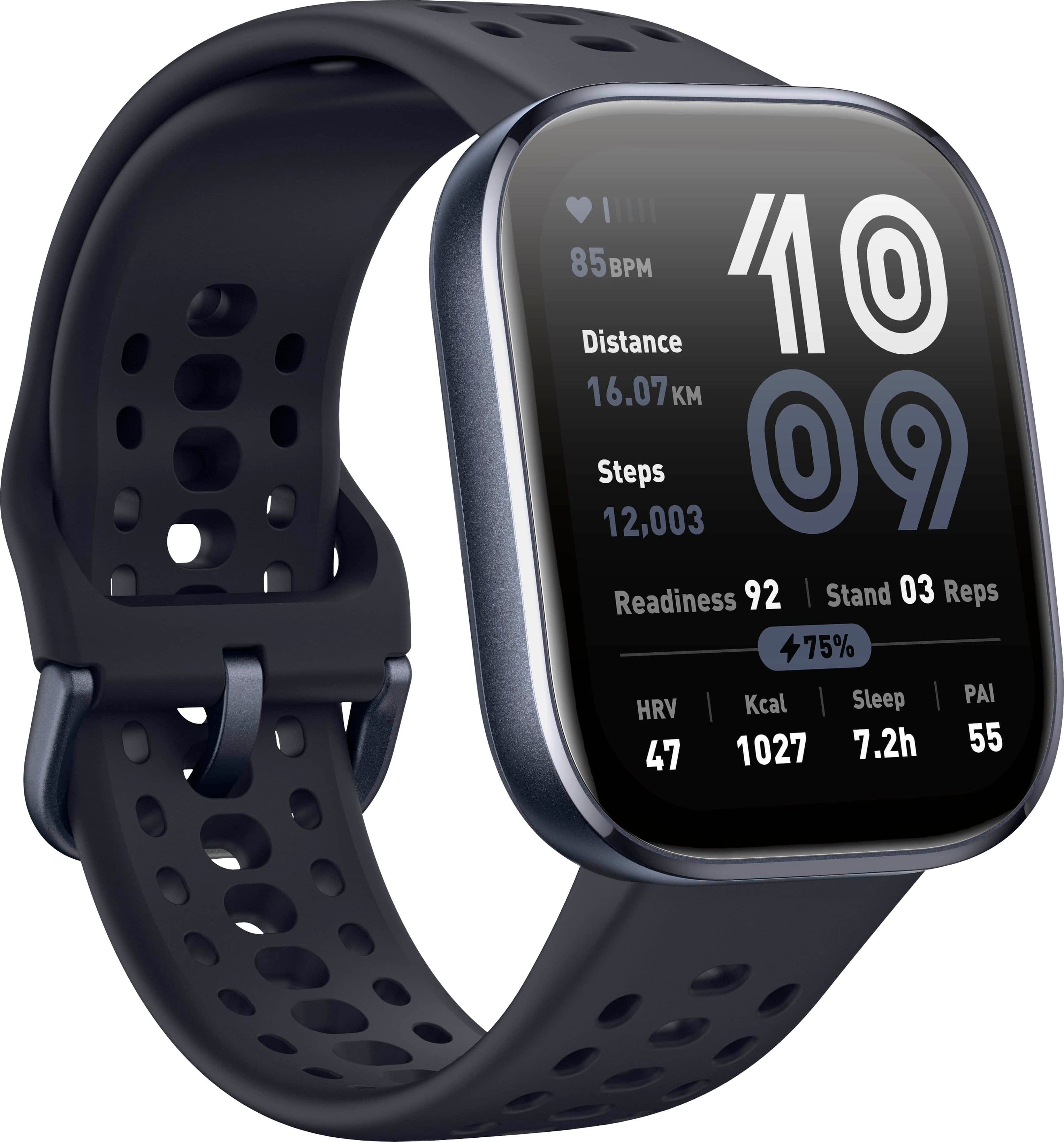
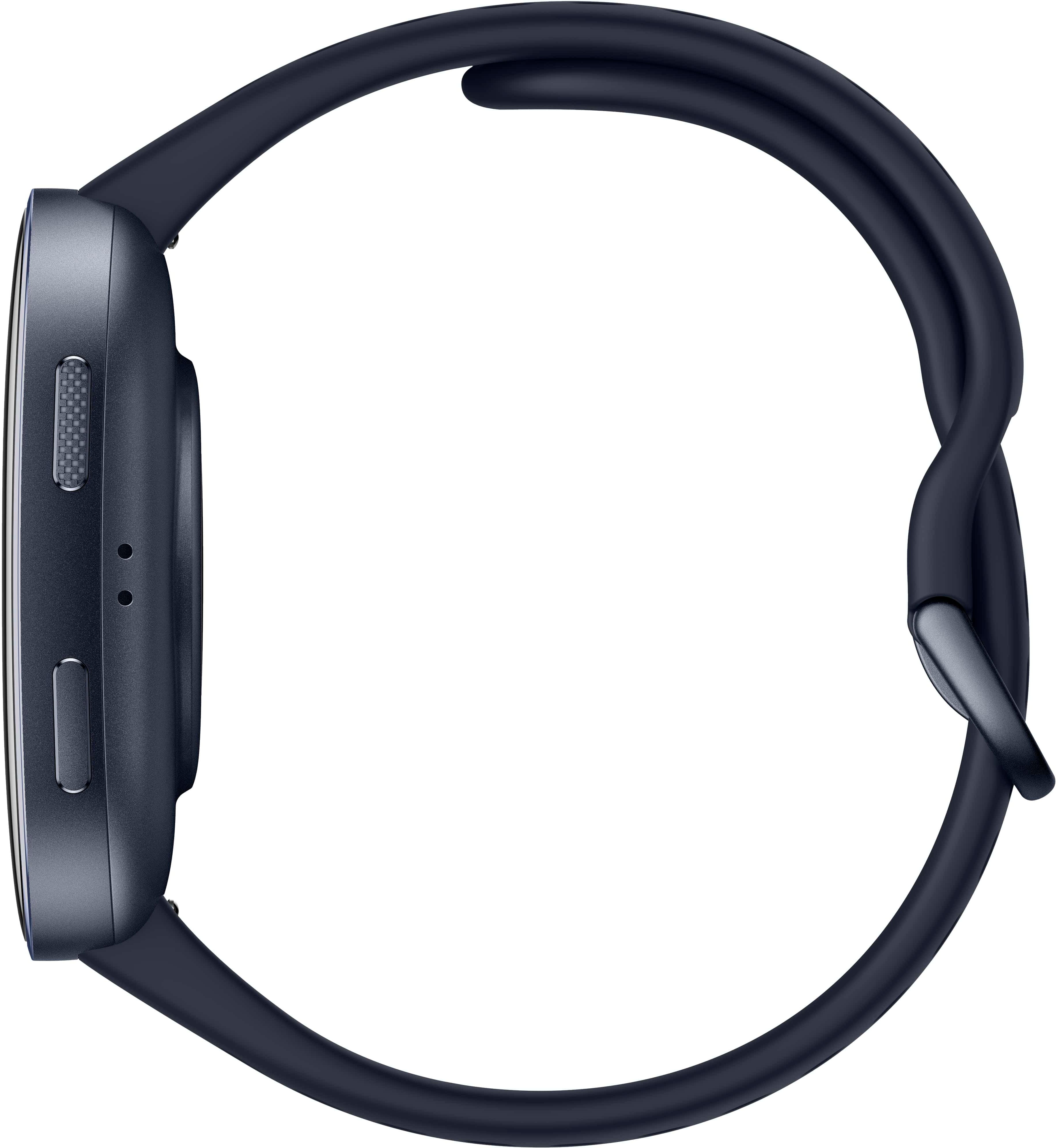
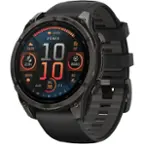
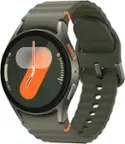
A:AnswerHi there, you are able to disable the lock screen from the control center on the watch. You can access the control center by swiping down from the main watch dial. From there look for the lock icon and tap on it to disable it. If the lock icon is not there then you can add it back on the Zepp app under Device -> Amazfit Bip 6 -> Device Settings -> Control Center to add it back. Michael | Amazfit Support
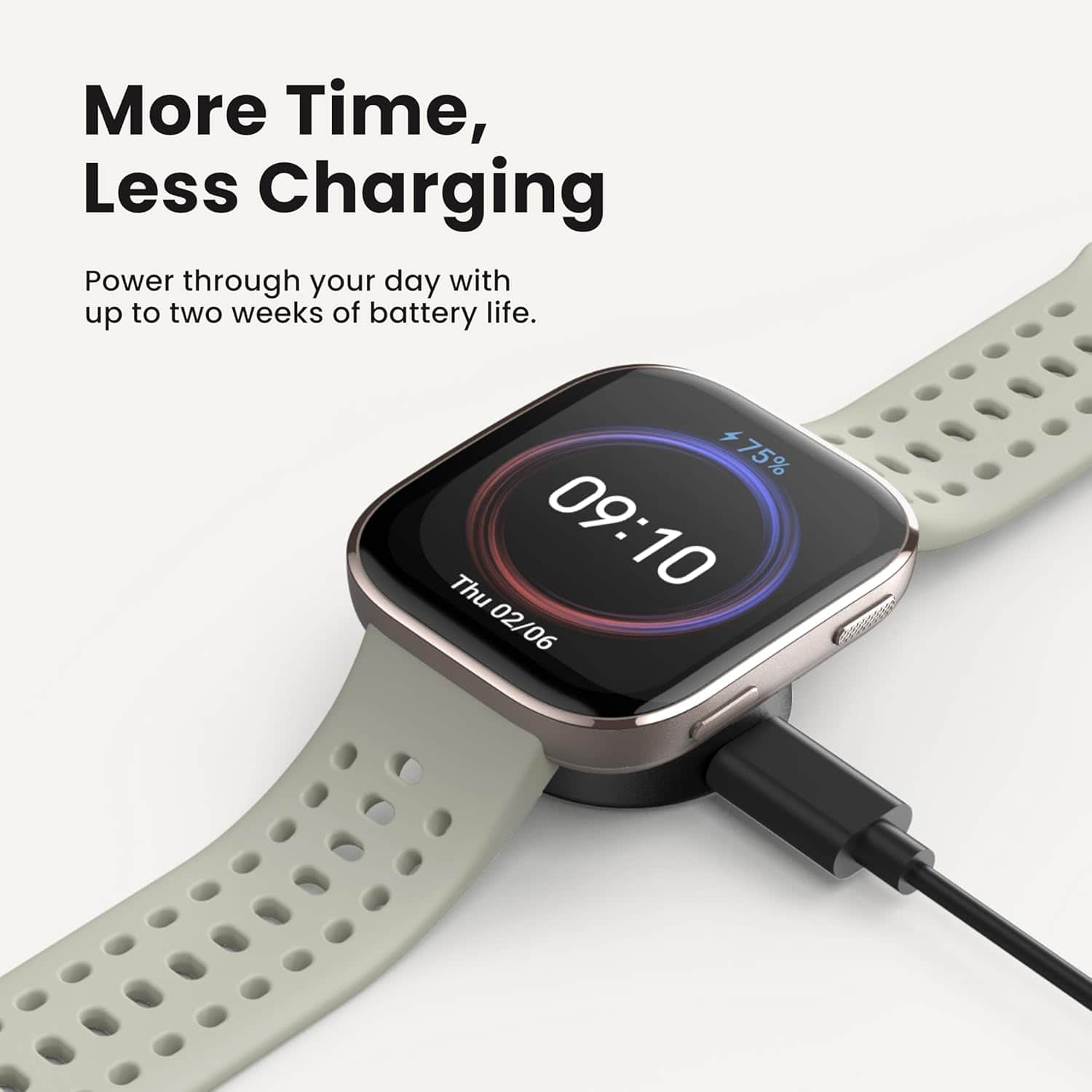
A:AnswerHI Sophie, if you are asking if this watch has fall detection or able to dial out for an emergency then this model is not able to. Unfortunately none of our models have this feature. Michael | Amazfit Support.
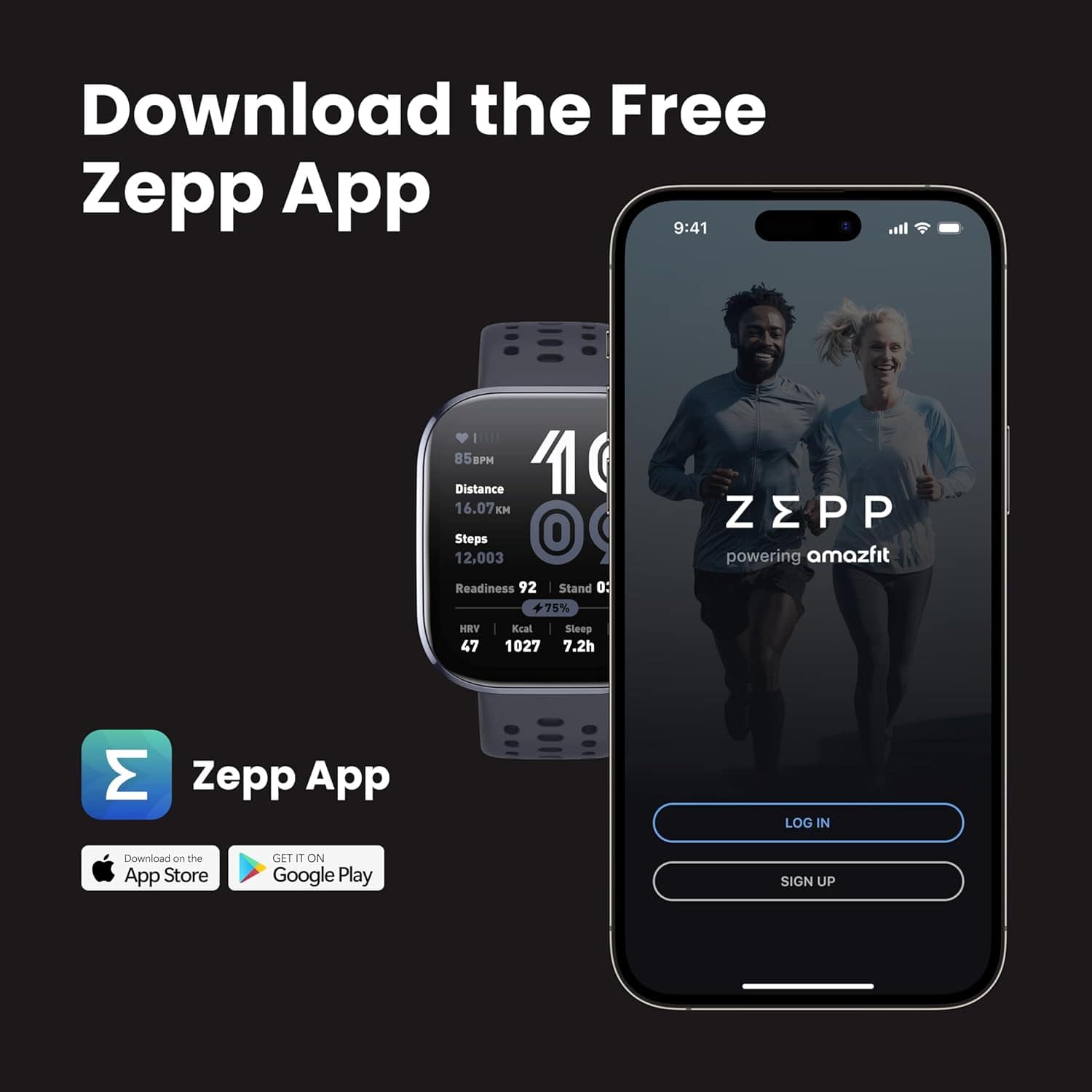
A:AnswerHi Juanhernandez, yes you are able to load in MP3 files from your phone only to the watch to listen to. You can load them through the Zepp app under Device -> Amazfit Bip 6 -> Device App Settings -> Music. Plesae note the maximum storage for this is 175MB.
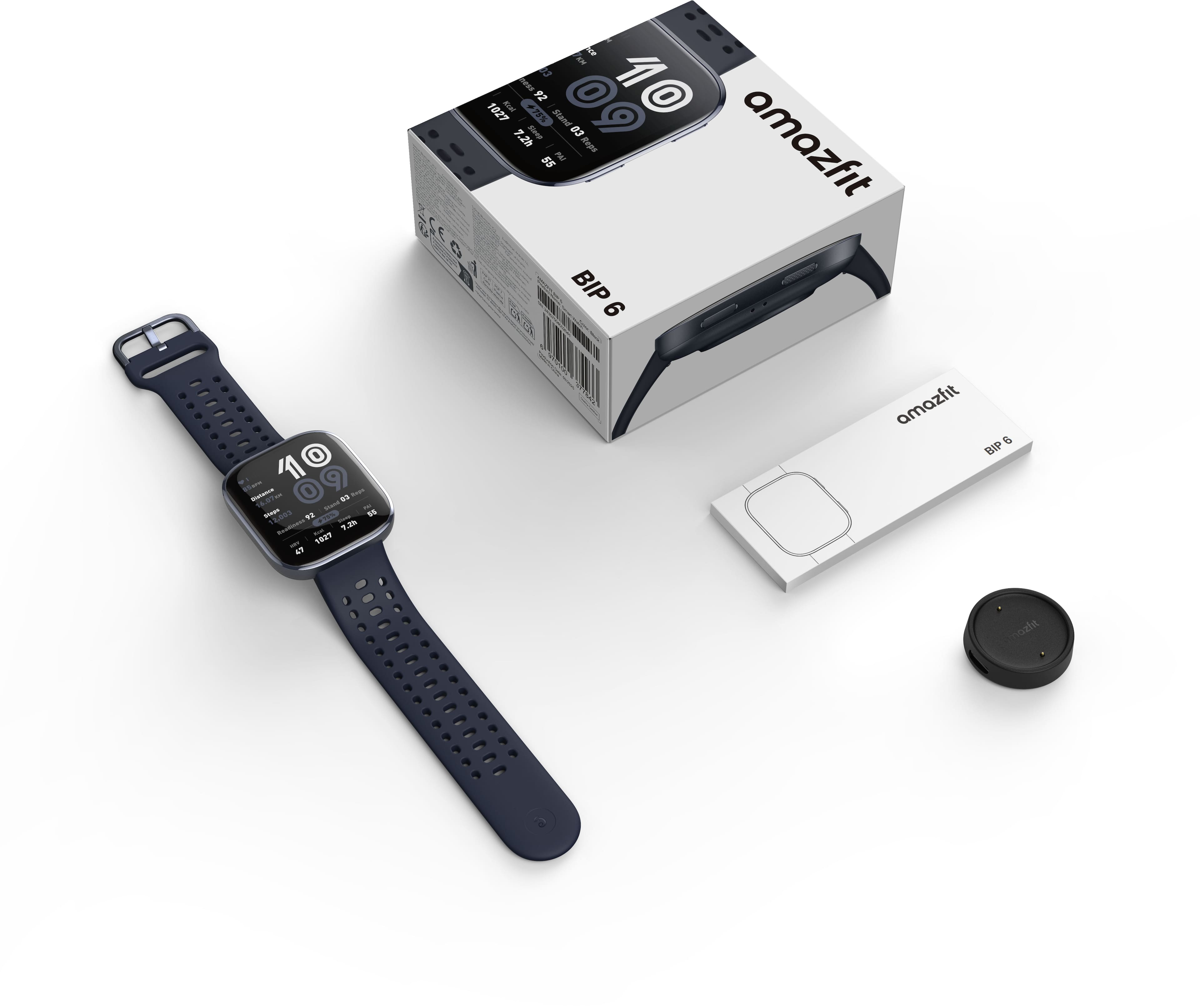
This watch does not support cellular service so this is not possible. It does not support wireless charging either. You are only able to charge it with the included charging dock. You are able to use Zepp Coach to set up running plans for you to follow. If you want assistance on your sleep schedule then you can sign up for Zepp Aura on the Zepp app. Michael | Amazfit Support
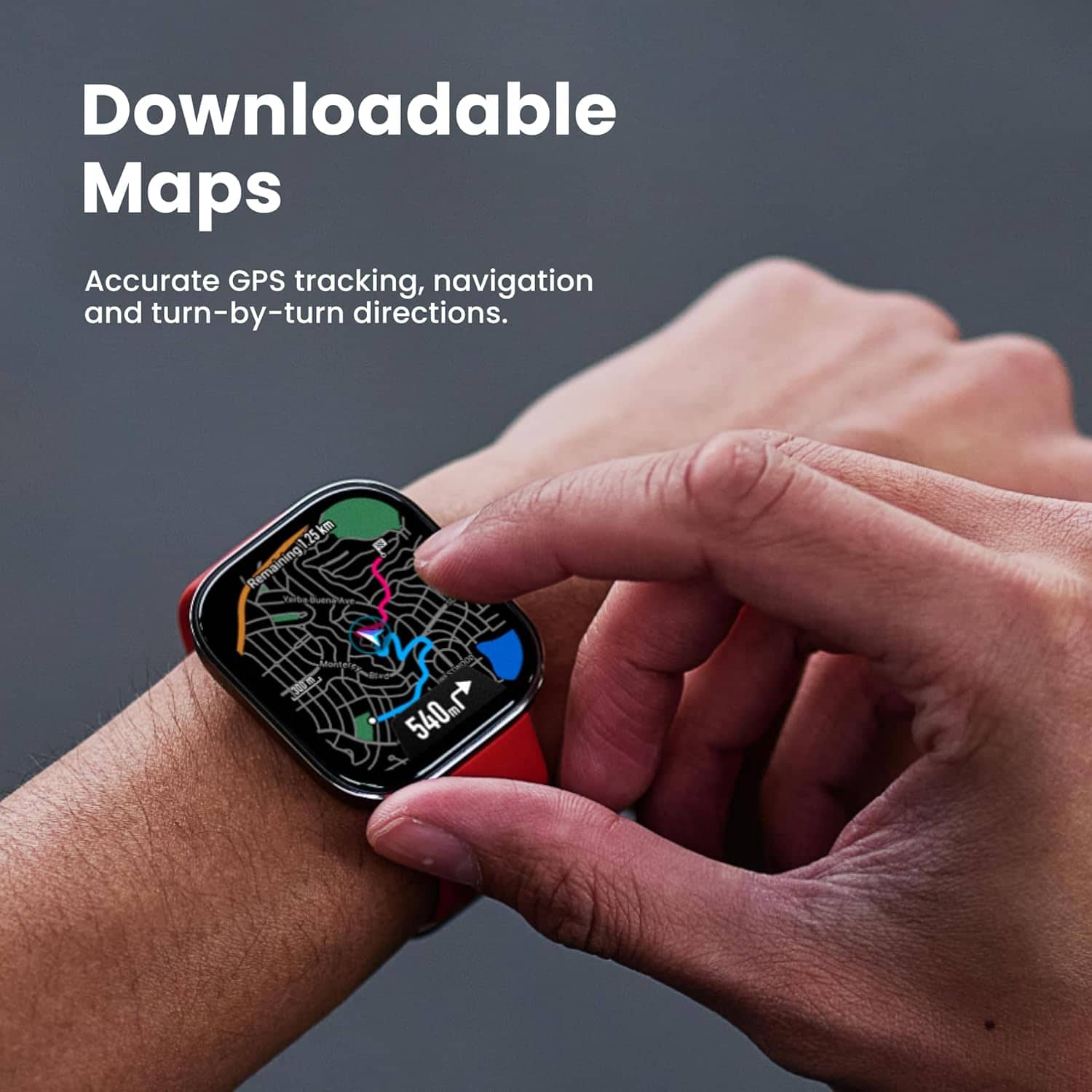
A:AnswerHi Michael, if you’re referring to storage, then yes — 512MB is sufficient for this model. Since it’s designed as a budget-friendly option, it doesn’t require as much space for music, maps, apps, or watch faces. Michael | Amazfit Support
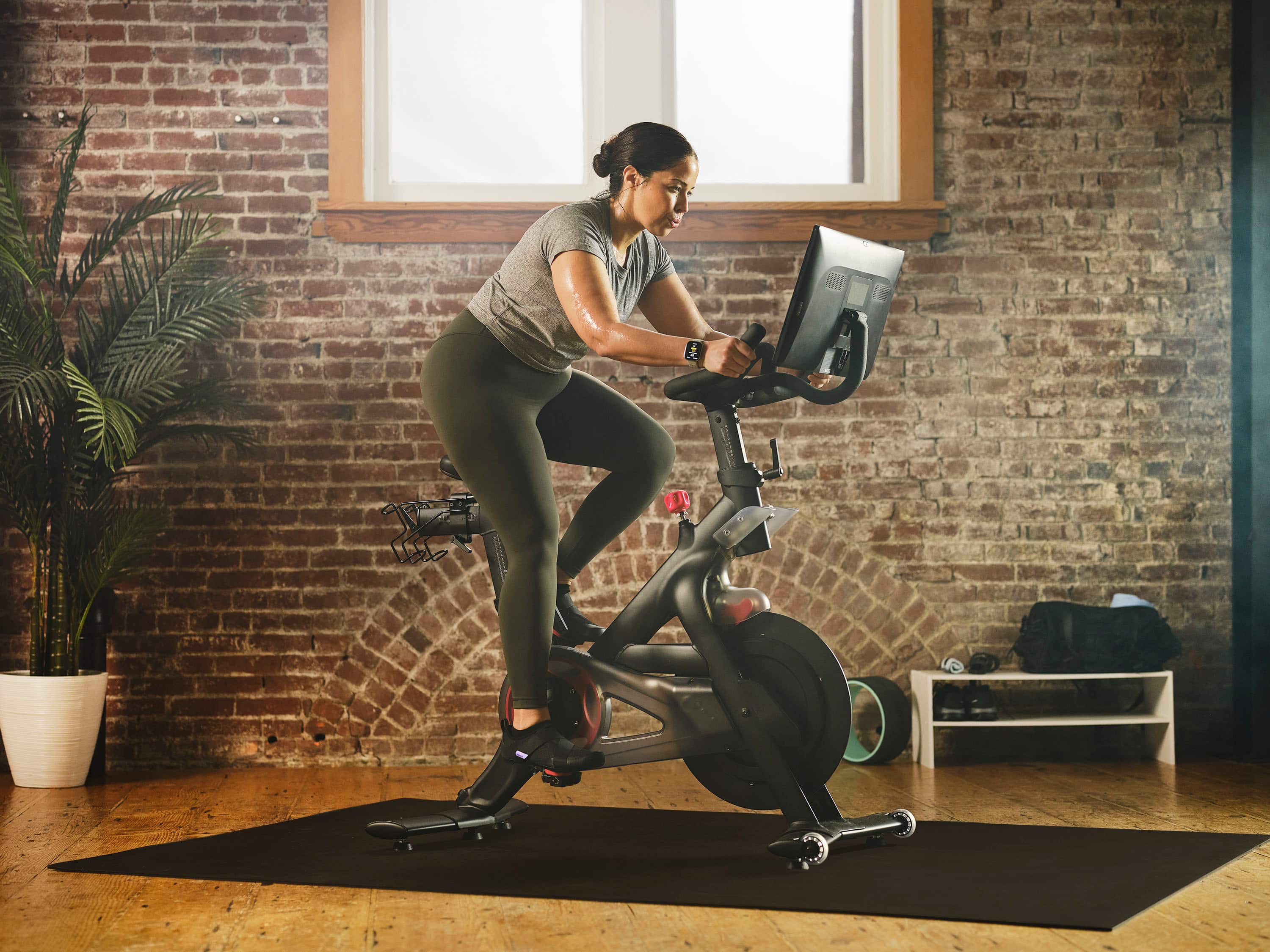
A:AnswerHi Mary, you are unfortunately not able to opt out of privacy when using our products. You can read about our privacy policy here: https://www.zepp.com/privacy-support. Michael | Amazfit Support